Project Philosophy: This project maintains the full history of the original for transparency and attribution, but represents a . While the original continues toward cloud integration, we're committed to a . Both projects serve different needs in the ecosystem.
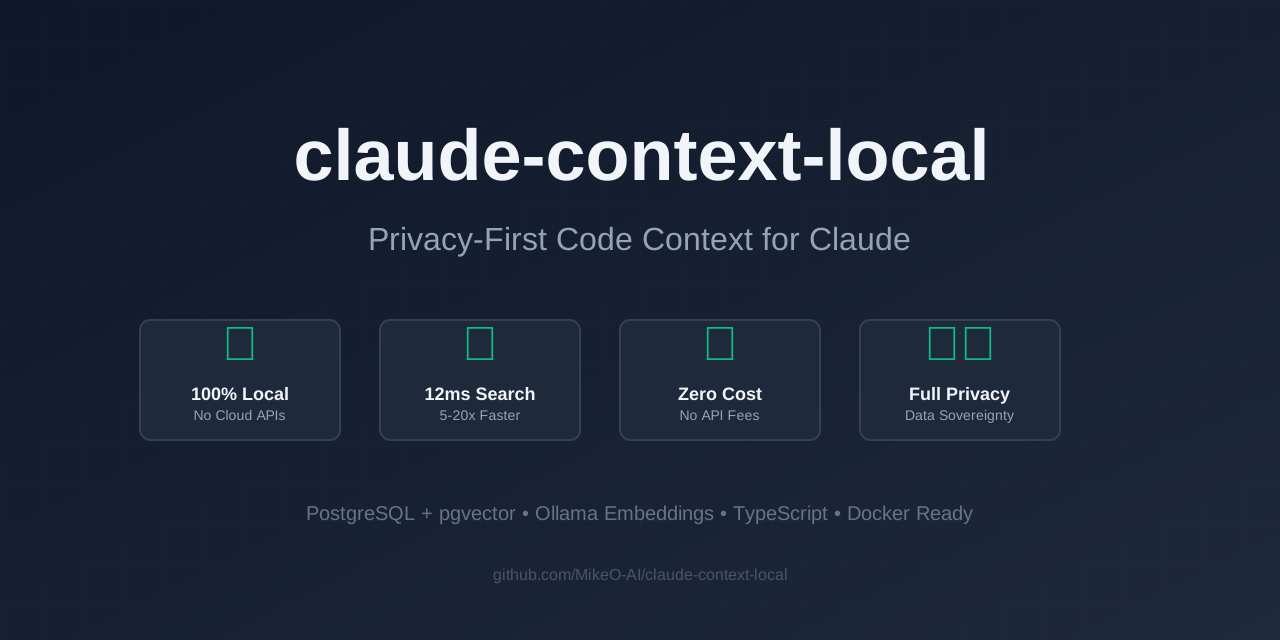
🔒 Privacy-first MCP server for Claude using PostgreSQL + Ollama. Local alternative to cloud-based code context with full data sovereignty. No API keys, no external calls, 100% local.
divergent branch focused on privacy and local operation
100% local, privacy-first approach
A local-first implementation of claude-context MCP server that replaces cloud dependencies with local alternatives for complete privacy and zero API costs.
🚀 Key Features
100% Local: No external API calls, all processing happens on your machine
PostgreSQL + pgvector: Replaces Milvus/Zilliz Cloud with local PostgreSQL
Ollama Embeddings: Uses free, open-source models instead of OpenAI
Privacy-First: Your code never leaves your machine
Zero API Costs: No subscription fees or usage charges
Multimodal Support: Nomic embedding model supports text and images
brew install ollama
ollama serve  # Start in a separate terminal
ollama pull DC1LEX/nomic-embed-text-v1.5-multimodal
Setup database:
psql -U postgres -c "CREATE DATABASE embeddings;"
psql -U postgres -d embeddings -c "CREATE EXTENSION IF NOT EXISTS vector;"
Installation
# Clone the repository
git clone https://github.com/MikeO-AI/claude-context-local.git
cd claude-context-local

# Install dependencies
pnpm install

# Build the project
pnpm build

# Test the integration
node test-postgres.js
Running the MCP Server
Method 1: Direct Installation (Recommended)
# First, validate your setup
node validate-mcp-setup.js

# Start with default settings (PostgreSQL on localhost, Ollama on localhost:11434)
node packages/mcp/dist/index-postgres.js

# Or with custom configuration
POSTGRES_HOST=your-db POSTGRES_PASSWORD=your-pass node packages/mcp/dist/index-postgres.js
Method 2: NPM Package
Install globally from npm:
npm install -g @mikeo-ai/claude-context-local-mcp
claude-context-local-mcp

# Or use with npx (recommended)
npx @mikeo-ai/claude-context-local-mcp@latest
🔒 Privacy-first MCP server for Claude using PostgreSQL + Ollama. Local alternative to cloud-based code context with full data sovereignty. No API keys, no external calls, 100% local.
Aún no hay lista de herramientas. Los servidores remotos la reciben tras la primera comprobación de estado.
Preguntas frecuentes
Preguntas
¿Cómo instalo Claude Context Local?
Copia en esta página la configuración stdio para Cursor, Claude Desktop, Claude Code o VS Code. Usa la instalación del publicador, no un proxy de PlugMCP.
¿Claude Context Local necesita una clave de API?
Este registro no indica ninguna variable de entorno obligatoria.
¿Qué transporte usa Claude Context Local?
Claude Context Local se ejecuta localmente por stdio.
¿Cuándo se comprobó Claude Context Local por última vez?
Última comprobación: 2026-10-28. 🔒 Privacy-first MCP server for Claude using PostgreSQL + Ollama. Local alternative to cloud-based code context with full data sovereignty. No API keys, no external calls, 100% local.