Screenshots
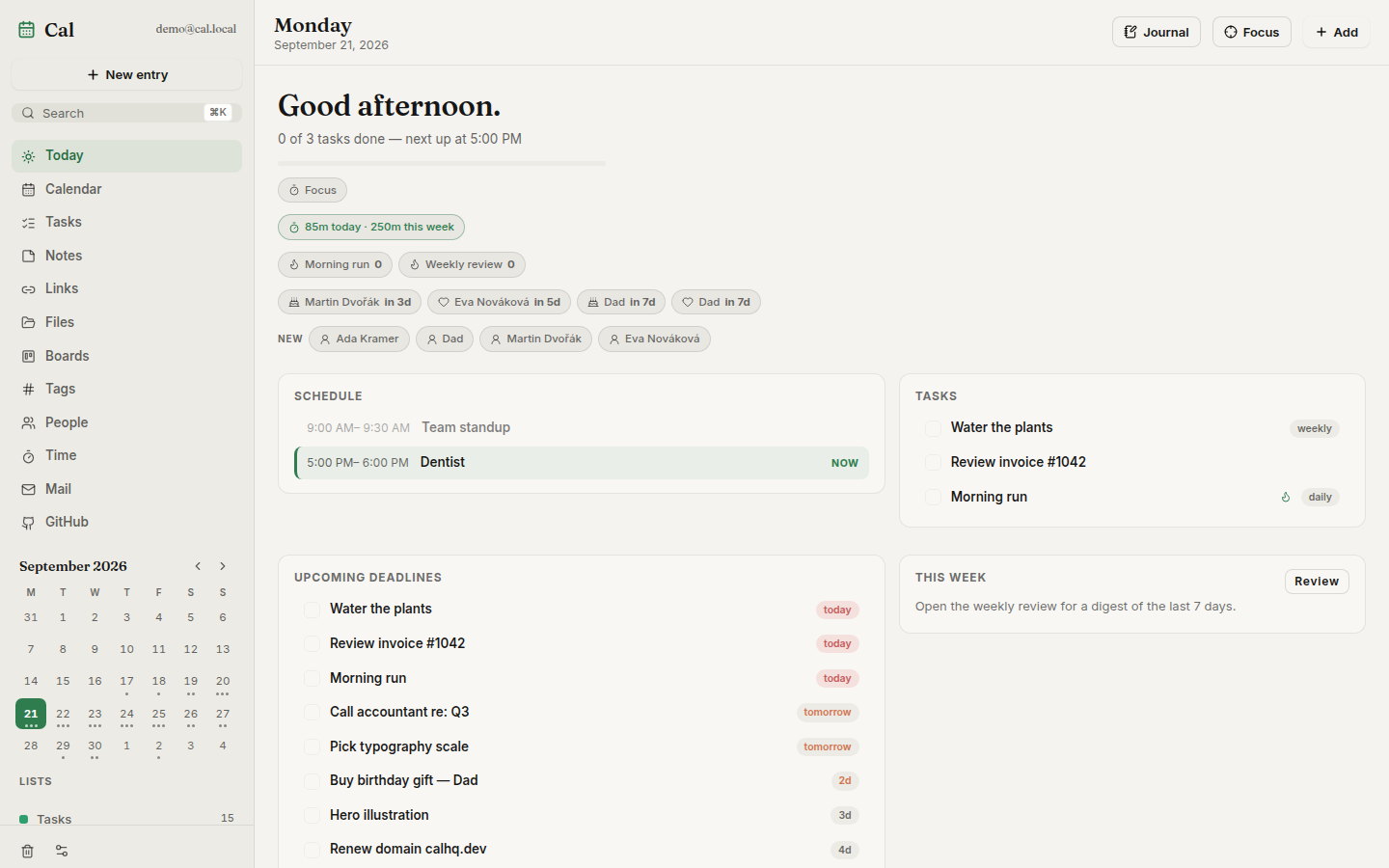
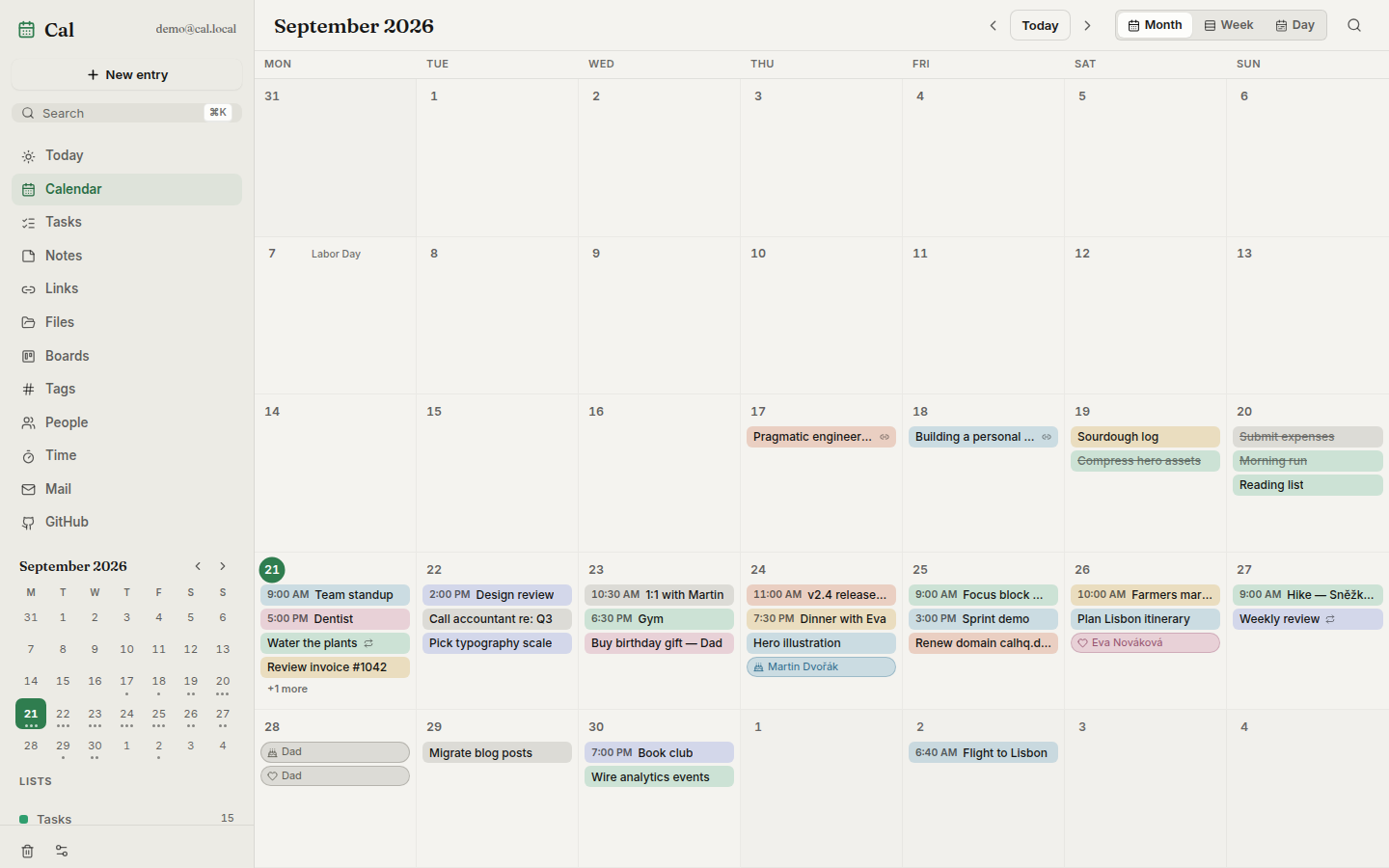
| Today — agenda, streaks, deadlines | Month view |
|---|---|
 |
Alimenter votre agent
Installation de l'éditeur. Ce n'est pas un endpoint PlugMCP.
Host a copy with our keys and logs.
Pas encore de version packagée dans le registre. Suivez le README du dépôt.
URL distante ou commande sur votre machine ? Ce qui distingue les deux installations
Exécuter sur PlugMCP
A new server you create. It is not this listing's official endpoint. Use the publisher install when you want their URL and their credentials.
LancerDe l'éditeur
| Today — agenda, streaks, deadlines | Month view |
|---|---|
|
Self-hosted daily toolkit — calendar, tasks, notes, links, files, kanban boards, time tracking, GitHub inbox. One Docker container.
 |
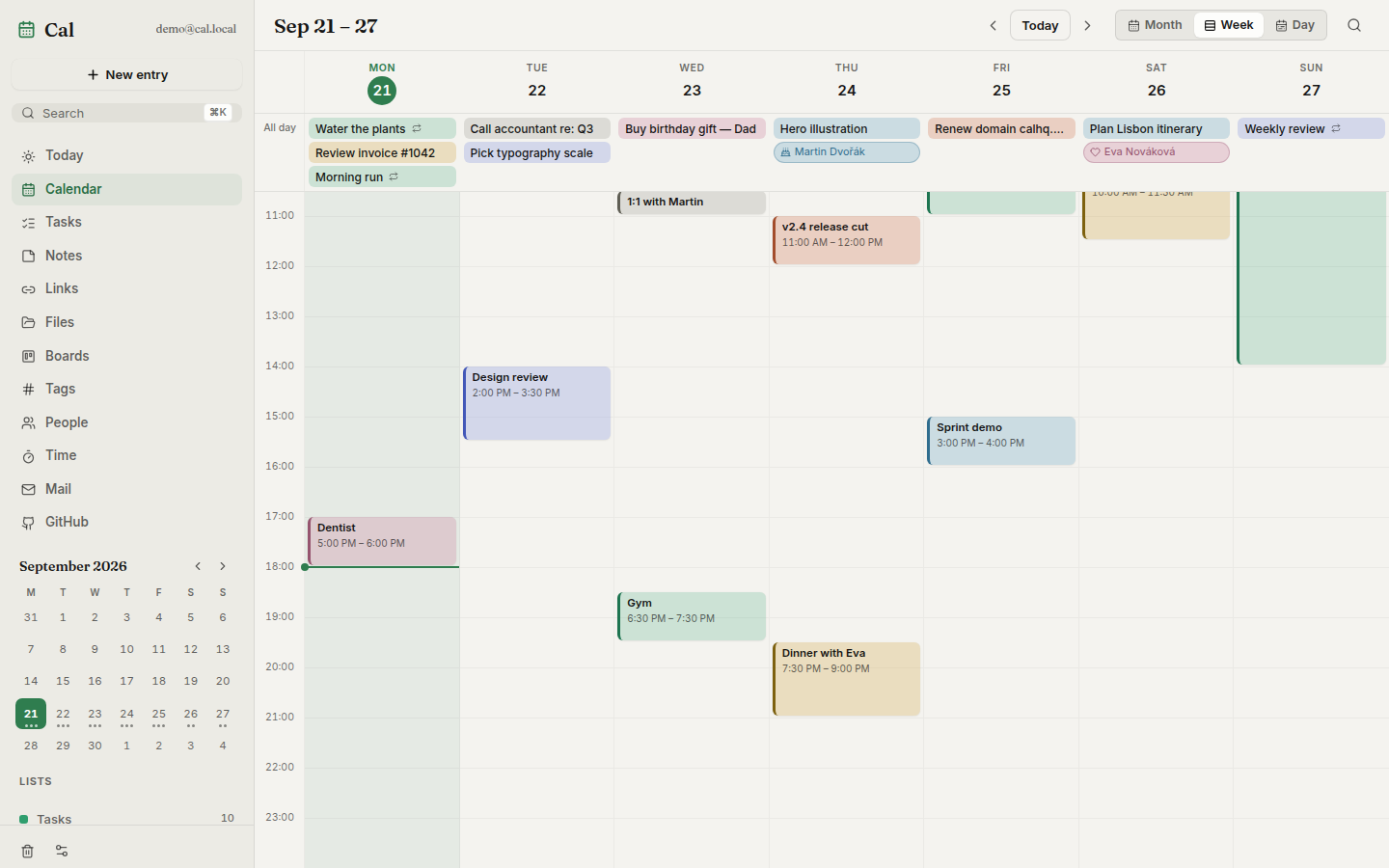
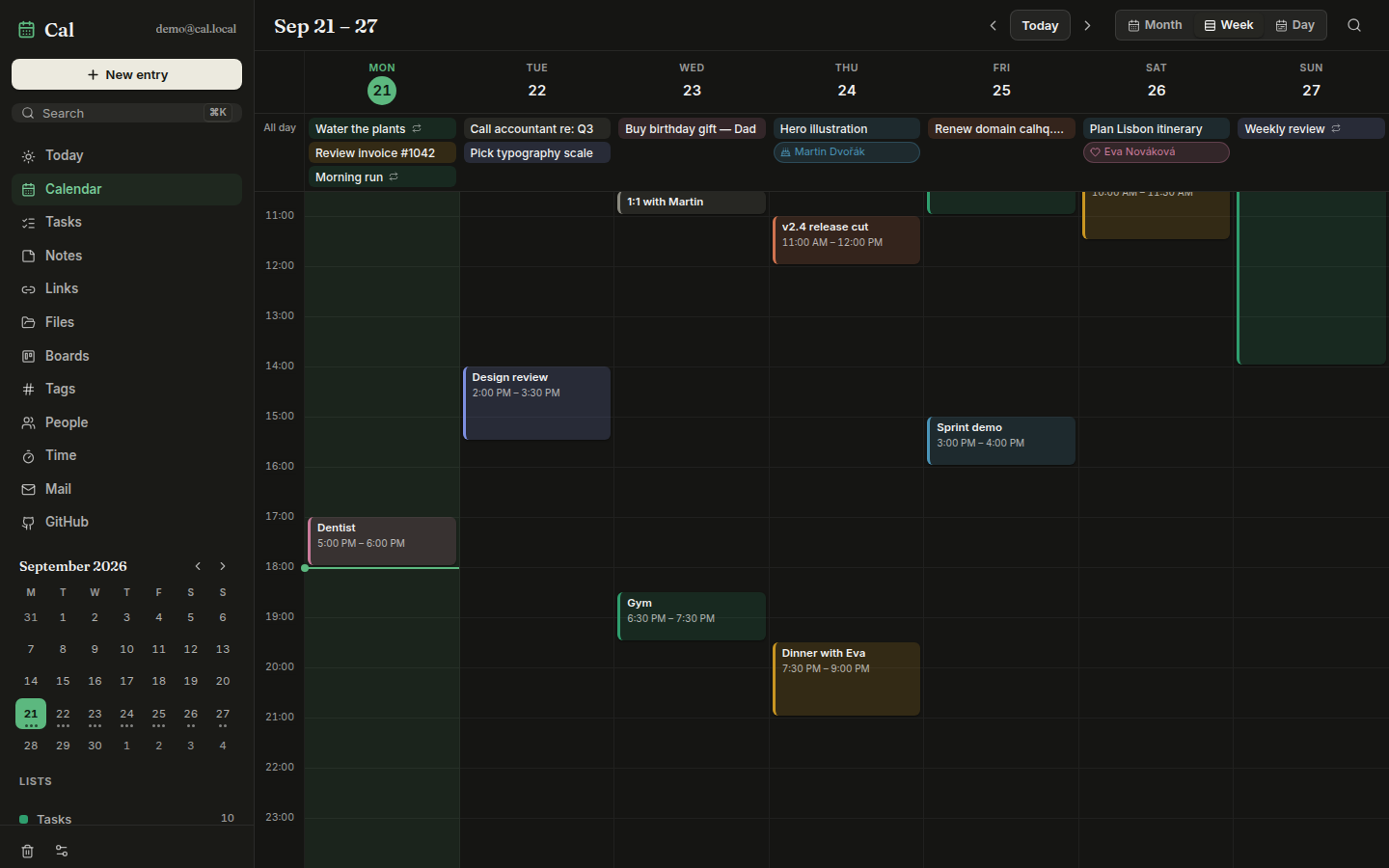
| Week view — timed blocks | Week view, dark theme |
|---|---|
 |  |
| Kanban board — cards are real tasks | People — relationship manager |
|---|---|
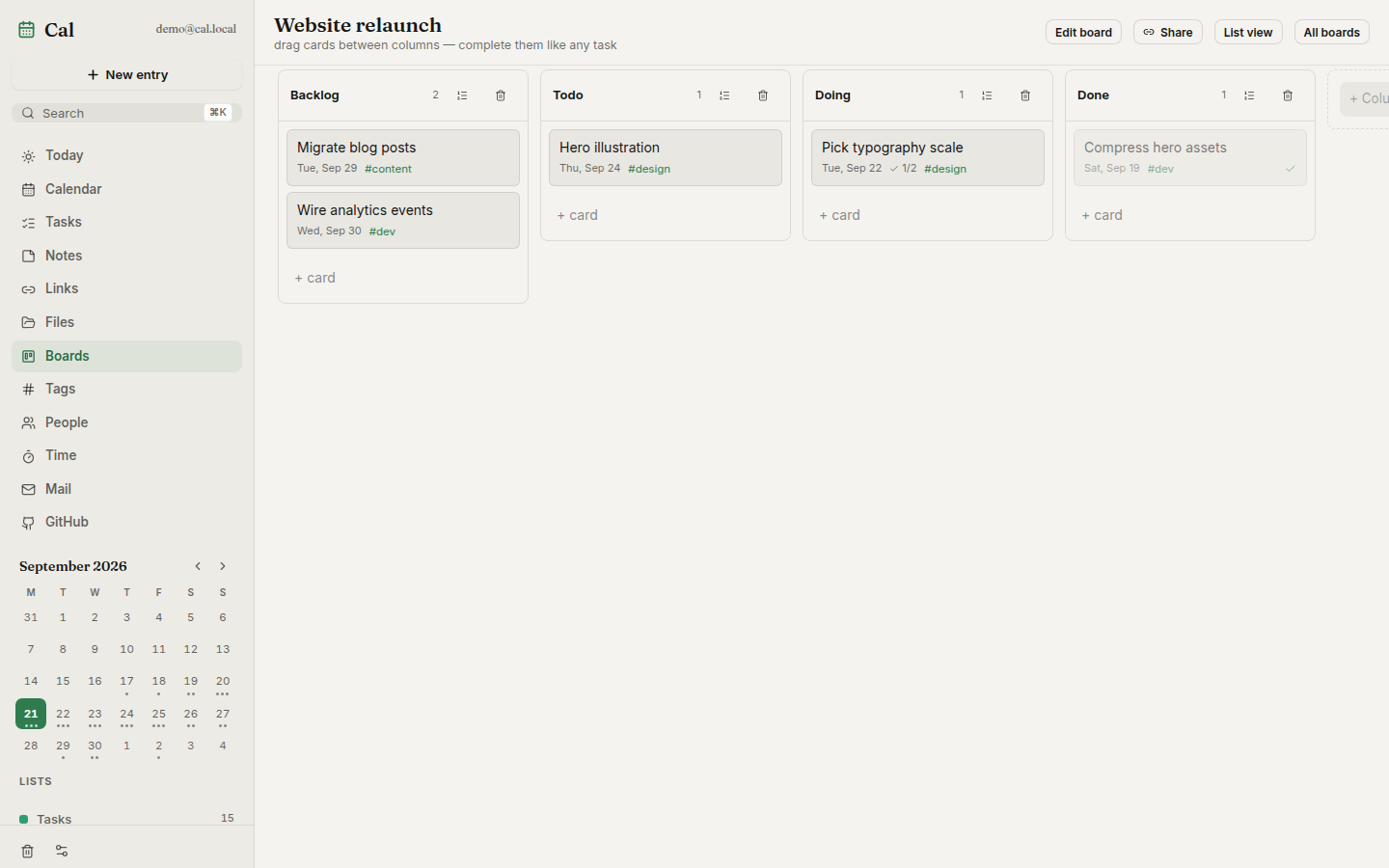 | 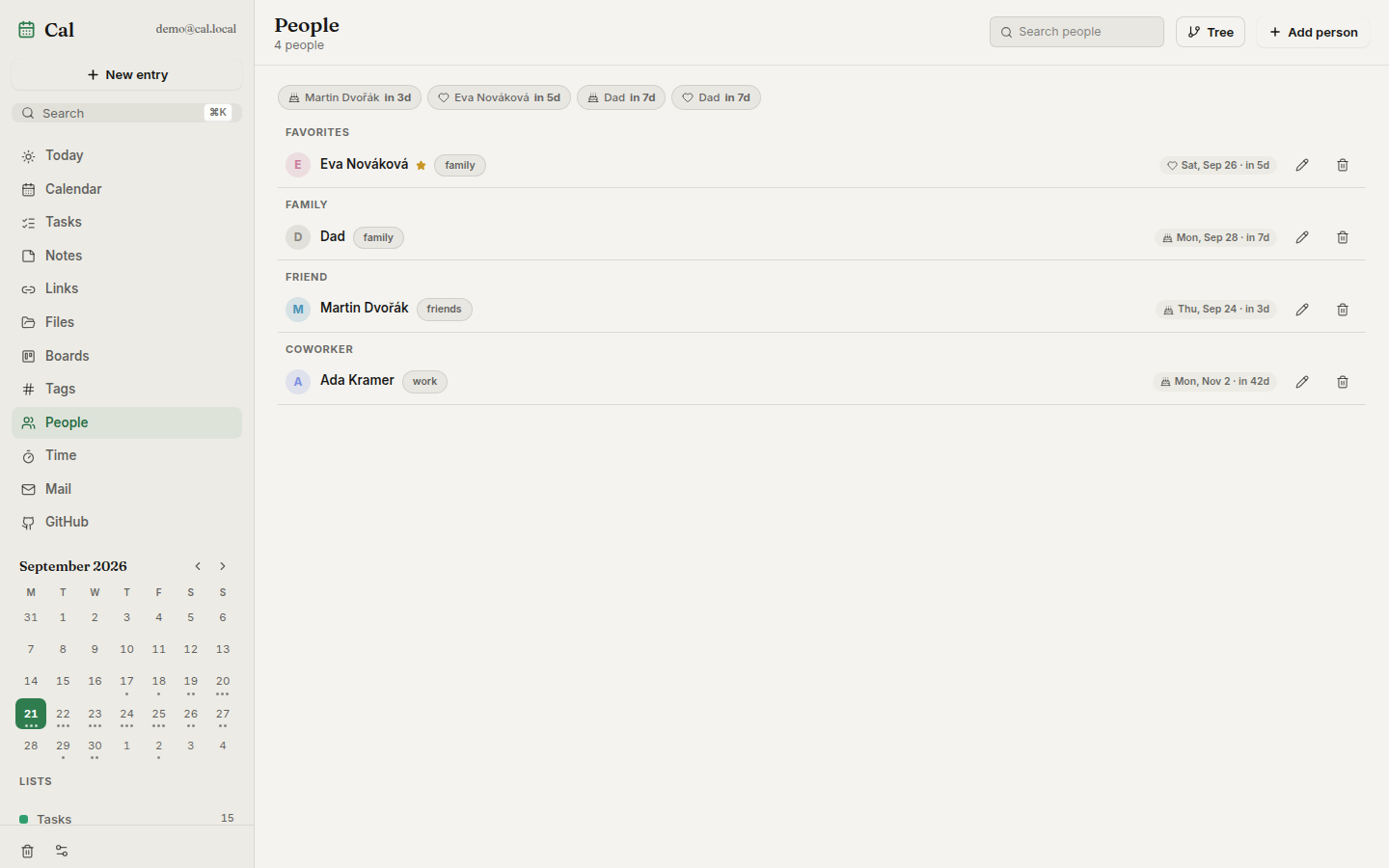 |
| Notes — markdown, wikilinks, tags | Time — timesheets and billables |
|---|---|
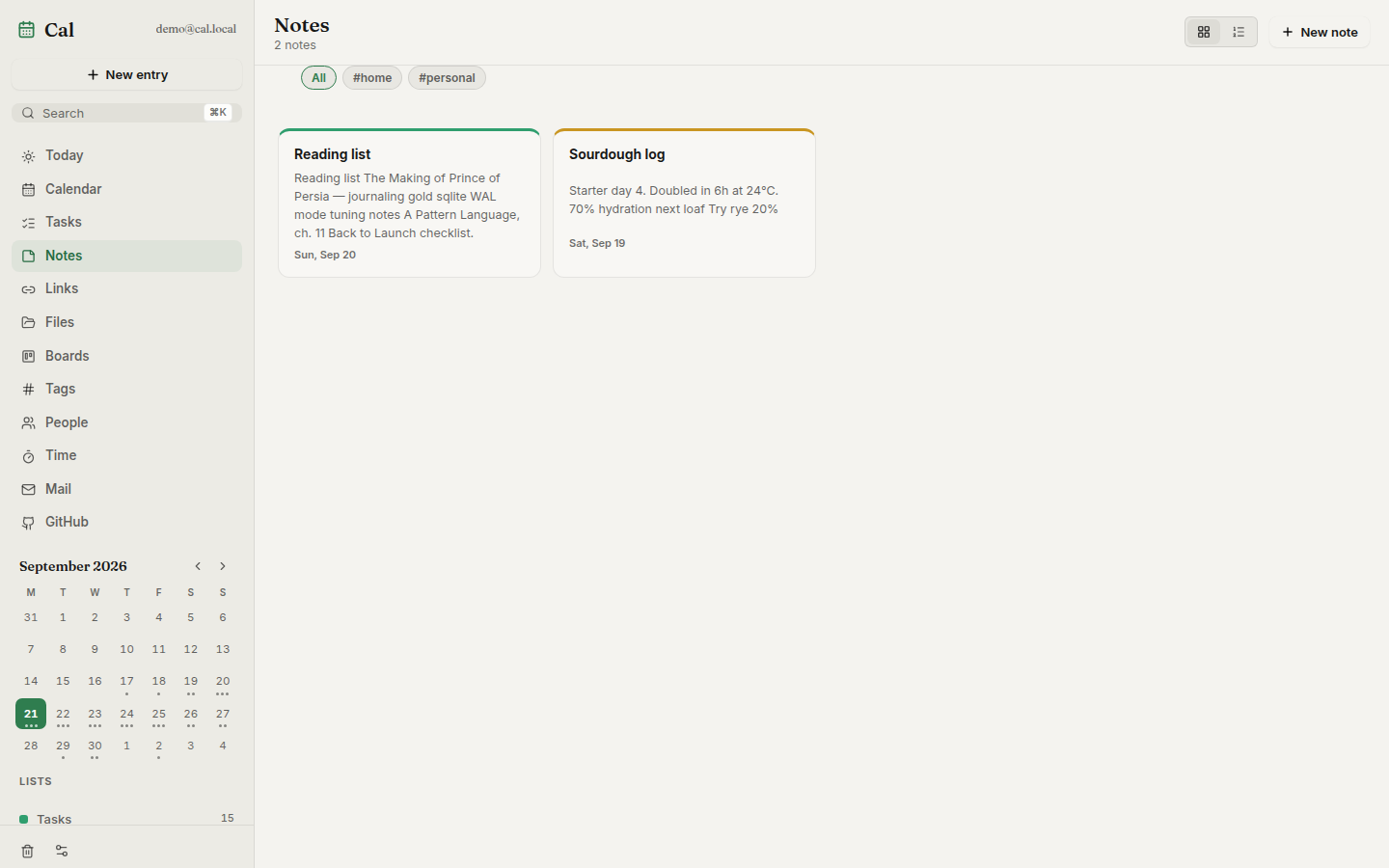 | 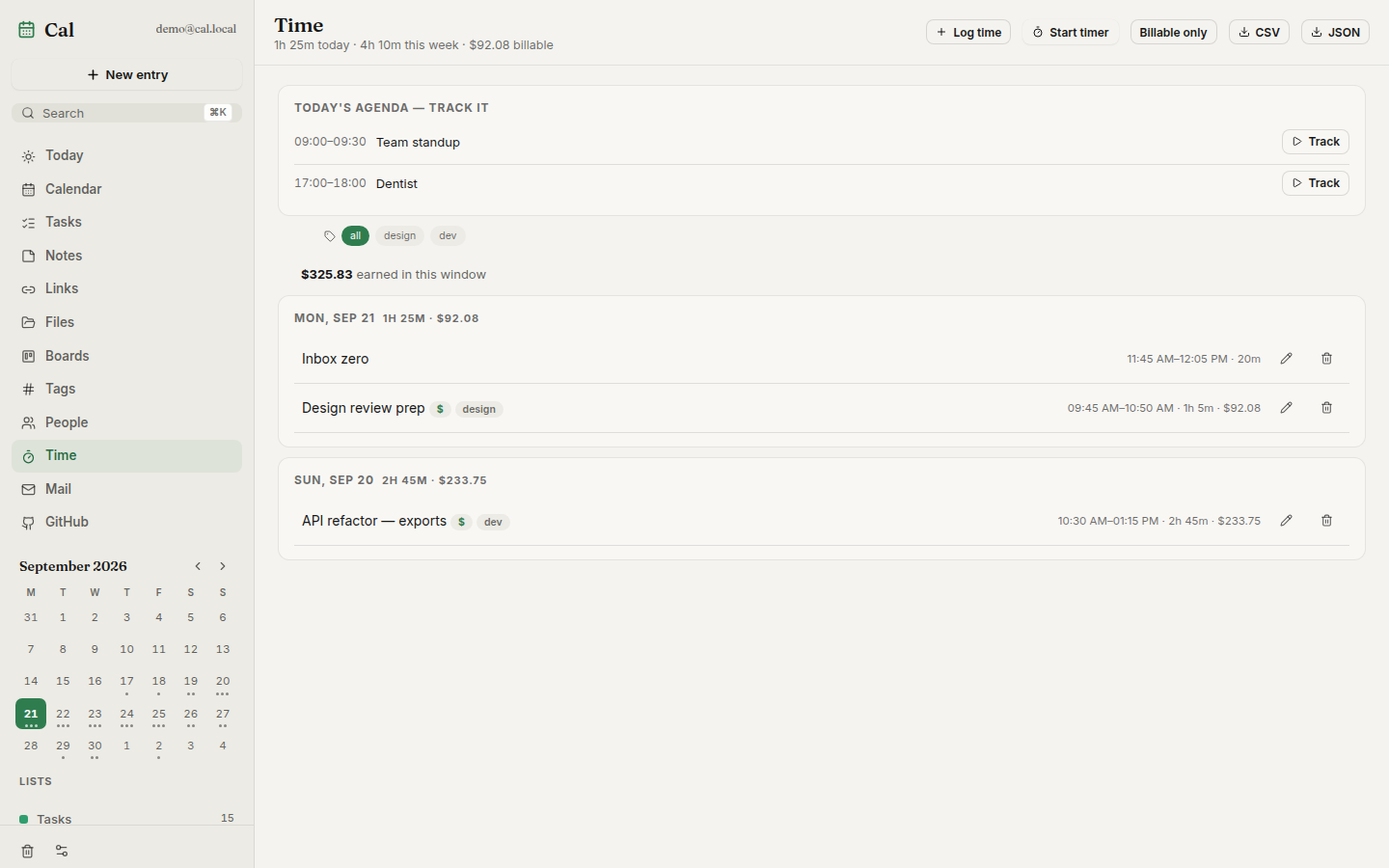 |
| Shopping — sections, quantities, can't-find flags |
|---|
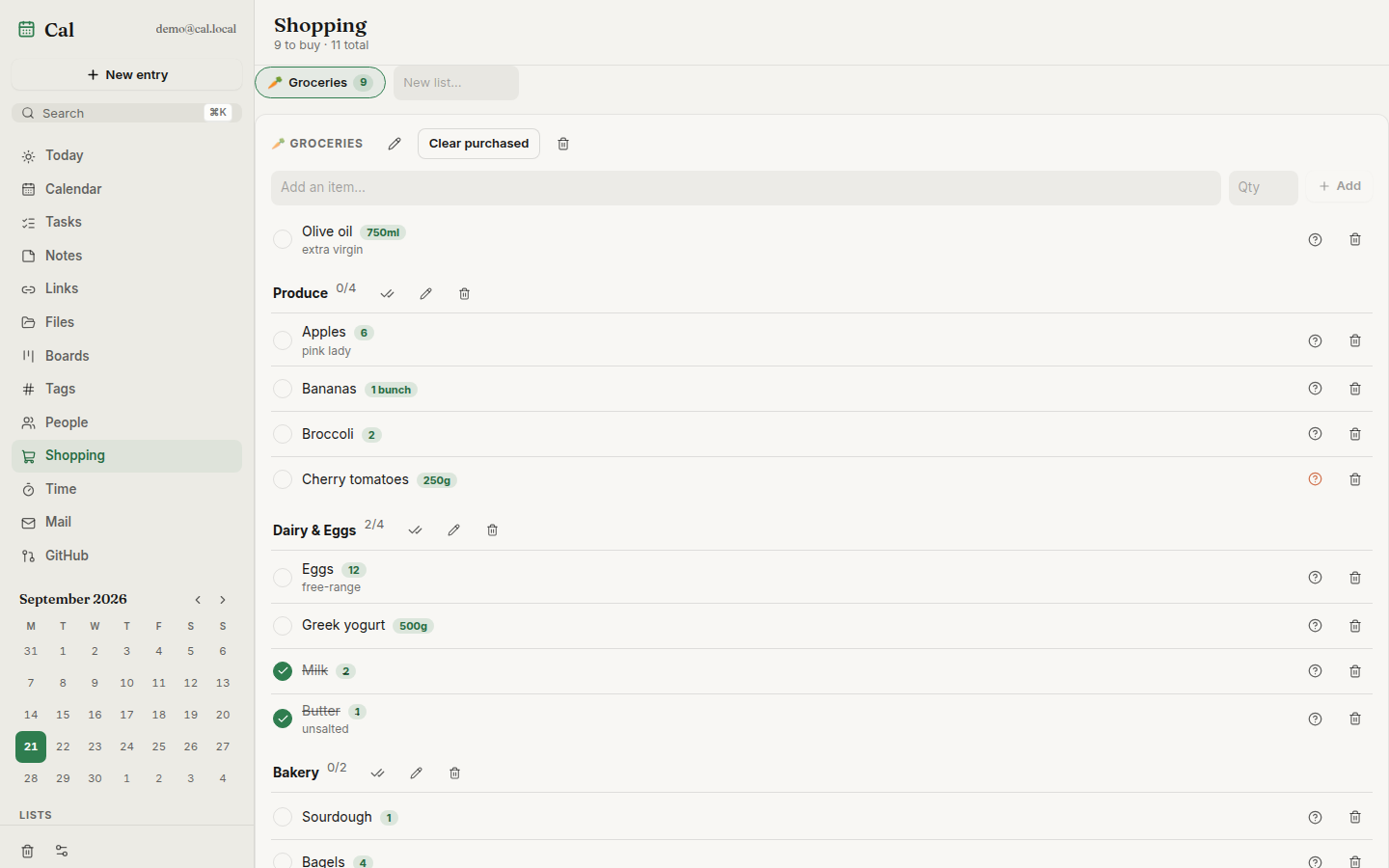 |
dentist fri 5pm #health), reminders,
per-entry version history, soft-delete trash[[wikilinks]], a link
library that unfurls titles/thumbnails and searches YouTube via your own
Invidious instance, file uploads with public share links, kanban boards
with WIP limits and read-only public sharing.ics import/export,
and a token-gated MCP endpoint so AI assistants can drive your planner⌘K palette, keyboard-first navigation. The Android app can also run
serverless: local mode keeps only Mail and dials your IMAP/SMTP
provider directly from the device — accounts stay encrypted on-device and
can be imported to a server if you set one up laterRequires Docker:
curl -fsSL https://raw.githubusercontent.com/Dvorinka/cal/main/install.sh | sh
Downloads docker-compose.yml into ./cal, generates a .env with a
random Postgres password, pulls the published images, and starts the app
plus its database — UI and API at http://localhost:8080. Re-running pulls
new images and restarts; .env and the named volumes are never touched.
Override with env vars:
curl -fsSL https://raw.githubusercontent.com/Dvorinka/cal/main/install.sh | \
  PORT=9090 CAL_DIR=/opt/cal CAL_VERSION=v1.2.3 sh
Or run the compose stack by hand:
echo "POSTGRES_PASSWORD=$(openssl rand -hex 24)" > .env
docker compose up -d
Open http://localhost:8080 and create your account. Back up two volumes:
cal-pg (the database) and cal-data (uploads, exports). Rather run a
single container? A bare docker run without DATABASE_URL starts the
image's embedded Postgres instead — then cal-data is the only thing to
back up.
Desktop apps (Windows/Linux/macOS), headless cal-server binaries and an
Android APK attach to every
release. On Windows grab
Cal-Setup-Windows.exe — a real installer with the database engine bundled,
so first launch works offline. The desktop app bundles its own server, or
can sign in to a server URL to share data between devices.
apps/web         React PWA + Capacitor android/ios shells
apps/api         Go API (Gin) + migrations + MCP endpoint
apps/desktop     Wails app; `-tags headless` is the all-in-one server
packages/api-client   shared typed client, generated from openapi.yaml
React 19 + Vite + TypeScript + Tailwind 4 + Zustand · Go + Gin + PostgreSQL
(pgx, Goose migrations) · Wails 2 desktop · Capacitor shells · one Docker
image for everything. The API contract lives in openapi.yaml; the typed TS
client in packages/api-client is kept in sync with it.
All configuration is via environment variables:
Never commit .env — if a secret was ever committed, rotate it.
npm install
cp apps/api/.env.example apps/api/.env

# Postgres (or use the db service in docker-compose.yml)
docker run -d --name cal-db -e POSTGRES_DB=cal -e POSTGRES_USER=cal \
  -e POSTGRES_PASSWORD=cal -p 5432:5432 postgres:16-alpine

npm run dev -w @cal/web              # vite on :5173, proxies /api
cd apps/api && go run ./cmd/server   # api on :8080
Verify before opening a PR:
npm run typecheck && npm run test && npm run build
cd apps/api && go vet ./... && go test ./...
E2E: cd apps/web && npx playwright test (Playwright + axe).
Load: k6 run perf/k6.js -e EMAIL=… -e PASS=….
openapi.yaml — full API schema; session-cookie auth, bearer
tokens for MCP/intake/widget/feed endpointsdocs/releasing.md — how releases build, code-signing
secretsROADMAP.md — what shipped, what's next, what's out of scopeContributing · Security · MIT License © 2026 Tomas Dvorak
Self-hosted daily toolkit — calendar, tasks, notes, links, files, kanban boards, time tracking, GitHub inbox. One Docker container.
Outils
Pas encore de liste d'outils. Les serveurs distants en obtiennent une après le premier contrôle d'état.
FAQ
Copiez sur cette page la configuration stdio pour Cursor, Claude Desktop, Claude Code ou VS Code. Elle utilise l'installation de l'éditeur, pas un proxy PlugMCP.
Aucune variable d'environnement requise n'est indiquée sur cette fiche.
Cal s'exécute en local via stdio.
Dernière vérification : 2026-11-08. Self-hosted daily toolkit — calendar, tasks, notes, links, files, kanban boards, time tracking, GitHub inbox. One Docker container.

