mcping 🏓
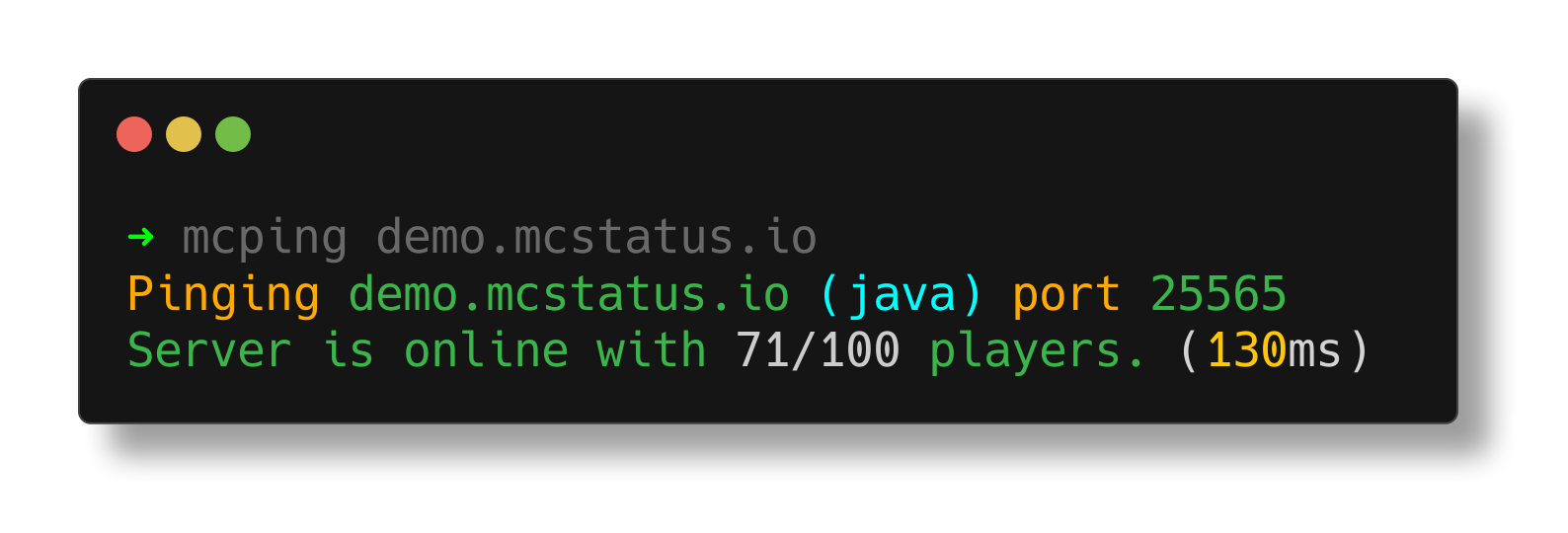
A fast, zero-dependency CLI tool for pinging Minecraft servers — Java and Bedrock.
Built in Go, works everywhere, gives you everything you need to know about a server in one command.
Power your agent
पब्लिशर का इंस्टॉल। PlugMCP एंडपॉइंट नहीं।
Host a copy with our keys and logs.
रजिस्ट्री में अभी कोई पैकेज्ड रिलीज़ नहीं है। रिपॉज़िटरी का README देखें.
रिमोट URL या आपकी मशीन पर कमांड? दोनों इंस्टॉल में क्या अंतर है
PlugMCP पर चलाएँ
A new server you create. It is not this listing's official endpoint. Use the publisher install when you want their URL and their credentials.
लॉन्चपब्लिशर से
A fast, zero-dependency CLI tool for pinging Minecraft servers — Java and Bedrock.
Built in Go, works everywhere, gives you everything you need to know about a server in one command.
A fast, zero-dependency CLI tool for pinging Minecraft servers — Java and Bedrock. Built in Go, works everywhere, gives you everything you need to know about a server in one command.
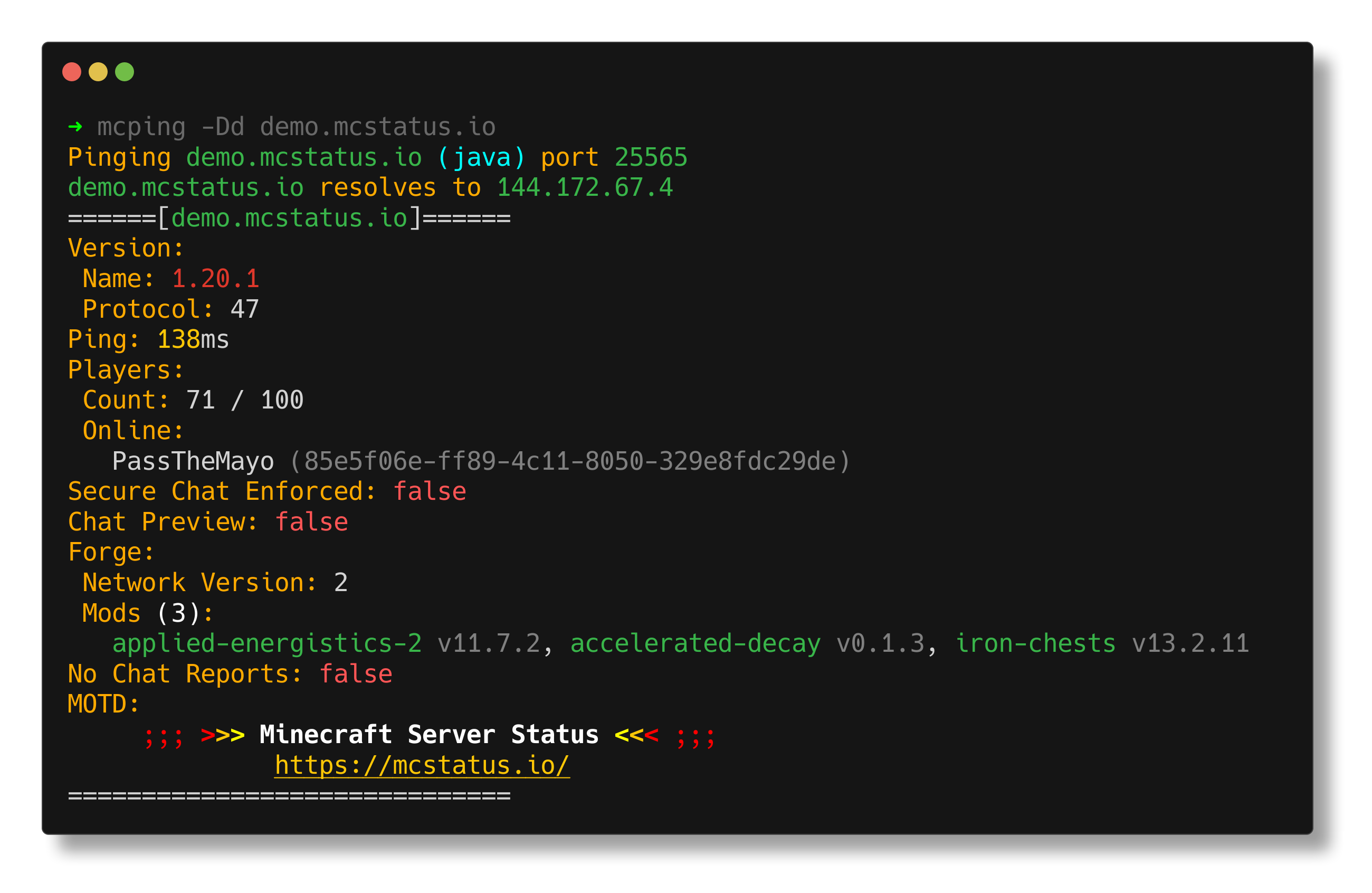
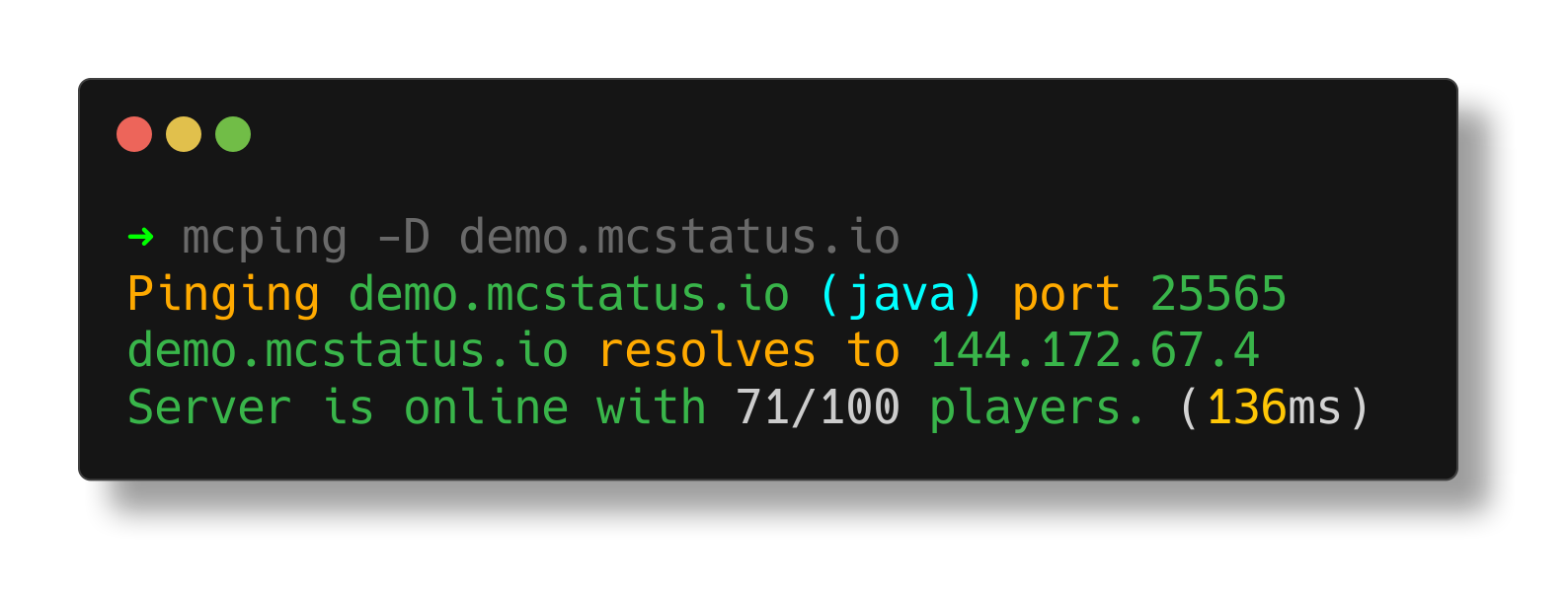
--dns)mcping [flags] <server>
mcping hypixel.net
mcping -d play.example.com
mcping -b play.example.com        # bedrock
mcping -r 5 --delay 2 hypixel.net # 5 pings, 2s apart
mcping -D hypixel.net             # show DNS info
Note:
--eula-block-checkand--protocol-versionare ignored for Bedrock servers.
If you specify--portand the address already contains a port (ip:port), mcping will error out.
You can install mcping using the custom Homebrew tap:
brew tap BlueTree242/homebrew-mcping
brew install mcping
You can install mcping using the following script which will detect the proper package manager on your system and install the package from GitHub Releases.
curl -sL https://raw.githubusercontent.com/BlueTree242/mcping/main/scripts/install.sh | bash

# Via wget
wget -qO- https://raw.githubusercontent.com/BlueTree242/mcping/main/scripts/install.sh | bash
To install manually, download the appropriate package for your system directly from GitHub Releases and install:
Download the .deb, .rpm, .apk or .pkg.tar.zst from GitHub Releases and install:
# Debian/Ubuntu
sudo dpkg -i mcping-*.deb

# RHEL/Fedora
sudo rpm -i mcping-*.rpm

# Alpine
sudo apk add --allow-untrusted mcping-*.apk

# Arch Linux
sudo pacman -U mcping-*.pkg.tar.zst
Download the .zip from GitHub Releases, extract mcping.exe, and either:
PATH so you can run mcping from anywhere in cmd/powershellDownload the .tar.gz from GitHub Releases and extract:
tar -xzf mcping_*_darwin_*.tar.gz
sudo mv mcping /usr/local/bin/
You'll need Go 1.24+ and GoReleaser.
git clone https://github.com/BlueTree242/mcping.git
cd mcping

# snapshot build (all platforms)
goreleaser release --snapshot --clean

# or just build for your current OS
go build -o build/mcping
Artifacts end up in dist/.
The .deb and .rpm packages install completions automatically for bash, zsh, and fish.
To generate completions manually:
# bash
mcping completion bash > /etc/bash_completion.d/mcping

# zsh
mcping completion zsh > "${fpath[1]}/_mcping"

# fish
mcping completion fish > ~/.config/fish/completions/mcping.fish

# powershell
mcping completion powershell | Out-String | Invoke-Expression
.png fileMIT
A fast, zero-dependency CLI tool for pinging Minecraft servers — Java and Bedrock. Built in Go, works everywhere, gives you everything you need to know about a server in one command.
टूल
अभी टूल सूची नहीं है। रिमोट सर्वर को पहले हेल्थ चेक के बाद सूची मिलती है।
FAQ
इस पेज पर Cursor, Claude Desktop, Claude Code या VS Code के लिए stdio कॉन्फ़िग कॉपी करें। यह पब्लिशर का इंस्टॉल इस्तेमाल करता है, PlugMCP प्रॉक्सी नहीं।
इस रिकॉर्ड में कोई ज़रूरी एनवायरनमेंट वेरिएबल दर्ज नहीं है।
Mcping stdio पर लोकल चलता है।
पिछली जाँच 2026-11-05 को हुई। A fast, zero-dependency CLI tool for pinging Minecraft servers — Java and Bedrock. Built in Go, works everywhere, gives you everything you need to know about a server in one command.
