JDB-MCP: Java Debugger MCP Server
JDB-MCP is a Model Context Protocol (MCP) server based on the Java Debug Interface (JDI). It enables AI agents (such as Claude, Cline, Trae) to perform deep runtime debugging of Java applications.
Power your agent
पब्लिशर का इंस्टॉल। PlugMCP एंडपॉइंट नहीं।
Host a copy with our keys and logs.
रजिस्ट्री में अभी कोई पैकेज्ड रिलीज़ नहीं है। रिपॉज़िटरी का README देखें.
रिमोट URL या आपकी मशीन पर कमांड? दोनों इंस्टॉल में क्या अंतर है
PlugMCP पर चलाएँ
A new server you create. It is not this listing's official endpoint. Use the publisher install when you want their URL and their credentials.
लॉन्चपब्लिशर से
JDB-MCP is a Model Context Protocol (MCP) server based on the Java Debug Interface (JDI). It enables AI agents (such as Claude, Cline, Trae) to perform deep runtime debugging of Java applications.
Java Debugger MCP Server. Enables AI agents to debug live Java apps via JDI with breakpoints, stack tracing, and variable inspection.
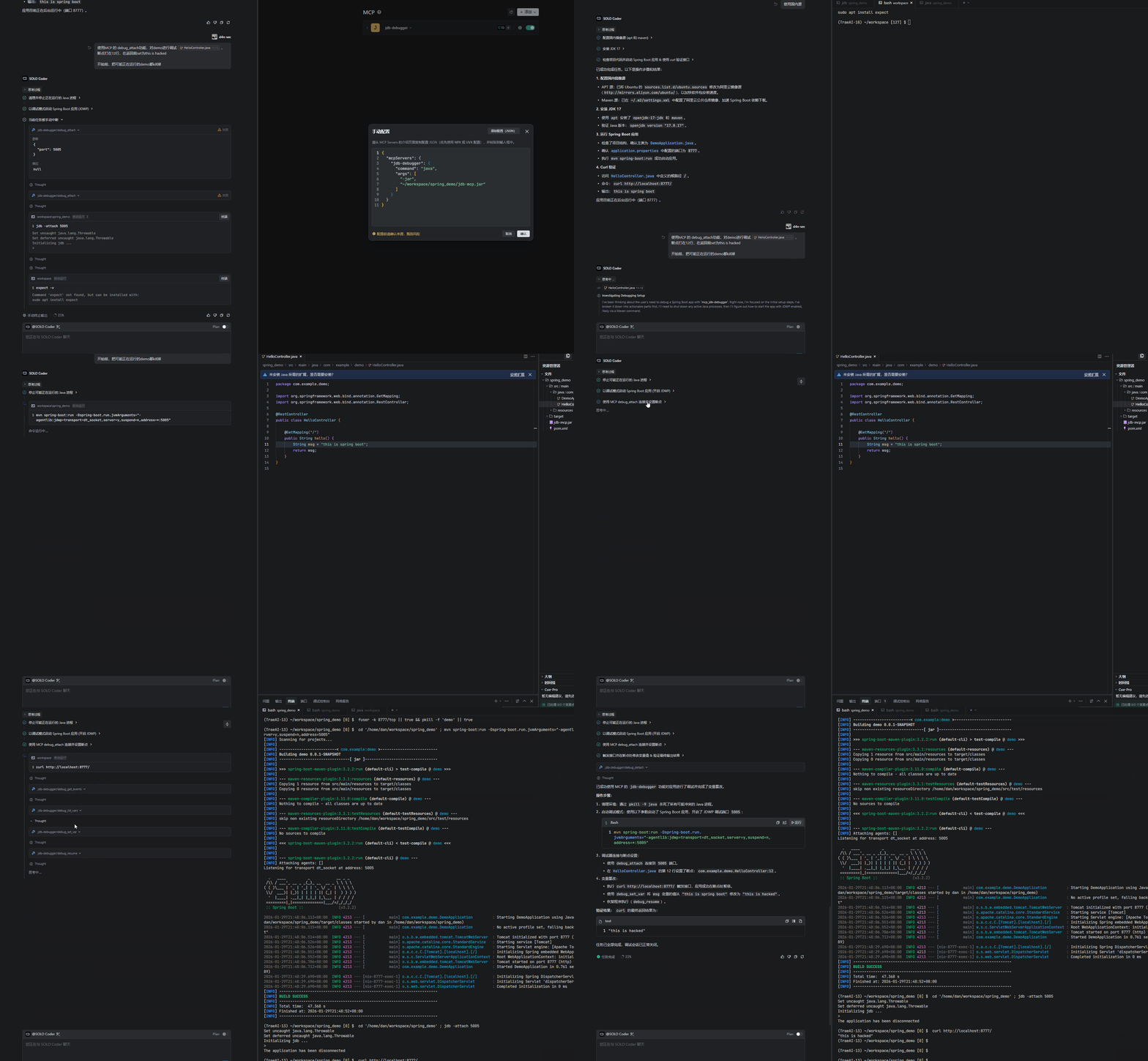
stdio (standard VSCode integration) and http (for remote/curl debugging).debug_attach) - Supports any Java application (SpringBoot, Maven, Gradle, etc.) with JDWP enabled.debug_set_breakpoint, debug_set_watchpoint)debug_list_threads, debug_list_classes)sessionId management.# Build all modules and generate JARs in the `release/` directory
mvn clean package
# Or build for a specific JDK version:
# For JDK 17+ (Recommended)
mvn clean package -pl jdb-mcp-jdk17 -am
# For JDK 7 (Legacy Support)
mvn clean package -pl jdb-mcp-jdk7 -am
The executable JARs will be located in the release/ directory:
release/jdb-mcp.jar (JDK 17+)release/jdb-mcp-jdk7.jar (JDK 7)--transport <stdio|http>: Set transport mode (default: stdio).--notifications <true|false>: Enable real-time AI notifications (default: true).For detailed tool parameter analysis, please refer to the Parameter Guide.
Add the following configuration to your MCP settings:
{
  "mcpServers": {
    "jdb-debugger": {
      "command": "java",
      "args": [
        "-jar",
        "path/to/jdb-mcp.jar"
      ]
    }
  }
}
Important: You must manually start your target Java application with JDWP enabled.
java -agentlib:jdwp=transport=dt_socket,server=y,suspend=n,address=*:5005 -jar your-app.jar
Attach to localhost:5005 and debug...debug_attach: Attach to an existing debug port via Socket.debug_list_threads: List all threads and their status.debug_list_classes: List loaded classes with optional filtering.debug_list_methods: List methods in a specific class.debug_source: Retrieve source code for a class (requires source roots).debug_set_method_breakpoint: Set a breakpoint at method entry.debug_set_method_entry: Monitor method entry events.debug_set_method_exit: Monitor method exit events.debug_list_vars: List variables (supports threadName, frameIndex and scope filter).debug_get_var: Get detailed info for a specific variable.debug_set_var: Modify runtime variables (supports threadName and frameIndex).tools/list).debug_launch: Enable "out-of-the-box" experience by allowing users to launch and debug Java programs directly through the MCP.debug_calc: Support evaluating arbitrary Java expressions in the debug context (Expression Evaluation).com.example.*) for method entry/exit and breakpoints.Open-sourced under the MIT License.
Java Debugger MCP Server. Enables AI agents to debug live Java apps via JDI with breakpoints, stack tracing, and variable inspection.
टूल
अभी टूल सूची नहीं है। रिमोट सर्वर को पहले हेल्थ चेक के बाद सूची मिलती है।
FAQ
इस पेज पर Cursor, Claude Desktop, Claude Code या VS Code के लिए stdio कॉन्फ़िग कॉपी करें। यह पब्लिशर का इंस्टॉल इस्तेमाल करता है, PlugMCP प्रॉक्सी नहीं।
इस रिकॉर्ड में कोई ज़रूरी एनवायरनमेंट वेरिएबल दर्ज नहीं है।
Jdb stdio पर लोकल चलता है।
पिछली जाँच 2026-10-27 को हुई। Java Debugger MCP Server. Enables AI agents to debug live Java apps via JDI with breakpoints, stack tracing, and variable inspection.
