 |  |  |
 |  |  |
 |
Power your agent
पब्लिशर की अपनी कमांड। PlugMCP एंडपॉइंट नहीं।
Host a copy with our keys and logs.
npx -y [email protected]Claude Code में लोकल कमांड के लिए इंस्टॉल लिंक नहीं है। नीचे दी गई कमांड कॉपी करें और टर्मिनल में चलाएँ।
AG_BRIDGE_URL=<value> AG_BRIDGE_TOKEN=<secret> claude mcp add io.github.cafetechne-antigravity-link -- npx -y antigravity-link-extension@1.0.13टर्मिनल में चलाएँ।
{ "mcpServers": { "io.github.cafetechne-antigravity-link": { "command": "npx", "args": [ "-y", "[email protected]" ], "env": { "AG_BRIDGE_URL": "<value>", "AG_BRIDGE_TOKEN": "<secret>" } } }}claude_desktop_config.json
रिमोट URL या आपकी मशीन पर कमांड? दोनों इंस्टॉल में क्या अंतर है
PlugMCP पर चलाएँ
A new server you create. It is not this listing's official endpoint. Use the publisher install when you want their URL and their credentials.
लॉन्चRead this in your language: 日本語 · 中文(简体) · 中文(繁體) · 한국어 · Deutsch · Français · Español · Português · Русский · Italiano · Polski · Türkçe · Tiếng Việt · Bahasa Indonesia · العربية
What's new in v1.0.20 — Security: removed
child_processdependency entirely; debug endpoints now require auth; localhost guard on all LS RPC calls. See CHANGELOG.
You're running an Antigravity session and need to step away from your desk. The AI is mid-generation. You want to monitor it, redirect it, upload a file, or just read what it wrote from your phone, without coming back to your computer.
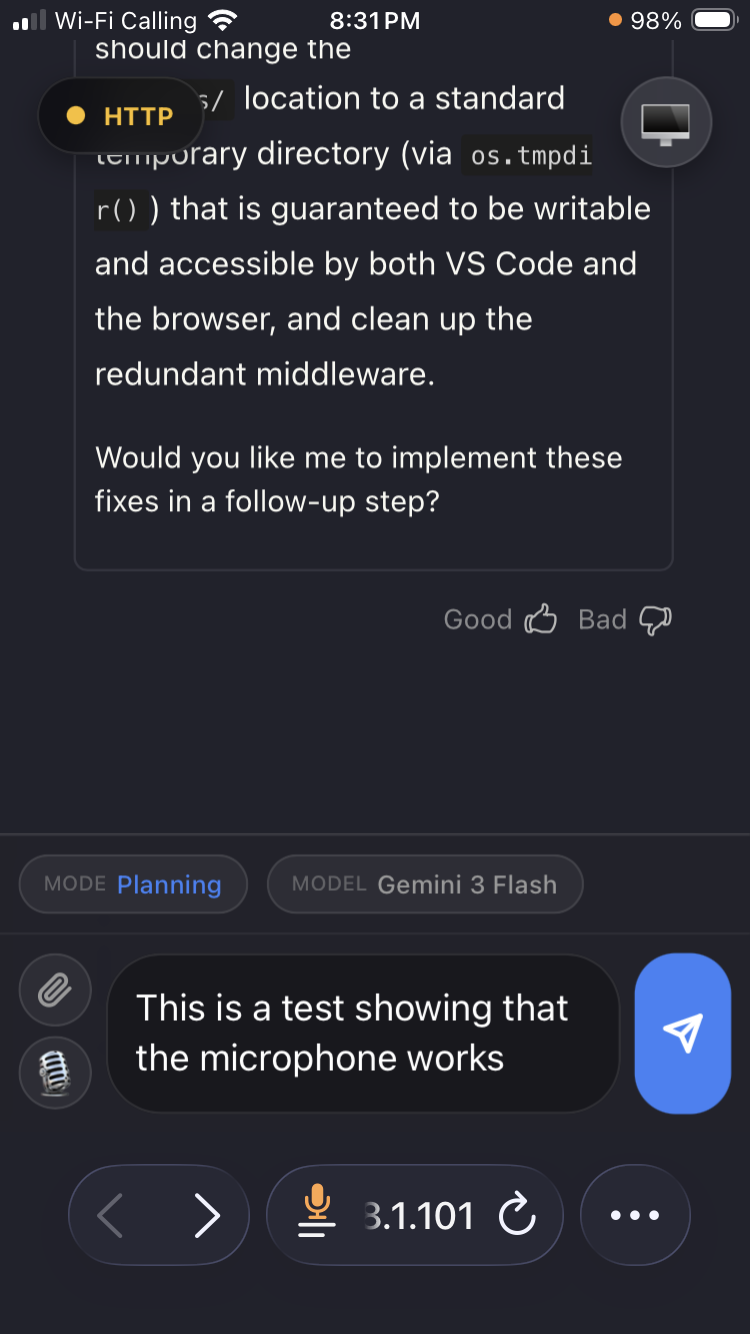
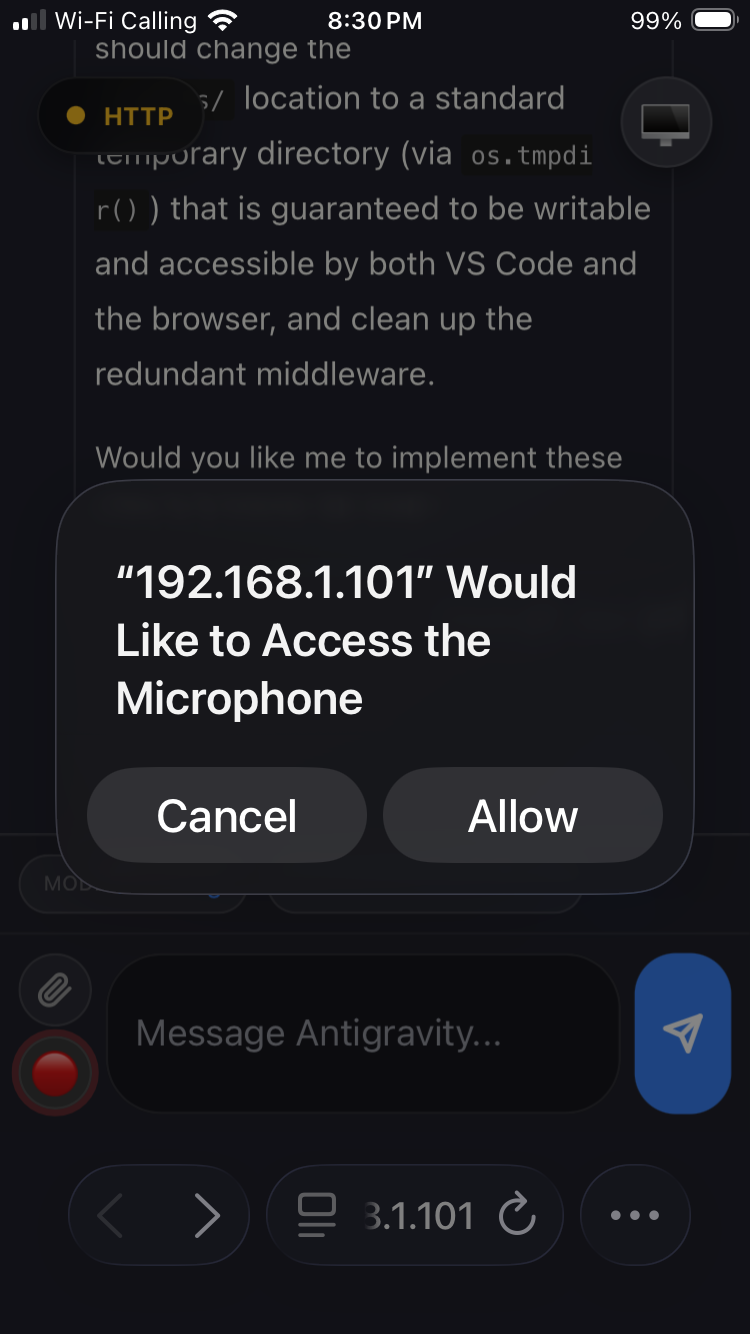
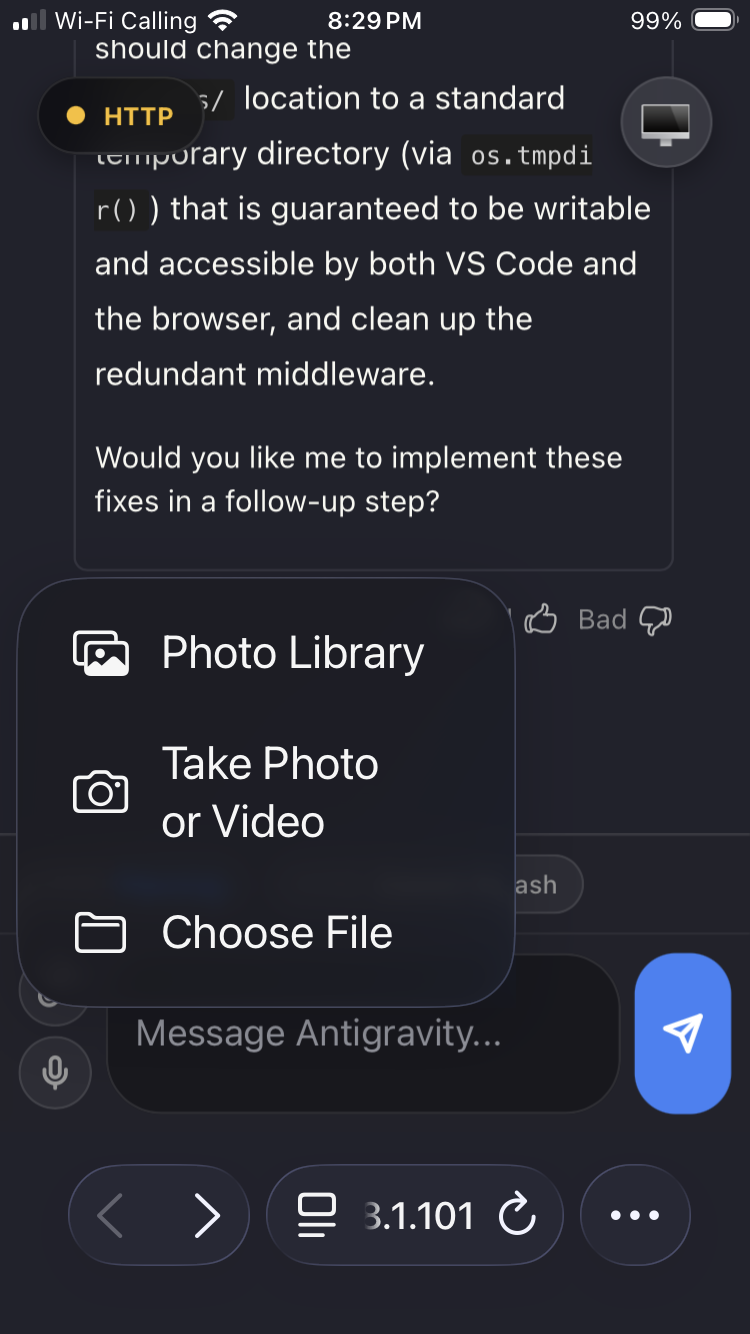
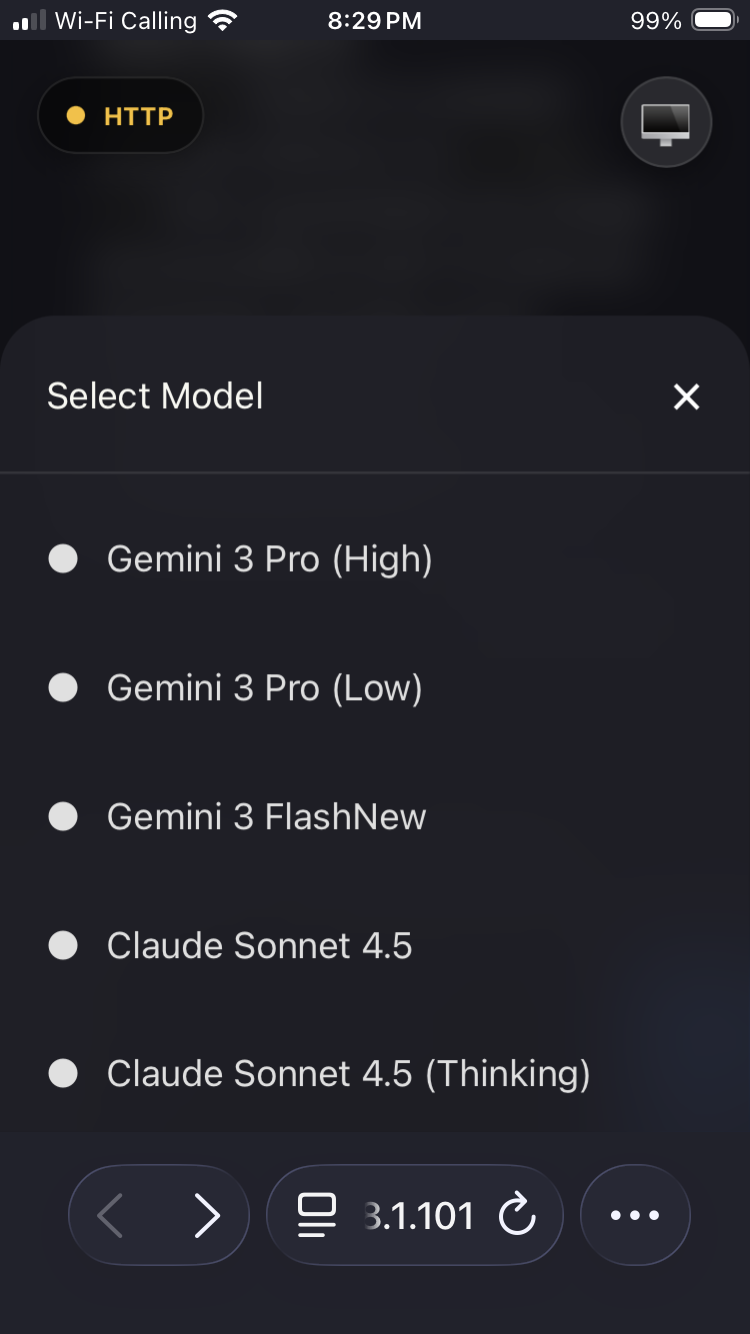
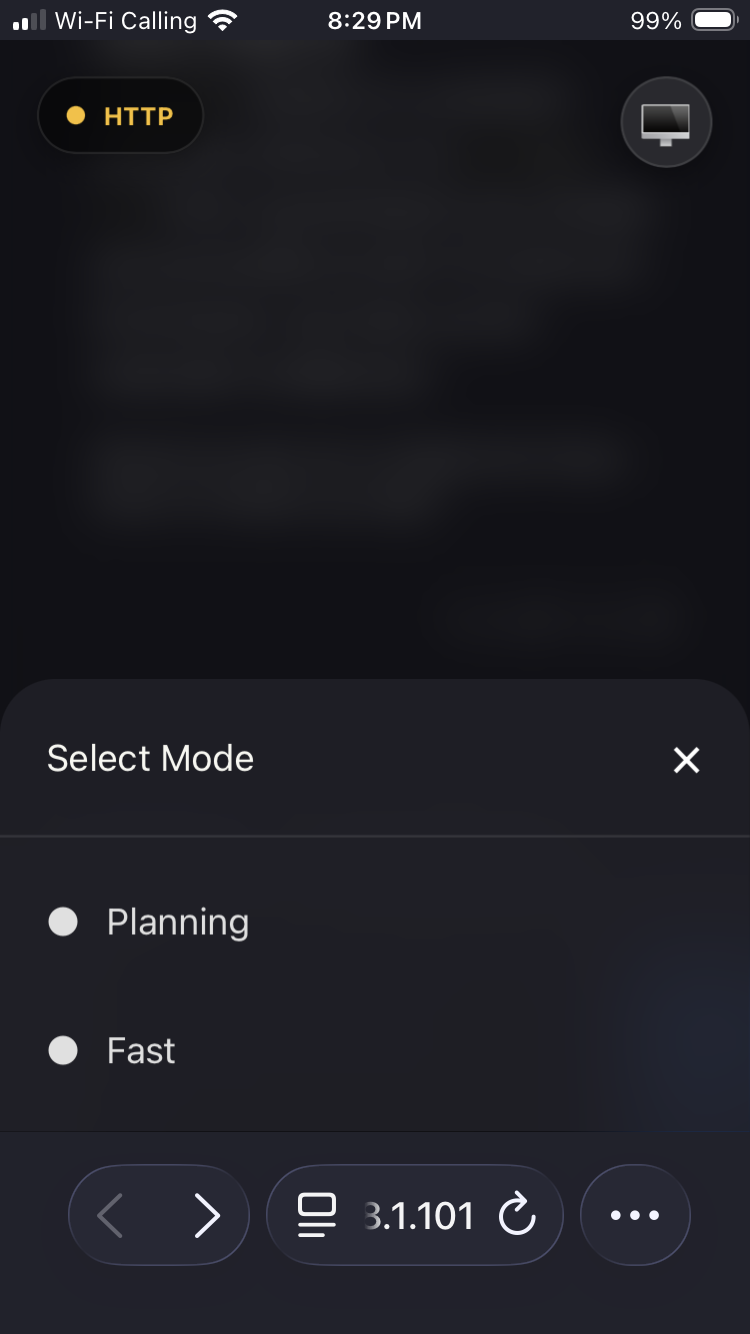
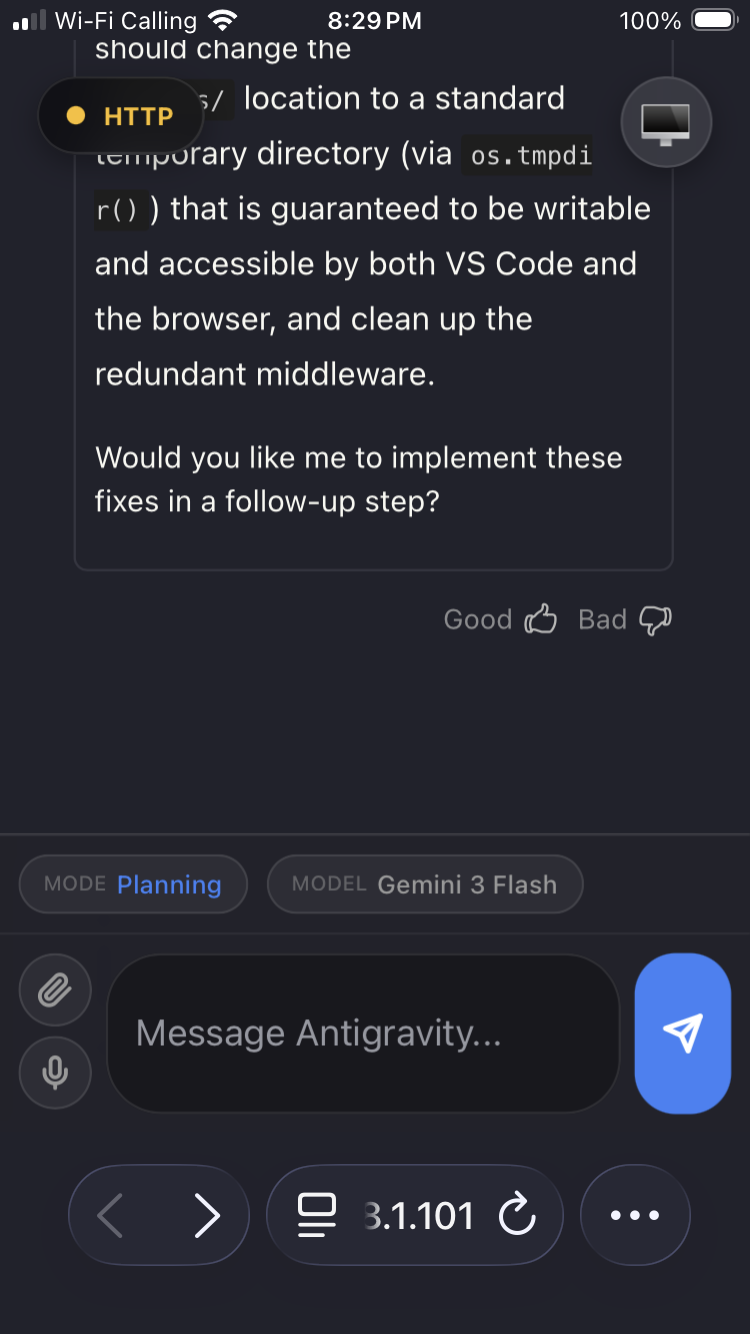
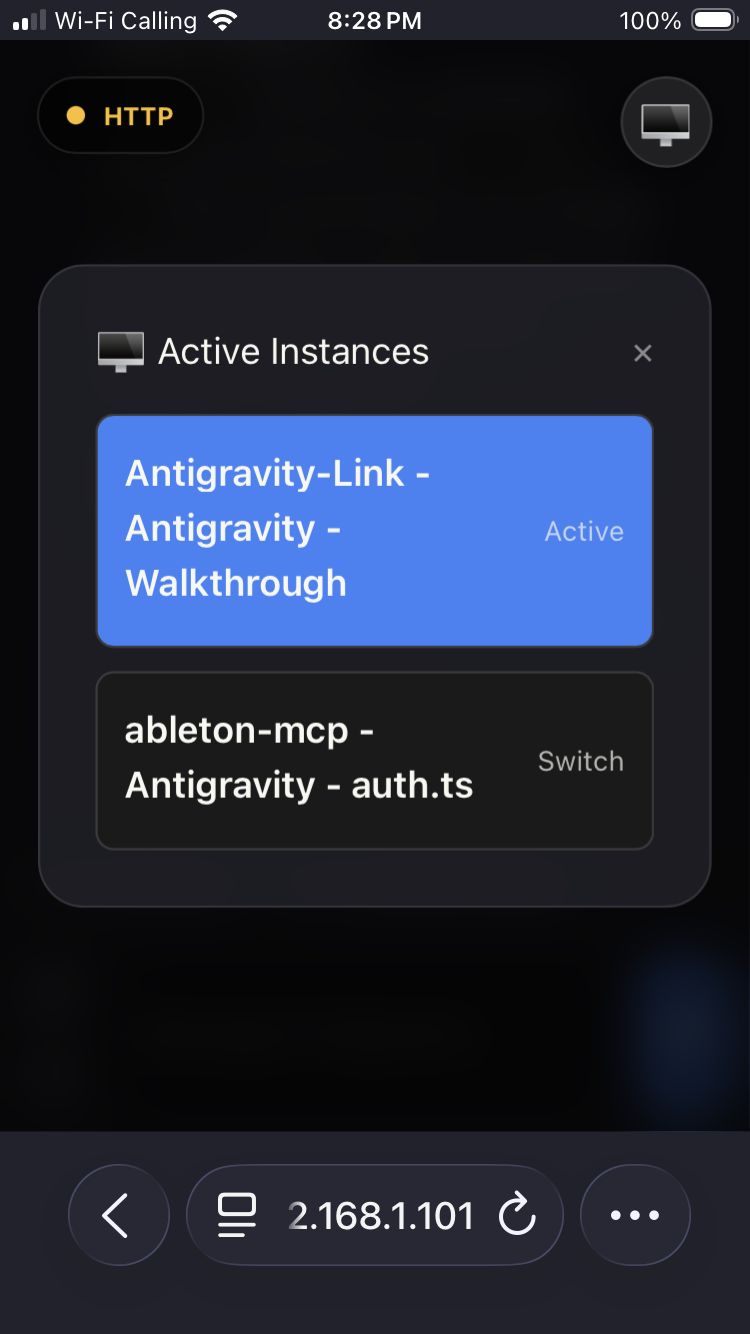
Antigravity Link makes that possible. Scan a QR code and your phone becomes a live mirror of the active chat: read responses as they stream, send messages, stop generation, upload files, dictate via voice, and switch between multiple Antigravity windows all from a mobile browser, on your local network.
For automation, the extension also exposes a local HTTP API and an MCP server so agents and external tools can drive Antigravity sessions programmatically.
| | |
| | |
|
Install from the Antigravity extensions marketplace: search Antigravity Link or install directly from Open VSX.
Windows:
& "C:\Users\<username>\AppData\Local\Programs\Antigravity IDE\Antigravity IDE.exe" --remote-debugging-port=9000
macOS:
open -a "Antigravity IDE" --args --remote-debugging-port=9000
Linux:
antigravity-ide --remote-debugging-port=9000
Multiple Antigravity sessions are supported, but every window must be launched with this command.
In VS Code, run:
Antigravity Link: Start Server
Then run:
Antigravity Link: Show QR Code
Scan the QR code with your phone. Your mobile UI is ready.
Your phone may warn that the connection is unsafe because the certificate is self-signed. This is expected for local HTTPS. Use your browser's "Advanced" or similar option to proceed (wording differs between Safari/Chrome/Firefox).
If you want to integrate quickly, use this sequence:
?token=...).mcp-server.mjs) or direct HTTP calls against https://localhost:3000./snapshot, /send, and /stop.OpenAPI example:
curl -k https://localhost:3000/snapshot \
  -H "Authorization: Bearer <token>"
MCP client configuration example:
{
  "antigravity-link": {
    "command": "node",
    "args": ["<extension-dir>/mcp-server.mjs"],
    "env": {
      "AG_BRIDGE_URL": "https://localhost:3000",
      "AG_BRIDGE_TOKEN": "<token>"
    }
  }
}
Replace <extension-dir> with the path to the installed extension:
%USERPROFILE%\.antigravity-ide\extensions\cafetechne.antigravity-link-extension-1.0.20~/.antigravity-ide/extensions/cafetechne.antigravity-link-extension-1.0.20uploads/.Antigravity Link has no known ban cases and is designed to stay that way.
The extension works by connecting to a debug port that Antigravity exposes on your own machine the same Chrome DevTools Protocol used by VS Code's built-in debugger and browser devtools. It reads your local UI and simulates keypresses and clicks, exactly as if you were sitting at your keyboard.
What this means in practice:
localhost:9000; and Antigravity's Language Server process on 127.0.0.1 for the stop-generation RPC. No data is sent to Google's servers or any external service beyond what Antigravity itself sends.The source code is MIT-licensed and fully auditable: https://github.com/cafeTechne/antigravity-link-extension
--remote-debugging-port command shown above.Does this work on iOS and Android? Yes. The mobile UI runs in any modern mobile browser Safari on iOS, Chrome on Android, and others all work.
Does this work over cellular or VPN? Not by default: the server is LAN-only. For remote access you would need to expose it through a tunnel such as ngrok, wireguard, etc.. The token authentication and HTTPS remain in place regardless.
Is the self-signed certificate warning safe to accept? Yes. The certificate is generated locally on your machine at server start. The warning appears because it is not issued by a public certificate authority, not because the connection is insecure.
Can I use this for automation? Yes. The local HTTP API and MCP server are designed for exactly this. See the API and MCP server sections.
The mobile interface automatically detects your browser's language and renders in:
English · 日本語 · 中文(简体)· 中文(繁體)· 한국어 · Deutsch · Français · Español · Português · Русский · Italiano · Polski · Türkçe · Tiếng Việt · Bahasa Indonesia · العربية
Arabic is rendered right-to-left automatically. Language detection uses navigator.language with no configuration required.
The interface is built with semantic HTML, ARIA roles, aria-live regions for connection status, keyboard navigation, and screen-reader-compatible labels throughout.
Pull requests are welcome. Check the TODOs in the codebase or open a GitHub issue to discuss ideas before starting large changes.
See CONTRIBUTING.md for setup and PR notes.
The extension exposes a local HTTP API at https://localhost:3000 (or your configured port). All endpoints except /ping require an Authorization: Bearer <token> header. The token is the value after ?token= in the QR code URL.
Full schema: openapi.yaml
Antigravity Link ships an MCP (Model Context Protocol) server that lets AI assistants drive your Antigravity session directly.
Setup
Add the following to your MCP client configuration (e.g. claude_desktop_config.json):
{
  "antigravity-link": {
    "command": "node",
    "args": ["<extension-dir>/mcp-server.mjs"],
    "env": {
      "AG_BRIDGE_URL": "https://localhost:3000",
      "AG_BRIDGE_TOKEN": "<your-token>"
    }
  }
}
Replace <extension-dir> with the path to the installed extension:
%USERPROFILE%\.antigravity-ide\extensions\cafetechne.antigravity-link-extension-1.0.20~/.antigravity-ide/extensions/cafetechne.antigravity-link-extension-1.0.20The token is the value after ?token= in the QR code URL. The extension server must be running before the MCP client connects.
Available tools
This extension is self-contained. It ships its own public/ assets and uploads/ folder and does not require the parent npm run dev build.
If your workspace contains public/ or uploads/, the extension will prefer those paths automatically. This makes it easy to customize the mobile UI or keep uploads in your project root, but it also means behavior can differ between workspaces.
Inspired by early community projects including:
MCP server and OpenAPI-backed mobile companion for controlling Antigravity IDE sessions
{ "mcpServers": { "io.github.cafetechne-antigravity-link": { "command": "npx", "args": [ "-y", "[email protected]" ], "env": { "AG_BRIDGE_URL": "<value>", "AG_BRIDGE_TOKEN": "<secret>" } } }}टूल
अभी टूल सूची नहीं है। रिमोट सर्वर को पहले हेल्थ चेक के बाद सूची मिलती है।
FAQ
इस पेज पर Cursor, Claude Desktop, Claude Code या VS Code के लिए stdio कॉन्फ़िग कॉपी करें। यह पब्लिशर का इंस्टॉल इस्तेमाल करता है, PlugMCP प्रॉक्सी नहीं।
पब्लिशर ने ये एनवायरनमेंट वेरिएबल बताए हैं: AG_BRIDGE_URL, AG_BRIDGE_TOKEN।
Antigravity Link stdio पर लोकल चलता है।
पिछली जाँच 2026-11-09 को हुई। MCP server and OpenAPI-backed mobile companion for controlling Antigravity IDE sessions
