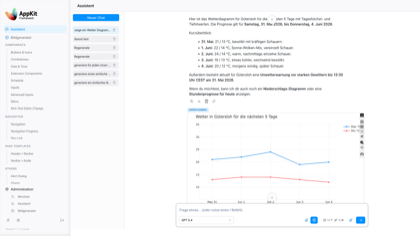
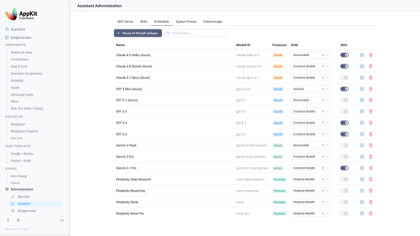
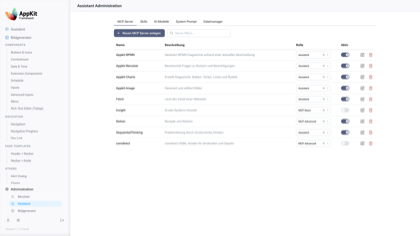
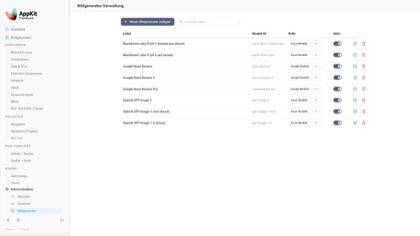
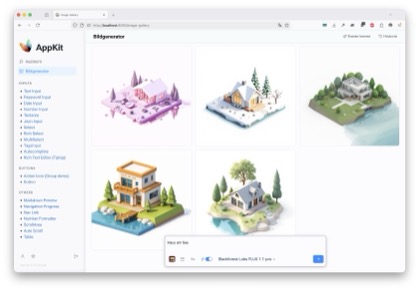
AppKit is a modular Python workspace for building authenticated, AI-enabled Reflex applications. The repository contains both a runnable application and reusable packages for Mantine-based UI, user management, assistants, image generation, shared infrastructure, and Model Context Protocol (MCP) servers.
The current app combines:
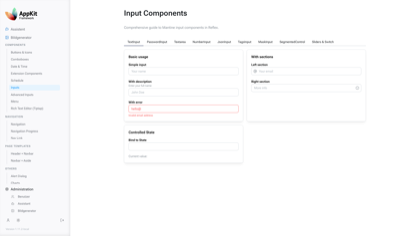
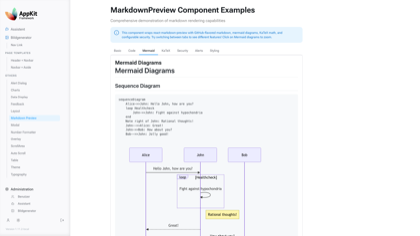
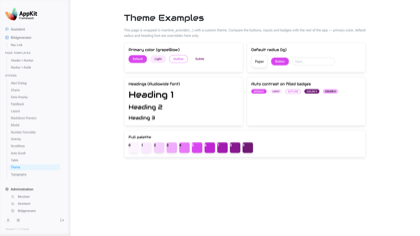
Mantine UI for Reflex with typed components, examples, forms, tables, navigation, overlays, rich text editing, charts, and page templates.
Reflex.dev components based on mantine.dev. Chat application and image generation UI.
スター
4
ツール
—
稼働率
—
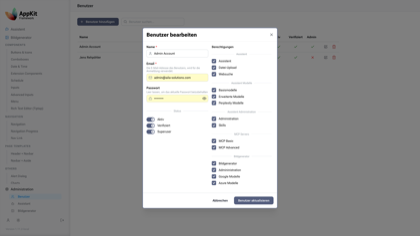
Enterprise user management with OAuth login, sessions, role-based access control, profile pages, password reset flows, and admin screens.
AI assistant workflows with model management, file upload support, MCP app integration, slash-command style prompts, and configurable providers.
Image generation with multiple generator backends, galleries, cleanup jobs, and admin-managed generator configuration.
MCP servers for user analytics, chart generation, BPMN diagrams, and image generation, mounted into the FastAPI backend.
Production infrastructure with SQLAlchemy 2.0, Alembic migrations, Pydantic settings, encrypted configuration values, PostgreSQL scheduling via PGQueuer, Docker support, and structured logging.
[!NOTE]
AppKit is both an application and a set of reusable workspace packages. You can run the full app locally or depend on individual packages such as appkit-mantine in another Reflex project.
git clone https://github.com/jenreh/appkit.git
cd appkit

task init
task run
The development app starts at http://localhost:8080/ with the backend on http://localhost:3030.
If the database is already configured and dependencies are installed, the shorter loop is:
task sync
task db:upgrade
task run
[!IMPORTANT]
The full app expects database and secret-backed configuration values. For local development, review configuration/config.yaml and configuration/config.local.yaml, then provide the required secret values through your configured AppKit secret provider or environment overrides.
The application registers the FastAPI backend, image API routes, MCP app routes, HTTPS middleware, AI model registry, image generator registry, and scheduled cleanup services during startup.
Install Python, sync dependencies, install pre-commit hooks, and run migrations.
task sync
Install workspace dependencies with uv.
task run
Start the Reflex development app.
task run:debug
Start the app with debug logging.
task run:prod
Start the app in production mode on a single port.
task test
Run pytest with coverage.
task lint
Run Ruff checks.
task format
Apply Ruff fixes and formatting.
task db:revision -- "message"
Create a manual Alembic revision.
task db:upgrade
Apply migrations.
task docker:build
Build the Docker image locally.
task docker:test
Run and verify the local Docker image with Compose.
[!WARNING]
Do not create Alembic migrations with autogeneration for this repository. Write migrations manually and verify the current migration chain before applying them.
Project Layout
appkit/
├── app/                       # Main Reflex application, pages, navbar, and app startup
├── components/                # uv workspace packages
├── configuration/             # YAML profiles and logging config
├── alembic/                   # Database migrations
├── assets/                    # Static assets, icons, CSS, email templates, image styles
├── docs/images/               # README screenshots
├── tests/                     # Root-level test helpers
├── Dockerfile                 # Production image build
├── docker-compose.yml         # Local container runtime
├── pyproject.toml             # Root package and uv workspace config
└── Taskfile.dist.yml          # Development task runner
Runtime Surface
Reflex frontend: http://localhost:8080/
Backend API: http://localhost:3030
MCP servers mounted under the backend for /user, /charts, /bpmn, and /image
Authenticated app routes include /assistant, /image-gallery, /profile, /admin/users, /admin/assistant, and /admin/image-generators