MemoryWhale records what actually happened while you debug: commands, output,
failures, and the fixes that worked. It stores that evidence in local SQLite so
you and your coding agents can find it after the terminal, SSH connection, or
agent session is gone. It works with 19 coding agents through MCP, with no
account and nothing uploaded.
On LongMemEval, a public long-term memory benchmark, search puts a
session holding the answer in its top 5 for of 470 questions
(retrieval only, no model).
Persistent, local memory for developers and their coding agents. Records commands, output, errors, and the fixes that worked into SQLite and serves them over MCP.
スター
145
ツール
—
稼働率
—
97%
In a controlled evaluation on project-specific bugs, an agent solved 25%
without memory and 96% with it. These are synthetic tasks that
demonstrate the mechanism, not a field study; see
how it was measured.
MemoryWhale 0.20.0: Agents Learn from Each Other · October 14, 2026.
The CLI, web UI, and desktop app share product version 0.20.0; the reusable
Rust core is version 0.10.0. See the release notes
for the upgrade guide. Opening a store migrates it from schema 10 to 14.
Want to contribute? Start with the Start here issue.
Many tasks need no Rust, including translation reviews and documentation fixes.
Why MemoryWhale
Remember what actually happened. Preserve the command, environment,
output, failure, and lesson—not only a shell-history line.
Use one memory across coding agents. Any compatible stdio MCP client can
read and write the same local memory through mw-mcp.
Keep development history local. MemoryWhale works without an account,
hosted service, or per-token memory bill.
MemoryWhale records development experience, not everything. It is a debugging
memory layer, not an autonomous coding agent, a general-purpose personal memory
system, or a replacement for project documentation.
New in Agent-Native Memory
Connect and inspect agents. Install Claude Code or Rho MCP access,
capture hooks, and memory-use guidance with mw integrate; mw doctor
checks MCP, hooks, and skills independently.
Keep provenance explicit. Schema 10 stores command agents as claude,
rho, or NULL. The display/filter label terminal means terminal/manual
or legacy provenance, not proof that a human ran it. Agent identity is
separate from source type such as command, session, or note.
Share a repository, distinguish worktrees. Canonical repository IDs
group linked worktrees while preserving each worktree root and existing
project tags. Discovery reads local Git metadata, not a remote service.
Use local interfaces.mw-serve provides HTTP MCP at POST /mcp;
mw-serve --api opts into the read-only JSON API. Both use the dashboard's
listener; non-loopback access requires a token.
Fetch GitHub context explicitly.mw github context <pr> reads PR
metadata, checks, and reviews through your existing gh login. It prints
bounded, redacted context without checking out code or automatically saving
it to memory. There is no background GitHub sync.
Install
Prebuilt binaries are available for Linux x86_64/aarch64 and macOS:
(
  set -eu
  installer="$(mktemp)"
  trap 'rm -f "$installer"' EXIT
  curl -fsSL https://raw.githubusercontent.com/wuisabel-gif/MemWhale/7c3864c743cec9a8fa813dcc0b2459cc2859c849/install.sh -o "$installer"
  printf '%s  %s\n' '3e0cad72b29c1894d5ff5f7c30b099537f96501801c14b6320c12e169a3ac8d6' "$installer" | shasum -a 256 -c -
  sh "$installer"
)
Or install with Cargo or Homebrew:
cargo install memorywhale-cli

brew tap wuisabel-gif/memorywhale https://github.com/wuisabel-gif/MemWhale
brew install memorywhale
After installation or upgrade, check the version and local setup:
mw --version
mw doctor
Windows users can run MemoryWhale inside
WSL. See the
getting-started guide for package installs,
PATH setup, and platform notes.
Sixty-second example
mw global on                         # capture future interactive shell commands
mw-run -- cargo check                # capture one command and its output
mw remember "the linker needed libssl-dev"
mw search "linker error"             # recover the failure and its fix
mw context --last-error              # compact context for any agent or chat
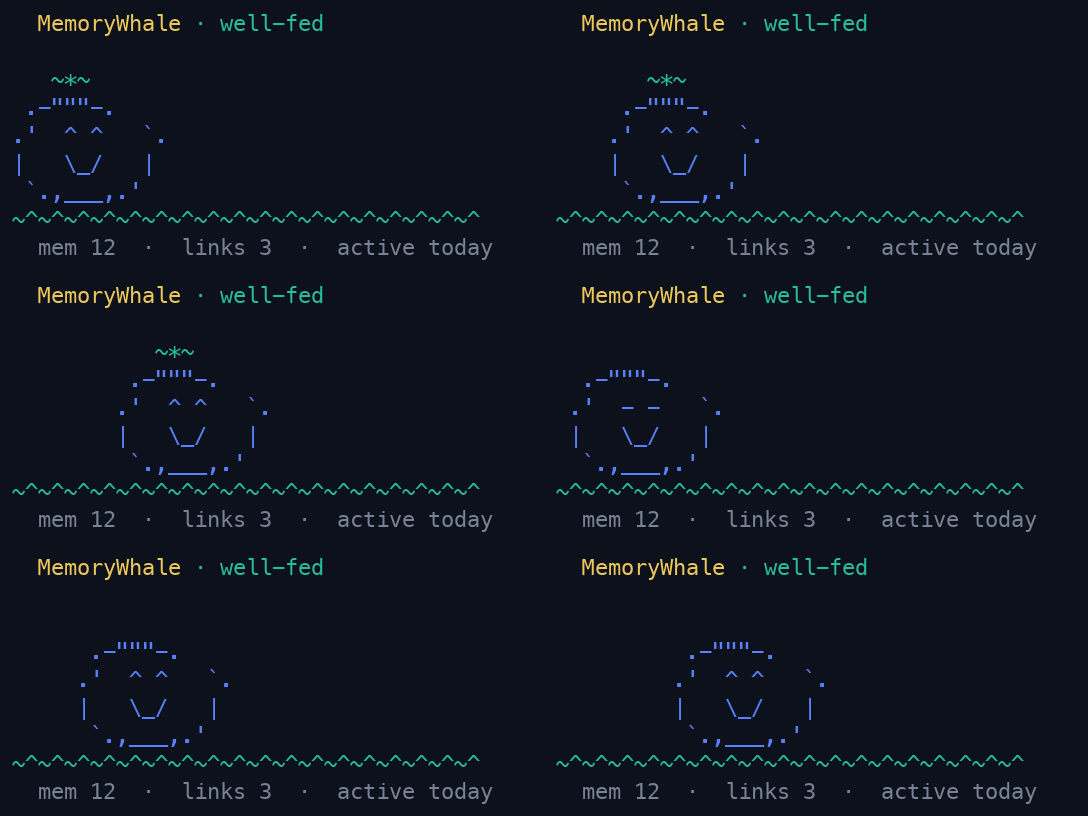
mw pet                               # check your memory store's mood
For longer work, mw --live records a crash-resistant shell session. mw tui
opens an interactive terminal browser, while mw-serve starts the local web
dashboard.
Capture and retrieval are independent. MCP gives an agent access to existing
memory; it does not automatically record normal terminal activity. See the
architecture and
capture concept for the complete model.
Works with your coding agent
mw-mcp is the common integration seam: a local stdio MCP server exposing six
memory tools, also available over HTTP through mw-serve. Existing guides
cover Claude Code, Rho, Claude Desktop, Cursor, VS
Code / GitHub Copilot, Windsurf, Zed, Codex CLI, Cline, Continue, Gemini CLI,
Goose, OpenClaw, CrowClaw, Hermes Agent, and other compatible clients.
mw integrate claude
mw integrate rho
mw doctor
Clients do not all provide the same capabilities. MCP supports memory access;
automatic execution capture requires a client-specific hook. The
integration matrix distinguishes access, capture, and
memory-use guidance and links every verified setup guide.
Rho's current hook payload lacks command text and stdout: failures can be
recorded as metadata with a sentinel command; successful calls without command
text are skipped. The cross-agent handoff demo
uses fixtures and a simulated Rho client against real MCP, not live agents or
a verified Cargo fix.
The bundled skill guides memory use; it does not implement automatic task-start
recall, failure lookup, or pre-compaction saving. Those lifecycle decisions
remain with the client. MCP-authored lessons are pending review by default.
Who is MemoryWhale for?
MemoryWhale is for developers whose debugging context is scattered across
terminal scrollback, shell history, machines, and temporary agent sessions. It
is especially useful when you:
debug builds, dependencies, Git, environments, or deployments;
use coding agents across sessions or switch between tools;
work over SSH or across multiple development machines;
want recurring failures and their fixes to remain searchable;
prefer local storage over a hosted memory service.
See Use cases for each of these as an
end-to-end scenario with real commands.
MemoryWhale accepts changes that improve capturing, preserving, retrieving, or
sharing development experience. Read CONTRIBUTING.md for the
scope rule, development commands, and pull-request checklist. New contributors
can pick a task from the Start here issue.
Every pull request also gets an automated review from
Second-Opinion, a GitHub Action from a sister
project by the same maintainer. Its comments are suggestions; a person decides
what to act on. Setup and limits are in the Second-Opinion guide.
Persistent, local memory for developers and their coding agents. Records commands, output, errors, and the fixes that worked into SQLite and serves them over MCP.
最終チェックは 2026-11-14 です。 Persistent, local memory for developers and their coding agents. Records commands, output, errors, and the fixes that worked into SQLite and serves them over MCP.