MarkView
Native macOS markdown preview with MCP server for Claude Code. Claude writes markdown — MarkView renders it live, in a real native window, while you work.
에이전트 강화
게시자의 자체 명령입니다. PlugMCP 엔드포인트가 아닙니다.
Host a copy with our keys and logs.
npx -y [email protected]Claude Code에는 로컬 명령용 설치 링크가 없습니다. 아래 명령을 복사해 터미널에서 실행합니다.
claude mcp add paulhkang94-markview -- npx -y mcp-server-markview@1.7.2터미널에서 실행합니다.
{ "mcpServers": { "paulhkang94-markview": { "command": "npx", "args": [ "-y", "[email protected]" ] } }}claude_desktop_config.json
원격 URL인가요, 내 컴퓨터에서 실행하는 명령인가요? 두 설치 방식의 차이
PlugMCP에서 실행
A new server you create. It is not this listing's official endpoint. Use the publisher install when you want their URL and their credentials.
실행게시자 제공
Native macOS markdown preview with MCP server for Claude Code. Claude writes markdown — MarkView renders it live, in a real native window, while you work.
Native macOS markdown preview + MCP server for Claude Code. Swift/SwiftUI, GFM, Mermaid, syntax highlighting. No Electron.
Versions: The macOS app (
appbadge) and the npm MCP wrapper (npmbadge) are versioned independently. App releases happen when the Swift binary changes; npm patches happen for MCP server improvements. Both badges always show the latest of each.
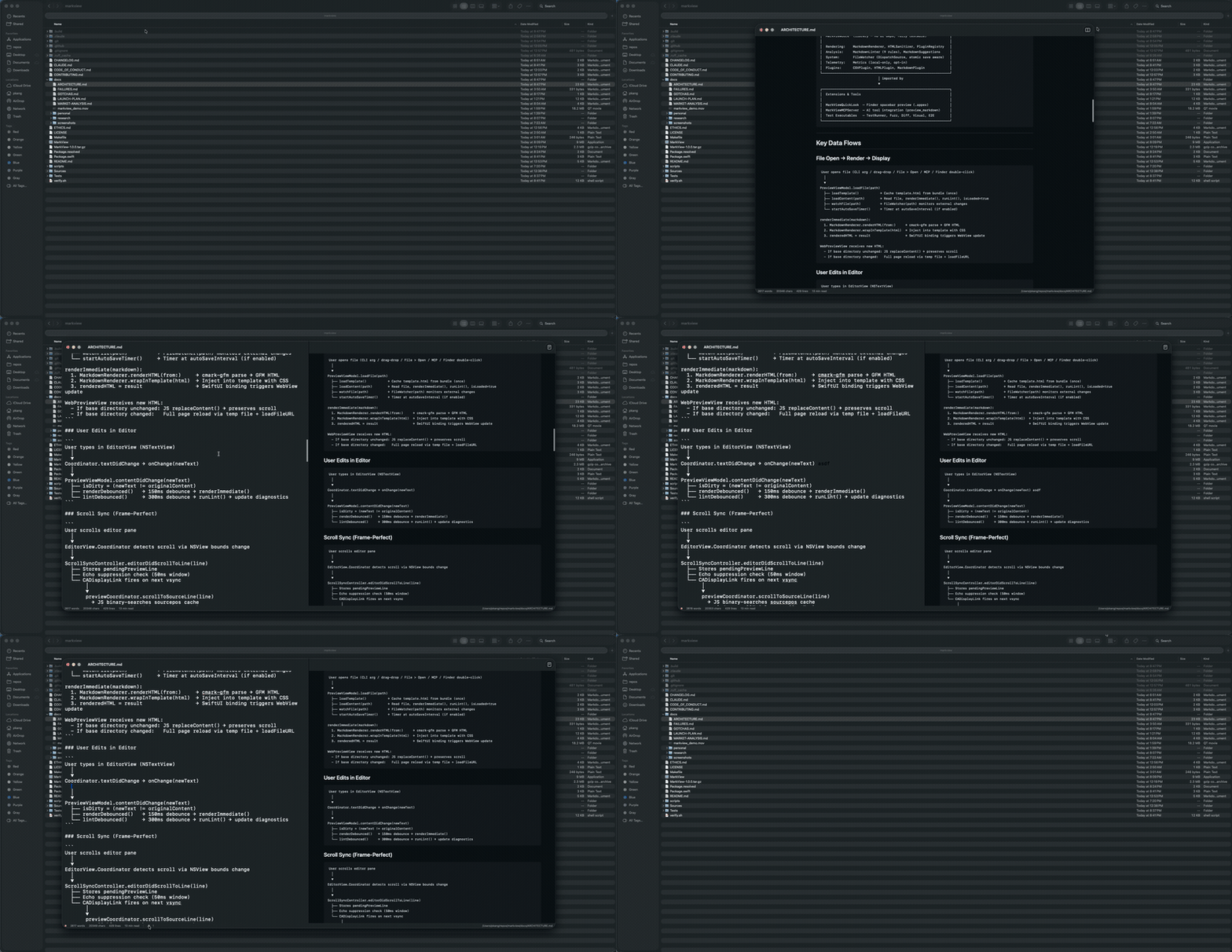
| Preview only | Editor + Preview |
|---|---|
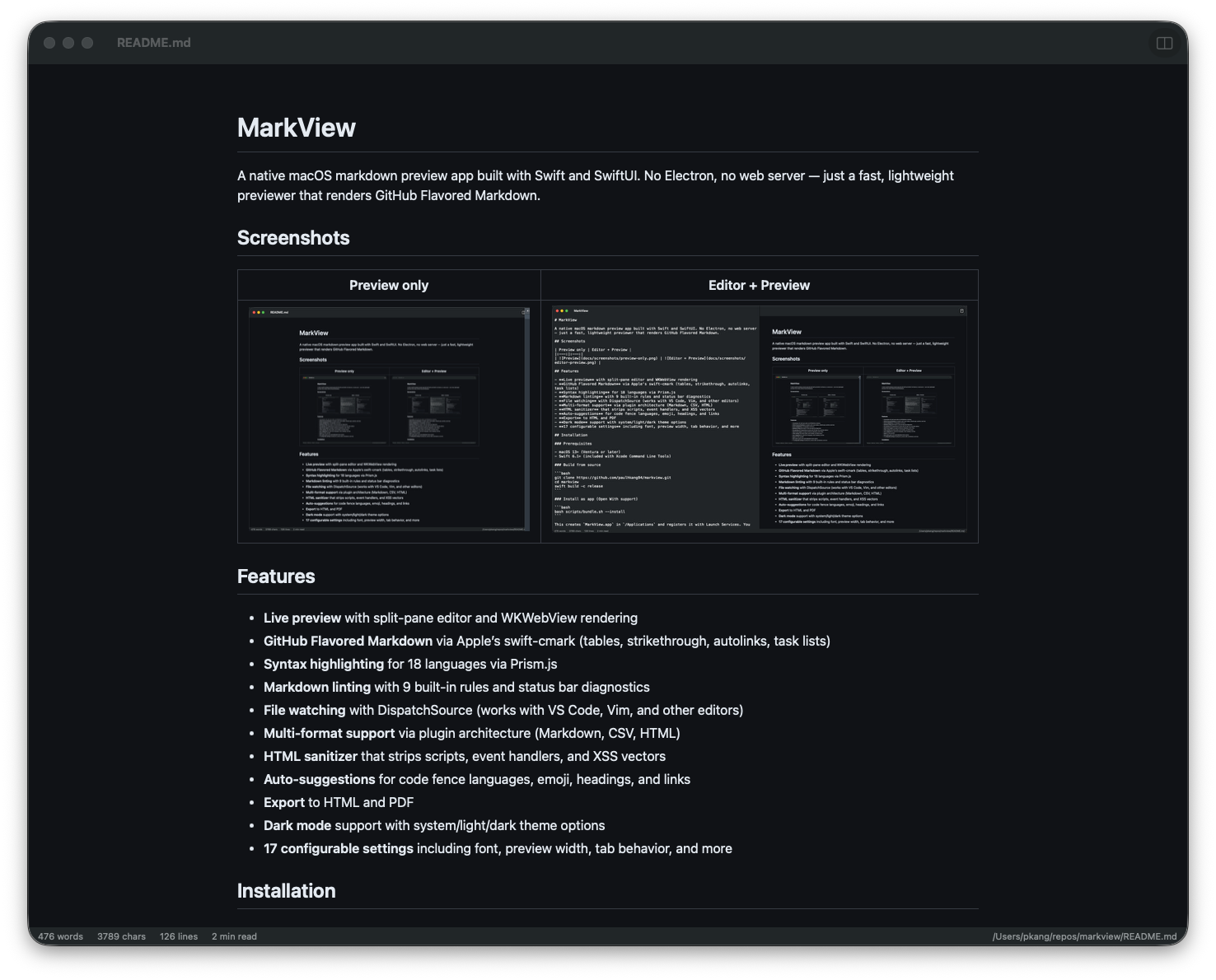 | 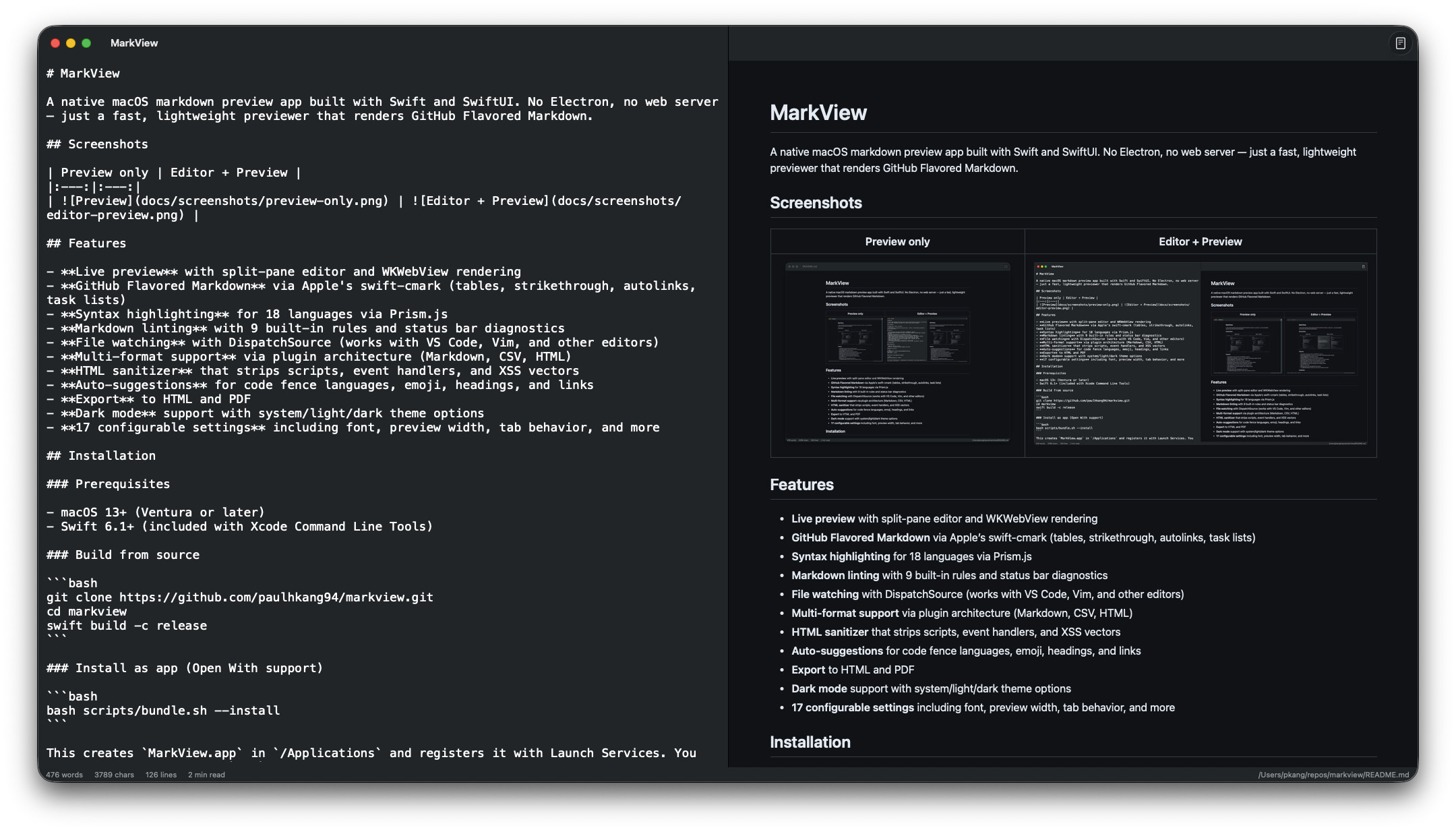 |
One command to wire MarkView into every Claude Code session:
claude mcp add --transport stdio --scope user markview -- npx mcp-server-markview
That's it. Claude can now call preview_markdown to render any markdown string in a native macOS window, or open_file to open any .md file directly.
Add to ~/Library/Application Support/Claude/claude_desktop_config.json:
{
  "mcpServers": {
    "markview": {
      "command": "npx",
      "args": ["mcp-server-markview"]
    }
  }
}
Note: MCP servers belong in
~/.claude.json(Claude Code) orclaude_desktop_config.json(Claude Desktop), not~/.claude/settings.json.
# Full .app with Quick Look extension — Apple notarized, Gatekeeper approved
brew install --cask paulhkang94/markview/markview

# CLI only (builds from source)
brew tap paulhkang94/markview
brew install markview
Prerequisites: macOS 14+, Swift 6.0+ (Xcode Command Line Tools)
git clone https://github.com/paulhkang94/markview.git
cd markview
swift build -c release
bash scripts/bundle.sh --install
Creates MarkView.app in /Applications and registers it with Launch Services for right-click > Open With in Finder. Refuses (unless you pass --force) if a Dock tile is pinned to a build/ or repo-root MarkView.app path, since both are ephemeral dev output.
bash scripts/install-cli.sh
Creates mdpreview and md symlinks in ~/.local/bin/.
mdpreview README.md       # Open a file
mdpreview                 # Open empty editor
Right-click any .md, .markdown, .mdown, .mkd file > Open With > MarkView
open -a MarkView README.md
.md files in Finder without opening the app correctly.md file onto the window to openSources/MarkViewCore/ # Library (no UI, fully testable)
MarkdownRenderer.swift # cmark-gfm C API wrapper
FileWatcher.swift # DispatchSource file monitoring
MarkdownLinter.swift # 9-rule pure Swift linting engine
HTMLSanitizer.swift # XSS prevention
LanguagePlugin.swift # Plugin protocol + registry
Plugins/ # CSV, HTML, Markdown plugins
Sources/MarkView/ # SwiftUI app (macOS 14+)
ContentView.swift # Split-pane editor + preview
WebPreviewView.swift # WKWebView with Prism.js
ExportManager.swift # HTML/PDF export
Sources/MarkViewMCPServer/ # MCP server for AI tool integration
main.swift # stdio JSON-RPC (preview_markdown, open_file)
Tests/TestRunner/ # 403 standalone tests (no XCTest)
Tests/VisualTester/ # 5 visual regression tests + WCAG contrast
Tests/FuzzTester/ # 10K random input crash testing
Tests/DiffTester/ # Differential testing vs cmark-gfm CLI
See docs/ARCHITECTURE.md for full details.
swift run MarkViewTestRunner    # 403 tests
python3 scripts/verify.py       # Full verification (build + tests, writes stamp)
python3 scripts/verify.py --extended  # + fuzz + differential
bash scripts/test-mcp.sh        # MCP protocol tests
swift build
swift run MarkView
swift run MarkView /path/to/file.md
MIT — see LICENSE.
Native macOS markdown preview + MCP server for Claude Code. Swift/SwiftUI, GFM, Mermaid, syntax highlighting. No Electron.
{ "mcpServers": { "paulhkang94-markview": { "command": "npx", "args": [ "-y", "[email protected]" ] } }}도구
아직 도구 목록이 없습니다. 원격 서버는 첫 상태 확인 후에 도구 목록이 생깁니다.
FAQ
이 페이지에서 Cursor, Claude Desktop, Claude Code 또는 VS Code용 stdio 설정을 복사합니다. PlugMCP 프록시가 아니라 게시자의 설치 방식을 사용합니다.
이 레코드에는 필수 환경 변수가 등록되어 있지 않습니다.
Markview은(는) stdio를 통해 로컬에서 실행됩니다.
마지막 확인: 2026-11-05. Native macOS markdown preview + MCP server for Claude Code. Swift/SwiftUI, GFM, Mermaid, syntax highlighting. No Electron.
