notion-mcp
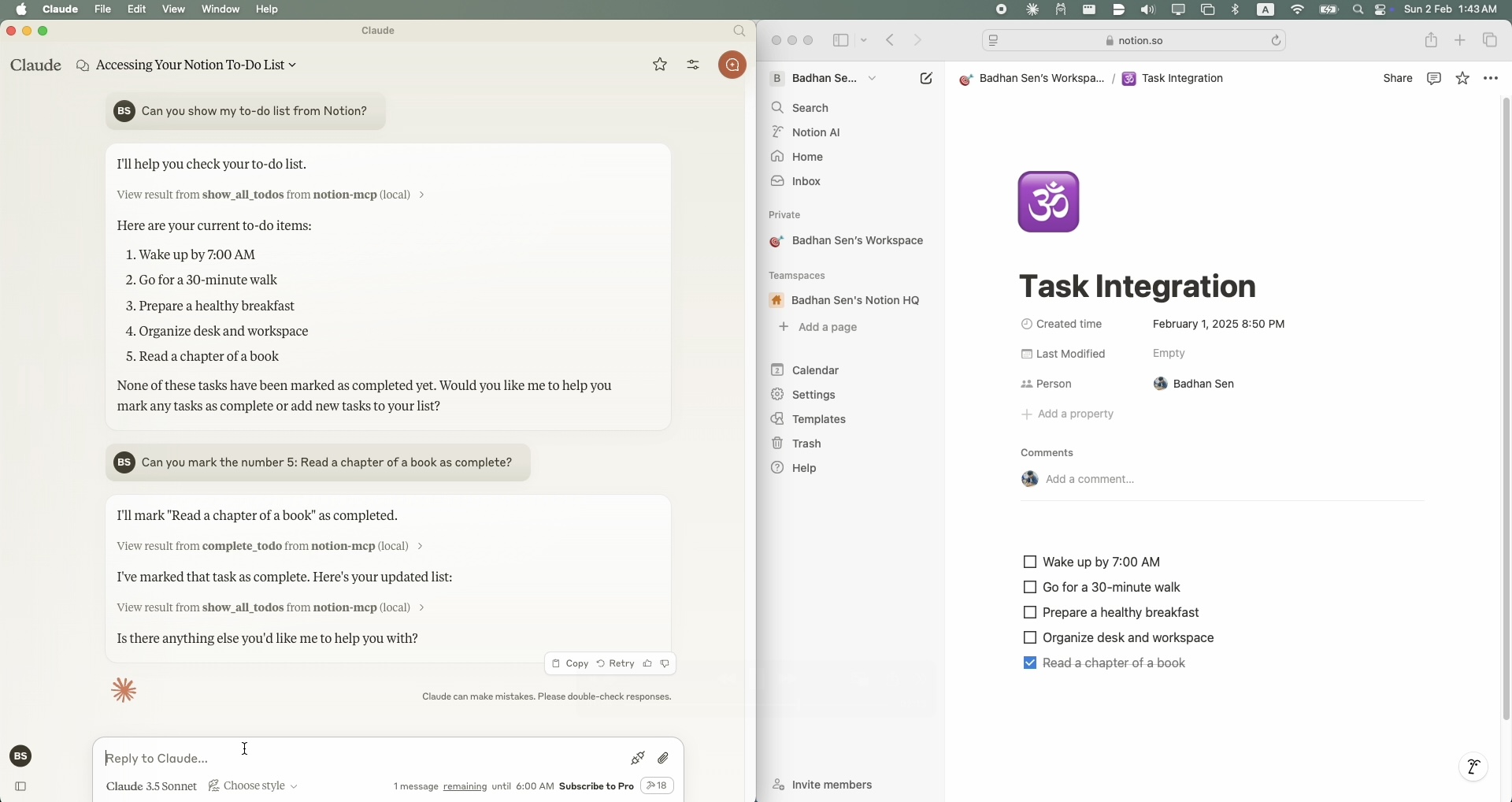
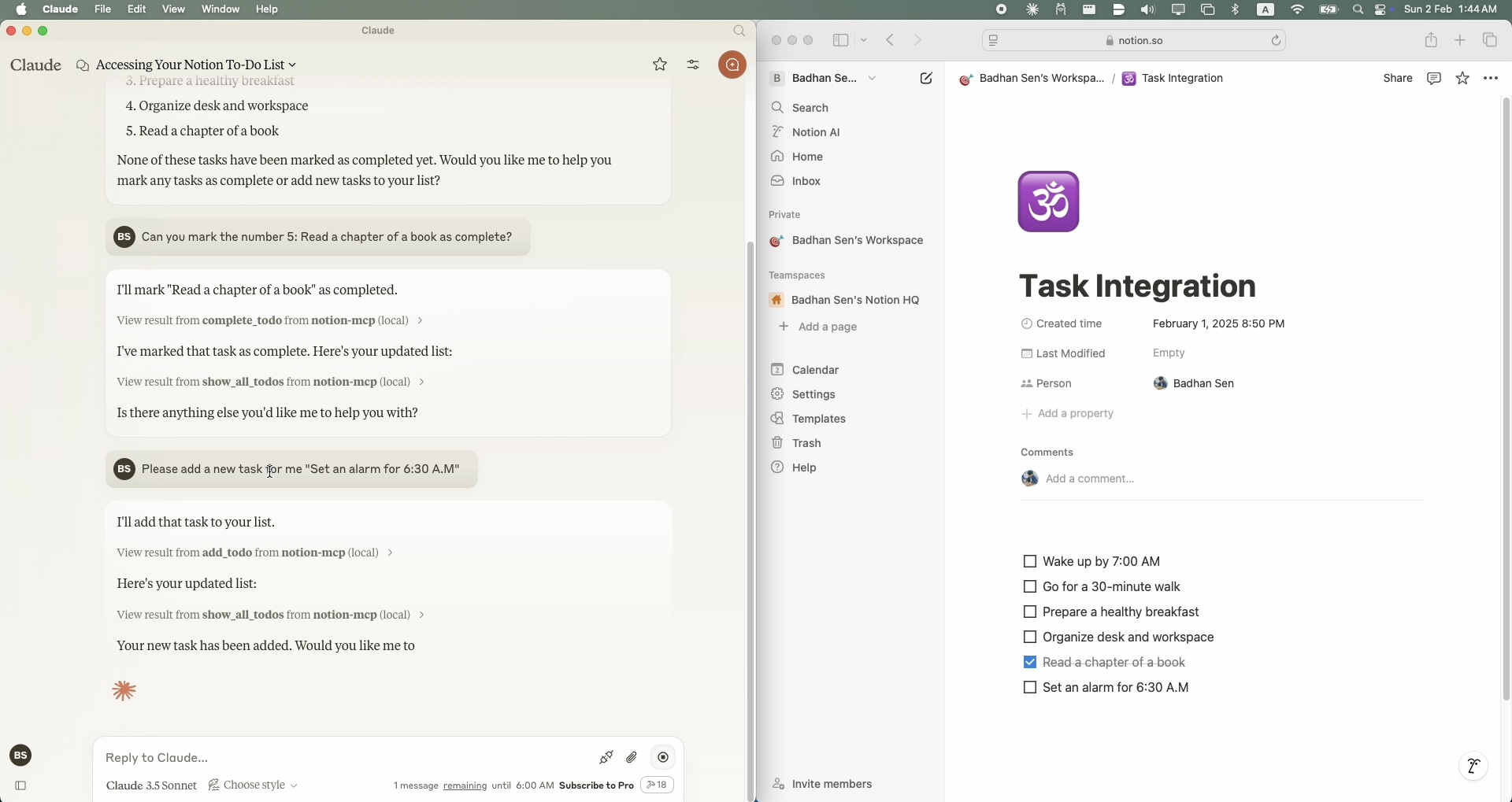
A simple Model Context Protocol (MCP) server that integrates with Notion's API to manage my personal todo list.
Potencialize seu agente
Instalação do publicador. Não é um endpoint do PlugMCP.
Host a copy with our keys and logs.
Ainda não há uma versão empacotada no registro. Siga o README do repositório.
URL remota ou um comando na sua máquina? Como as duas instalações diferem
Rodar no PlugMCP
A new server you create. It is not this listing's official endpoint. Use the publisher install when you want their URL and their credentials.
Abrir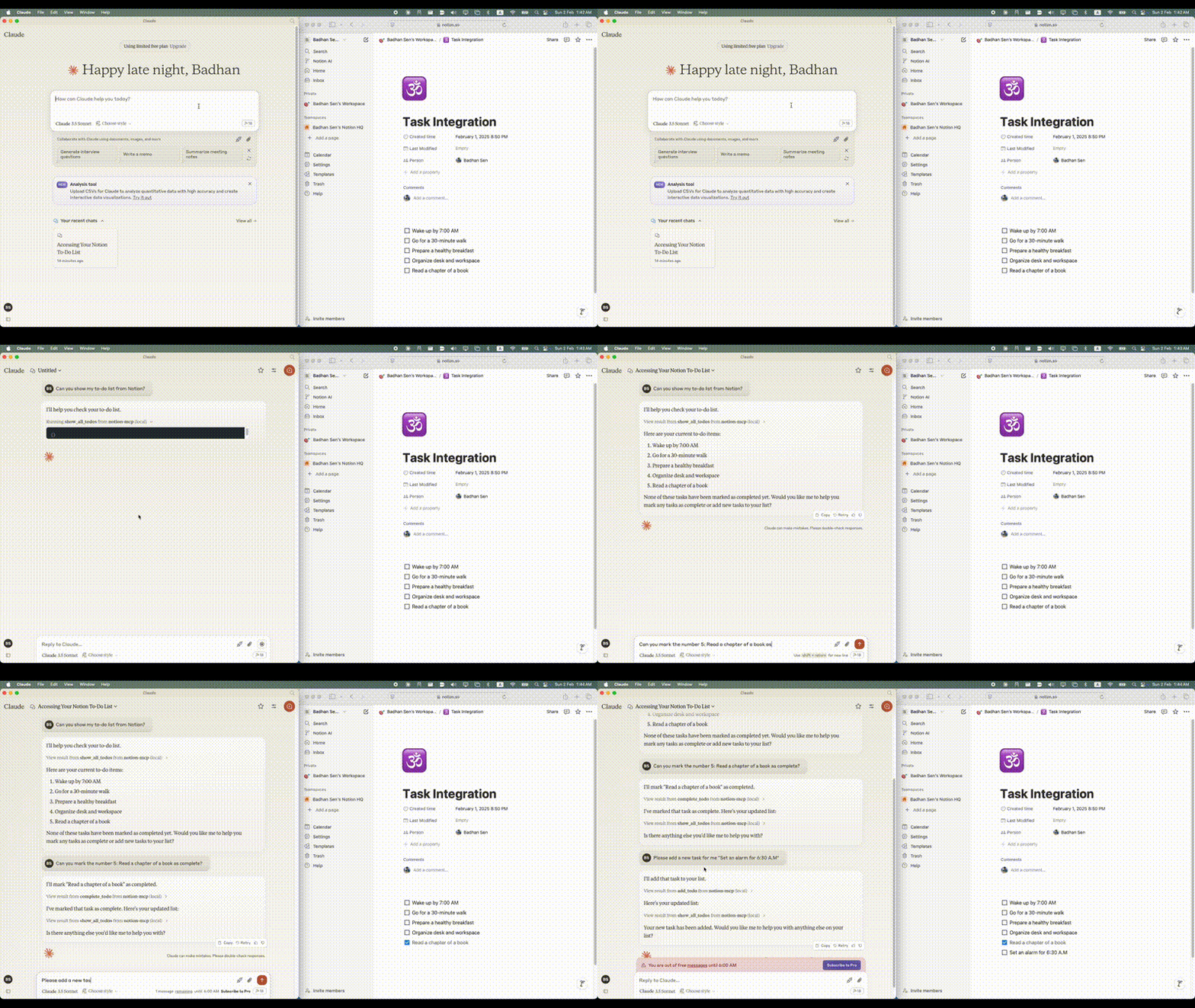
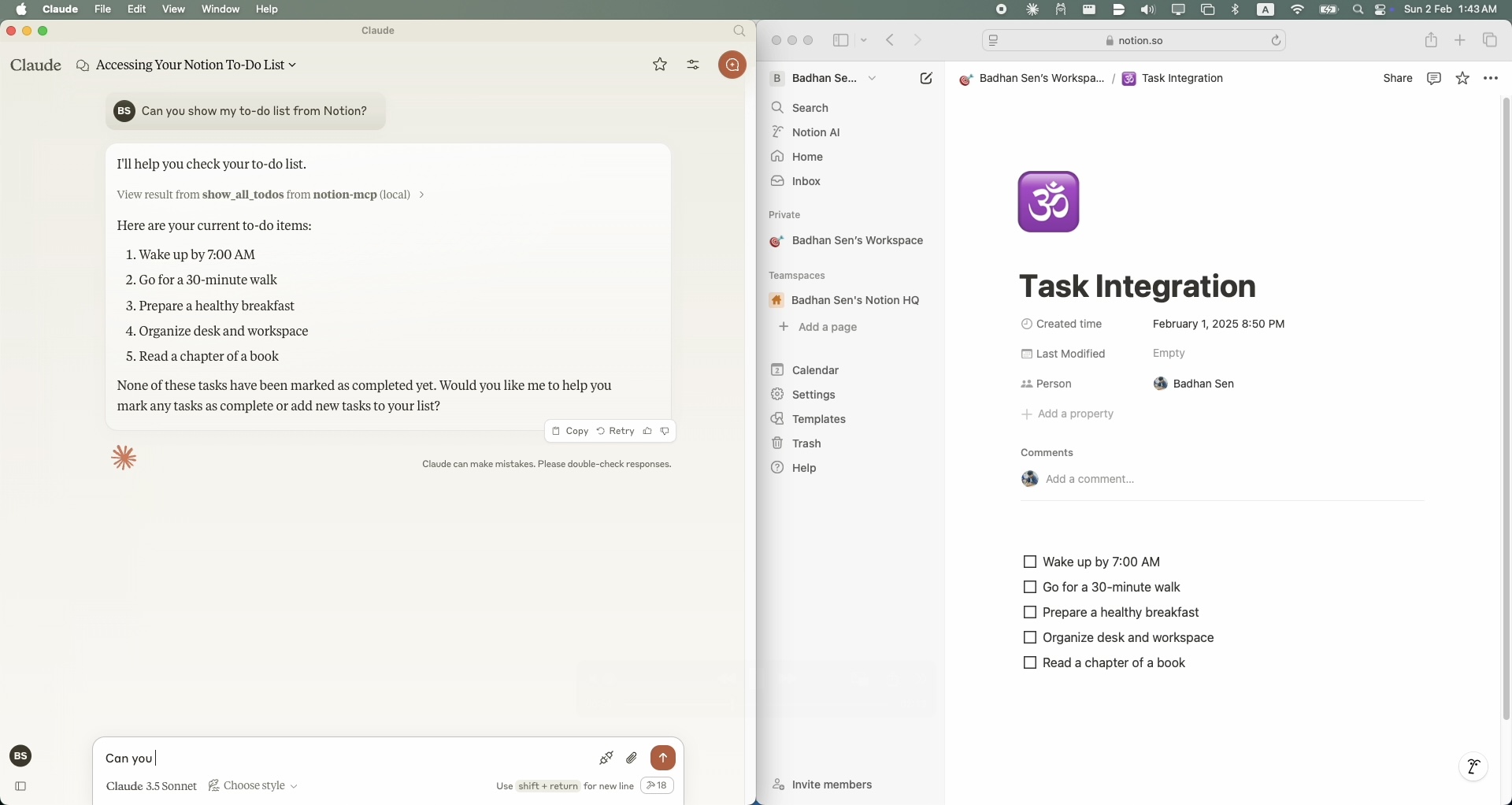
To install Notion MCP for Claude Desktop automatically via Smithery:
npx -y @smithery/cli install @Badhansen/notion-mcp --client claude
git clone https://github.com/Badhansen/notion-mcp.git
cd notion-mcp
uv venv
source .venv/bin/activate
uv pip install -e .
.env file:cp .env.example .env
.env:NOTION_TOKEN=<your-notion-api-token>
PAGE_ID=<your-notion-page-id>
NOTION_VERSION="2022-06-28"
NOTION_BASE_URL="https://api.notion.com/v1"
claude_desktop_config.json file.
Go to Claude Desktop -> Settings -> Developer -> Edit Config. Now add the Notion server configuration.{
"mcpServers": {
"notion-mcp": {
"command": "uv",
"args": [
"--directory",
"/Users/username/Projects/Python/notion-mcp/src" /* Path to your project */,
"run",
"server.py"
]
}
}
}
Project structure:
notion-mcp/
├── docs/
├── src/
│ └── server.py
├── .env
├── .python-version
├── README.md
├── pyproject.toml
└── uv.lock
To show all tasks from your Notion workspace, use the show_all_todos function:
{
    "name": "show_all_todos",
    "arguments": {}
}
To add a new task to your Notion workspace, use the add_todo function:
{
    "name": "add_todo",
    "arguments": {
        "task": "Your task description"
    }
}
To update an existing task in your Notion workspace, use the complete_todo function:
{
    "name": "complete_todo",
    "arguments": {
        "task_id": "your-task-id"
    }
}
MIT License. See LICENSE file for details.
A simple Model Context Protocol (MCP) server that integrates with Notion's API to manage my personal todo list.
Ferramentas
Ainda não há lista de ferramentas. Servidores remotos recebem uma após a primeira verificação de saúde.
Perguntas frequentes
Copie nesta página a configuração stdio para Cursor, Claude Desktop, Claude Code ou VS Code. Ela usa a instalação do publicador, não um proxy do PlugMCP.
Este registro não lista nenhuma variável de ambiente obrigatória.
Notion roda localmente via stdio.
Última verificação: 2026-10-28. A simple Model Context Protocol (MCP) server that integrates with Notion's API to manage my personal todo list.

