Mission
To help you spend less time in your inbox, so you can focus on what matters most.
Potencialize seu agente
A URL do próprio publicador. Não é um endpoint do PlugMCP.
Host a copy with our keys and logs.
https://www.getinboxzero.com/mcpO botão do Claude acima abre o Claude com o nome e a URL preenchidos. Você ainda precisa confirmar lá.
claude mcp add --transport http io.github.elie222-inbox-zero https://www.getinboxzero.com/mcpRun in a terminal.
{ "mcpServers": { "io.github.elie222-inbox-zero": { "command": "npx", "args": [ "-y", "mcp-remote", "https://www.getinboxzero.com/mcp" ] } }}claude_desktop_config.json
URL remota ou um comando na sua máquina? Como as duas instalações diferem
Rodar no PlugMCP
A new server you create. It is not this listing's official endpoint. Use the publisher install when you want their URL and their credentials.
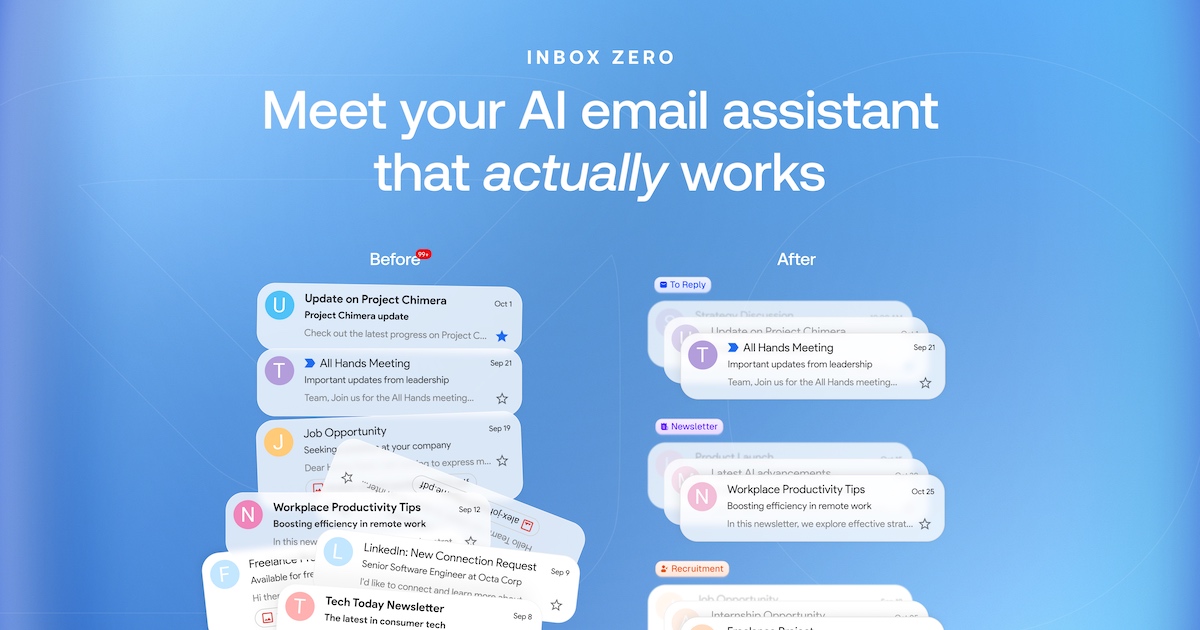
AbrirInbox Zero has two parts: an AI email assistant that works in the background on your Gmail or Outlook account, and an email client. Each works on its own.
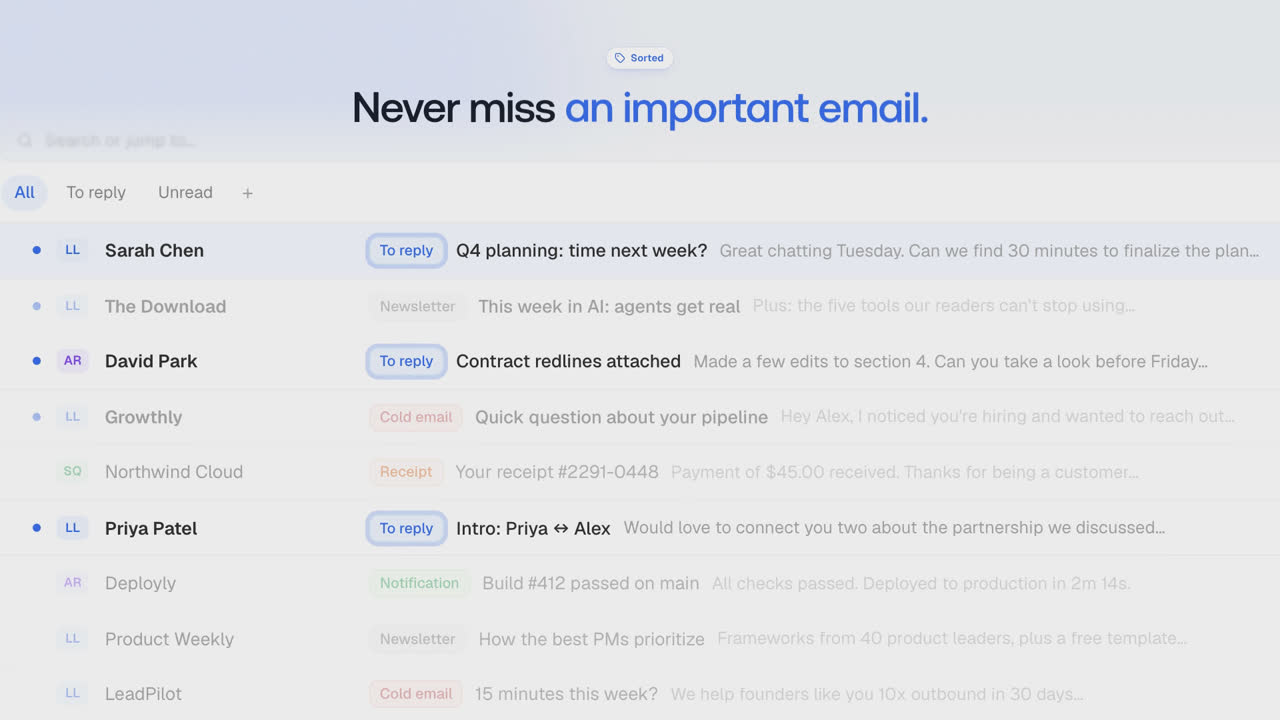
A fast email client for Gmail and Outlook, with a split inbox, all your accounts in one place, and team comments.
apps/desktop.Learn more in our docs.
To request a feature open a GitHub issue, or join our Discord.
We offer a hosted version of Inbox Zero at getinboxzero.com.
The fastest way to self-host Inbox Zero is with the CLI:
npx @inbox-zero/cli setup      # One-time setup wizard
npx @inbox-zero/cli start      # Start containers
For complete self-hosting instructions, production deployment, OAuth setup, and configuration options, see our Self-Hosting Docs.
Prerequisites: macOS or Linux (WSL on Windows), Node.js v24, and the pnpm version pinned in
package.json. Install either Docker Desktop with Compose or native PostgreSQL and Redis. On macOS, native services can be installed withbrew install postgresql@16 redis.
git clone https://github.com/elie222/inbox-zero.git
cd inbox-zero
pnpm install
pnpm local:start
Open http://localhost:3000/mail and sign in with Google as [email protected], or Microsoft as [email protected]. The Google mailbox contains demo messages. Demo users have onboarding completed, and premium checks are bypassed for local development.
The command starts an isolated database, Redis and its HTTP endpoint, both mail-provider emulators, billing and email-delivery emulators, an LLM emulator, and Next.js. It applies migrations and waits for services to become ready. No OAuth credentials or AI API keys are required. AI responses are canned; this mode exercises application flows, not model quality.
Existing .env files are left unchanged and ignored by this launcher. Generated credentials, seed data, and the current service addresses are stored under .context/local-dev/. Native database data stays there; Docker database data stays in a volume unique to the checkout. Restarts preserve database data and credentials. Redis caches and provider/emulator state start fresh on each run.
Press Ctrl-C to stop the app and the services this command started. Start it again with the same command. If port 3000 is occupied, use pnpm local:start --port 3001. Native PostgreSQL and Redis are selected when available; use --backend docker or --backend native to select explicitly. A checkout-specific loopback port prevents concurrent launchers; the operating system releases that lock after a crash, and stale PID files are replaced automatically. Services use automatically assigned ports, so existing databases and Redis instances are not reused or stopped.
Run pnpm local:start --help for options. If an unrelated process occupies the reported lock port, stop that process or use a different checkout location. PostgreSQL data must be opened with the same major version that created it. If you upgrade your native PostgreSQL major version, back up or move .context/local-dev/postgres before starting a new cluster.
For development against real providers, continue to use pnpm setup, your own environment files, and pnpm dev. See the Contributing Guide for configuration and devcontainer setup.
View open tasks in GitHub Issues and join our Discord to discuss what's being worked on.
Docker images are automatically built on every push to main and tagged with the commit SHA (e.g., elie222/inbox-zero:abc1234). The latest tag always points to the most recent main build. Formal releases are tagged with the version number without the v prefix (e.g., git tag v2.30.0 → ghcr.io/elie222/inbox-zero:2.30.0), plus a minor alias (e.g., 2.30).
Search Gmail and Outlook, save drafts, manage email rules, and view email stats.
{ "mcpServers": { "io.github.elie222-inbox-zero": { "url": "https://www.getinboxzero.com/mcp", "headers": {} } }}Ferramentas
Ainda não há lista de ferramentas. Servidores remotos recebem uma após a primeira verificação de saúde.
Perguntas frequentes
Copie nesta página a configuração http para Cursor, Claude Desktop, Claude Code ou VS Code. Ela usa a instalação do publicador, não um proxy do PlugMCP.
Este registro não lista nenhuma variável de ambiente obrigatória.
Inbox Zero é acessado por HTTP.
Última verificação: 2026-11-09. Search Gmail and Outlook, save drafts, manage email rules, and view email stats.
