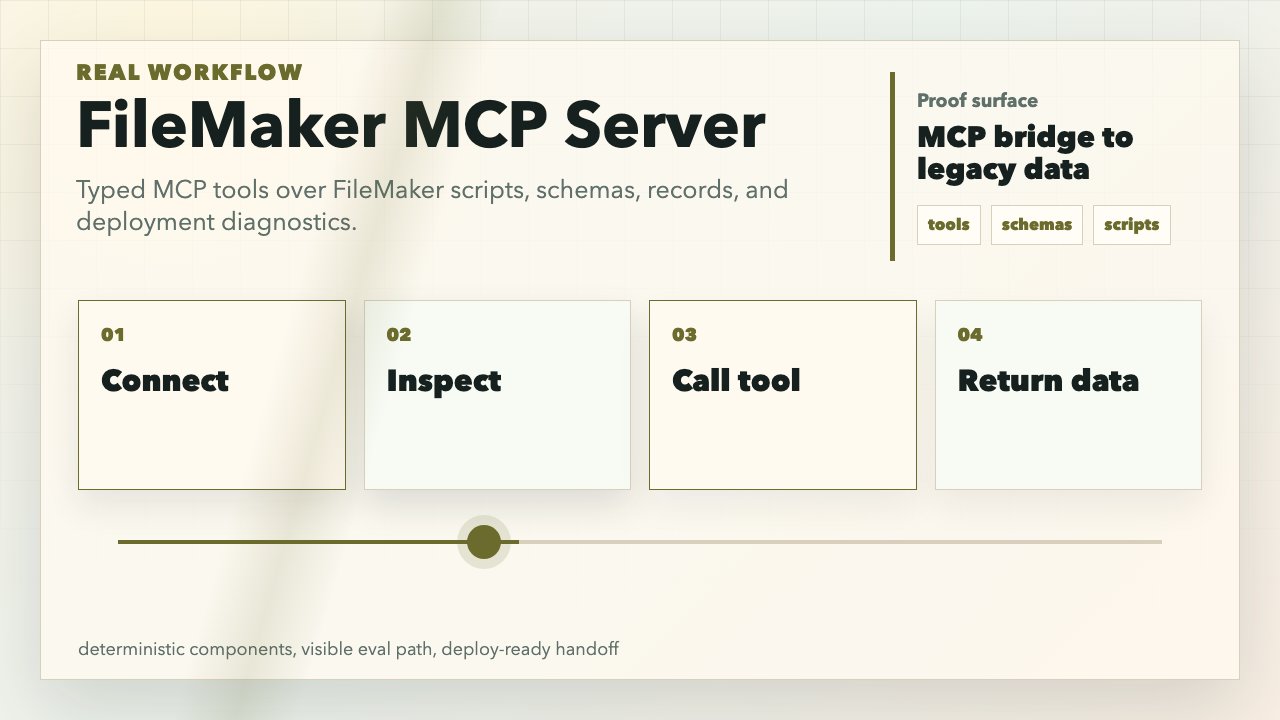
Production MCP bridge that lets AI tools inspect and operate FileMaker databases through the FileMaker Data API.
What This Proves
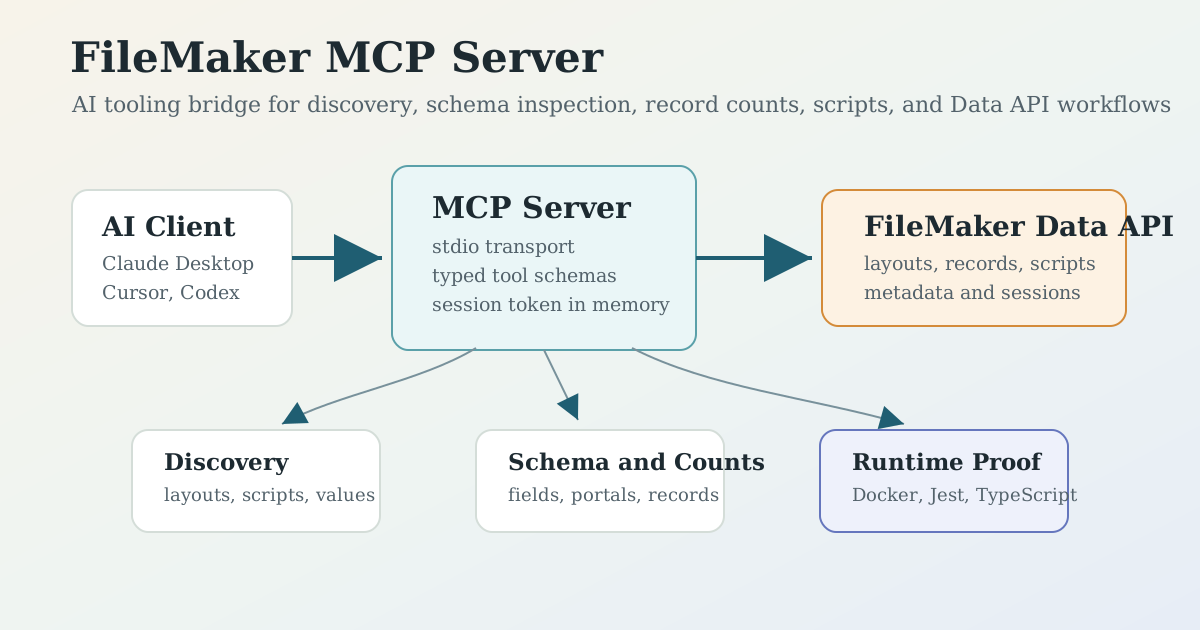
Practical AI tooling integration: Claude Desktop or any MCP client can discover FileMaker layouts, scripts, schema, record counts, and records through typed tool contracts.
MCP bridge connecting FileMaker databases to AI coding agents
—
Legacy system bridge: a Node.js/TypeScript MCP server wraps FileMaker Data API sessions, find/create/update/delete calls, script execution, metadata, bulk operations, and defensive error messages.
Operator-ready packaging: local npx, Docker, Docker Compose, TypeScript build, Jest smoke gate, and environment-only auth with no secrets committed.
The server runs over stdio for MCP clients. It does not expose your FileMaker credentials to the model as prompts; credentials stay in the process environment or MCP client config.
Demo
Install directly in Claude Desktop, Cursor, or another MCP client:
List FileMaker layouts, then get field metadata and record counts for the Customer and Invoice layouts.

Find active customer records in the Customer layout where Status is Active. Return only Company, Email, and UpdatedAt.

List scripts, discover hidden scripts, then explain which scripts look safe to execute for read-only reporting.
Snapshot FileMaker artifacts into Git for reviewable change history.
Safe Auth Setup
Use a FileMaker account scoped for the job. For exploration demos, prefer a read-only privilege set that can access only the layouts and scripts needed.
Required variables:
Variable
Required
Purpose
FILEMAKER_HOST
yes
FileMaker Server base URL, for example https://filemaker.example.com.
FILEMAKER_DATABASE
yes
Hosted database name.
FILEMAKER_USERNAME
yes
FileMaker Data API user.
FILEMAKER_PASSWORD
yes
Password loaded from your MCP client, shell, Docker secret, or secret manager.
FILEMAKER_GIT_REPO_PATH
no
Local repo path for optional FileMaker layout/script export tools.
Do not put real passwords in README examples, screenshots, prompts, or committed config files.
The MCP server is stdio-first, which fits desktop AI tools. The Dockerfile exposes port 3000 for future web transport work, but current MCP operation does not require an HTTP server.
The best first demo is read-only discovery. Write tools exist, but operators should use least-privilege FileMaker accounts and explicit approval before create/update/delete or script execution.
Jest currently provides a smoke gate through --passWithNoTests; production hardening should add regression tests around tool schemas, auth failures, and Data API request builders.
License
MIT
F
Filemaker
maxpetrusenko·3 estrelas·
MCP bridge connecting FileMaker databases to AI coding agents
Ainda não há lista de ferramentas. Servidores remotos recebem uma após a primeira verificação de saúde.
Perguntas frequentes
Perguntas
Como instalo Filemaker?
Copie nesta página a configuração stdio para Cursor, Claude Desktop, Claude Code ou VS Code. Ela usa a instalação do publicador, não um proxy do PlugMCP.
Filemaker precisa de uma chave de API?
Este registro não lista nenhuma variável de ambiente obrigatória.
Qual transporte Filemaker usa?
Filemaker roda localmente via stdio.
Quando Filemaker foi verificado pela última vez?
Última verificação: 2026-10-28. MCP bridge connecting FileMaker databases to AI coding agents