One program on your own machine that gives every project a single MCP address — and one place to decide what an AI agent may do there.
I had 20 projects and 20 databases, and every AI client wanted its own JSON config with the same secrets copied into it again. When an agent called something I did not expect, there was no log to check and no list of what it was allowed to touch. MCPBox is what I built for that setup: one developer or a small team with 10–20 projects, each with its own database and its own code, already using Codex, Claude or Cursor.
Control center for managing MCP servers with project-based organization, web UI, and audit logging.
Звёзды
10
Инструменты
—
Аптайм
—
In practice:
One MCP URL per project, with its own access rules — a new client needs one connection instead of another folder of JSON.
You choose exactly what an agent may do: which commands and arguments are allowed, which documents it can search, which Skills it can read.
Knowledge search is plain full-text over your own files and runs locally, so it works offline and returns the matching documents.
Every MCP request is logged and server status is visible, so "what did the agent just do?" has an answer.
On first launch, create the administrator in the terminal and open http://127.0.0.1:38181/. Then create a project, add a server or an approved command, and copy the project MCP URL into your client.
Data lives next to the binary in mcpbox.db and is not sent anywhere; Docker is needed only to run scripts. Windows arm64 and all other builds: Releases; verify the SHA-256 before running. For remote access, follow the security guide.
What this is not
Not a cloud service — it runs on your machine and keeps its data there.
Not a replacement for an enterprise gateway.
Not RAG and not a vector database; search is full-text.
For example, create a coding project: attach a filesystem MCP server and a second server for your task system, allow Git status and diff, and add a documentation collection. Your client gets one project URL; MCPBox routes calls to the appropriate tools.
AI client → project MCP URL → MCP servers + approved CLI operations + knowledge base + Skills
MCP servers and CLI commands run with the permissions of their services and OS account. Project prompts do not replace authorization in the target system.
Skills: instructions and file processing
Open Skills, find a catalog package or import one from a public GitHub repository or ZIP. Downloading a package does not execute its scripts.
Connect an installed version in the project's Skills tab. Clients read instructions through list_skills, get_skill and read_skill_file; Skills tools are exposed only for projects with connected Skills. Clients that cache tools may need their connection refreshed after bindings change.
For script execution, an administrator selects the runtime and exact allowed scripts, then prepares a Docker image. Create a job, upload inputs, run an approved script and download results. A path on the client's computer does not transfer the actual file to the server.
Docker is required on the server only for script execution; catalog browsing, importing and reading instructions work without it. Jobs run as an unprivileged user with a read-only root filesystem, resource limits and no network by default. Dependency preparation is a separate administrator action that can run build code and access the network. These controls do not guarantee that third-party code is safe: review the package and its license before enabling execution.
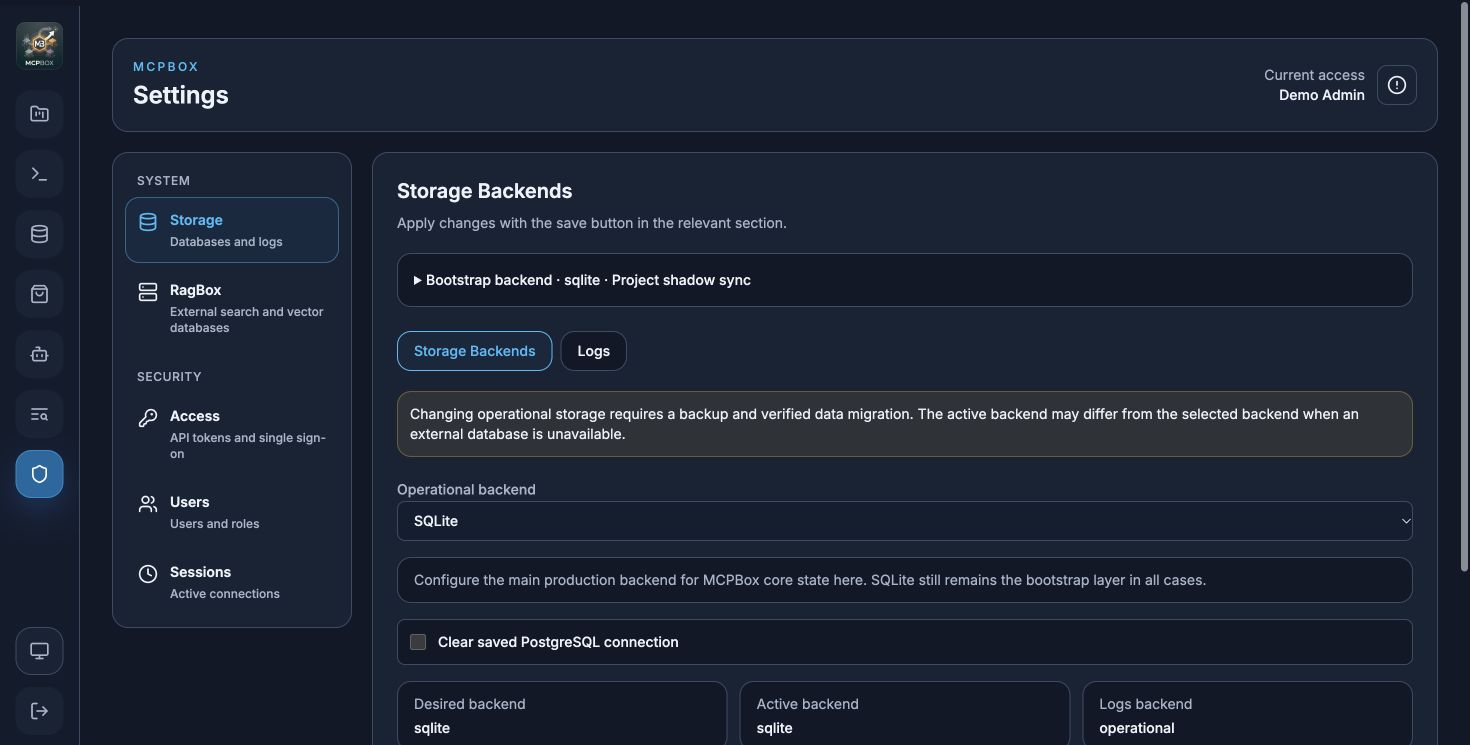
Fresh captures from a separate demo installation with test data. The first shows the Skills catalog and search; Docker is unavailable in this installation, so the screenshots do not demonstrate script execution.
The interface also includes Light, Dark and System themes, a compact Knowledge Base with help and search dialogs, System and Security settings navigation, and project reordering in the sidebar. Theme and project order are remembered in the current browser; project ordering is stored per user.
Connect an AI client
Verified by the project owner: the locally installed Qwen Studio application connects to MCPBox on the same machine at http://127.0.0.1:38182/mcp/<project-token>, using the project authentication settings. Tailscale is not needed for this. The Qwen Studio web version has not been verified. Cloud-hosted ChatGPT requires a public HTTPS endpoint; Tailscale Funnel is one option for providing it.
Use a client that supports MCP HTTP and your chosen authentication method. Connection and tool execution need to be verified for the particular client version; this page does not claim universal AI-client compatibility.
The code includes Ollama/llama.cpp launchers and an LM Studio deeplink. These are setup helpers, not evidence that every version of those applications has been tested. Requirements.
Upgrading an existing installation
Former MCPBoxPro features are included in the unified open-source MCPBox; no license activation is required. Technical names /api/pro/*, pro:* and MCPBOX_PRO_* remain for compatibility. Before replacing the executable, read the migration notes (RU) and backup procedure.
The PolicyBox integration has been removed. Legacy identity-verification projects need explicit administrator migration, which rotates the bearer credential and pauses the project for access review. PolicyBox data is preserved. See migration from PolicyBox.
Build from source
Requires Go 1.26.9+ and Node.js/npm. From the repository root:
npm --prefix html ci
npm --prefix html run build
GOWORK=off go build -o MCPBox .
./MCPBox
On first launch in an interactive terminal, follow the prompts to create an administrator, then sign in to the admin UI. Before a non-interactive service launch, create an account explicitly:
Passwords require at least 8 characters. This command updates an existing local account with the same email; command-line passwords may appear in shell history and process listings. Prefer interactive entry for the first terminal launch. On PowerShell use .\MCPBox.exe instead of ./MCPBox.
Create a project in the admin UI.
Add an MCP server, an approved CLI operation, a knowledge base or a Skill.
Check its health and copy the project MCP URL from the UI.
Connect an MCP client using the authentication configured for that project.
Interface
Default
Admin UI / API
http://127.0.0.1:38181/
Project MCP
http://<server>:38182/mcp/<project-token>
For public OAuth/MCP connections, set MCPBOX_PUBLIC_MCP_URL=https://mcp.example.com and forward /mcp/, /oauth/, and /.well-known/ to the MCP listener. The UI uses this origin for the project connection URL. See configuration.
Current source defaults MCP to 127.0.0.1. Published v1.3.0 binaries use 0.0.0.0; explicitly set MCPBOX_MCP_HOST=127.0.0.1 for those binaries. Override listeners with MCPBOX_HOST, MCPBOX_PORT, MCPBOX_MCP_HOST, MCPBOX_MCP_PORT. Admin tokens and project bearer credentials serve different purposes.
Data and upgrades
Default data lives next to the executable: mcpbox.db, package_store/, knowledge_base/, skill_store/, .mcpboxpro/. Back up the database and skill_store/ together: they contain linked Skills metadata, packages, profiles and job files. Use a persistent writable directory; go run creates a temporary binary. Stop the process and take a consistent backup before replacing an installed version. Independent databases are not automatically merged.
For releases, install frontend dependencies then run ./build-release.sh host or ./build-release.sh all. Output: flat release/MCPBox-<os>-<arch> files (.exe for Windows) and release/SHA256SUMS. macOS uses macos in asset names. The manifest covers only the current run; use all for a complete release. Documentation and LICENSE remain in the repository.
Community, contributing and security
Join GitHub Discussions to ask questions, suggest features, share MCP integrations and Skills, or show what you've built with MCPBox. You can also follow project announcements there.
Списка инструментов пока нет. У удалённых серверов он появляется после первой проверки состояния.
FAQ
Вопросы
Как установить MCPBox?
Скопируйте на этой странице конфигурацию stdio для Cursor, Claude Desktop, Claude Code или VS Code. Она использует установку издателя, а не прокси PlugMCP.
Нужен ли API-ключ для MCPBox?
В этой записи не указано обязательных переменных окружения.
Какой транспорт использует MCPBox?
MCPBox работает локально через stdio.
Когда MCPBox проверялся в последний раз?
Последняя проверка: 2026-10-28. Control center for managing MCP servers with project-based organization, web UI, and audit logging.