Power your agent
คำสั่งของผู้เผยแพร่เอง ไม่ใช่เอนด์พอยต์ของ PlugMCP
Host a copy with our keys and logs.
npx -y @ai-gui/[email protected]Claude Code ไม่มีลิงก์ติดตั้งสำหรับคำสั่งแบบโลคัล ให้คัดลอกคำสั่งด้านล่างแล้วรันในเทอร์มินัล
claude mcp add ai-gui-mcp -- npx -y @ai-gui/mcp@0.49.0รันในเทอร์มินัล
{ "mcpServers": { "ai-gui-mcp": { "command": "npx", "args": [ "-y", "@ai-gui/[email protected]" ] } }}claude_desktop_config.json
URL แบบรีโมตหรือคำสั่งบนเครื่องของคุณ? การติดตั้งสองแบบต่างกันอย่างไร
รันบน PlugMCP
A new server you create. It is not this listing's official endpoint. Use the publisher install when you want their URL and their credentials.
เปิดRender a streaming LLM answer as live UI — markdown, charts, diagrams, maths, 3D, topologies and app-defined cards — in React, Vue or plain DOM.
Live demos · Use it from Claude Code or Codex — the agent draws charts, diagrams, 3D and topologies for you, as pictures or a live page: install the plugin.
 |  |
 |  |
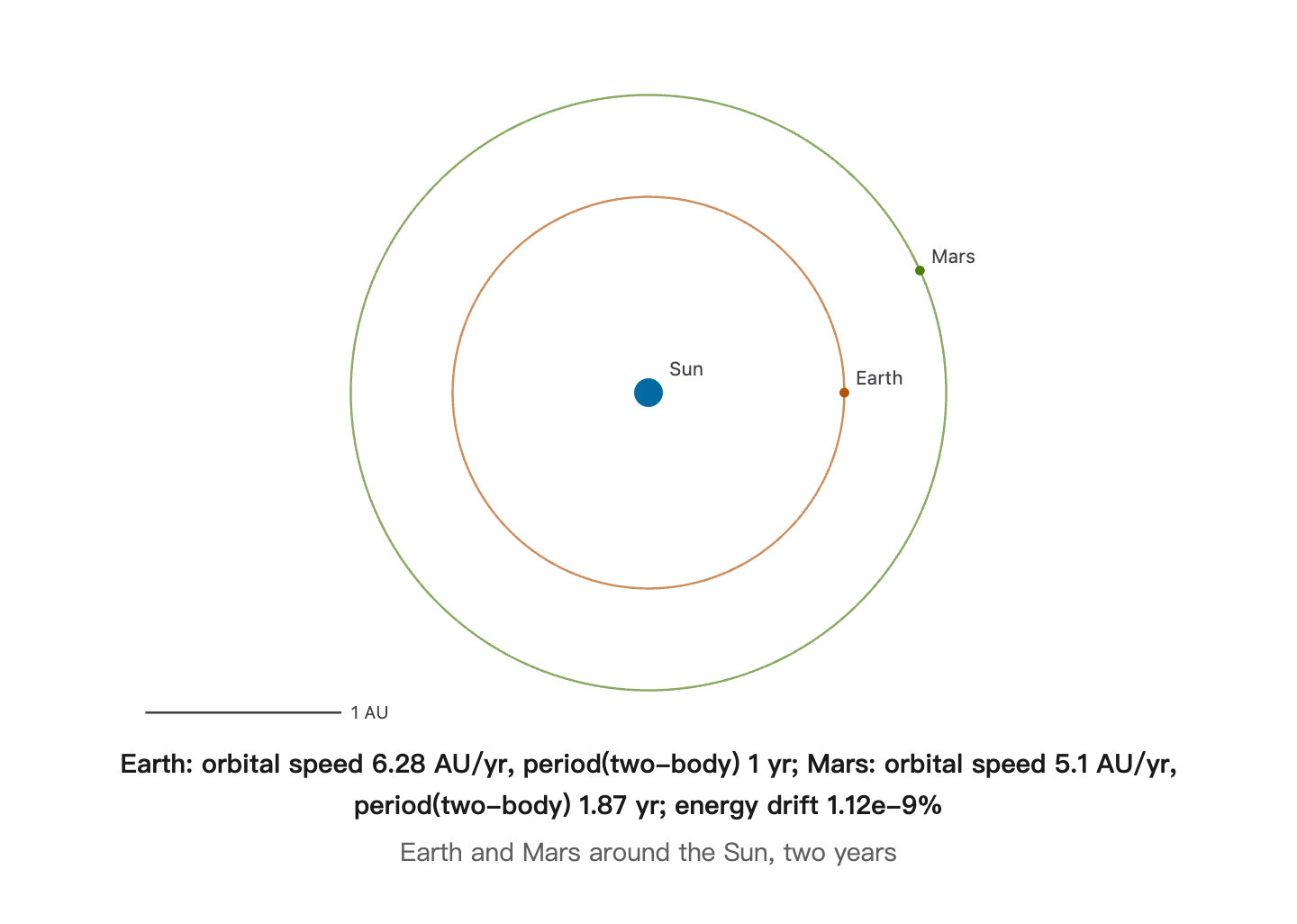 | 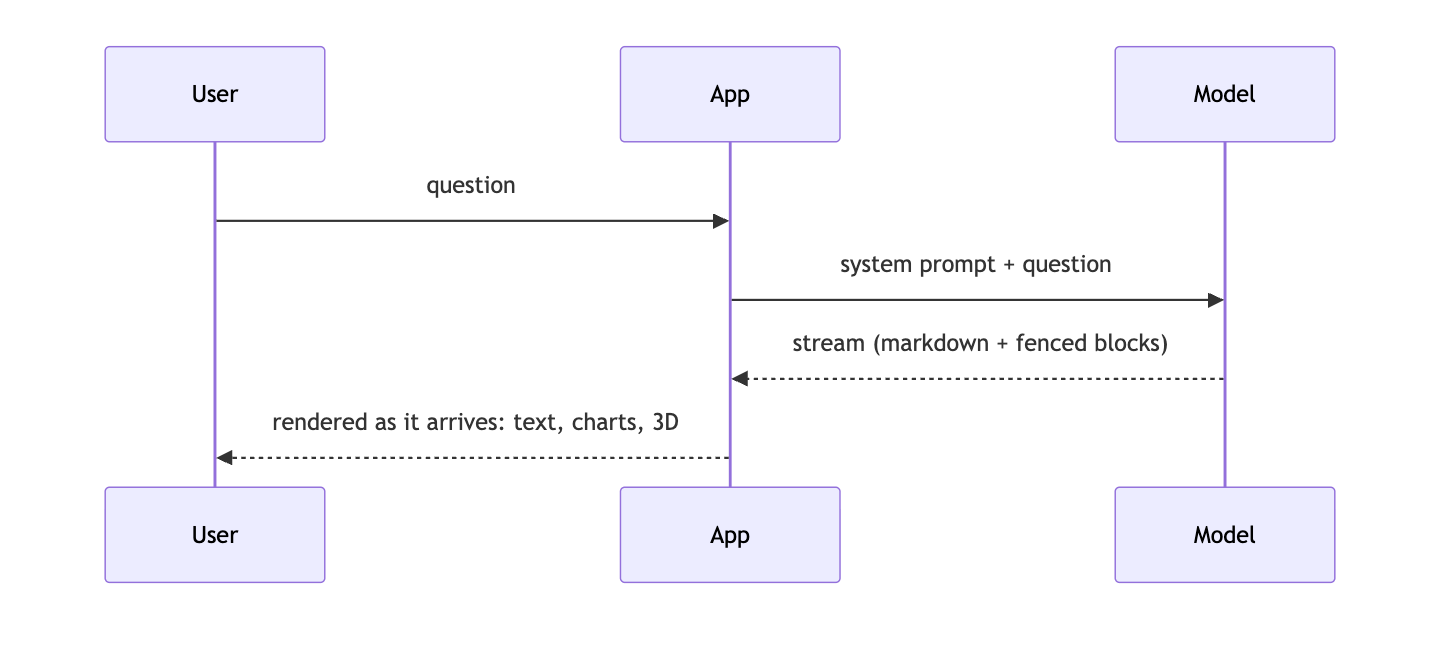 |
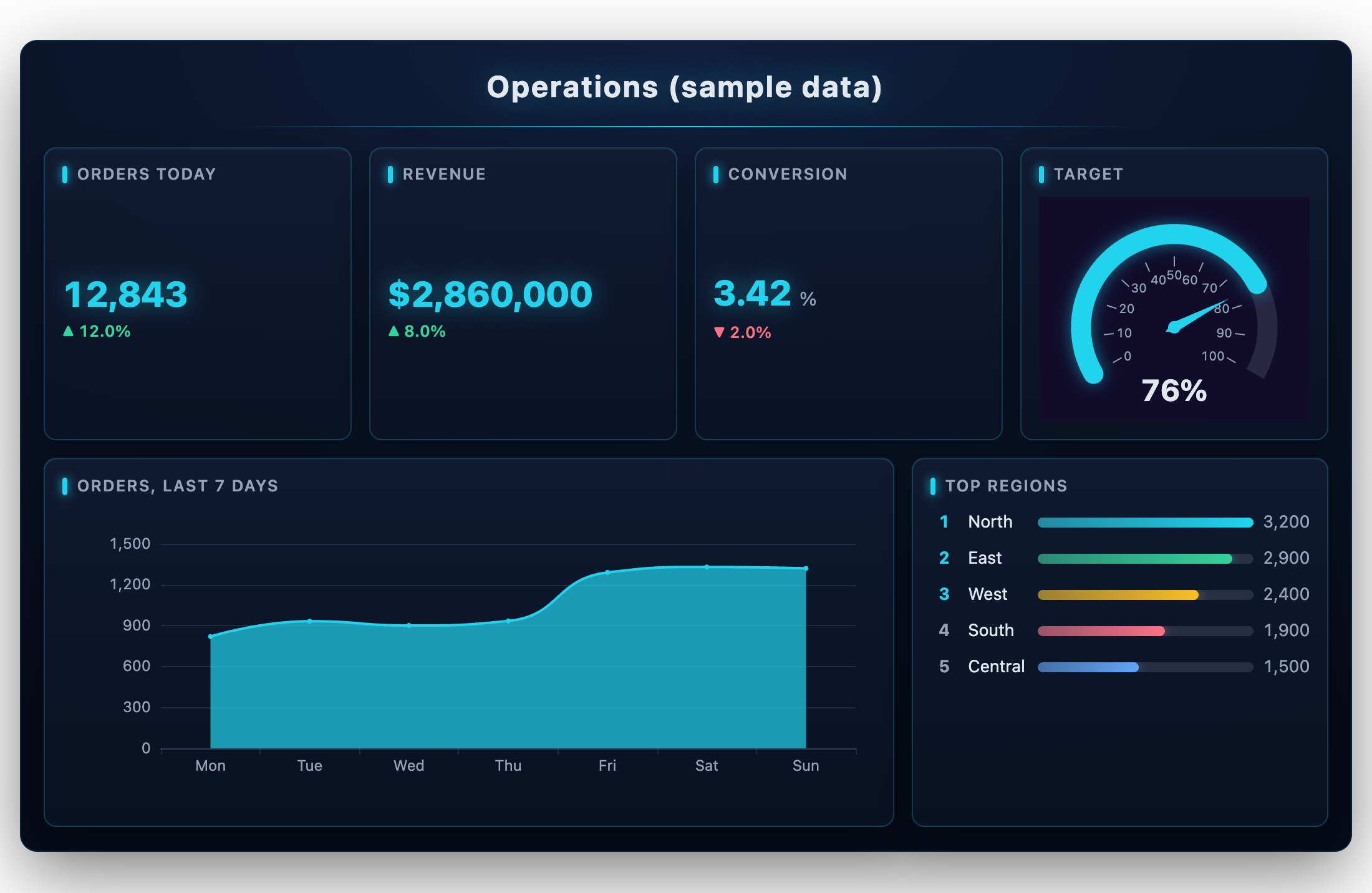
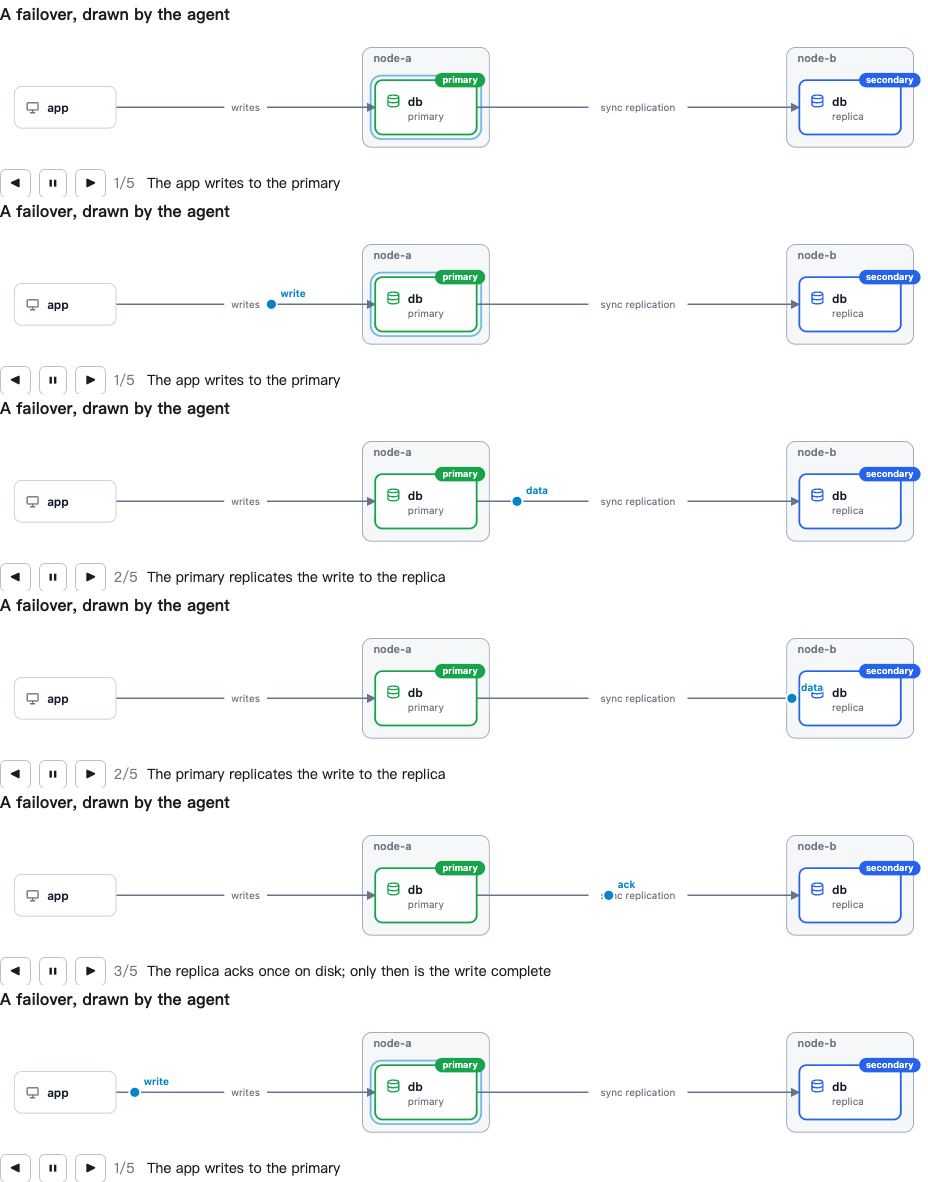
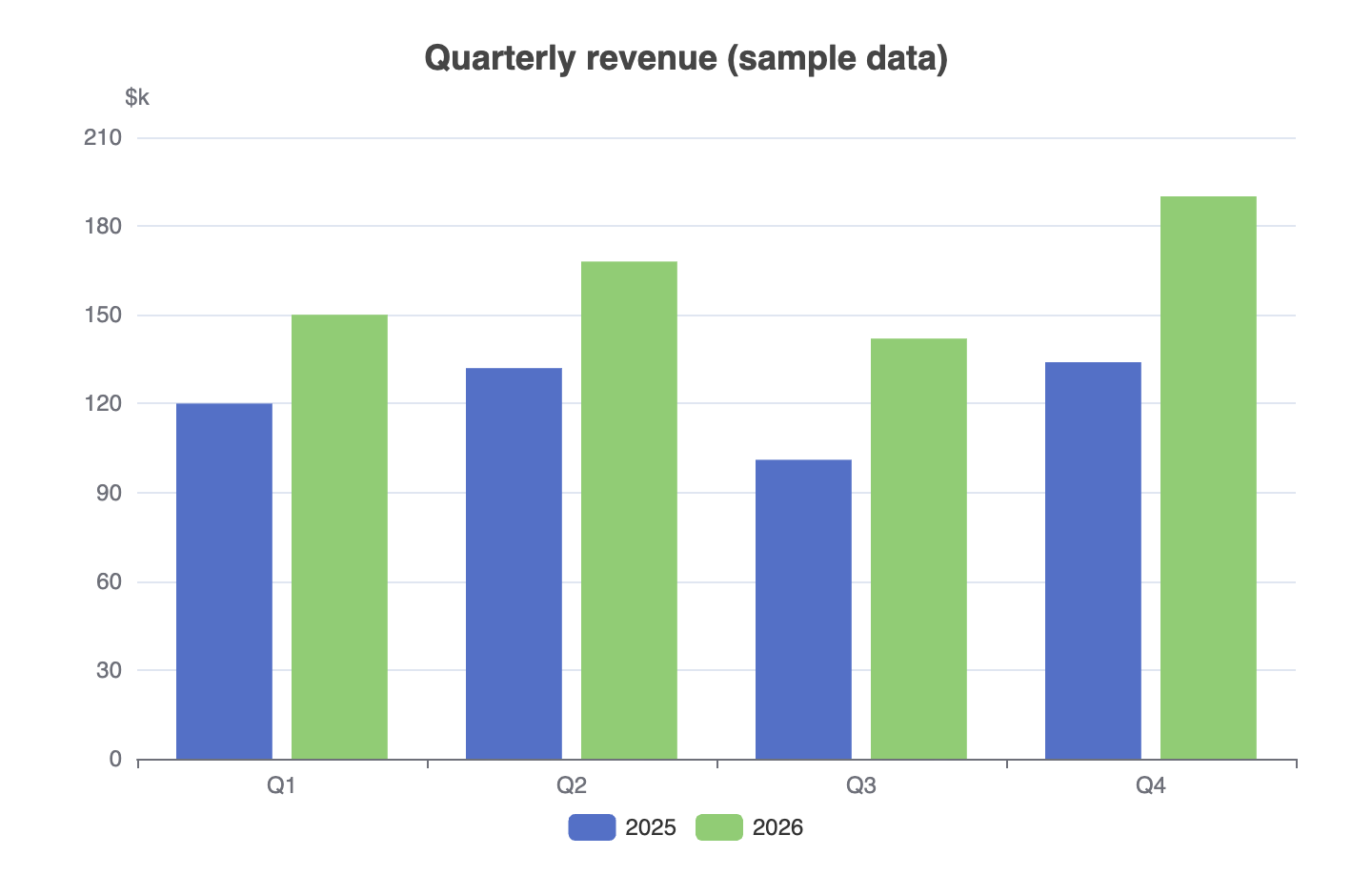
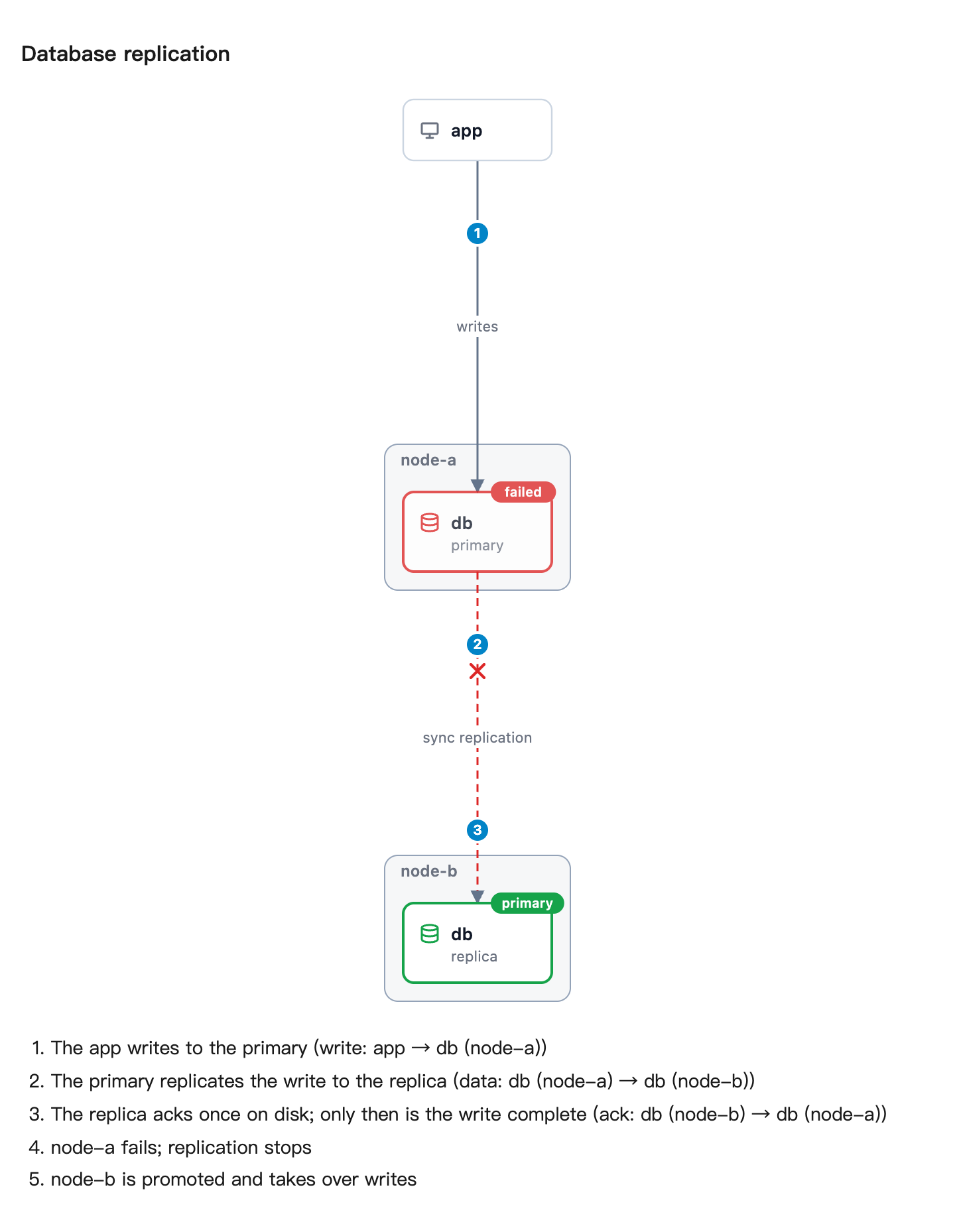
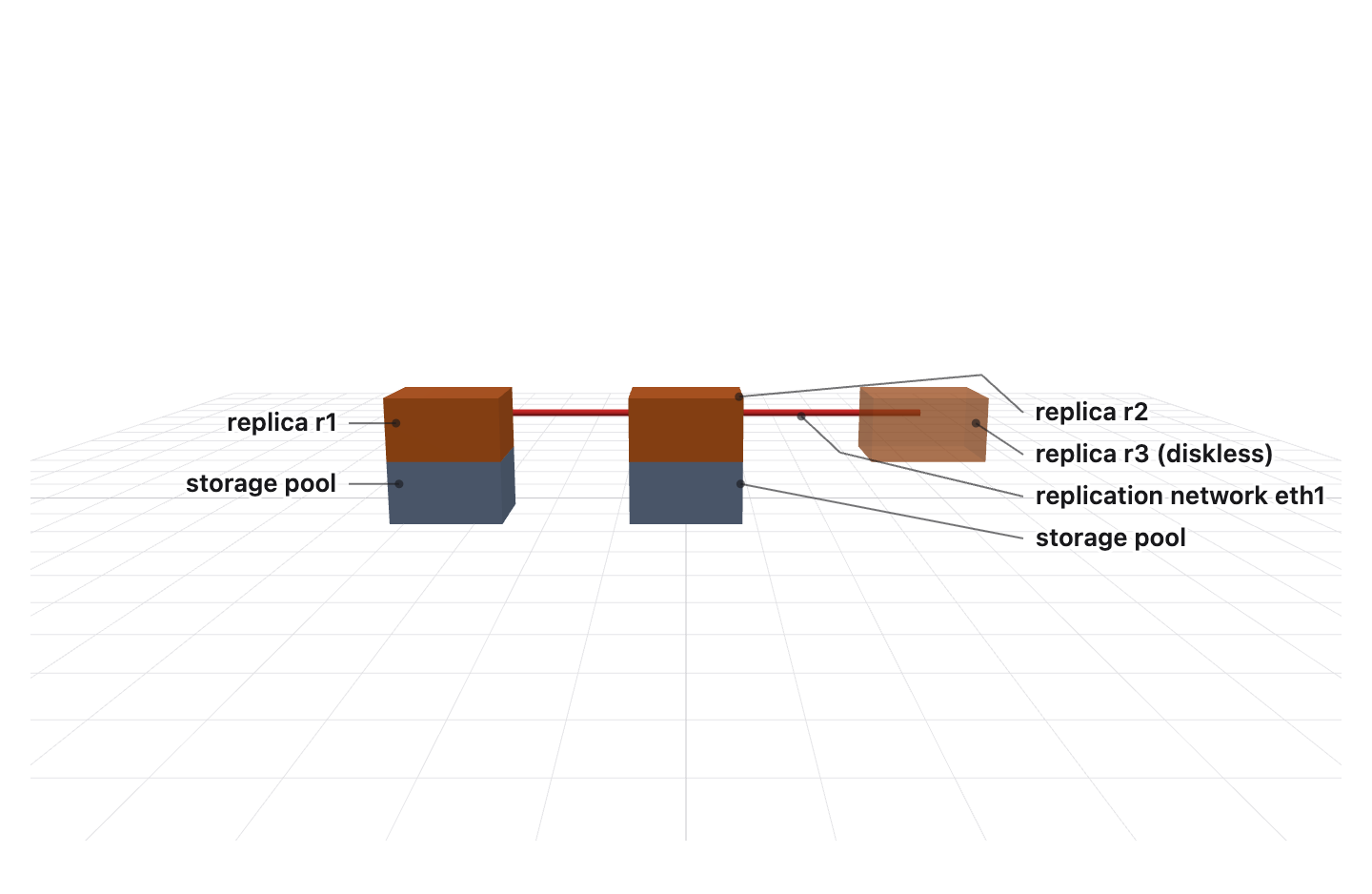
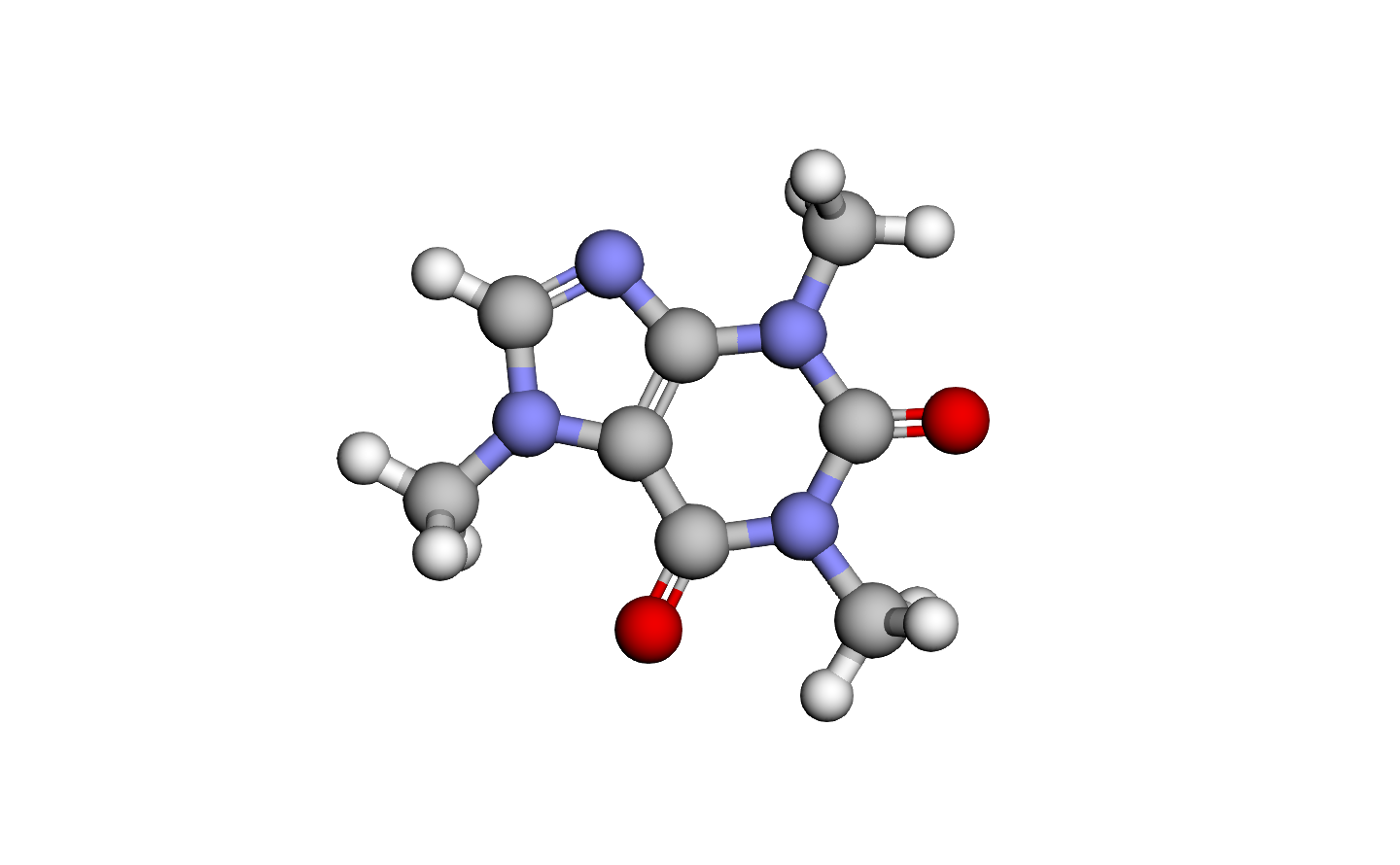
Every picture above was drawn by AIGUI from a fenced block a model wrote; the data is sample data.
pnpm add @ai-gui/core @ai-gui/react      # or @ai-gui/vue, @ai-gui/vanilla
pnpm add @ai-gui/plugin-chart @ai-gui/plugin-mermaid @ai-gui/plugin-katex   # any plugins
import { useRef } from "react"
import { buildSystemPrompt } from "@ai-gui/core"
import { AIRenderer } from "@ai-gui/react"
import { chart } from "@ai-gui/plugin-chart"
import { mermaid } from "@ai-gui/plugin-mermaid"

const plugins = [chart(), mermaid()]
const system = buildSystemPrompt({ base: "You are a helpful assistant.", plugins })

export function Answer() {
  const ref = useRef(null)
  async function ask(question: string) {
    const res = await fetch("/api/chat", { method: "POST", body: JSON.stringify({ system, question }) })
    ref.current.reset()
    await ref.current.feed(res.body) // renders as the tokens arrive
  }
  return <AIRenderer ref={ref} plugins={plugins} />
}
buildSystemPrompt tells the model which blocks it may write; pass locale: "zh-CN" for the rules in Chinese. The backend only streams text — any language works.
# Claude Code
/plugin marketplace add liliang-cn/aigui
/plugin install aigui@aigui

# Codex
codex plugin marketplace add liliang-cn/aigui
codex plugin add aigui@aigui
The agent can then draw: aigui_render returns PNGs, aigui_open opens a live page in your browser, aigui_edit changes a page in place, aigui_export saves it as PNG, PDF, a self-contained HTML file or a GIF/WebM of it playing, and aigui_topology draws a system straight from its docker-compose or Kubernetes files. Page text is English unless you ask for another language. See @ai-gui/mcp.
To see the pictures inside Claude Code instead of an image viewer, add the img-view mod: /plugin install img-view@aigui. It shows each drawing in a pane beside the conversation, as real pixels in kitty, Ghostty, iTerm2 and WezTerm and as colour block art in any other terminal.
packages/MIT
An MCP server that lets an agent draw AIGUI blocks — charts, diagrams, maths, 3D scenes, orbits, molecules, data walls — as PNGs or as a live page in the browser.
{ "mcpServers": { "ai-gui-mcp": { "command": "npx", "args": [ "-y", "@ai-gui/[email protected]" ] } }}เครื่องมือ
ยังไม่มีรายการเครื่องมือ เซิร์ฟเวอร์แบบรีโมตจะได้รายการหลังการตรวจสอบสถานะครั้งแรก
FAQ
คัดลอกคอนฟิก stdio สำหรับ Cursor, Claude Desktop, Claude Code หรือ VS Code ได้ในหน้านี้ คอนฟิกนี้ใช้การติดตั้งของผู้เผยแพร่ ไม่ใช่พร็อกซีของ PlugMCP
ระเบียนนี้ไม่ได้ระบุตัวแปรสภาพแวดล้อมที่จำเป็น
@ai Gui/mcp ทำงานแบบโลคัลผ่าน stdio
ตรวจสอบล่าสุดเมื่อ 2026-11-05 An MCP server that lets an agent draw AIGUI blocks — charts, diagrams, maths, 3D scenes, orbits, molecules, data walls — as PNGs or as a live page in the browser.

