TabTree
Mind maps and whiteboards in one offline HTML file.
Live demo — no signup · tabtree.app · Templates · Claude connector
Power your agent
URL ของผู้เผยแพร่เอง ไม่ใช่เอนด์พอยต์ของ PlugMCP
Host a copy with our keys and logs.
https://tabtree.app/mcpปุ่ม Claude ด้านบนจะเปิด Claude พร้อมกรอกชื่อและ URL ให้แล้ว คุณยังต้องยืนยันที่นั่นเอง
claude mcp add --transport http app.tabtree-tabtree https://tabtree.app/mcpRun in a terminal.
{ "mcpServers": { "app.tabtree-tabtree": { "command": "npx", "args": [ "-y", "mcp-remote", "https://tabtree.app/mcp" ] } }}claude_desktop_config.json
URL แบบรีโมตหรือคำสั่งบนเครื่องของคุณ? การติดตั้งสองแบบต่างกันอย่างไร
รันบน PlugMCP
A new server you create. It is not this listing's official endpoint. Use the publisher install when you want their URL and their credentials.
เปิดจากผู้เผยแพร่
Mind maps and whiteboards in one offline HTML file.
Live demo — no signup · tabtree.app · Templates · Claude connector
Build mind maps, kanban boards and whiteboards in your TabTree account, team spaces included.
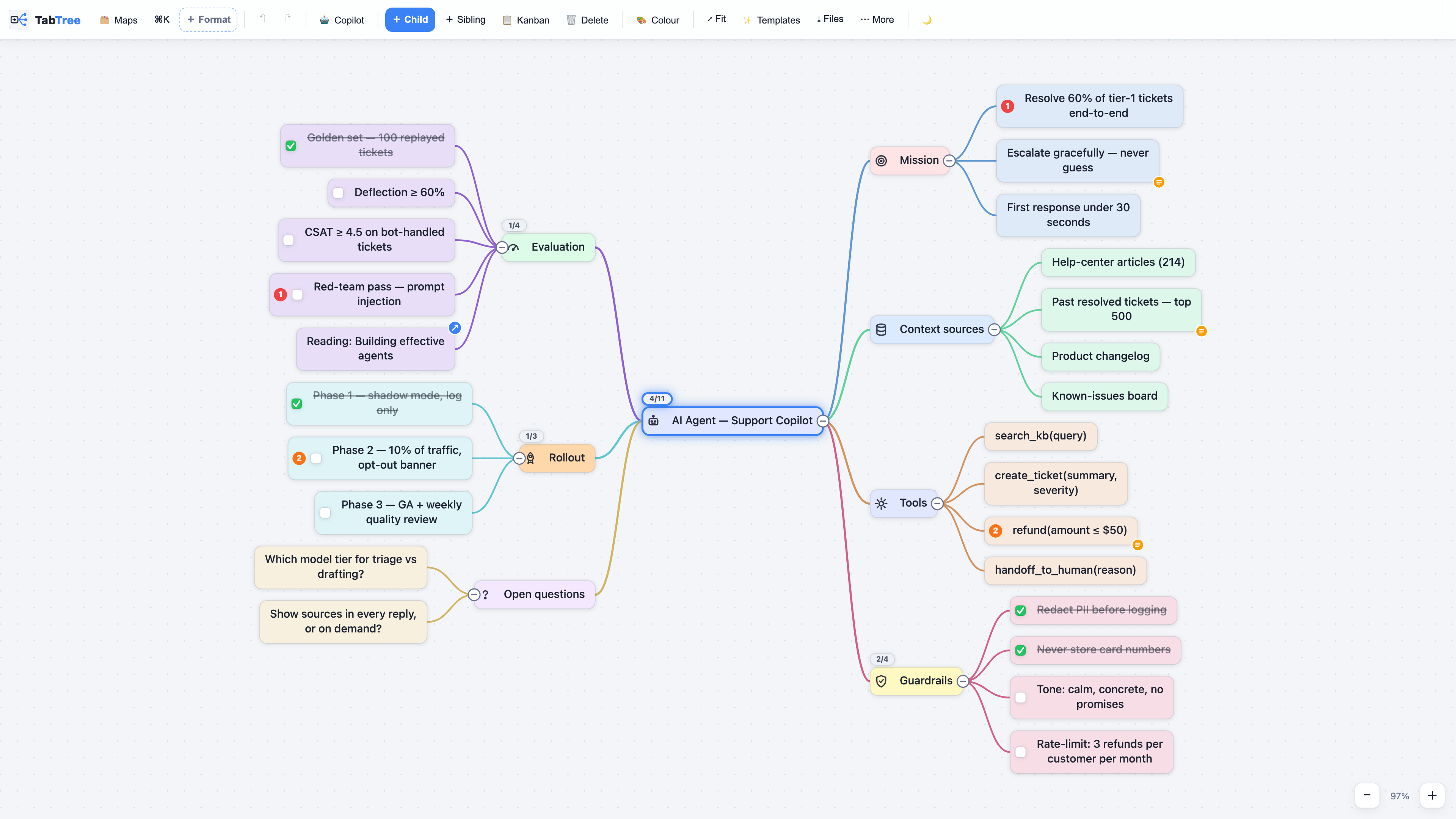
TabTree is a mind-mapping and whiteboard app that fits in a single HTML file. You double-click it and it runs — offline, with no account, no server and no subscription. One document reads six ways: mind map, kanban board, Gantt chart, page of notes, spreadsheet or full-screen presentation. Switch views; nothing is converted and nothing is lost.
TabTree itself is a commercial product and its source is not published here. This repository is the public face of it, and it holds four things that are genuinely useful on their own:
mcp/ — the full source of the Claude connector, free to use, copy,
redistribute and modify (its own licence, no attribution required),
and the same code published to npm as tabtree-mcp.plugins/tabtree/ — a Claude Code plugin: two facilitation
skills that end in a real document, plus the connector. See
Claude Code plugin below.templates/ — the 83 template outlines in plain Markdown, each with a
link that opens it live. Paste them into TabTree, or into any outliner.screenshots/ — rendered by the real engine, not mocked up.To use the app itself, try the demo — it is the whole application, running in your browser, with nothing to install.
Let Claude read your TabTree library and turn a conversation, a transcript or a spec into a real map on your disk. Local files, no account, nothing uploaded — the connector only ever sees the backup folder you point it at.
Claude Desktop — double-click, nothing to install. Download
TabTree-Connector.mcpb and double-click it. Claude
Desktop ships its own Node, so there is nothing else to install, and it asks you for
your backup folder in a normal folder picker.
Claude Code, or any MCP client — one line:
npx -y tabtree-mcp
Or in your client's config:
{
  "mcpServers": {
    "tabtree": {
      "command": "npx",
      "args": [
        "-y",
        "tabtree-mcp"
      ],
      "env": {
        "TABTREE_DIR": "/path/to/your/TabTree/backup/folder"
      }
    }
  }
}
Six tools: list_maps, read_map, search_maps, create_mindmap,
create_board, propose_changes. It only ever writes new files — it never
modifies or deletes one of your maps, and propose_changes drops a proposal the
app applies only when you click. Full detail in mcp/README.md.
Two skills that do not end in advice — they end in a document on your disk.
/plugin marketplace add ai4xedu/tabtree-mcp
/plugin install tabtree@tabtree
Both are written in French: they were built to run real workshops, and that is the language they run in. They read and reply in French; the documents they produce follow the map's own language.
One of them needs a folder, the other does not. ma-cartographie-du-travail writes
nothing — it hands you a readable brief and a JSON block — so it works the moment you
install it. atelier-vision-okr calls the connector to write the canvas, so it needs
TABTREE_DIR pointing at your TabTree backup folder — the one you picked with 🛟 on the
My maps screen:
export TABTREE_DIR="/path/to/your/TabTree/backup/folder"
There is no auto-discovery: without that variable the connector says so plainly rather
than guessing a folder. If you only want the connector and not the skills, the
double-click .mcpb bundle is the better route — it asks for the
folder in a normal picker.
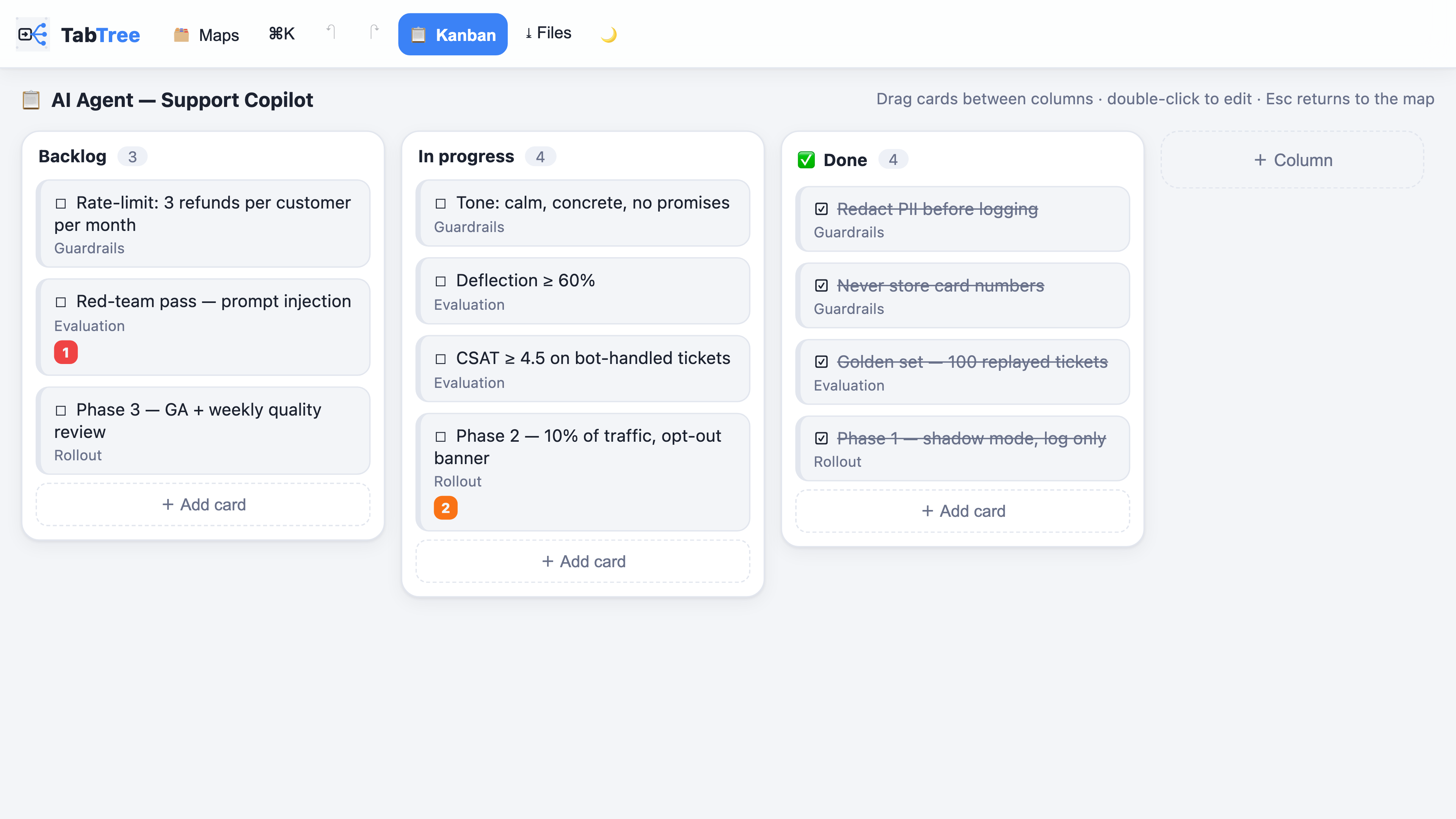
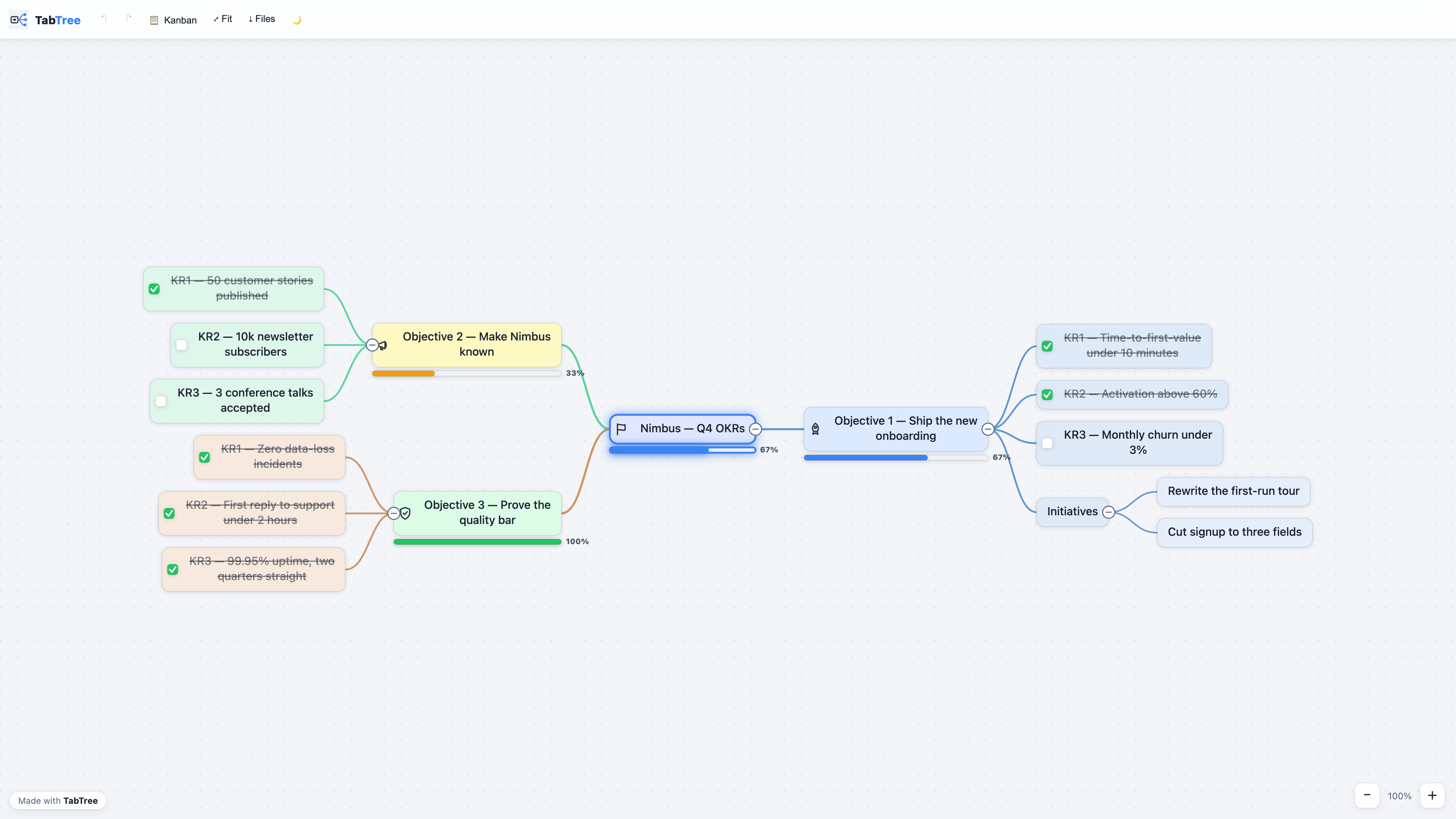
The same document as status columns — every card is still a node of the map.
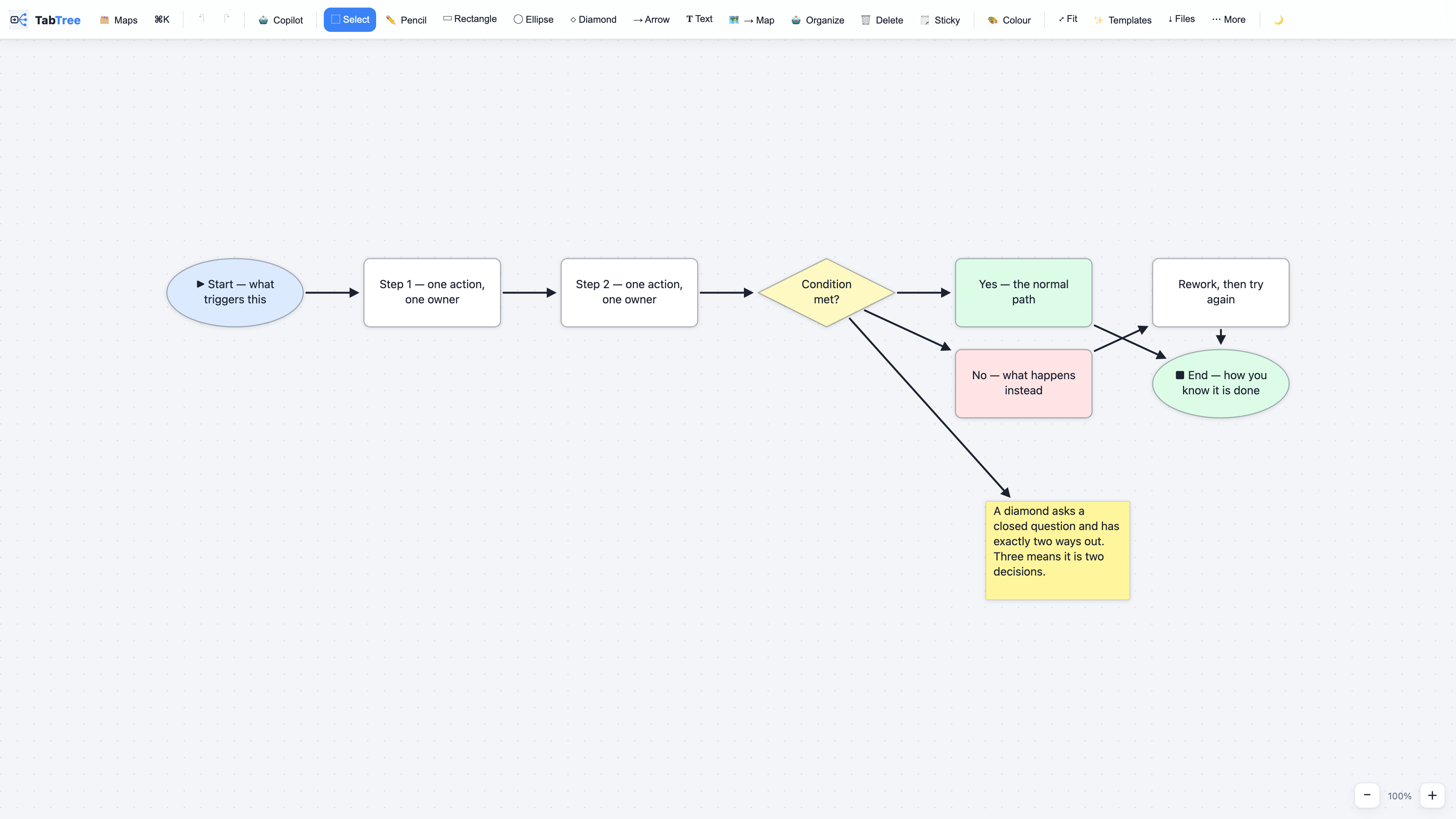
Arrows stay attached to the boxes when you move them.
A map sent as one .html file: your reader double-clicks it, offline, no install.
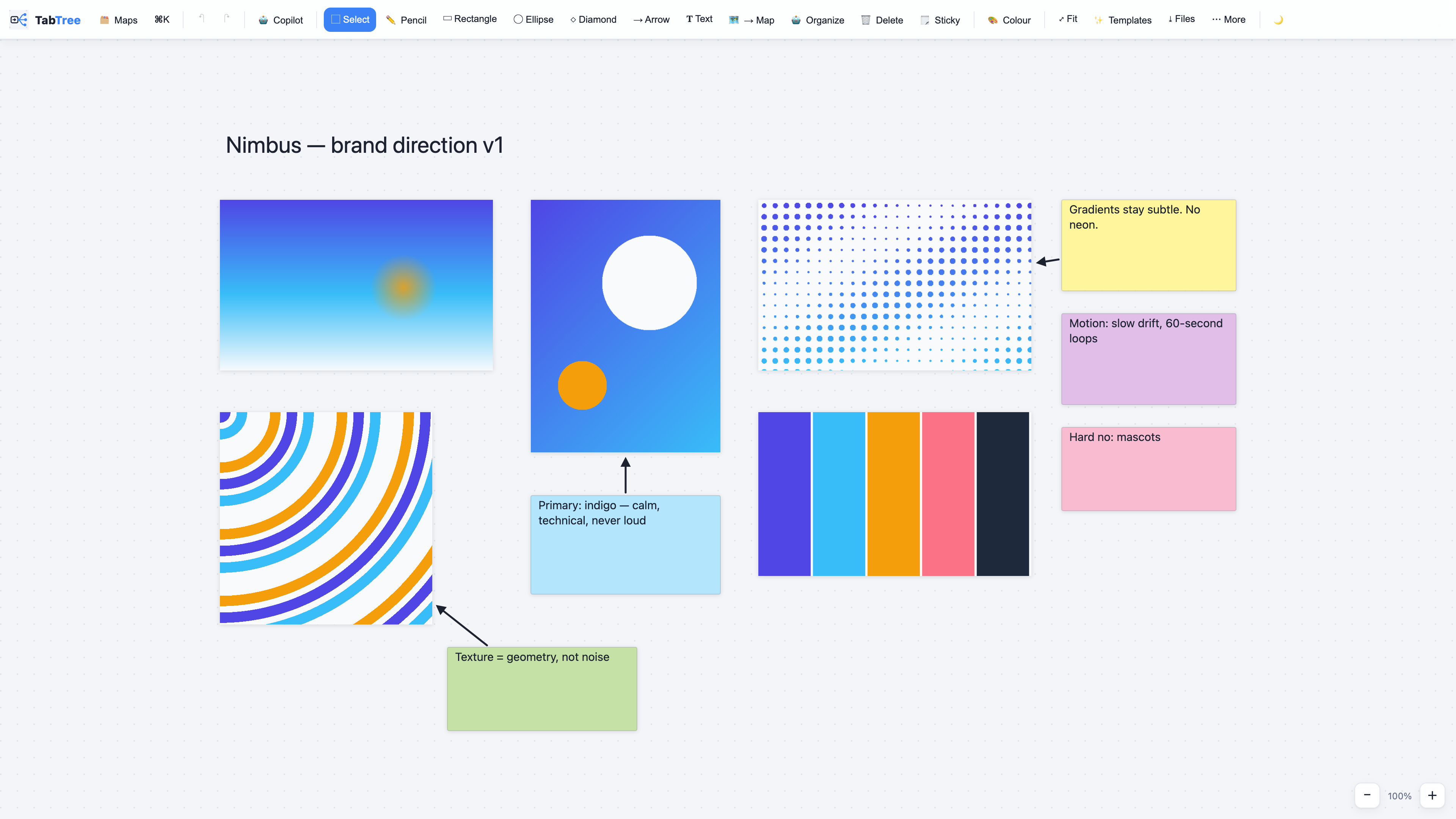
Images and reasoning on one canvas.
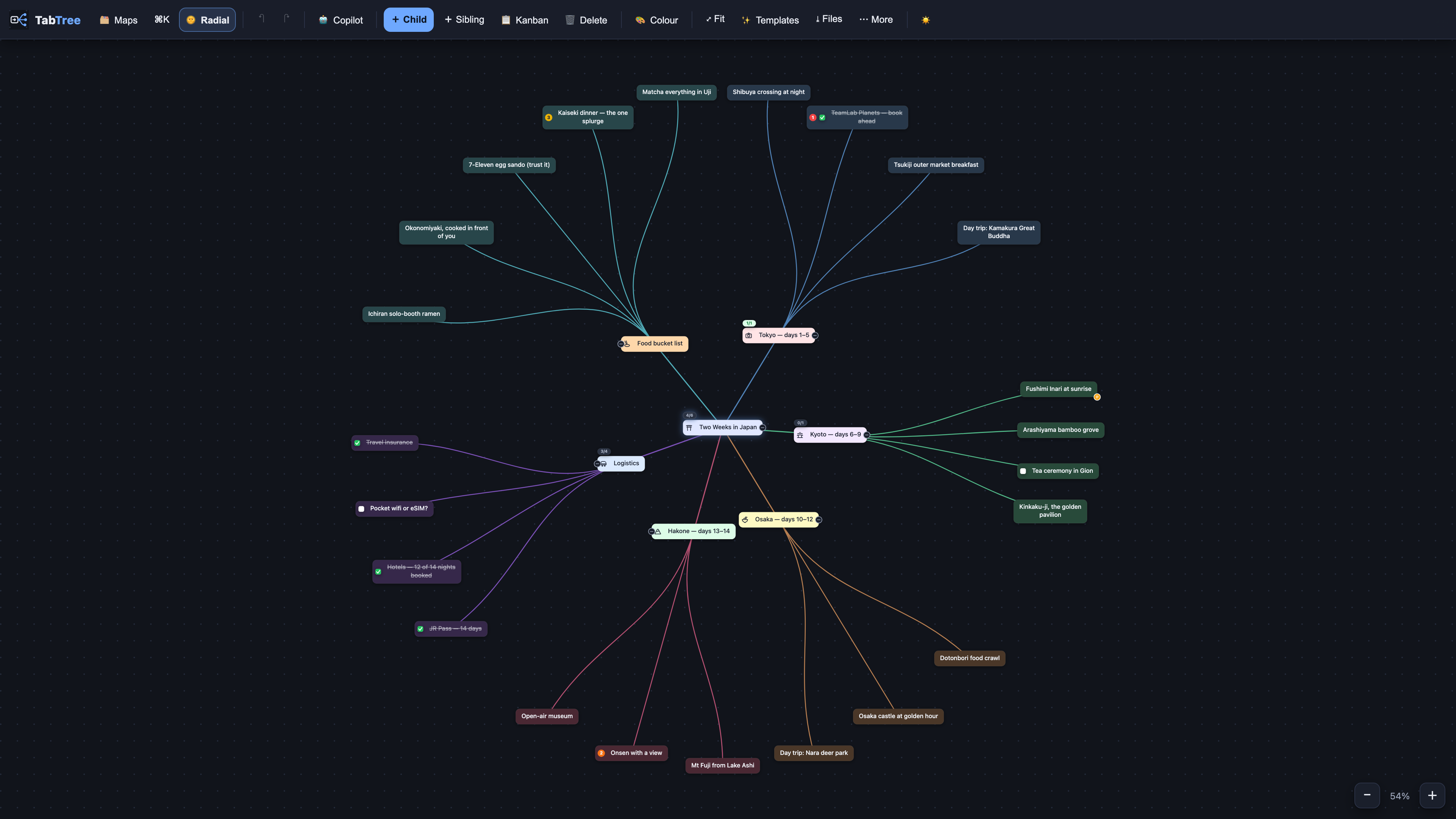
Radial layout, dark theme.
Three different licences, and the distinction matters:
mcp/ is free to use, copy, redistribute and modify,
for any purpose, with or without a TabTree licence — see mcp/LICENSE.md.
It is given away on purpose.plugins/tabtree/ are free on the same terms,
commercial workshops included — see
plugins/tabtree/LICENSE.md. They are a separate
licence because the connector's own text says it covers the connector only.Made in Casablanca. tabtree.app
Build mind maps, kanban boards and whiteboards in your TabTree account, team spaces included.
{ "mcpServers": { "app.tabtree-tabtree": { "url": "https://tabtree.app/mcp", "headers": {} } }}เครื่องมือ
ยังไม่มีรายการเครื่องมือ เซิร์ฟเวอร์แบบรีโมตจะได้รายการหลังการตรวจสอบสถานะครั้งแรก
FAQ
คัดลอกคอนฟิก http สำหรับ Cursor, Claude Desktop, Claude Code หรือ VS Code ได้ในหน้านี้ คอนฟิกนี้ใช้การติดตั้งของผู้เผยแพร่ ไม่ใช่พร็อกซีของ PlugMCP
ผู้เผยแพร่ระบุตัวแปรสภาพแวดล้อมเหล่านี้: TABTREE_API_KEY, TABTREE_DIR
TabTree เข้าถึงได้ผ่าน HTTP
ตรวจสอบล่าสุดเมื่อ 2026-11-16 Build mind maps, kanban boards and whiteboards in your TabTree account, team spaces included.