
Engram
English | 中文
Engram is an open-source, self-hosted spaced repetition flashcard service. Built with a modern Svelte 5 SPA frontend and a Go backend, it pairs the state-of-the-art FSRS v6 scheduling algorithm with a native Model Context Protocol (MCP) server for AI-assisted card creation and workflow automation.
Live demo: https://engram.nite07.com/ (registration is closed; sign in with the test account test / testdemo)
Screenshots
| Deck Management | Card Review (Question) |
|---|---|
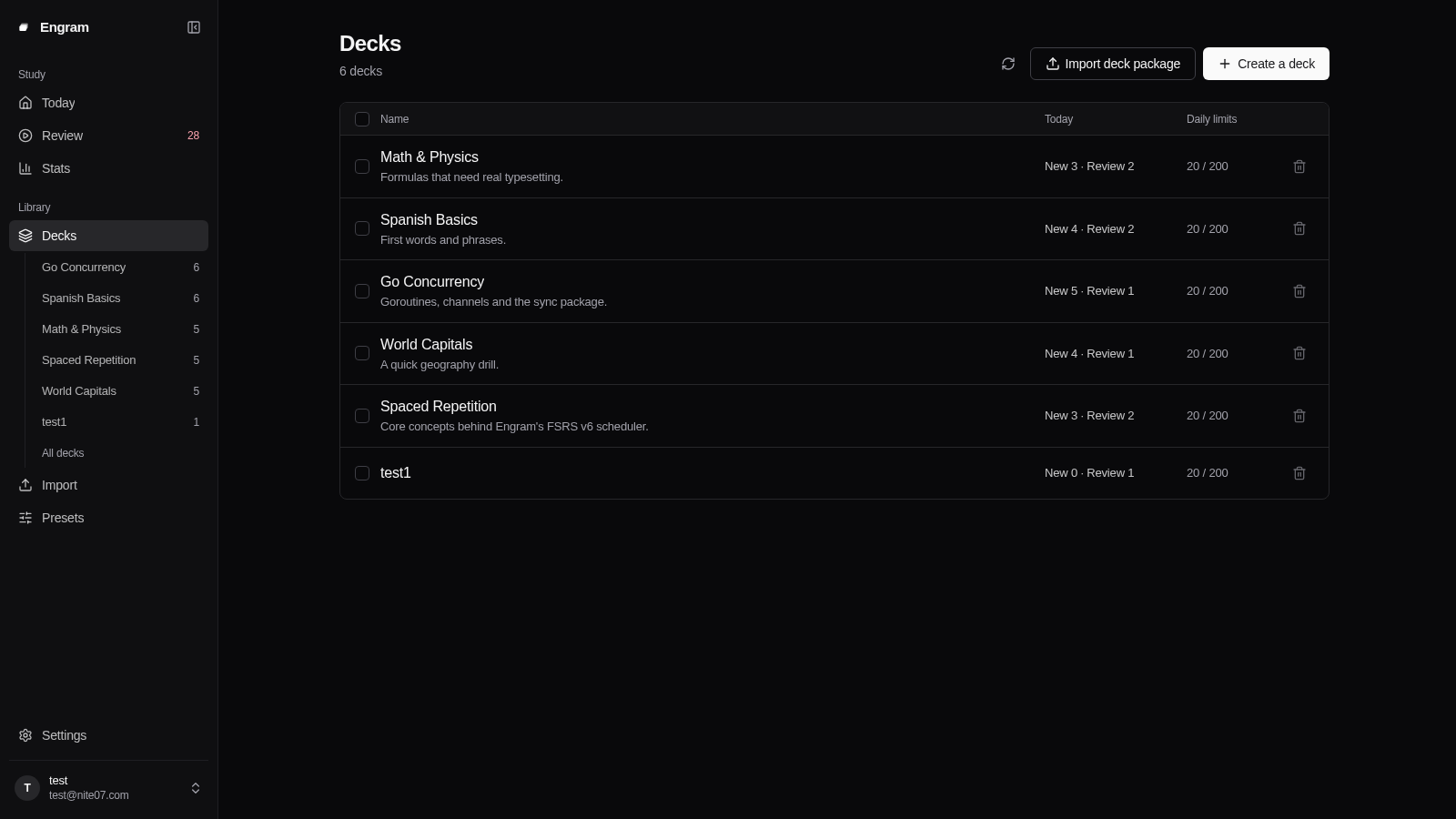 | 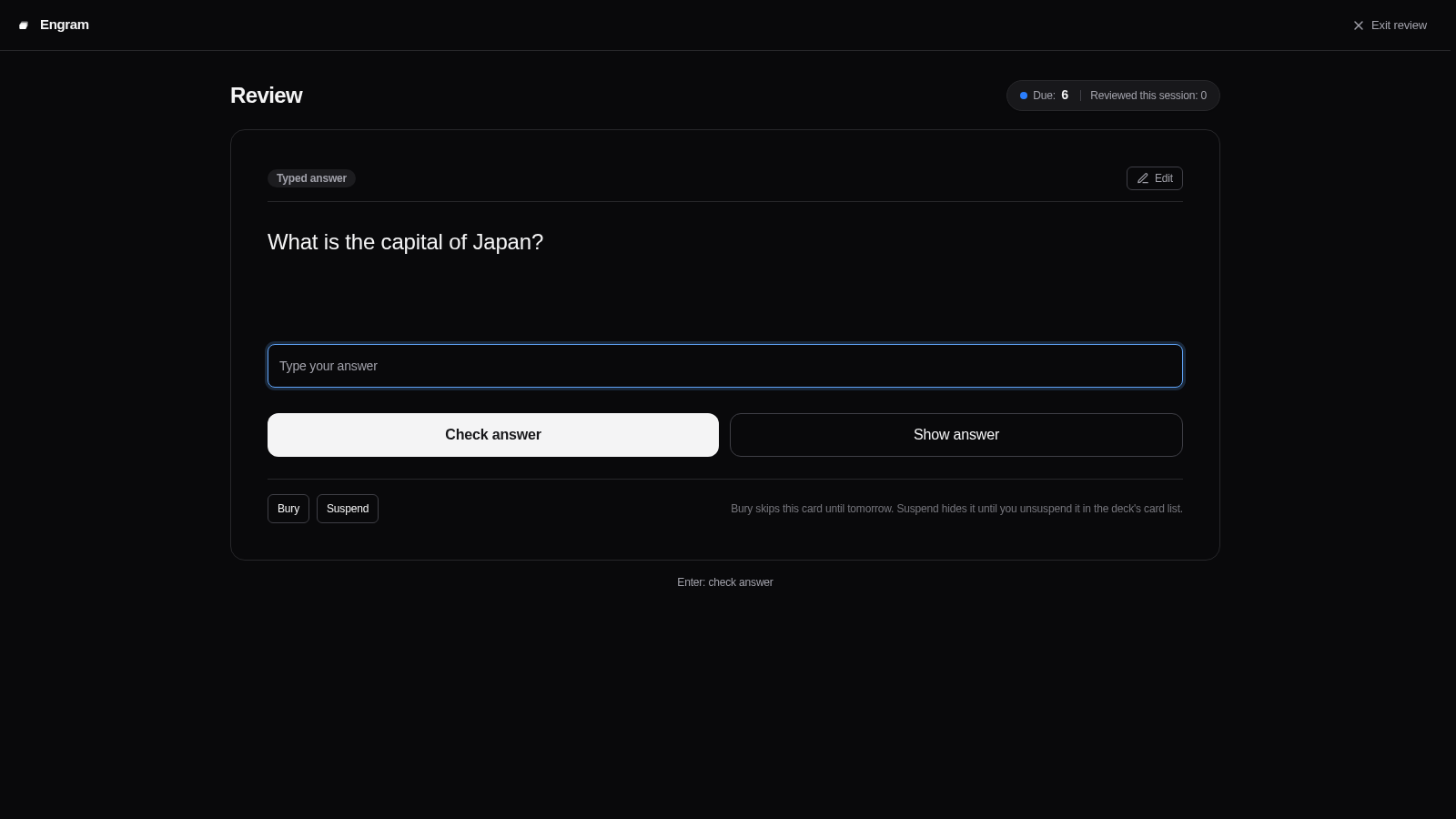 |
| Answer Revealed | Instant Feedback |
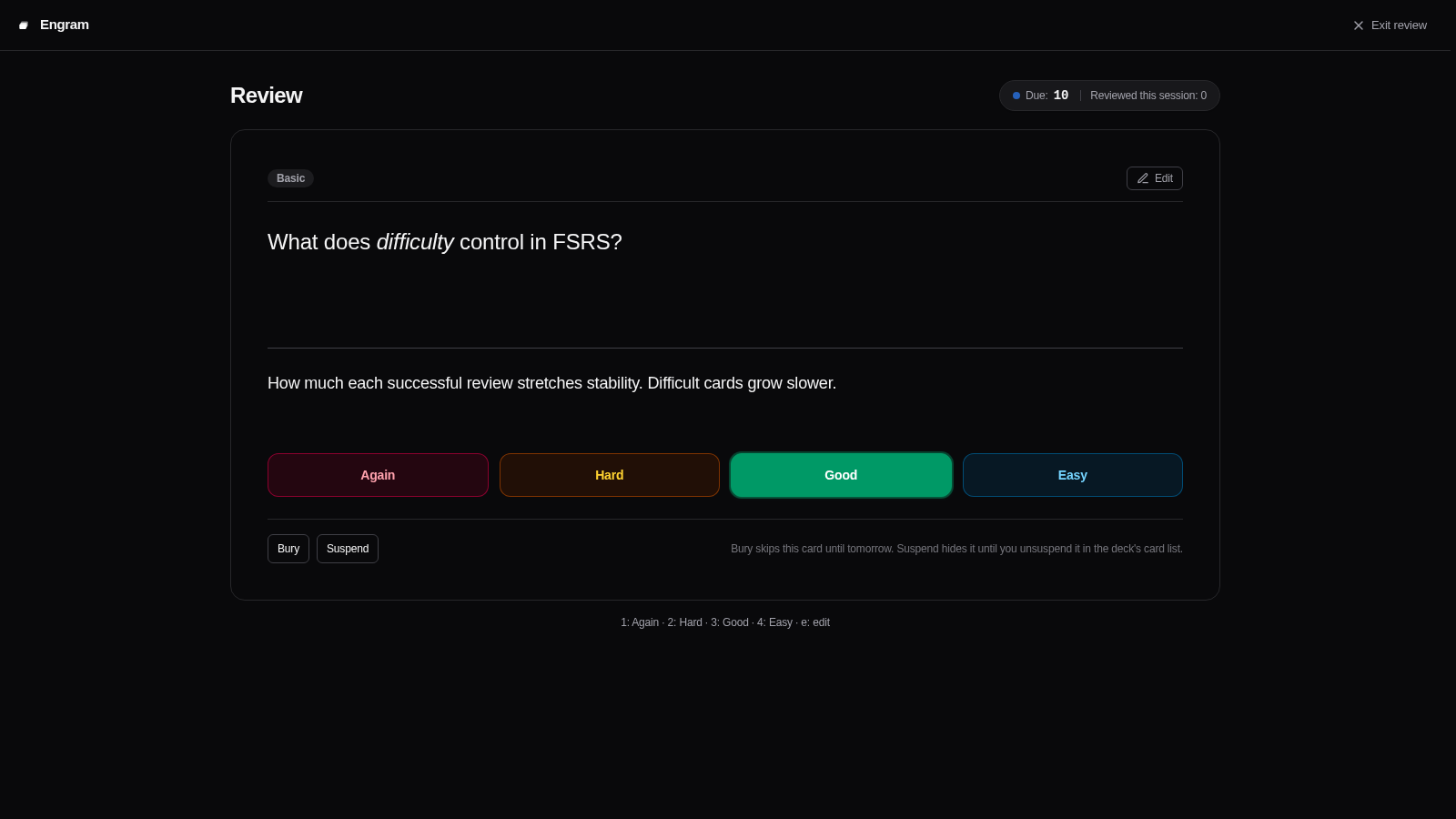 | 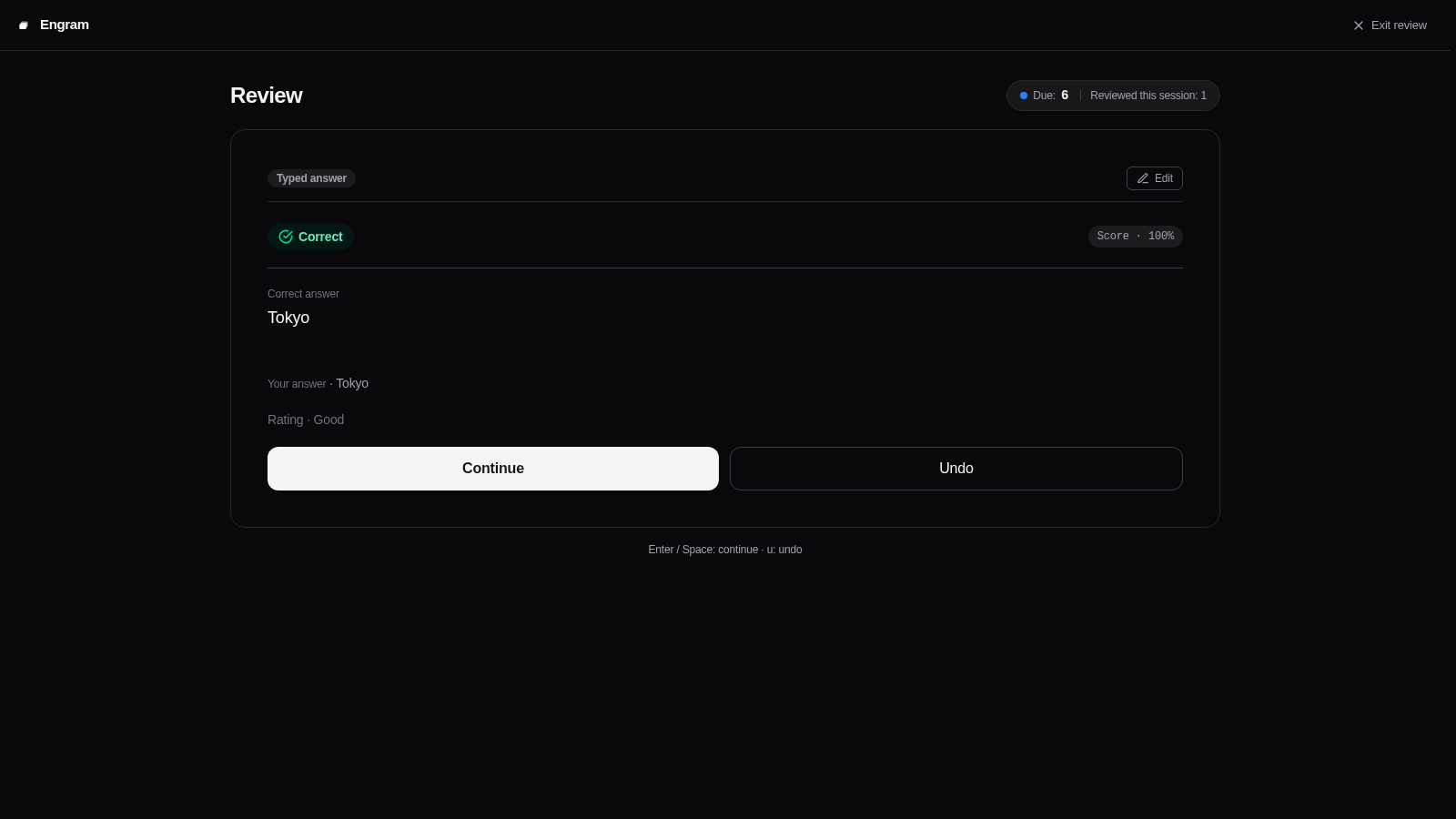 |
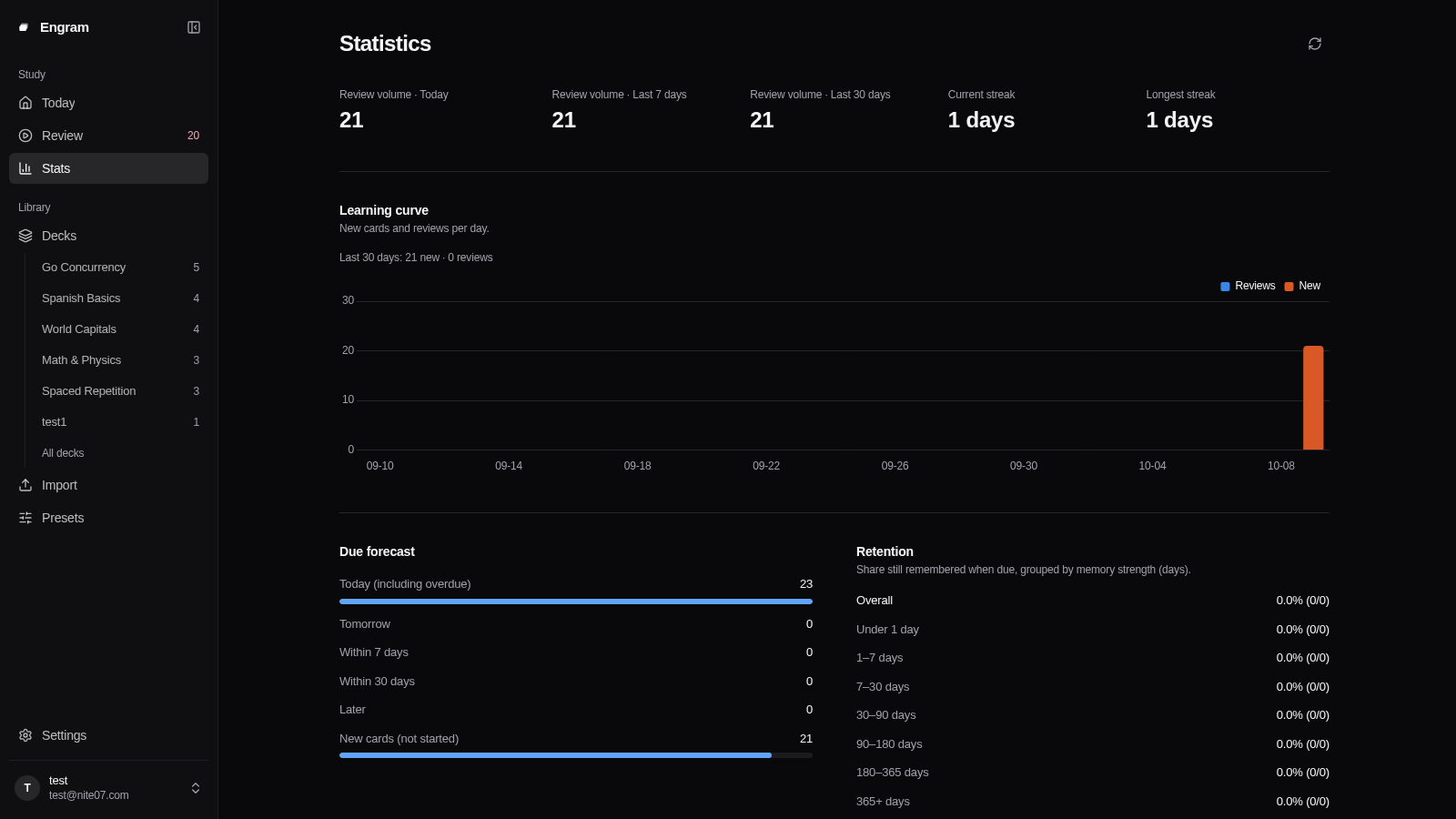
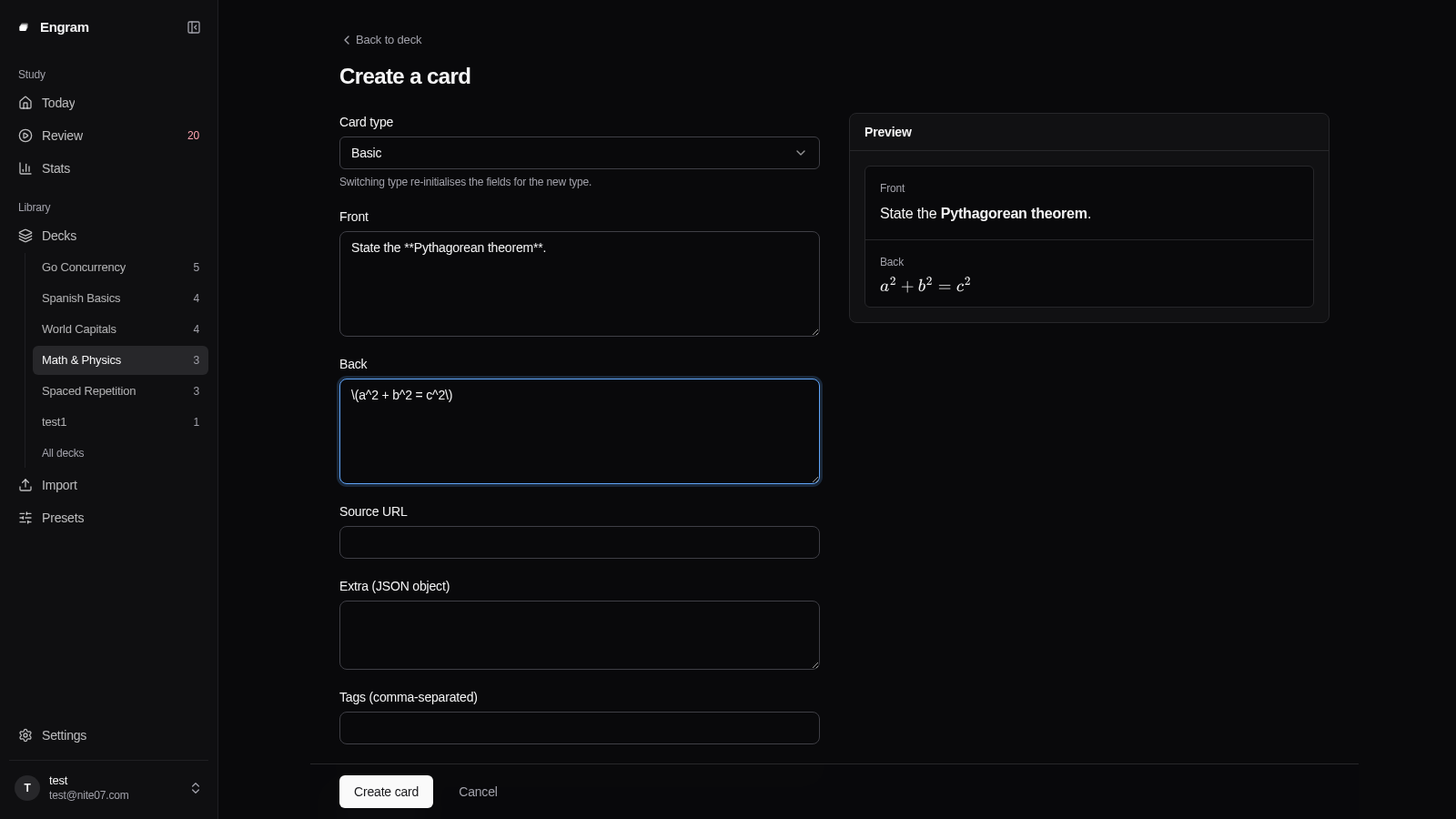
| Study Statistics & Insights | Card Creation & Editor |
 |  |
Features
- FSRS v6 Scheduling: Adaptive scheduling based on the open-source FSRS v6 algorithm, optimizing review intervals and reducing workload compared to legacy SM-2 algorithms. Supports custom parameter optimization.
- Rich Card Types: Multiple question types built in — cloze, typed answer, numeric with tolerance, single-choice, multiple-choice, and true/false. Card bodies support Markdown, MathJax formulas, and media uploads.
- Multi-user & Deck Sharing: Multi-tenant architecture with OIDC / Single Sign-On (SSO) support. Decks can be shared across users while keeping each user's review scheduling and progress strictly isolated.
- AI & MCP Native: Built-in Model Context Protocol server exposing dedicated tools for LLMs and agents to search, create, update, review, and export flashcards.
- Modern Interface & PWA: Clean single-page application built with Svelte 5 and Tailwind CSS, featuring dark/light themes, keyboard navigation shortcuts, internationalization (
zh-CNanden), and PWA support. - Email Reminders & Digest: Automated daily review alerts and weekly summaries via SMTP.
- In-depth Analytics: Visual insights including retention rates by interval, forecast queues, review volume heatmaps, and difficulty distributions.
Deck Library
Ready-to-import .edeck packages live in decks/. Pick one, then import it from the Import page (upload the file, or paste the file's public direct link), the CLI (engram import), or the MCP import_deck tool. See decks/README.md for the deck list and the step-by-step instructions.
AI & MCP Integration
Engram exposes a built-in Streamable HTTP MCP server at /mcp authenticated by user API keys. Any MCP-compatible client or agent (such as Claude Desktop, Cursor, or Hermes) can interact with your flashcards directly.
Configuration
Create an API key in the Settings panel, then add Engram to your MCP client configuration:
{
  "mcpServers": {
    "engram": {
      "url": "http://localhost:8080/mcp",
      "headers": {
        "Authorization": "Bearer YOUR_API_KEY"
      }
    }
  }
}
Available Tools
Engram provides 19 dedicated MCP tools:
list_decks/create_deck/update_deck: Inspect accessible decks, create new ones with custom scheduling presets, or rename and describe them.delete_deck: Delete a deck together with its notes, cards and progress. Only the owner can do this, and the deletion cannot be undone.list_card_types: List the supported card types with each type's fields and a validated example note, so an agent can write notes without guessing field names or syntax.search_notes/get_note/list_deck_tags: Query notes with tag and keyword filters, read a single note, and list the tags used in a deck.create_notes/update_note/delete_note/bulk_notes: Create, update and delete notes across all supported card types, with dry-run validation, bulk insertion and bulk tag or delete actions.get_due_cards/submit_review: Fetch cards due for review and record reviews. Self-assessed cards take a rating (Again,Hard,Good,Easy), and a short-answer card may also carry the answer the learner wrote, stored with the review; answer-type cards (cloze, list, typed, numeric, choice, true/false) take the answer instead, and the server grades it.add_extra_new_cards: After the daily new card limit is reached, allow extra new cards in one deck for the current review day only. The deck settings do not change, and the next day returns to the daily limit.get_stats: Retrieve learning summaries, queue counts, and retention rates.export_deck/import_deck: Export and import portable deck packages (.edeck).create_import_upload: Get a single-use upload URL for a deck package. The agent sends the file to it with an HTTP client such ascurl, so a large package never passes through the model and the API key never leaves the MCP client.
Deployment
Quick Start (Docker Run)
Uses an embedded SQLite database suitable for personal use or testing:
docker run -d --name engram -p 8080:8080 \
  -e SESSION_SECRET="${SESSION_SECRET:-$(openssl rand -base64 32)}" \
  -e ENCRYPTION_KEY="${ENCRYPTION_KEY:-$(openssl rand -base64 32)}" \
  -v engram-data:/data \
  docker.io/nite07/engram:latest
Open http://localhost:8080/. On a fresh instance, navigate to /setup to create the initial administrator account.
Production (Docker Compose)
For multi-user deployments, PostgreSQL is recommended.
Save the following as docker-compose.yaml (or use the repository's docker-compose.yaml):
services:
  db:
    image: postgres:18
    restart: unless-stopped
    environment:
      POSTGRES_USER: engram
      POSTGRES_PASSWORD: engram_password
      POSTGRES_DB: engram
    healthcheck:
      test: ["CMD-SHELL", "pg_isready -U engram -d engram"]
      interval: 5s
      timeout: 3s
      retries: 20
    volumes:
      - pg-data:/var/lib/postgresql

  engram:
    image: nite07/engram:latest
    restart: unless-stopped
    depends_on:
      db:
        condition: service_healthy
    ports:
      - "8080:8080"
    environment:
      DB_DRIVER: postgres
      DB_DSN: "postgres://engram:engram_password@db:5432/engram?sslmode=disable"
      SESSION_SECRET: "${SESSION_SECRET:?run: openssl rand -base64 32}"
      ENCRYPTION_KEY: "${ENCRYPTION_KEY:?run: openssl rand -base64 32}"
      BASE_URL: "https://engram.example.com"
    volumes:
      - engram-media:/data/media

volumes:
  pg-data:
  engram-media:
Start the stack:
SESSION_SECRET="$(openssl rand -base64 32)" \
ENCRYPTION_KEY="$(openssl rand -base64 32)" \
docker compose up -d
Reverse Proxy & HTTPS
When placing Engram behind a reverse proxy (such as Caddy, Nginx, or Traefik):
- Set
BASE_URLto your public URL (e.g.,https://engram.example.com). - Set
TRUSTED_PROXIESto the address your proxy connects from, as Engram sees it (comma-separated IPs or CIDRs). Login rate limiting, audit logs and new-device alerts use the client IP; until this is set, every request appears to come from the proxy.
TRUSTED_PROXIES is empty by default, so X-Forwarded-For and X-Real-IP are ignored. This is deliberate: a header is only as trustworthy as the hop that set it. List the proxies you run, never client networks or 0.0.0.0/0.
The right value depends on how the proxy reaches Engram:
To find the address without guessing, start Engram behind your proxy with TRUSTED_PROXIES unset and send one request. If the request carried a forwarded header from a loopback or private address that is not trusted, Engram logs one warning, forwarded client ip header ignored ..., and its remote_ip field is the address to add. At startup Engram also logs which proxies it trusts.
Configuration
Core environment variables required for startup:
Additional settings (SMTP email, registration policy, OIDC provider, upload quotas) can be configured directly in the Admin Panel without restarting the service. See .env.example for the complete list of overrides.
Contributing
See CONTRIBUTING.md for local development setup, build instructions, and testing requirements.
Acknowledgements
Engram builds on these projects:
- go-fsrs — FSRS v6 scheduling and parameter optimisation.
- fsrs-rs — the training implementation behind the optimiser adapter.
- Gin and GORM — HTTP and database layers.
- Svelte — the single-page front end.
- goldmark and bluemonday — Markdown rendering and HTML allowlisting.
- modelcontextprotocol/go-sdk — the MCP server.
- zitadel/oidc and go-i18n — OIDC sign-in and translation catalogs.
- MathJax — formula rendering.
- Tailwind CSS — styling.
Friend link: LINUX DO — a Chinese-language tech community.