mcping 🏓
A fast, zero-dependency CLI tool for pinging Minecraft servers — Java and Bedrock.
Built in Go, works everywhere, gives you everything you need to know about a server in one command.
Power your agent
การติดตั้งจากผู้เผยแพร่ ไม่ใช่เอนด์พอยต์ของ PlugMCP
URL แบบรีโมตหรือคำสั่งบนเครื่องของคุณ? การติดตั้งสองแบบต่างกันอย่างไร
รันบน PlugMCP
A new server you create. It is not this listing's official endpoint. Use the publisher install when you want their URL and their credentials.
เปิดจากผู้เผยแพร่
A fast, zero-dependency CLI tool for pinging Minecraft servers — Java and Bedrock.
Built in Go, works everywhere, gives you everything you need to know about a server in one command.
A fast, zero-dependency CLI tool for pinging Minecraft servers — Java and Bedrock. Built in Go, works everywhere, gives you everything you need to know about a server in one command.
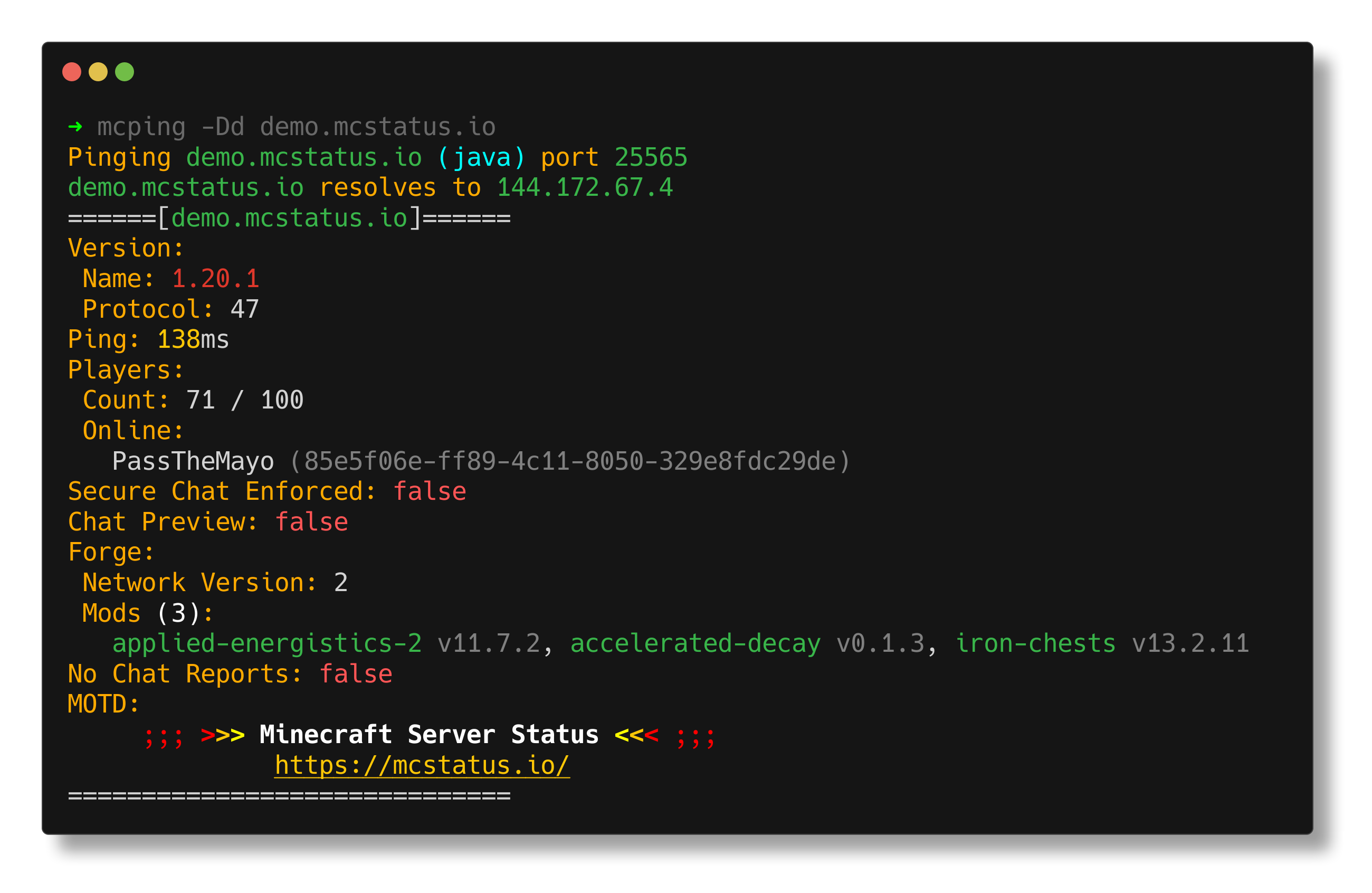
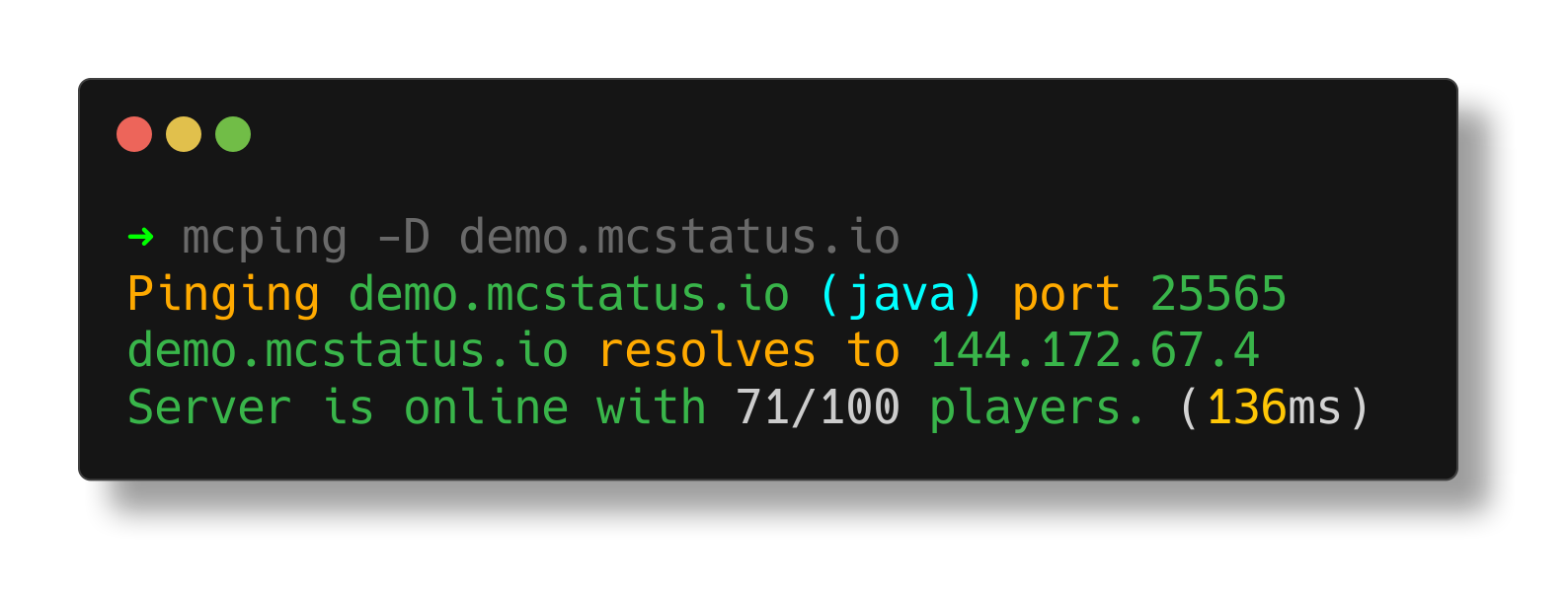
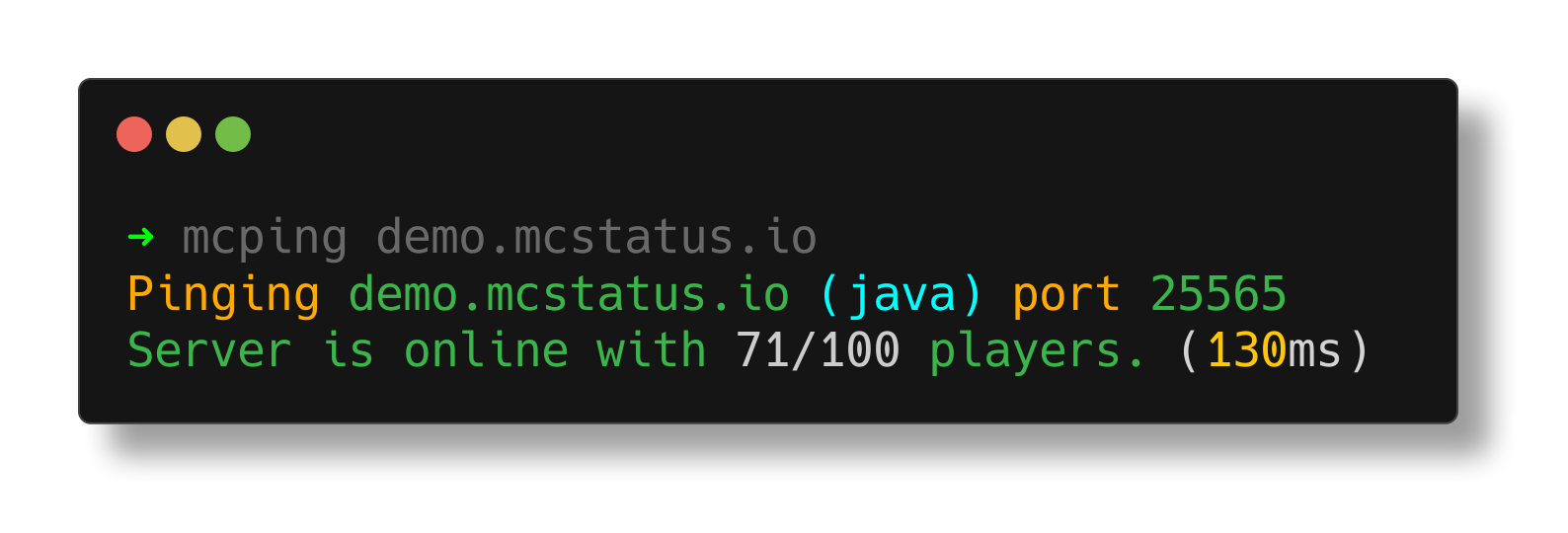
--dns)mcping [flags] <server>
mcping hypixel.net
mcping -d play.example.com
mcping -b play.example.com        # bedrock
mcping -r 5 --delay 2 hypixel.net # 5 pings, 2s apart
mcping -D hypixel.net             # show DNS info
Note:
--eula-block-checkand--protocol-versionare ignored for Bedrock servers.
If you specify--portand the address already contains a port (ip:port), mcping will error out.
You can install mcping using the custom Homebrew tap:
brew tap BlueTree242/homebrew-mcping
brew install mcping
You can install mcping using the following script which will detect the proper package manager on your system and install the package from GitHub Releases.
curl -sL https://raw.githubusercontent.com/BlueTree242/mcping/main/scripts/install.sh | bash

# Via wget
wget -qO- https://raw.githubusercontent.com/BlueTree242/mcping/main/scripts/install.sh | bash
To install manually, download the appropriate package for your system directly from GitHub Releases and install:
Download the .deb, .rpm, .apk or .pkg.tar.zst from GitHub Releases and install:
# Debian/Ubuntu
sudo dpkg -i mcping-*.deb

# RHEL/Fedora
sudo rpm -i mcping-*.rpm

# Alpine
sudo apk add --allow-untrusted mcping-*.apk

# Arch Linux
sudo pacman -U mcping-*.pkg.tar.zst
Download the .zip from GitHub Releases, extract mcping.exe, and either:
PATH so you can run mcping from anywhere in cmd/powershellDownload the .tar.gz from GitHub Releases and extract:
tar -xzf mcping_*_darwin_*.tar.gz
sudo mv mcping /usr/local/bin/
You'll need Go 1.24+ and GoReleaser.
git clone https://github.com/BlueTree242/mcping.git
cd mcping

# snapshot build (all platforms)
goreleaser release --snapshot --clean

# or just build for your current OS
go build -o build/mcping
Artifacts end up in dist/.
The .deb and .rpm packages install completions automatically for bash, zsh, and fish.
To generate completions manually:
# bash
mcping completion bash > /etc/bash_completion.d/mcping

# zsh
mcping completion zsh > "${fpath[1]}/_mcping"

# fish
mcping completion fish > ~/.config/fish/completions/mcping.fish

# powershell
mcping completion powershell | Out-String | Invoke-Expression
.png fileMIT
A fast, zero-dependency CLI tool for pinging Minecraft servers — Java and Bedrock. Built in Go, works everywhere, gives you everything you need to know about a server in one command.
เครื่องมือ
ยังไม่มีรายการเครื่องมือ เซิร์ฟเวอร์แบบรีโมตจะได้รายการหลังการตรวจสอบสถานะครั้งแรก
FAQ
คัดลอกคอนฟิก stdio สำหรับ Cursor, Claude Desktop, Claude Code หรือ VS Code ได้ในหน้านี้ คอนฟิกนี้ใช้การติดตั้งของผู้เผยแพร่ ไม่ใช่พร็อกซีของ PlugMCP
ระเบียนนี้ไม่ได้ระบุตัวแปรสภาพแวดล้อมที่จำเป็น
Mcping ทำงานแบบโลคัลผ่าน stdio
ตรวจสอบล่าสุดเมื่อ 2026-11-05 A fast, zero-dependency CLI tool for pinging Minecraft servers — Java and Bedrock. Built in Go, works everywhere, gives you everything you need to know about a server in one command.
