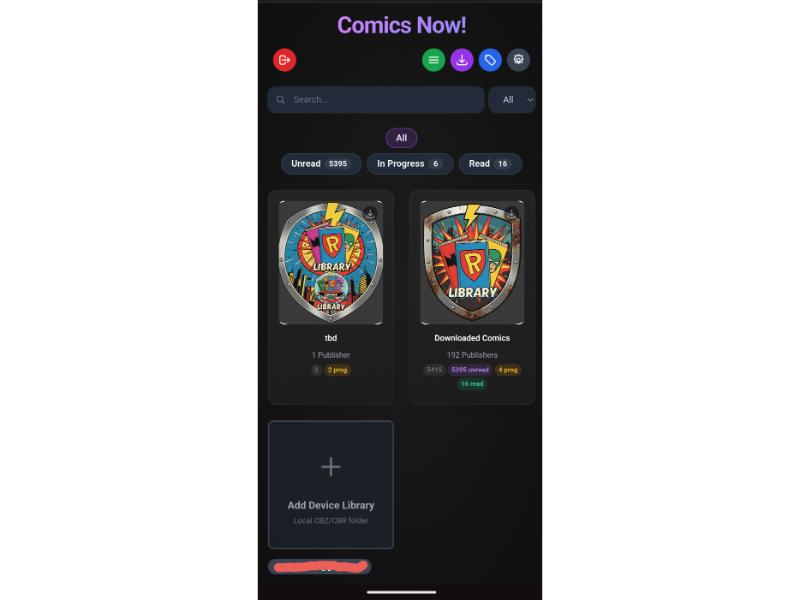
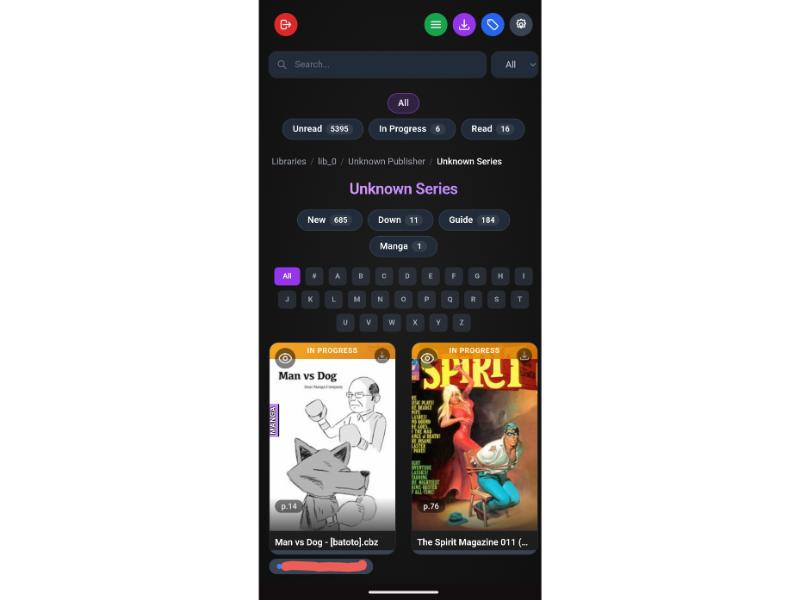
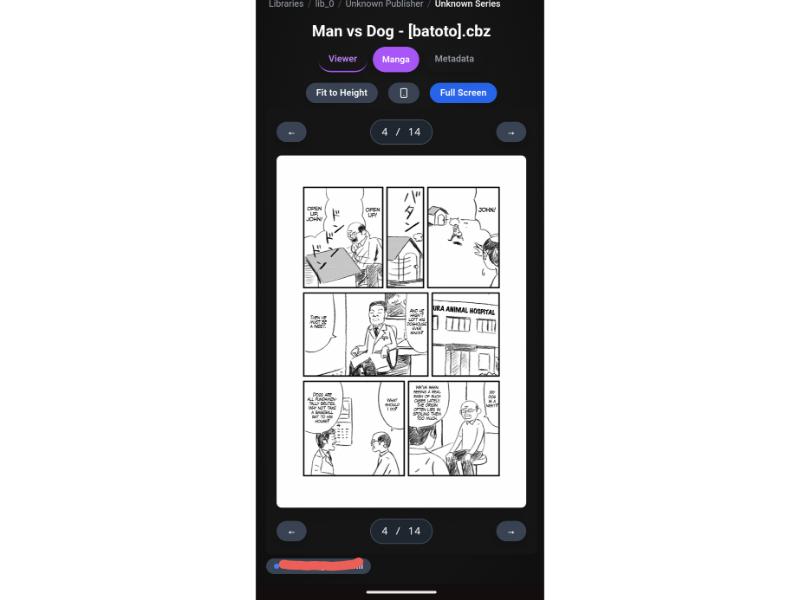
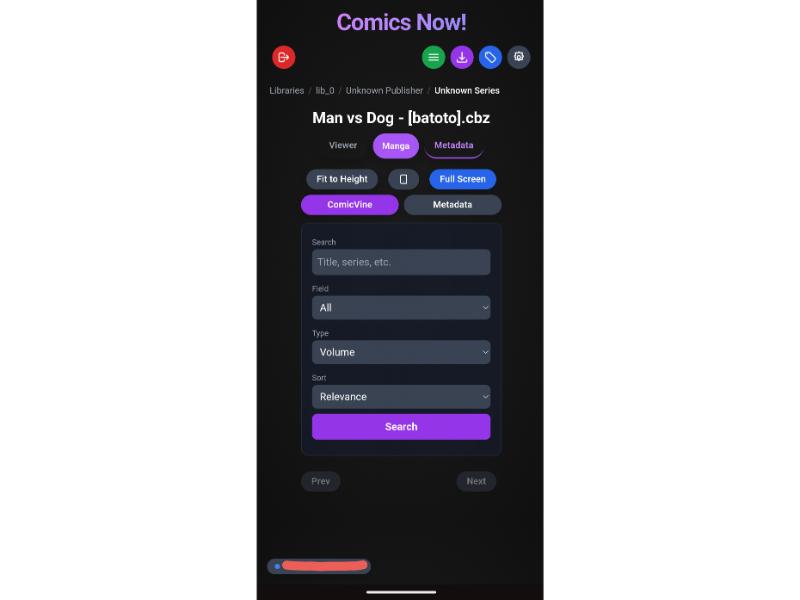
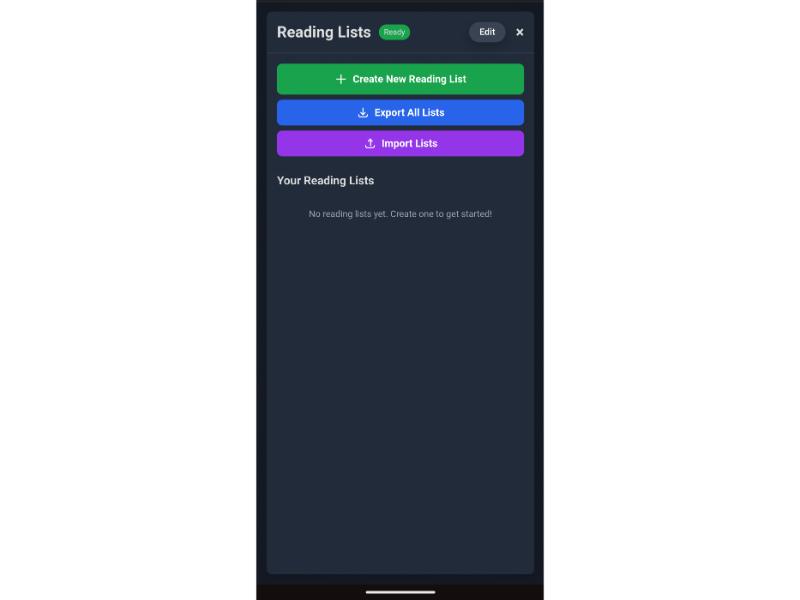
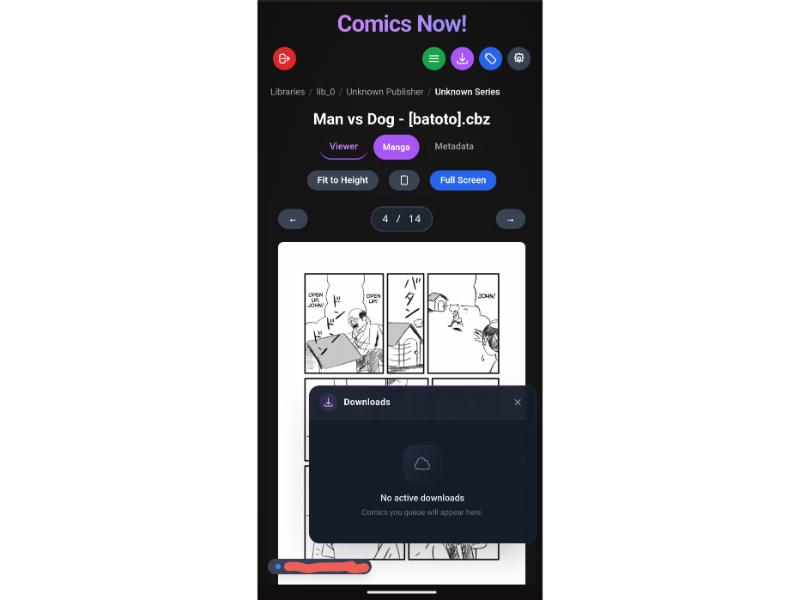
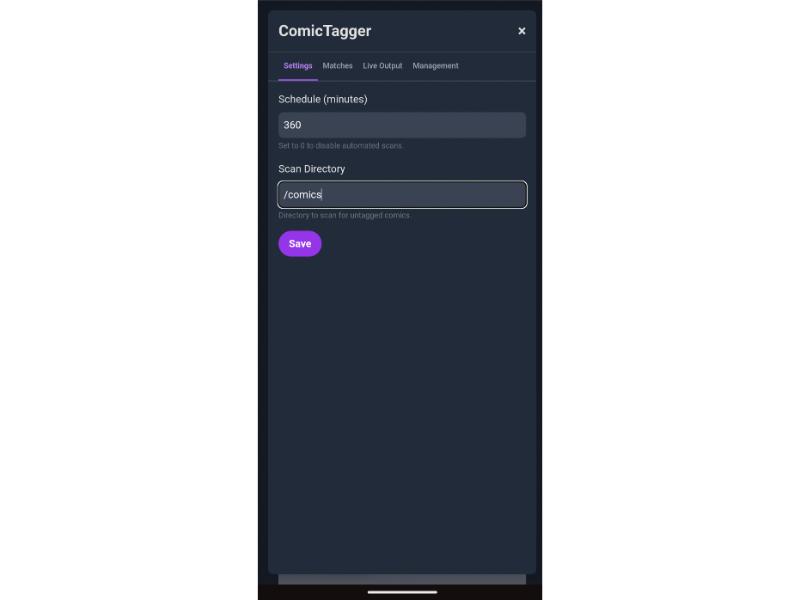
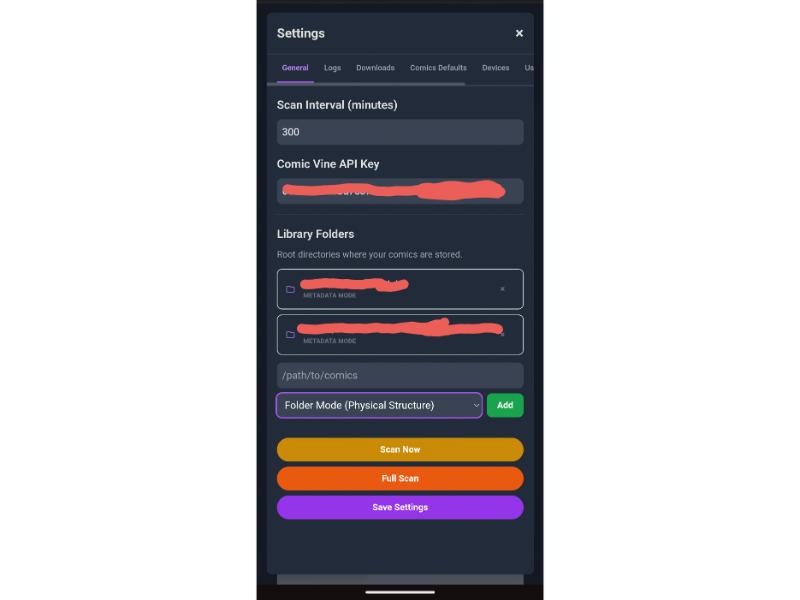
Most digital comic servers were built a decade ago as basic file browsers. Comics Now! re-imagines your comic library as a modern, intelligent web application designed for desktops, tablets, and phones:
The modern, self-hosted comic book library server, smart reader, and AI-augmented cataloging platform
2026-11-12
ดาว
19
เครื่องมือ
—
อัปไทม์
—
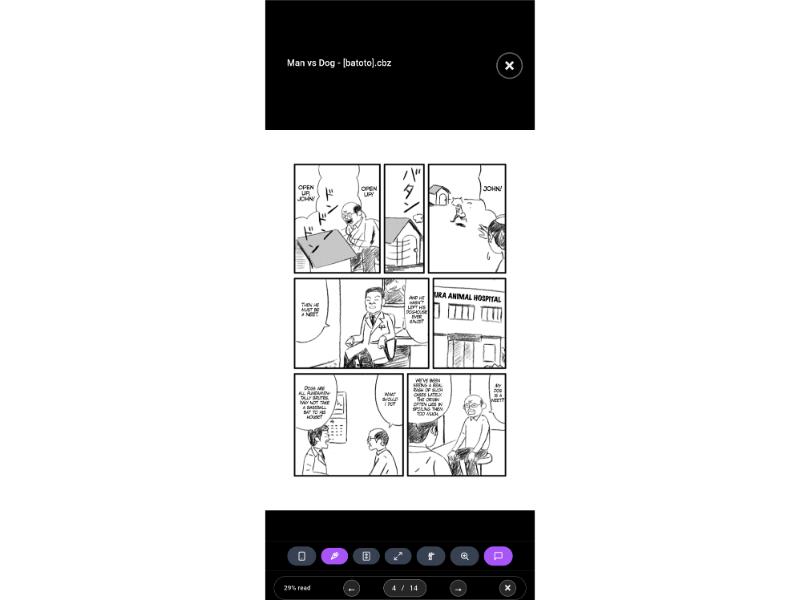
🧠 Smart Guided View & Modal Cloud GPU Acceleration: Automatically detects panels and dialogue bubbles using deep learning neural networks (manga.onnx and speech bubble detectors) for an immersive panel-by-panel reading experience. Features instant cloud GPU acceleration via Modal (~1–2s per batch on NVIDIA T4s), incremental scoping, auto-detection on library scan, and visual authoring via GVE Now!.
🔀 Interactive Continuity DAG View: Visualize complex multi-series crossover timelines as interactive Directed Acyclic Graphs with curved Bézier flow lines, fluid pinch-to-zoom/pan navigation, 1-click node reading, and a 3-way view switcher (Grid ⊞, List ☰, and DAG 🔀).
🖼️ Fullscreen Page Preview Grid, Filmstrip & Scrubber: Navigate issues visually with a dynamic, lazy-loaded page preview grid, a bottom precision page scrubber, and a horizontal touch-scrollable thumbnail filmstrip. Full-resolution WebP on-the-fly transcoding backed by an LRU disk cache cuts bandwidth while keeping 1:1 pixel coordinates for panel zoom.
🔄 True Cross-Device Sync: Pick up right where you left off. Reading progress syncs in real-time between your phone, tablet, and PC.
📱 Resumable Offline PWA & Self-Healing Connectivity: Install Comics Now! to your iOS, iPadOS, Android, or desktop home screen. Queue comics with HTTP Range resumable transfers, native Android Background Fetch, and active health probing that self-heals when waking from mobile sleep mode.
🤖 Google Gemini AI Vision & Multi-Source Tagging: Built-in enrichment engine querying ComicVine, Metron, GCD, Goodreads, Amazon, Google Books, and web URLs with perceptual cover hashing. Powered by Google Gemini AI Vision to visually identify issue numbers, series, publishers, and release years directly from cover art when standard scraping fails, plus one-step Web URL Tagging with daily quota tracking and manual metadata staging.
⚡ High-Throughput SQLite Architecture: Native zero-scan covering and composite indexes for reading lists and DAG views, backed by 256MB memory-mapped I/O (mmap), in-memory temporary tables/sorts, and an expanded 64MB RAM cache. Instantaneous server boots with guarded startup migrations and potential database storage savings of up to 50%+.
🎨 DC All In Typography & Clean 2-Line Hierarchy: Punchier Anton display typography with electric blue selection halos. Strict 2-line layout displaying Series & Issue Number on Line 1 and Story Title on Line 2 — eliminating raw filename leakage across cards and viewer headers.
📁 Configurable File & Folder Organization: Flexible 4-tab management panel with customizable token naming rules and folder hierarchy templates, with live preview and safe, type-to-confirm batch execution for entire libraries.
🔌 AI Model Context Protocol (MCP): Native Python MCP server exposing 60+ tools allowing Claude, Cursor, and Gemini to curate reading lists, tag comics directly from web URLs (tag_comic_from_url), inspect cover art, trigger guided view detection, reorganize directories, and query your collection with natural language.
🛡️ Cloudflare Zero Trust Ready: Zero open ports needed. Full integration with Cloudflare Access JWT authentication, granular user permissions (down to publisher and series), and admin impersonation.
📂 Metadata Mode & Folder Mode: Organize your library by metadata tags (Publisher → Series → Issue) or mirror your physical directory tree directly.
💻 Client-Side Local Reader: Drag and drop local CBZ/CBR files directly into the browser to read instantly with WebAssembly—no file upload required.
📖 E-Ink & Color E-Reader Modes: Purpose-built anti-ghosting display modes for e-paper devices. Monochrome applies grayscale + contrast for black-and-white screens; Color boosts saturation for color e-paper. Kindle, Kobo, Onyx Boox, and PocketBook are auto-detected, and the choice persists per device.
🎬 Showcase
AI Smart Guided View
Multi-Device Reader
🚀 Quick Start (60 Seconds)
Option 1: Run Instantly with npx (No Setup Required)
# Point directly to your comic books folder
npx comics-now --comics /path/to/your/comics --port 3000
Analyzing comic pages with deep learning neural networks can be computationally heavy for low-power home servers or Raspberry Pis. Comics Now! natively integrates with Modal to offload panel and speech bubble detection to cloud NVIDIA T4 GPUs in ~1–2 seconds per batch.
$30/Month Free Tier & Setting a Spending Limit
Modal provides $30.00 of free recurring compute credits every calendar month to every user account (enough to process 30,000+ comic pages for free).
To guarantee you are never billed beyond the free tier:
Go to your Modal Dashboard → Settings → Billing / Usage (or Workspace Settings → Usage Limits).
Set the Monthly Spending Limit to $30.00.
Enable email alert thresholds (e.g. at 50%, 80%, 100%) and save changes.
[!WARNING]
User Responsibility & Billing Safeguards: It is strictly your responsibility to configure your spending limits in your Modal account dashboard and monitor your usage. Comics Now! provides automated budget monitoring and safe fallbacks to local CPU, but cannot control third-party billing accounts or guarantee that third-party services will not bill you if you choose not to set a spend limit or configure a higher limit.
Quick Setup (30 Seconds)
In your Modal dashboard, generate an API token under Settings → API Tokens.
In Comics Now!, open Settings → Guided View, check Use Modal GPU Acceleration, and paste your Token ID and Token Secret.
Click Test Connection, then click ⚡ Initialize Modal GPU Environment to deploy models to cloud storage.
🔀 Interactive Reading List DAG (Continuity Timelines)
For massive multi-title crossover events (Crisis on Infinite Earths, Absolute Universe, Infinity Gauntlet), Comics Now! features an interactive Continuity DAG (Directed Acyclic Graph) view:
Parallel Series Lanes & Bézier Curves: See chronological issue order flow across publishers and titles.
Pinch-to-Zoom & Pan: Full touch and mouse navigation with fluid SVG canvas scaling.
Click-to-Read Graph Nodes: Tap any issue node directly on the graph to view summary or start reading.
Segmented View Switcher: Toggle seamlessly between Grid (⊞), List (☰) (with live % progress badges and action buttons), and DAG (🔀) modes.
Looking to visually fine-tune, re-sequence, or author panel coordinates from scratch? Meet GVE Now! — the dedicated visual editor companion for Comics Now!:
🖌️ Visual Bounding Box Editor: Click, drag, resize, and nudge panels and speech bubbles with 1:1 pixel precision.
🔢 Sequence & Flow Reordering: Drag-and-drop to adjust reading order for complex double-page spreads or dynamic layouts.
⚡ Shared Storage Architecture: Connects directly to Comics Now! via your comicsNowRoot path — shares the SQLite database, metadata sidecars, and WebP page cache without duplicate files.
🔄 Instant Live Sync: Saves directly to your collection; refresh Comics Now! to read your updated guided view immediately.
📦 Import & Export: Backup or share panel definitions across your library with JSON export/import.