Screenshots
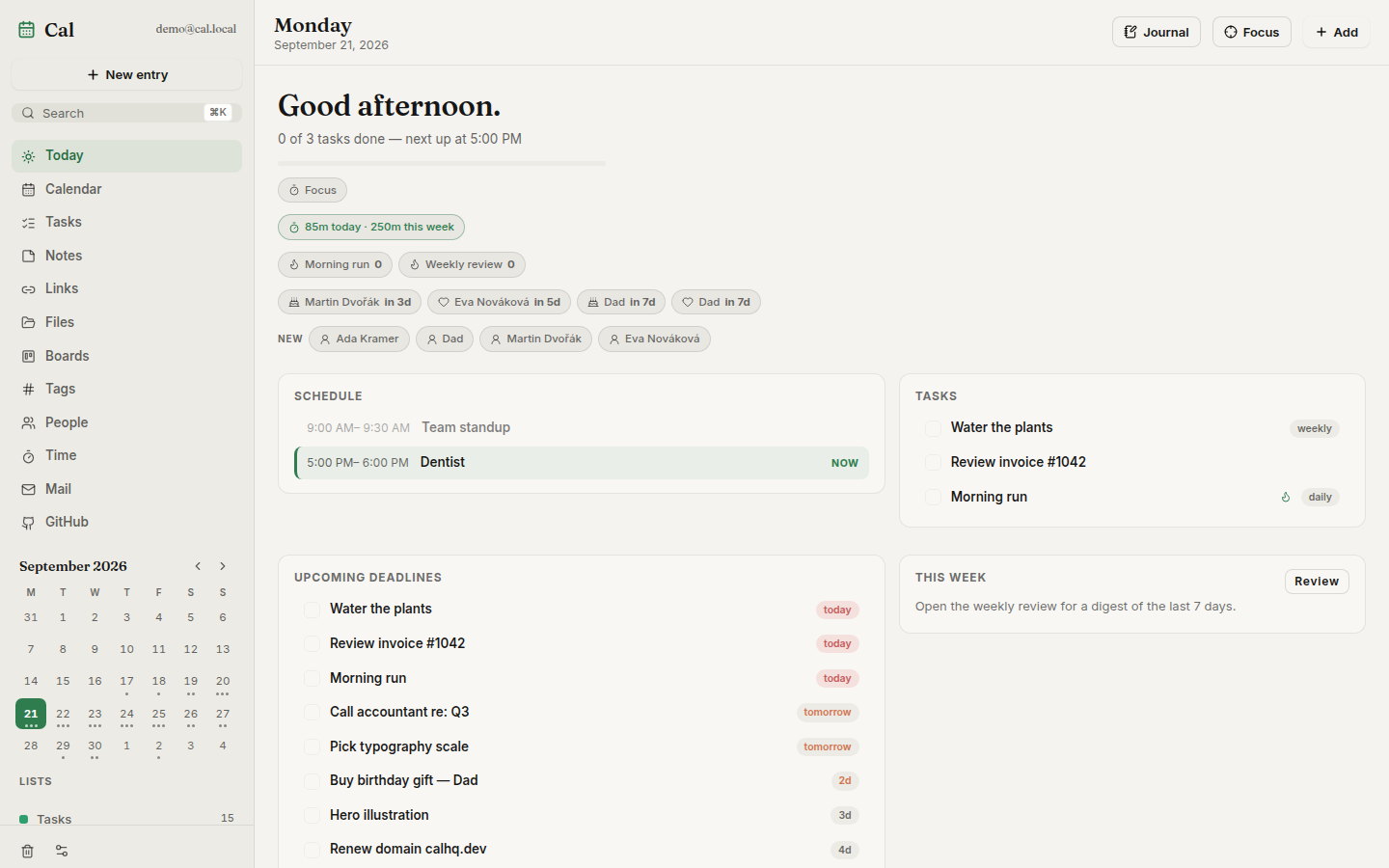
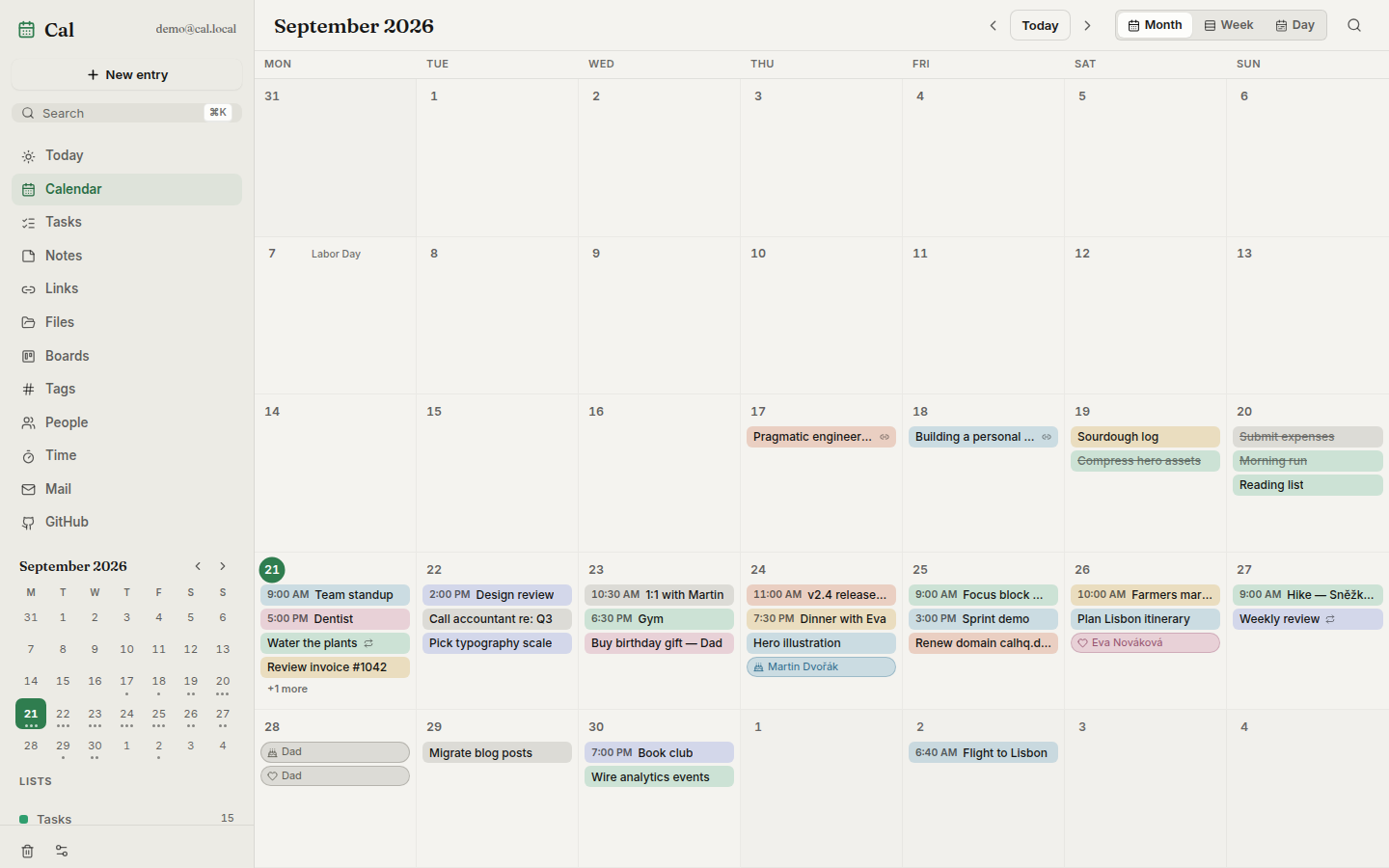
| Today — agenda, streaks, deadlines | Month view |
|---|---|
 |
Power your agent
การติดตั้งจากผู้เผยแพร่ ไม่ใช่เอนด์พอยต์ของ PlugMCP
URL แบบรีโมตหรือคำสั่งบนเครื่องของคุณ? การติดตั้งสองแบบต่างกันอย่างไร
รันบน PlugMCP
A new server you create. It is not this listing's official endpoint. Use the publisher install when you want their URL and their credentials.
เปิดจากผู้เผยแพร่
| Today — agenda, streaks, deadlines | Month view |
|---|---|
|
Self-hosted daily toolkit — calendar, tasks, notes, links, files, kanban boards, time tracking, GitHub inbox. One Docker container.
 |
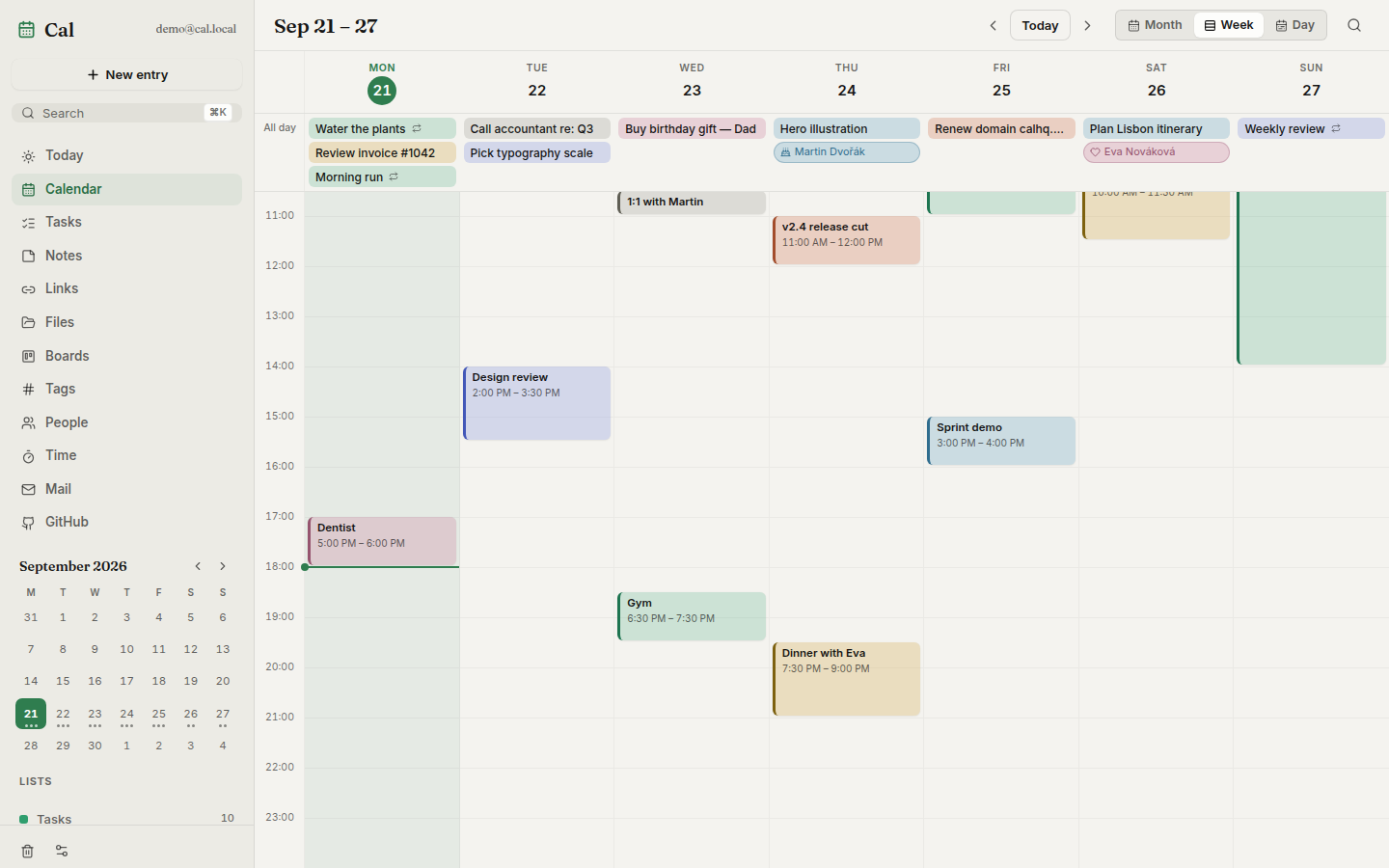
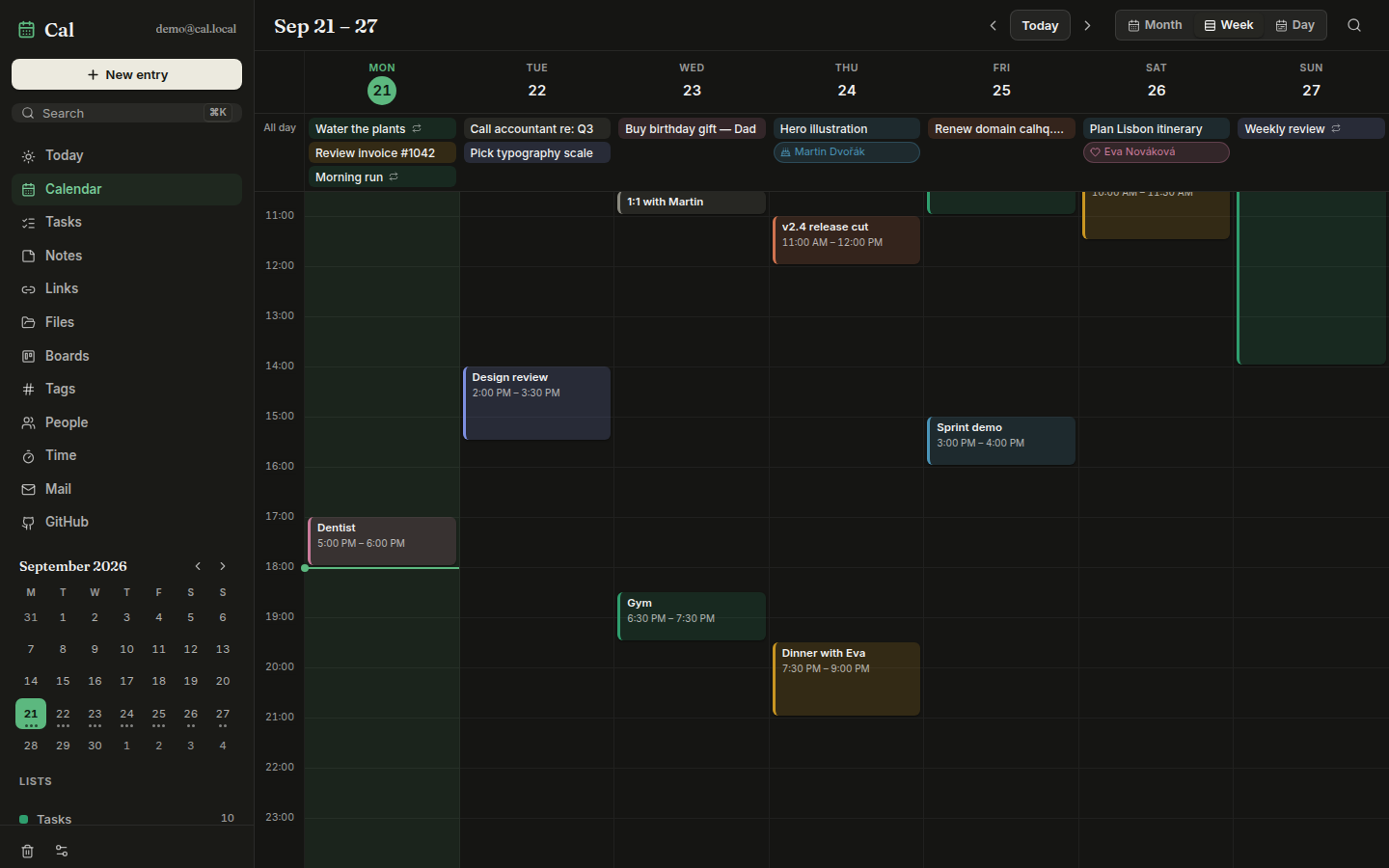
| Week view — timed blocks | Week view, dark theme |
|---|---|
 |  |
| Kanban board — cards are real tasks | People — relationship manager |
|---|---|
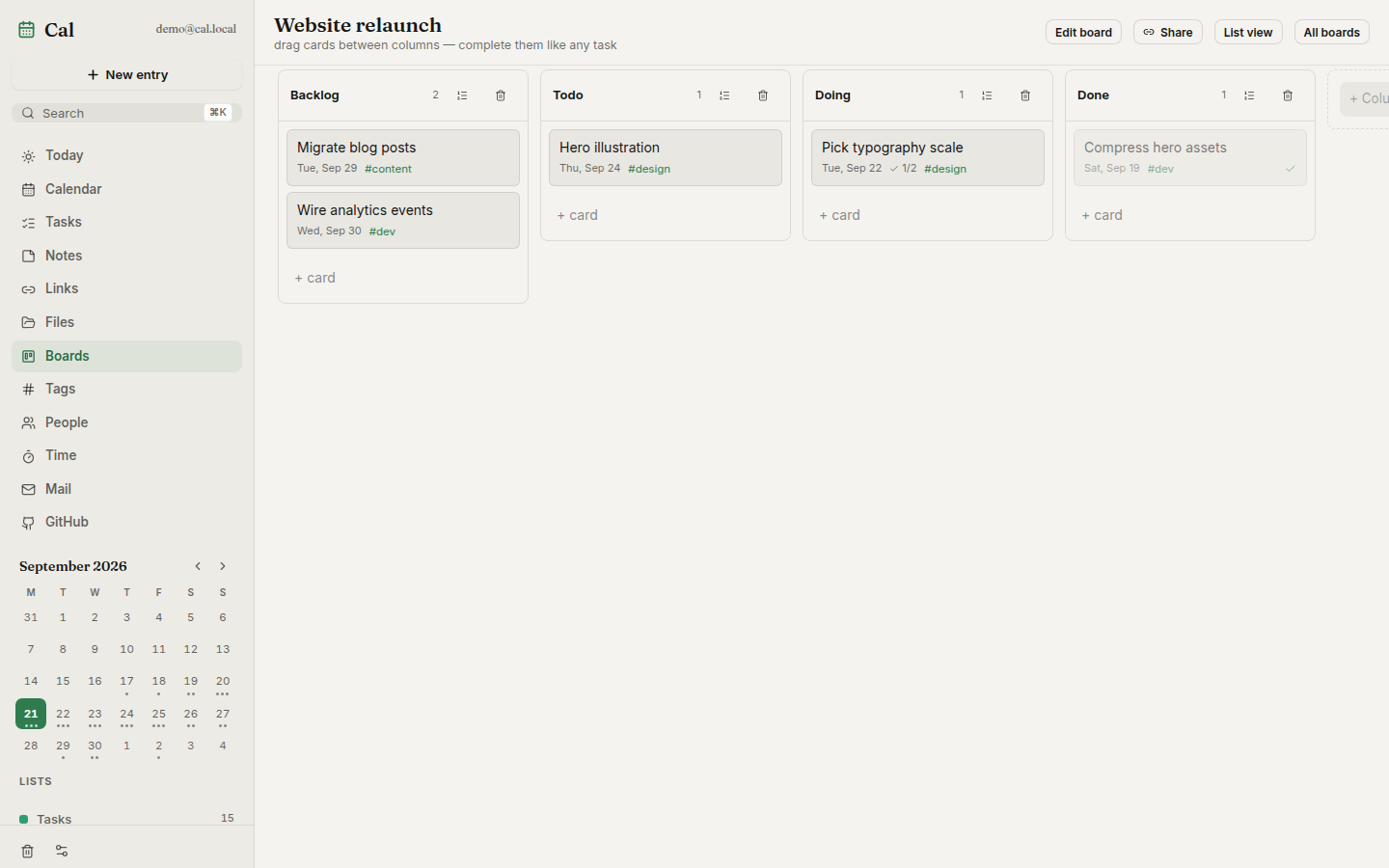 | 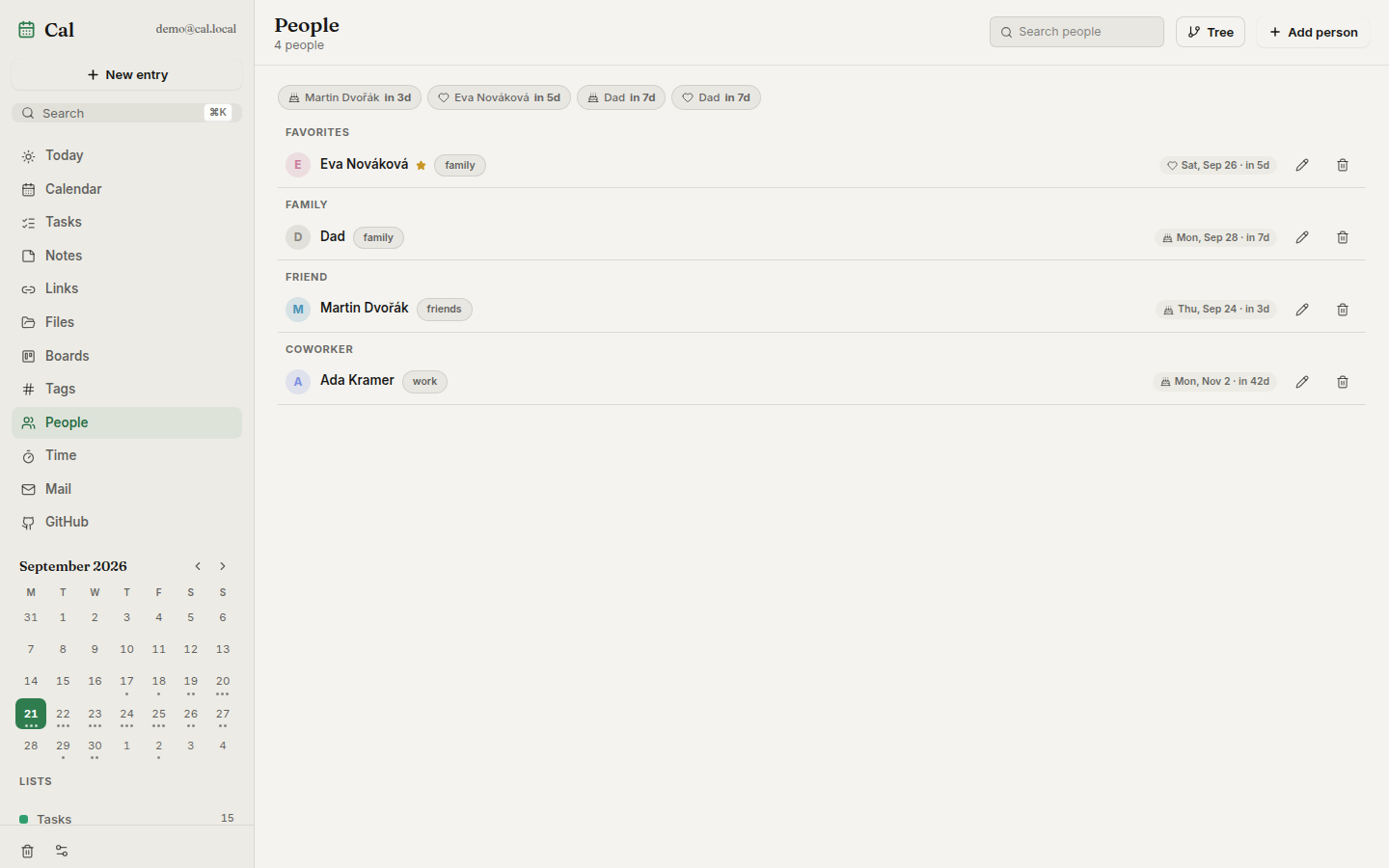 |
| Notes — markdown, wikilinks, tags | Time — timesheets and billables |
|---|---|
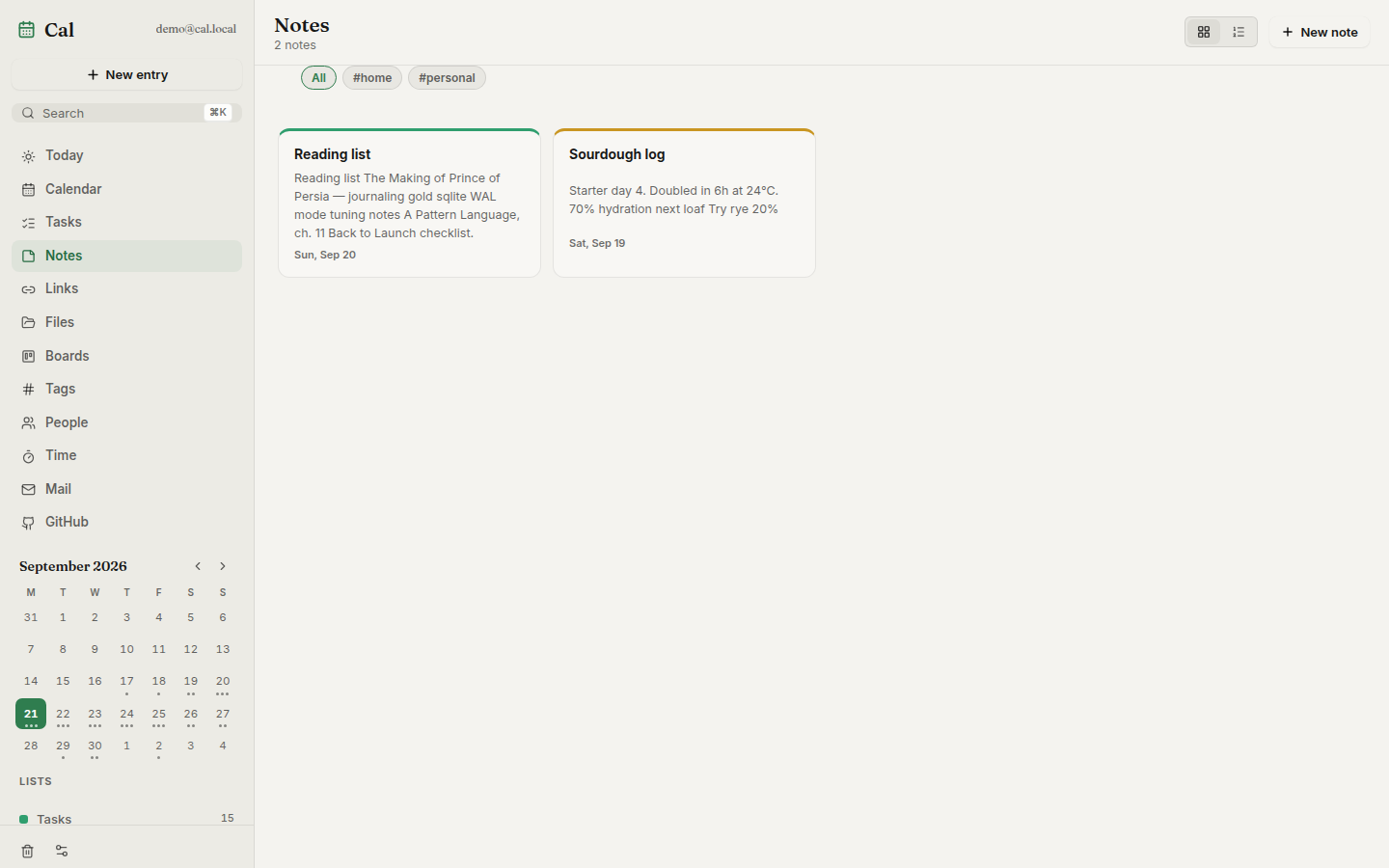 | 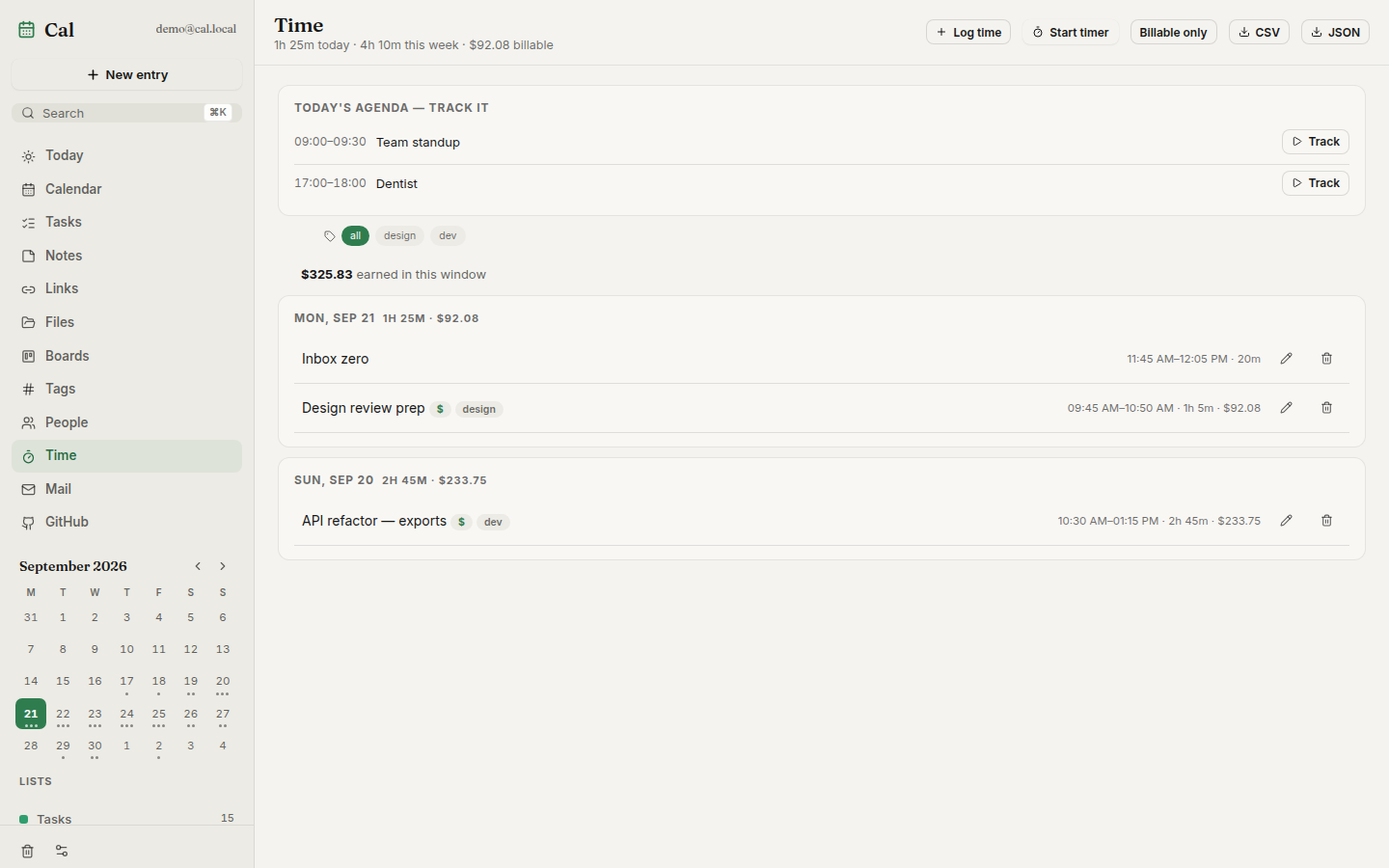 |
| Shopping — sections, quantities, can't-find flags |
|---|
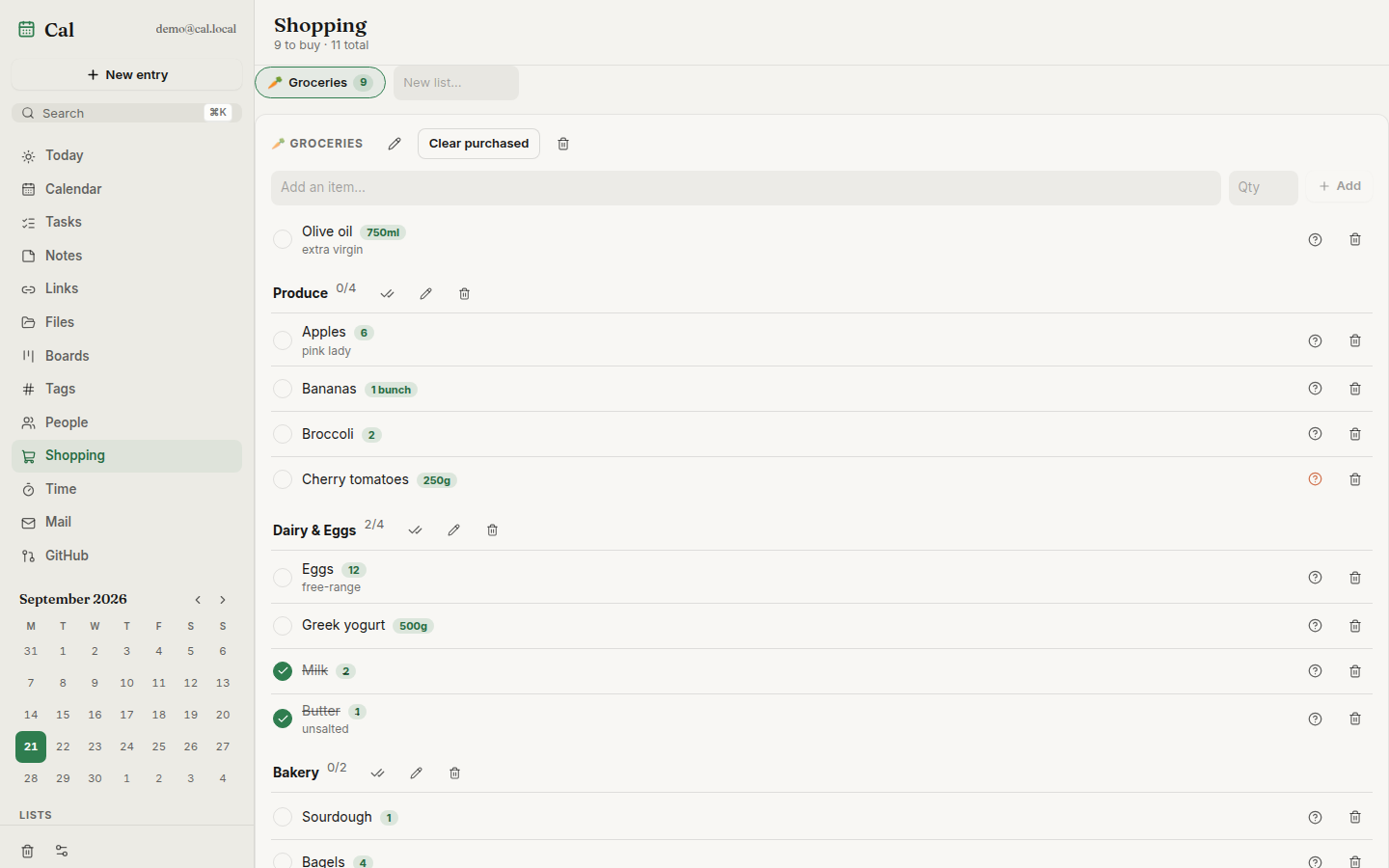 |
dentist fri 5pm #health), reminders,
per-entry version history, soft-delete trash[[wikilinks]], a link
library that unfurls titles/thumbnails and searches YouTube via your own
Invidious instance, file uploads with public share links, kanban boards
with WIP limits and read-only public sharing.ics import/export,
and a token-gated MCP endpoint so AI assistants can drive your planner⌘K palette, keyboard-first navigation. The Android app can also run
serverless: local mode keeps only Mail and dials your IMAP/SMTP
provider directly from the device — accounts stay encrypted on-device and
can be imported to a server if you set one up laterRequires Docker:
curl -fsSL https://raw.githubusercontent.com/Dvorinka/cal/main/install.sh | sh
Downloads docker-compose.yml into ./cal, generates a .env with a
random Postgres password, pulls the published images, and starts the app
plus its database — UI and API at http://localhost:8080. Re-running pulls
new images and restarts; .env and the named volumes are never touched.
Override with env vars:
curl -fsSL https://raw.githubusercontent.com/Dvorinka/cal/main/install.sh | \
  PORT=9090 CAL_DIR=/opt/cal CAL_VERSION=v1.2.3 sh
Or run the compose stack by hand:
echo "POSTGRES_PASSWORD=$(openssl rand -hex 24)" > .env
docker compose up -d
Open http://localhost:8080 and create your account. Back up two volumes:
cal-pg (the database) and cal-data (uploads, exports). Rather run a
single container? A bare docker run without DATABASE_URL starts the
image's embedded Postgres instead — then cal-data is the only thing to
back up.
Desktop apps (Windows/Linux/macOS), headless cal-server binaries and an
Android APK attach to every
release. On Windows grab
Cal-Setup-Windows.exe — a real installer with the database engine bundled,
so first launch works offline. The desktop app bundles its own server, or
can sign in to a server URL to share data between devices.
apps/web         React PWA + Capacitor android/ios shells
apps/api         Go API (Gin) + migrations + MCP endpoint
apps/desktop     Wails app; `-tags headless` is the all-in-one server
packages/api-client   shared typed client, generated from openapi.yaml
React 19 + Vite + TypeScript + Tailwind 4 + Zustand · Go + Gin + PostgreSQL
(pgx, Goose migrations) · Wails 2 desktop · Capacitor shells · one Docker
image for everything. The API contract lives in openapi.yaml; the typed TS
client in packages/api-client is kept in sync with it.
All configuration is via environment variables:
Never commit .env — if a secret was ever committed, rotate it.
npm install
cp apps/api/.env.example apps/api/.env

# Postgres (or use the db service in docker-compose.yml)
docker run -d --name cal-db -e POSTGRES_DB=cal -e POSTGRES_USER=cal \
  -e POSTGRES_PASSWORD=cal -p 5432:5432 postgres:16-alpine

npm run dev -w @cal/web              # vite on :5173, proxies /api
cd apps/api && go run ./cmd/server   # api on :8080
Verify before opening a PR:
npm run typecheck && npm run test && npm run build
cd apps/api && go vet ./... && go test ./...
E2E: cd apps/web && npx playwright test (Playwright + axe).
Load: k6 run perf/k6.js -e EMAIL=… -e PASS=….
openapi.yaml — full API schema; session-cookie auth, bearer
tokens for MCP/intake/widget/feed endpointsdocs/releasing.md — how releases build, code-signing
secretsROADMAP.md — what shipped, what's next, what's out of scopeContributing · Security · MIT License © 2026 Tomas Dvorak
Self-hosted daily toolkit — calendar, tasks, notes, links, files, kanban boards, time tracking, GitHub inbox. One Docker container.
เครื่องมือ
ยังไม่มีรายการเครื่องมือ เซิร์ฟเวอร์แบบรีโมตจะได้รายการหลังการตรวจสอบสถานะครั้งแรก
FAQ
คัดลอกคอนฟิก stdio สำหรับ Cursor, Claude Desktop, Claude Code หรือ VS Code ได้ในหน้านี้ คอนฟิกนี้ใช้การติดตั้งของผู้เผยแพร่ ไม่ใช่พร็อกซีของ PlugMCP
ระเบียนนี้ไม่ได้ระบุตัวแปรสภาพแวดล้อมที่จำเป็น
Cal ทำงานแบบโลคัลผ่าน stdio
ตรวจสอบล่าสุดเมื่อ 2026-11-08 Self-hosted daily toolkit — calendar, tasks, notes, links, files, kanban boards, time tracking, GitHub inbox. One Docker container.

