imessage-mcp
Search and read your Messages history from Claude, Codex, Cursor, VS Code, and any other MCP client.
Power your agent
คำสั่งของผู้เผยแพร่เอง ไม่ใช่เอนด์พอยต์ของ PlugMCP
Host a copy with our keys and logs.
npx -y [email protected]Claude Code ไม่มีลิงก์ติดตั้งสำหรับคำสั่งแบบโลคัล ให้คัดลอกคำสั่งด้านล่างแล้วรันในเทอร์มินัล
IMESSAGE_PRIVACY=<value> IMESSAGE_CONTACTS=<value> IMESSAGE_DB=<value> IMESSAGE_CACHE=<value> IMESSAGE_UPDATE_CHECK=<value> claude mcp add io.github.anipotts-imessage-mcp -- npx -y imessage-mcp@3.3.1รันในเทอร์มินัล
{ "mcpServers": { "io.github.anipotts-imessage-mcp": { "command": "npx", "args": [ "-y", "[email protected]" ], "env": { "IMESSAGE_PRIVACY": "<value>", "IMESSAGE_CONTACTS": "<value>", "IMESSAGE_DB": "<value>", "IMESSAGE_CACHE": "<value>", "IMESSAGE_UPDATE_CHECK": "<value>" } } }}claude_desktop_config.json
URL แบบรีโมตหรือคำสั่งบนเครื่องของคุณ? การติดตั้งสองแบบต่างกันอย่างไร
รันบน PlugMCP
A new server you create. It is not this listing's official endpoint. Use the publisher install when you want their URL and their credentials.
เปิด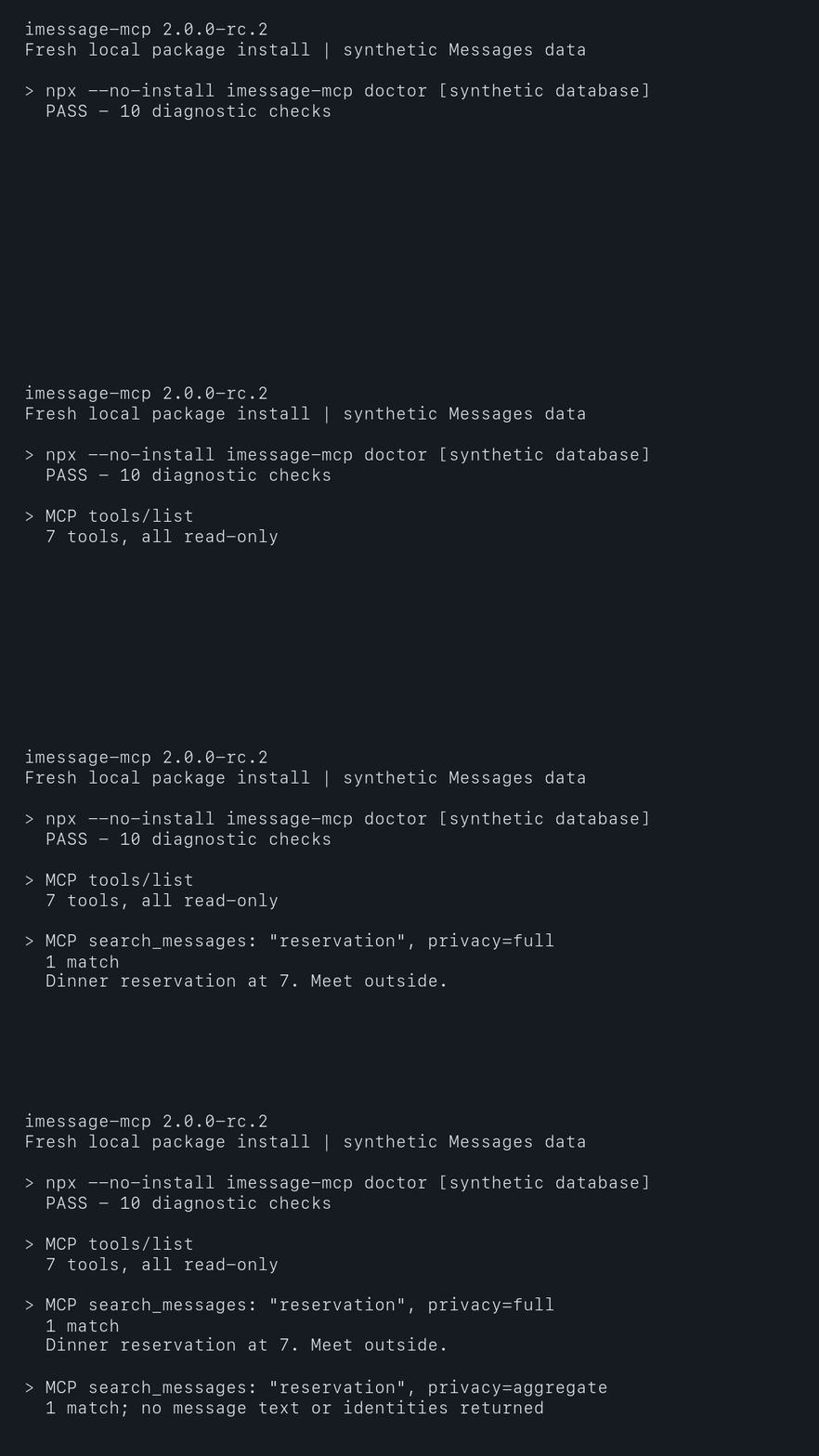
Read-only. Runs on your Mac. No accounts, no cloud service, nothing to compile.
Requirements: macOS 14 or newer. Node.js 24.16 or newer for npx installs (Claude Desktop brings its own). Use Node 24 LTS for encrypted cache support. Runtimes without SQLite checkpoint APIs, including Node 25, search in memory and rebuild after a restart; doctor reports this.
Standard config, for any client that reads mcpServers JSON:
{
  "mcpServers": {
    "imessage": {
      "command": "npx",
      "args": ["-y", "imessage-mcp@latest"]
    }
  }
}
Then give the app that runs it Full Disk Access: System Settings > Privacy & Security > Full Disk Access, turn on the app (Claude, your terminal, Cursor, VS Code, ...), then quit it fully and reopen it. Not sure which app? Run npx -y imessage-mcp@latest doctor from that app's terminal and it tells you. Until access is granted, every tool answers with these same steps.
amp mcp add imessage -- npx -y imessage-mcp@latest
claude mcp add --scope user imessage -- npx -y imessage-mcp@latest
Or install the plugin: /plugin marketplace add anipotts/imessage-mcp, then /plugin install imessage-mcp@anipotts.
Download imessage-mcp.mcpb and double-click it, or install iMessage History from Settings > Extensions if it is listed there. To update a bundle you installed yourself, download the newest one and double-click it again.
Then turn on Claude in Full Disk Access and quit and reopen Claude.
Add the standard config to cline_mcp_settings.json (docs).
codex mcp add imessage -- npx -y imessage-mcp@latest
Or in ~/.codex/config.toml:
[mcp_servers.imessage]
command = "npx"
args = ["-y", "imessage-mcp@latest"]
Run /mcp add, or add the standard config to ~/.copilot/mcp-config.json with "type": "local".
Or add the standard config to ~/.cursor/mcp.json.
Add the standard config to ~/.gemini/settings.json.

Add the standard config to .junie/mcp/mcp.json, or type /mcp in Junie CLI.

In ~/.config/opencode/opencode.json:
{
  "$schema": "https://opencode.ai/config.json",
  "mcp": {
    "imessage": { "type": "local", "command": ["npx", "-y", "imessage-mcp@latest"], "enabled": true }
  }
}
code --add-mcp '{"name":"imessage","command":"npx","args":["-y","imessage-mcp@latest"]}'
Add the standard config in the client's MCP settings. Zed uses context_servers with "source": "custom".
If a GUI app reports that npx was not found, it cannot see your Node installation: use the full path from which npx as the command.
Ask in plain words: "catch me up on my texts", "find the message about the dinner reservation", "how fast does Sam usually reply?". Three prompts are also in your client's prompt menu:
Clients that attach resources can use imessage://conversations and imessage://conversations/{chat_id}.
Every tool is read-only and marked readOnlyHint. Results use plain ids (message_id, chat_id, attachment_id) you can pass between tools.
Apple can record the same message in several conversations. Search returns that message once with all canonical chat_ids and their conversations labels. A single membership also includes chat_id and conversation; for shared results, pass the relevant id from chat_ids to get_conversation. Only Apple's explicit lookup evidence combines chat aliases. Shared messages do not combine unrelated conversations.
Global and contact message counts deduplicate shared records within the requested scope. Conversation timelines and sequence metrics retain each recorded membership, so adding per-conversation counts can exceed the global count. Sync includes chat_ids on changes and emits message_membership_changed with previous_chat_ids; its changed_at is null because Apple does not timestamp these joins. Logged memberships describe the change when observed; available text, sender and receipt fields describe current source state. Upgrading the index format rebuilds its cache once and invalidates older sync cursors; start a new sync when it returns DATABASE_CHANGED.
Add options to args, for example ["-y", "imessage-mcp@latest", "--privacy", "redacted"].
--privacy redacted or aggregate limits what leaves the server.~/Library/Caches/imessage-mcp, with a key derived from your Messages database, so it opens only for an app that can already read your messages. Deleting it is always safe. server_status reports an unavailable or failed cache while searches continue from memory.Details: SECURITY.md and PRIVACY.md.
npm ci
npm test      # unit tests on synthetic Messages databases
npm run e2e   # launches the built server over stdio and HTTP
npm run perf  # one-million-message performance gates
Tests use synthetic data only. See CONTRIBUTING.md.
Dependency PRs use protected auto-merge through a repository-scoped GitHub App, without personal-token renewal. A daily health check detects authentication failures and stalled updates; see maintenance and recovery.
MIT
Read-only MCP server for searching and reading Apple Messages history on macOS.
{ "mcpServers": { "io.github.anipotts-imessage-mcp": { "command": "npx", "args": [ "-y", "[email protected]" ], "env": { "IMESSAGE_PRIVACY": "<value>", "IMESSAGE_CONTACTS": "<value>", "IMESSAGE_DB": "<value>", "IMESSAGE_CACHE": "<value>", "IMESSAGE_UPDATE_CHECK": "<value>" } } }}เครื่องมือ
ยังไม่มีรายการเครื่องมือ เซิร์ฟเวอร์แบบรีโมตจะได้รายการหลังการตรวจสอบสถานะครั้งแรก
FAQ
คัดลอกคอนฟิก stdio สำหรับ Cursor, Claude Desktop, Claude Code หรือ VS Code ได้ในหน้านี้ คอนฟิกนี้ใช้การติดตั้งของผู้เผยแพร่ ไม่ใช่พร็อกซีของ PlugMCP
ผู้เผยแพร่ระบุตัวแปรสภาพแวดล้อมเหล่านี้: IMESSAGE_PRIVACY, IMESSAGE_CONTACTS, IMESSAGE_DB, IMESSAGE_CACHE, IMESSAGE_UPDATE_CHECK
IMessage History ทำงานแบบโลคัลผ่าน stdio
ตรวจสอบล่าสุดเมื่อ 2026-11-09 Read-only MCP server for searching and reading Apple Messages history on macOS.