
| 💬 Chat | 🗺️ Maps |
|---|---|
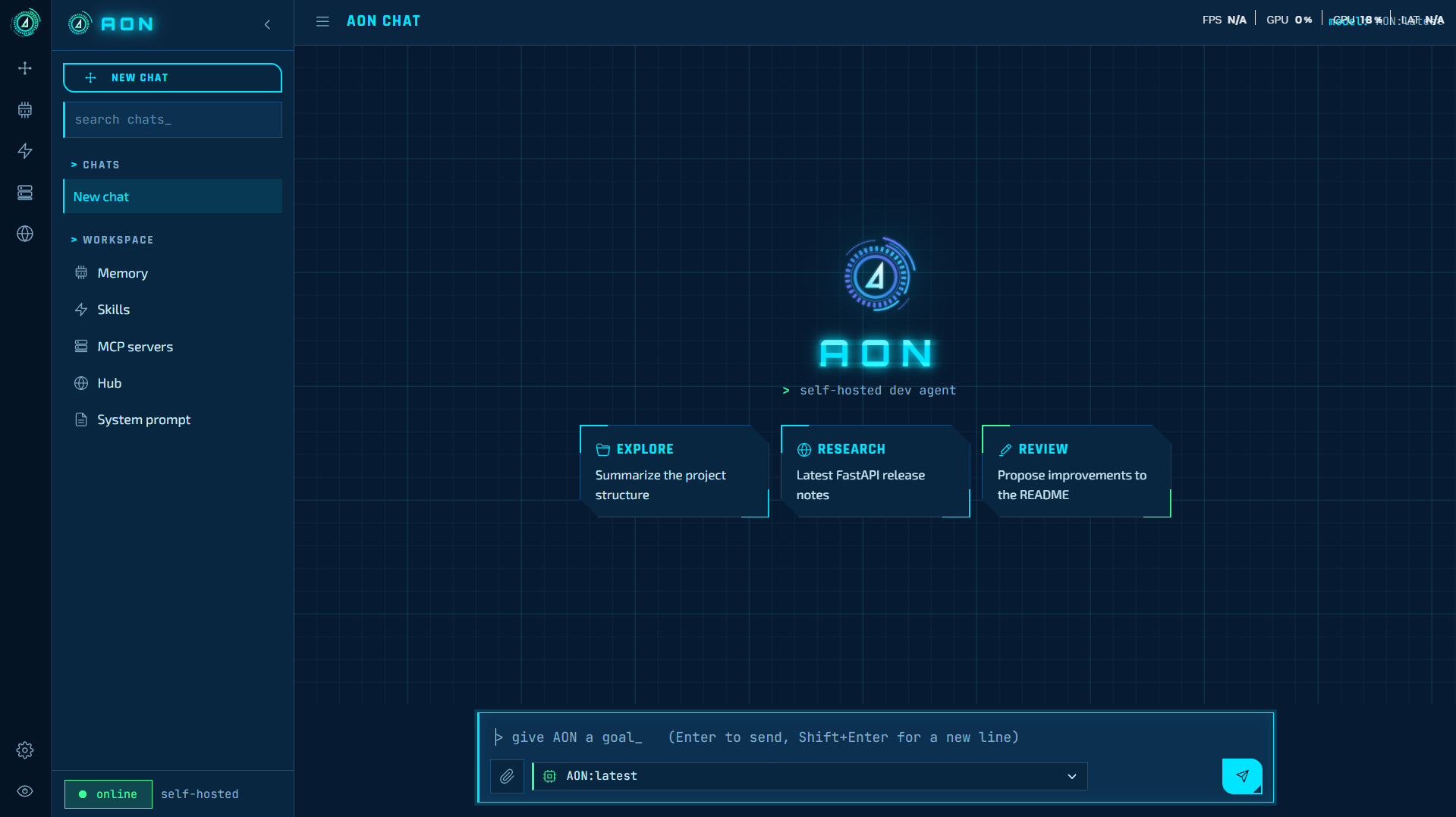 | 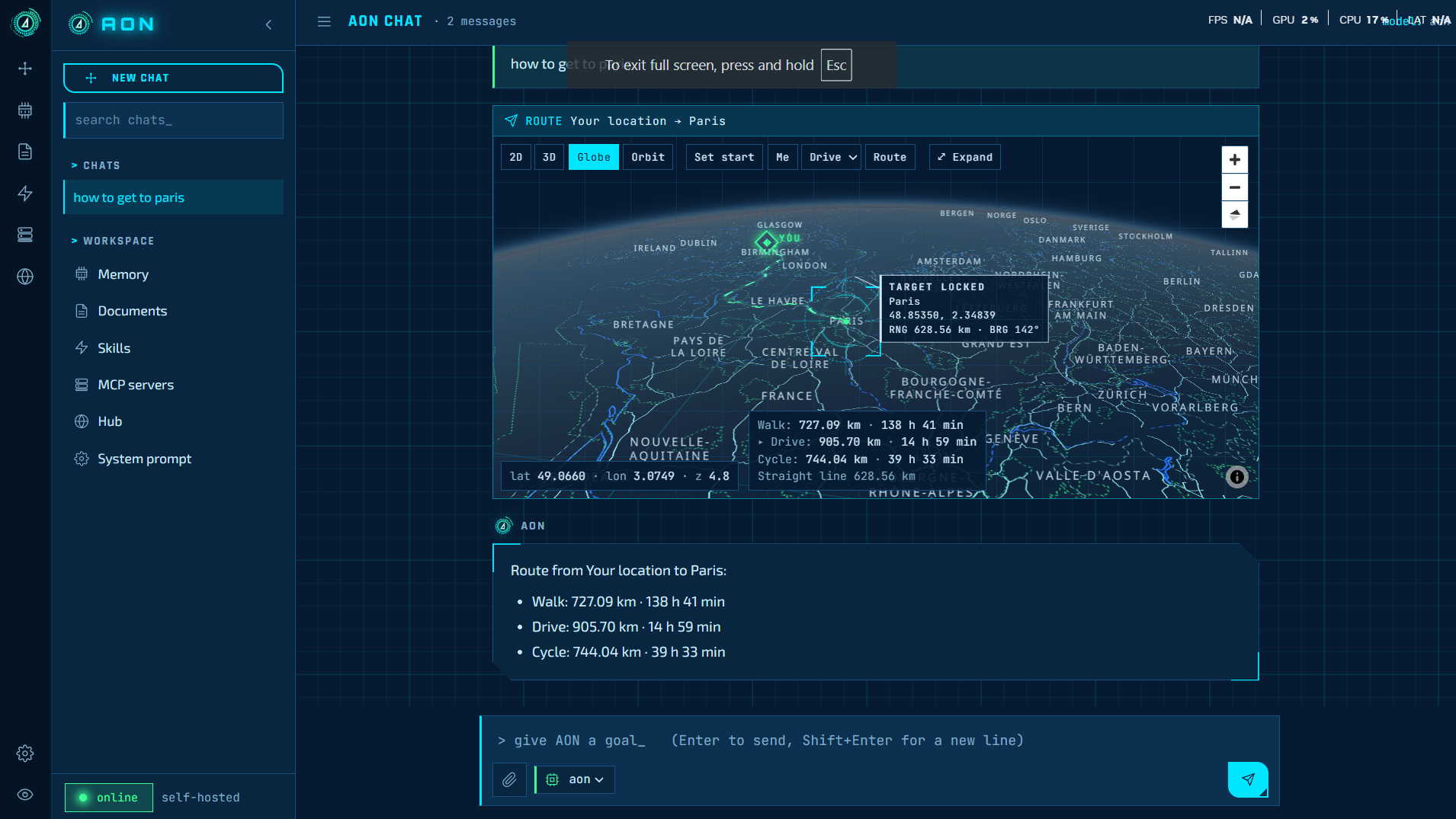 |
Power your agent
คำสั่งของผู้เผยแพร่เอง ไม่ใช่เอนด์พอยต์ของ PlugMCP
Host a copy with our keys and logs.
uvx aon-agent==1.0.2Claude Code ไม่มีลิงก์ติดตั้งสำหรับคำสั่งแบบโลคัล ให้คัดลอกคำสั่งด้านล่างแล้วรันในเทอร์มินัล
claude mcp add io.github.leo007-htun-aon -- uvx aon-agent==1.0.2รันในเทอร์มินัล
{ "mcpServers": { "io.github.leo007-htun-aon": { "command": "uvx", "args": [ "aon-agent==1.0.2" ] } }}claude_desktop_config.json
URL แบบรีโมตหรือคำสั่งบนเครื่องของคุณ? การติดตั้งสองแบบต่างกันอย่างไร
รันบน PlugMCP
A new server you create. It is not this listing's official endpoint. Use the publisher install when you want their URL and their credentials.
เปิด| 💬 Chat | 🗺️ Maps |
|---|---|
| |
AON is a self-hosted AI agent that runs on your own hardware with local models. It answers questions, runs tools (files, shell, web search, maps), remembers you across chats, reads your documents, and extends itself with new models, skills and MCP servers. Use it from the web, the Android app, Telegram, or from Claude Desktop, Claude Code and Cursor through its MCP server.
[!IMPORTANT] 🔒 Nothing leaves your box. Chat runs on vLLM or Ollama on your own GPU, embeddings on Ollama. No cloud LLM, no API bills, no provider filtering or logging.
pipx install aon-agent        # 1. install
aon init                      # 2. create ~/.aon with a starter config
aon serve                     # 3. open http://127.0.0.1:8700
[!TIP] You need Ollama with
nomic-embed-textand a chat model that supports tools:ollama pull nomic-embed-text && ollama pull qwen3:14b. Then tryaon mcpto plug AON into Claude Desktop (how).
Memory and RAG are table stakes now. What AON adds:
aon mcp turns AON into an MCP server for
Claude Desktop, Claude Code and Cursor, so they can hand it tasks and search its memory and your
documents.Use AON inside Claude Desktop, Claude Code, Cursor and any other MCP client.
aon mcp runs AON as a Model Context Protocol server. It ships
in the aon-agent package
(source); your MCP client starts it for you.
[!NOTE] Shell commands and file writes are always refused over MCP: there is nobody to approve them inside another app.
claude_desktop_config.json), then restart it.~/.cursor/mcp.json, or .cursor/mcp.json in a project.{
"mcpServers": {
"aon": { "command": "aon", "args": ["mcp"] }
}
}
claude mcp add aon -- aon mcp
Add "--home", "/path/to/home" to args for a different home folder. If the client can't find
aon, use the full path from which aon.
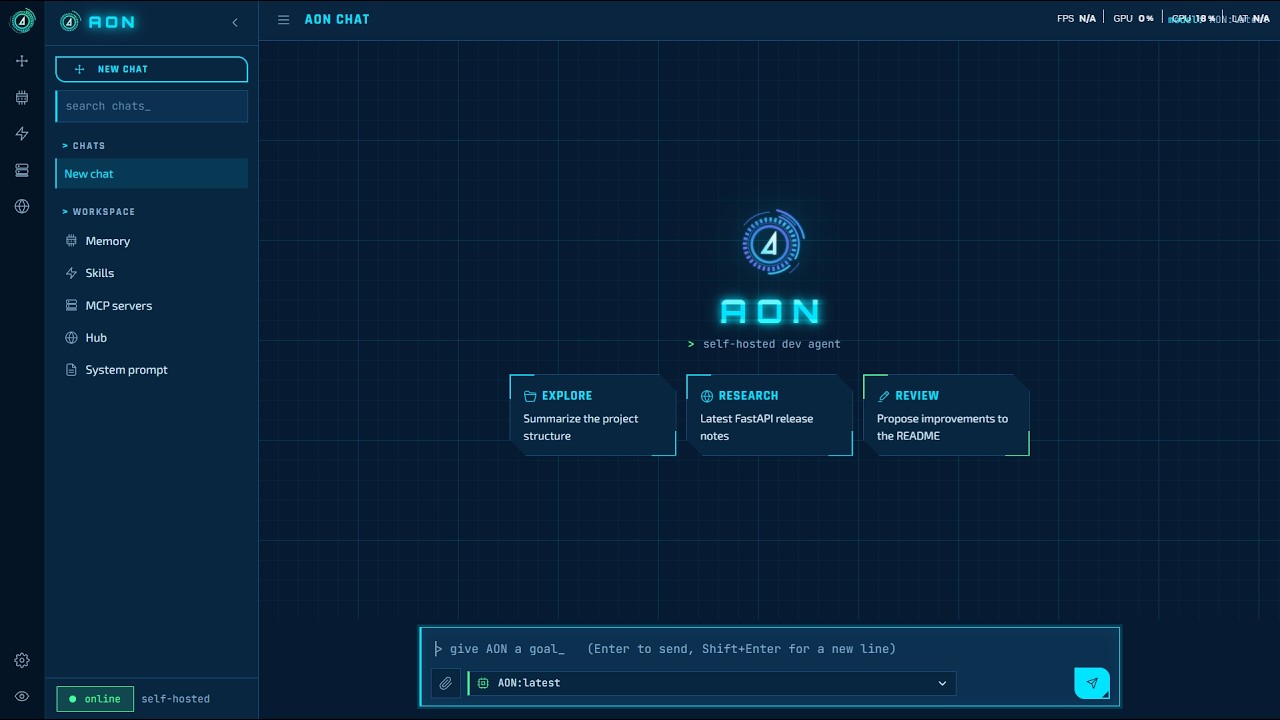
▶️ Click to watch on YouTube
flowchart TB
    subgraph clients["Clients"]
        direction LR
        W["🌐 Web UI"] ~~~ A["📱 Android"] ~~~ T["💬 Telegram"] ~~~ M["🤖 Claude / Cursor"]
    end
    S["🛰️ AON server · FastAPI + agent loop"]
    subgraph backends["Behind AON"]
        direction LR
        TL["🛠️ Tools"] ~~~ DB[("🧠 Memory + docs")] ~~~ V["⚡ vLLM"] ~~~ O["🦙 Ollama"] ~~~ X["🔌 MCP servers"]
    end
    clients -- "HTTPS via Cloudflare Access, or MCP over stdio" --> S
    S --> backends
260 KB, Android 7.0 or newer.
The app opens https://aon.vulkron.uk by default. To use your own server, press Back in the
app and choose Change server, for example http://192.168.1.50:8700 on your home network.
The APK is signed (APK Signature Scheme v2, certificate CN=AON, O=Vulkron, C=GB); its SHA-256 is
on the release page.
Access to https://aon.vulkron.uk is by approval only:
[!WARNING] Access can be withdrawn at any time. The instance runs on private hardware with limited capacity: please do not use it for anything illegal, for automated or bulk traffic, or to process other people's personal data, and expect a short wait when several people are using it.
Requirements
Install
pipx install aon-agent            # or: pip install aon-agent
aon init                          # --ollama URL --model NAME --bind HOST:PORT --home DIR
Everything AON keeps (config, chats, memory, documents, skills) lives in its home folder:
--home DIR, else $AON_HOME, else ~/.aon.
git clone https://github.com/leo007-htun/AON.git && cd AON
python3 -m venv venv && venv/bin/pip install -e ".[test]"
venv/bin/aon init
aon init writes config.toml into the home folder; edit it to taste. Keep context_window
equal to vLLM's --max-model-len (or the Ollama model's context).
aon serve                         # web UI on the bind address from config.toml
aon serve --port 9000             # or override host/port
aon --help
setsid nohup aon serve >> ~/.aon/aon.log 2>&1 < /dev/null &
pgrep -af '[a]on serve'           # is it running?
tail -f ~/.aon/aon.log            # its log
pkill -f '[a]on serve'            # stop it
sudo tee /etc/systemd/system/aon.service >/dev/null <<'EOF'
[Unit]
Description=AON agent
After=network-online.target
Wants=network-online.target

[Service]
User=ubuntu
Environment=AON_HOME=/home/ubuntu/.aon
ExecStart=/home/ubuntu/.local/bin/aon serve
Restart=always
RestartSec=5

[Install]
WantedBy=multi-user.target
EOF
sudo systemctl daemon-reload && sudo systemctl enable --now aon
journalctl -u aon -f
Change User, AON_HOME and the aon path (which aon) to match your setup.
Ollama answers one request at a time for some models. To serve several users, run the chat model on vLLM and point AON at it:
chat_base_url = "http://<gpu-box>:8001/v1"
chat_model = "aon"
default_model = "aon"
context_window = 16384
vllm/ has the systemd unit, the chat template and the exact package versions used.
Measured on one RTX 4090 (24 GB) with a 27B 4-bit model: 16K context serves 2–3 full-length
requests at once and the rest queue; 8K serves 4.
AON has no login of its own. Keep bind on your LAN and, to reach it from outside, put it behind
an authenticating proxy, for example a Cloudflare Tunnel with Cloudflare Access (email PIN).
Geolocation in the map needs HTTPS.
pip install -e ".[test]"
pytest -q
AON keeps its data in its home folder: workspace/app.db (chats), workspace/docs.db (document
library), memory/episodes.db (memory) and workspace/uploads/ (attachments). This repository
includes a snapshot of them from 2026-10-14. A fresh install creates empty ones; to start clean,
delete them before the first run. The Glama API key is kept in .glama_key, which is git-ignored.
Issues and pull requests are welcome. For anything bigger than a fix, please
open an issue first to talk it through. Run
pytest -q before sending a pull request.
AON is released under the MIT License. © 2026 Sithu Htun (@leo007-htun).
Bundled third-party files keep their own licenses, included next to them: CybercoreCSS (MIT), MapLibre GL JS (BSD-3-Clause), highlight.js (BSD-3-Clause), and the Exo 2, JetBrains Mono, Orbitron and Rajdhani fonts (SIL Open Font License).
If AON is useful to you, give it a ⭐. It helps others find it.
Self-hosted, uncensored AI agent: ask it tasks, search its long-term memory and your documents.
{ "mcpServers": { "io.github.leo007-htun-aon": { "command": "uvx", "args": [ "aon-agent==1.0.2" ] } }}เครื่องมือ
ยังไม่มีรายการเครื่องมือ เซิร์ฟเวอร์แบบรีโมตจะได้รายการหลังการตรวจสอบสถานะครั้งแรก
FAQ
คัดลอกคอนฟิก stdio สำหรับ Cursor, Claude Desktop, Claude Code หรือ VS Code ได้ในหน้านี้ คอนฟิกนี้ใช้การติดตั้งของผู้เผยแพร่ ไม่ใช่พร็อกซีของ PlugMCP
ระเบียนนี้ไม่ได้ระบุตัวแปรสภาพแวดล้อมที่จำเป็น
AON ทำงานแบบโลคัลผ่าน stdio
ตรวจสอบล่าสุดเมื่อ 2026-11-09 Self-hosted, uncensored AI agent: ask it tasks, search its long-term memory and your documents.