Power your agent
คำสั่งของผู้เผยแพร่เอง ไม่ใช่เอนด์พอยต์ของ PlugMCP
Host a copy with our keys and logs.
npx -y @rixtay/[email protected]Claude Code ไม่มีลิงก์ติดตั้งสำหรับคำสั่งแบบโลคัล ให้คัดลอกคำสั่งด้านล่างแล้วรันในเทอร์มินัล
MAIL_MCP_CLIENT_ID=<value> MAIL_MCP_CACHE_PATH=<value> claude mcp add io.github.rixtayz-mail-mcp -- npx -y @rixtay/mail-mcp@0.1.2รันในเทอร์มินัล
{ "mcpServers": { "io.github.rixtayz-mail-mcp": { "command": "npx", "args": [ "-y", "@rixtay/[email protected]" ], "env": { "MAIL_MCP_CLIENT_ID": "<value>", "MAIL_MCP_CACHE_PATH": "<value>" } } }}claude_desktop_config.json
URL แบบรีโมตหรือคำสั่งบนเครื่องของคุณ? การติดตั้งสองแบบต่างกันอย่างไร
รันบน PlugMCP
A new server you create. It is not this listing's official endpoint. Use the publisher install when you want their URL and their credentials.
เปิด
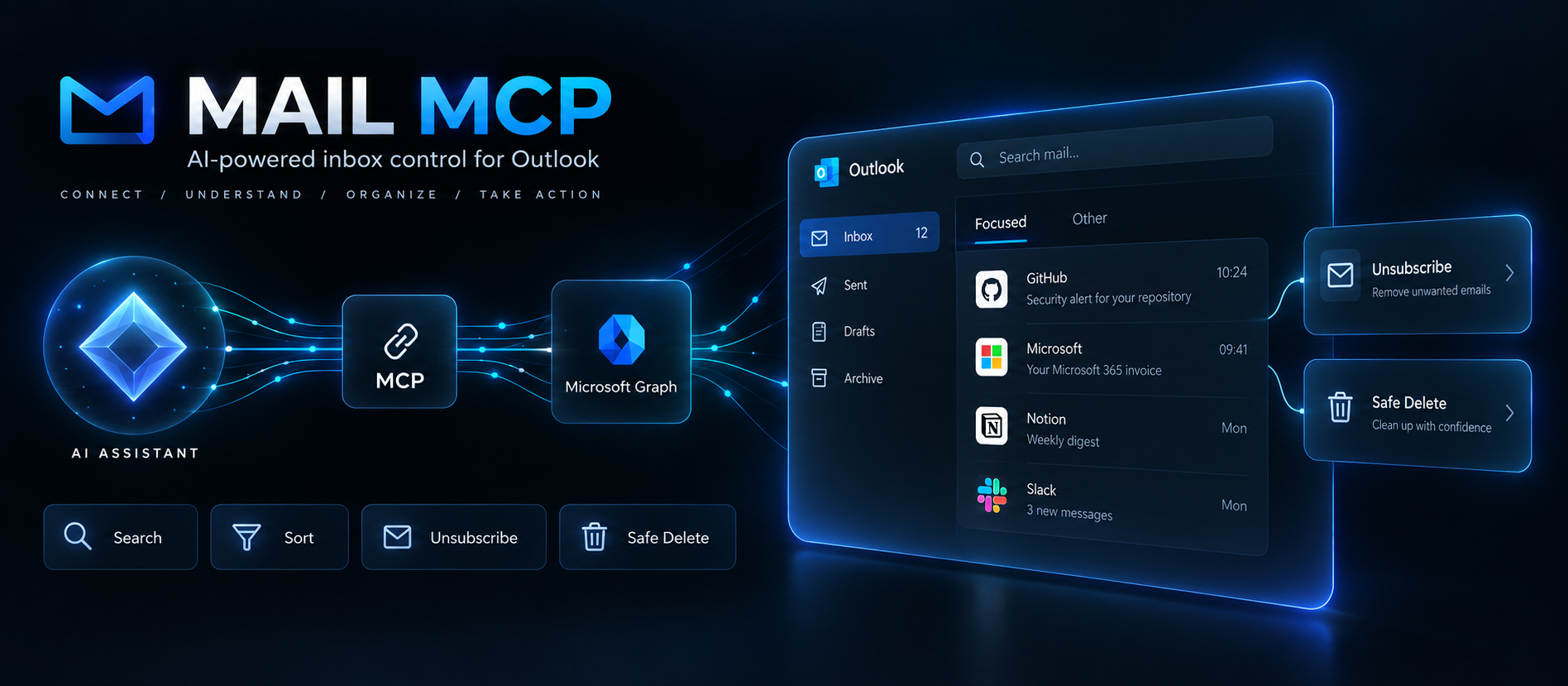
A small, focused MCP server that lets Claude (Claude Desktop, Cowork, Claude Code or any MCP client) work on a personal Outlook.com / Hotmail / Live mailbox through Microsoft Graph: read and search mail, file it into folders, delete it, and unsubscribe from newsletters.
Built for one job: clean up an overflowing personal inbox with an AI assistant, safely.
Nine tools, all prefixed mail_:
Design choices:
dryRun.mail_senders_summary scans thousands of messages in a few seconds (1,000-item pages, minimal $select) and only fetches headers for the top senders through $batch.Mail.Send permission is used solely to send mailto: unsubscribe requests.readOnlyHint, destructiveHint, …) so hosts can auto-approve read-only calls.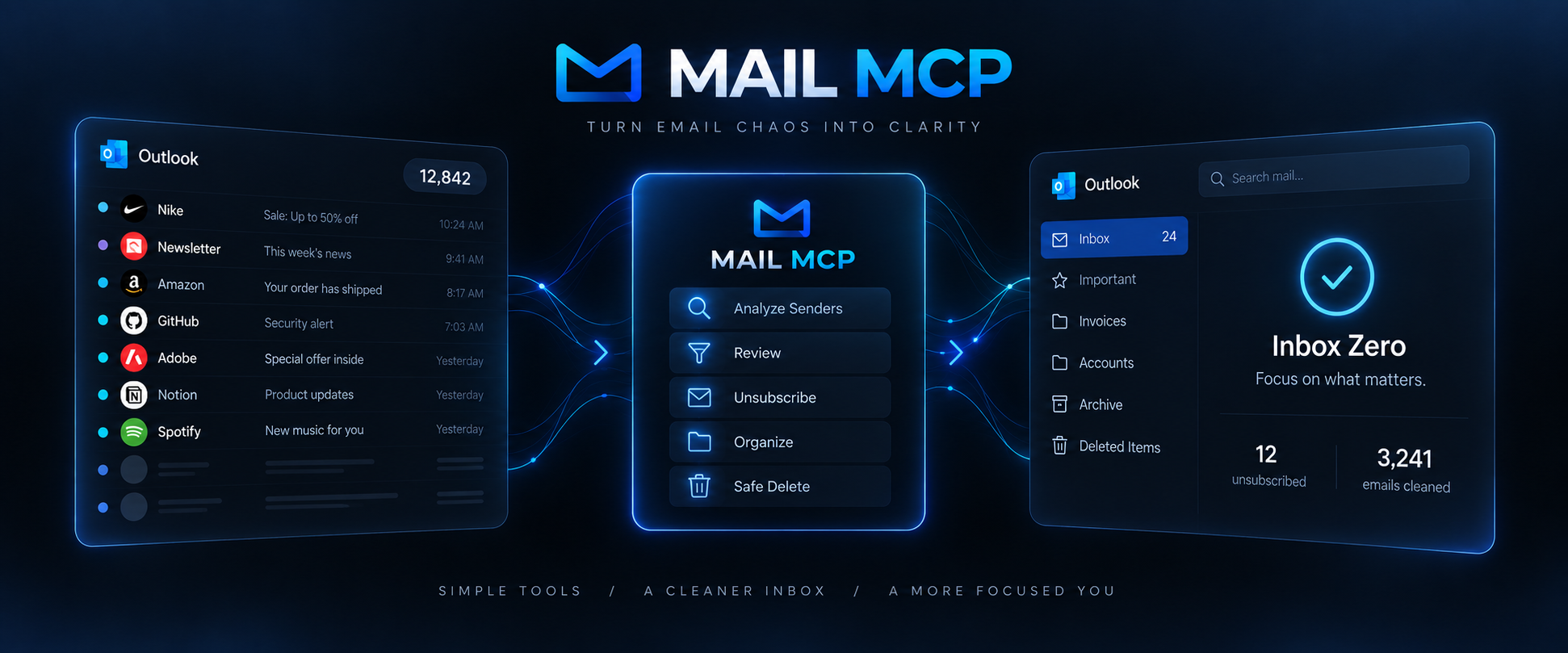
No Azure subscription is needed for a public client app.
Mail-MCPhttp://localhostxxxxxxxx-xxxx-xxxx-xxxx-xxxxxxxxxxxx).http://localhost is listed under "Mobile and desktop applications" and Allow public client flows is Yes.Mail.ReadWrite, Mail.Send, User.Read, offline_access. No admin consent is needed; you consent at first sign-in.No client secret is created: the server is a public client using the authorization code flow with PKCE.
No install needed, npx fetches the package from npm (@rixtay/mail-mcp, the installed command is mail-mcp):
MAIL_MCP_CLIENT_ID=<your-client-id> npx -y @rixtay/mail-mcp login
Or from a clone:
git clone https://github.com/Rixtayz/Mail-MCP.git
cd Mail-MCP
npm install && npm run build
MAIL_MCP_CLIENT_ID=<your-client-id> npm run login
The login command opens your system browser, signs you in with Microsoft, then stores the token cache in ~/.mail-mcp/token-cache.json (file mode 600). Tokens refresh silently for 90 rolling days. If a tool ever answers "Token expired", run the same command again.
Edit ~/Library/Application Support/Claude/claude_desktop_config.json on macOS (or %APPDATA%\Claude\claude_desktop_config.json on Windows), reachable through Settings → Developer → Edit Config.
{
  "mcpServers": {
    "mail": {
      "command": "npx",
      "args": ["-y", "@rixtay/mail-mcp"],
      "env": {
        "MAIL_MCP_CLIENT_ID": "<your-client-id>"
      }
    }
  }
}
If Claude Desktop cannot find npx (it does not inherit your shell PATH), use absolute paths instead: "command": "/absolute/path/to/node", "args": ["/absolute/path/to/Mail-MCP/dist/index.js"].
Quit Claude Desktop completely and start it again. Logs: ~/Library/Logs/Claude/mcp-server-mail.log.
Cowork runs local MCP servers only in local sessions, not in cloud sessions.
claude mcp add --scope user --env MAIL_MCP_CLIENT_ID=<your-client-id> --transport stdio mail -- npx -y @rixtay/mail-mcp
Typical flow: mail_senders_summary → the assistant proposes a list, you confirm → mail_unsubscribe(lastMessageId) per newsletter (when the answer is method: "browser", the assistant opens the URL in its browser and finishes there) → mail_bulk_by_sender(action: "delete").
npm test          # vitest: header parsing, Graph retry/batch/pagination, service with a mocked Graph
npm run typecheck
npm run inspect   # MCP Inspector against dist/index.js
Layout:
src/index.ts          CLI entry point: `mail-mcp` serves stdio, `mail-mcp login` signs in
src/login.ts          interactive sign-in flow
src/server.ts         builds the McpServer and registers the tools
src/auth.ts           MSAL public client, file-based token cache
src/graph.ts          Graph client: bearer auth, 429/503 retry, pagination, $batch in chunks of 20
src/mail.ts           business logic (folders, search, sender summary, move/delete, unsubscribe cascade)
src/unsubscribe.ts    List-Unsubscribe / List-Unsubscribe-Post parsing, RFC 8058 one-click POST
src/tools/*.ts        tool definitions (zod v4 schemas, annotations)
Stack: @modelcontextprotocol/server v2, zod v4, @azure/msal-node v6, html-to-text.
mail_move and mail_delete return the old → new id mapping.DELETE would drop the item into Recoverable Items, which is invisible in Outlook, so it is deliberately not used.mail_search with query (full text) cannot be combined with the other filters (Graph limitation) and tops out at a few hundred results.mailto: send the request; the assistant's browser handles the rest.login.microsoftonline.com/consumers. With common, refresh tokens for personal accounts are rejected after the first refresh.Bug reports, fixes and focused new tools are welcome: see CONTRIBUTING.md. Please never paste real email content, addresses or tokens in an issue. Found a way the server could leak mail or tokens, or act without being asked? Please report it privately, as described in SECURITY.md.
Release history: CHANGELOG.md.
MIT
Personal Outlook.com / Hotmail inbox: read, search, file, delete, unsubscribe via Microsoft Graph.
{ "mcpServers": { "io.github.rixtayz-mail-mcp": { "command": "npx", "args": [ "-y", "@rixtay/[email protected]" ], "env": { "MAIL_MCP_CLIENT_ID": "<value>", "MAIL_MCP_CACHE_PATH": "<value>" } } }}เครื่องมือ
ยังไม่มีรายการเครื่องมือ เซิร์ฟเวอร์แบบรีโมตจะได้รายการหลังการตรวจสอบสถานะครั้งแรก
FAQ
คัดลอกคอนฟิก stdio สำหรับ Cursor, Claude Desktop, Claude Code หรือ VS Code ได้ในหน้านี้ คอนฟิกนี้ใช้การติดตั้งของผู้เผยแพร่ ไม่ใช่พร็อกซีของ PlugMCP
ผู้เผยแพร่ระบุตัวแปรสภาพแวดล้อมเหล่านี้: MAIL_MCP_CLIENT_ID, MAIL_MCP_CACHE_PATH
Mail ทำงานแบบโลคัลผ่าน stdio
ตรวจสอบล่าสุดเมื่อ 2026-11-09 Personal Outlook.com / Hotmail inbox: read, search, file, delete, unsubscribe via Microsoft Graph.

