Power your agent
คำสั่งของผู้เผยแพร่เอง ไม่ใช่เอนด์พอยต์ของ PlugMCP
Host a copy with our keys and logs.
docker run -i --rm ghcr.io/zyvorai/netra-mcp:0.32.0Claude Code ไม่มีลิงก์ติดตั้งสำหรับคำสั่งแบบโลคัล ให้คัดลอกคำสั่งด้านล่างแล้วรันในเทอร์มินัล
NETRA_URL=<value> NETRA_API_KEY=<secret> NETRA_MCP_ALLOW_MUTATIONS=<value> NETRA_MCP_ACTOR=<value> claude mcp add io.github.zyvorai-netra -- docker run -i --rm ghcr.io/zyvorai/netra-mcp:0.32.0รันในเทอร์มินัล
{ "mcpServers": { "io.github.zyvorai-netra": { "command": "docker", "args": [ "run", "-i", "--rm", "ghcr.io/zyvorai/netra-mcp:0.32.0" ], "env": { "NETRA_URL": "<value>", "NETRA_API_KEY": "<secret>", "NETRA_MCP_ALLOW_MUTATIONS": "<value>", "NETRA_MCP_ACTOR": "<value>" } } }}claude_desktop_config.json
URL แบบรีโมตหรือคำสั่งบนเครื่องของคุณ? การติดตั้งสองแบบต่างกันอย่างไร
รันบน PlugMCP
A new server you create. It is not this listing's official endpoint. Use the publisher install when you want their URL and their credentials.
เปิด
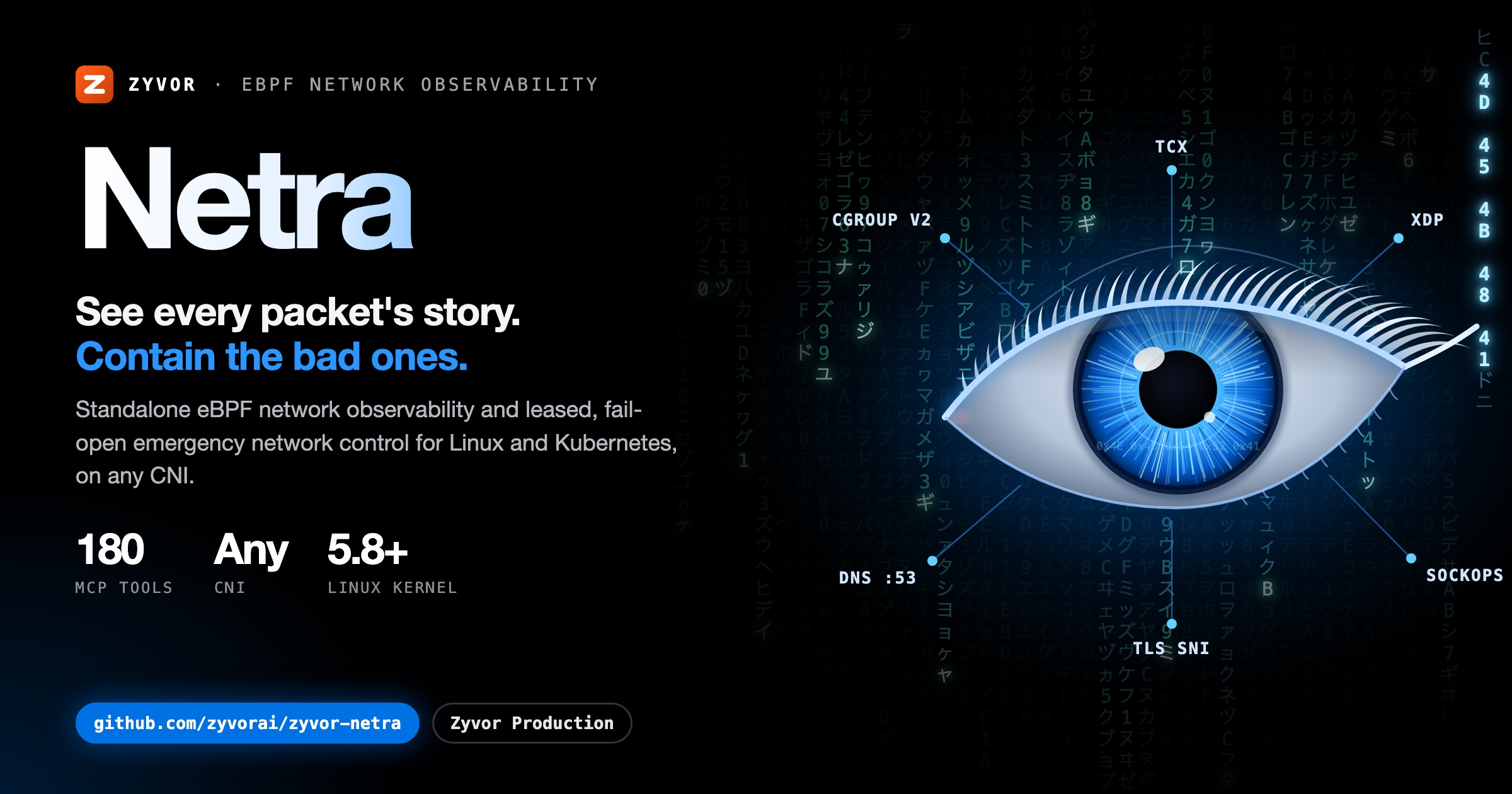
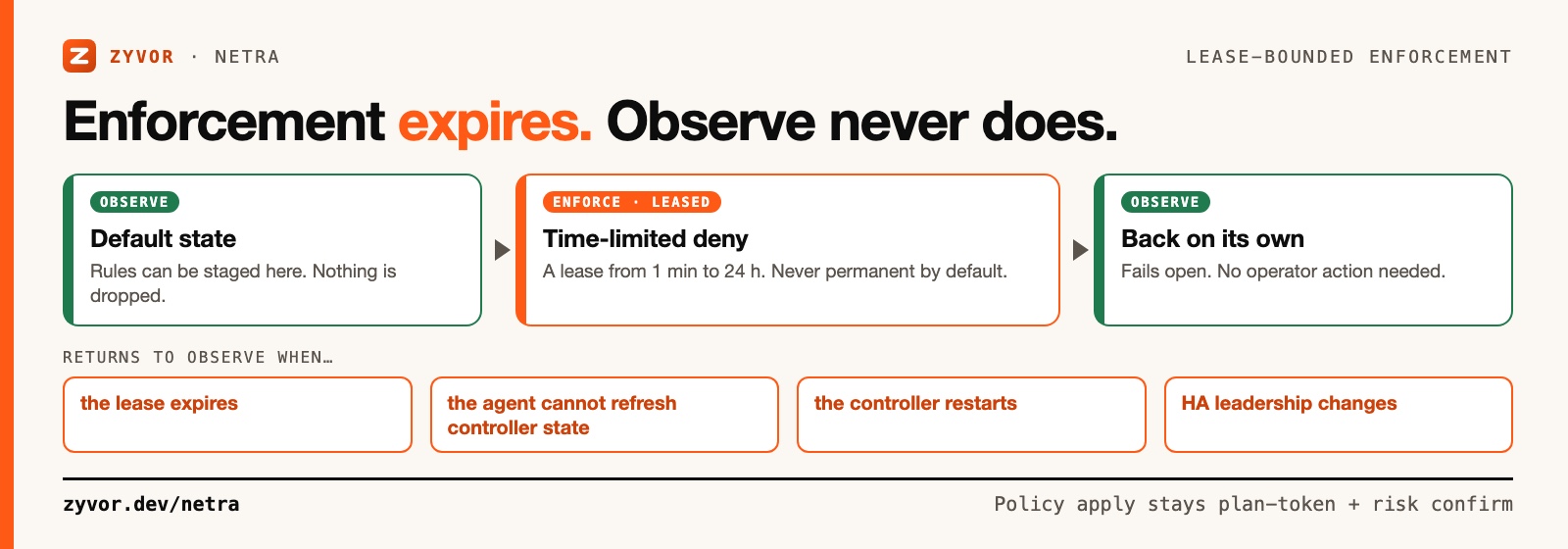
Standalone eBPF network observability and emergency network control for Linux/Kubernetes — with optional Cilium + Hubble enrichment. Kernel drop attribution, path and congestion diagnostics, live packet capture, and leased deny rules that return to observe on their own, on any CNI.
Observe-first · Lease-bounded, fails open · No CNI required · No payload collection · 190 MCP tools
📖 Read the full docs — quickstart, architecture, security model, and a product tour.
From CHANGELOG.md (0.28.2 to 0.30.0):
Netra does not require Cilium. The node agent owns its own programs and maps below /sys/fs/bpf/netra. If Cilium/Hubble exists, Netra can manage CiliumNetworkPolicy and display Hubble flows, but both integrations are opt-in.
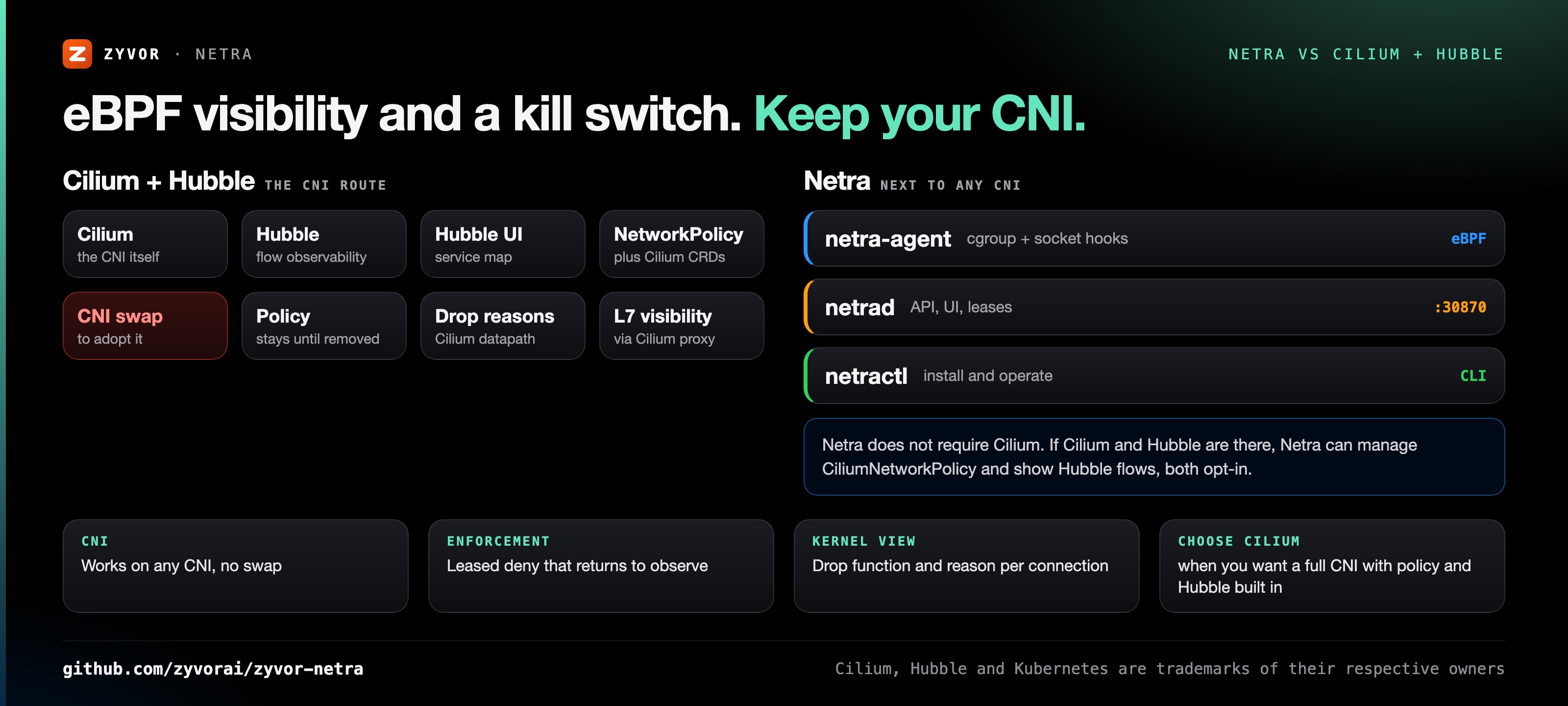
Netra never modifies or pins over Cilium-owned BPF maps, so the two can share a cluster.
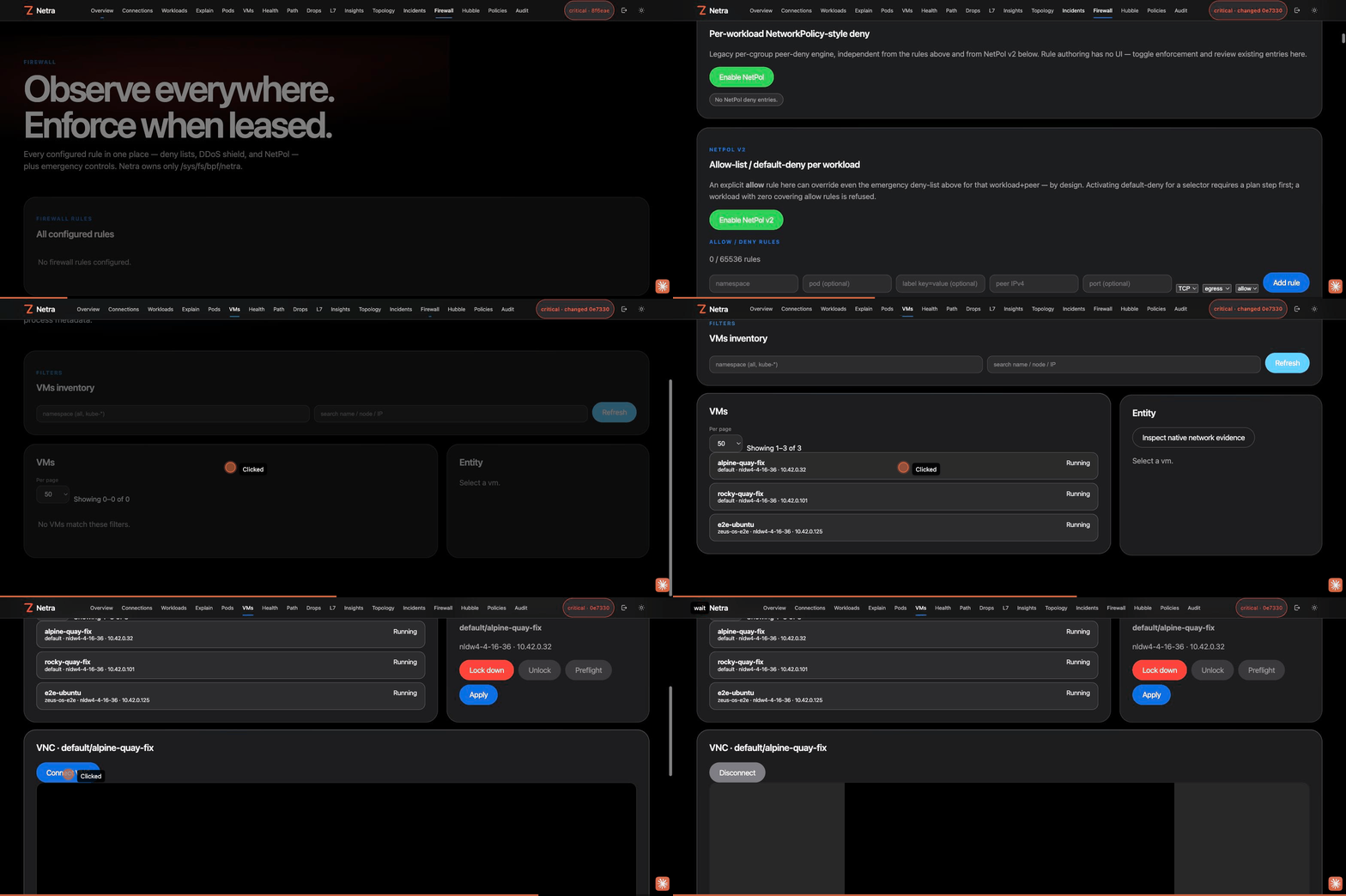
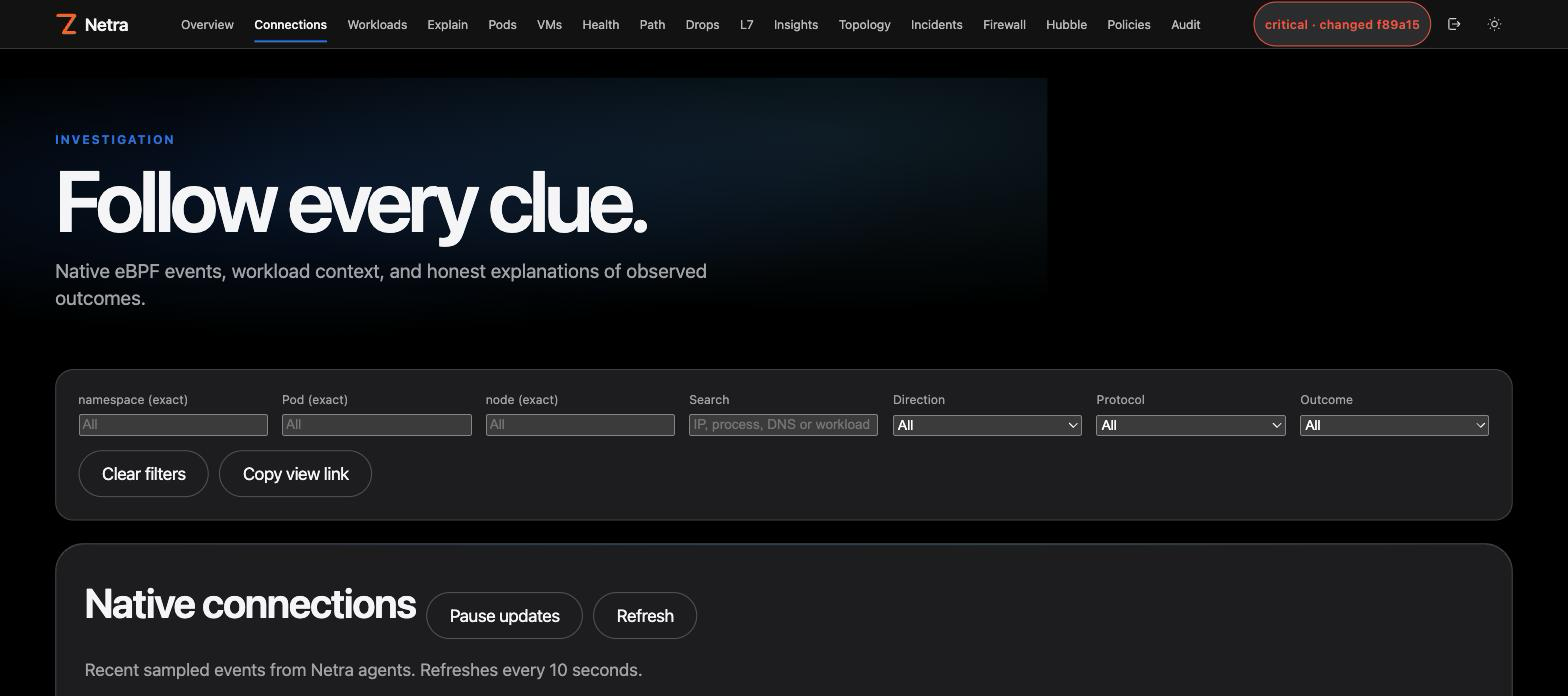
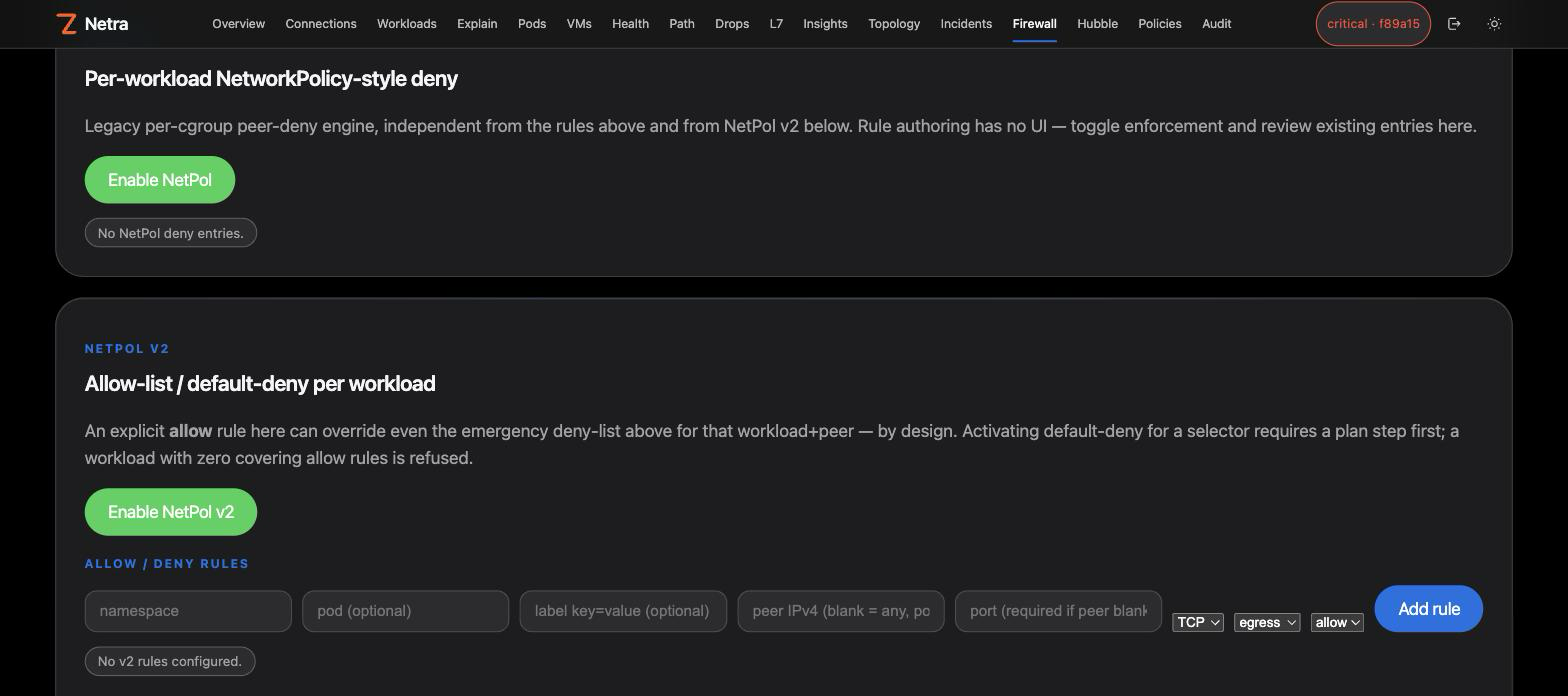
Overview, the Firewall page's unified rules table and NetPol v2 allow-list, then a real in-browser VNC console connected to a running KubeVirt VM — captured against a live lab deployment, not a mockup:
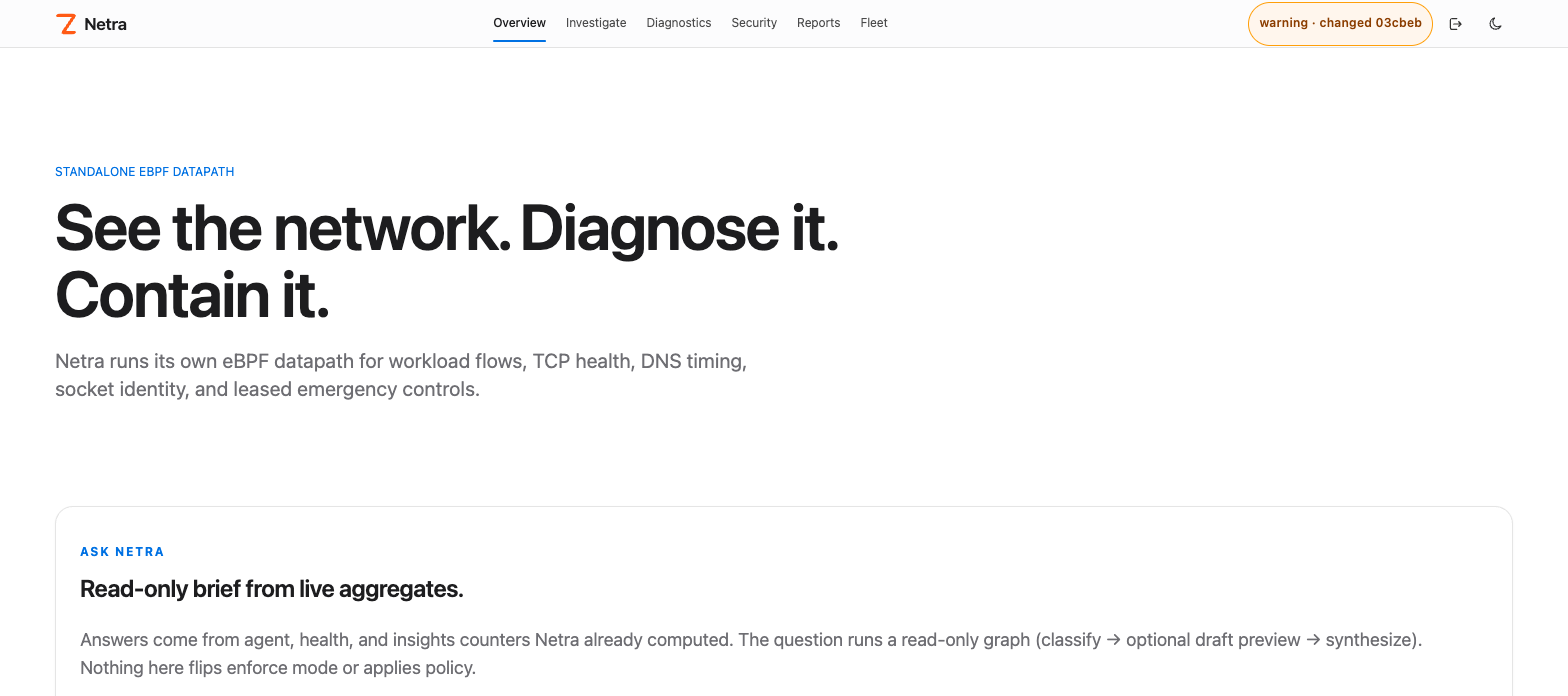
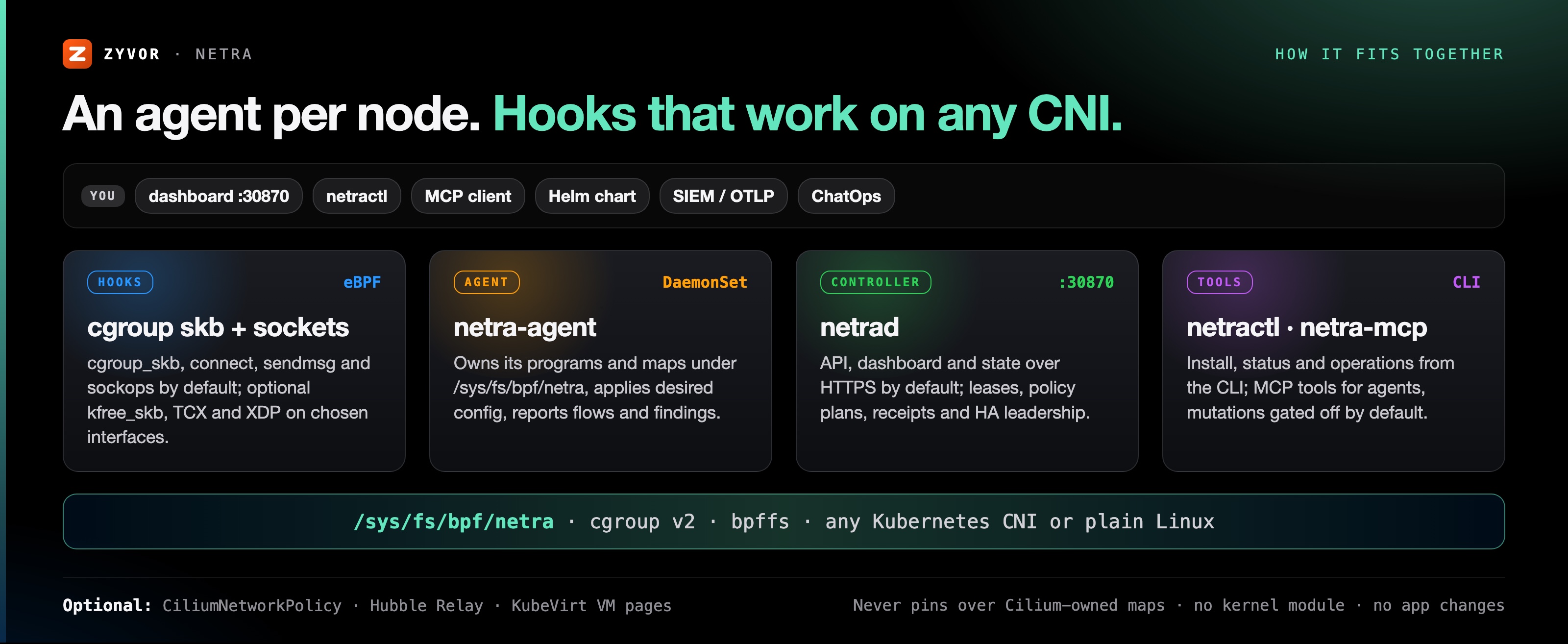
                        Browser / netractl
                               |
                               v
                    +---------------------+
                    |      netrad        |
                    | API + UI + state    |
                    +----------+----------+
                               |
                 desired config| node reports
                               v
       +------------------------------------------------+
       |          netra-agent on every Linux node      |
       |                                                |
       | cgroup skb + socket hooks       optional TCX   |
       |          |                         optional XDP |
       |          +------ Netra maps/ring buffer ------+
       |                 /sys/fs/bpf/netra             |
       +------------------------------------------------+
netrad serves HTTPS on :30870 by default. Hook model, visibility boundaries and the optional Cilium/Hubble integration: docs/architecture.md · Standalone eBPF.
make install                              # netractl → /usr/local/bin (or PREFIX=$HOME/.local)
netractl install --namespace netra-system # Helm install: controller + node agent DaemonSet
netractl status
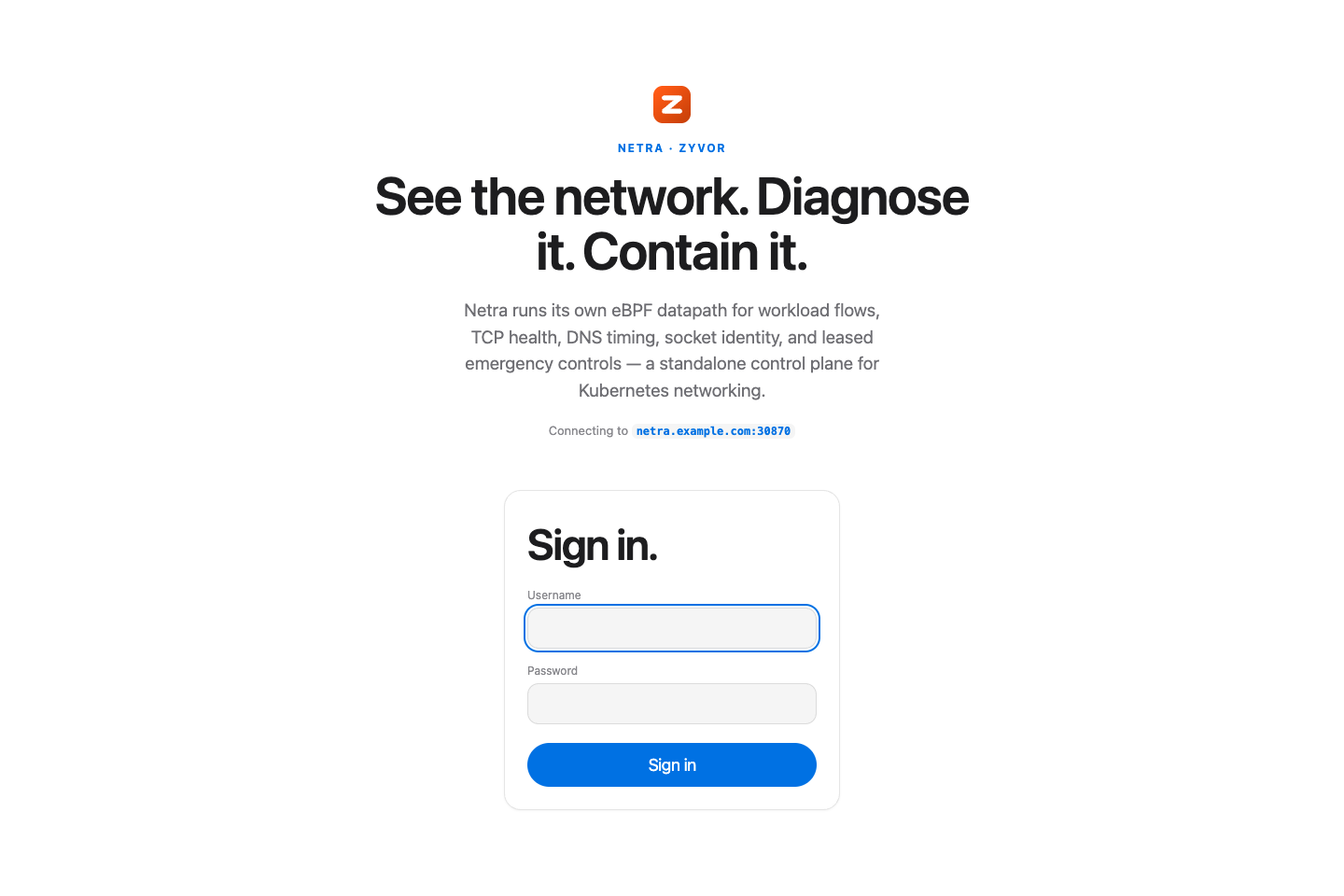
Then open https://<node-ip>:30870 and sign in. The dashboard sits behind a login screen — see Signing in (the nav bar and login screen carry the Zyvor mark).
Requires Linux with cgroup v2 and bpffs; practical baseline Linux 5.8+ (TCX 6.6+). Run netra-doctor first. Full steps, Helm values, Cilium/Hubble and CLI examples: Install guide.
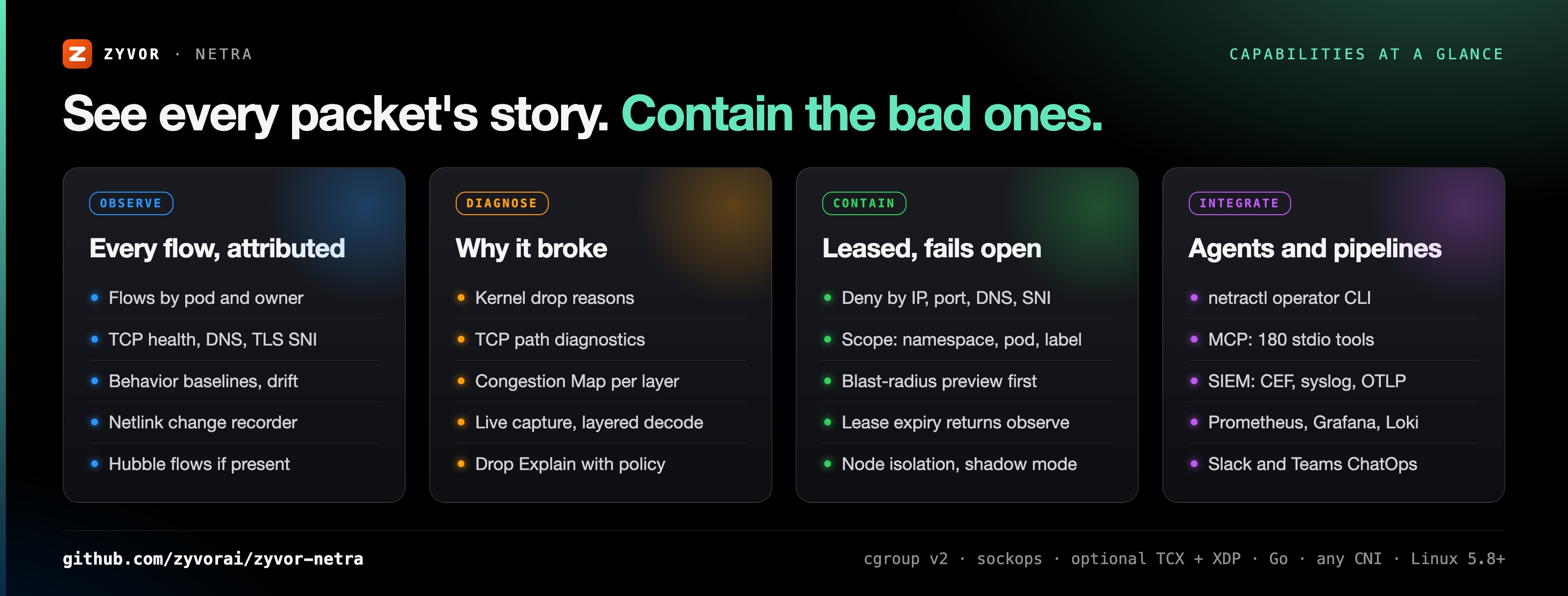
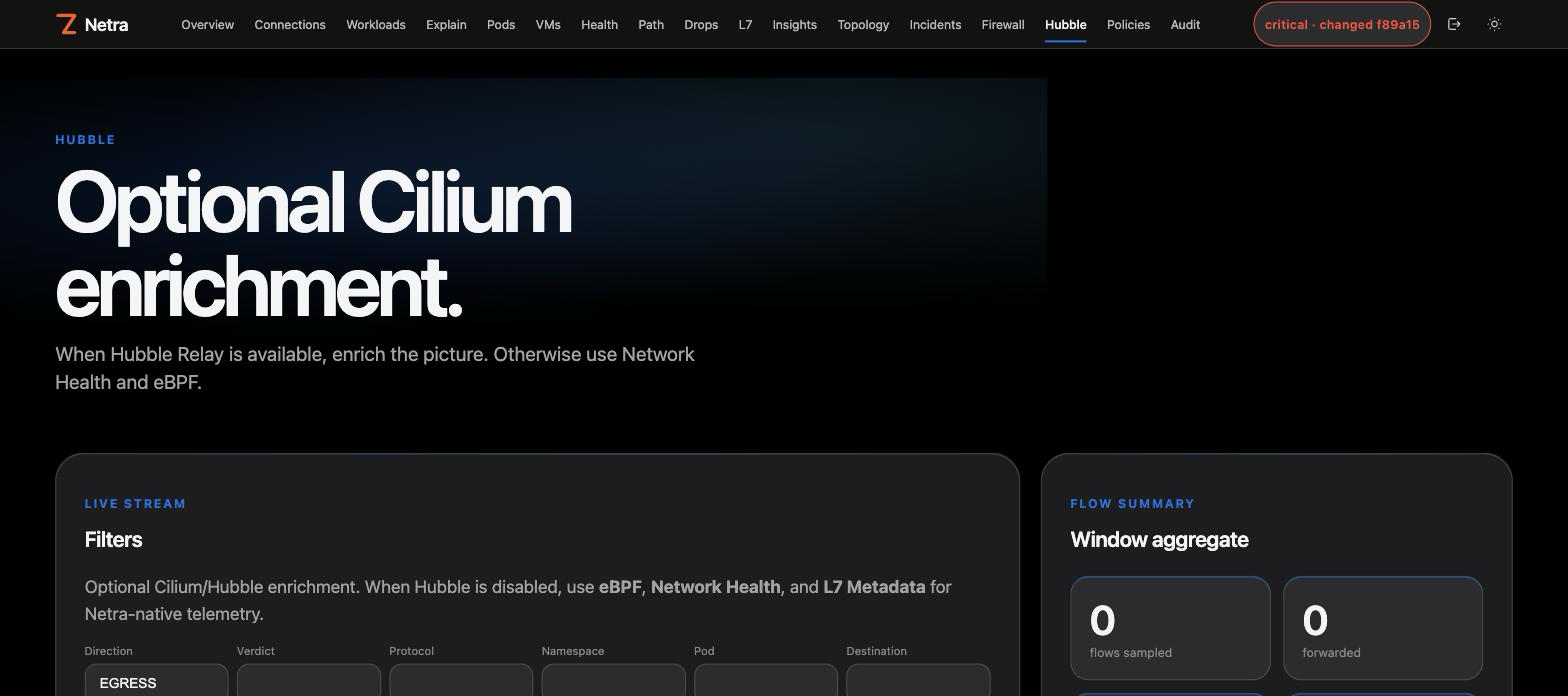
Flows with pod and owner attribution, TCP health, DNS, TLS SNI and HTTP Host metadata, behavior baselines and drift. Live Hubble flows when Cilium is present. Capabilities →
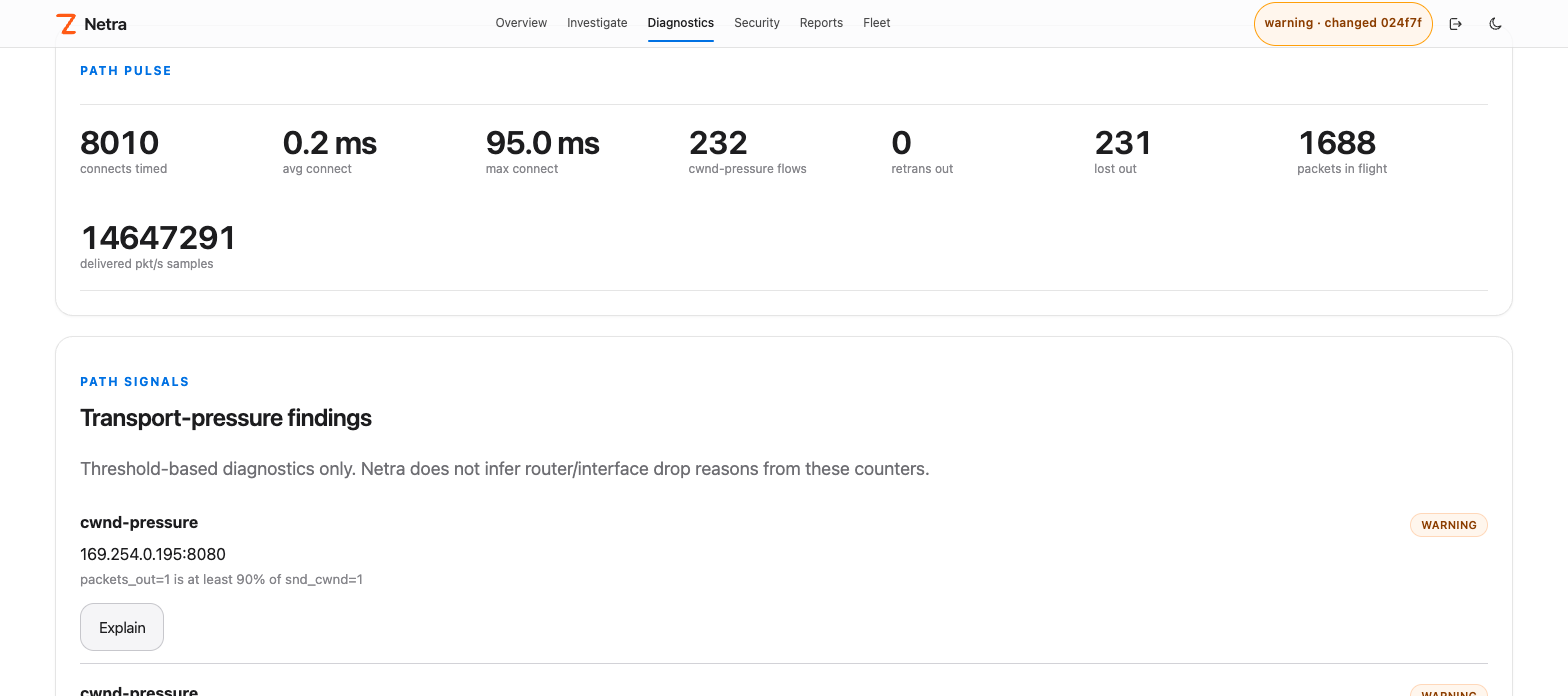
TCP path diagnostics measure connect latency and transport pressure per workload, plus edge-observed handshake and RTT histograms that see NAT'd flows. Path → · Edge intel →
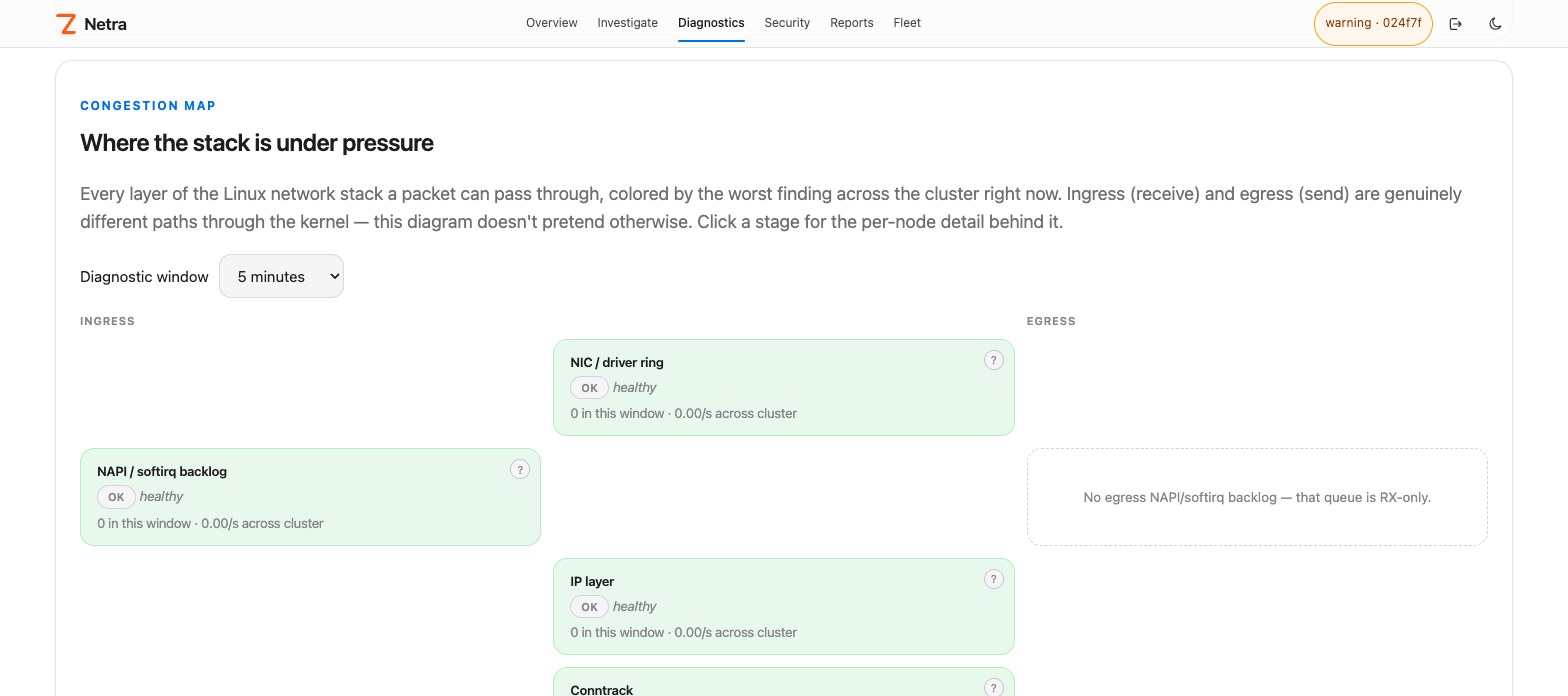
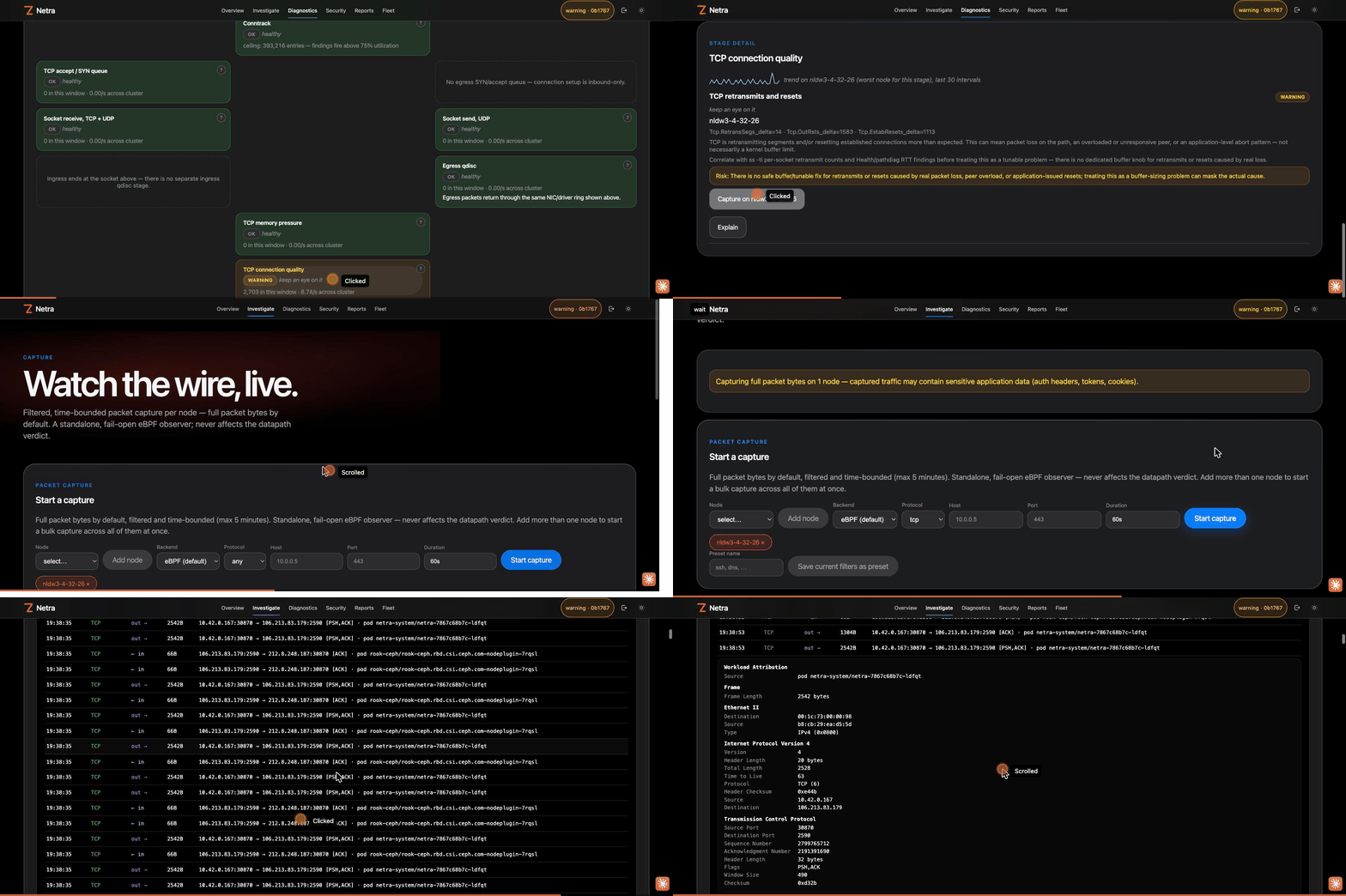
Congestion Map colors every layer of the Linux network stack by its worst finding, cluster-wide. One click jumps to a capture on the offending node. Kernel diagnostics →
Packet Capture streams a filtered, time-bounded capture live, color-coded by protocol, with a Wireshark-style layered decode and hex dump. Opt-in auto-capture persists PCAPs on critical findings. Capture →
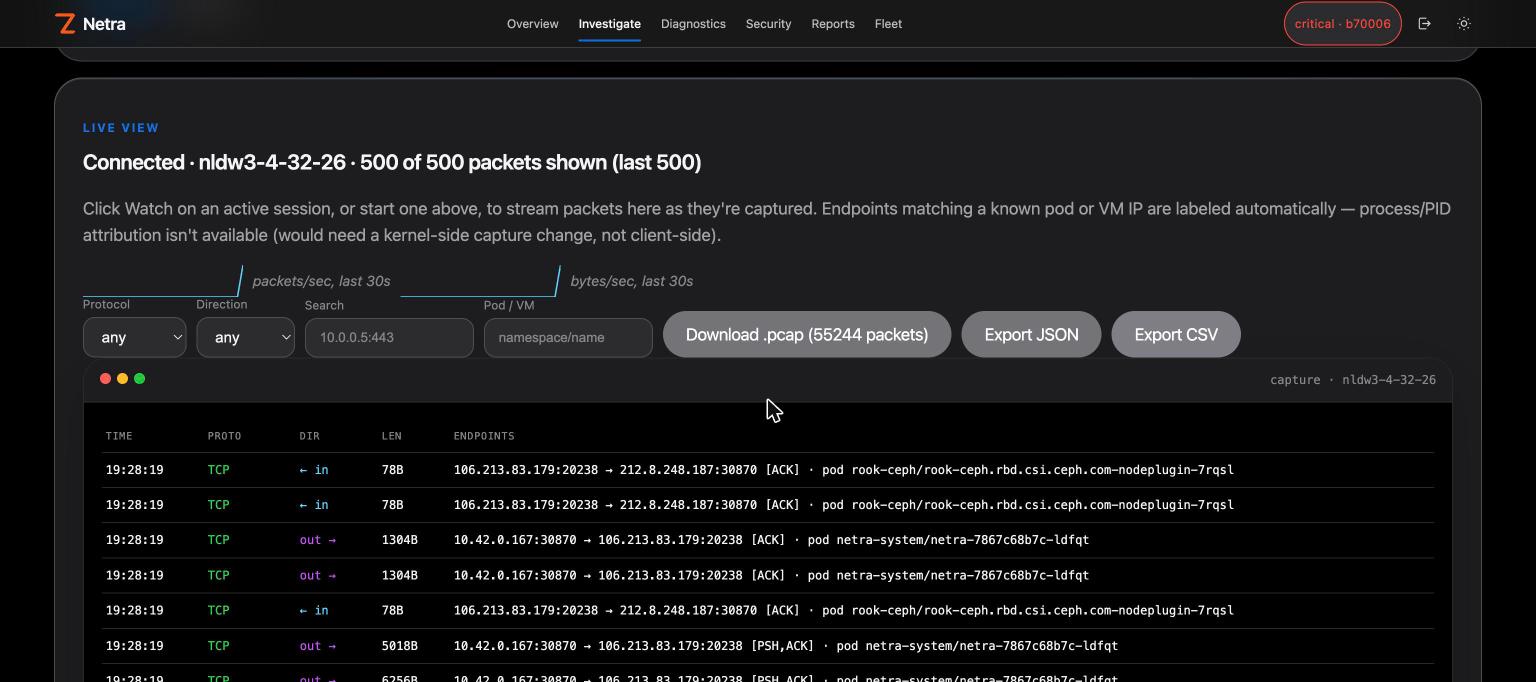
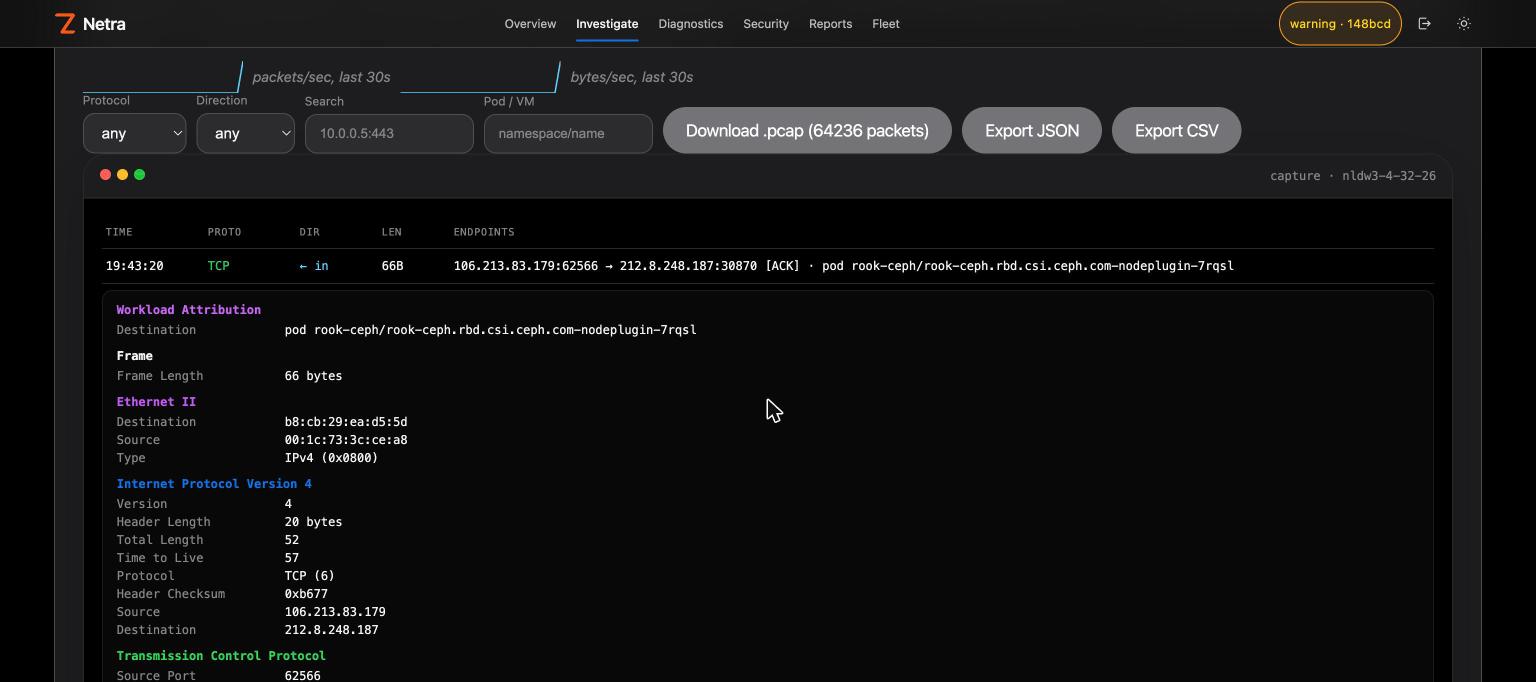
A Congestion Map finding to a live, decoded, color-coded capture on the offending node:
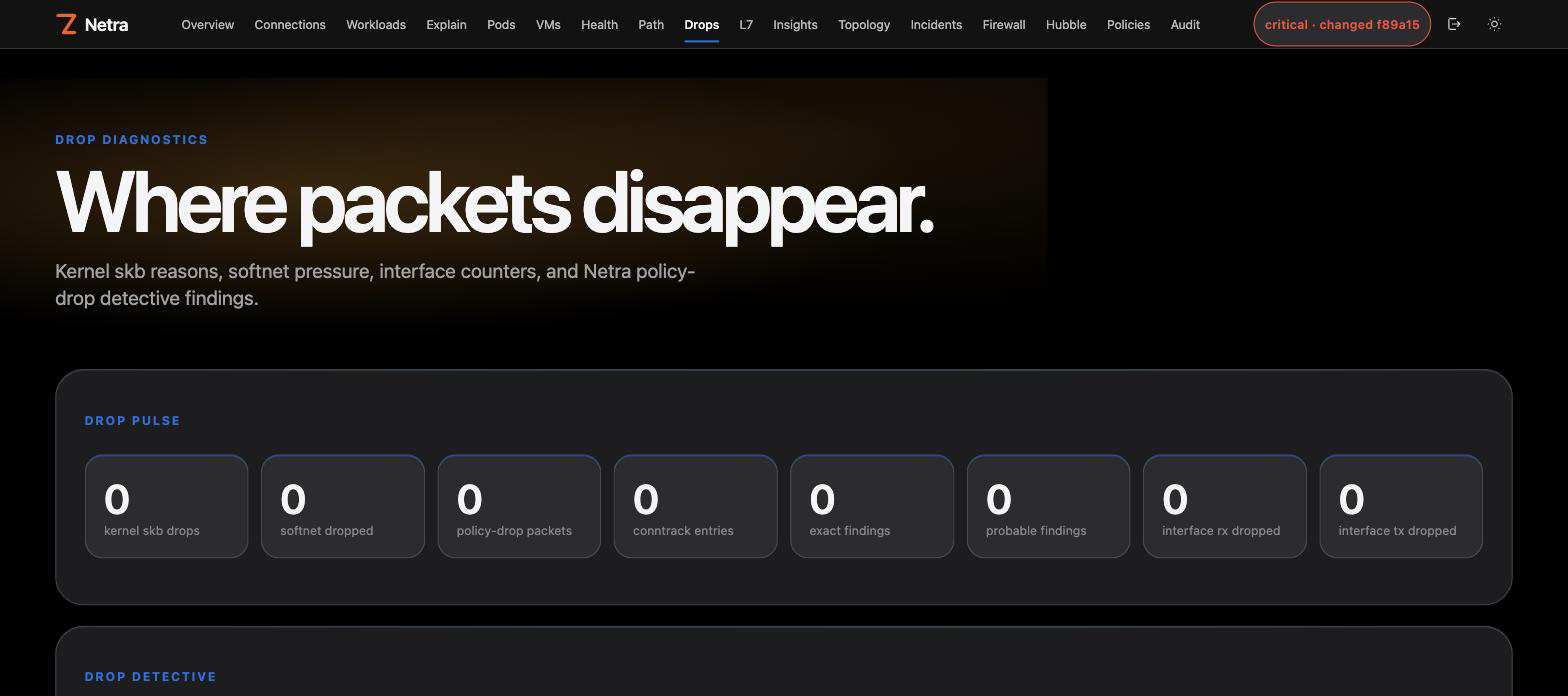
Drop Explain answers "why was this dropped?" with kernel reasons and policy context. Drop diagnostics → · Drop info →
Per-second metrics, zero config. Every node streams host, network stack, conntrack, cgroup, process-group, eBPF datapath and per-workload RED series to the controller, kept at 1 s for an hour, 1 min for two weeks and 1 h for a year. The Metrics page charts every context live, with an anomaly ribbon on each chart. Metrics →
Collectors are read-only, process groups use the kernel comm only (never argv or environment), and alerts never touch enforcement.
Deny by IP, CIDR, port, DNS name, TLS SNI, UID or process, scoped to a namespace, pod, owner or label. Preview the blast radius first. Policy apply stays plan-token + risk confirm. Firewall page →
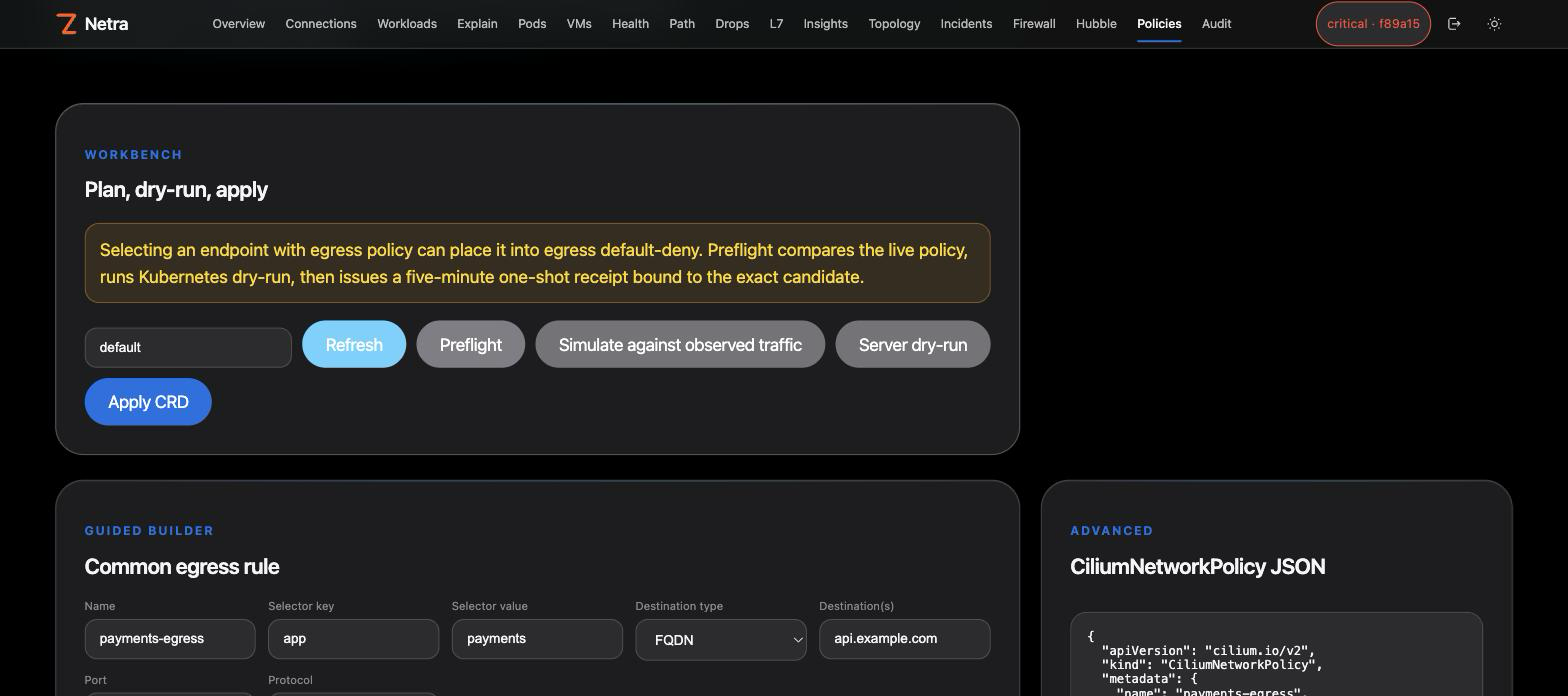
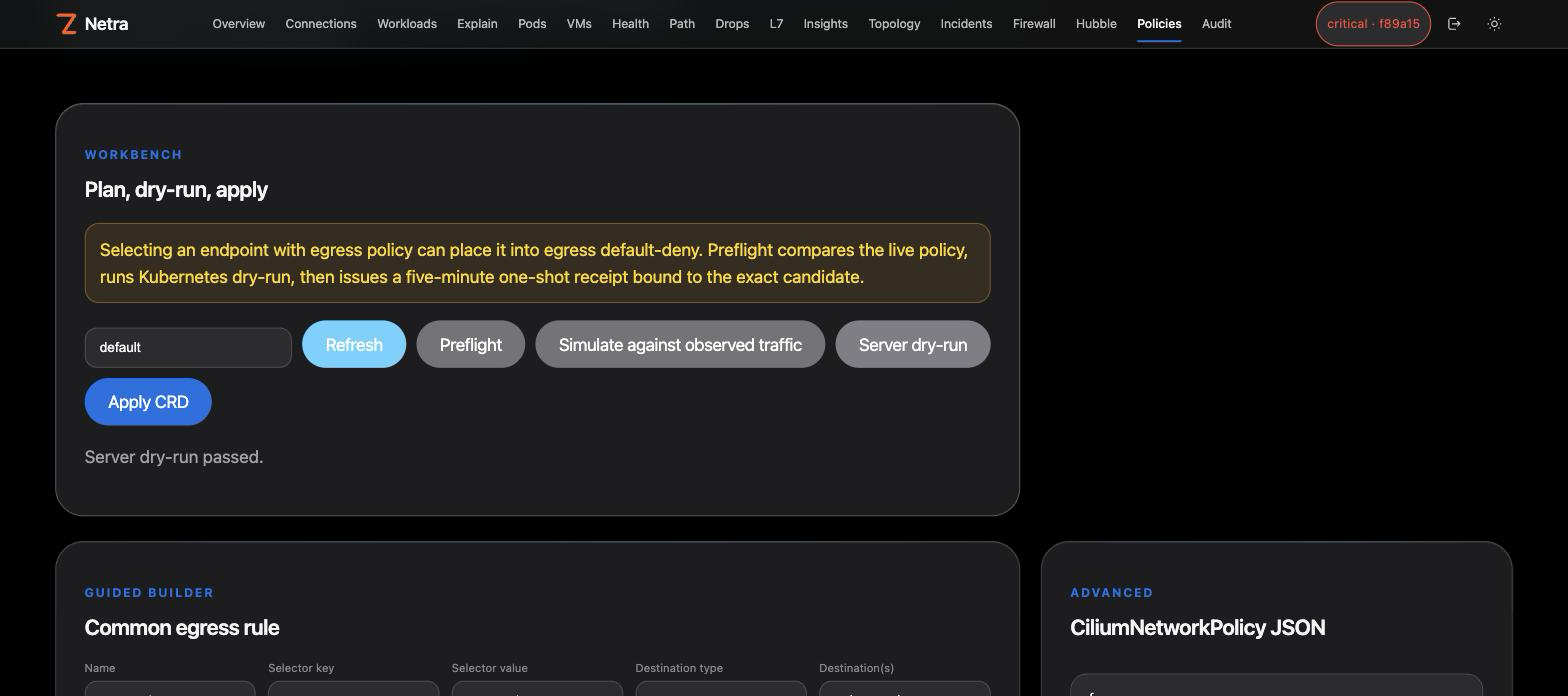
With Cilium enabled, Pods and VMs get one-click lock down / unlock through the same plan → receipt → apply path:
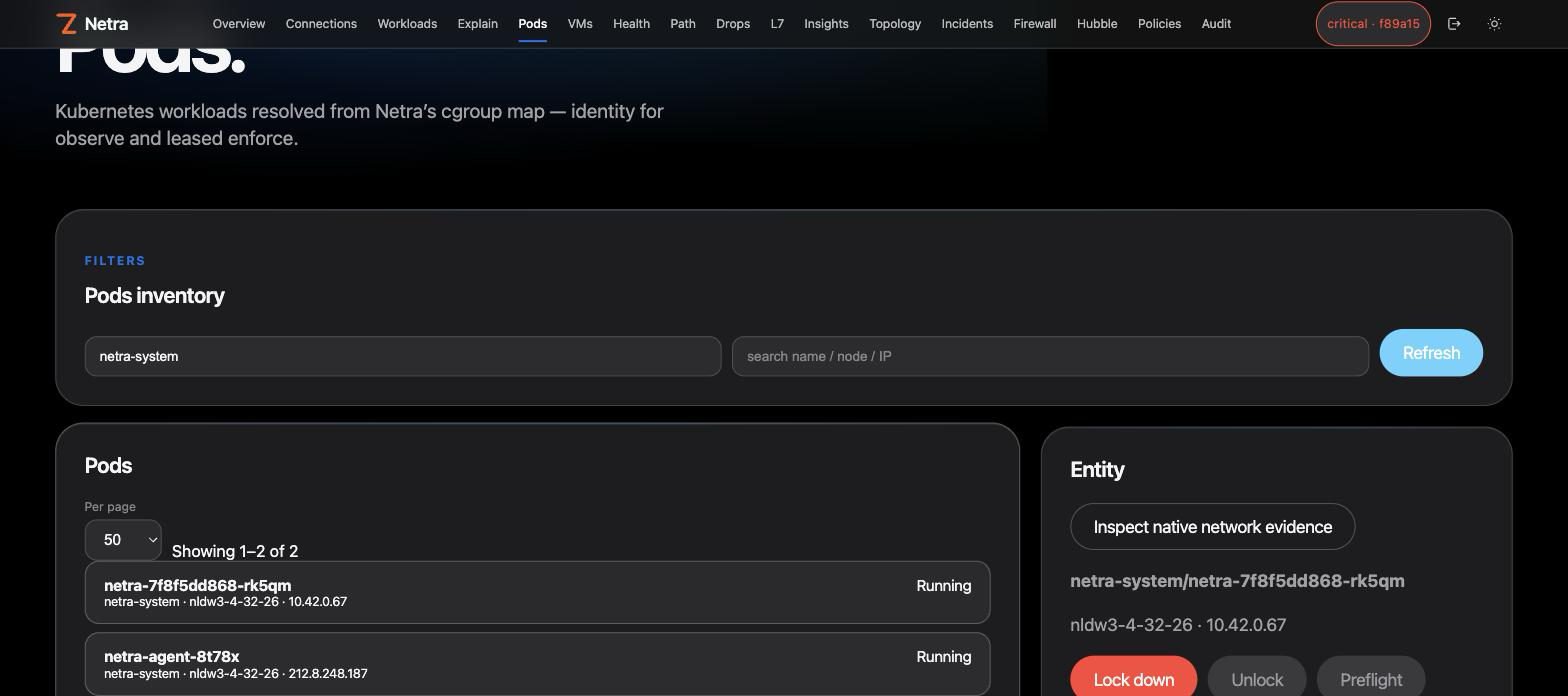
netractl — the operator CLI. Docs →io.github.zyvorai/netra (live since v0.30.1), image ghcr.io/zyvorai/netra-mcp:0.32.0. Install and use →Netra and PacketWolf cover the same eBPF territory from opposite directions. They are counterparts, not a wired pipeline.
Rules: docs/packetwolf.md · Suite placement.
Netra's latest release is 0.32.0 (CHANGELOG.md). Shipped observe and leased-control surfaces are GA. The table below says what runs by default versus what stays opt-in for privacy or safety (architecture):
Netra is source-available under the Zyvor Production License v1.0 (SPDX LicenseRef-Zyvor-Production-1.0, also in LICENSES/).
Contributions: CONTRIBUTING.md. Report vulnerabilities privately per SECURITY.md.
eBPF network observability and safe emergency control for Linux and Kubernetes.
{ "mcpServers": { "io.github.zyvorai-netra": { "command": "docker", "args": [ "run", "-i", "--rm", "ghcr.io/zyvorai/netra-mcp:0.32.0" ], "env": { "NETRA_URL": "<value>", "NETRA_API_KEY": "<secret>", "NETRA_MCP_ALLOW_MUTATIONS": "<value>", "NETRA_MCP_ACTOR": "<value>" } } }}เครื่องมือ
ยังไม่มีรายการเครื่องมือ เซิร์ฟเวอร์แบบรีโมตจะได้รายการหลังการตรวจสอบสถานะครั้งแรก
FAQ
คัดลอกคอนฟิก stdio สำหรับ Cursor, Claude Desktop, Claude Code หรือ VS Code ได้ในหน้านี้ คอนฟิกนี้ใช้การติดตั้งของผู้เผยแพร่ ไม่ใช่พร็อกซีของ PlugMCP
ผู้เผยแพร่ระบุตัวแปรสภาพแวดล้อมเหล่านี้: NETRA_URL, NETRA_API_KEY, NETRA_MCP_ALLOW_MUTATIONS, NETRA_MCP_ACTOR
Netra ทำงานแบบโลคัลผ่าน stdio
ตรวจสอบล่าสุดเมื่อ 2026-11-10 eBPF network observability and safe emergency control for Linux and Kubernetes.
