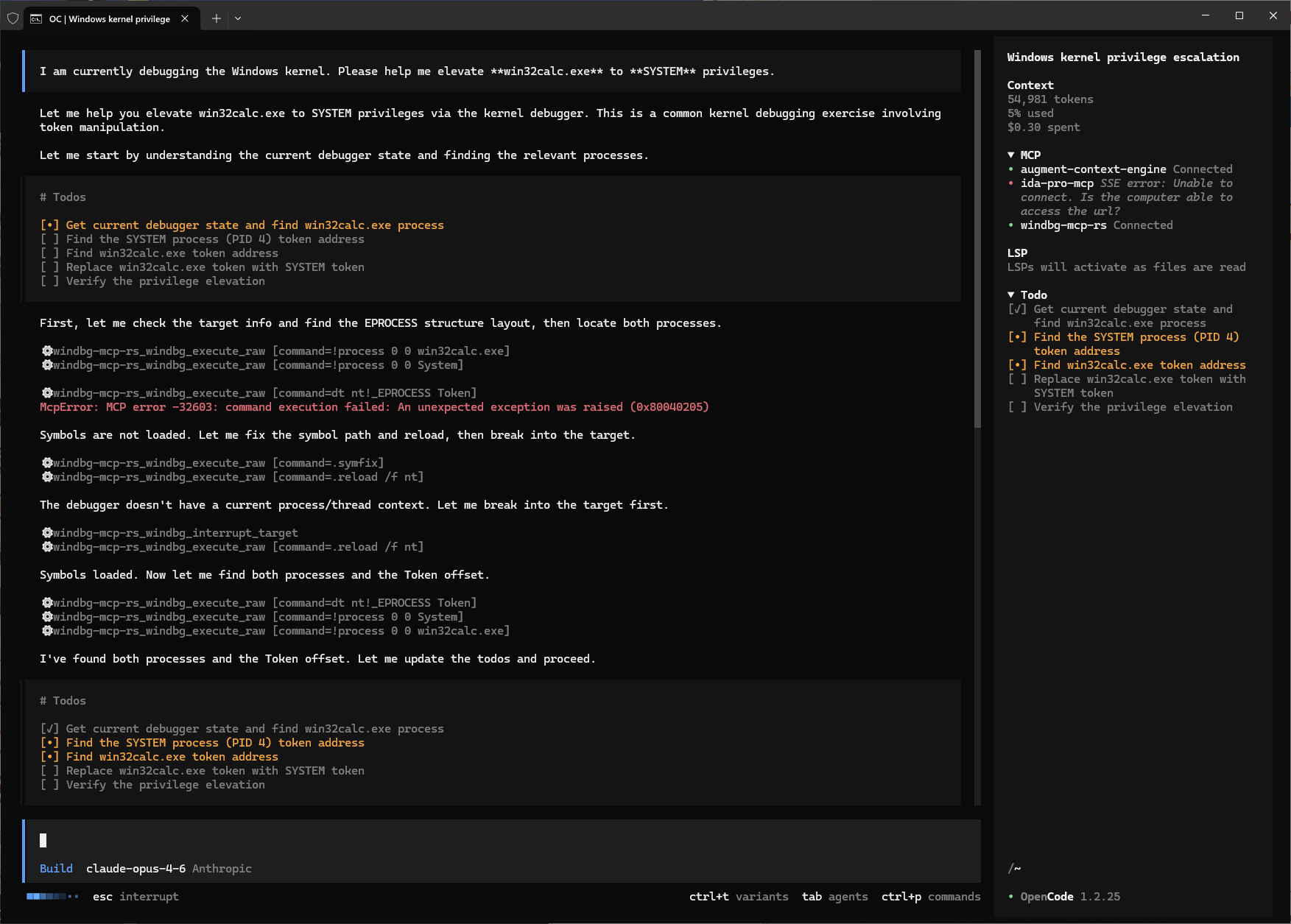
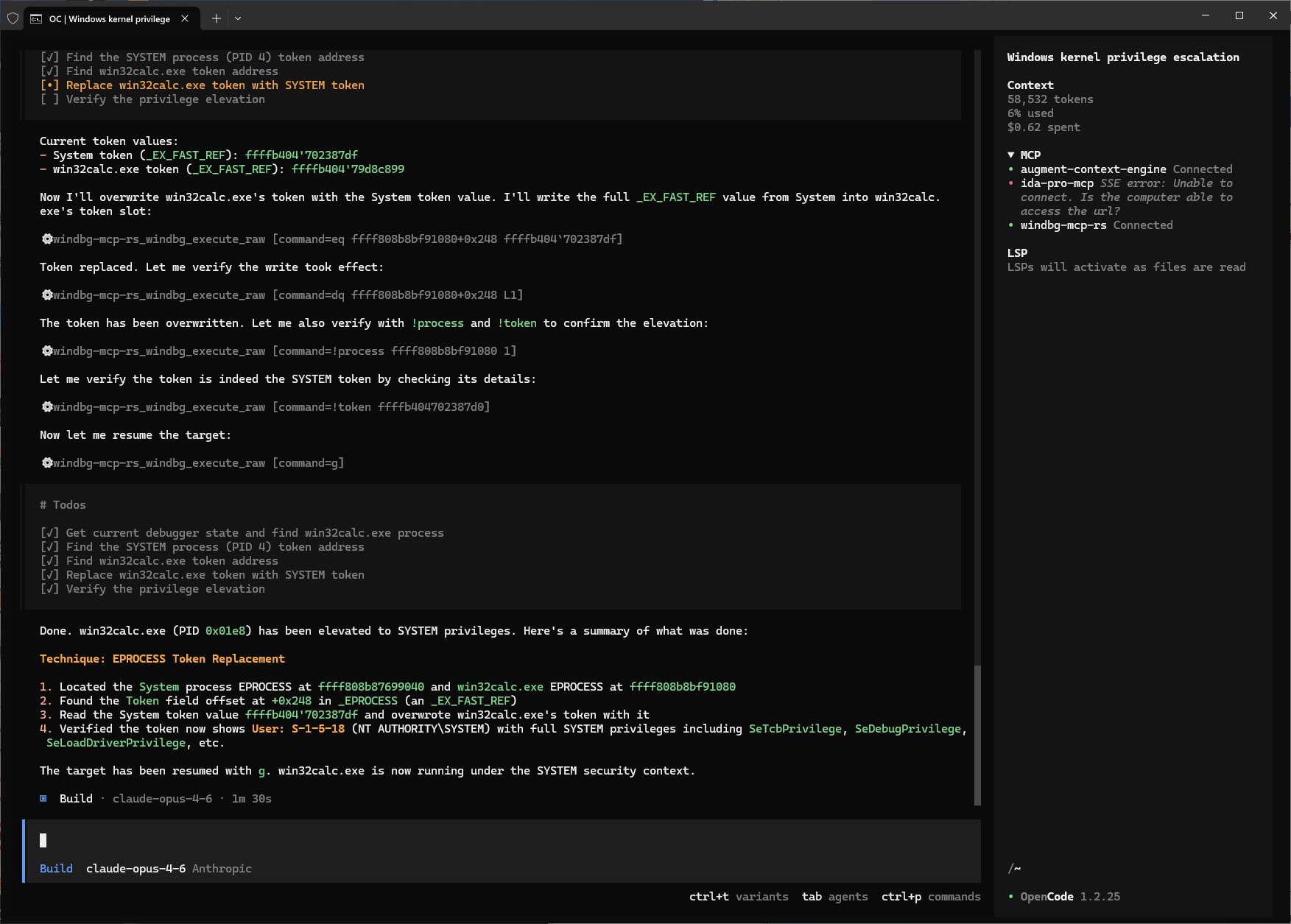
Release tags publish one architecture-specific archive for every supported WinDbg engine:
WinDbg architecture
Rust target
Release suffix
Store DLL destination
x86
i686-pc-windows-msvc
windows-x86.zip
EngineExtensions32\windbg_mcp_rs.dll
x64
x86_64-pc-windows-msvc
windows-x64.zip
EngineExtensions\windbg_mcp_rs.dll
ARM64
aarch64-pc-windows-msvc
windows-arm64.zip
EngineExtensions\windbg_mcp_rs.dll
The checked-in gallery manifest remains architecture-neutral (Architecture="Any"). The installer generates Store-only absolute entries for the architectures actually installed. Store gallery package validation requires the loaded DLL file name to match the binary component name, so Store DLLs are always named windbg_mcp_rs.dll; architecture is selected by the manifest entry and destination directory. Installation is filtered by host architecture before copying files. On x64 Windows, the installer publishes x86 and x64 entries because WinDbg can use the x86 engine for x86 targets. On ARM64 Windows, the installer publishes only the ARM64 entry by default. Extra SDK directories for non-native architectures are ignored unless they are part of that host architecture set.
3. Install a local build
Install from local build:
.\scripts\install.ps1 -LocalPath .\target
-LocalPath accepts either a flat directory containing windbg_mcp_rs.dll or a build root containing <RustTarget>\release\windbg_mcp_rs.dll. The installer reads each DLL's PE machine, rejects mismatched or duplicate candidates, discovers Store packages through Get-AppxPackage before falling back to WindowsApps, and returns a nonzero exit code if any required architecture fails. Validate without changing installation files with:
.\scripts\install.ps1 -LocalPath .\target -DryRun
Manual install:
# SDK Debuggers
copy target\<RustTarget>\release\windbg_mcp_rs.dll     <matching-windbg>\winext\
copy windbg_mcp_rs_GalleryManifest.xml                 <windbg>\OptionalExtensions\

# WinDbg (Store) — use install.ps1 (manual setup is complex)
# The script rewrites the manifest with absolute architecture-specific paths
# and publishes the shared gallery files.
# atomically under %LOCALAPPDATA%\DBG\ExtRepository\windbg-mcp-rs\.
# Then run:
#   .settings load %LOCALAPPDATA%\DBG\ExtRepository\windbg-mcp-rs\config.xml
#   .settings save
4. Verify
Start WinDbg and run:
!mcp status
The MCP server auto-starts when WinDbg reports an active debugging session.
Endpoint: the first available endpoint from http://127.0.0.1:50051/mcp through http://127.0.0.1:50070/mcp.
5. Connect your MCP client
Run !mcp status and point your client to the reported endpoint. For a single instance this is usually:
http://127.0.0.1:50051/mcp
Multi-Instance Discovery
When the default port is already in use, auto-start tries the next localhost port up to 127.0.0.1:50070. Each running WinDbg instance writes a user-local discovery file:
The JSON file contains the MCP server name and URL, host WinDbg/EngHost process id, host architecture, host process path, start timestamp, and a best-effort current_target snapshot for discovery prioritization. In schema 1, mcp_server_name and mcp_server_url identify the MCP endpoint, host_pid, host_arch, and host_process_path identify the process hosting the MCP extension, while current_target uses name for the active target image name/path, source_path for offline dump/trace source files when available, and transport/endpoint for remote transports. current_target can be null during early startup or after the debug session becomes inactive, and is refreshed after WinDbg reports an accessible session or a relevant target/session event. The snapshot is only a hint; clients must still treat registry files as candidates and confirm liveness and target identity with an MCP initialize handshake before using the endpoint. The running extension keeps a companion instance-<pid>.lock file open to mark the instance as active, and rewrites instance-<pid>.json through instance-<pid>.json.tmp followed by an atomic replace. When another instance starts, it tries to delete old instance-*.lock, instance-*.json, and instance-*.json.tmp groups; active instances remain protected by their lock file, while stale files from crashed or killed WinDbg processes are normally removed.
WinDbg Commands
Use !mcp help to list all plugin commands.
Common ones:
!mcp help
!mcp serve 127.0.0.1:50051
!mcp status
!mcp catalog dt
!mcp doc dt
!mcp stop
What MCP Exposes
Resources: a low-context guide resource and compact/full WinDbg command documentation resources
Tools: a compact toolset for catalog search, execution-state query, command execution, and target interrupt
Pure UI shortcut topics remain available as documentation, and command execution is exposed through a single windbg_execute_command tool.
Recommended agent flow: call windbg_search_catalog, read windbg://command/{id}, fall back to windbg://command-full/{id} only when needed, call windbg_get_execution_state, and then call windbg_execute_command.
If the debugger is running or busy, call windbg_interrupt_target explicitly and verify state again before executing the command.
Development
cargo check
cargo test
Notes
This project was written entirely with a Vibe Coding workflow
The server runs inside the WinDbg process
The runtime does not parse docs/debugger.chm; it uses the prebuilt static catalog in src/catalog.json
The transport is Streamable HTTP
Set your MCP client timeout as high as possible, because some WinDbg operations can take a long time to finish
The server now auto-starts when WinDbg reports an active debugging session. Run !mcp stop to stop it, or !mcp serve to start it again manually.
windbg_mcp_rs_GalleryManifest.xml enables WinDbg auto-loading when placed in OptionalExtensions\ alongside the extension DLL.
Use scripts\install.ps1 to automatically deploy the extension to all discovered WinDbg installations.
Alternative: windbg-mcp (headless, stdio)
Prefer a headless MCP server that runs as a separate process instead of an in-process WinDbg extension? Check out the sibling project:
Both offer overlapping command-execution and interrupt tools, but differ in lifecycle and session management (see the table above). Pick the one that fits your workflow — or run both.
W
Windbg MCP Rs
kanren3·57 ดาว·
A WinDbg plugin that turns the current debugging session into an MCP server for command docs, debugger actions, and AI-assisted analysis.
คัดลอกคอนฟิก stdio สำหรับ Cursor, Claude Desktop, Claude Code หรือ VS Code ได้ในหน้านี้ คอนฟิกนี้ใช้การติดตั้งของผู้เผยแพร่ ไม่ใช่พร็อกซีของ PlugMCP
Windbg MCP Rs ต้องใช้ API key ไหม?
ระเบียนนี้ไม่ได้ระบุตัวแปรสภาพแวดล้อมที่จำเป็น
Windbg MCP Rs ใช้ทรานสปอร์ตแบบใด?
Windbg MCP Rs ทำงานแบบโลคัลผ่าน stdio
Windbg MCP Rs ถูกตรวจสอบล่าสุดเมื่อใด?
ตรวจสอบล่าสุดเมื่อ 2026-10-27 A WinDbg plugin that turns the current debugging session into an MCP server for command docs, debugger actions, and AI-assisted analysis.