PostgreSQL MCP Server
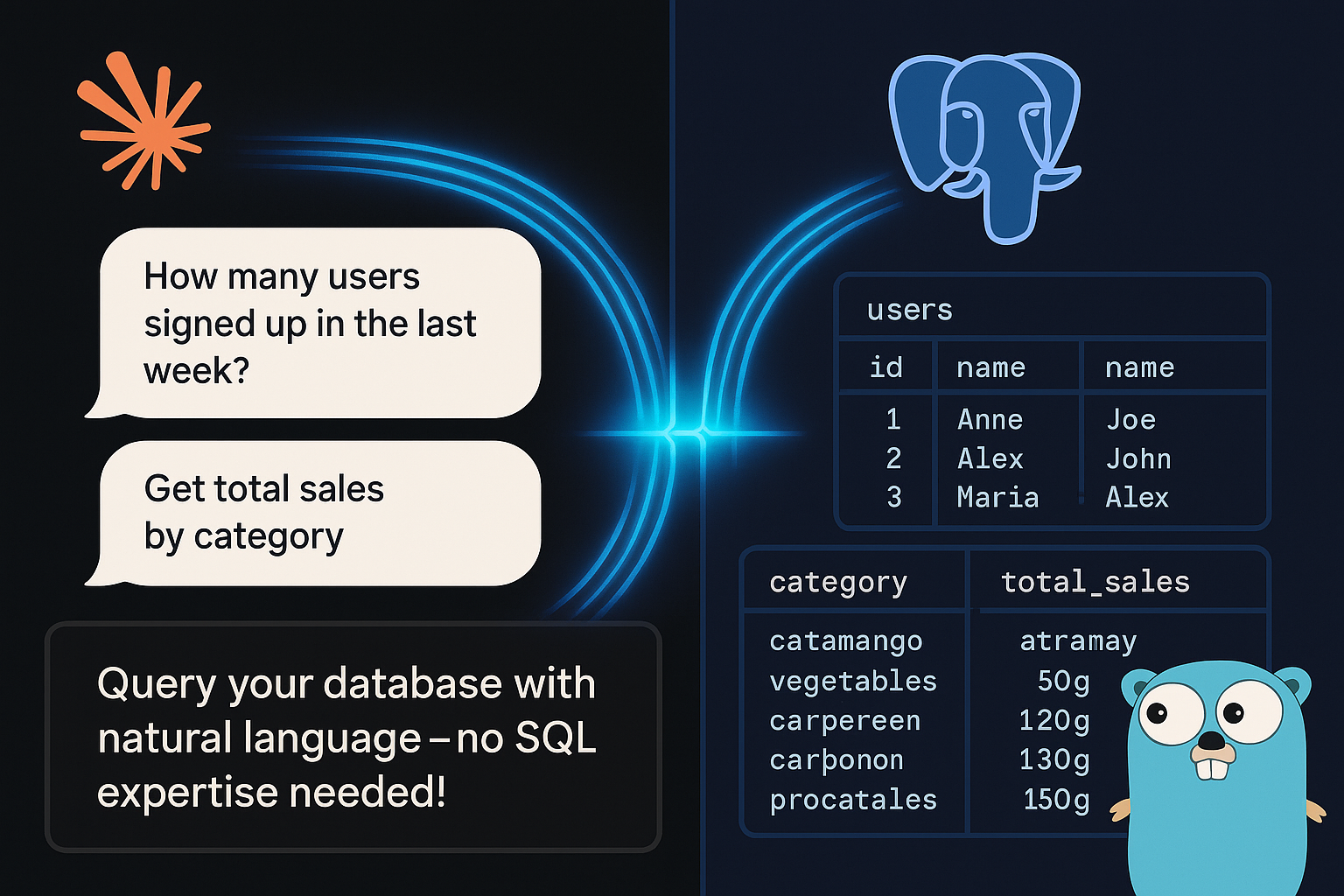
A Model Control Protocol (MCP) server for PostgreSQL databases that allows Claude to interact with your PostgreSQL databases.
Power your agent
การติดตั้งจากผู้เผยแพร่ ไม่ใช่เอนด์พอยต์ของ PlugMCP
URL แบบรีโมตหรือคำสั่งบนเครื่องของคุณ? การติดตั้งสองแบบต่างกันอย่างไร
รันบน PlugMCP
A new server you create. It is not this listing's official endpoint. Use the publisher install when you want their URL and their credentials.
เปิดจากผู้เผยแพร่
A Model Control Protocol (MCP) server for PostgreSQL databases that allows Claude to interact with your PostgreSQL databases.
A Model Control Protocol (MCP) server that allows Claude to interact with PostgreSQL databases using natural language queries
The easiest way to use this server with Claude Code:
# Generate MCP config and add it to Claude
JSON=$(postgres-mcp-server --json --connection-string '...') \
&& claude mcp add-json "$JSON"
# Add the tap
brew tap mgorunuch/postgres-mcp-server https://github.com/mgorunuch/postgres-mcp-server

# Install the server
brew install mgorunuch/postgres-mcp-server/postgres-mcp-server
Download the appropriate binary for your platform from the releases page.
There are two ways to use this server:
Set your PostgreSQL connection string as an environment variable (optional):
export POSTGRES_CONNECTION_STRING="postgresql://user:password@host:port/dbname?sslmode=disable"
If not provided, defaults to postgresql://postgres:postgres@localhost:5432/postgres?sslmode=disable
Launch the server:
postgres-mcp-server
Use with Claude by setting up the MCP connection to this server.
Generate the MCP configuration JSON:
postgres-mcp-server --json --connection-string "postgresql://user:password@host:port/dbname?sslmode=disable"
This will output a JSON configuration you can use with Claude's MCP tools.
Example output:
{"type":"stdio","command":"/path/to/postgres-mcp-server","args":["--connection-string","postgresql://user:password@host:port/dbname?sslmode=disable"],"env":{}}
Copy this JSON output and use it to configure the MCP connection in Claude.
--version: Displays version information--json: Outputs MCP configuration JSON for use with Claude--connection-string: PostgreSQL connection string (overrides environment variable)For safety, potentially destructive queries (DROP, TRUNCATE, DELETE, UPDATE, ALTER, CREATE, INSERT) are blocked by default.
To execute these queries, you must explicitly set unsafe: true when using the pg_query tool.
A Model Control Protocol (MCP) server that allows Claude to interact with PostgreSQL databases using natural language queries
เครื่องมือ
ยังไม่มีรายการเครื่องมือ เซิร์ฟเวอร์แบบรีโมตจะได้รายการหลังการตรวจสอบสถานะครั้งแรก
FAQ
คัดลอกคอนฟิก stdio สำหรับ Cursor, Claude Desktop, Claude Code หรือ VS Code ได้ในหน้านี้ คอนฟิกนี้ใช้การติดตั้งของผู้เผยแพร่ ไม่ใช่พร็อกซีของ PlugMCP
ระเบียนนี้ไม่ได้ระบุตัวแปรสภาพแวดล้อมที่จำเป็น
Postgres ทำงานแบบโลคัลผ่าน stdio
ตรวจสอบล่าสุดเมื่อ 2026-10-27 A Model Control Protocol (MCP) server that allows Claude to interact with PostgreSQL databases using natural language queries
