Power your agent
การติดตั้งจากผู้เผยแพร่ ไม่ใช่เอนด์พอยต์ของ PlugMCP
URL แบบรีโมตหรือคำสั่งบนเครื่องของคุณ? การติดตั้งสองแบบต่างกันอย่างไร
รันบน PlugMCP
A new server you create. It is not this listing's official endpoint. Use the publisher install when you want their URL and their credentials.
เปิดA comprehensive MCP server that bridges the gap between LLMs and diagram creation through three powerful, independent tools: intelligent format selection, format-specific instruction generation, and professional diagram rendering (using kroki server). Each tool can be used standalone or combined in sequence for complete diagram workflows - from choosing the right format to generating the final image.
Supported Formats: Mermaid, PlantUML, C4 Model, D2, GraphViz, BPMN, Structurizr, Excalidraw, Vega-Lite
Prerequisites:
Install and build:
git clone [email protected]:tohachan/diagram-bridge-mcp.git
cd diagram-bridge-mcp
npm install && npm run build
# Copy and edit environment file to customize ports
cp .env.example .env
# Edit .env to set PORT and KROKI_PORT as needed

# Or set environment variables directly:
export PORT=4000        # MCP Server port (default: 3000)
export KROKI_PORT=9000  # Kroki service port (default: 8000)
# Option 1: Interactive port configuration
./scripts/start-with-ports.sh

# Option 2: Default ports (3000 for MCP, 8000 for Kroki)
docker-compose up --build

# Option 3: Custom ports via environment variables
PORT=4000 KROKI_PORT=9000 docker-compose up --build
For direct local use (without Docker):
{
  "mcpServers": {
    "diagram-bridge-mcp": {
      "command": "node",
      "args": ["/path/to/diagram-bridge-mcp/dist/index.js"],
      "enabled": true
    }
  }
}
For Docker-based setup (recommended):
{
  "mcpServers": {
    "diagram-bridge-mcp": {
      "command": "docker",
      "args": [
        "exec",
        "-i",
        "diagram-bridge-mcp",
        "node",
        "dist/index.js"
      ],
      "enabled": true
    }
  }
}
Note: The MCP protocol uses STDIO communication. The HTTP endpoints (:3000/health) are only for Docker monitoring, not for MCP client connections.
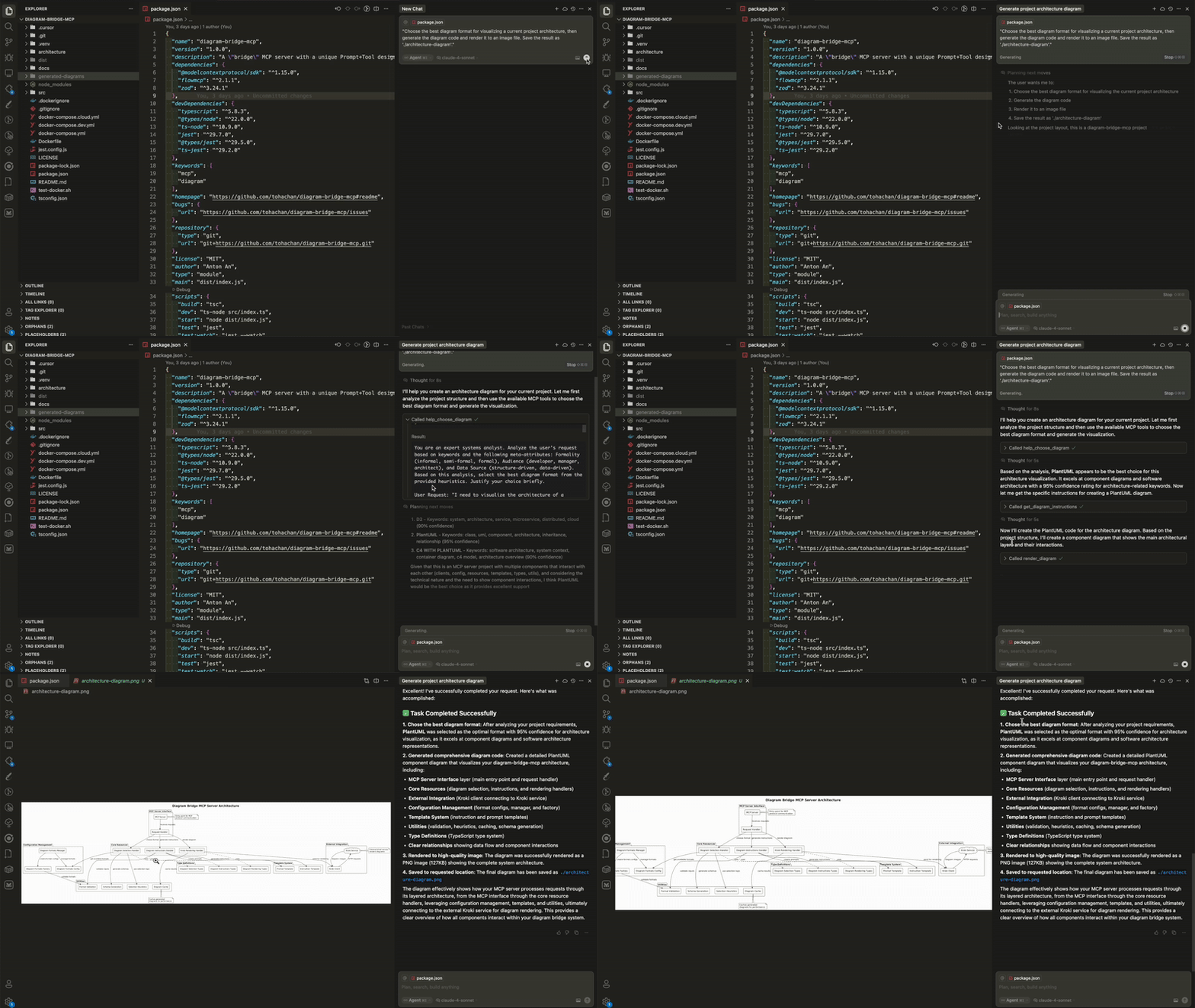
Here's a simple prompt to demonstrate the complete workflow:
"Choose the best diagram format for visualizing a current project architecture, then generate the diagram code and render it to an image file. Save the result as 'architecture-diagram'."
This single prompt will:
Want to see what's possible? Check out Examples Gallery
help_choose_diagramPurpose: Intelligent format selection based on your requirements
Example: "I need to show database relationships" → Recommends Mermaid ER diagram format with detailed reasoning
get_diagram_instructionsPurpose: Generate format-specific coding instructions
Example: For Mermaid format → Detailed Mermaid syntax guide with examples
render_diagramPurpose: Transform diagram code into professional images
Example: Mermaid code → High-quality PNG/SVG image file
{project-root}/generated-diagrams/The server automatically configures ports based on environment variables:
PORT): The port exposed by Docker container (default: 3000)KROKI_PORT): The port for Kroki service (default: 8000)# Interactive configuration (recommended)
./scripts/start-with-ports.sh
# Quick port change
PORT=4000 KROKI_PORT=9000 docker-compose up --build
# Check running services
curl http://localhost:4000/health # Using your custom PORT
Note: When running in Docker, the server provides HTTP endpoints for health monitoring at /health and service info at /info.
For advanced configuration, see our Configuration Guide.
Perfect for: LLMs that need to create diagrams but don't know which format to use or how to render them professionally.
Powered by: Kroki - Universal diagram rendering service
Made with ❤️
A "bridge" MCP server with a unique Prompt+Tool design that helps LLMs seamlessly generate and render diagrams. Powered by Kroki to support most popular formats.
เครื่องมือ
ยังไม่มีรายการเครื่องมือ เซิร์ฟเวอร์แบบรีโมตจะได้รายการหลังการตรวจสอบสถานะครั้งแรก
FAQ
คัดลอกคอนฟิก stdio สำหรับ Cursor, Claude Desktop, Claude Code หรือ VS Code ได้ในหน้านี้ คอนฟิกนี้ใช้การติดตั้งของผู้เผยแพร่ ไม่ใช่พร็อกซีของ PlugMCP
ระเบียนนี้ไม่ได้ระบุตัวแปรสภาพแวดล้อมที่จำเป็น
Diagram Bridge ทำงานแบบโลคัลผ่าน stdio
ตรวจสอบล่าสุดเมื่อ 2026-11-05 A "bridge" MCP server with a unique Prompt+Tool design that helps LLMs seamlessly generate and render diagrams. Powered by Kroki to support most popular formats.

