Ryx Sidekick
Your AI coding agent, inside the Unity Editor.
Chat with Claude right in Unity — Unity-native context, streaming replies, and safe, reviewable edits.
Power your agent
การติดตั้งจากผู้เผยแพร่ ไม่ใช่เอนด์พอยต์ของ PlugMCP
URL แบบรีโมตหรือคำสั่งบนเครื่องของคุณ? การติดตั้งสองแบบต่างกันอย่างไร
รันบน PlugMCP
A new server you create. It is not this listing's official endpoint. Use the publisher install when you want their URL and their credentials.
เปิดRyx Sidekick integrates the Claude Code CLI directly into the Unity Editor. Bring your own Claude subscription or API key, attach project and scene context, and review every edit before it touches your files.
stream-json responses, rendered with full Markdown (code blocks, tables, links).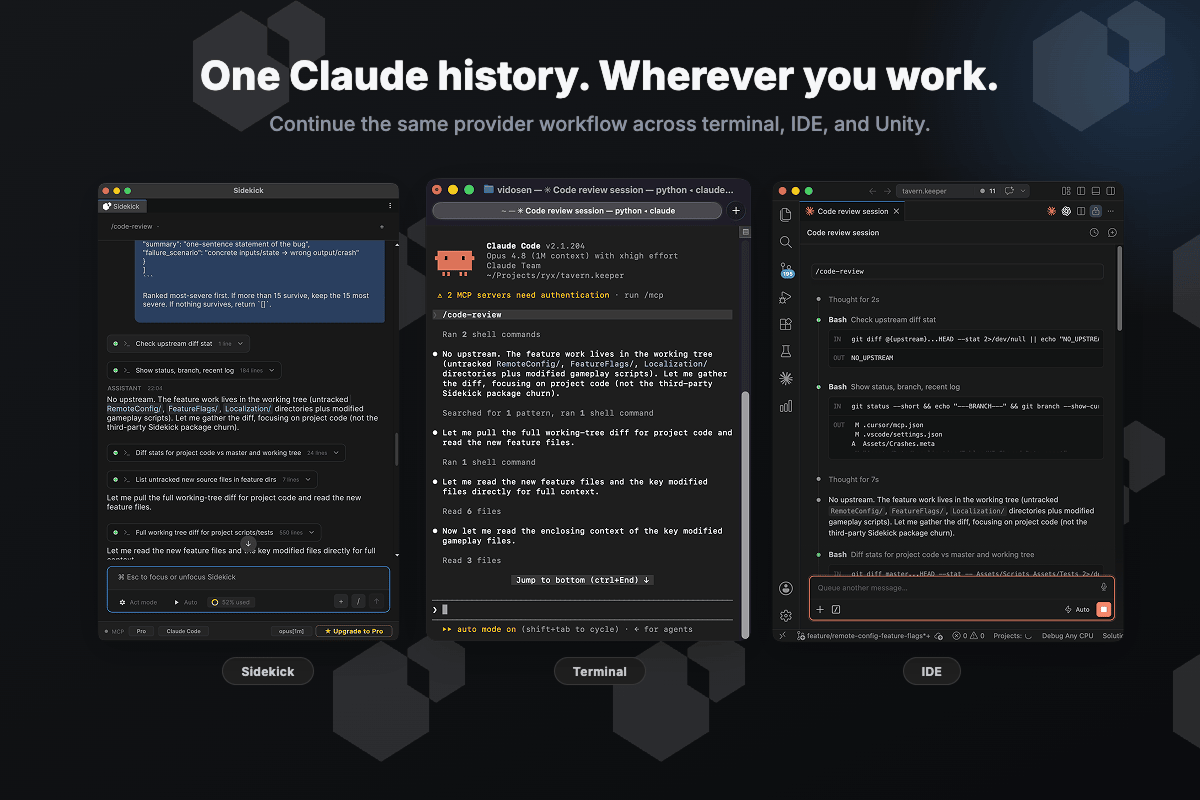
Sidekick reads the Claude CLI's own local session store — and never rewrites it. Start a turn in
Unity, resume it in your terminal with claude --resume, finish it in your IDE. No lock-in, no
second copy of your history.
claude on your PATH)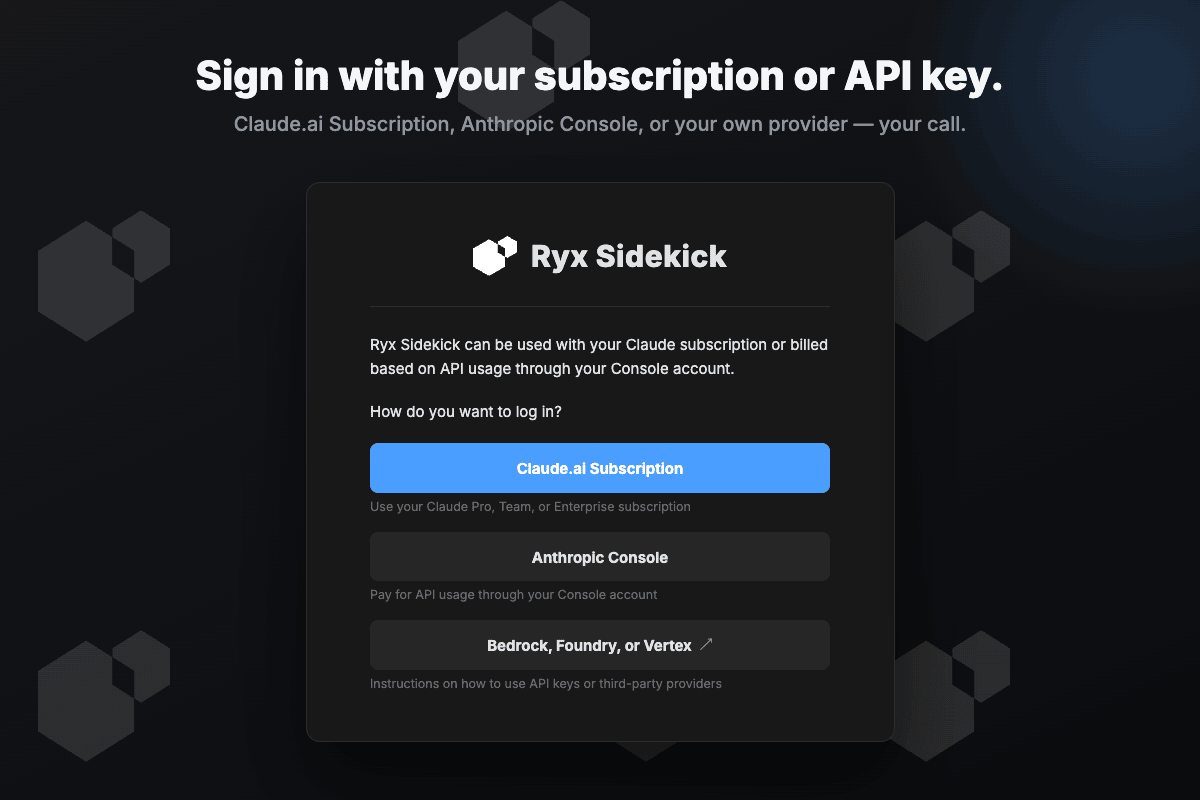
Sidekick has no account and no subscription of its own — you sign in with the Claude account you already have.
Dependencies (
com.unity.dt.app-ui,com.unity.nuget.newtonsoft-json) resolve automatically from the Unity registry — no scoped registry required.
In Unity: Window → Package Manager → ➕ → Add package from git URL… and paste:
https://github.com/Vidosen/ryx-sidekick-lite.git#v2.7.0
Or add it to Packages/manifest.json:
"com.ryxinteractive.sidekick": "https://github.com/Vidosen/ryx-sidekick-lite.git#v2.7.0"
Omit #v2.7.0 to track the default branch.
Download RyxSidekick-Lite-OSS-2.7.0.unitypackage from the
latest release and import it via
Assets → Import Package → Custom Package…. It runs a one-time installer that places the
package under Packages/, cleanly replaces any previous version (with rollback on failure),
and then removes itself.
Use one install method — the git URL or the
.unitypackage, not both (mixing them leaves two copies of the package).
Full guide: Documentation~/index.md.
Lite ships the Claude provider. Ryx Sidekick Pro adds the Cursor and Codex CLI providers and live MCP server management — one window, your choice of agent.
PRs welcome — see CONTRIBUTING.md. All contributors sign our Contributor License Agreement (a bot prompts you on your first pull request); this keeps Ryx Sidekick available under both open-source and commercial editions.
GNU General Public License v3.0. This is an open-core project: the same code is also distributed by Ryx Interactive on the Unity Asset Store under the Asset Store EULA — both offered by the copyright holder.
Ryx Sidekick Lite — open-source AI coding assistant for the Unity Editor (Claude).
เครื่องมือ
ยังไม่มีรายการเครื่องมือ เซิร์ฟเวอร์แบบรีโมตจะได้รายการหลังการตรวจสอบสถานะครั้งแรก
FAQ
คัดลอกคอนฟิก stdio สำหรับ Cursor, Claude Desktop, Claude Code หรือ VS Code ได้ในหน้านี้ คอนฟิกนี้ใช้การติดตั้งของผู้เผยแพร่ ไม่ใช่พร็อกซีของ PlugMCP
ระเบียนนี้ไม่ได้ระบุตัวแปรสภาพแวดล้อมที่จำเป็น
Ryx Sidekick Lite ทำงานแบบโลคัลผ่าน stdio
ตรวจสอบล่าสุดเมื่อ 2026-10-28 Ryx Sidekick Lite — open-source AI coding assistant for the Unity Editor (Claude).