abinnovision/payloadcms-commons
接入你的智能体
發布者自己的指令。不是 PlugMCP 端點。
用我們的金鑰與日誌託管一份副本。
npx -y @abinnovision/[email protected]Claude Code 沒有本機指令的安裝連結。複製下方指令並在終端機中執行。
claude mcp add abinnovision-payloadcms-mcpx -- npx -y @abinnovision/payloadcms-mcpx@2.1.0在終端機中執行。
{ "mcpServers": { "abinnovision-payloadcms-mcpx": { "command": "npx", "args": [ "-y", "@abinnovision/[email protected]" ] } }}claude_desktop_config.json
遠端 URL 還是本機指令? 兩種安裝方式的差異
Building blocks for production Payload CMS sites.
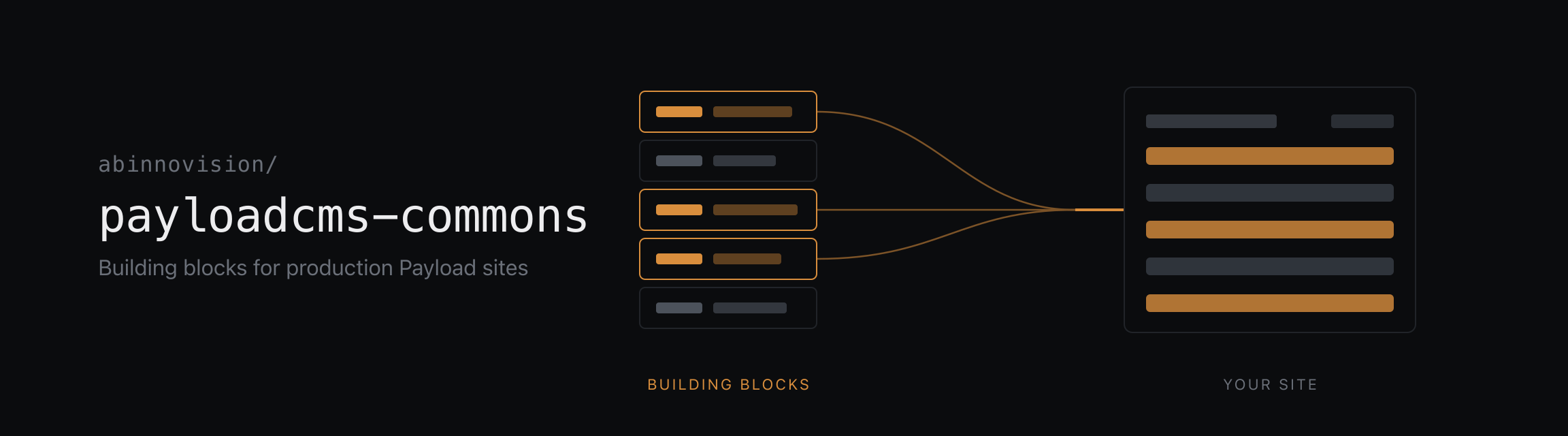
Mostly plugins, built to be used together on the same site, each covering one concern and each installing on its own. Take the one you need or take all of them. Nothing here requires anything else here.
Packages publish as @abinnovision/payloadcms-<name>. A package that wraps
something already named keeps that name: mcpx for the MCP protocol,
email-lettermint for the Lettermint API. The others take a word from film and
printing for the job they do, and each README opens by saying what the word
means.
They are built for the same site, so where two of them meet the seam is already
there. A montage block component spreads viewfinder's markBlock() onto the
element it already renders, which makes every block addressable from live preview
at every nesting depth. Wayfinder's ./montage entrypoint parks compiled route
mappings on montage's render context, so a page reads them once per request
rather than once per link.
Those are the only seams, and each is optional from either side. Neither package knows the other exists: a block marks itself the same way without montage (wiring), and without montage wayfinder's glue is a short adapter over whatever context the app already has (both paths). colophon, mcpx and the Lettermint adapter touch nothing else at all.
apps/example-v3 mounts every package but the Lettermint adapter,
with the seams wired and a seed, written with dummy, that leaves a routed,
localized site to click through. It stays on Payload 3.
apps/example-v4 runs Payload 4 and mounts the packages
that support it so far: colophon, with a seed written with dummy.
.tool-versions)Yarn 4 monorepo with Turbo.
corepack enable)yarn install
yarn build            # Build all packages
yarn check            # Lint, format and type checks
yarn fix              # Auto-fix lint and format issues
yarn test             # Run all tests
yarn test-unit        # Run unit tests only
yarn test-integration # Run integration tests only
yarn dev              # Start the example apps in apps/
A new package follows the layout of an existing one: source under src/, tsdown
for the build, unit tests beside the source and integration tests under test/.
packages/mcpx is the fullest reference to copy from. The
private example app in apps/example-v3 is where a new package
gets exercised against the others.
Each package is versioned and released independently through
tallyrelease, so a new one has
to be added as a unit with release: true in
tallyrelease.yaml, plus a maintenance rule
release/<package>/{major}.x like the existing packages.
Merges to main publish a beta prerelease of every changed package. For
stable releases, tallyrelease keeps one release PR per package
(tallyrelease/release/main/<package>); merging it tags
payloadcms-<package>-v<version>, creates the GitHub release and publishes to
npm under latest.
When a package gets a new major and the previous one still needs fixes, cut a maintenance branch from the last release of the old major. The release PR of the new major shows the exact command, for example:
git push origin payloadcms-mcpx-v2.1.0:refs/heads/release/mcpx/2.x
Fixes go in as pull requests against that branch (or cherry-picks from main).
tallyrelease opens a release PR on the branch, limited to minor and patch
releases of that major, and publishes them under the backport dist-tag, so
latest stays on the newest major. Delete the branch once the major is no
longer supported. Without such a branch everything releases from main.
Apache-2.0
Payload CMS plugin exposing a fixed, schema-aware MCP tool surface with draft-only writes and per-API-key capabilities.
{ "mcpServers": { "abinnovision-payloadcms-mcpx": { "command": "npx", "args": [ "-y", "@abinnovision/[email protected]" ] } }}工具
尚無工具清單。遠端伺服器會在首次健康檢查後取得工具清單。
常見問題
在本頁複製適用於 Cursor、Claude Desktop、Claude Code 或 VS Code 的 stdio 設定。它使用發布者的安裝方式,而不是 PlugMCP 代理伺服器。
這筆記錄未列出必要的環境變數。
@abinnovision/payloadcms Mcpx 透過 stdio 在本機執行。
上次檢查時間:2026-11-16。 Payload CMS plugin exposing a fixed, schema-aware MCP tool surface with draft-only writes and per-API-key capabilities.
