VSCode as MCP Server
A VSCode extension that turns your VSCode into an MCP server, enabling advanced coding assistance from MCP clients like Claude Desktop.
接入你的智能体
從發布者安裝。不是 PlugMCP 端點。
遠端 URL 還是本機指令? 兩種安裝方式的差異
來自發布者
A VSCode extension that turns your VSCode into an MCP server, enabling advanced coding assistance from MCP clients like Claude Desktop.
Expose VSCode features such as file viewing and editing as MCP, enabling advanced AI-assisted coding directly from tools like Claude Desktop
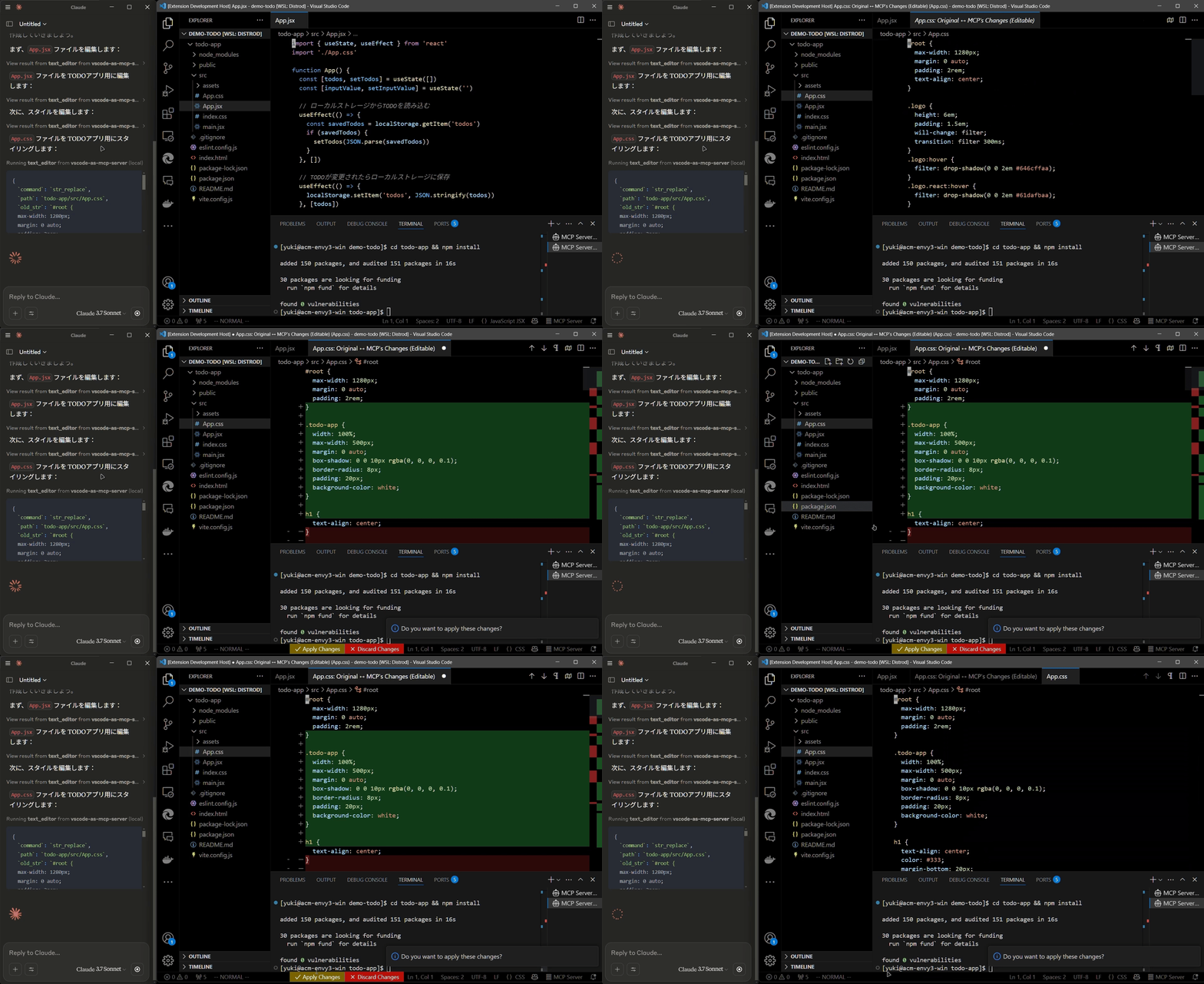
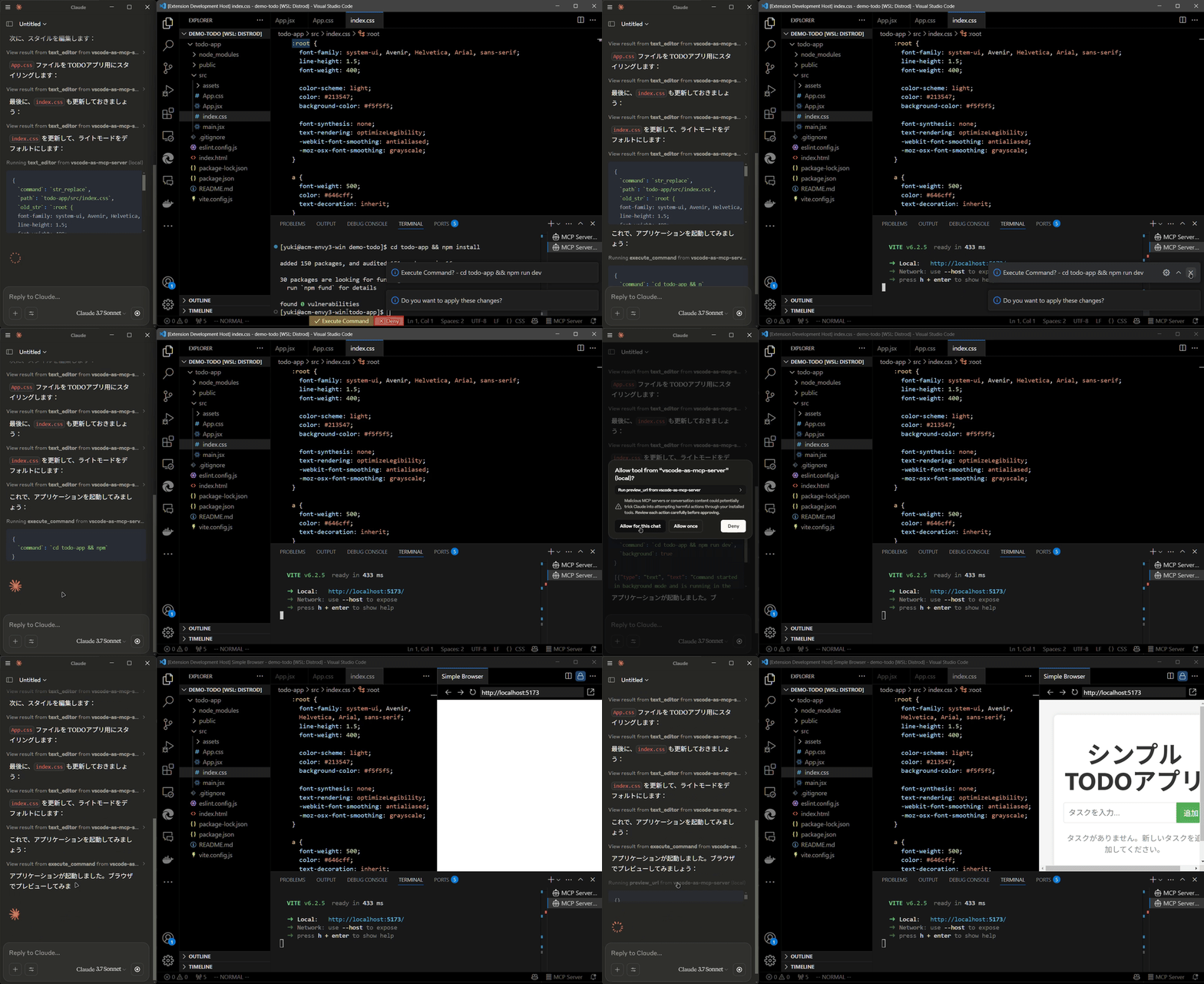
Install the extension from the VSCode Marketplace.
Configure your MCP client:
claude_desktop_config.json):{
"mcpServers": {
"vscode": {
"command": "npx",
"args": ["vscode-as-mcp-server"]
}
}
}
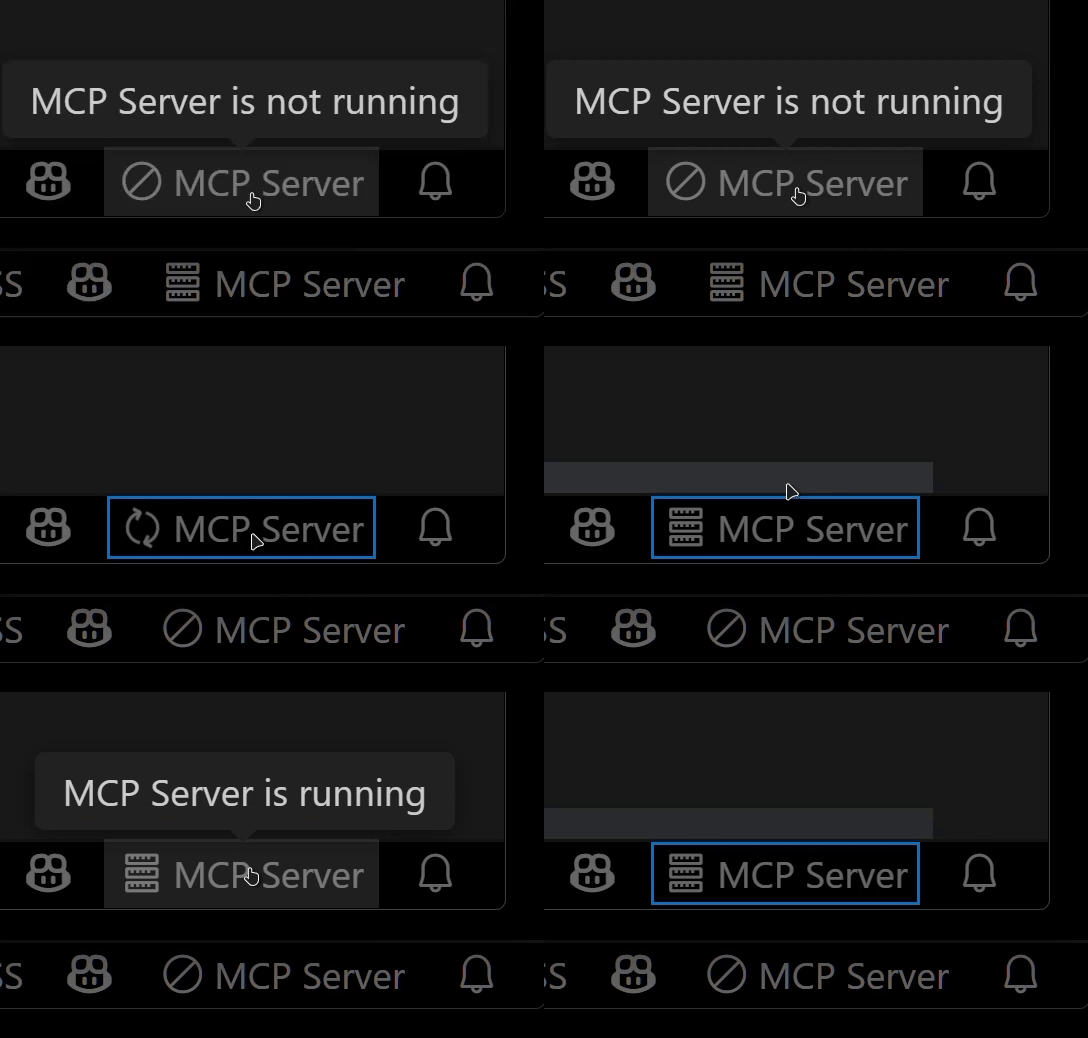
Check the MCP server status in the bottom-right VSCode status bar:

This extension was developed to mitigate high costs associated with metered coding tools (like Roo Code and Cursor). It's an affordable, self-hosted alternative built directly into VSCode.
Bug reports and feedback are very welcome! 🙇
Expose VSCode features such as file viewing and editing as MCP, enabling advanced AI-assisted coding directly from tools like Claude Desktop
工具
尚無工具清單。遠端伺服器會在首次健康檢查後取得工具清單。
常見問題
在本頁複製適用於 Cursor、Claude Desktop、Claude Code 或 VS Code 的 stdio 設定。它使用發布者的安裝方式,而不是 PlugMCP 代理伺服器。
這筆記錄未列出必要的環境變數。
Vscode As 透過 stdio 在本機執行。
上次檢查時間:2026-10-26。 Expose VSCode features such as file viewing and editing as MCP, enabling advanced AI-assisted coding directly from tools like Claude Desktop
