接入你的智能体
從發布者安裝。不是 PlugMCP 端點。
遠端 URL 還是本機指令? 兩種安裝方式的差異
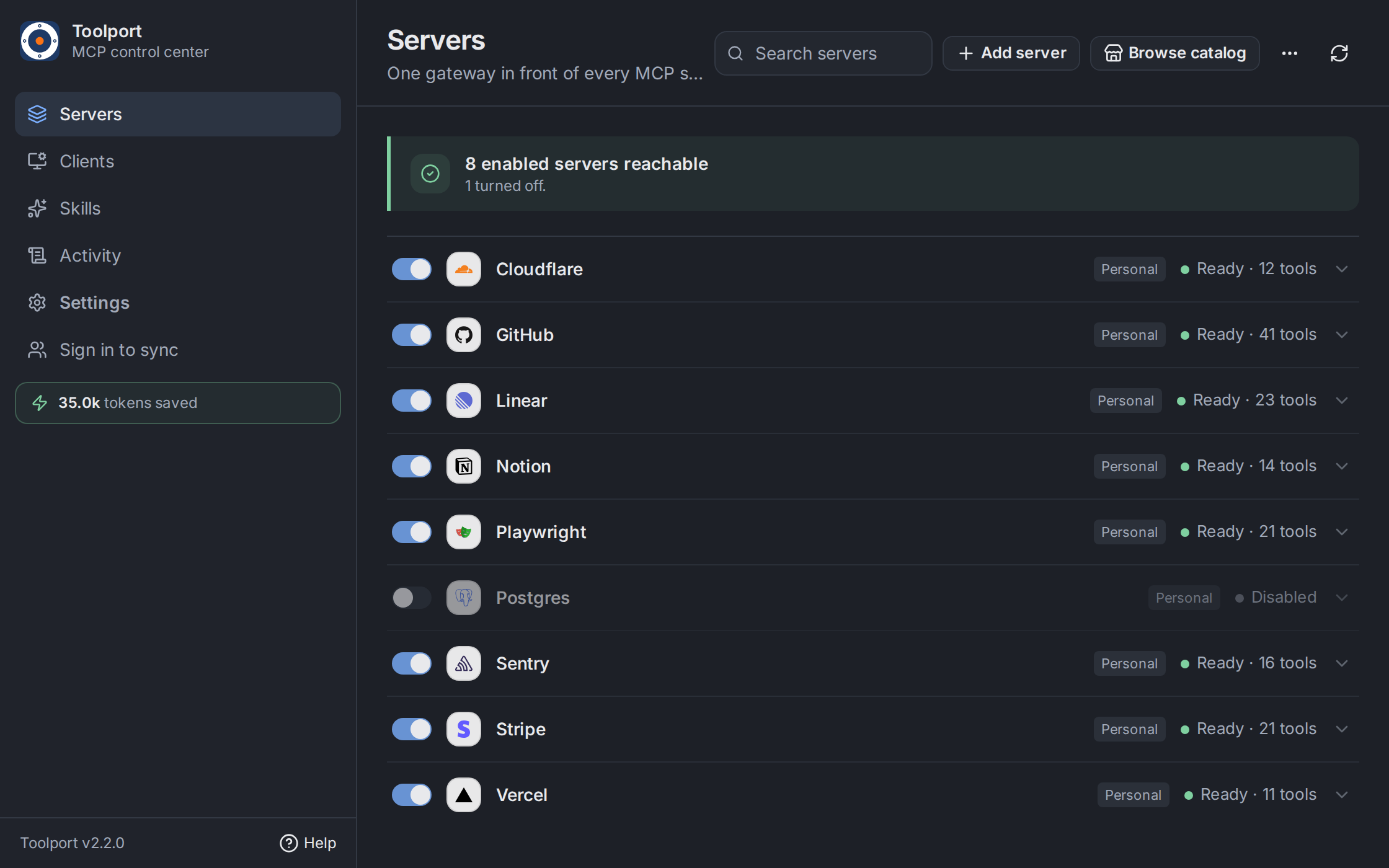
Set up your MCP servers once. Use them in every AI client.
Toolport is a local gateway for MCP, the protocol that gives AI apps access to tools like GitHub, Slack, and databases. Connect your servers once, then share them across Claude, Cursor, Codex, VS Code, and other clients.
Installers and release notes are also on GitHub Releases. On Arch and Omarchy, the pacman repository keeps Toolport on your normal update path. It stays on 1.24.2 until the staged 2.x rollout finishes; use the AppImage for 2.x until then.
Working with a team? Toolport Teams shares server configuration and policies while each member keeps their own credentials.
Requires Node.js and stable Rust, plus the platform dependencies described in Contributing.
npm ci
npm run build:gateway
npm run tauri dev
See Contributing for testing and build instructions.
Share server configuration and policies across a team while each member keeps their own credentials. Hosted and self-hosted options.
The desktop app and gateway are MIT licensed.
Local-first MCP gateway. Set up MCP servers once and use them in every AI client, with secrets in the OS keychain, tool integrity checks and quarantine, and on-demand tool search for clients that load
總覽
Local-first MCP gateway. Set up MCP servers once and use them in every AI client, with secrets in the OS keychain, tool integrity checks and quarantine, and on-demand tool search for clients that load every tool.
工具
尚無工具清單。遠端伺服器會在首次健康檢查後取得工具清單。
常見問題
在本頁複製適用於 Cursor、Claude Desktop、Claude Code 或 VS Code 的 stdio 設定。它使用發布者的安裝方式,而不是 PlugMCP 代理伺服器。
這筆記錄未列出必要的環境變數。
Toolport 透過 stdio 在本機執行。
上次檢查時間:2026-11-17。 Local-first MCP gateway. Set up MCP servers once and use them in every AI client, with secrets in the OS keychain, tool integrity checks and quarantine, and on-demand tool search for clients that load every tool.