接入你的智能体
從發布者安裝。不是 PlugMCP 端點。
遠端 URL 還是本機指令? 兩種安裝方式的差異
The most complete MCP server for Blender — control Blender with natural language from any AI agent: Claude Code, Claude Desktop, Cursor, opencode, Windsurf, Antigravity, LM Studio, Ollama and any Model Context Protocol (MCP) client.
239 tools · Windows / macOS / Linux · headless-ready · production-grade security
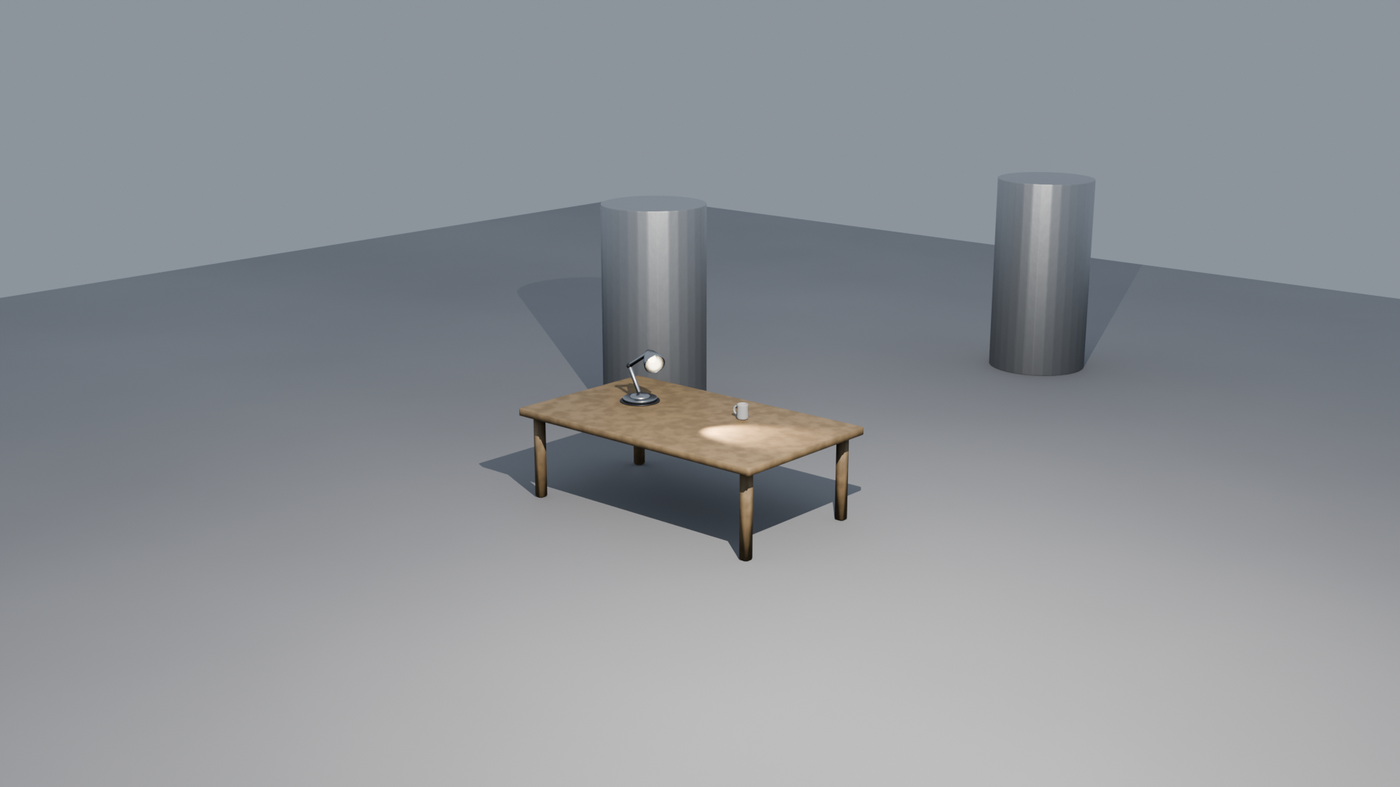
Scene above: 100% created and rendered by an AI agent through this MCP server — no manual modeling.
| PBR materials | Geometry Nodes | Physics |
|---|---|---|
 | 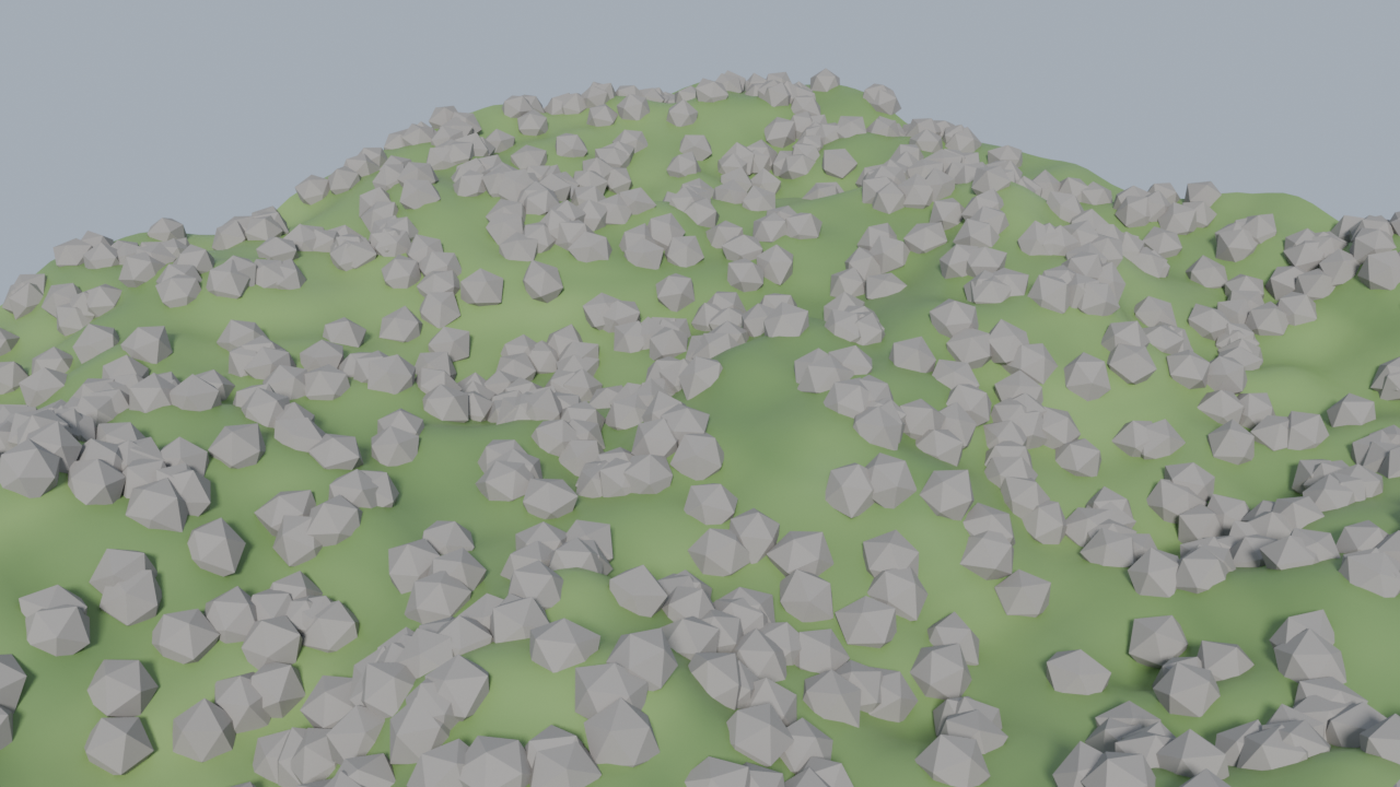 |  |
material_pbr + 3-point lighting | geonodes scatter + noise terrain | rigid body + baked simulation |
Every image above was generated end-to-end through MCP tools — scene setup, materials, lighting, camera framing, simulation and final Cycles render.
blender-mcp-ultra connects Blender (the free open-source 3D suite) to LLM agents through the Model Context Protocol. Ask your AI assistant to model, texture, light, animate, simulate and render 3D scenes — it executes through 248 typed tools instead of fragile screenshot-guessing.
You:     "Create a wooden table with a coffee mug on it and render it in Cycles"
Claude:  → object.create, mesh ops, material PBR wood, light.three_point,
          camera.set_framing, render.render → escena.png
Download blender_mcp_ultra.zip → Blender → Edit > Preferences > Add-ons > Install… → enable blender-mcp-ultra → click Connect in the N-panel.
Or install from this repo (Blender 4.2+/5.x):
git clone https://github.com/carlosh7/blender-mcp.git
cd blender-mcp
pip install -e .
Install the gateway (provides the blender-mcp-server command). Startup order doesn't matter: all tools register even if Blender is closed and work as soon as you open it.
pip install blender-mcp-ultra
claude mcp add blender -- blender-mcp-server
# o, desde un checkout del repo:
claude mcp add blender -- python /ruta/a/blender-mcp/mcp_server.py
{
  "mcpServers": {
    "blender": {
      "command": "blender-mcp-server"
    }
  }
}
More: docs/clients/claude-desktop.md · cursor.md · vscode.md
python mcp_server.py # el addon auto-escribe ~/.config/opencode/mcp.json
More: docs/clients/opencode.md
python mcp_server.py --sse      # SSE en :9879 (MCP_SSE_HOST para exponer)
# REST local: http://localhost:9877 (mismo token que el socket: ~/.config/blender-mcp/socket_token)
# Docker:
docker build -t blender-mcp-gateway . && docker run -p 9879:9879 blender-mcp-gateway
"Modela una silla de madera con biselado y material PBR, ilumina en 3 puntos y renderiza"
Full reference generated from the live registry: docs_scene tool · skills/recetas en docs/skills/.
Run trusted agents only — executing Blender Python on the agent's behalf is the product.
AI Agent (Claude/Cursor/…) ──MCP stdio/SSE──▶ mcp_server.py (gateway, 248 tools)
                                                  │ socket :9876 (localhost + token)
                                                  ▼
                                    Blender + addon blender-mcp-ultra
                                    (handlers, validators, PBR, physics…)
mcp_ultra/  # hexagonal: core / adapters / infrastructure / presentation / tools
addon/      # Blender addon: socket server, handlers, PBR factory, anti-blockout
docs/       # client guides, skills recipes, tutorials
tests/      # 479 tests (unit + integration + e2e headless)
pytest tests/unit -q          # sin Blender
pytest -q                     # completo (requiere Blender con el addon conectado)
CI ejecuta la suite completa contra Blender headless en cada push (Linux, Windows, macOS).
Does it work with ChatGPT / Gemini? Any client that speaks MCP works. For providers without MCP support, the bundled REST API (:9877) accepts plain HTTP.
Does Blender need to be open? Yes for interactive work (it drives the real Blender). CI/headless render jobs run with blender -b — see docs/skills/headless_ci.md.
Is it safe? The agent can execute Blender Python — that's the product. Execution is sandboxed, validated by AST, rate-limited and bound to localhost with token auth. Run trusted agents only.
Blender versions? 4.2+ (LTS) and 5.x. Python 3.10+ for the gateway.
PRs welcome — read CONTRIBUTING.md. Docs: GUIDE.md · ARCHITECTURE.md · CHANGELOG.md
MIT — see LICENSE.
The most complete MCP server for Blender 🧊 — 223 tools so any AI agent (Claude Code, Cursor, opencode, Antigravity) can model, texture, light, animate & render 3D scenes by natural language. Windows/
總覽
The most complete MCP server for Blender 🧊 — 223 tools so any AI agent (Claude Code, Cursor, opencode, Antigravity) can model, texture, light, animate & render 3D scenes by natural language. Windows/macOS/Linux.
工具
尚無工具清單。遠端伺服器會在首次健康檢查後取得工具清單。
常見問題
在本頁複製適用於 Cursor、Claude Desktop、Claude Code 或 VS Code 的 stdio 設定。它使用發布者的安裝方式,而不是 PlugMCP 代理伺服器。
這筆記錄未列出必要的環境變數。
Blender 透過 stdio 在本機執行。
上次檢查時間:2026-11-05。 The most complete MCP server for Blender 🧊 — 223 tools so any AI agent (Claude Code, Cursor, opencode, Antigravity) can model, texture, light, animate & render 3D scenes by natural language. Windows/macOS/Linux.

