接入你的智能体
發布者自己的指令。不是 PlugMCP 端點。
用我們的金鑰與日誌託管一份副本。
mcpb https://github.com/drhelius/gearsystem/releases/download/3.9.25/Gearsystem-3.9.25-mcpb-macos-arm64.mcpbClaude Code 沒有本機指令的安裝連結。複製下方指令並在終端機中執行。
claude mcp add drhelius-gearsystem -- mcpb https://github.com/drhelius/gearsystem/releases/download/3.9.25/Gearsystem-3.9.25-mcpb-macos-arm64.mcpb在終端機中執行。
{ "mcpServers": { "drhelius-gearsystem": { "command": "mcpb", "args": [ "https://github.com/drhelius/gearsystem/releases/download/3.9.25/Gearsystem-3.9.25-mcpb-macos-arm64.mcpb" ] } }}claude_desktop_config.json
遠端 URL 還是本機指令? 兩種安裝方式的差異
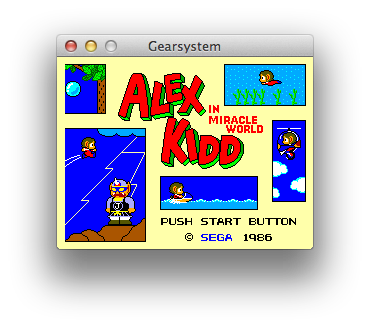
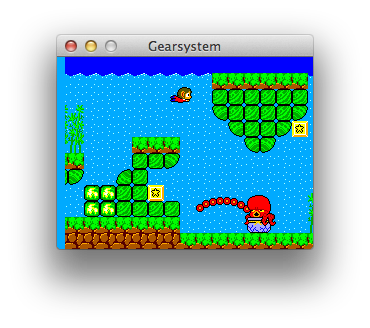
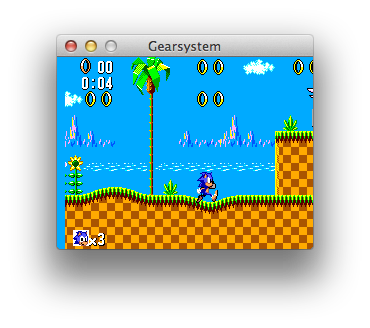
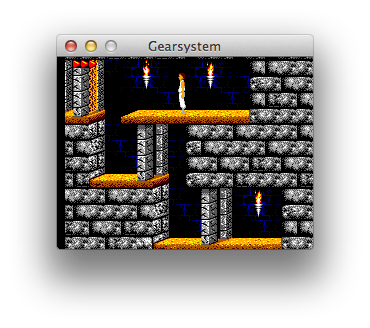
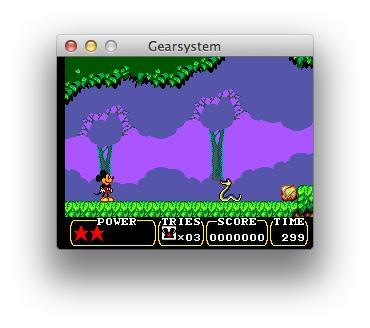
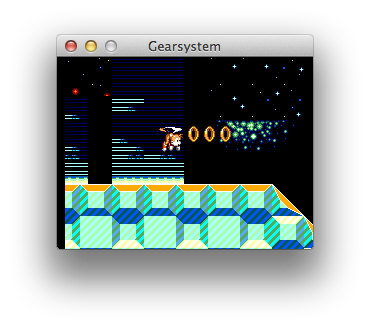
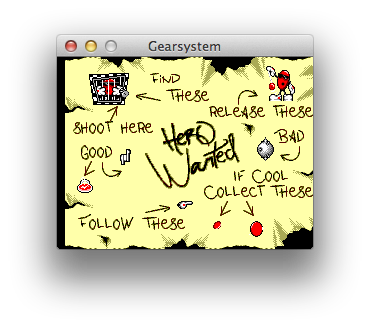
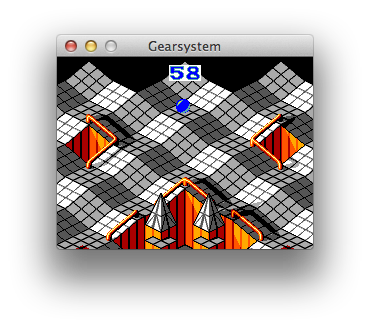
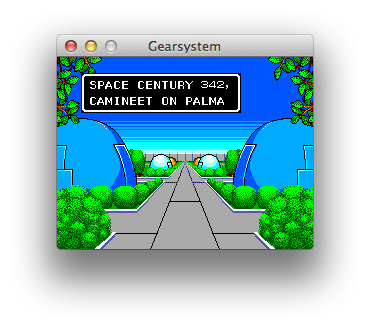
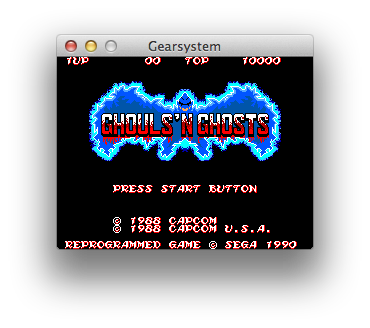
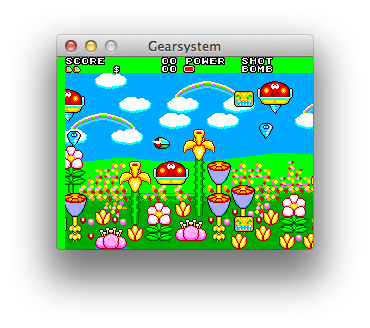
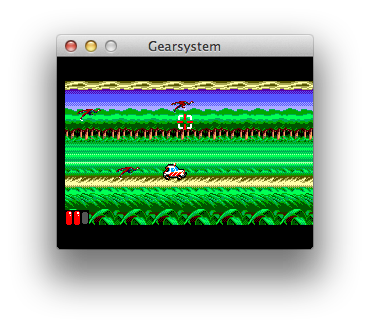
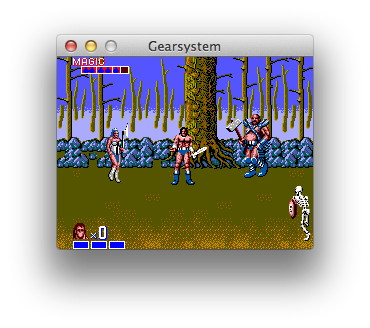
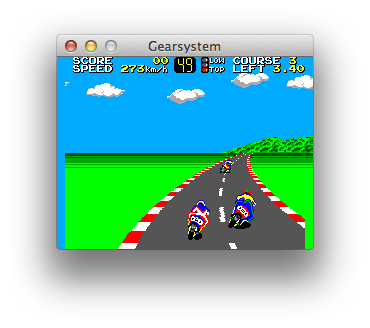
Gearsystem is a very accurate, cross-platform Sega Master System / Game Gear / SG-1000 emulator written in C++ that runs on Windows, macOS, Linux, BSD and RetroArch, with an embedded MCP server for AI debugging and development.
This is an open source project with its ongoing development made possible thanks to the support by these awesome backers. If you find it useful, please consider sponsoring.
Don't hesitate to report bugs or ask for new features by opening an issue.
Notes:
brew trust --tap drhelius/geardomelibsdl3None in the Emulator menu. This emulates a machine without any media plugged in.Top+Bottom and Aspect Ratio Standard (4:3 DAR) in the Video menu. Game Gear will ignore any overscan settings.--portable, or create an empty file named portable.ini in the same directory as the application binary. On macOS, place the file next to the .app bundle.Link Cable in two desktop instances, select the same session, and connect both, or start each process with --link-session N. Select Auto, Gear-to-Gear, or Mark III under Protocol; the session is independent of this selection. Auto uses Gear-to-Gear for native Game Gear software and Mark III Joy-Joy for F-16 Fighting Falcon (Japan). For Mark III, Return, 1, 2, and Space are mapped to the SK-1100 keyboard. Reset the console if Mark III hardware is attached after startup. Independent instances should use separate application copies or --portable data directories so configuration, saves, and single-instance handling do not conflict.Emulator menu. When enabled, opening a ROM while another instance is running will send the ROM to the running instance instead of starting a new one.path_to_rom_file.sms it tries to load path_to_rom_file.sym. You can also load a symbol file using the GUI or the CLI. It supports sjasmplus/Pasmo (EQU), SDCC/NoICE (.noi), wla-dx and vasm/generic file formats.gearsystem [options] [rom_file] [symbol_file]
Arguments:
[rom_file] ROM file: accepts ROMs (.sms, .gg, .sg, .mv) or ZIP (.zip)
[symbol_file] Optional symbol file for debugging
Options:
-f, --fullscreen Start in fullscreen mode
-w, --windowed Start in windowed mode with menu visible
--mcp-stdio Auto-start MCP server with stdio transport
--mcp-http Auto-start MCP server with HTTP transport
--mcp-router Enable compact MCP tool routing
--mcp-http-address A HTTP bind address (default: 127.0.0.1)
--mcp-http-port N HTTP port for MCP server (default: 7777)
--headless Run without GUI (requires MCP or Link Cable)
--link-session N Connect to link cable session 1-255
--link-stall-us N Override barrier stall threshold (0=default)
--portable Store configuration and user data beside the application
-v, --version Display version information
-h, --help Display this help message
Gearsystem includes a Model Context Protocol (MCP) server that enables AI-assisted debugging through AI agents like GitHub Copilot, Claude, Codex and similar. The server provides tools for execution control, memory inspection, breakpoints, disassembly, hardware status, and more. STDIO and HTTP transports are supported, with STDIO preferred.
For complete setup instructions and tool documentation, see MCP_README.md.
Gearsystem provides Agent Skills that teach AI assistants how to effectively use the emulator for specific tasks:
Install with npx skills add drhelius/gearsystem. See the skills README for details.
SDL3-devel-x.y.z-VC.zip).SDL3-x.y.z) to SDL3.SDL3 folder inside platforms/windows/dependencies/ so that the include path is platforms/windows/dependencies/SDL3/include/SDL3/.platforms/windows/Gearsystem.sln and build.xcode-select --install in the terminal for the compiler to be available on the command line.brew install sdl3
cd platforms/macos
make dist
If you are using Ubuntu 26.04, you can install SDL3 directly. Use the following commands to build:
sudo apt install build-essential pkg-config libsdl3-dev libgl-dev
cd platforms/linux
make
For Ubuntu 24.04, you need to build SDL3 from source first. Use the following commands to build both SDL3 and Gearsystem:
sudo apt install build-essential cmake git curl jq pkg-config \
  libx11-dev libxext-dev libxrandr-dev libxcursor-dev libxfixes-dev \
  libxi-dev libxss-dev libxkbcommon-dev libwayland-dev libdecor-0-dev \
  libdrm-dev libgbm-dev libgl1-mesa-dev libegl1-mesa-dev libdbus-1-dev libudev-dev libxtst-dev
SDL3_TAG=$(curl -s https://api.github.com/repos/libsdl-org/SDL/releases/latest | jq -r '.tag_name')
git clone --depth 1 --branch "$SDL3_TAG" https://github.com/libsdl-org/SDL.git /tmp/SDL3
cmake -S /tmp/SDL3 -B /tmp/SDL3/build -DCMAKE_INSTALL_PREFIX=/usr -DSDL_TESTS=OFF -DSDL_EXAMPLES=OFF
cmake --build /tmp/SDL3/build -j$(nproc)
sudo cmake --install /tmp/SDL3/build
cd platforms/linux
make
sudo dnf install @development-tools gcc-c++ SDL3-devel
cd platforms/linux
make
sudo pacman -S base-devel sdl3
cd platforms/linux
make
su root -c "pkg install -y git gmake pkgconf sdl3"
cd platforms/bsd
USE_CLANG=1 gmake
su root -c "pkgin install gmake pkgconf SDL3"
cd platforms/bsd
gmake
doas pkg_add gmake sdl3
cd platforms/bsd
LDFLAGS=-L/usr/X11R6/lib/ USE_CLANG=1 gmake
sudo apt install build-essential
cd platforms/libretro
make
sudo dnf install @development-tools gcc-c++
cd platforms/libretro
make
Zexall Z80 instruction exerciser (from SMS Power!)
SMS VDP Test (from SMS Power!)
Thank you to all the people who have already contributed to Gearsystem!
Gearsystem is licensed under the GNU General Public License v3.0 License, see LICENSE for more information.
Sega Master System / Game Gear / SG-1000 emulator and debugger with embedded MCP server for macOS, Windows, Linux, BSD and RetroArch.
{ "mcpServers": { "drhelius-gearsystem": { "command": "mcpb", "args": [ "https://github.com/drhelius/gearsystem/releases/download/3.9.25/Gearsystem-3.9.25-mcpb-macos-arm64.mcpb" ] } }}工具
尚無工具清單。遠端伺服器會在首次健康檢查後取得工具清單。
常見問題
在本頁複製適用於 Cursor、Claude Desktop、Claude Code 或 VS Code 的 stdio 設定。它使用發布者的安裝方式,而不是 PlugMCP 代理伺服器。
這筆記錄未列出必要的環境變數。
Gearsystem 透過 stdio 在本機執行。
上次檢查時間:2026-11-17。 Sega Master System / Game Gear / SG-1000 emulator and debugger with embedded MCP server for macOS, Windows, Linux, BSD and RetroArch.