MCP Design System Extractor
A Model Context Protocol (MCP) server that extracts component information from Storybook design systems. Connects to Storybook instances and extracts HTML, styles, and component metadata.
接入你的智能体
發布者自己的指令。不是 PlugMCP 端點。
用我們的金鑰與日誌託管一份副本。
npx -y [email protected]Claude Code 沒有本機指令的安裝連結。複製下方指令並在終端機中執行。
STORYBOOK_URL=<value> NODE_TLS_REJECT_UNAUTHORIZED=<value> DEBUG=<value> claude mcp add freema-mcp-design-system-extractor -- npx -y mcp-design-system-extractor@1.3.0在終端機中執行。
{ "mcpServers": { "freema-mcp-design-system-extractor": { "command": "npx", "args": [ "-y", "[email protected]" ], "env": { "STORYBOOK_URL": "<value>", "NODE_TLS_REJECT_UNAUTHORIZED": "<value>", "DEBUG": "<value>" } } }}claude_desktop_config.json
遠端 URL 還是本機指令? 兩種安裝方式的差異
來自發布者
A Model Context Protocol (MCP) server that extracts component information from Storybook design systems. Connects to Storybook instances and extracts HTML, styles, and component metadata.
MCP (Model Context Protocol) server that enables AI assistants to interact with Storybook design systems. Extract component HTML, analyze styles, and help with design system adoption and refactoring.
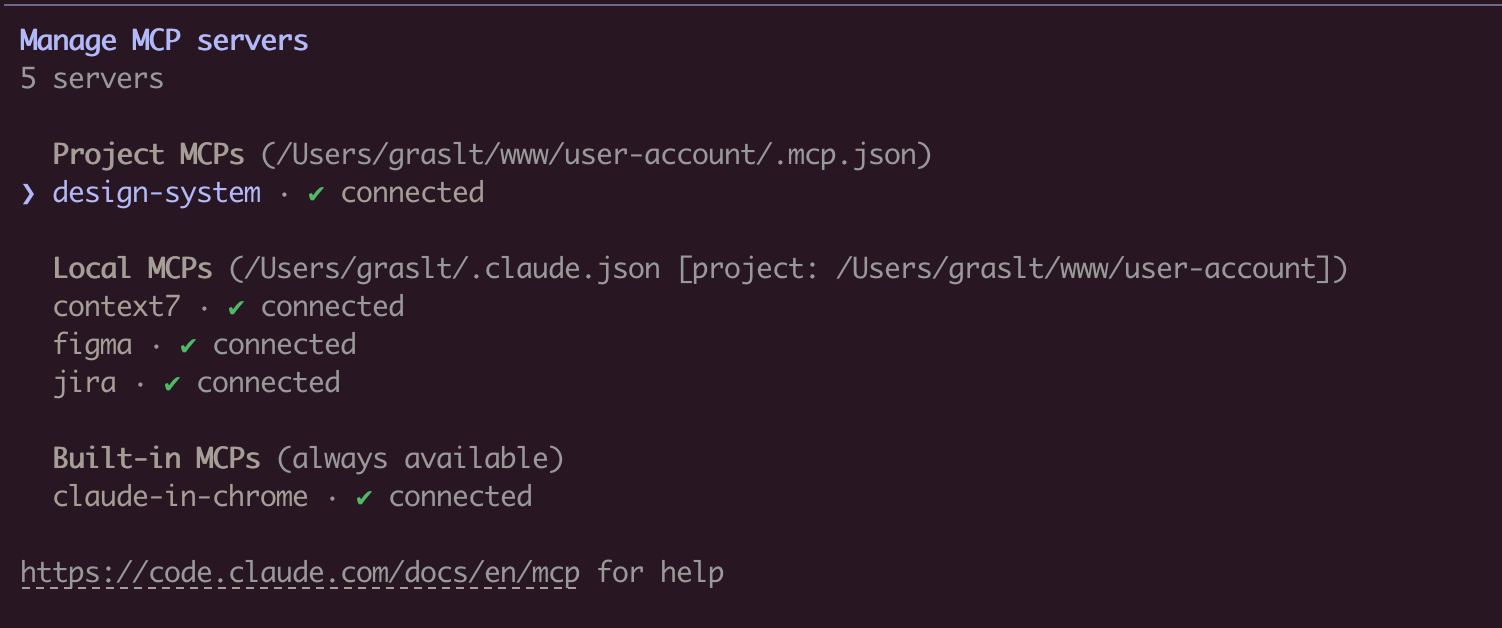
claude mcp add design-system npx mcp-design-system-extractor@latest \
  --env STORYBOOK_URL=http://localhost:6006
With self-signed certificate:
claude mcp add design-system npx mcp-design-system-extractor@latest \
  --env STORYBOOK_URL=https://my-storybook.example.com \
  --env NODE_TLS_REJECT_UNAUTHORIZED=0
npm install -g mcp-design-system-extractor
Then configure in your MCP client (see Environment Variables).
git clone https://github.com/freema/mcp-design-system-extractor.git
cd mcp-design-system-extractor
npm install && npm run build
npm run setup  # Interactive setup for Claude Desktop
Example with self-signed certificate:
{
  "mcpServers": {
    "design-system": {
      "command": "node",
      "args": ["/path/to/dist/index.js"],
      "env": {
        "STORYBOOK_URL": "https://my-storybook.example.com",
        "NODE_TLS_REJECT_UNAUTHORIZED": "0"
      }
    }
  }
}
See DEVELOPMENT.md for detailed setup instructions.
list_components
compact: true for minimal output (reduces response size)category parameterpage and pageSize (default: 20)get_component_html
job_id, use job_status to poll for resultsasync: false for synchronous mode (uses timeout parameter)variantsOnly: true to get list of available variants (sync, fast)includeStyles: true for CSS extraction (Storybook CSS filtered out)"component-name--story-name" or just "component-name" (auto-resolves to default variant)search_components
query: Search term (use "*" for all)purpose: Find by function ("form inputs", "navigation", "feedback", "buttons", etc.)searchIn: "name", "title", "category", or "all" (default)page and pageSize"component-name--story-name"get_theme_info
includeAll: true for all CSS variablesget_external_css
includeFullCSS: true only when you need full CSS contentjob_status
status, result (when completed), error (when failed)get_component_html in async modejob_cancel
job_list
status: "all" (default), "active" (queued/running), "completed"// List all components (compact mode recommended)
await list_components({ compact: true });
// Search for components
await search_components({ query: "button", searchIn: "name" });
// Find components by purpose
await search_components({ purpose: "form inputs" });
// Get variants for a component
await get_component_html({
componentId: "button",
variantsOnly: true
});
// Returns: { variants: ["primary", "secondary", "disabled"] }
// Get HTML (async mode - default)
await get_component_html({ componentId: "button--primary" });
// Returns: { job_id: "job_xxx", status: "queued" }
// Poll for result
await job_status({ job_id: "job_xxx" });
// Returns: { status: "completed", result: { html: "...", classes: [...] } }
// Get HTML (sync mode)
await get_component_html({
componentId: "button--primary",
async: false,
timeout: 30000
});
// Returns: { html: "...", classes: [...] }
// Get HTML with styles
await get_component_html({
componentId: "button--primary",
async: false,
includeStyles: true
});
// Check all running jobs
await job_list({ status: "active" });
// Extract theme info
await get_theme_info({ includeAll: false });
// Get design tokens from CSS
await get_external_css({
cssUrl: "https://my-storybook.com/assets/main.css"
});
list_components with compact: trueget_component_html with variantsOnly: truesearch_components with purpose parameterOnce connected, you can use natural language prompts with Claude:
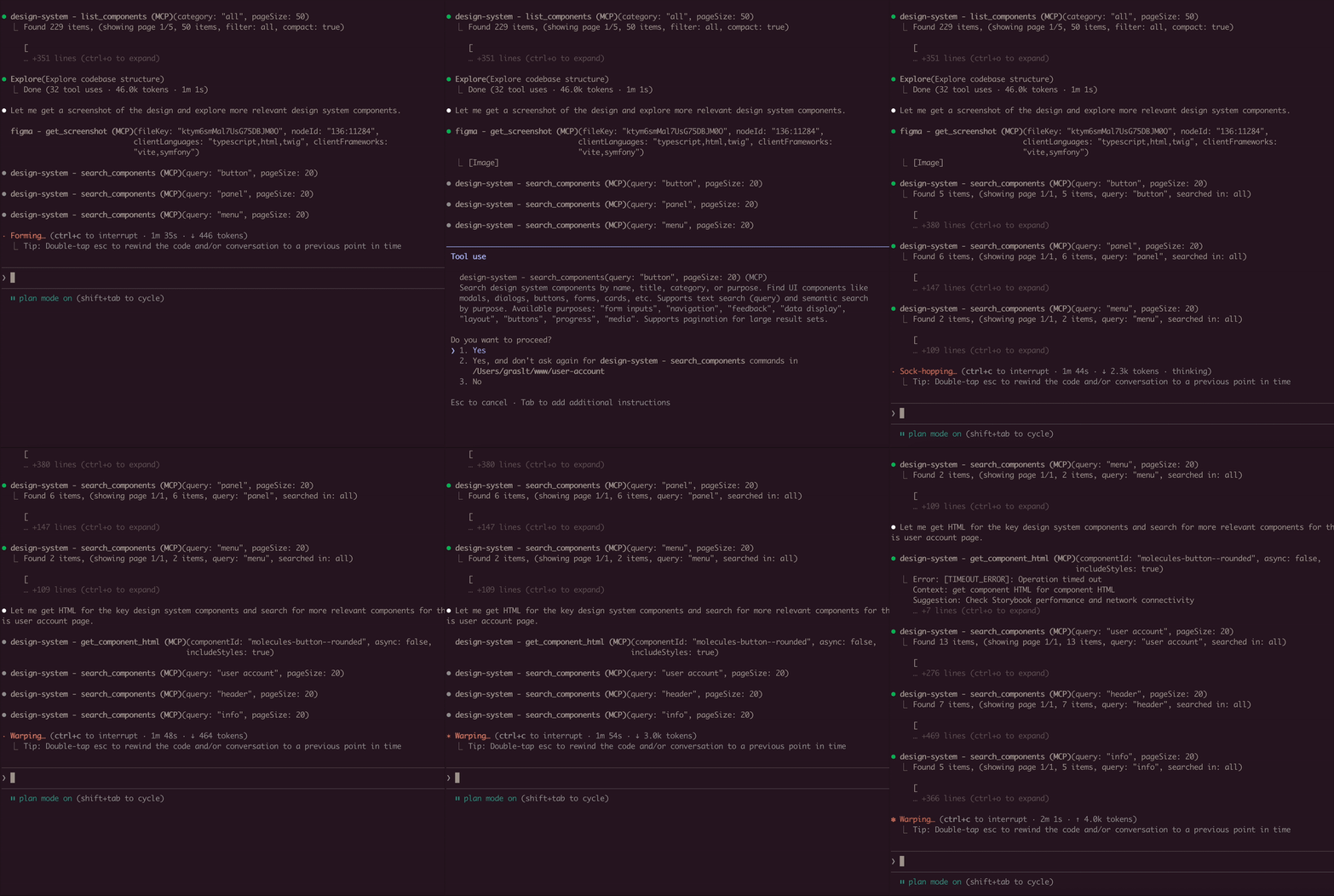
Component Discovery:
Show me all available button components in the design system
Building New Features:
I need to create a user profile card. Find relevant components
from the design system and show me their HTML structure.
Design System Analysis:
Extract the color palette and typography tokens from the design system.
I want to ensure my new component matches the existing styles.
Component Migration:
Get the HTML and styles for the "alert" component. I need to
recreate it in a different framework while keeping the same look.
Multi-Tool Workflow:
First list all form-related components, then get the HTML for
the input and select components. I'm building a registration form.
Connects to Storybook via /index.json and /iframe.html endpoints. Uses Puppeteer with headless Chrome for dynamic JavaScript rendering. Long-running operations use an in-memory job queue with max 2 concurrent jobs and 1-hour TTL for completed jobs.
STORYBOOK_URL is correctlist_components first to see available componentsjob_status/index.json endpoint directly in browserNODE_TLS_REJECT_UNAUTHORIZED=0 for self-signed certificatesStorybook 7, 8, 9 and 10. The server reads the story index from
/index.json, falling back to /stories.json, and renders stories through
/iframe.html?id=<storyId> — endpoints that have been stable across all four
major versions.
Storybook 6 and earlier are not supported: they predate /index.json and use
a different story-id scheme.
Both a dev server (npm run storybook) and a built static Storybook served
over HTTP will work.
See DEVELOPMENT.md for detailed development instructions.
Created by Tomáš Grasl
MIT
MCP (Model Context Protocol) server that enables AI assistants to interact with Storybook design systems. Extract component HTML, analyze styles, and help with design system adoption and refactoring.
{ "mcpServers": { "freema-mcp-design-system-extractor": { "command": "npx", "args": [ "-y", "[email protected]" ], "env": { "STORYBOOK_URL": "<value>", "NODE_TLS_REJECT_UNAUTHORIZED": "<value>", "DEBUG": "<value>" } } }}工具
尚無工具清單。遠端伺服器會在首次健康檢查後取得工具清單。
常見問題
在本頁複製適用於 Cursor、Claude Desktop、Claude Code 或 VS Code 的 stdio 設定。它使用發布者的安裝方式,而不是 PlugMCP 代理伺服器。
發布者列出了以下環境變數:STORYBOOK_URL, NODE_TLS_REJECT_UNAUTHORIZED, DEBUG。
MCP Design System Extractor 透過 stdio 在本機執行。
上次檢查時間:2026-10-27。 MCP (Model Context Protocol) server that enables AI assistants to interact with Storybook design systems. Extract component HTML, analyze styles, and help with design system adoption and refactoring.

