接入你的智能体
發布者自己的指令。不是 PlugMCP 端點。
用我們的金鑰與日誌託管一份副本。
npx -y [email protected]Claude Code 沒有本機指令的安裝連結。複製下方指令並在終端機中執行。
COGNIGY_BASE_URL=<value> COGNIGY_API_KEY=<secret> claude mcp add io.github.tsvetang2-cognigy-ai-mcp-management-server -- npx -y cognigy-ai-mcp-management-server@0.2.1在終端機中執行。
{ "mcpServers": { "io.github.tsvetang2-cognigy-ai-mcp-management-server": { "command": "npx", "args": [ "-y", "[email protected]" ], "env": { "COGNIGY_BASE_URL": "<value>", "COGNIGY_API_KEY": "<secret>" } } }}claude_desktop_config.json
遠端 URL 還是本機指令? 兩種安裝方式的差異
Model Context Protocol server for managing Cognigy.AI virtual agents through the Management API
This is an independent, open-source MCP server and is not affiliated with, endorsed by, or sponsored by Cognigy or NiCE. It requires your own valid Cognigy.AI account and API key, used in accordance with Cognigy's commercial license terms. "Cognigy" and "Cognigy.AI" are trademarks of their respective owners.
cognigy-ai-mcp-management-server is a local MCP server that enables AI coding assistants (Claude, Cursor, etc.) to build, configure, test, and operate Cognigy.AI conversational AI agents programmatically.
Instead of clicking through the Cognigy UI, you can now:
Built for: Developers, solution architects, and SI partners who build on Cognigy.AI.
# 1. Install the Cognigy REST API client (required peer dependency)
npm install @cognigy/rest-api-client

# 2. Install this MCP server
npm install -g cognigy-ai-mcp-management-server
Important: The @cognigy/rest-api-client package is licensed under "Cognigy Proprietary License". By installing it, you agree to Cognigy's license terms.
Set environment variables before running:
# Required: Your Cognigy API endpoint
export COGNIGY_BASE_URL=https://api-trial.cognigy.ai

# Required: Your API key (never commit this!)
export COGNIGY_API_KEY=your-api-key-here

# Optional: Default project for operations
export COGNIGY_DEFAULT_PROJECT_ID=your-project-id
Common Base URLs:
Add to ~/Library/Application Support/Claude/claude_desktop_config.json (macOS) or %APPDATA%\Claude\claude_desktop_config.json (Windows):
{
  "mcpServers": {
    "cognigy": {
      "command": "npx",
      "args": ["cognigy-ai-mcp-management-server"],
      "env": {
        "COGNIGY_BASE_URL": "https://api-trial.cognigy.ai",
        "COGNIGY_API_KEY": "your-api-key-here"
      }
    }
  }
}
Add to .mcp.json in your project root:
{
  "mcpServers": {
    "cognigy": {
      "command": "npx",
      "args": ["cognigy-ai-mcp-management-server"],
      "env": {
        "COGNIGY_BASE_URL": "https://api-trial.cognigy.ai",
        "COGNIGY_API_KEY": "your-api-key-here"
      }
    }
  }
}
Add to .cursor/mcp.json:
{
  "mcpServers": {
    "cognigy": {
      "command": "npx",
      "args": ["cognigy-ai-mcp-management-server"],
      "env": {
        "COGNIGY_BASE_URL": "https://api-trial.cognigy.ai",
        "COGNIGY_API_KEY": "your-api-key-here"
      }
    }
  }
}
This server provides 132 MCP tools organized by domain:
dryRun: true by defaultlimit and skip# Create .env from template
cp .env.example .env
# Edit .env with your credentials
# Run development server
npm run dev
npm run build    # Compile TypeScript
npm test         # Run test suite (49 tests)
npm run lint     # Check code style
If you need to update the generated types from a newer Cognigy API:
npm run update:spec   # Download latest OpenAPI spec
npm run gen:types     # Regenerate TypeScript types
This package requires @cognigy/rest-api-client as a peer dependency. This means:
You are responsible for:
The Cognigy REST API client is the official SDK maintained by Cognigy GmbH and is published on npm under "Cognigy Proprietary License".
This MCP server is released under the MIT License. See LICENSE for details.
Note: The MIT license applies only to this MCP server code. Dependencies (particularly @cognigy/rest-api-client) are subject to their own licenses.
Contributions are welcome! Please:
git checkout -b feature/amazing-feature)npm test && npm run build before committingdryRun flag (default: true)Built with Model Context Protocol SDK
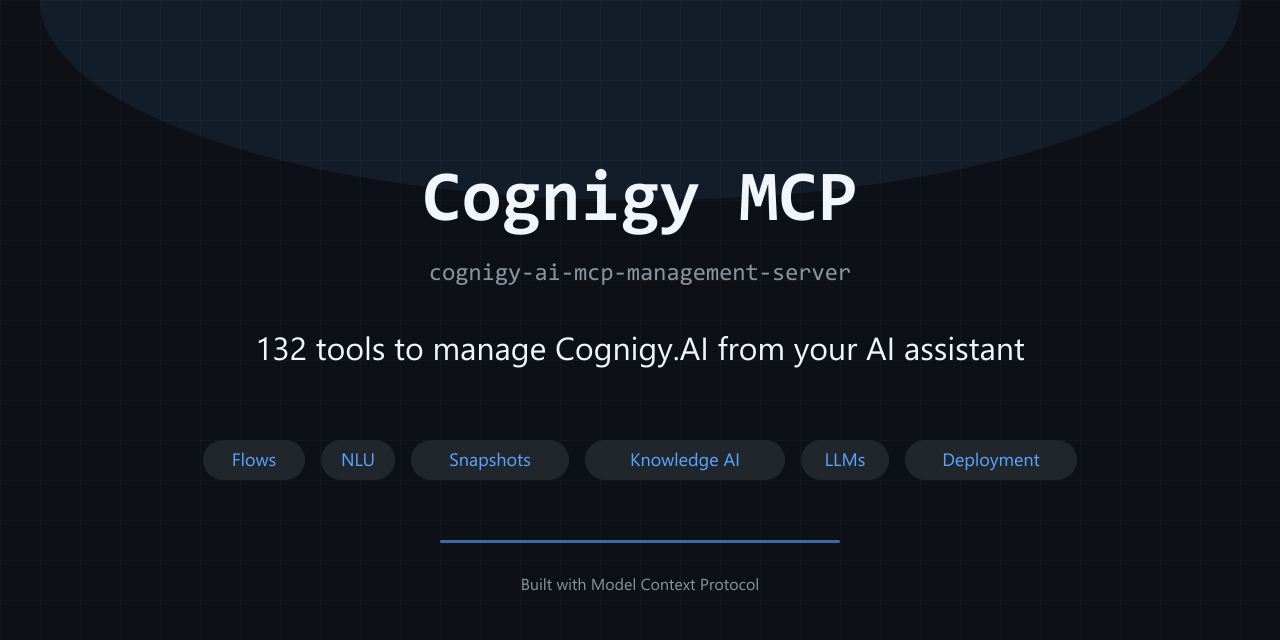
MCP server for Cognigy.AI - 132 tools to build, configure & operate conversational AI agents
{ "mcpServers": { "io.github.tsvetang2-cognigy-ai-mcp-management-server": { "command": "npx", "args": [ "-y", "[email protected]" ], "env": { "COGNIGY_BASE_URL": "<value>", "COGNIGY_API_KEY": "<secret>" } } }}工具
尚無工具清單。遠端伺服器會在首次健康檢查後取得工具清單。
常見問題
在本頁複製適用於 Cursor、Claude Desktop、Claude Code 或 VS Code 的 stdio 設定。它使用發布者的安裝方式,而不是 PlugMCP 代理伺服器。
發布者列出了以下環境變數:COGNIGY_BASE_URL, COGNIGY_API_KEY。
Cognigy Ai MCP Management Server 透過 stdio 在本機執行。
上次檢查時間:2026-11-09。 MCP server for Cognigy.AI - 132 tools to build, configure & operate conversational AI agents
