接入你的智能体
發布者自己的指令。不是 PlugMCP 端點。
用我們的金鑰與日誌託管一份副本。
docker run -i --rm ghcr.io/zyvorai/netra-mcp:0.32.0Claude Code 沒有本機指令的安裝連結。複製下方指令並在終端機中執行。
NETRA_URL=<value> NETRA_API_KEY=<secret> NETRA_MCP_ALLOW_MUTATIONS=<value> NETRA_MCP_ACTOR=<value> claude mcp add io.github.zyvorai-netra -- docker run -i --rm ghcr.io/zyvorai/netra-mcp:0.32.0在終端機中執行。
{ "mcpServers": { "io.github.zyvorai-netra": { "command": "docker", "args": [ "run", "-i", "--rm", "ghcr.io/zyvorai/netra-mcp:0.32.0" ], "env": { "NETRA_URL": "<value>", "NETRA_API_KEY": "<secret>", "NETRA_MCP_ALLOW_MUTATIONS": "<value>", "NETRA_MCP_ACTOR": "<value>" } } }}claude_desktop_config.json
遠端 URL 還是本機指令? 兩種安裝方式的差異
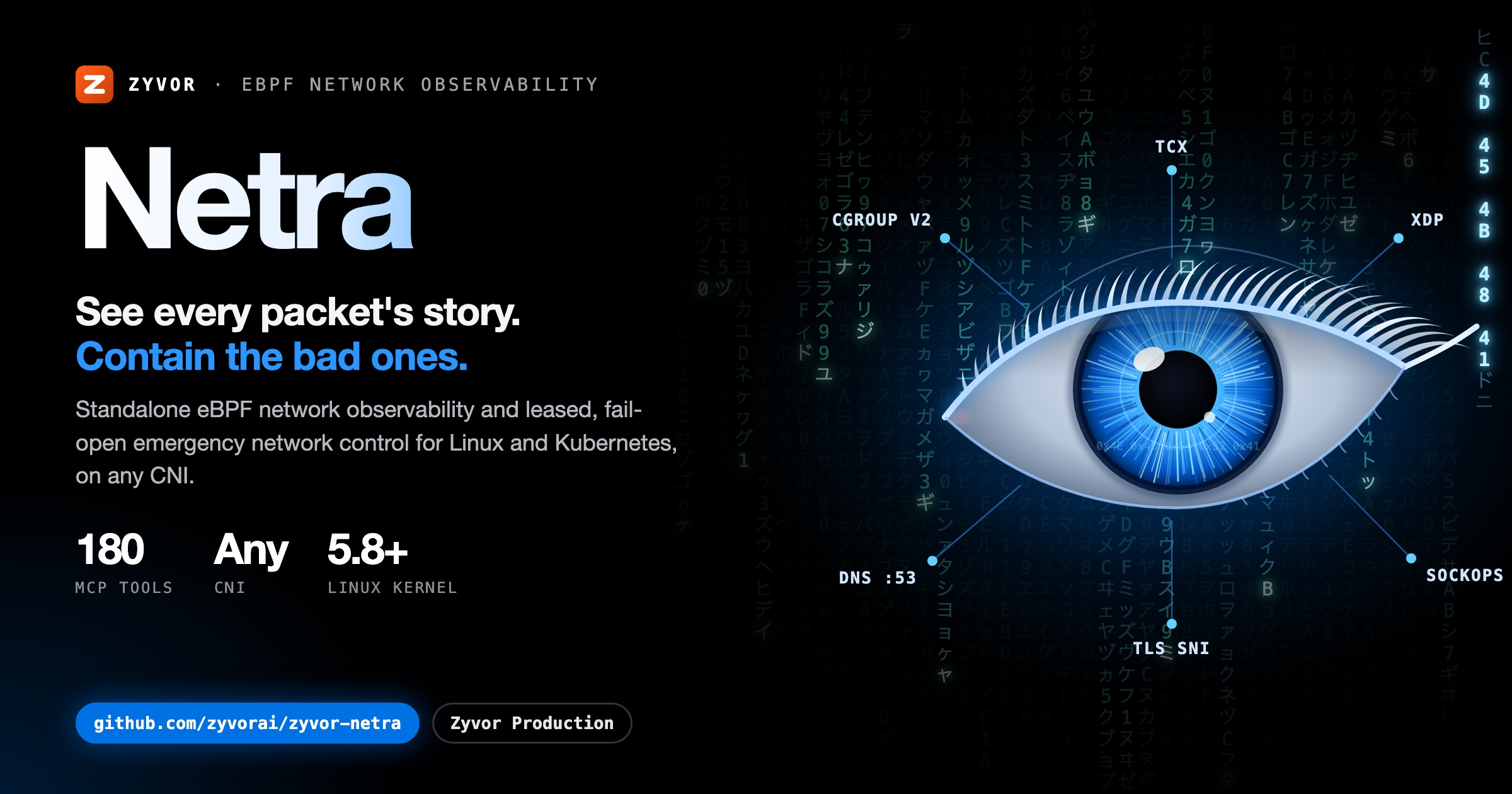
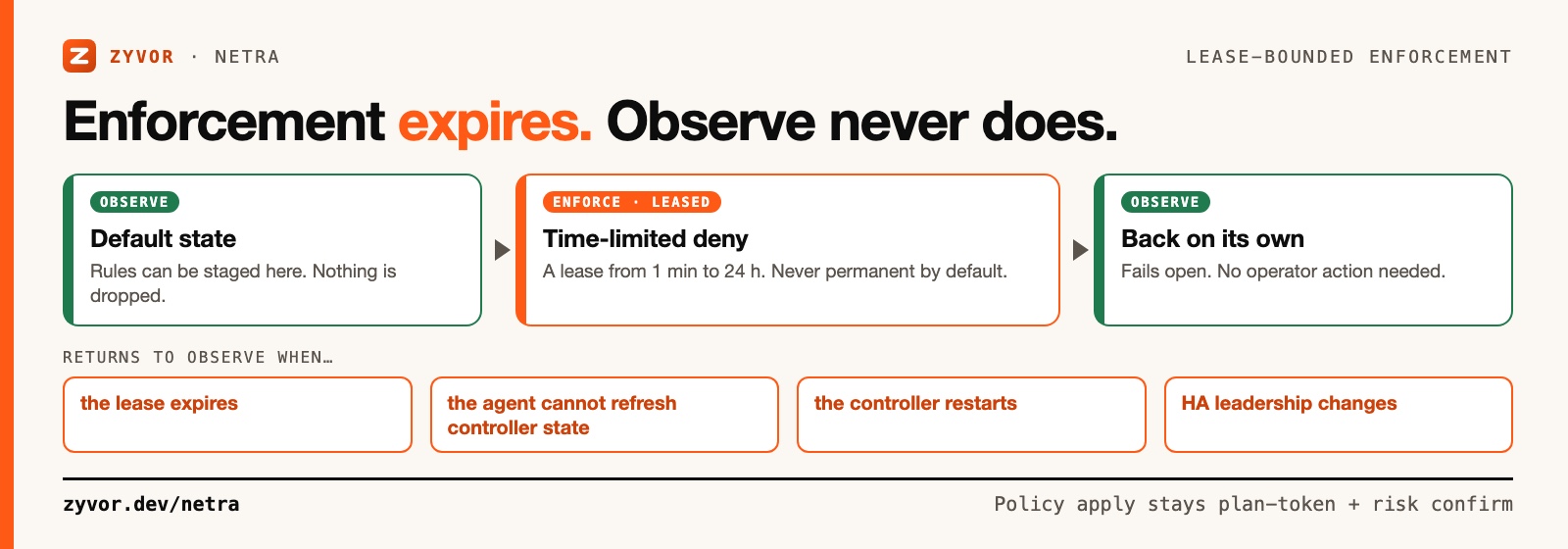
Standalone eBPF network observability and emergency network control for Linux/Kubernetes — with optional Cilium + Hubble enrichment. Kernel drop attribution, path and congestion diagnostics, live packet capture, and leased deny rules that return to observe on their own, on any CNI.
Observe-first · Lease-bounded, fails open · No CNI required · No payload collection · 190 MCP tools
📖 Read the full docs — quickstart, architecture, security model, and a product tour.
From CHANGELOG.md (0.28.2 to 0.30.0):
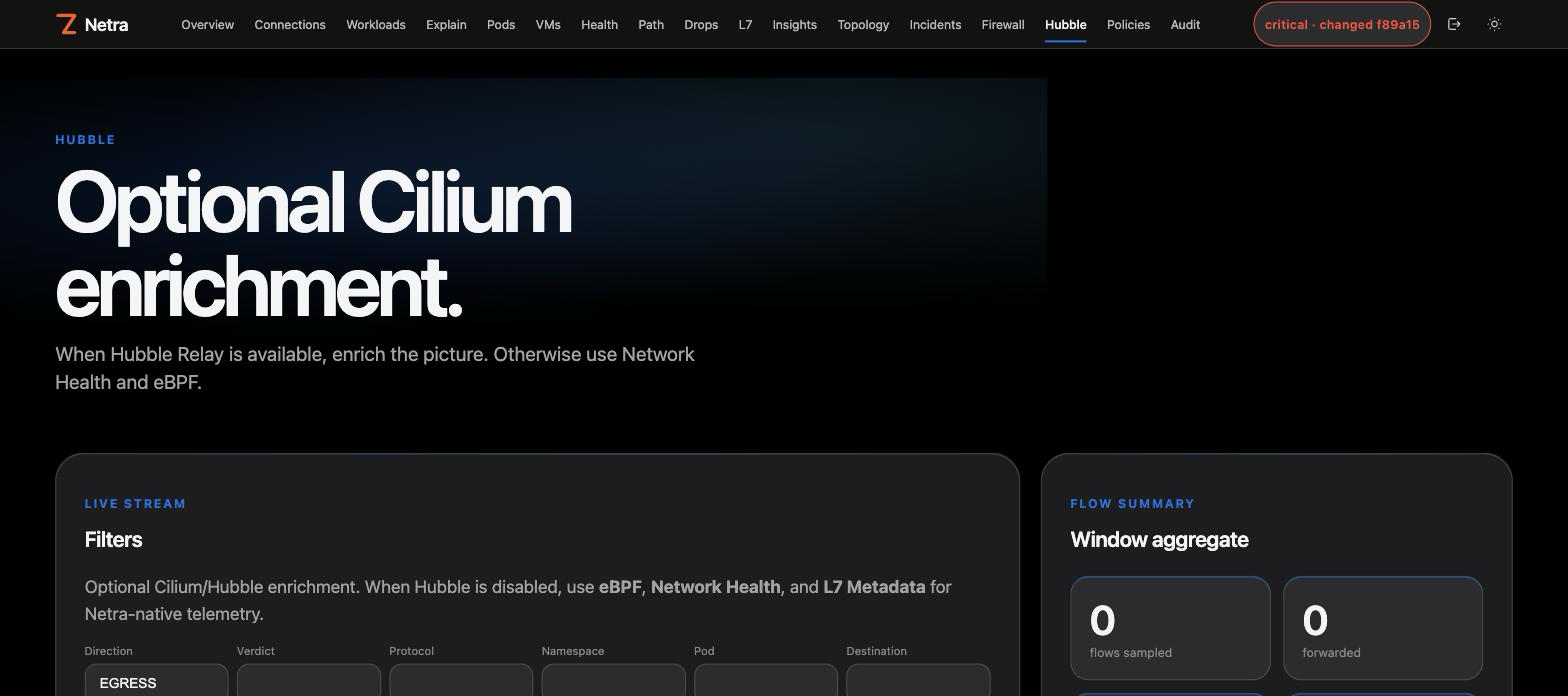
Netra does not require Cilium. The node agent owns its own programs and maps below /sys/fs/bpf/netra. If Cilium/Hubble exists, Netra can manage CiliumNetworkPolicy and display Hubble flows, but both integrations are opt-in.
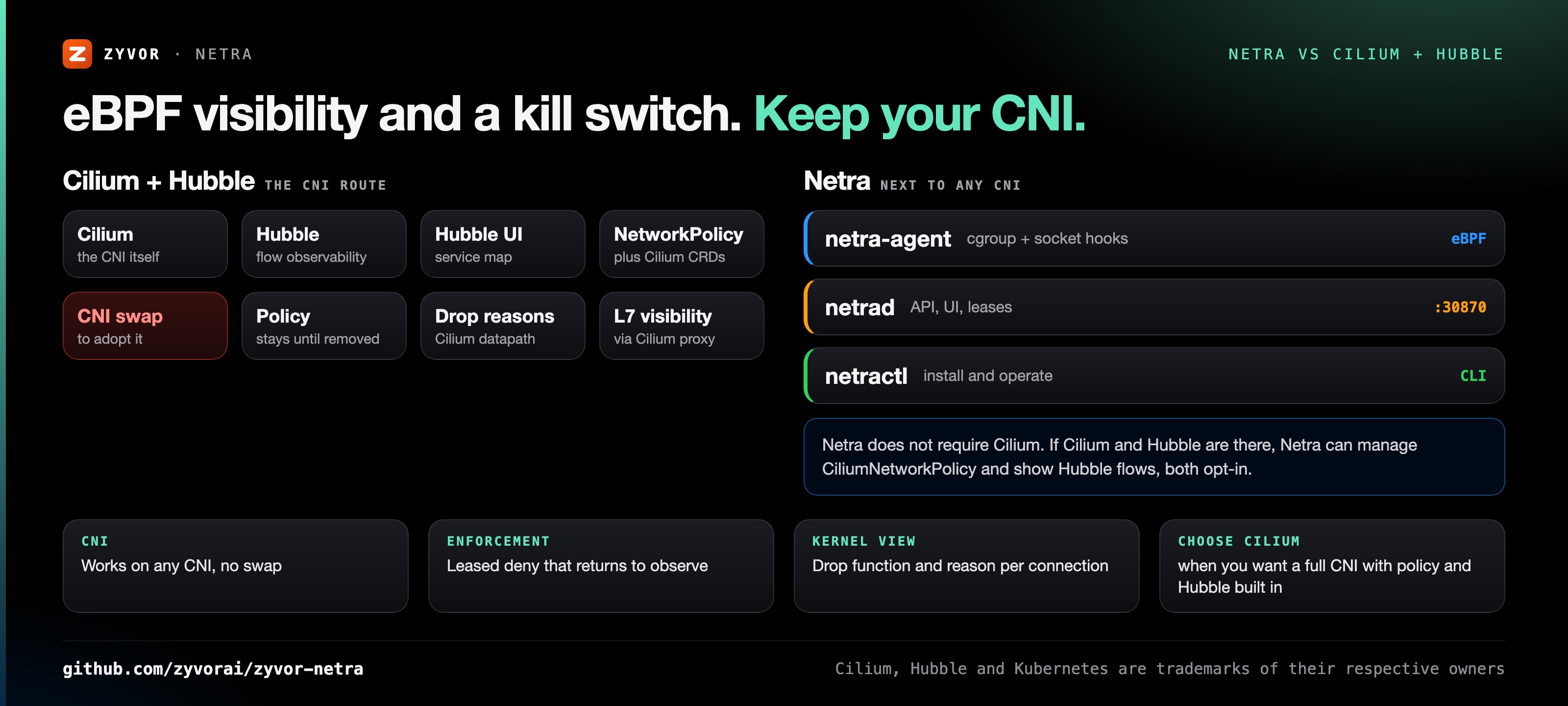
Netra never modifies or pins over Cilium-owned BPF maps, so the two can share a cluster.
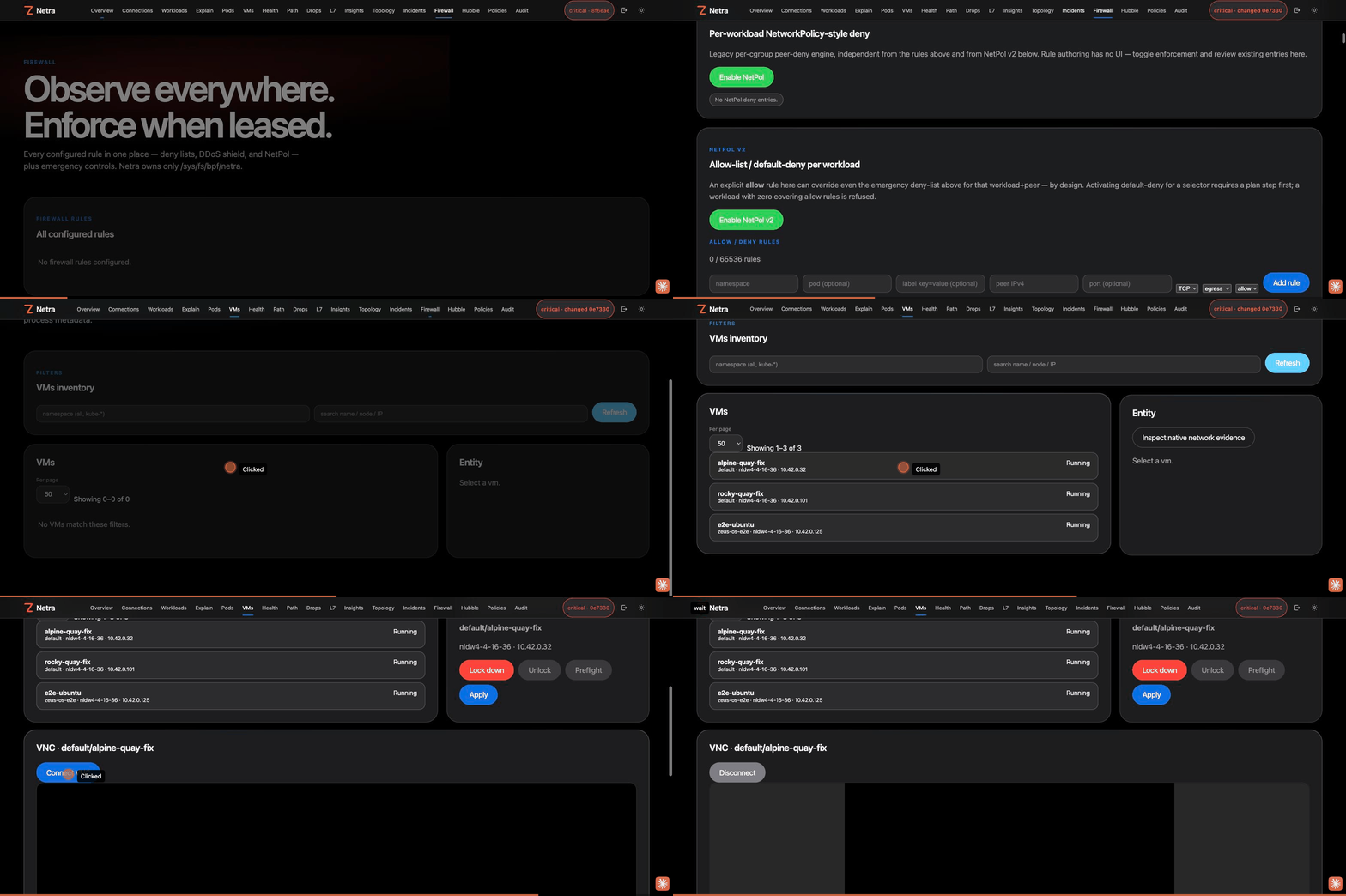
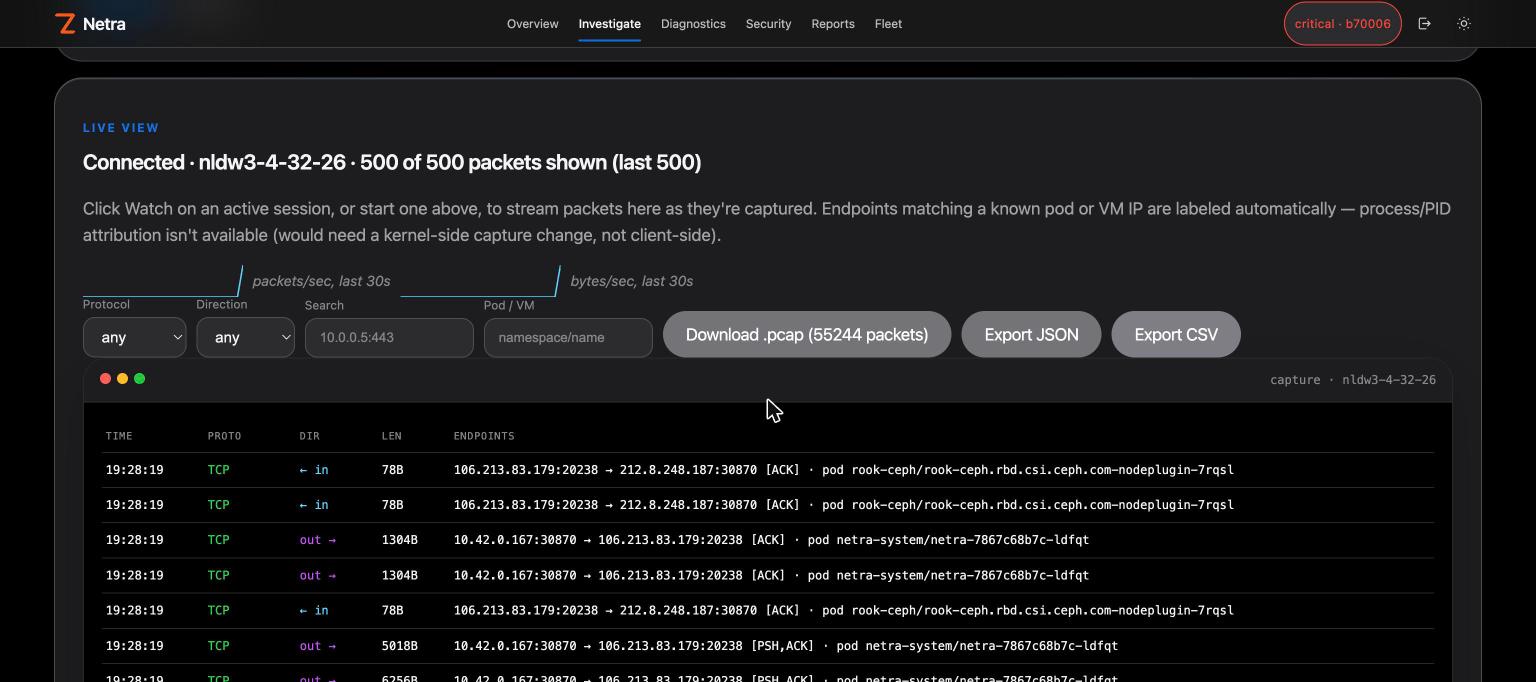
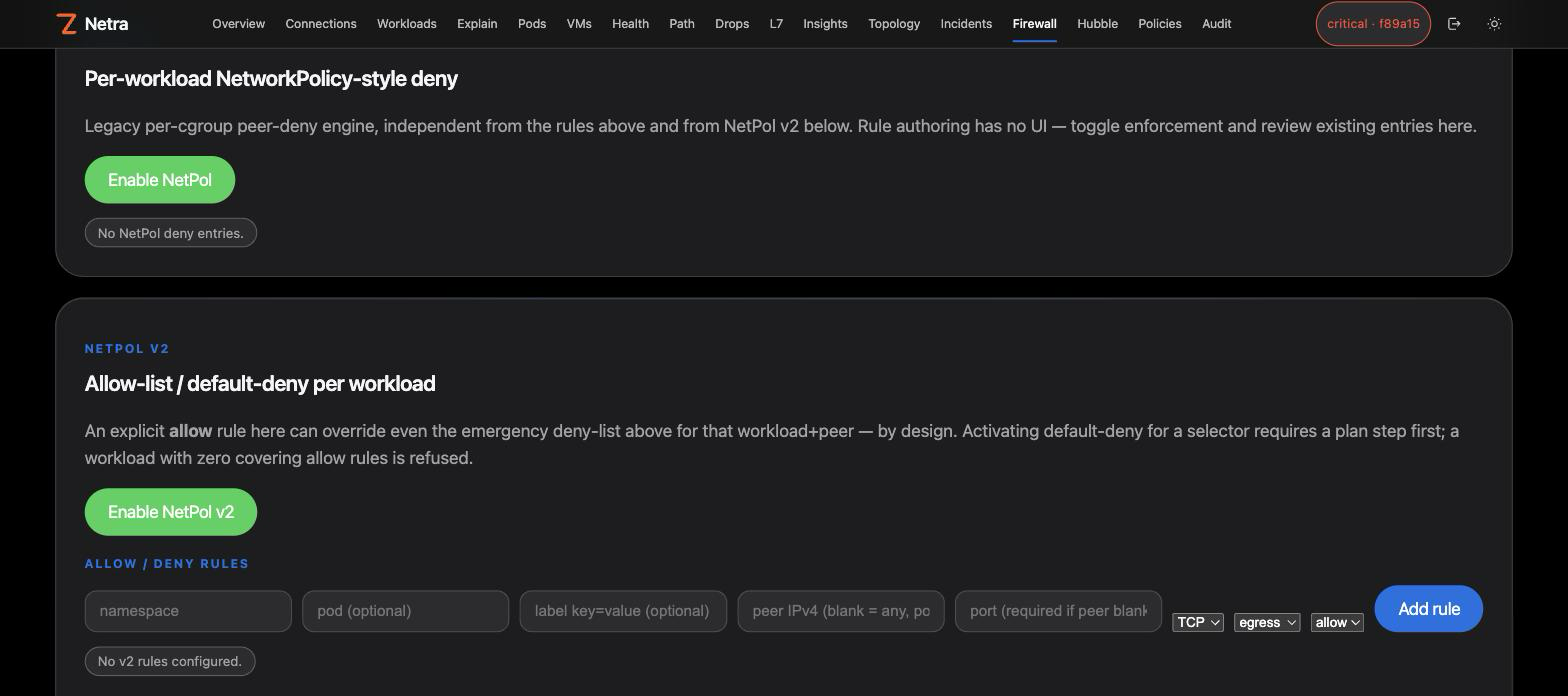
Overview, the Firewall page's unified rules table and NetPol v2 allow-list, then a real in-browser VNC console connected to a running KubeVirt VM — captured against a live lab deployment, not a mockup:
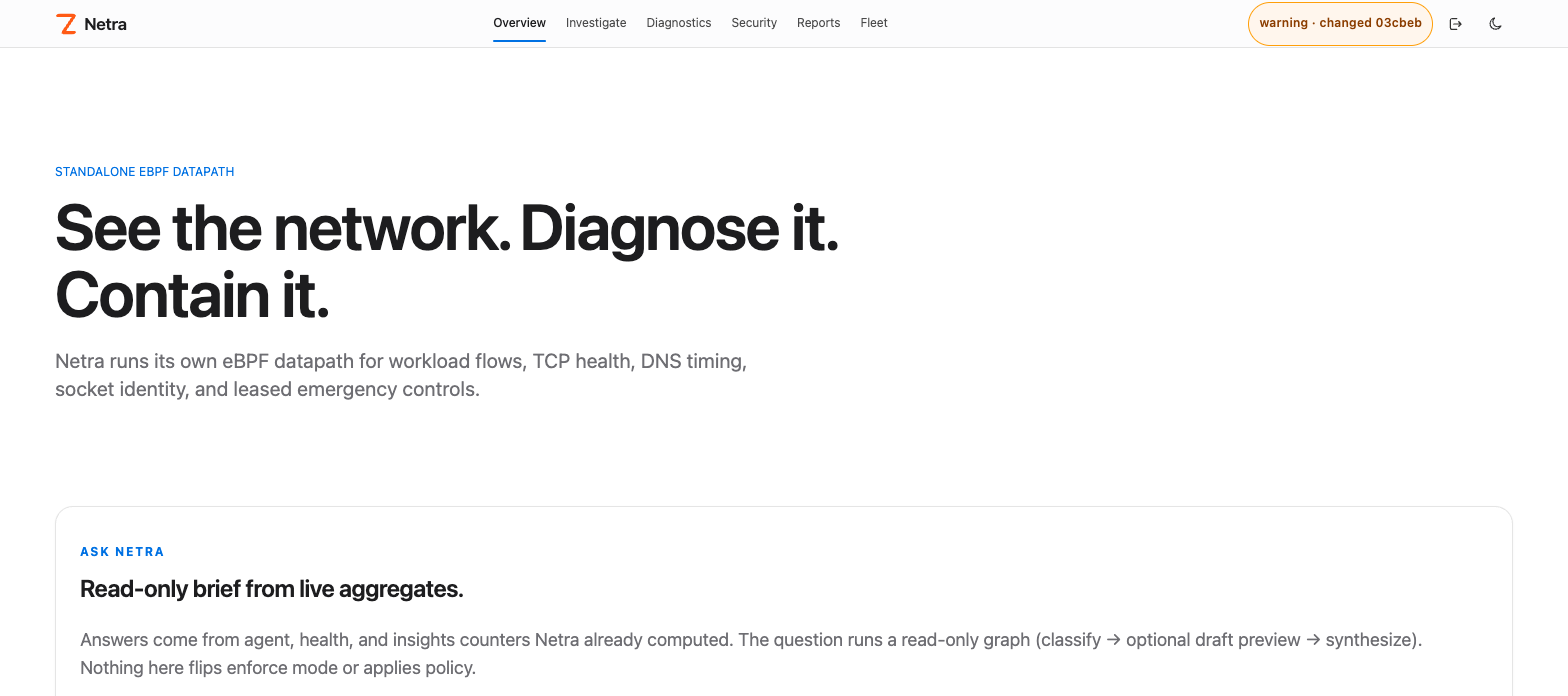
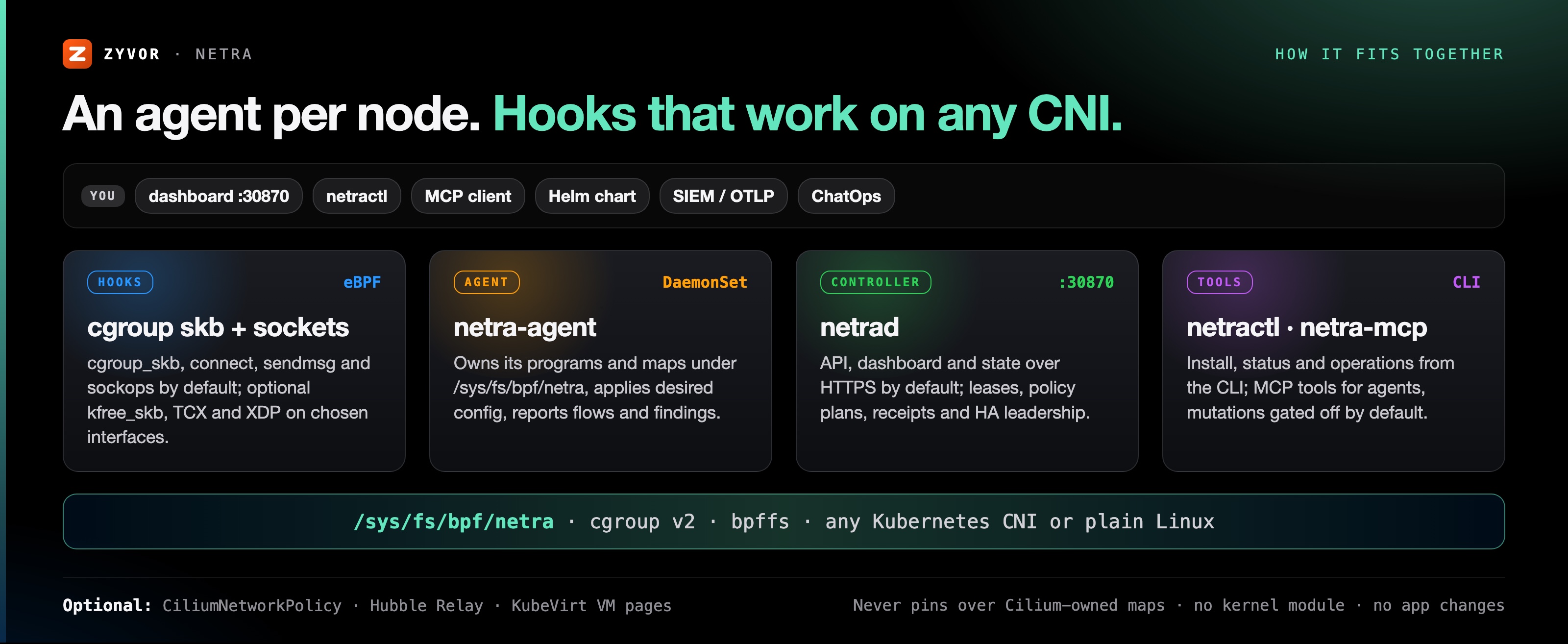
                        Browser / netractl
                               |
                               v
                    +---------------------+
                    |      netrad        |
                    | API + UI + state    |
                    +----------+----------+
                               |
                 desired config| node reports
                               v
       +------------------------------------------------+
       |          netra-agent on every Linux node      |
       |                                                |
       | cgroup skb + socket hooks       optional TCX   |
       |          |                         optional XDP |
       |          +------ Netra maps/ring buffer ------+
       |                 /sys/fs/bpf/netra             |
       +------------------------------------------------+
netrad serves HTTPS on :30870 by default. Hook model, visibility boundaries and the optional Cilium/Hubble integration: docs/architecture.md · Standalone eBPF.
make install                              # netractl → /usr/local/bin (or PREFIX=$HOME/.local)
netractl install --namespace netra-system # Helm install: controller + node agent DaemonSet
netractl status
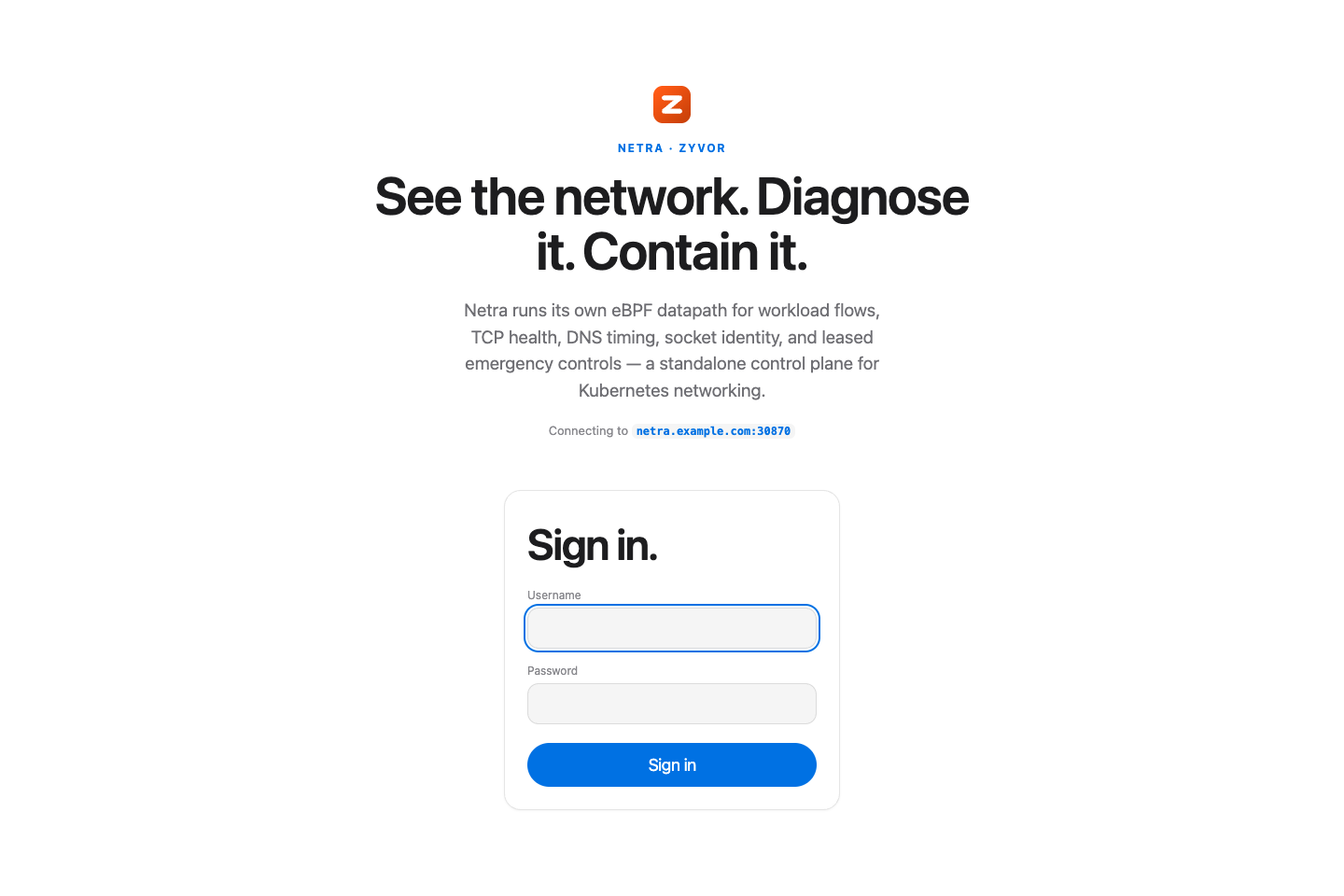
Then open https://<node-ip>:30870 and sign in. The dashboard sits behind a login screen — see Signing in (the nav bar and login screen carry the Zyvor mark).
Requires Linux with cgroup v2 and bpffs; practical baseline Linux 5.8+ (TCX 6.6+). Run netra-doctor first. Full steps, Helm values, Cilium/Hubble and CLI examples: Install guide.
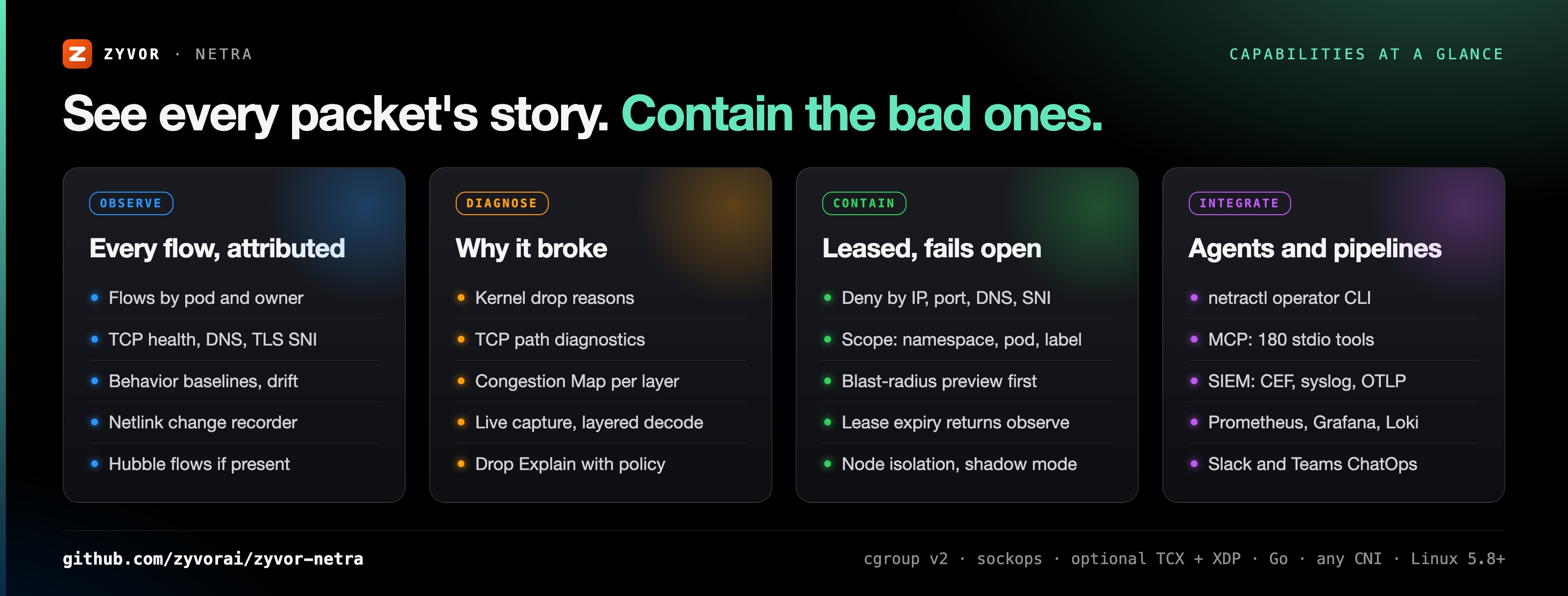
Flows with pod and owner attribution, TCP health, DNS, TLS SNI and HTTP Host metadata, behavior baselines and drift. Live Hubble flows when Cilium is present. Capabilities →
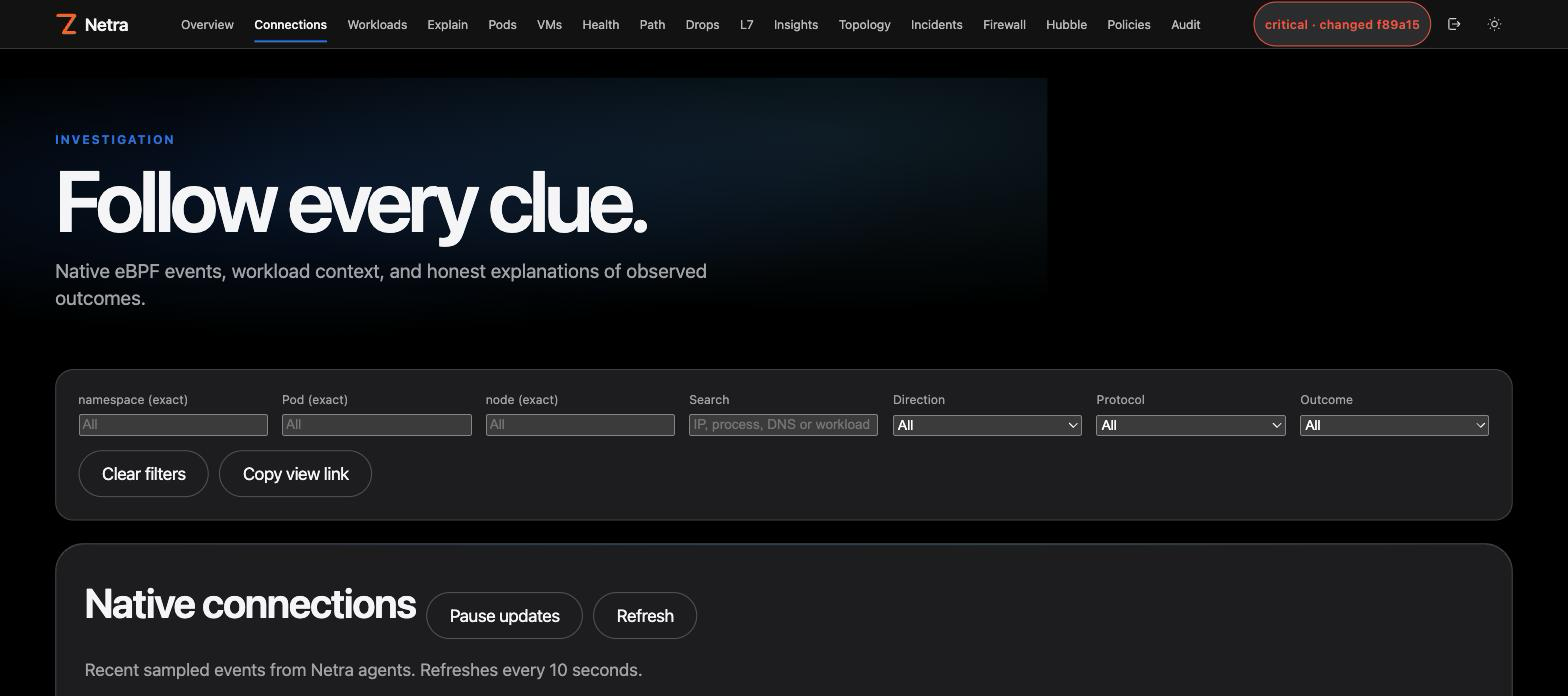
TCP path diagnostics measure connect latency and transport pressure per workload, plus edge-observed handshake and RTT histograms that see NAT'd flows. Path → · Edge intel →
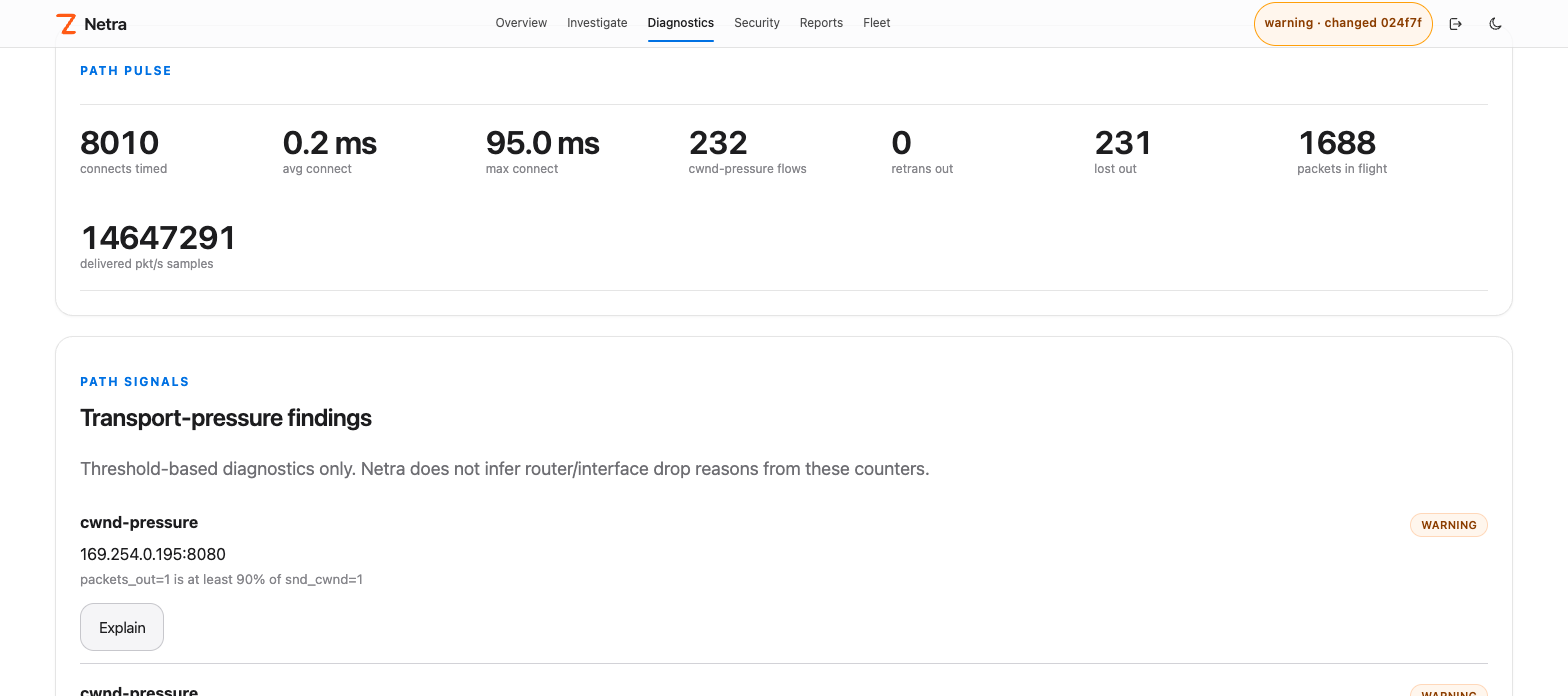
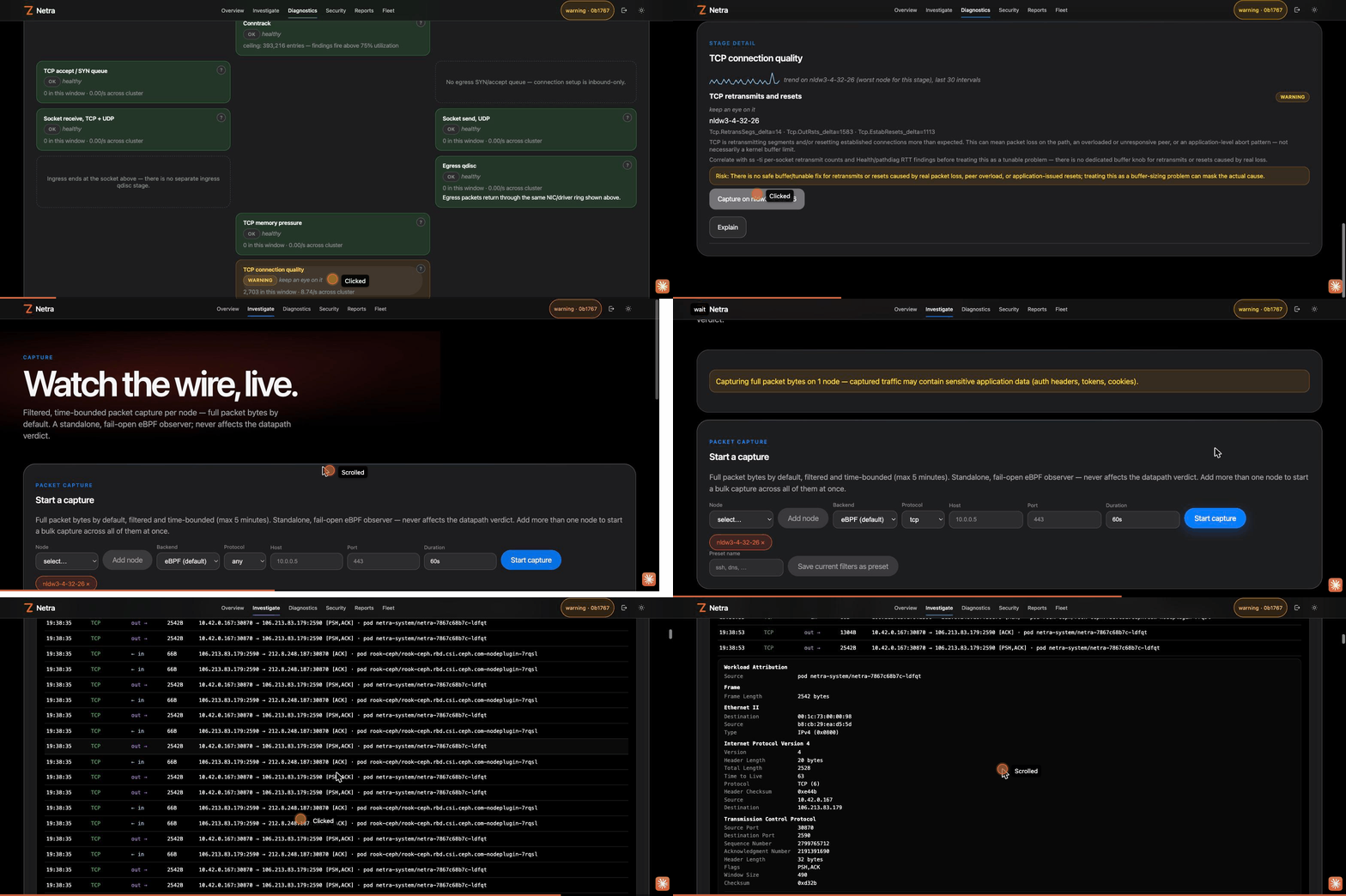
Congestion Map colors every layer of the Linux network stack by its worst finding, cluster-wide. One click jumps to a capture on the offending node. Kernel diagnostics →
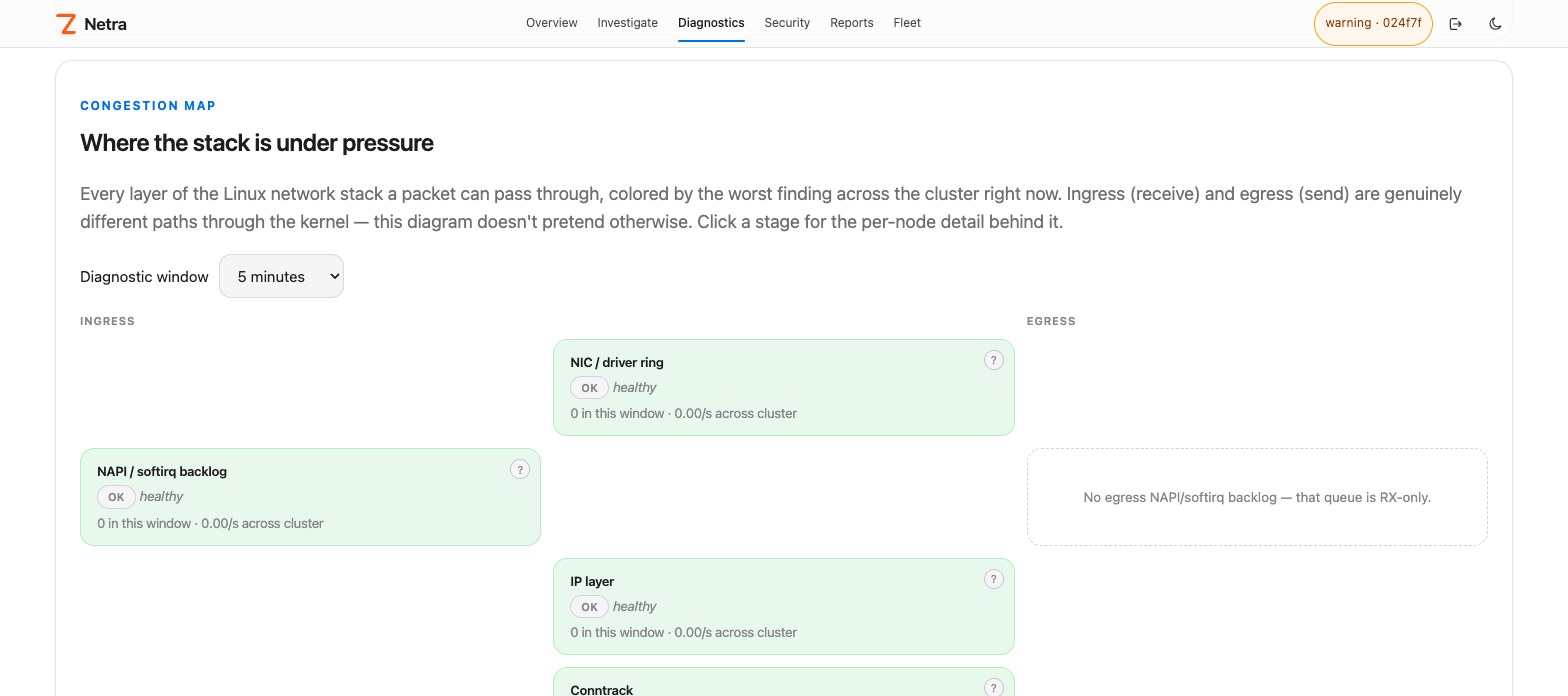
Packet Capture streams a filtered, time-bounded capture live, color-coded by protocol, with a Wireshark-style layered decode and hex dump. Opt-in auto-capture persists PCAPs on critical findings. Capture →
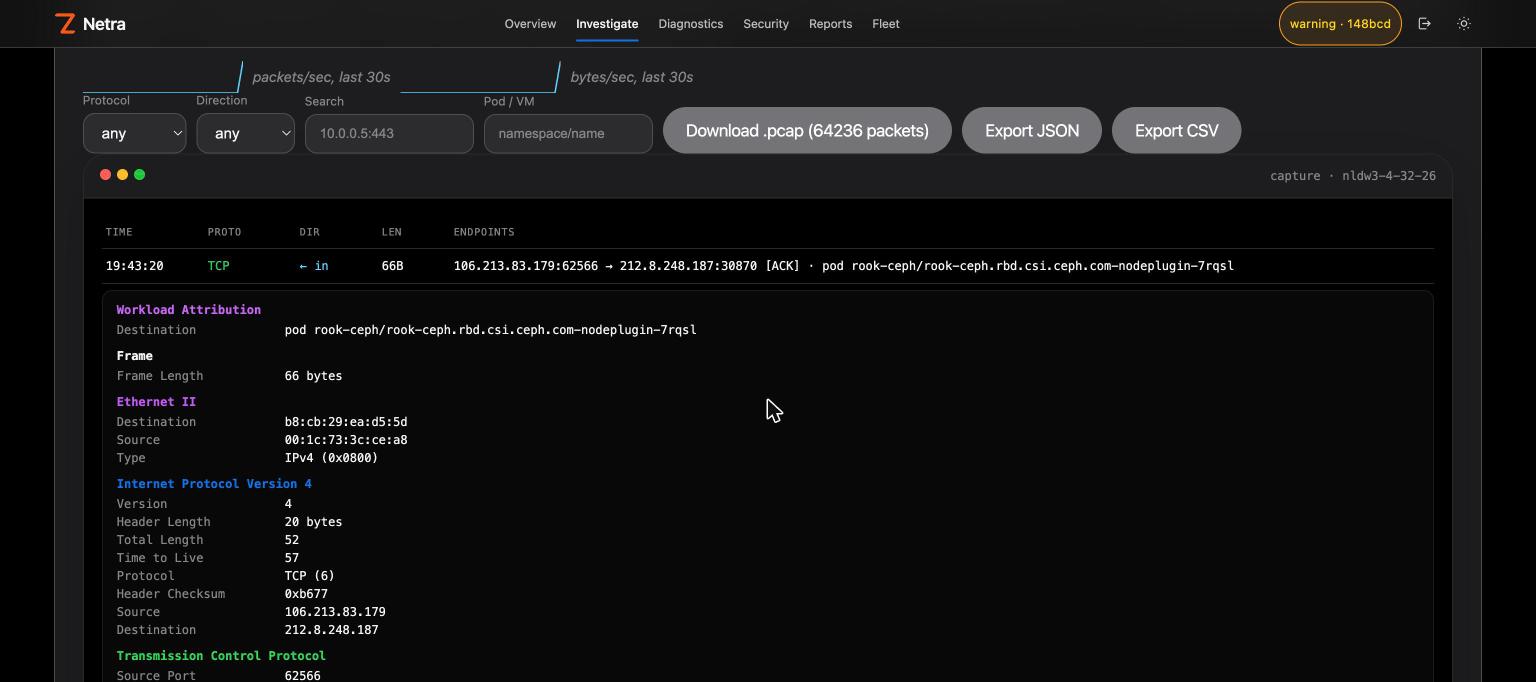
A Congestion Map finding to a live, decoded, color-coded capture on the offending node:
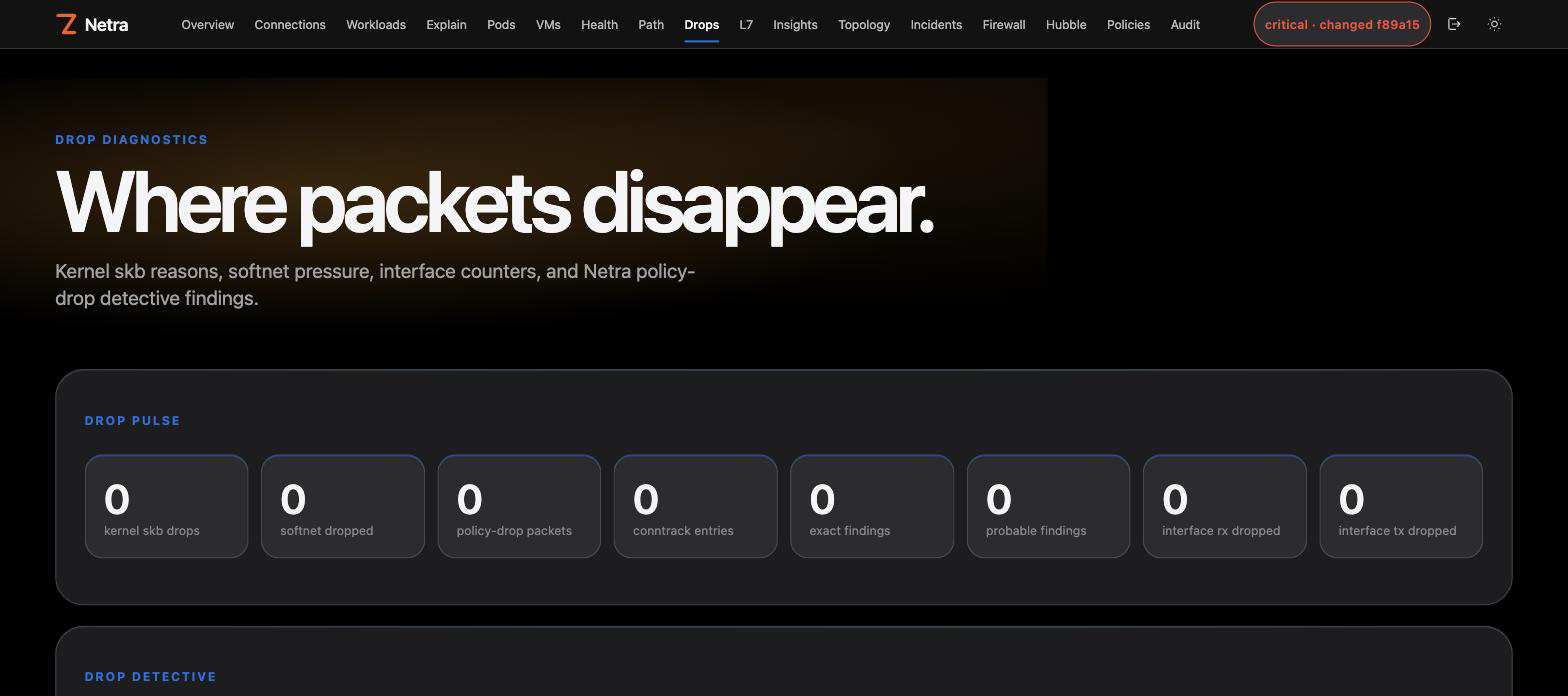
Drop Explain answers "why was this dropped?" with kernel reasons and policy context. Drop diagnostics → · Drop info →
Per-second metrics, zero config. Every node streams host, network stack, conntrack, cgroup, process-group, eBPF datapath and per-workload RED series to the controller, kept at 1 s for an hour, 1 min for two weeks and 1 h for a year. The Metrics page charts every context live, with an anomaly ribbon on each chart. Metrics →
Collectors are read-only, process groups use the kernel comm only (never argv or environment), and alerts never touch enforcement.
Deny by IP, CIDR, port, DNS name, TLS SNI, UID or process, scoped to a namespace, pod, owner or label. Preview the blast radius first. Policy apply stays plan-token + risk confirm. Firewall page →
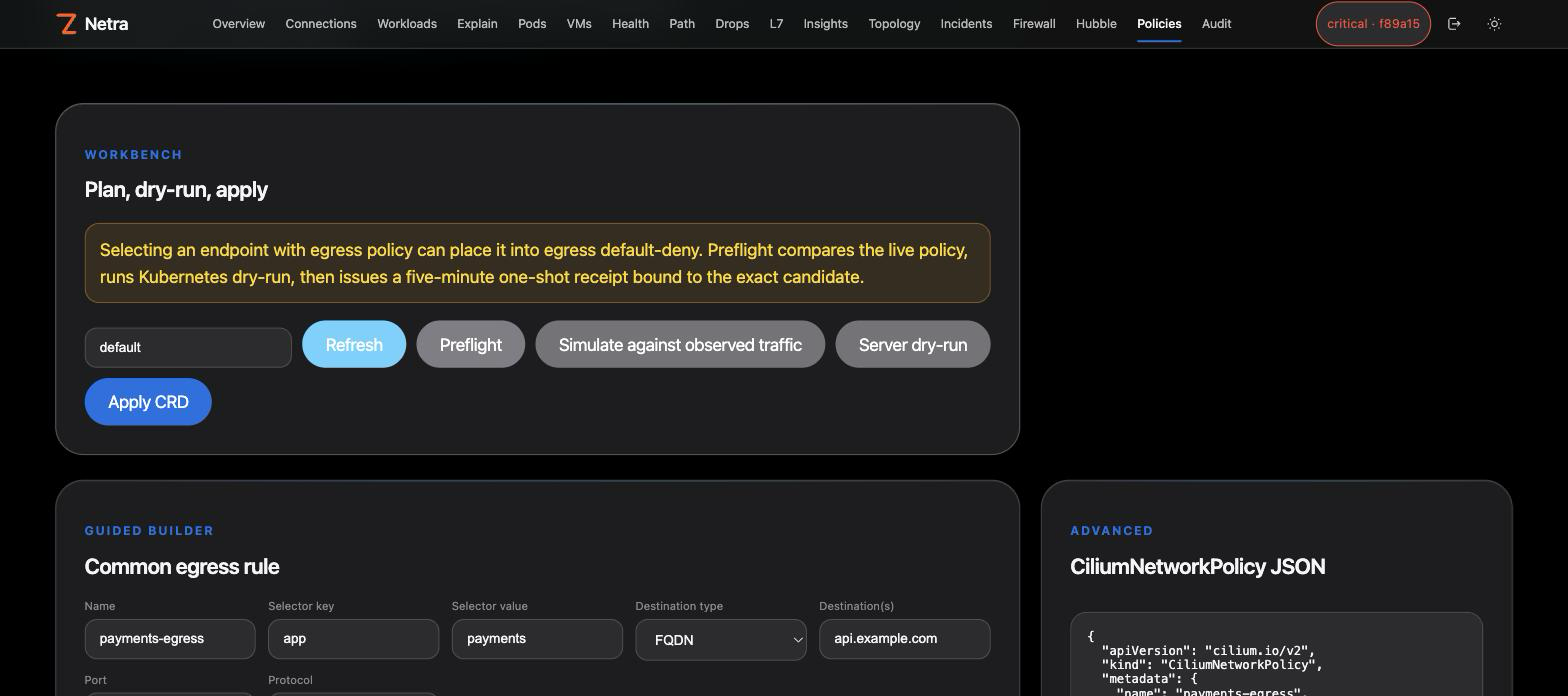
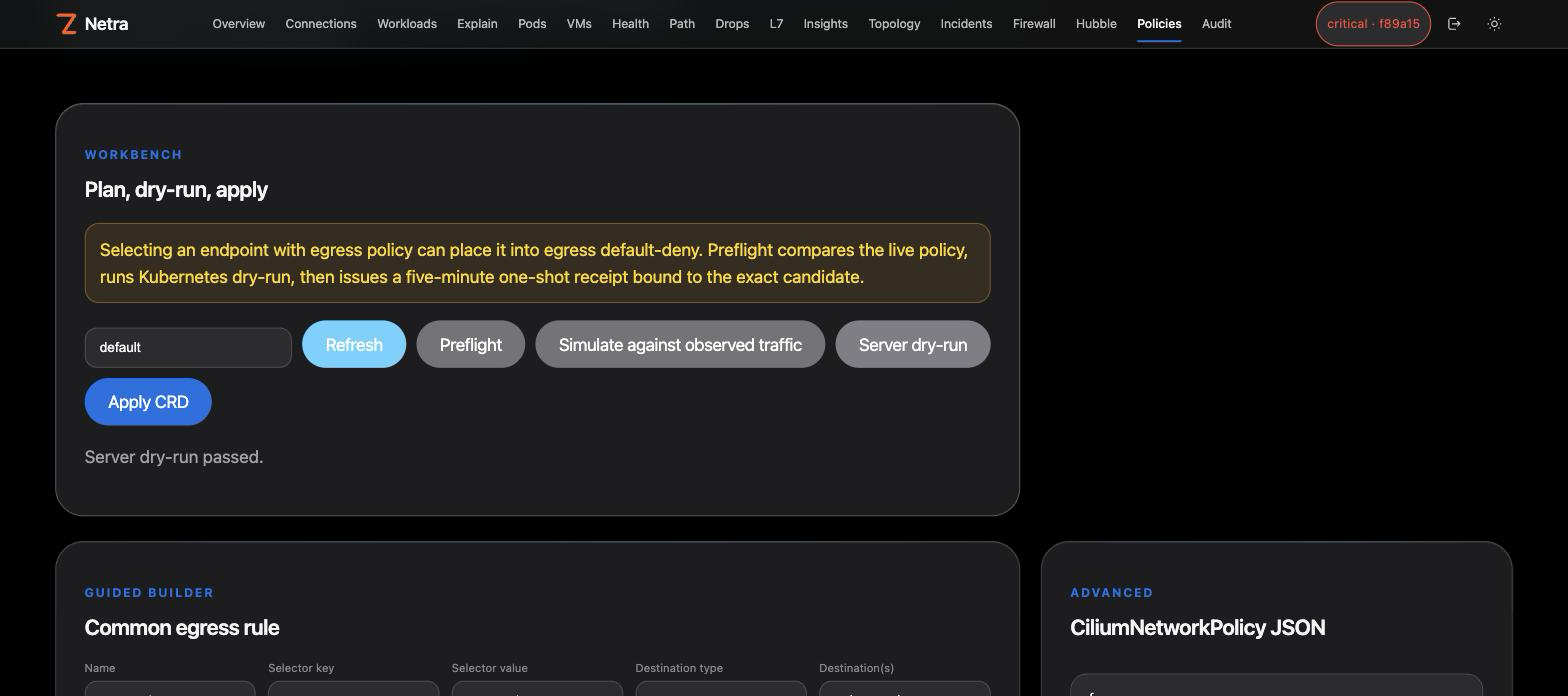
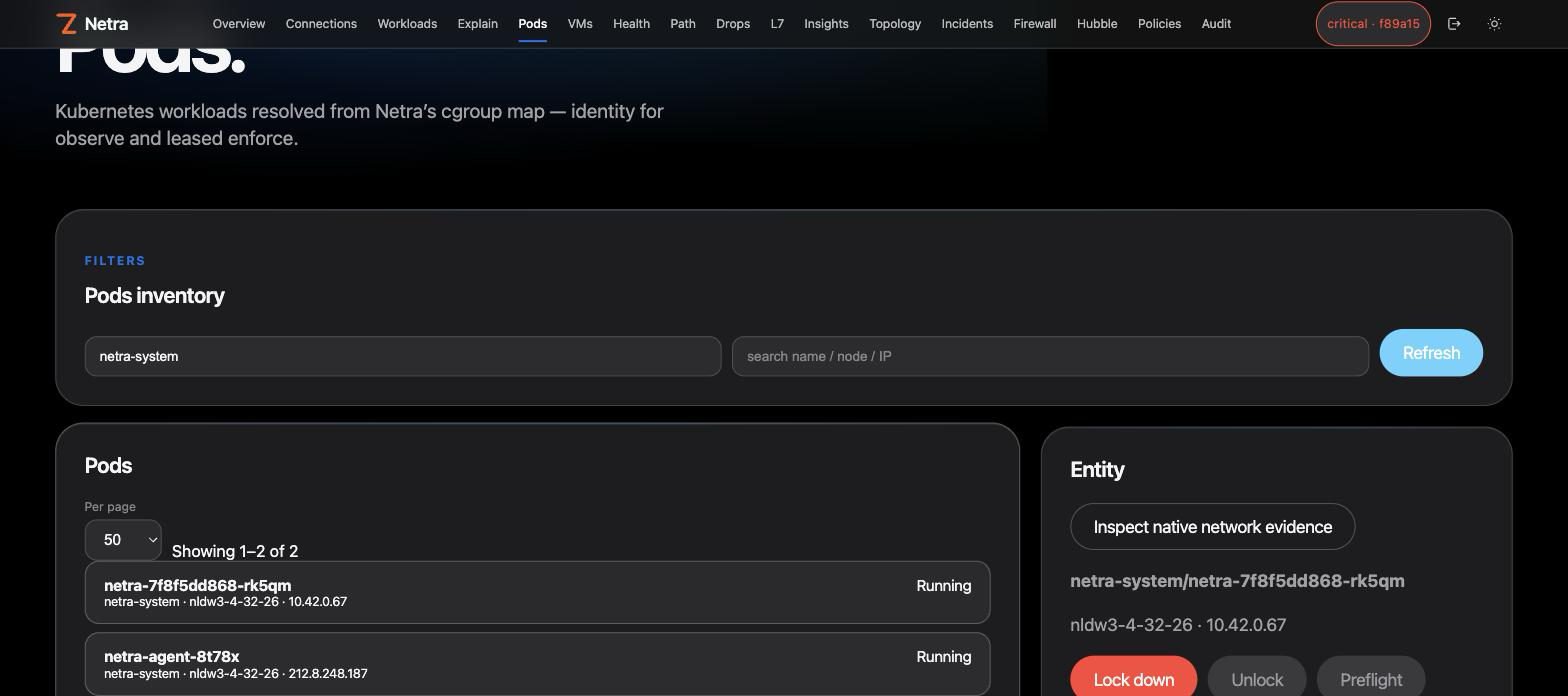
With Cilium enabled, Pods and VMs get one-click lock down / unlock through the same plan → receipt → apply path:
netractl — the operator CLI. Docs →io.github.zyvorai/netra (live since v0.30.1), image ghcr.io/zyvorai/netra-mcp:0.32.0. Install and use →Netra and PacketWolf cover the same eBPF territory from opposite directions. They are counterparts, not a wired pipeline.
Rules: docs/packetwolf.md · Suite placement.
Netra's latest release is 0.32.0 (CHANGELOG.md). Shipped observe and leased-control surfaces are GA. The table below says what runs by default versus what stays opt-in for privacy or safety (architecture):
Netra is source-available under the Zyvor Production License v1.0 (SPDX LicenseRef-Zyvor-Production-1.0, also in LICENSES/).
Contributions: CONTRIBUTING.md. Report vulnerabilities privately per SECURITY.md.
eBPF network observability and safe emergency control for Linux and Kubernetes.
{ "mcpServers": { "io.github.zyvorai-netra": { "command": "docker", "args": [ "run", "-i", "--rm", "ghcr.io/zyvorai/netra-mcp:0.32.0" ], "env": { "NETRA_URL": "<value>", "NETRA_API_KEY": "<secret>", "NETRA_MCP_ALLOW_MUTATIONS": "<value>", "NETRA_MCP_ACTOR": "<value>" } } }}工具
尚無工具清單。遠端伺服器會在首次健康檢查後取得工具清單。
常見問題
在本頁複製適用於 Cursor、Claude Desktop、Claude Code 或 VS Code 的 stdio 設定。它使用發布者的安裝方式,而不是 PlugMCP 代理伺服器。
發布者列出了以下環境變數:NETRA_URL, NETRA_API_KEY, NETRA_MCP_ALLOW_MUTATIONS, NETRA_MCP_ACTOR。
Netra 透過 stdio 在本機執行。
上次檢查時間:2026-11-10。 eBPF network observability and safe emergency control for Linux and Kubernetes.
