string-catalog-mcp
An MCP server for working with Xcode String Catalog (.xcstrings) files. It lets AI assistants read, search, and update your iOS/macOS localization strings.
接入你的智能体
從發布者安裝。不是 PlugMCP 端點。
遠端 URL 還是本機指令? 兩種安裝方式的差異
來自發布者
An MCP server for working with Xcode String Catalog (.xcstrings) files. It lets AI assistants read, search, and update your iOS/macOS localization strings.
An MCP server for working with Xcode String Catalog
claude mcp add string-catalog-mcp -- npx string-catalog-mcp
List all languages in a string catalog with the source language identified.
"What languages are supported in my Localizable.xcstrings file?"
Get translation coverage breakdown per language, including total keys and completion percentages.
"Show me the translation statistics for my string catalog"
Get all translations for a specific key across all supported languages.
"Show me all translations for the 'welcome_message' key"
Search for localization keys containing a specific substring (case-insensitive).
"Find all keys that contain 'error' in my string catalog"
List all localization keys in the catalog (supports pagination for large catalogs).
"List all the localization keys in my project"
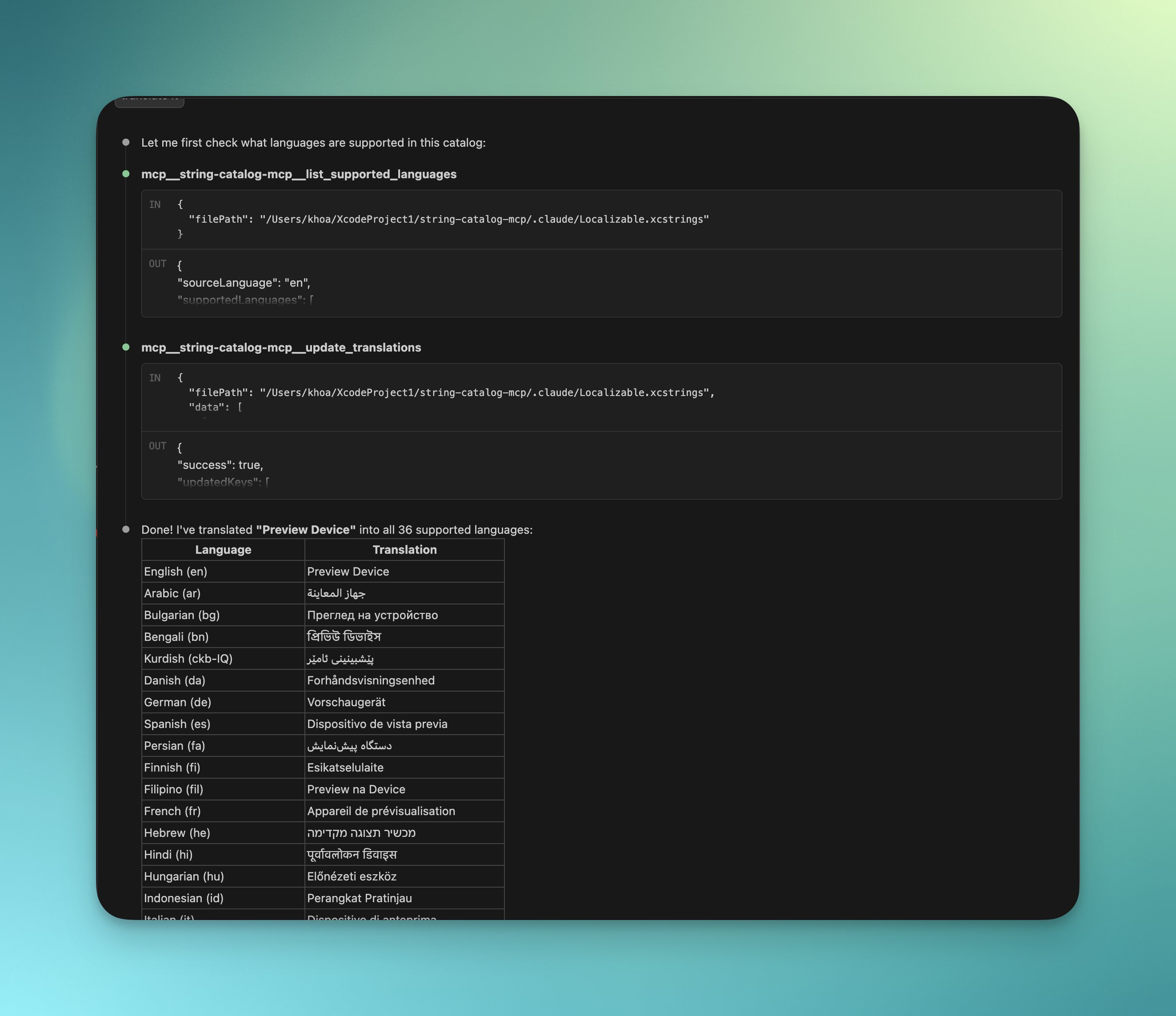
Add or update translations in the string catalog. Accepts a structured JSON payload with support for iOS format placeholders (%@, %d, %lld, %f, %1$@).
"Add German and French translations for the 'hello_world' key"
Generate translations for specific keys with guidance on format placeholders.
"Use the translate-strings prompt to translate 'welcome_message' and 'goodbye' into German, French, and Japanese"
Translate all untranslated or stale strings in a catalog for specified languages.
"Use batch-translate to add German translations for all missing strings in my catalog"
Review existing translations for quality, consistency, and proper placeholder usage.
"Review my German translations for quality issues"
MIT
An MCP server for working with Xcode String Catalog
工具
尚無工具清單。遠端伺服器會在首次健康檢查後取得工具清單。
常見問題
在本頁複製適用於 Cursor、Claude Desktop、Claude Code 或 VS Code 的 stdio 設定。它使用發布者的安裝方式,而不是 PlugMCP 代理伺服器。
這筆記錄未列出必要的環境變數。
String Catalog 透過 stdio 在本機執行。
上次檢查時間:2026-10-27。 An MCP server for working with Xcode String Catalog