接入你的智能体
發布者自己的指令。不是 PlugMCP 端點。
用我們的金鑰與日誌託管一份副本。
npx -y @procedures/[email protected]Claude Code 沒有本機指令的安裝連結。複製下方指令並在終端機中執行。
claude mcp add procedures-client -- npx -y @procedures/client@0.55.2在終端機中執行。
{ "mcpServers": { "procedures-client": { "command": "npx", "args": [ "-y", "@procedures/[email protected]" ] } }}claude_desktop_config.json
遠端 URL 還是本機指令? 兩種安裝方式的差異
Procedures as data for TypeScript. You define a procedure one time: a path, a Zod input, a Zod output and a handler. Then you use it in the same process, over HTTP or WebSocket, from the mark CLI, or from Claude as an MCP tool. A program is plain JSON: calls, references to earlier results, and control flow. The client gives streams, middleware, retries and a cache.
The site has the Composer (build a program from blocks, then start it in your browser), the middleware lab, the procedure catalog and the status board.
npm install @procedures/client zod
The packages need Node.js 22 or later. They are ES modules.
import { z } from "zod";
import { Client, LocalTransport, PROCEDURE_REGISTRY, allCoreProcedures, createProcedure, zodAdapter } from "@procedures/client";
import "@procedures/client/register"; // the control flow: client.chain and the others

// A procedure: a path, a typed input and output, and a handler
PROCEDURE_REGISTRY.register(
  createProcedure()
    .path(["greet"])
    .input(zodAdapter(z.object({ name: z.string() })))
    .output(zodAdapter(z.string()))
    .handler(async ({ name }) => `Hello, ${name}!`)
    .build(),
);
for (const p of allCoreProcedures) if (!PROCEDURE_REGISTRY.has(p.path)) PROCEDURE_REGISTRY.register(p);

const client = new Client(new LocalTransport({ registry: PROCEDURE_REGISTRY }));
console.log(await client.exec({ $proc: ["greet"], input: { name: "Ada" } }));
// Hello, Ada!

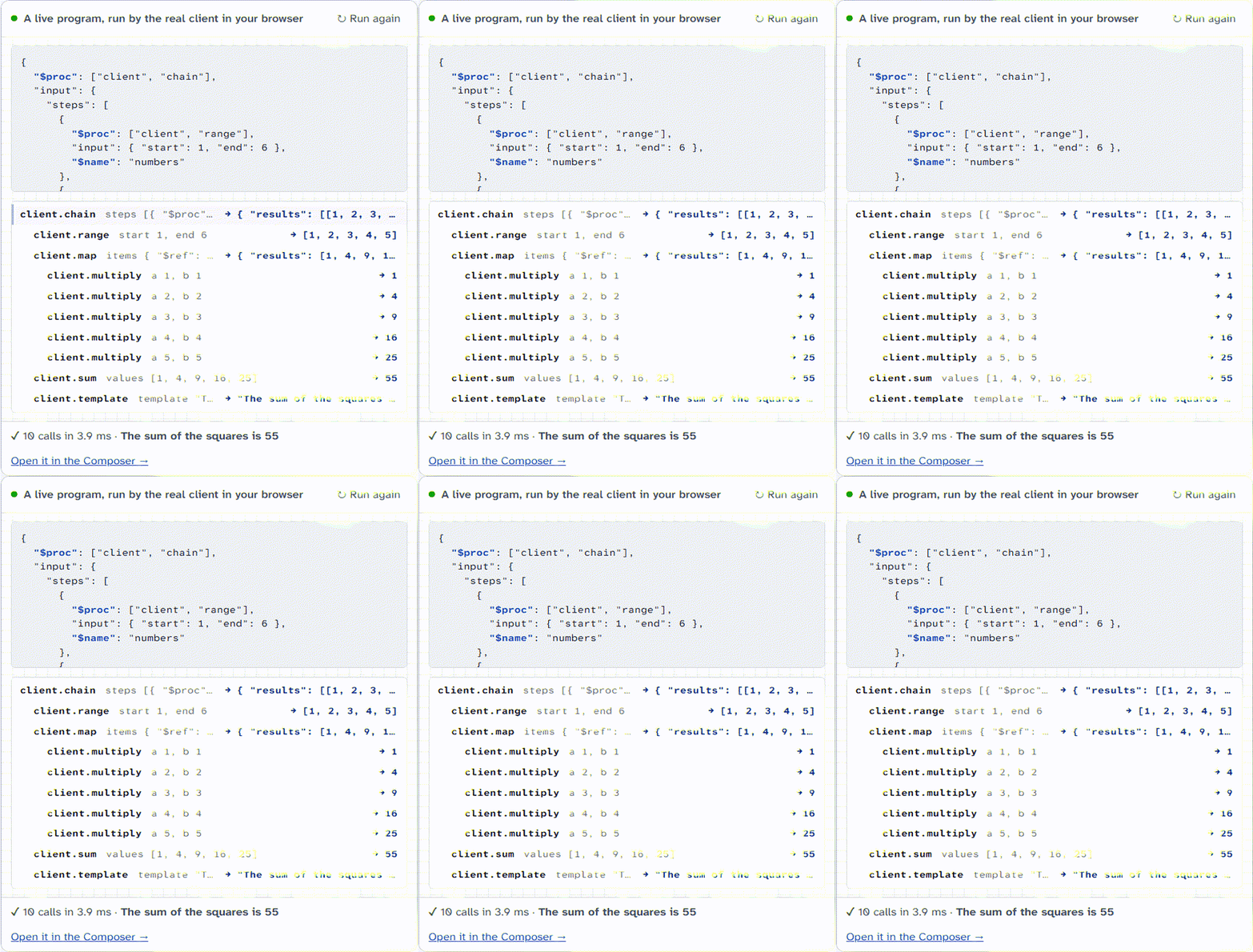
// A program is JSON: the second step reads the result of the first step
const result = await client.exec({
  $proc: ["client", "chain"],
  input: {
    steps: [
      { $proc: ["client", "add"], input: { a: 2, b: 3 } },
      { $proc: ["client", "multiply"], input: { a: { $ref: "$last" }, b: 4 } },
    ],
  },
});
console.log(result.final);
// 20
Replace LocalTransport with HttpTransport or WebSocketTransport to use the same procedures on a server. PROGRAM-FORMAT.md tells the rules of programs.
tRPC is the better choice for type inference from server to client in one application. This repository is for procedures that many hosts use: a program, a CLI, a server and Claude.
All packages are in packages/. The public packages are in the npm scope @procedures, with one version together. The table gives the npm name, and the link goes to the folder.
Until October 2026, these packages had the scope @mark1russell7 (for example @mark1russell7/client-shell). The general packages @mark1russell7/cue, @mark1russell7/splay and @mark1russell7/docker-sqlite keep their scope.
@procedures/mcp-dev-tools is an MCP server with 91 developer tools: Docker, MongoDB, SQLite, CUE, Vitest and the workspace. Each tool call has a time limit, and a tool can use only the procedures that it declares. Add it to the MCP configuration of Claude Code:
{
  "mcpServers": {
    "dev-tools": { "command": "npx", "args": ["-y", "@procedures/mcp-dev-tools"] }
  }
}
pnpm installpnpm buildpnpm testpnpm typecheckpnpm build builds the packages in the sequence of their dependencies. Each package writes its output to its dist/ folder. Git ignores dist/. ONBOARDING.md tells more.
The fault cells of the harness of systems run in the workflow harness.yml on the WebSocket client and server of each commit. harness/procedures-subject tells more.
RELEASE.md tells how the packages go to npm. node scripts/check-packages.mjs examines each package as npm gives it.
Some packages use general packages from other repositories: cue, splay and docker-sqlite. A general package does not use a package of this repository.
MIT. Refer to LICENSE.
Procedures as data for TypeScript: define typed procedures once and call them in process, over HTTP, WebSocket, the CLI or MCP. Streaming, middleware, retries, caching and a JSON program format.
{ "mcpServers": { "procedures-client": { "command": "npx", "args": [ "-y", "@procedures/[email protected]" ] } }}工具
尚無工具清單。遠端伺服器會在首次健康檢查後取得工具清單。
常見問題
在本頁複製適用於 Cursor、Claude Desktop、Claude Code 或 VS Code 的 stdio 設定。它使用發布者的安裝方式,而不是 PlugMCP 代理伺服器。
這筆記錄未列出必要的環境變數。
@procedures/client 透過 stdio 在本機執行。
上次檢查時間:2026-11-14。 Procedures as data for TypeScript: define typed procedures once and call them in process, over HTTP, WebSocket, the CLI or MCP. Streaming, middleware, retries, caching and a JSON program format.