MongrelDB Viewer has two connection modes:
| Deck | Schema map |
|---|---|
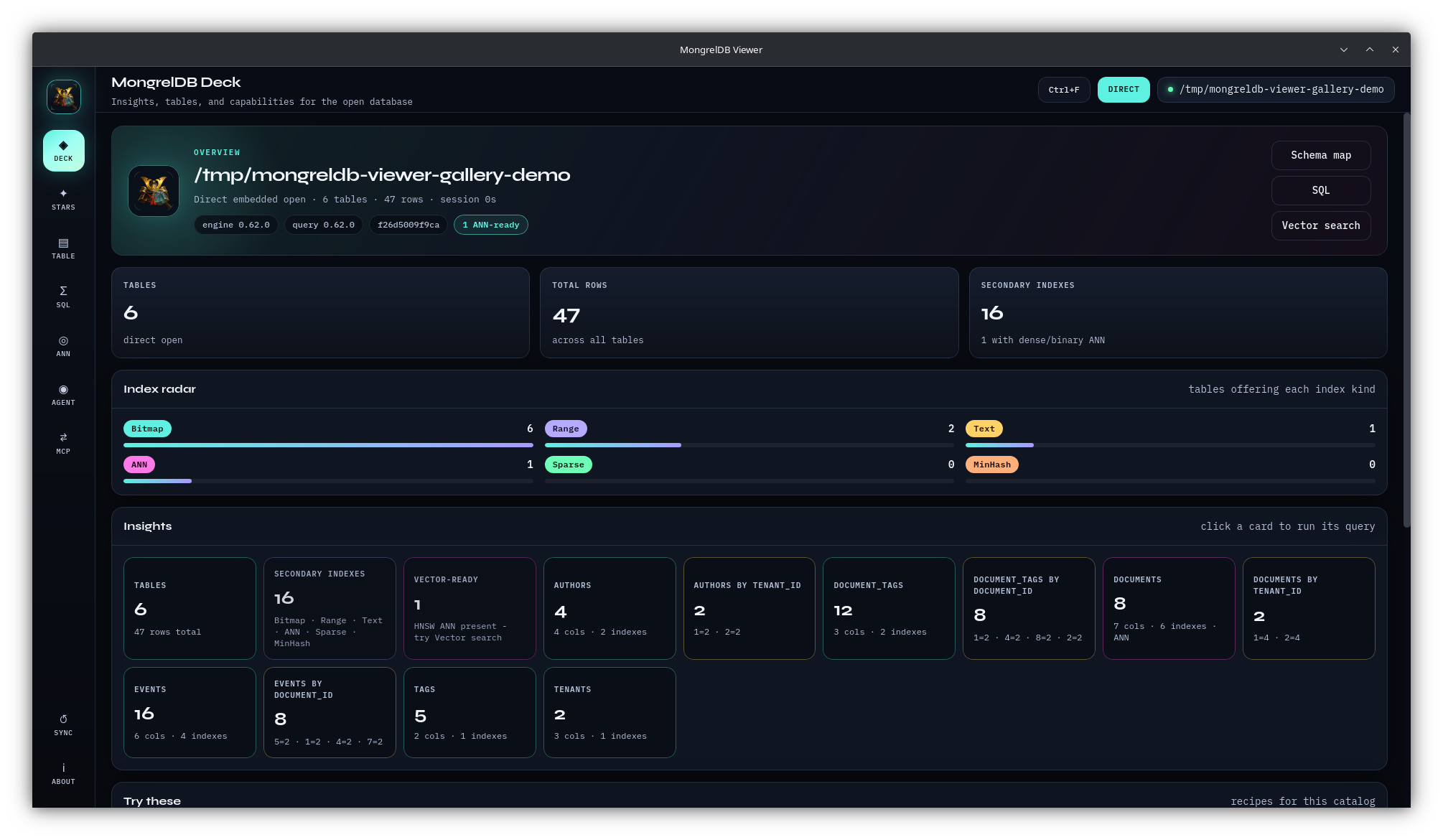 | 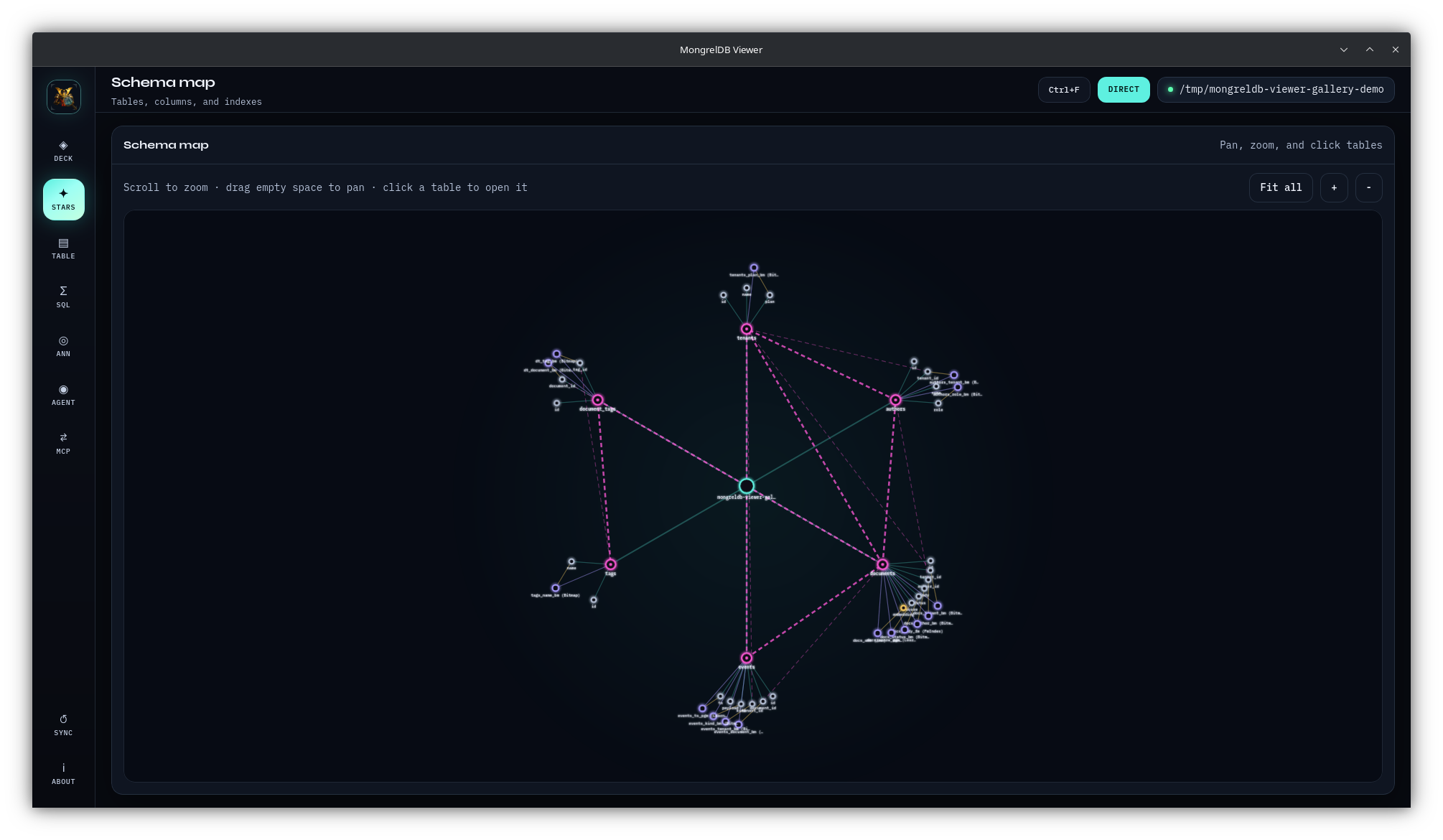 |
接入你的智能体
從發布者安裝。不是 PlugMCP 端點。
遠端 URL 還是本機指令? 兩種安裝方式的差異
來自發布者
MongrelDB Viewer has two connection modes:
Multi-platform desktop viewer for MongrelDB: direct + server connections, schema map, SQL, dense ANN, MCP, and chat.
| Multi-client HTTP |
| Browse schema and rows | Yes | Yes |
| Run SQL, DDL, and DML | Yes | Yes, when the server permits it |
| Show foreign-key graph | Yes | Not exposed by the current server adapter |
Native retrieve_text provenance | Yes | No, SQL ANN fallback |
| Install, backfill, or rebuild ANN from the UI | Yes | No |
| Run REINDEX | Yes | Sent as server SQL |
| Agent and in-app MCP | Yes | Yes |
| Catalog credentials and encryption passphrase | Yes | Server auth only |
Direct mode uses mongreldb-core and mongreldb-query in the application
process. Server mode uses mongreldb-client against a running daemon. See
connection modes before opening production data.
Screenshots use the bundled six-table demo database.
| Deck | Schema map |
|---|---|
| |
| Table browser | SQL workbench |
|---|---|
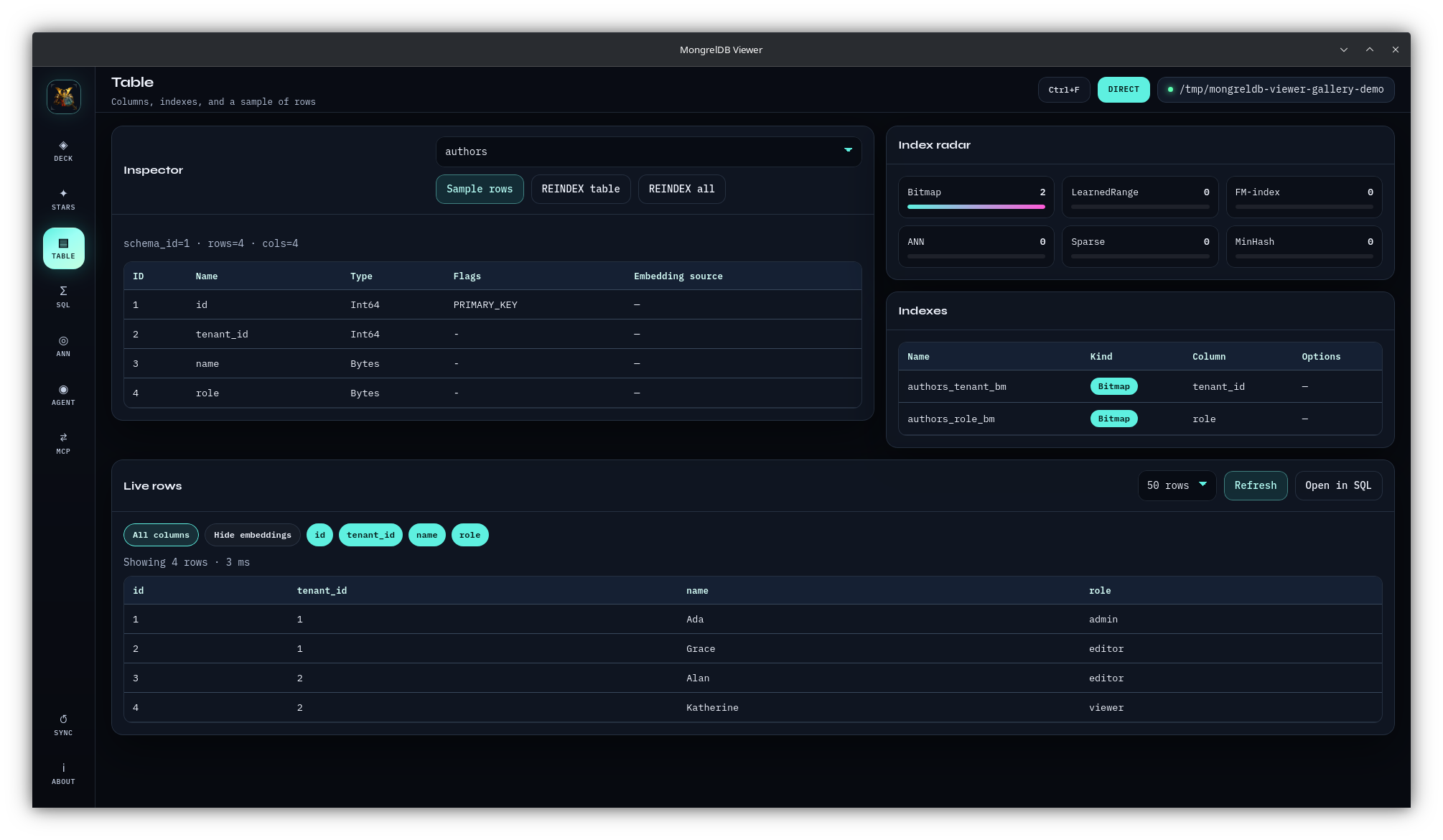 | 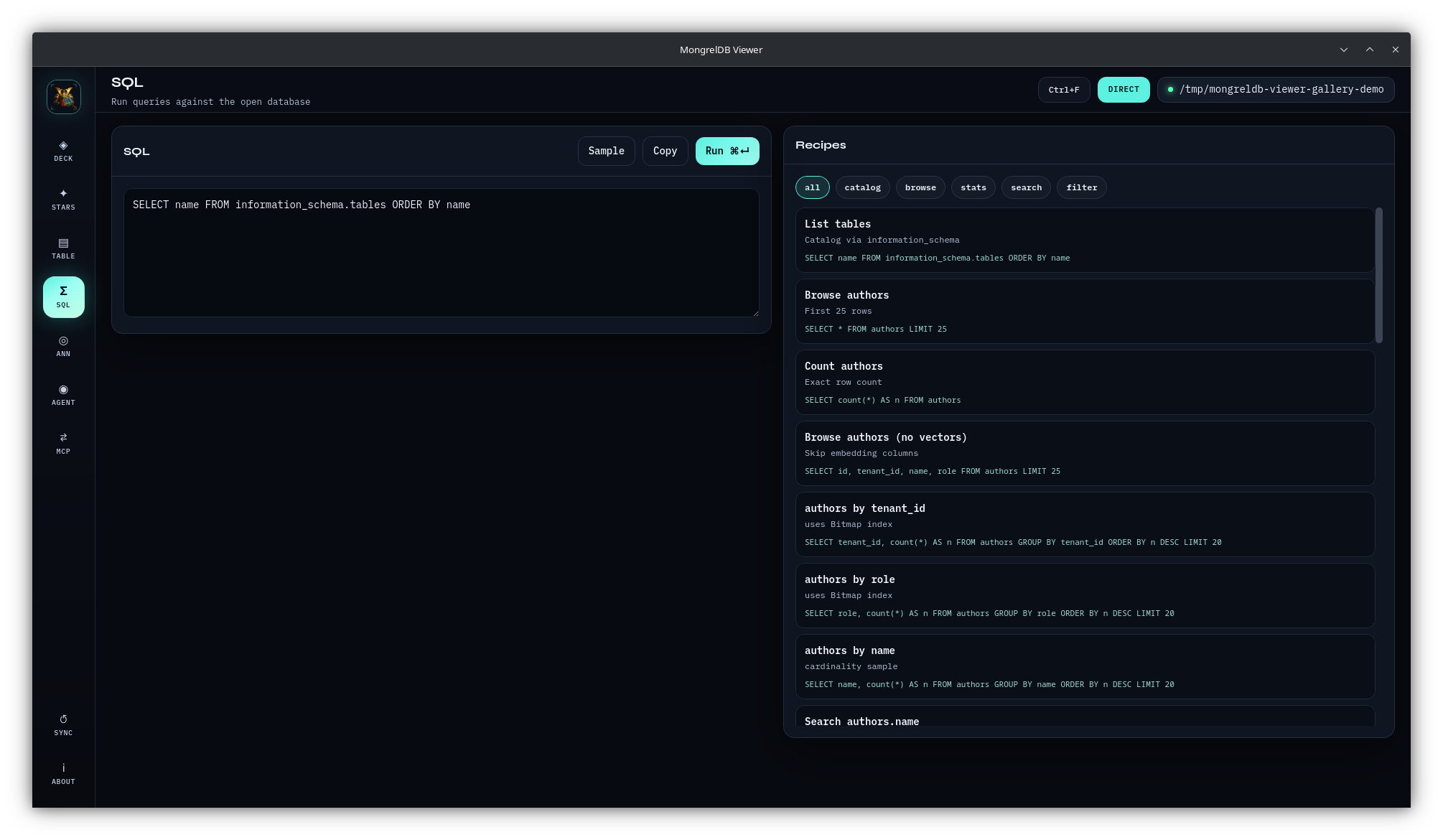 |
| Vector search | Agent chat |
|---|---|
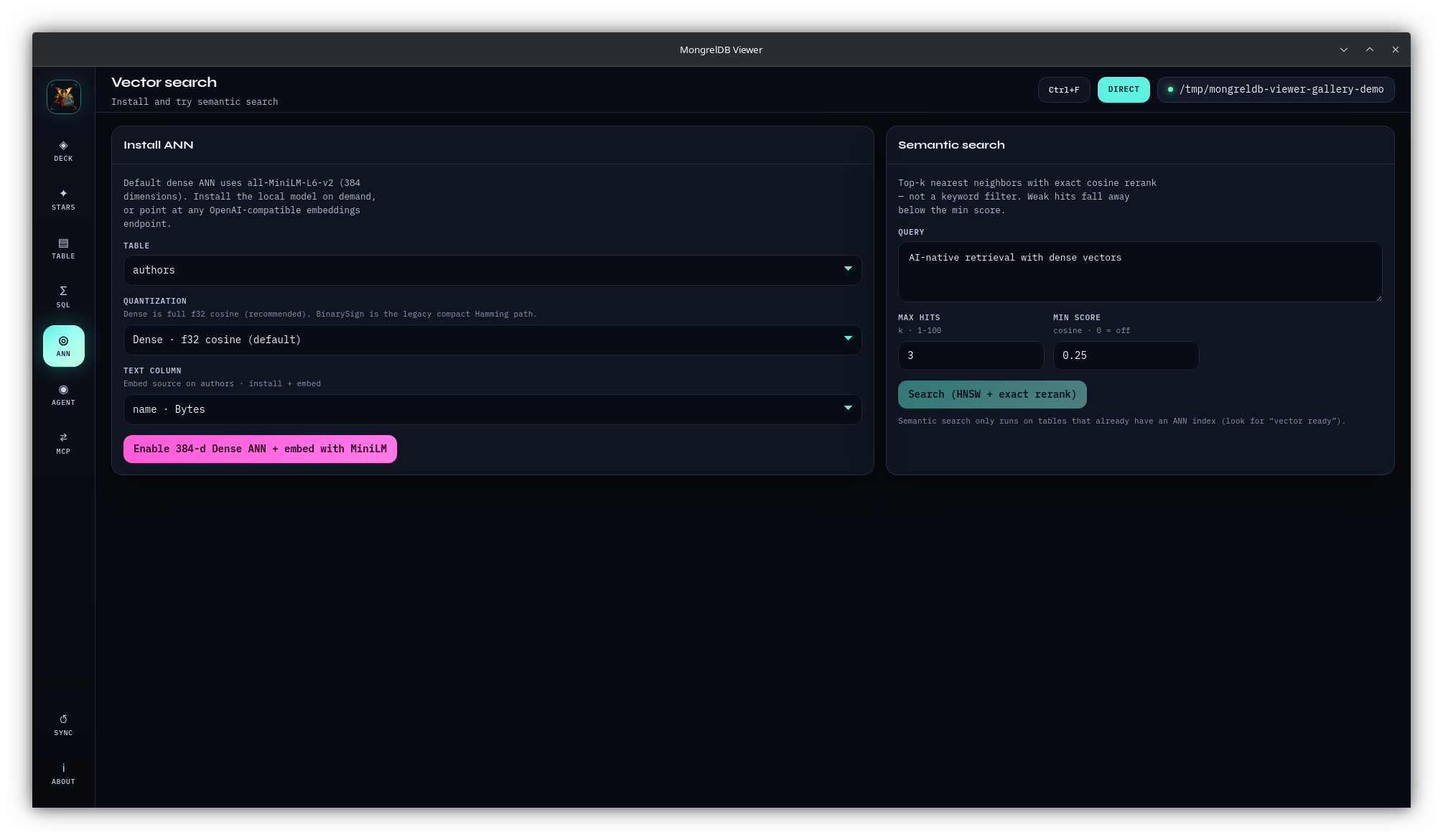 | 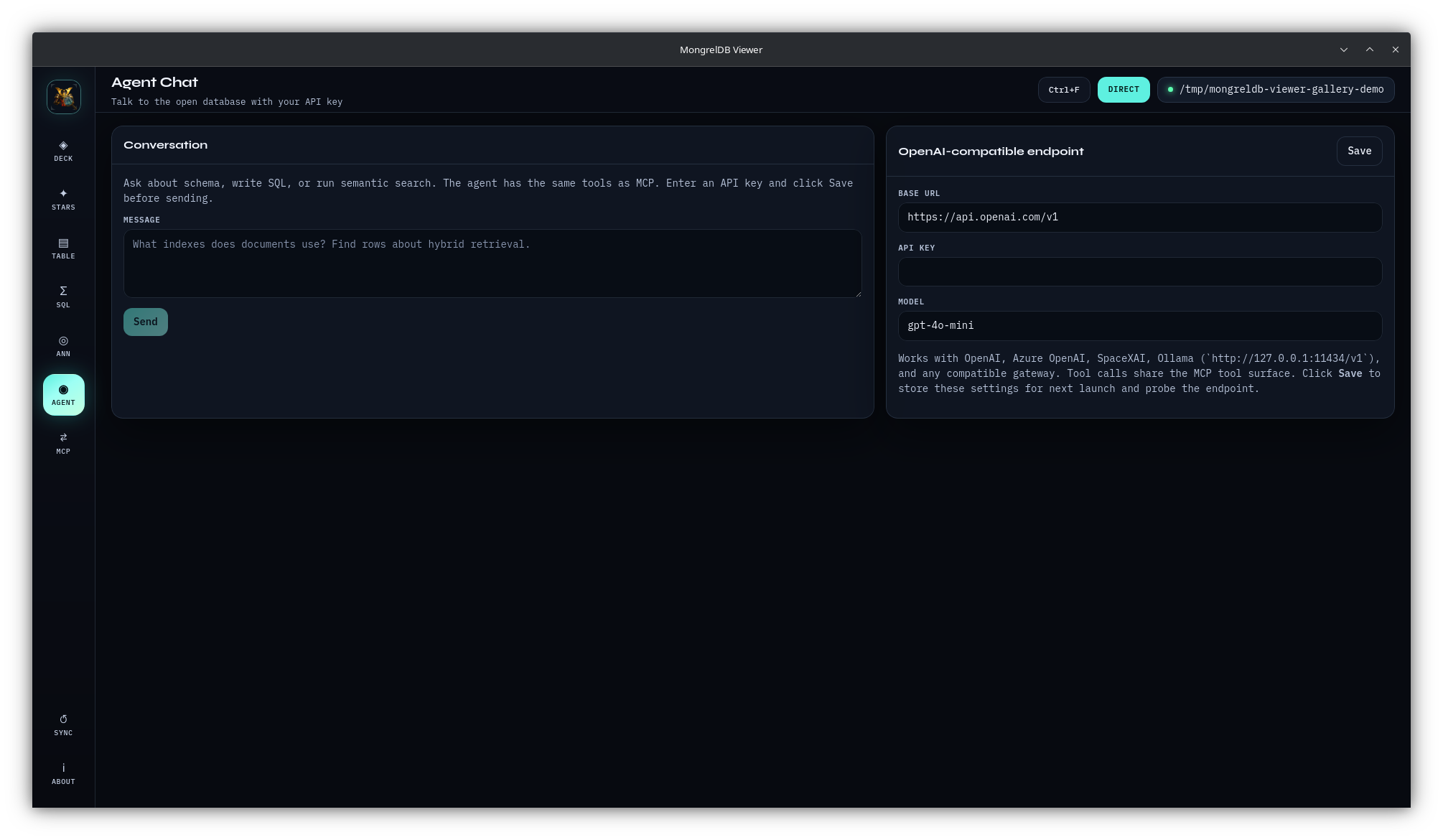 |
| MCP bridge | About |
|---|---|
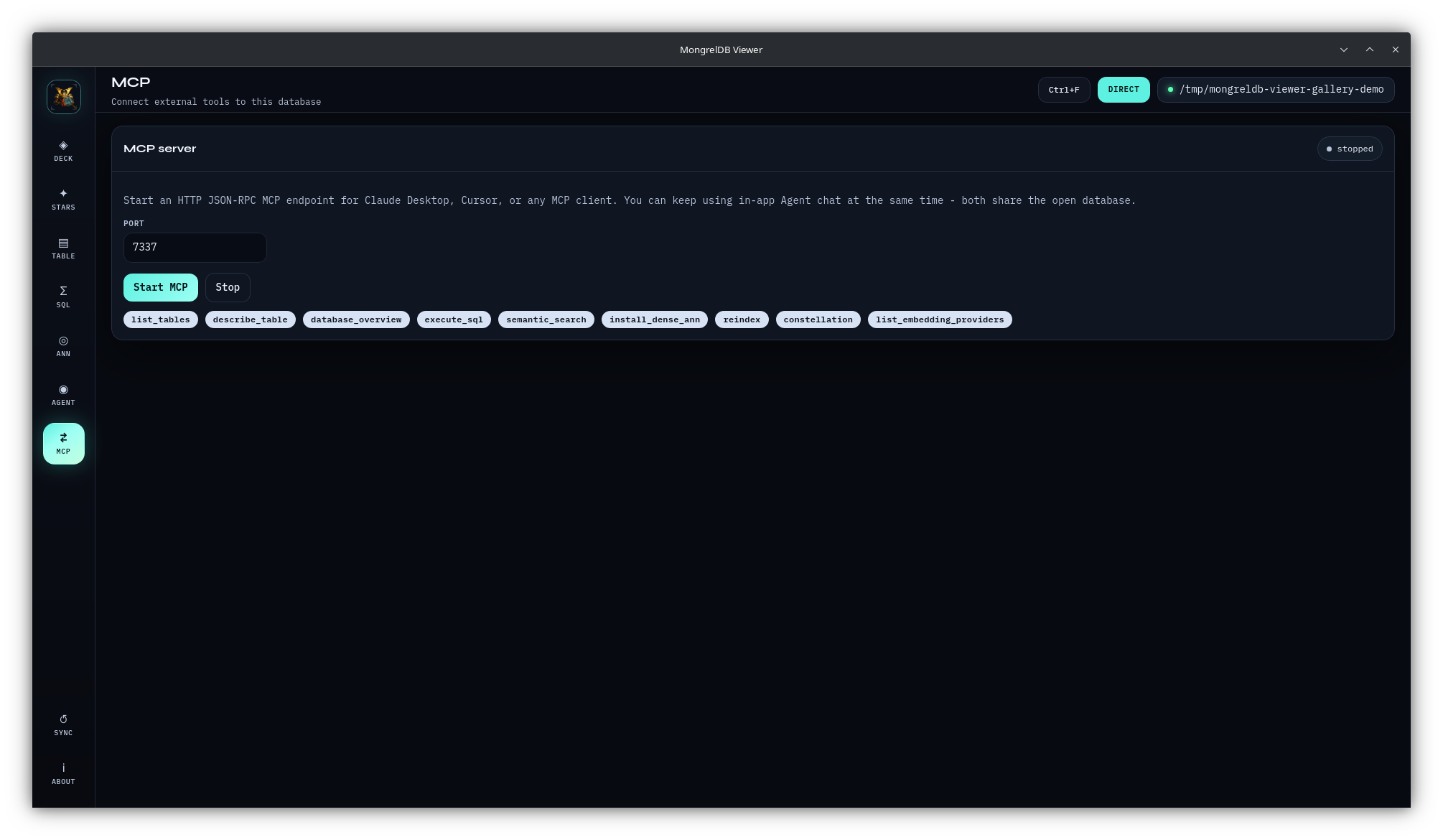 | 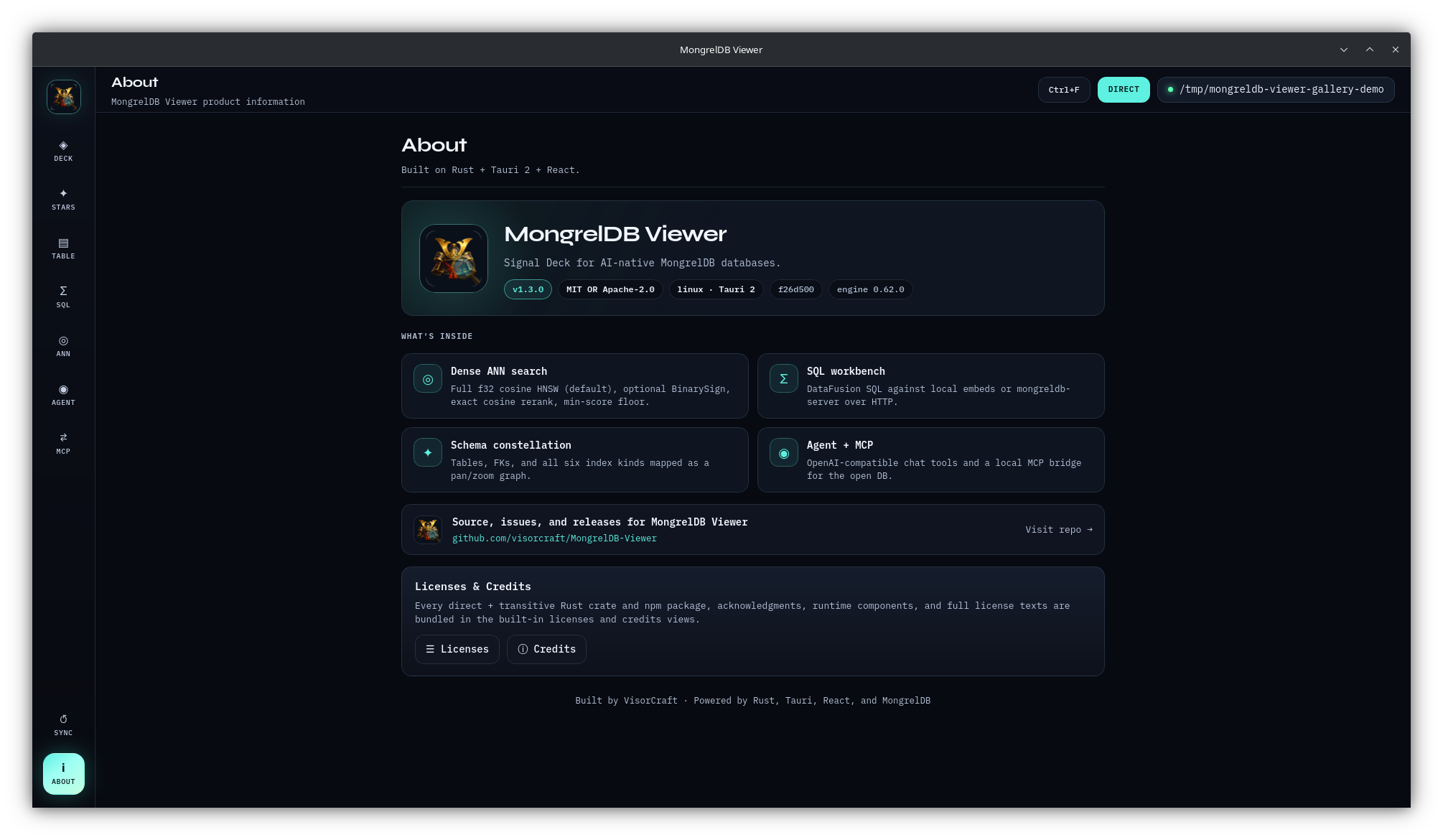 |
Download a package, when attached, from GitHub Releases. If no package matches your platform, build from source:
git clone https://github.com/visorcraft/MongrelDB-Viewer.git
cd MongrelDB-Viewer
npm ci
npm run tauri build
Source builds need Rust 1.88+, Node.js 22+, and the native libraries
required by Tauri 2. Bundles are written below
src-tauri/target/release/bundle/.
See installation and builds for platform prerequisites, development mode, Linux display behavior, upgrades, and model downloads.
npm ci
npm run tauri dev
Then:
hybrid retrieval across indexes.Demo creation writes six tables, foreign keys, representative secondary
indexes, a 384-dimensional embedding column, and dense HNSW ANN. The first run
may download all-MiniLM-L6-v2. If the download is unavailable, demo creation
can fall back to zero vectors; use Re-embed from text column after the model
becomes available.
The demo button hides after its first successful use. Reopen the demo through Recent or Direct folder on later launches. The complete walkthrough and schema are in first launch and demo.
The Viewer recognizes all six public MongrelDB secondary-index families: Bitmap, LearnedRange/PGM, FM, ANN, Sparse, and MinHash.
127.0.0.1; any local process that can reach the port can invoke its tools.localStorage. The API key remains in process memory and is cleared on exit.Read the security policy and operations guide for the full trust model and local-data inventory.
Start here:
Use the application:
Operate and extend it:
React + TypeScript
       |
       | Tauri invoke
       v
Rust command layer
       |
       +-- Direct: mongreldb-core + mongreldb-query
       |
       +-- Server: mongreldb-client + HTTP
       |
       +-- Embeddings: fastembed MiniLM
       |
       +-- Shared tools: Agent chat + MCP HTTP/stdio
The active connection and embedding hub are shared by SQL, Agent, and in-app MCP. Stdio MCP is a separate process and must open its own Direct or Server connection. See architecture for lifetimes, data flows, trust boundaries, source layout, and extension points.
npm ci
npm run build
cargo fmt --manifest-path src-tauri/Cargo.toml --check
cargo clippy --manifest-path src-tauri/Cargo.toml --all-targets --all-features -- -D warnings
cargo test --manifest-path src-tauri/Cargo.toml
Dependency changes also require:
scripts/regen-credits.sh
Full workflow: CONTRIBUTING.md.
MongrelDB Viewer is available under MIT OR Apache-2.0. See LICENSE-MIT and LICENSE-APACHE.
Multi-platform desktop viewer for MongrelDB: direct + server connections, schema map, SQL, dense ANN, MCP, and chat.
工具
尚無工具清單。遠端伺服器會在首次健康檢查後取得工具清單。
常見問題
在本頁複製適用於 Cursor、Claude Desktop、Claude Code 或 VS Code 的 stdio 設定。它使用發布者的安裝方式,而不是 PlugMCP 代理伺服器。
這筆記錄未列出必要的環境變數。
MongrelDB Viewer 透過 stdio 在本機執行。
上次檢查時間:2026-10-28。 Multi-platform desktop viewer for MongrelDB: direct + server connections, schema map, SQL, dense ANN, MCP, and chat.