LeafLoom
Keep your knowledge local. Put it to work with AI.
接入你的智能体
从发布者处安装。不是 PlugMCP 端点。
远程 URL 还是本机命令? 两种安装方式的区别
来自发布者
Local-first knowledge base & personal wiki for Markdown and HTML. Keep files and search on your computer. Connect ChatGPT, MCP, Skills and AI Chat, with source-linked search and a knowledge graph. Open source. 本地知识库 · 个人 Wiki · 知识管理
Visit the website & download · Product screenshots, Windows and Mac installers, and release notes.
Help center · Searchable guides for notes, attachments, Design Studio, AI connections and recovery.
Turn scattered notes, project docs and saved webpages into a connected knowledge base. LeafLoom is an open-source, local-first knowledge management workspace and personal wiki for Markdown and HTML, with source-linked search, a knowledge graph, MCP, Skills, AI Chat and ChatGPT integration.
Your files and search indexes live on your computer. Browse, write and search locally; connect AI when you want your knowledge in the conversation.
Check supported systems and signing status before installing.
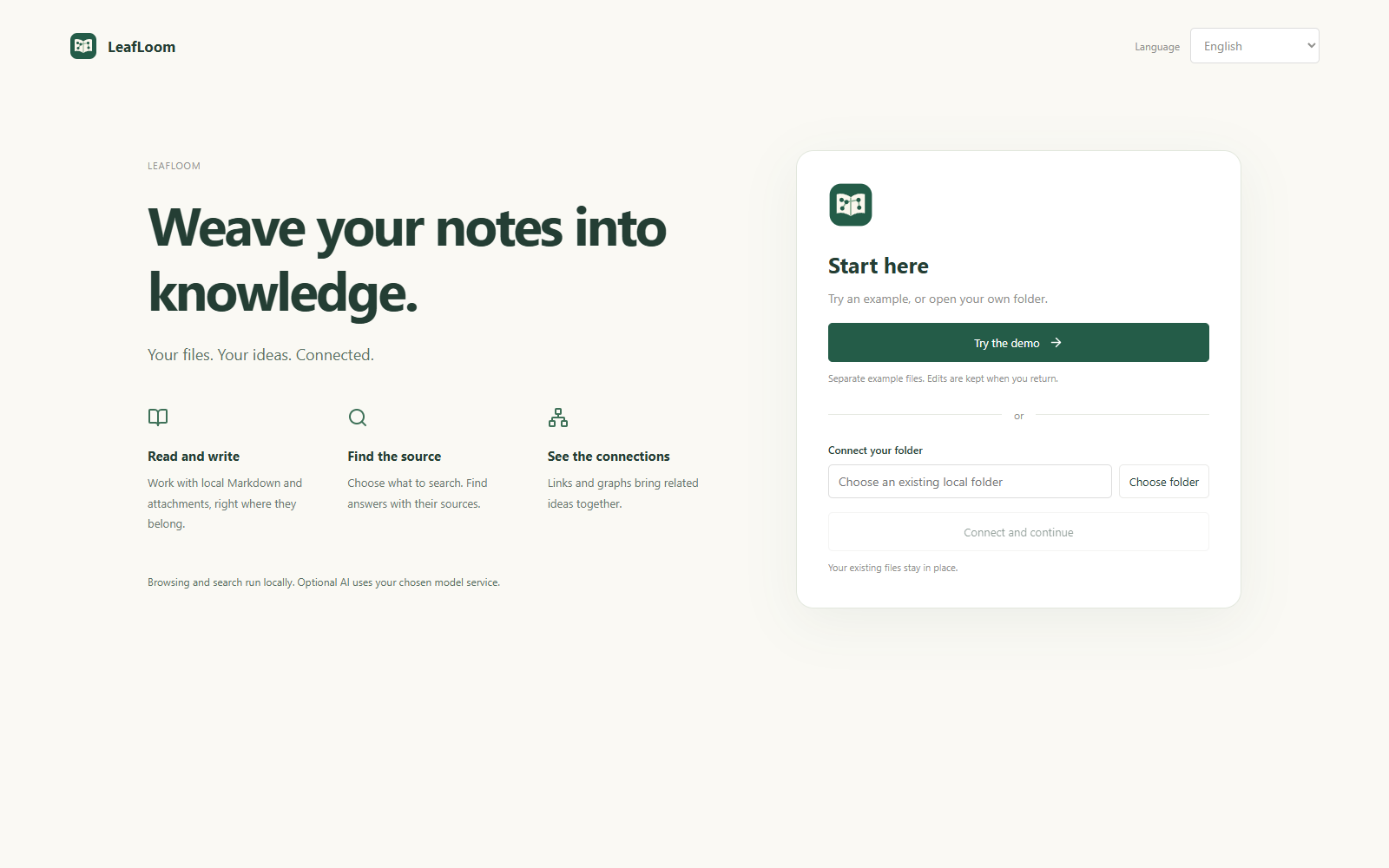
Keep a research library, build a project wiki, collect reading notes, or give your AI assistant a source it can actually cite.
Bring your own knowledge into the conversation. Select LeafLoom in a ChatGPT web conversation to search your chosen folders, read notes and follow the sources while you chat. Your LeafLoom computer must be online with the app running. Enable full note access and its separate write switch in Settings to let ChatGPT create, edit, organize and recover notes. RAG keeps your selected scope.
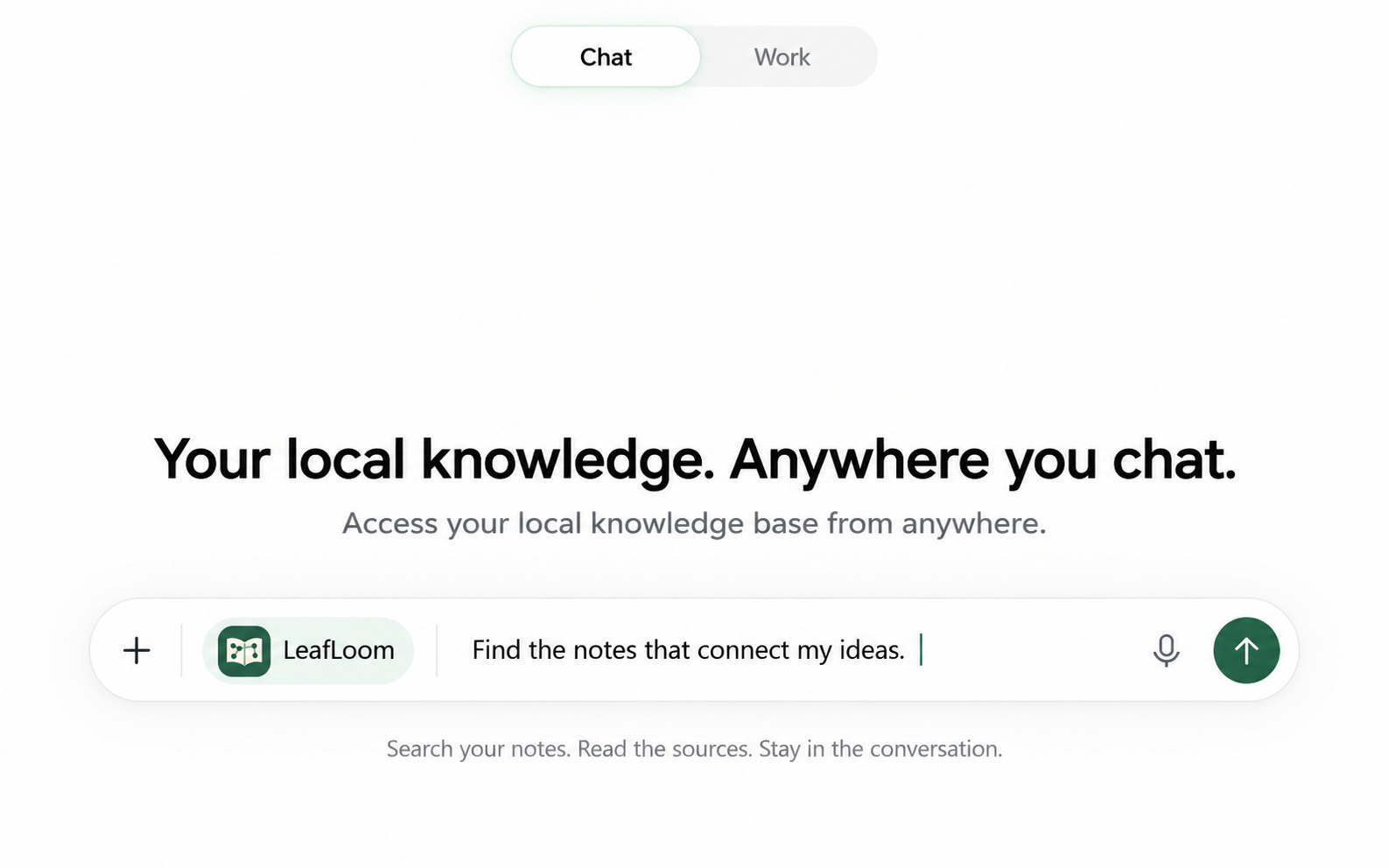
Illustrative Chat experience; the settings below are captured from the actual desktop app.
Before starting, you need an existing OpenAI Tunnel, its runtime App Key and a ChatGPT workspace that allows custom MCP connections. Installing LeafLoom does not create these. Follow the official setup guide first if needed; the local workspace works without this connection.
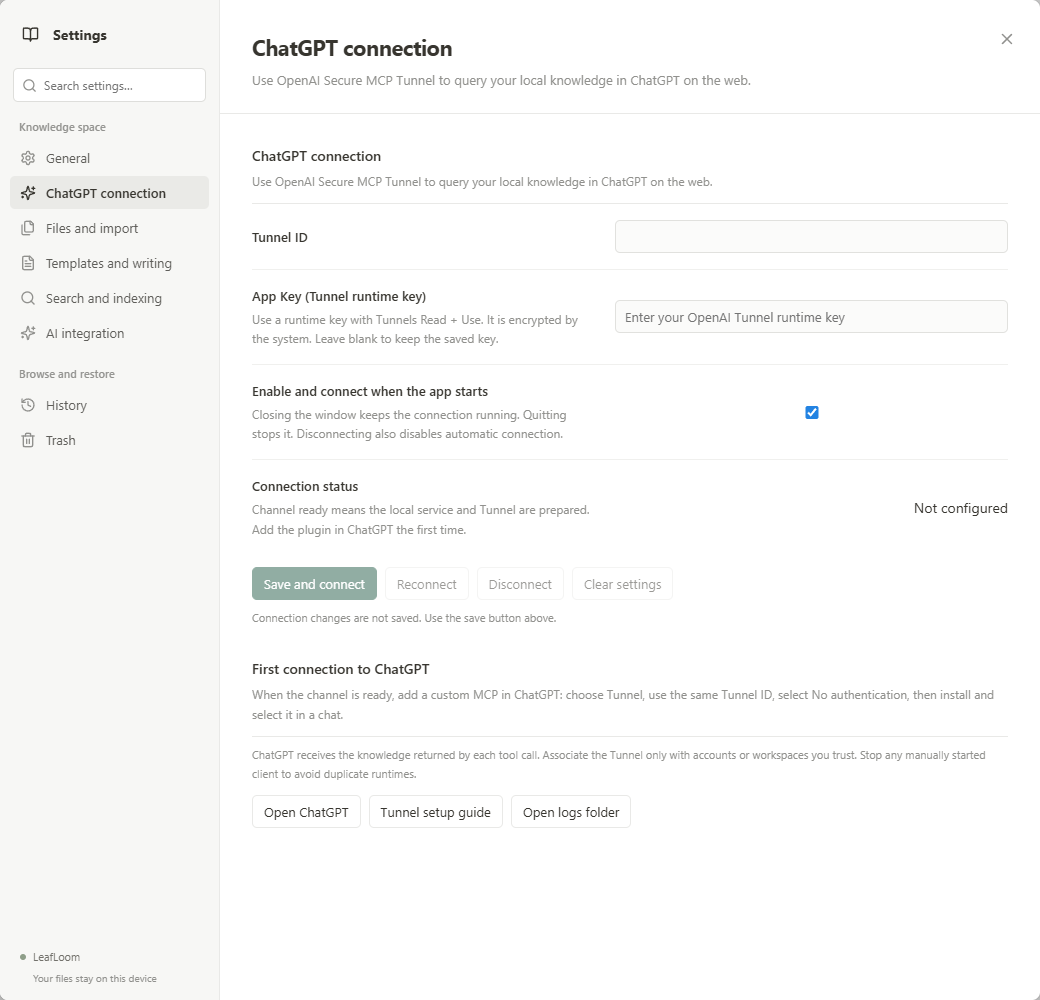
The App Key is encrypted by the operating system. Connections start with LeafLoom, continue while the window is closed to the tray, and stop when you quit. Disconnect disables automatic connection until you enable it again. Notes stay on your computer; requested tool results are sent to ChatGPT.
Use your knowledge where you already work, with source references you can check.
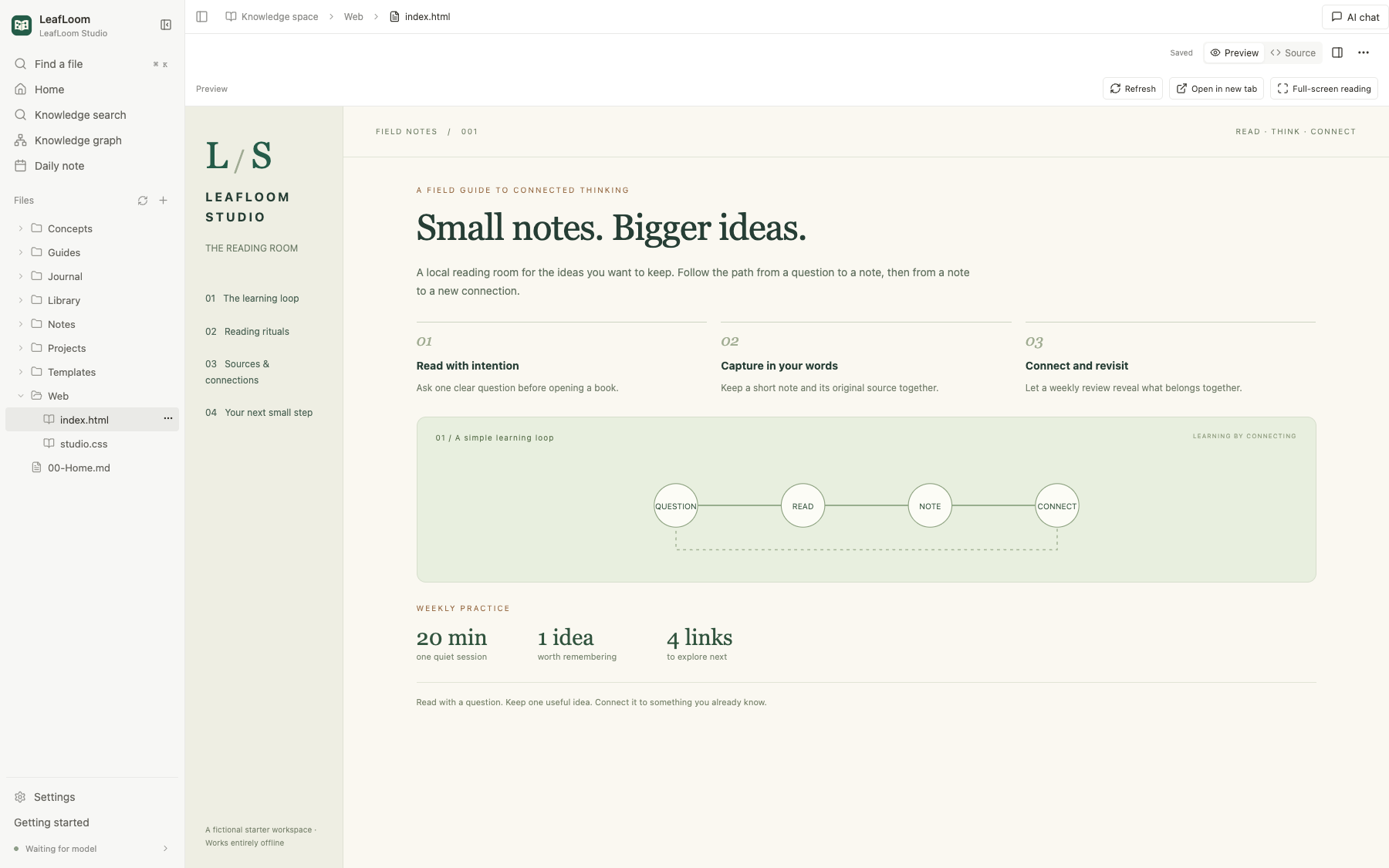
Try the built-in learning studio from Try the demo on first launch. It includes connected notes, a local HTML reading room, and reusable project, reading and decision templates. You can edit the examples; reopening the demo keeps your changes.
Edit directly on the formatted page: use / commands, drag blocks, edit tables, and paste screenshots or drop attachments. Switch to Markdown source with shared undo history; unchanged source and properties are preserved. Ordinary edits autosave, while AI drafts require manual saving. Markdown editing guide.
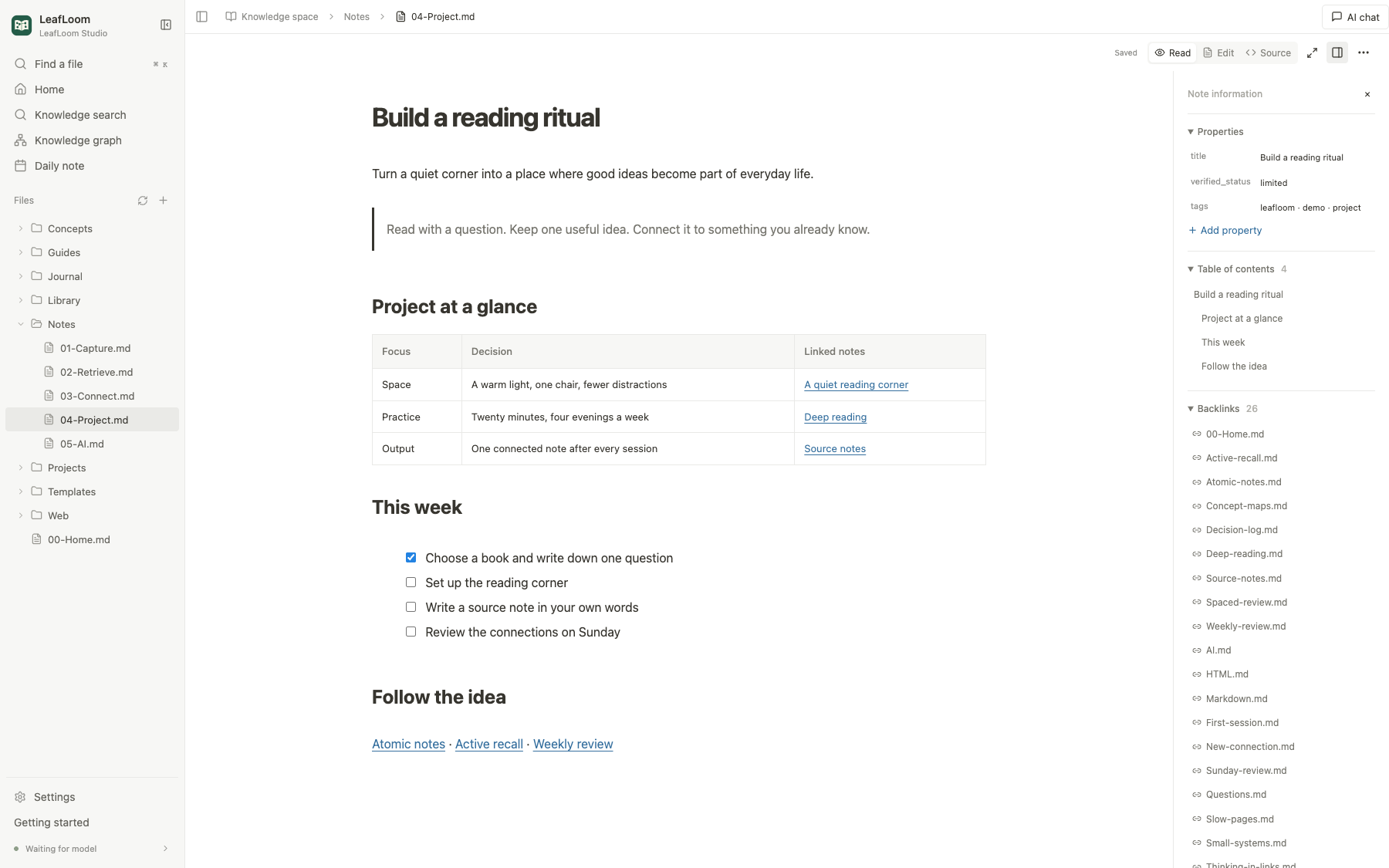
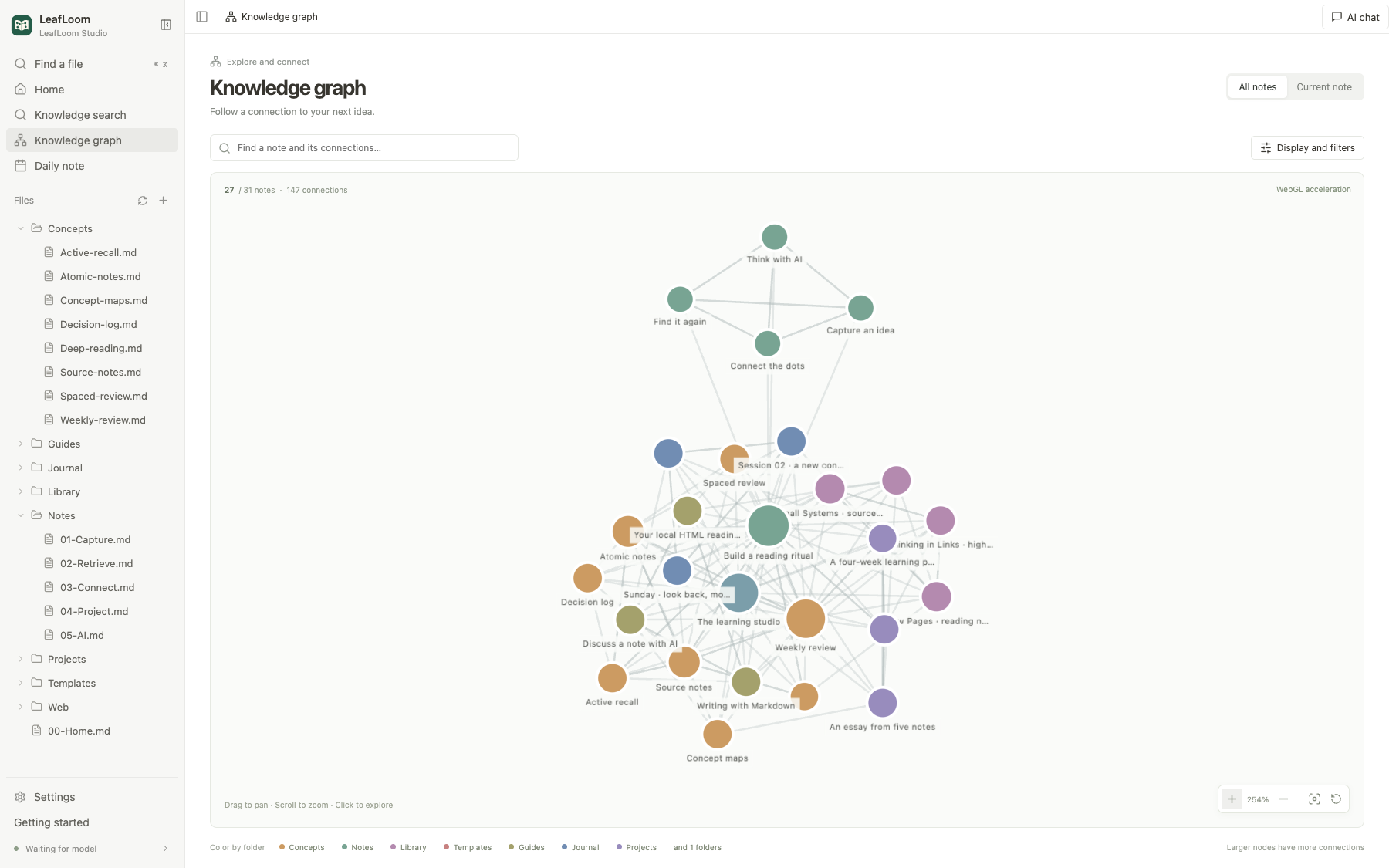
Follow a backlink to the idea behind a decision, or explore the graph to discover a connection you had forgotten. The starter vault shows real links across concepts, projects, reading notes and journals.
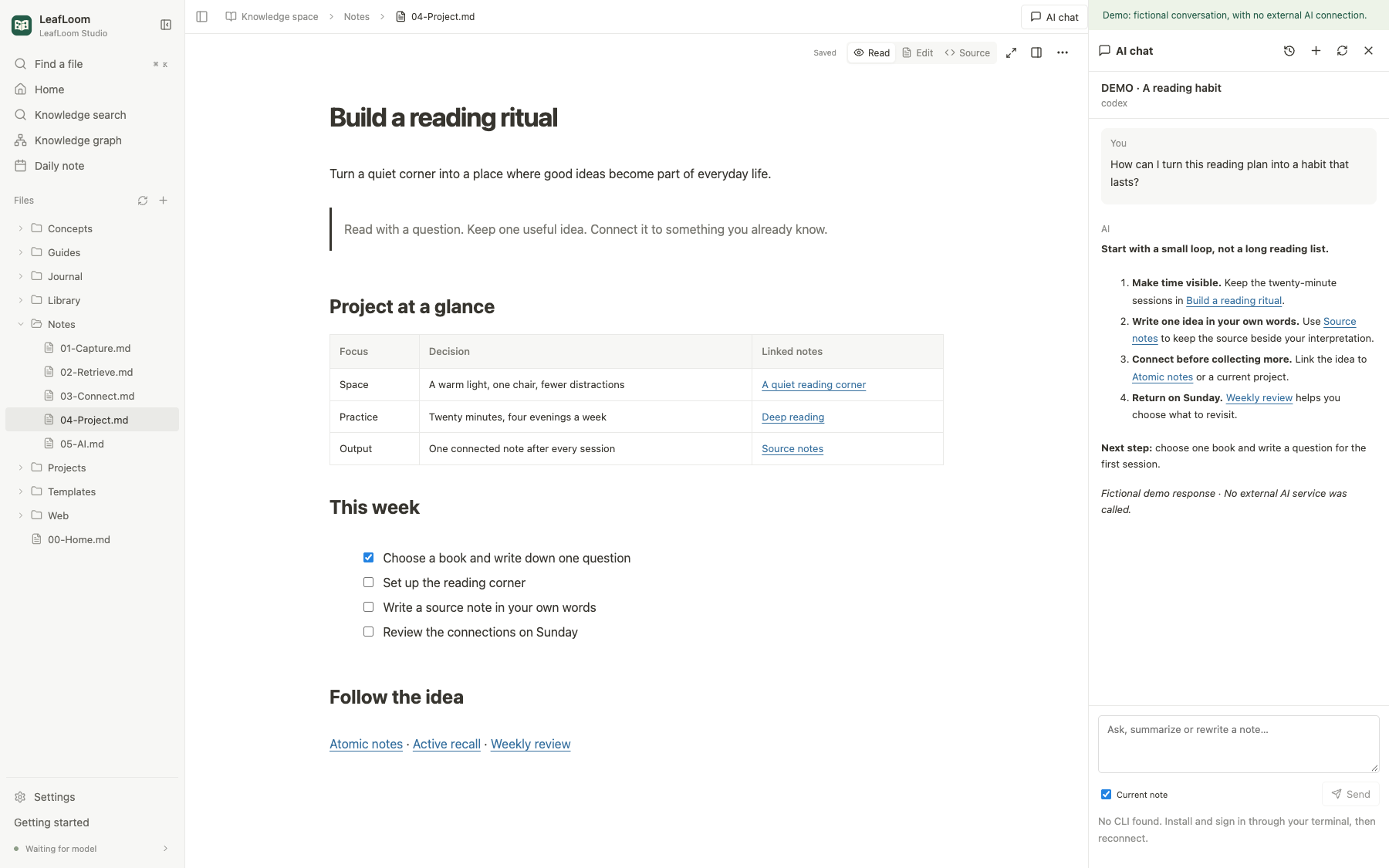
Keep the current note beside a conversation and follow references back to the source. This screenshot uses an explicitly labeled fictional conversation; no external AI was called.
Open a local .html or .htm file, confirm its project folder once, and run the website with its companion styles, scripts and resources. Use project navigation, downloads, optional SPA routing, or open an existing HTTP/HTTPS site or development server from Preview. HTML project guide. The HTML reading room below is included in the demo.
Recommended: install the desktop app from the latest Release. No repository clone or preinstalled Python, Node or Ollama is needed.
Before installing: Windows packages are unsigned; Mac packages use ad-hoc signing and are not Apple-notarized. SmartScreen or Gatekeeper may warn or block installation. No Linux, Intel Mac or Windows ARM installer is provided. See the release's signing status and desktop validation limits.
No AI account, CLI or semantic-search model is needed for this walkthrough.
Concepts/Atomic-notes.md to read the original note, then follow its Source notes link.Search scope: Only selected .md and .txt notes are indexed. HTML, images, videos and attachments can be browsed, but are not indexed or transcribed for knowledge search. Ctrl/⌘+K finds files by name; Knowledge search searches eligible note content.
When ready, connect your own folder in Settings. Files stay in place, and edits you save change those original files. Prepare BGE-M3 from search settings only when you want local semantic retrieval.
git clone https://github.com/DJ-Huang/LeafLoom.git
cd LeafLoom
Dev.cmd. macOS 14+ Apple Silicon: double-click Dev.command or run sh Dev.sh..cache/desktop-dev/.venv. Quit the running app before switching modes. The local search model is prepared only when requested in settings.Optional browser development: Run the real backend with a dedicated state directory and browser profile, without Electron. The opt-in --loopback-ui mode uses literal localhost when a managed browser cannot open *.localhost; isolated HTML project previews may still be affected. See setup and limits. This does not add Linux desktop installer support.
Feel at home in English, 简体中文 or 日本語. The interface, onboarding, user guides and feature screenshots cover all three languages. Language preferences are saved separately from indexing settings.
Your knowledge. Your deployment. Your control. Run LeafLoom on your own supported computer. Local-only access, private authentication and folder boundaries keep you in control. Deployment and security.
Reading, editing, graphs and keyword search work without a model. Prepare BGE-M3 in search settings when you want local semantic retrieval. External AI and ChatGPT require their own accounts, permissions and network access.
The desktop installer supports the platforms above. This is not cloud sync, universal Obsidian plugin support or media transcription.
Desktop app: Quit LeafLoom, install the updated package for your platform from Releases, then reopen it.
Source development: Update the repository and relaunch Dev. Frontend edits update automatically; Python/Electron edits require quitting Dev from its tray/menu-bar menu and relaunching. Installed apps are managed through their own shortcuts and menus.
MIT © 2026 DJ. Dependencies and models keep their own licenses. License
Technical compatibility: vault-rag, VAULT_RAG_HOME, .vault-rag/, HTTP MCP /mcp.
Local-first knowledge base & personal wiki for Markdown and HTML. Keep files and search on your computer. Connect ChatGPT, MCP, Skills and AI Chat, with source-linked search and a knowledge graph. Ope
概览
Local-first knowledge base & personal wiki for Markdown and HTML. Keep files and search on your computer. Connect ChatGPT, MCP, Skills and AI Chat, with source-linked search and a knowledge graph. Open source. 本地知识库 · 个人 Wiki · 知识管理
工具
暂无工具列表。远程服务器在首次健康检查后会获得工具列表。
常见问题
在本页复制适用于 Cursor、Claude Desktop、Claude Code 或 VS Code 的 stdio 配置。它使用发布者的安装方式,而不是 PlugMCP 代理。
此记录未列出必需的环境变量。
LeafLoom 通过 stdio 在本地运行。
上次检查时间:2026-10-28。 Local-first knowledge base & personal wiki for Markdown and HTML. Keep files and search on your computer. Connect ChatGPT, MCP, Skills and AI Chat, with source-linked search and a knowledge graph. Open source. 本地知识库 · 个人 Wiki · 知识管理