Features
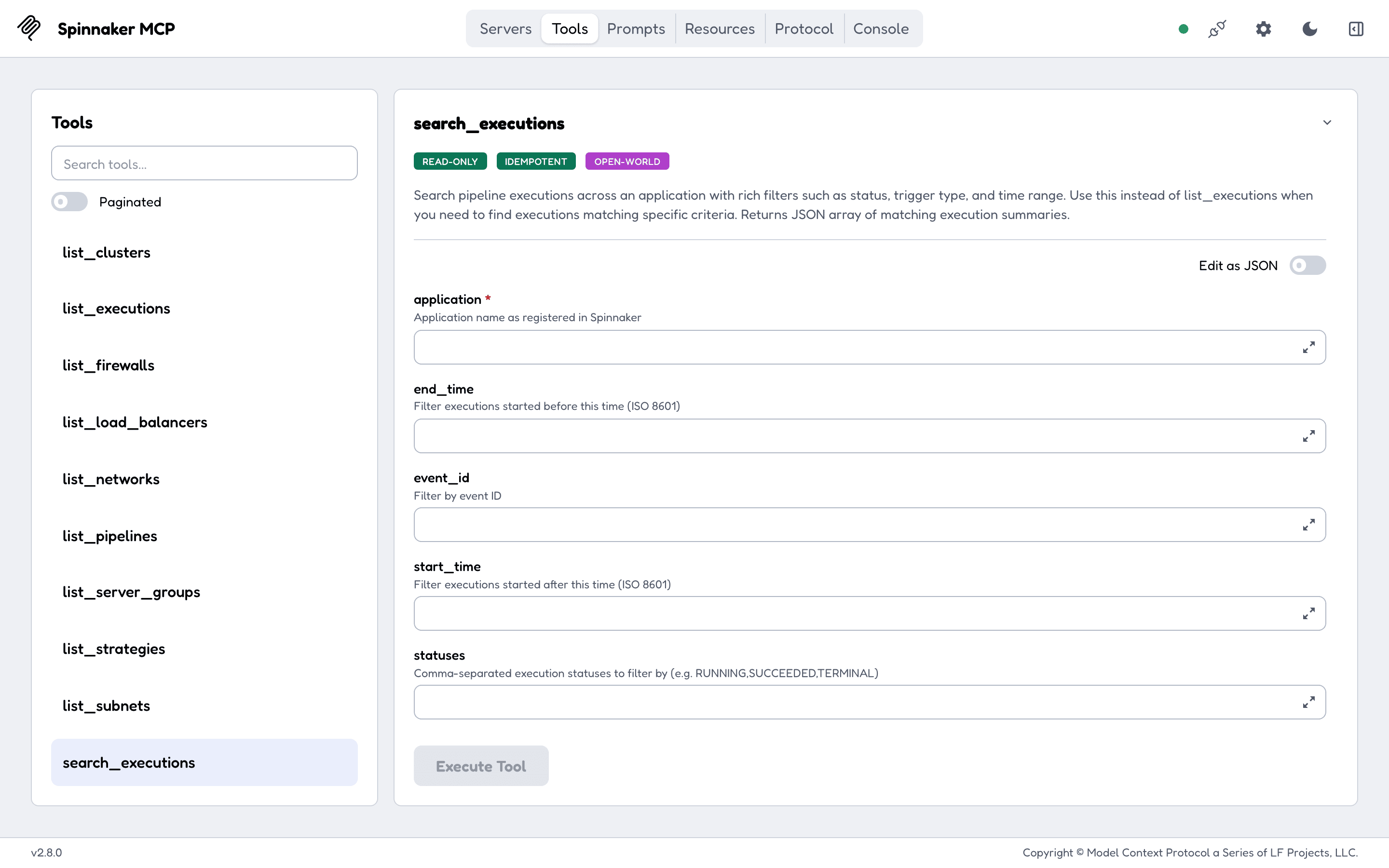
- Applications and pipelines: list, read, trigger, save, update and delete pipelines, with revision history.
接入你的智能体
发布者自己的命令。不是 PlugMCP 端点。
用我们的密钥与日志托管一份副本。
npx -y [email protected]Claude Code 没有针对本地命令的安装链接。复制下方命令并在终端中运行。
GATE_URL=<value> GATE_TOKEN=<secret> GATE_USER=<value> GATE_PASS=<secret> GATE_COOKIE=<secret> GATE_COOKIE_FILE=<value> GATE_CERT_FILE=<value> GATE_KEY_FILE=<value> GATE_INSECURE=<value> TOOLSETS=<value> claude mcp add geiserx-spinnaker-mcp -- npx -y spinnaker-mcp@0.4.1在终端中运行。
{ "mcpServers": { "geiserx-spinnaker-mcp": { "command": "npx", "args": [ "-y", "[email protected]" ], "env": { "GATE_URL": "<value>", "GATE_TOKEN": "<secret>", "GATE_USER": "<value>", "GATE_PASS": "<secret>", "GATE_COOKIE": "<secret>", "GATE_COOKIE_FILE": "<value>", "GATE_CERT_FILE": "<value>", "GATE_KEY_FILE": "<value>", "GATE_INSECURE": "<value>", "TOOLSETS": "<value>" } } }}claude_desktop_config.json
远程 URL 还是本机命令? 两种安装方式的区别
来自发布者
MCP Server for Spinnaker — manage applications, pipelines, and deployments via the Model Context Protocol
spinnaker-mcp login).127.0.0.1, needs a bearer token (MCP_AUTH_TOKEN) anywhere else, and rejects cross-site browser requests.npx spinnaker-mcp), a Docker image and multi-arch Go binaries.Claude Code:
claude mcp add spinnaker -e GATE_URL=https://spin-gate.example.com -e GATE_TOKEN=your-token-here -- npx -y spinnaker-mcp
Claude Desktop (claude_desktop_config.json) and Cursor (.cursor/mcp.json):
{
  "mcpServers": {
    "spinnaker": {
      "command": "npx",
      "args": ["-y", "spinnaker-mcp"],
      "env": { "GATE_URL": "https://spin-gate.example.com", "GATE_TOKEN": "your-token-here" }
    }
  }
}
VS Code (.vscode/mcp.json):
{
  "servers": {
    "spinnaker": {
      "command": "npx",
      "args": ["-y", "spinnaker-mcp"],
      "env": { "GATE_URL": "https://spin-gate.example.com", "GATE_TOKEN": "your-token-here" }
    }
  }
}
Codex (~/.codex/config.toml):
[mcp_servers.spinnaker]
command = "npx"
args = ["-y", "spinnaker-mcp"]
env = { GATE_URL = "https://spin-gate.example.com", GATE_TOKEN = "your-token-here" }
Add "TOOLSETS": "all" to env to let the assistant trigger, judge, cancel or edit. Needs Node 18 or newer; the npm package fetches the Go binary for your platform on first run, checks it against the release checksums, and runs it over stdio. Docker, local builds and the other credentials are in Getting started.
A variable whose value is only an unexpanded placeholder, such as ${GATE_TOKEN}, counts as unset.
The full documentation is at geiserx.github.io/spinnaker-mcp.
MCP Server for Spinnaker — manage applications, pipelines, and deployments via the Model Context Protocol
{ "mcpServers": { "geiserx-spinnaker-mcp": { "command": "npx", "args": [ "-y", "[email protected]" ], "env": { "GATE_URL": "<value>", "GATE_TOKEN": "<secret>", "GATE_USER": "<value>", "GATE_PASS": "<secret>", "GATE_COOKIE": "<secret>", "GATE_COOKIE_FILE": "<value>", "GATE_CERT_FILE": "<value>", "GATE_KEY_FILE": "<value>", "GATE_INSECURE": "<value>", "TOOLSETS": "<value>" } } }}工具
暂无工具列表。远程服务器在首次健康检查后会获得工具列表。
常见问题
在本页复制适用于 Cursor、Claude Desktop、Claude Code 或 VS Code 的 stdio 配置。它使用发布者的安装方式,而不是 PlugMCP 代理。
发布者列出了以下环境变量:GATE_URL, GATE_TOKEN, GATE_USER, GATE_PASS, GATE_COOKIE, GATE_COOKIE_FILE, GATE_CERT_FILE, GATE_KEY_FILE, GATE_INSECURE, TOOLSETS。
Spinnaker 通过 stdio 在本地运行。
上次检查时间:2026-11-10。 MCP Server for Spinnaker — manage applications, pipelines, and deployments via the Model Context Protocol