MarkView
Native macOS markdown preview with MCP server for Claude Code. Claude writes markdown — MarkView renders it live, in a real native window, while you work.
接入你的智能体
发布者自己的命令。不是 PlugMCP 端点。
用我们的密钥与日志托管一份副本。
npx -y [email protected]Claude Code 没有针对本地命令的安装链接。复制下方命令并在终端中运行。
claude mcp add paulhkang94-markview -- npx -y mcp-server-markview@1.7.2在终端中运行。
{ "mcpServers": { "paulhkang94-markview": { "command": "npx", "args": [ "-y", "[email protected]" ] } }}claude_desktop_config.json
远程 URL 还是本机命令? 两种安装方式的区别
来自发布者
Native macOS markdown preview with MCP server for Claude Code. Claude writes markdown — MarkView renders it live, in a real native window, while you work.
Native macOS markdown preview + MCP server for Claude Code. Swift/SwiftUI, GFM, Mermaid, syntax highlighting. No Electron.
Versions: The macOS app (
appbadge) and the npm MCP wrapper (npmbadge) are versioned independently. App releases happen when the Swift binary changes; npm patches happen for MCP server improvements. Both badges always show the latest of each.
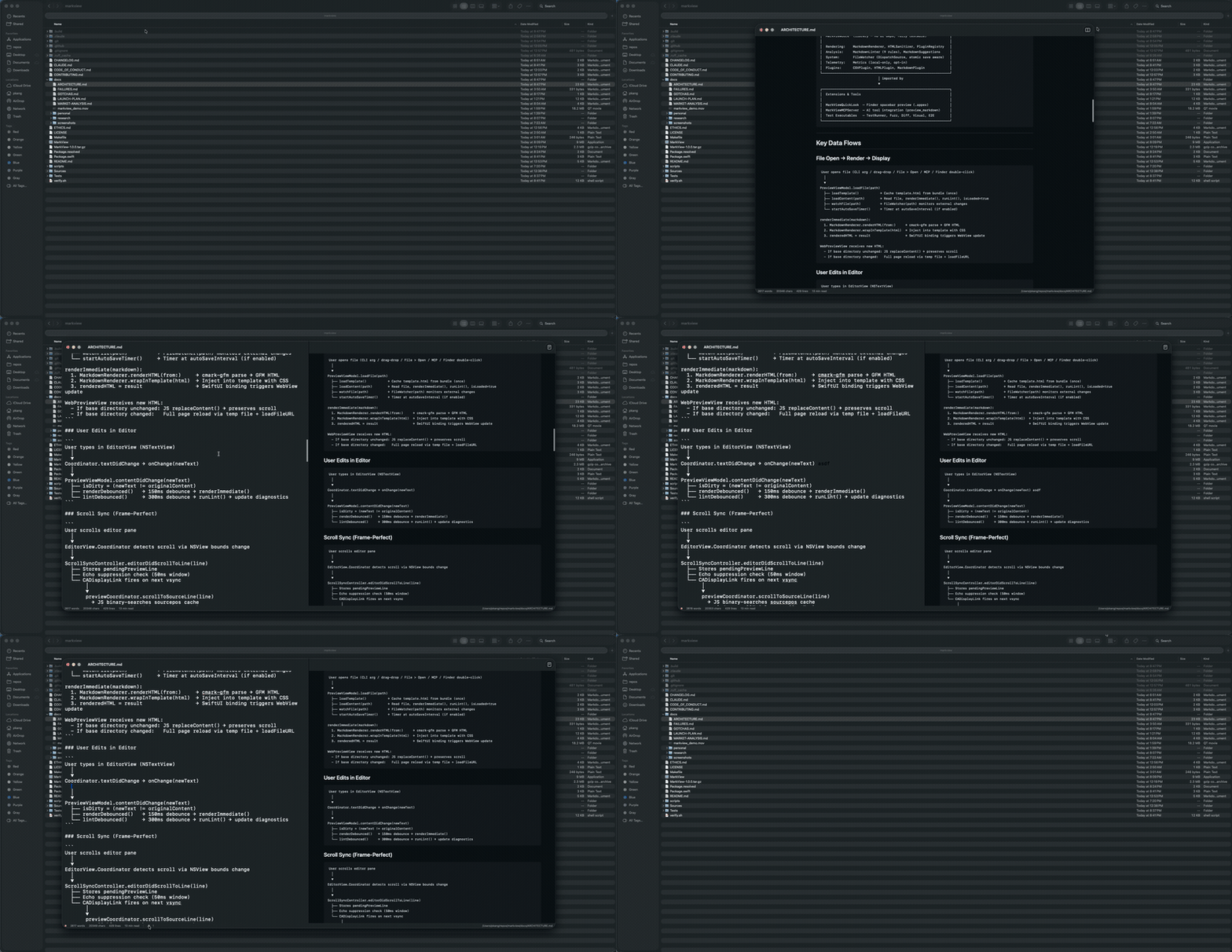
| Preview only | Editor + Preview |
|---|---|
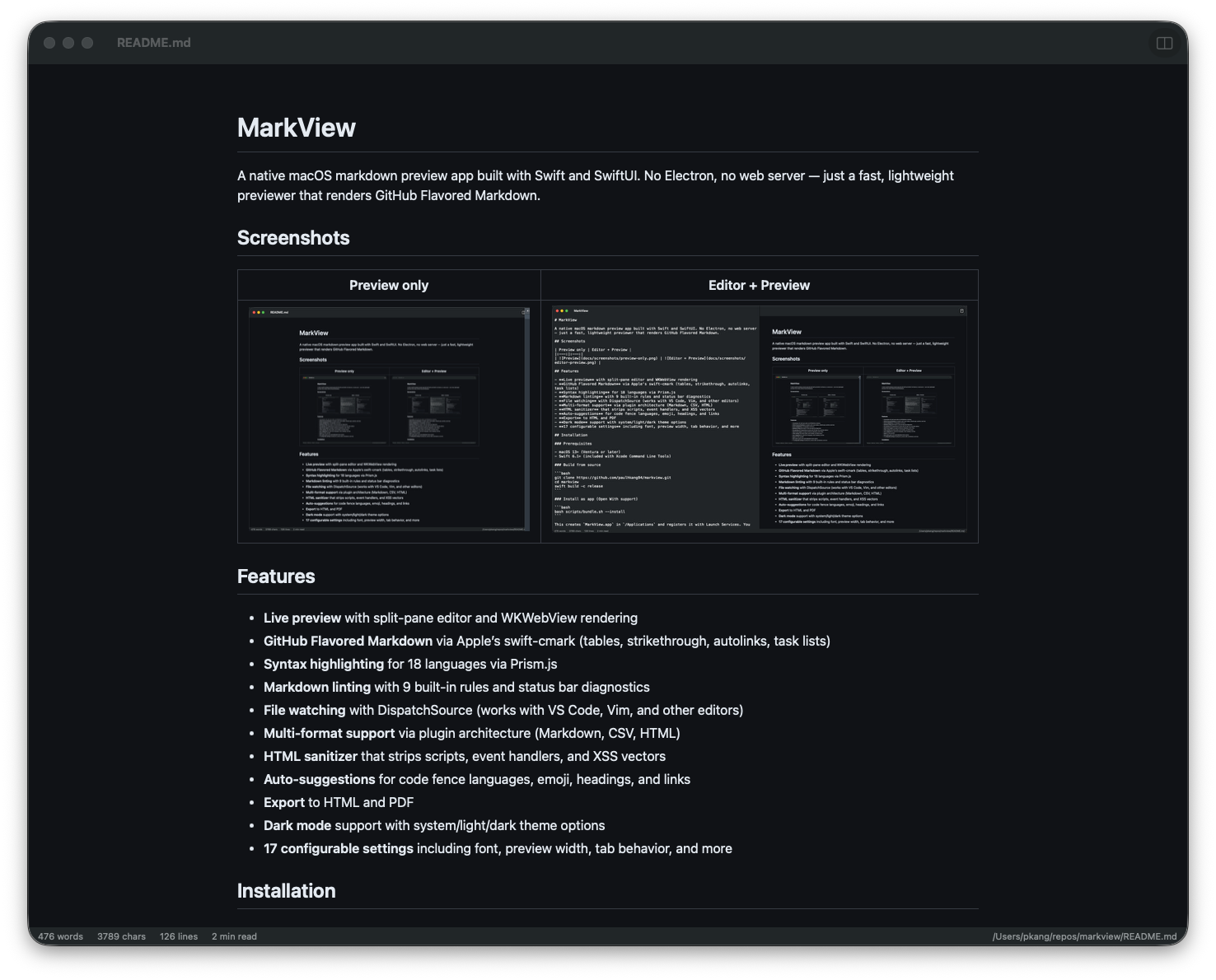 | 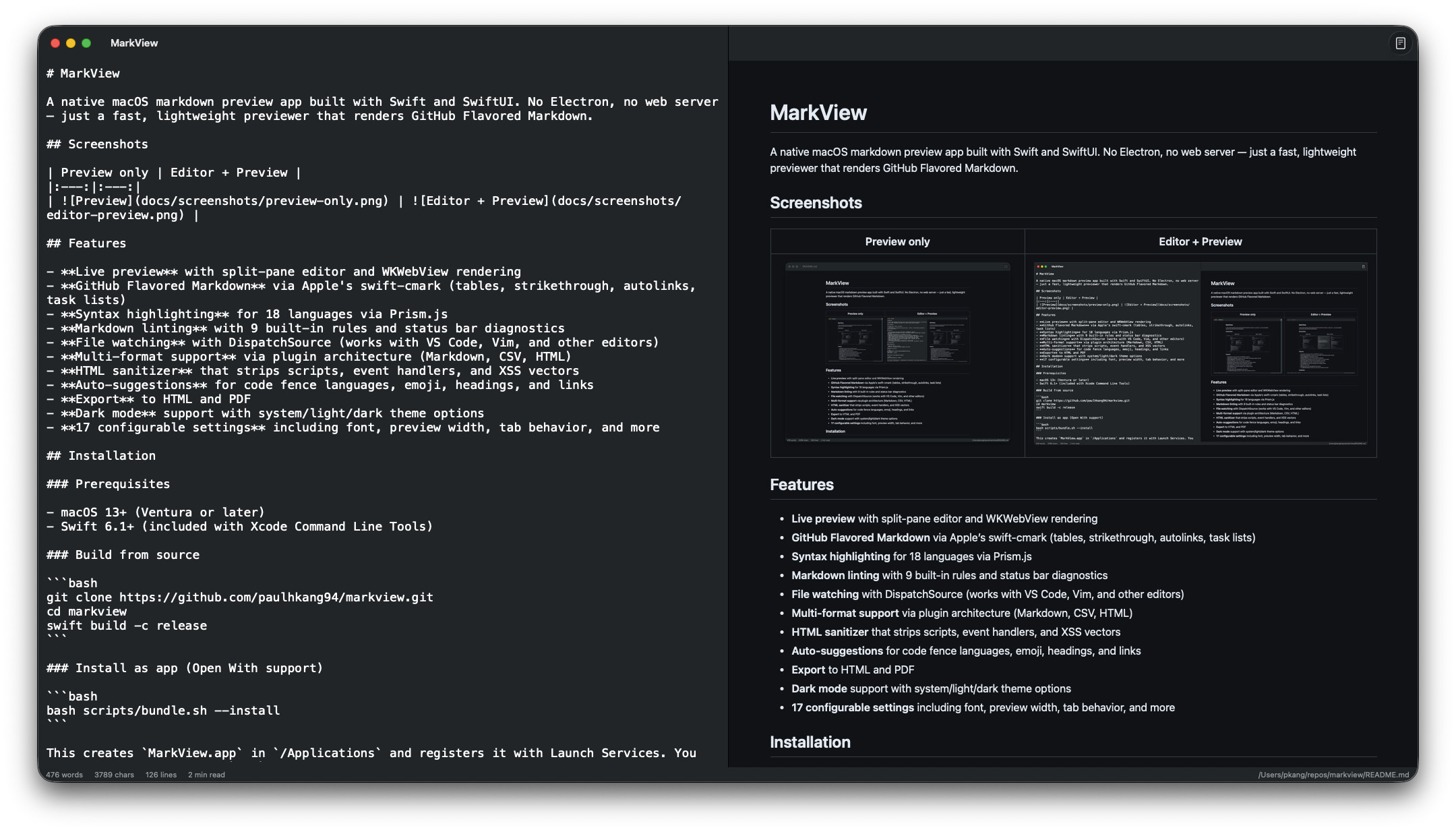 |
One command to wire MarkView into every Claude Code session:
claude mcp add --transport stdio --scope user markview -- npx mcp-server-markview
That's it. Claude can now call preview_markdown to render any markdown string in a native macOS window, or open_file to open any .md file directly.
Add to ~/Library/Application Support/Claude/claude_desktop_config.json:
{
  "mcpServers": {
    "markview": {
      "command": "npx",
      "args": ["mcp-server-markview"]
    }
  }
}
Note: MCP servers belong in
~/.claude.json(Claude Code) orclaude_desktop_config.json(Claude Desktop), not~/.claude/settings.json.
# Full .app with Quick Look extension — Apple notarized, Gatekeeper approved
brew install --cask paulhkang94/markview/markview

# CLI only (builds from source)
brew tap paulhkang94/markview
brew install markview
Prerequisites: macOS 14+, Swift 6.0+ (Xcode Command Line Tools)
git clone https://github.com/paulhkang94/markview.git
cd markview
swift build -c release
bash scripts/bundle.sh --install
Creates MarkView.app in /Applications and registers it with Launch Services for right-click > Open With in Finder. Refuses (unless you pass --force) if a Dock tile is pinned to a build/ or repo-root MarkView.app path, since both are ephemeral dev output.
bash scripts/install-cli.sh
Creates mdpreview and md symlinks in ~/.local/bin/.
mdpreview README.md       # Open a file
mdpreview                 # Open empty editor
Right-click any .md, .markdown, .mdown, .mkd file > Open With > MarkView
open -a MarkView README.md
.md files in Finder without opening the app correctly.md file onto the window to openSources/MarkViewCore/ # Library (no UI, fully testable)
MarkdownRenderer.swift # cmark-gfm C API wrapper
FileWatcher.swift # DispatchSource file monitoring
MarkdownLinter.swift # 9-rule pure Swift linting engine
HTMLSanitizer.swift # XSS prevention
LanguagePlugin.swift # Plugin protocol + registry
Plugins/ # CSV, HTML, Markdown plugins
Sources/MarkView/ # SwiftUI app (macOS 14+)
ContentView.swift # Split-pane editor + preview
WebPreviewView.swift # WKWebView with Prism.js
ExportManager.swift # HTML/PDF export
Sources/MarkViewMCPServer/ # MCP server for AI tool integration
main.swift # stdio JSON-RPC (preview_markdown, open_file)
Tests/TestRunner/ # 403 standalone tests (no XCTest)
Tests/VisualTester/ # 5 visual regression tests + WCAG contrast
Tests/FuzzTester/ # 10K random input crash testing
Tests/DiffTester/ # Differential testing vs cmark-gfm CLI
See docs/ARCHITECTURE.md for full details.
swift run MarkViewTestRunner    # 403 tests
python3 scripts/verify.py       # Full verification (build + tests, writes stamp)
python3 scripts/verify.py --extended  # + fuzz + differential
bash scripts/test-mcp.sh        # MCP protocol tests
swift build
swift run MarkView
swift run MarkView /path/to/file.md
MIT — see LICENSE.
Native macOS markdown preview + MCP server for Claude Code. Swift/SwiftUI, GFM, Mermaid, syntax highlighting. No Electron.
{ "mcpServers": { "paulhkang94-markview": { "command": "npx", "args": [ "-y", "[email protected]" ] } }}工具
暂无工具列表。远程服务器在首次健康检查后会获得工具列表。
常见问题
在本页复制适用于 Cursor、Claude Desktop、Claude Code 或 VS Code 的 stdio 配置。它使用发布者的安装方式,而不是 PlugMCP 代理。
此记录未列出必需的环境变量。
Markview 通过 stdio 在本地运行。
上次检查时间:2026-11-05。 Native macOS markdown preview + MCP server for Claude Code. Swift/SwiftUI, GFM, Mermaid, syntax highlighting. No Electron.
