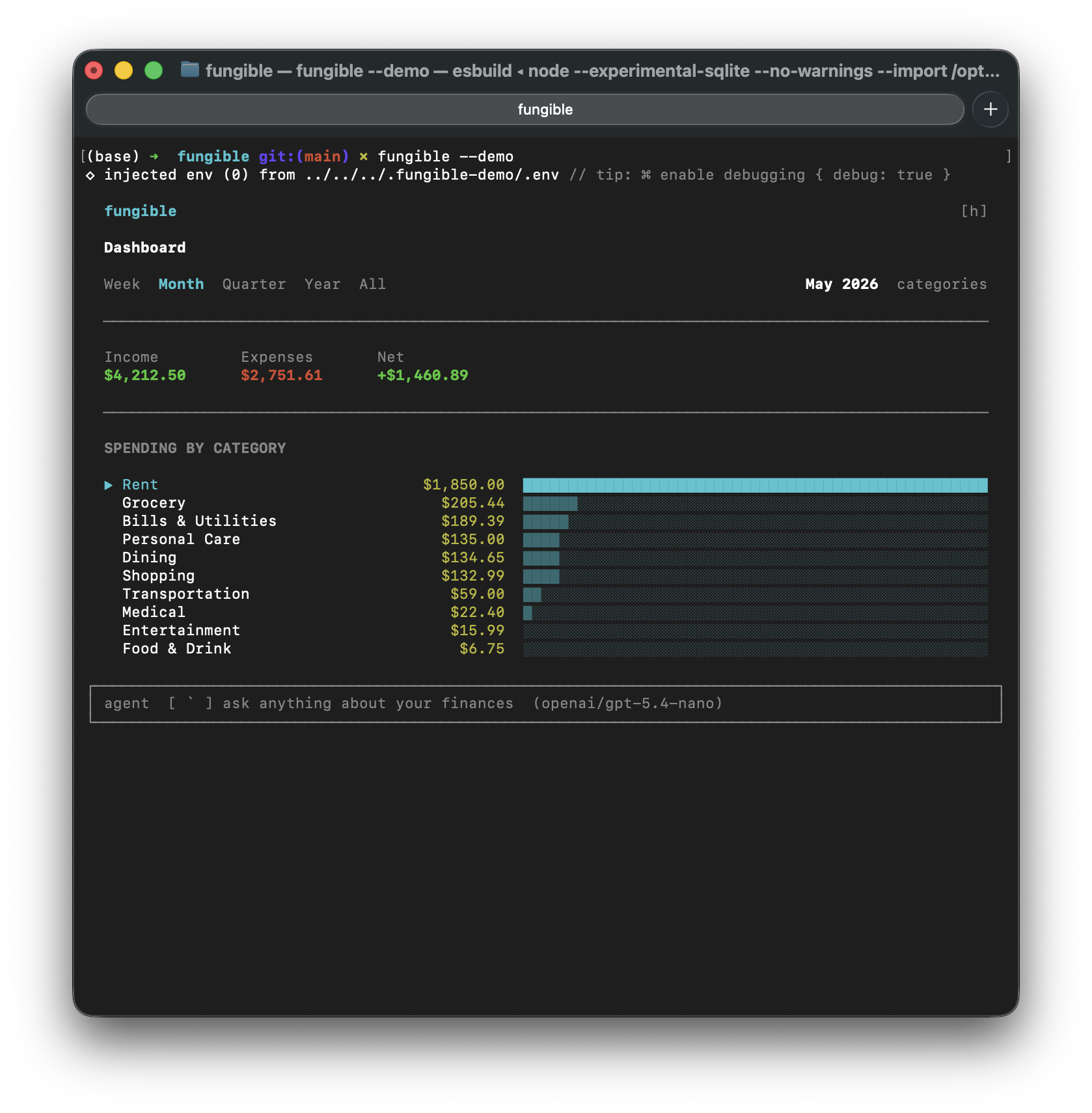
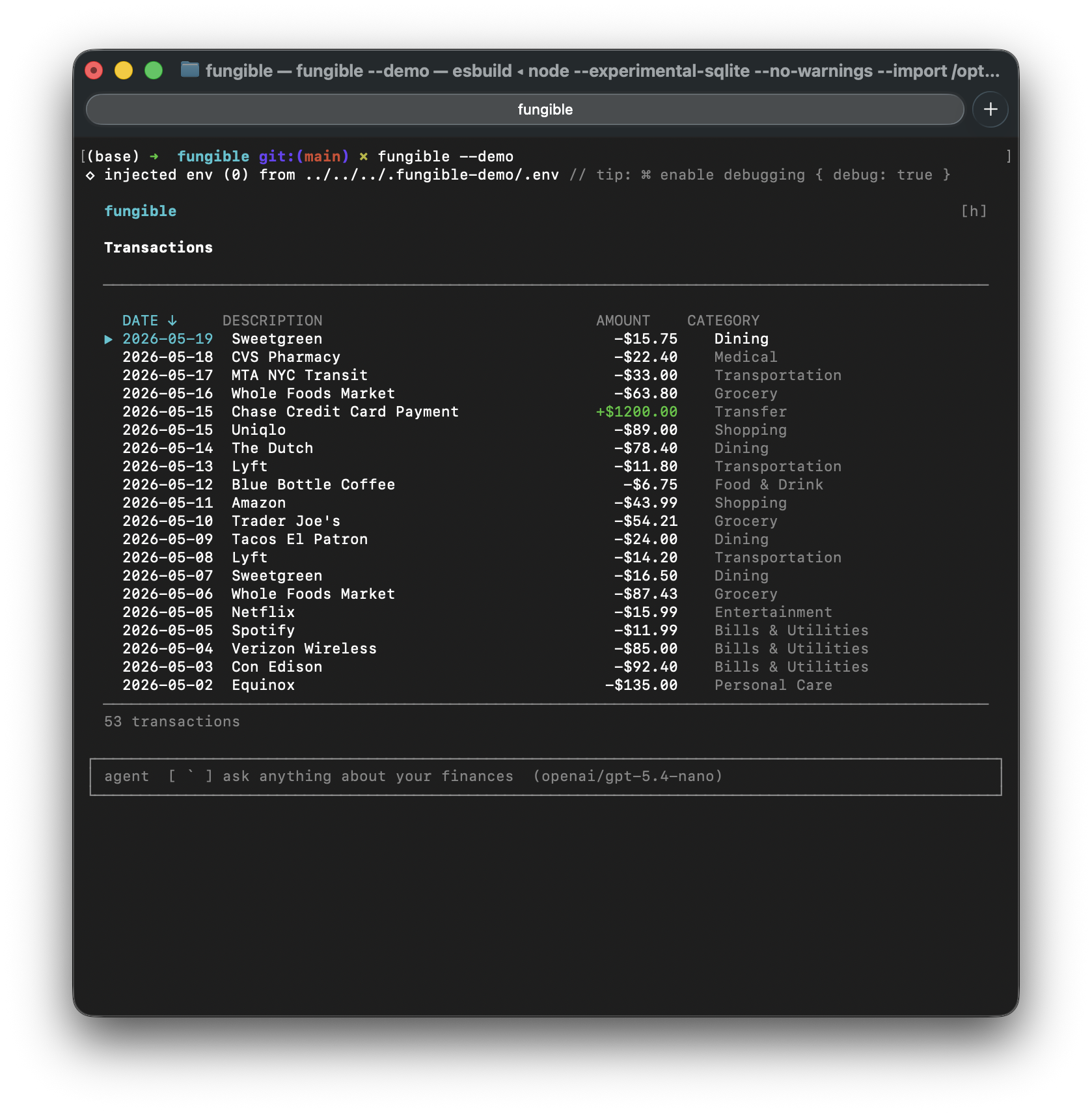
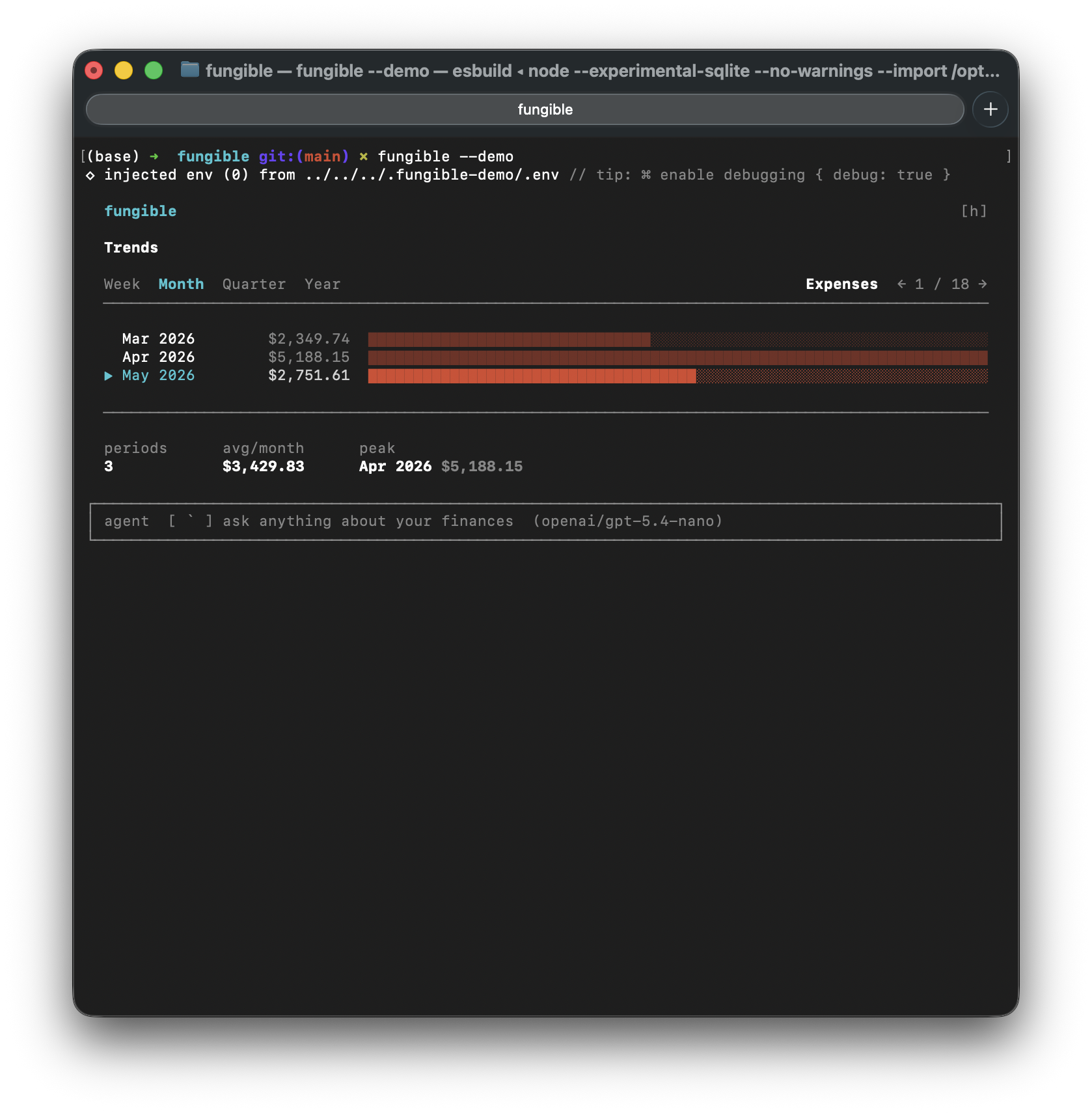
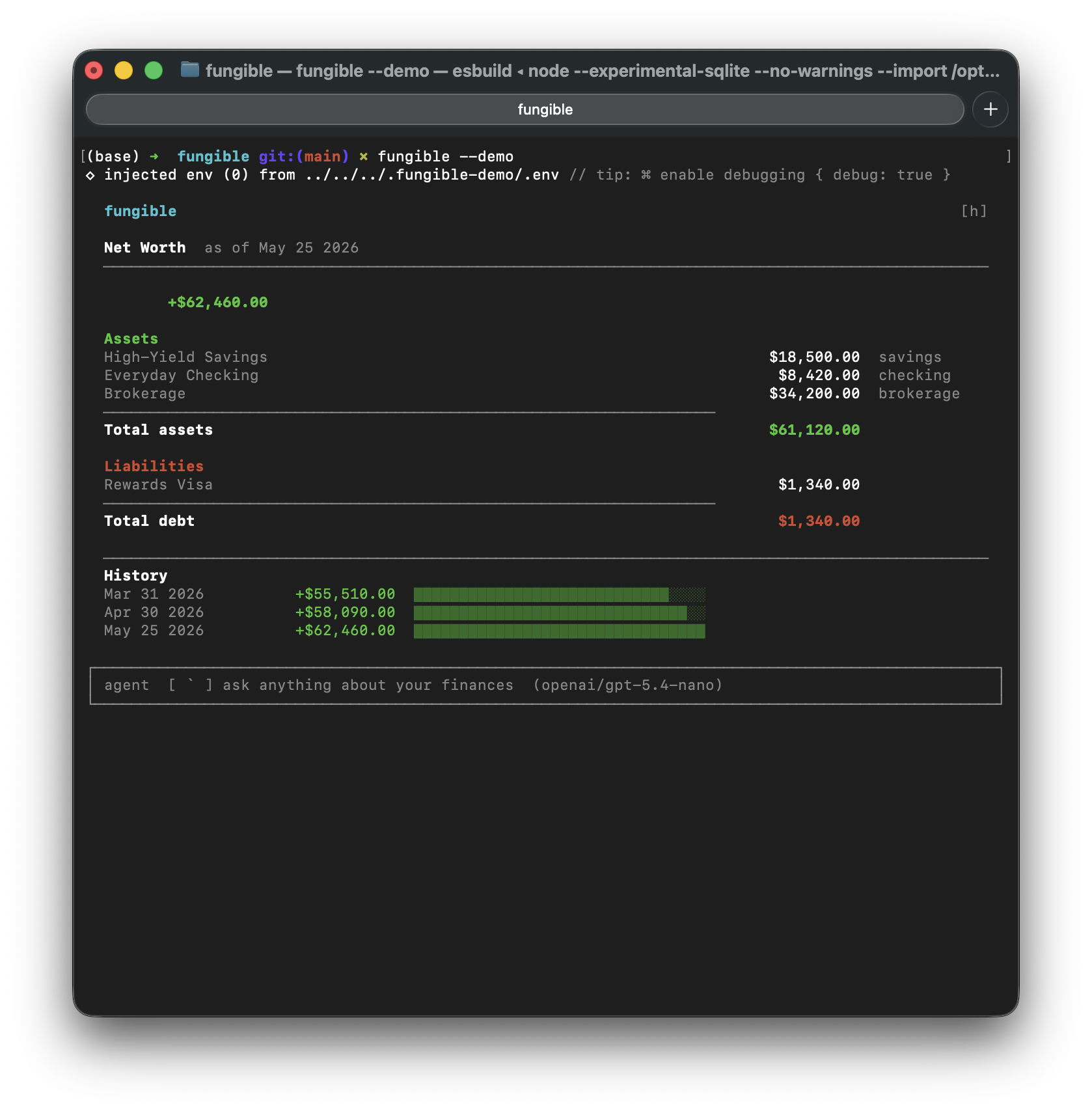
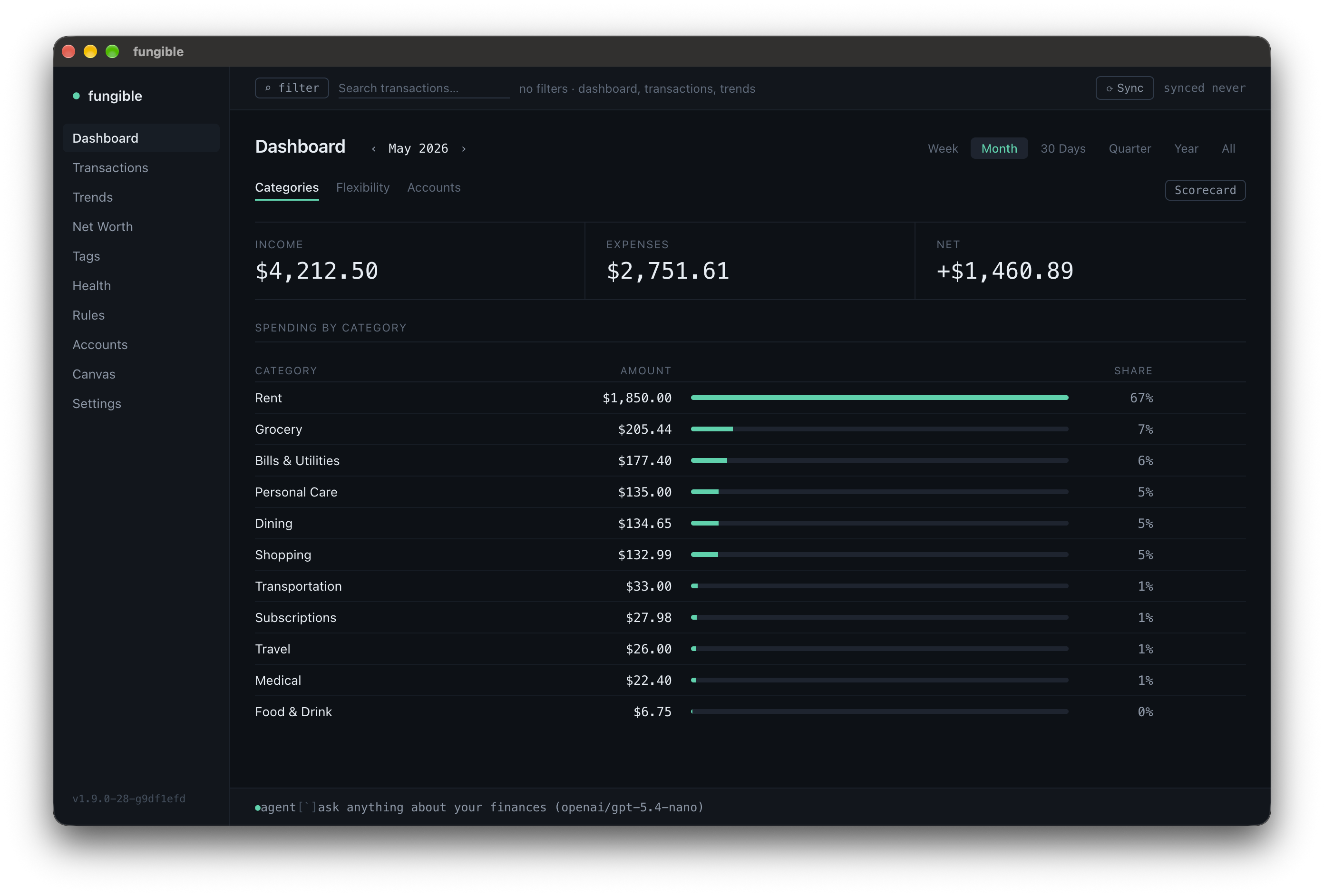
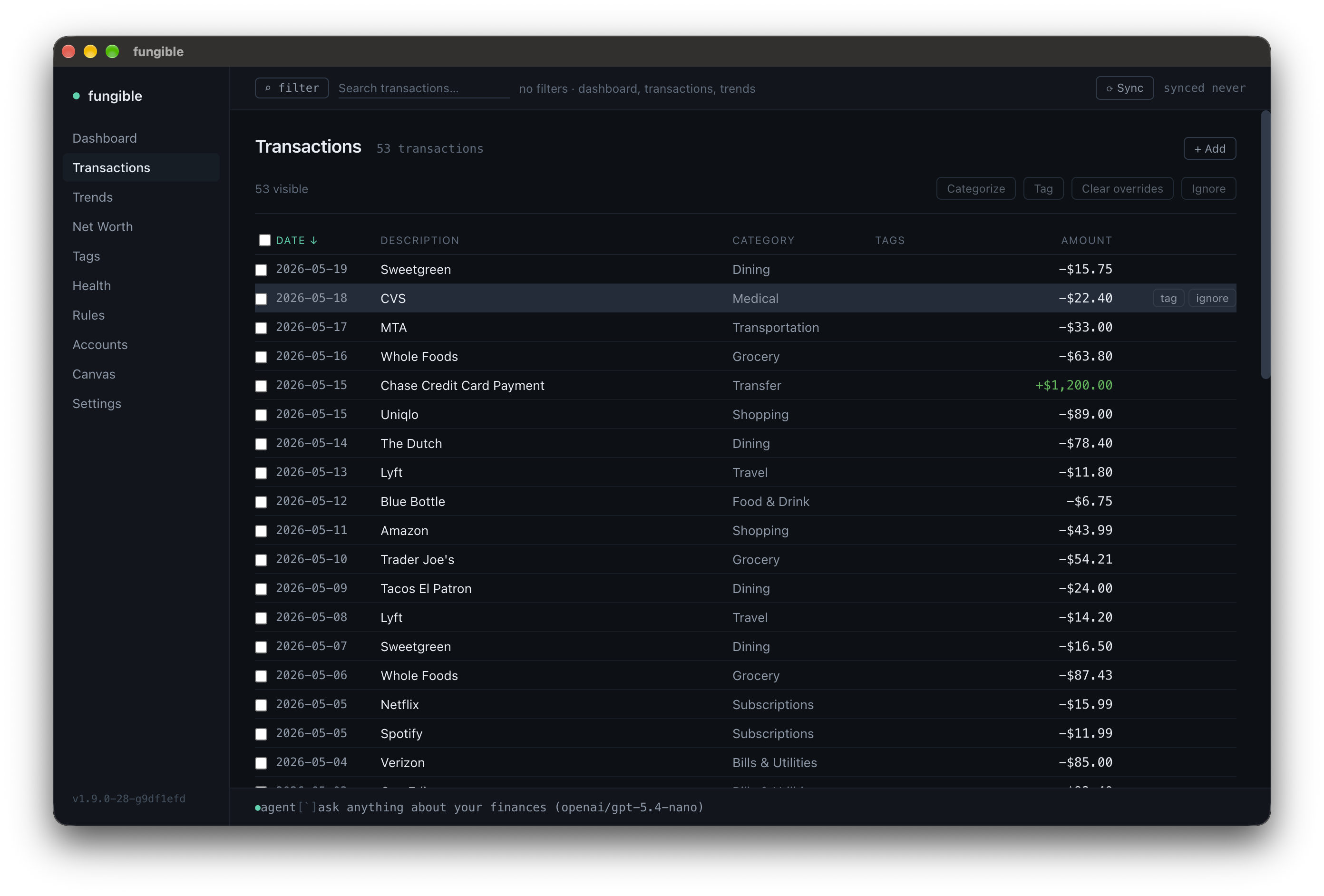
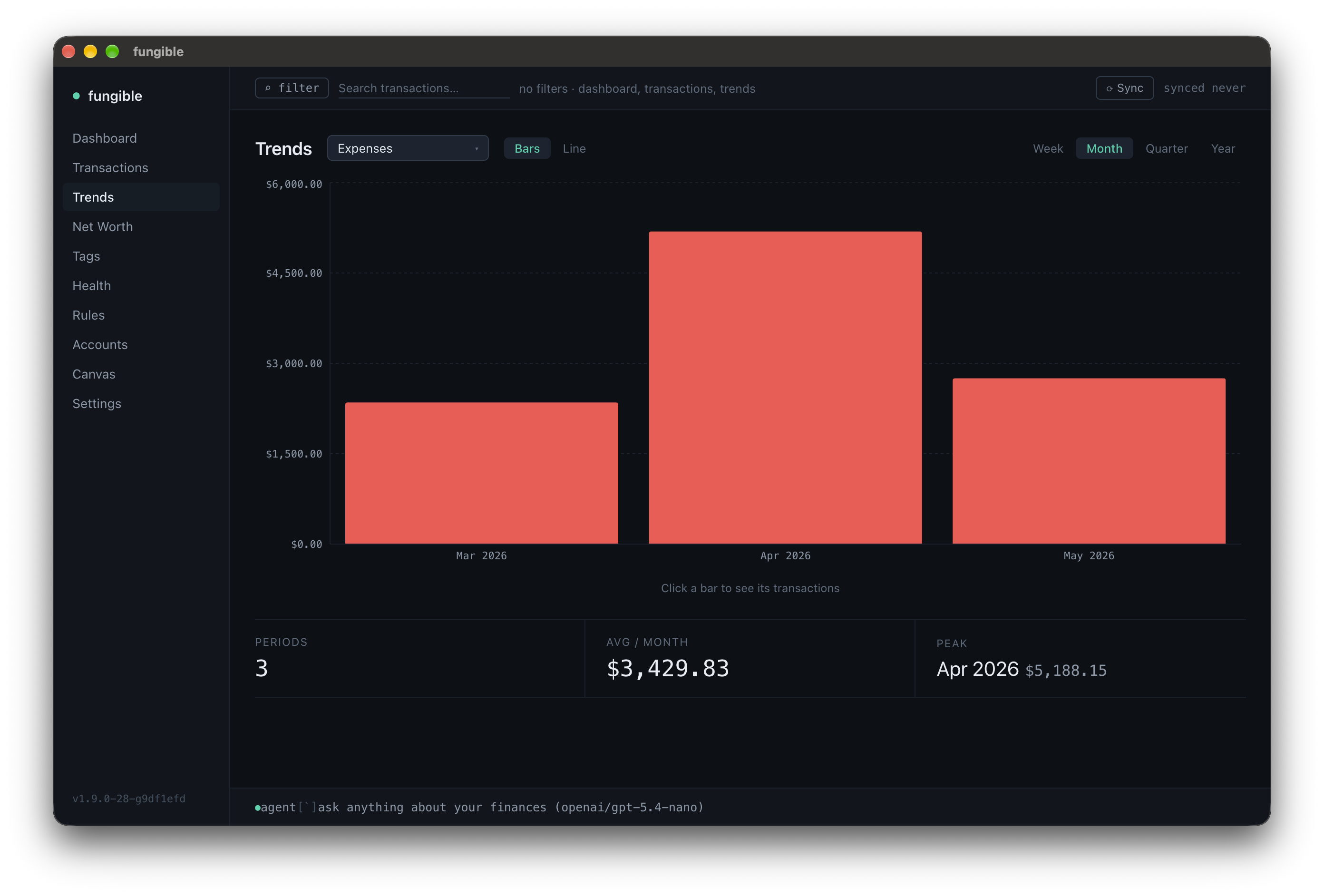
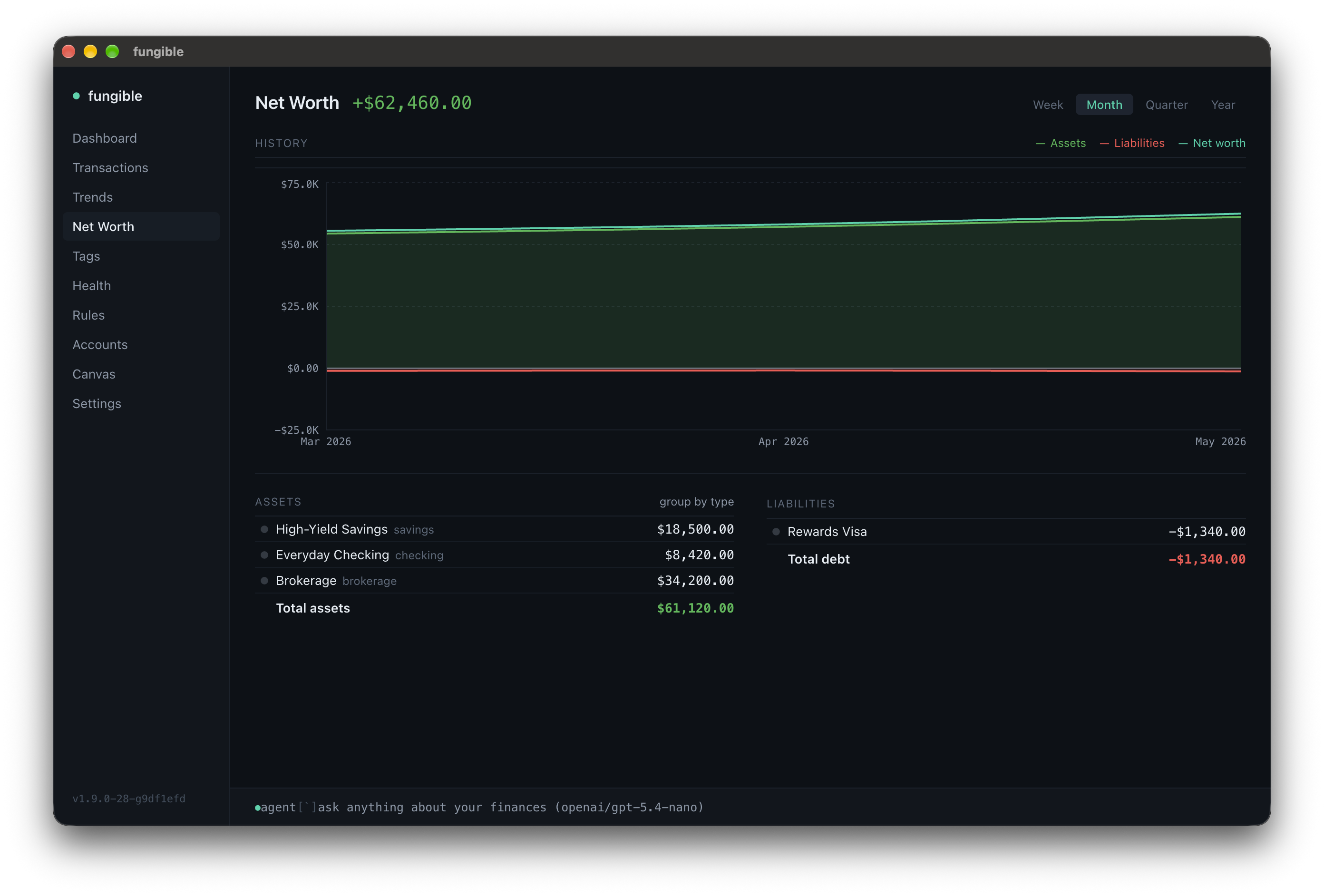
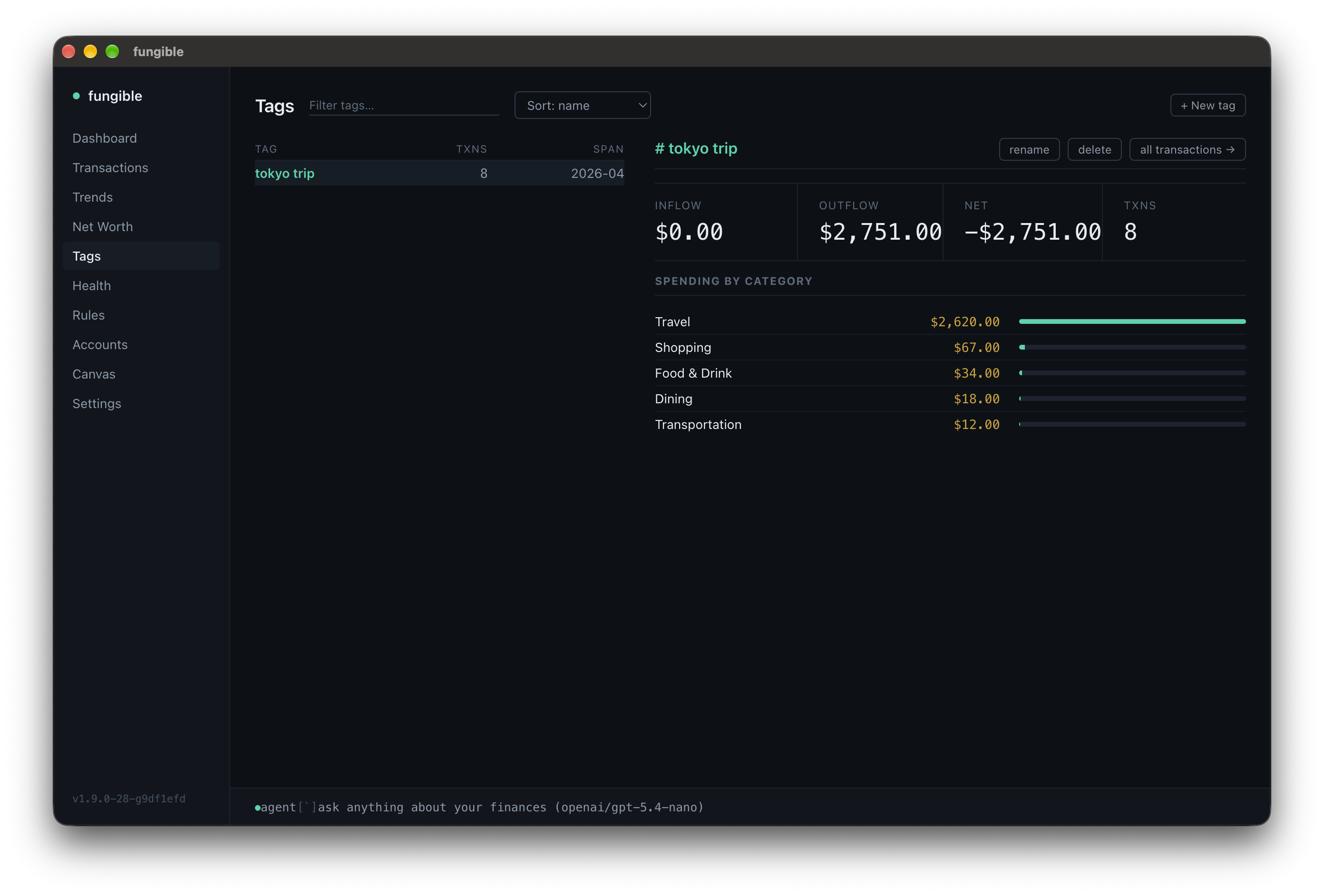
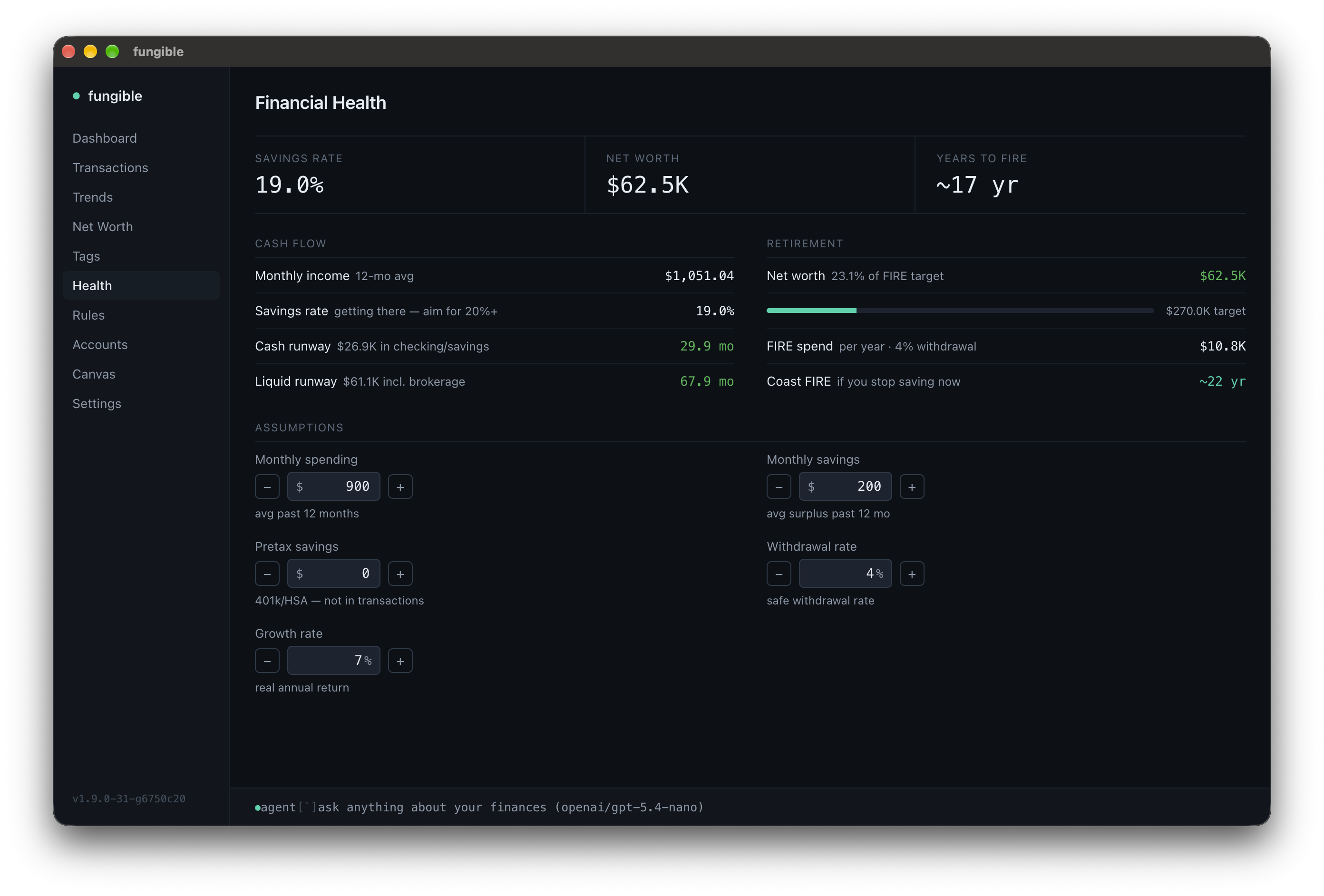
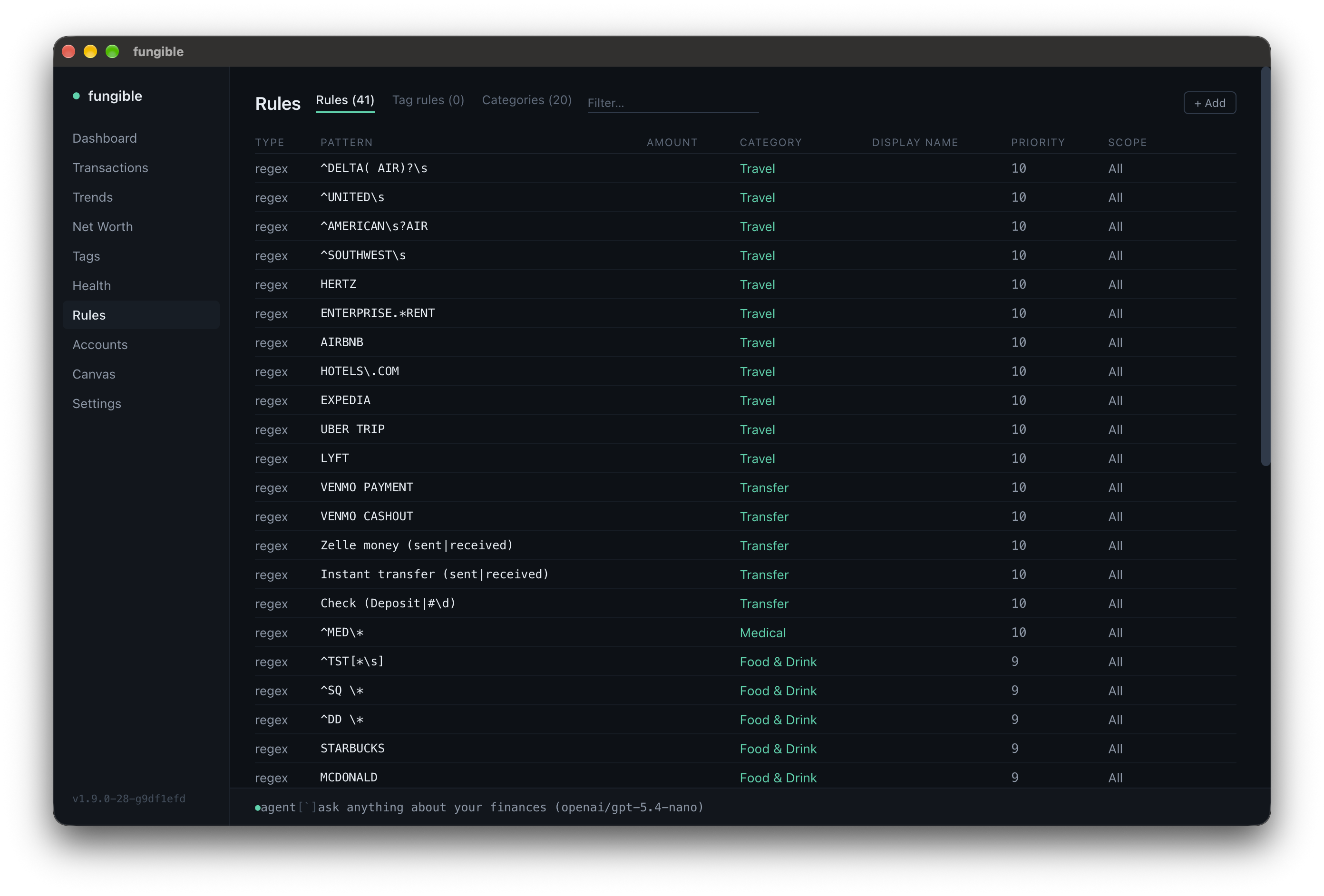
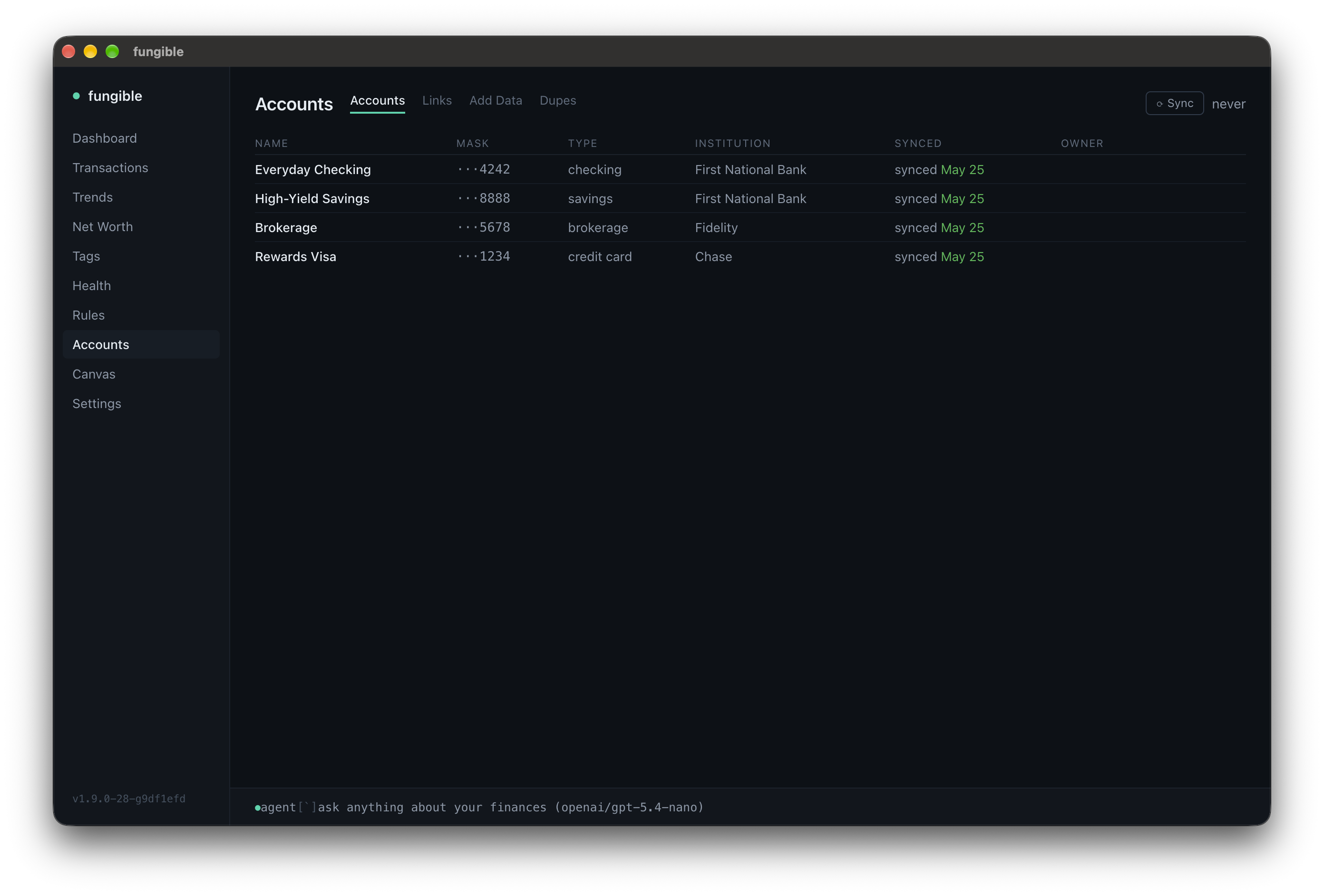
Personal finance, keyboard-first. Available as a terminal UI or a desktop app — both running over the same local data: Plaid sync, CSV import, categorize, tag, search, analyze. Plus an MCP server so Claude can read and manage it for you.
 |  |
 |  |
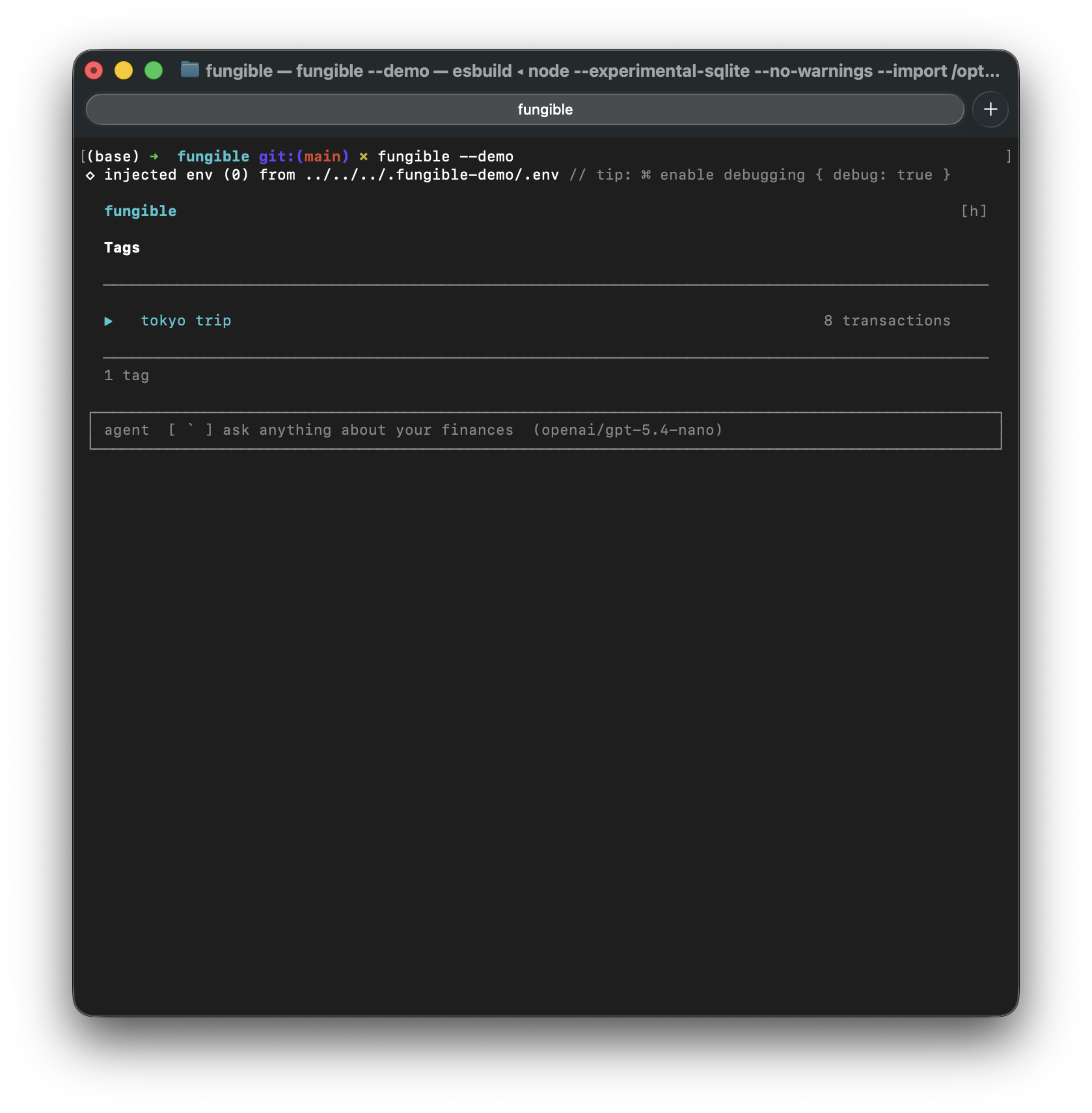 | 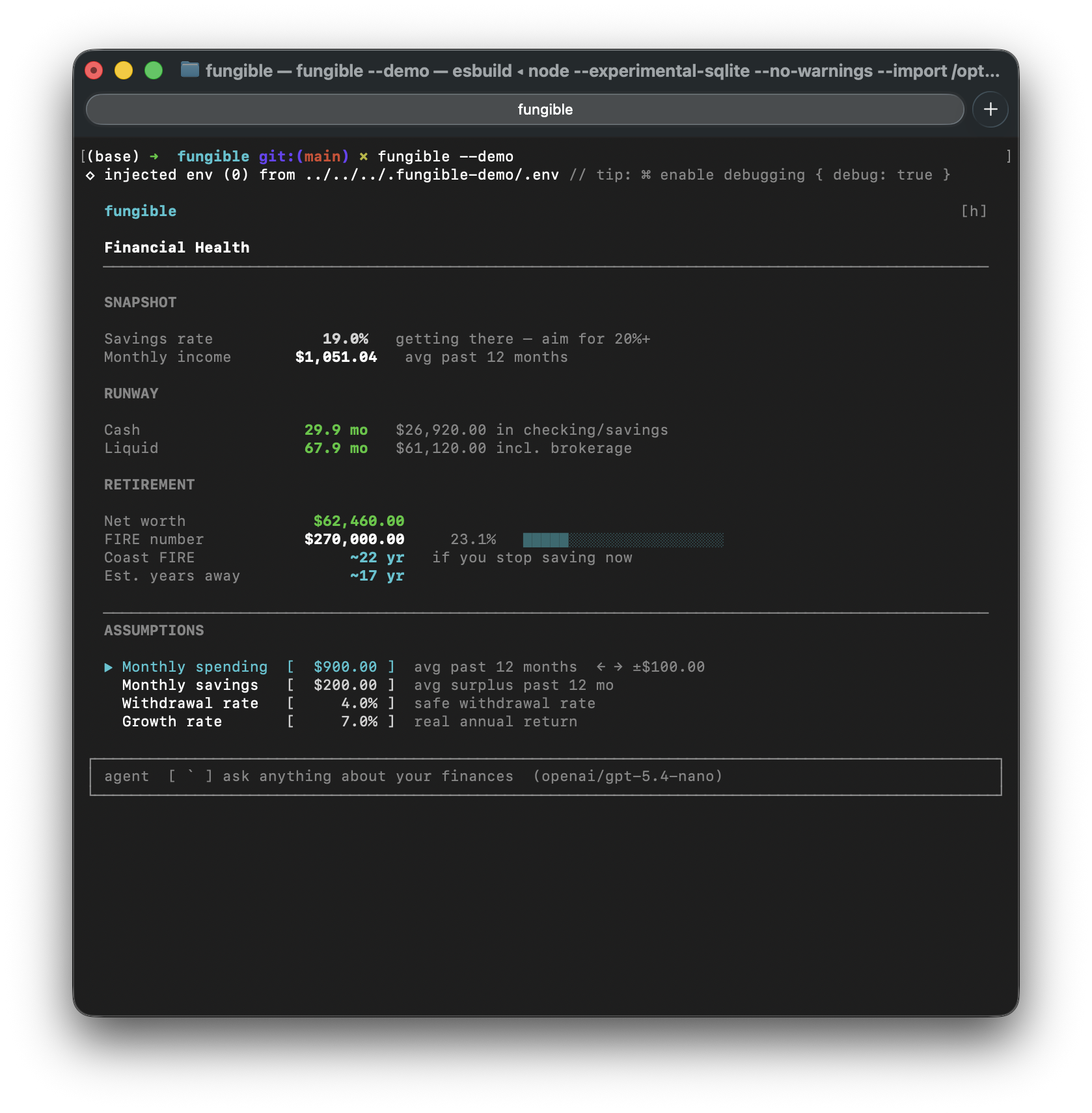 |
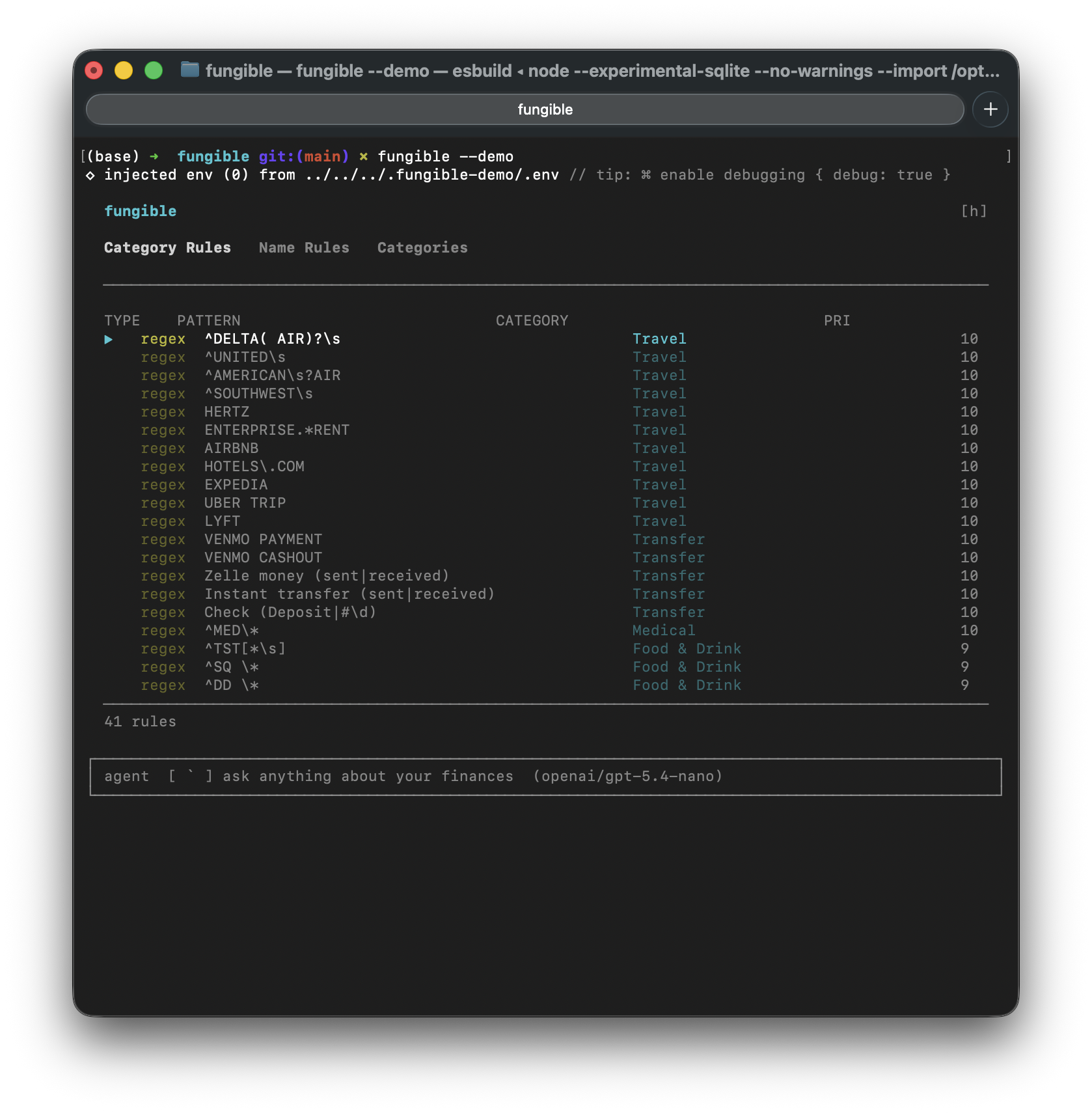 | 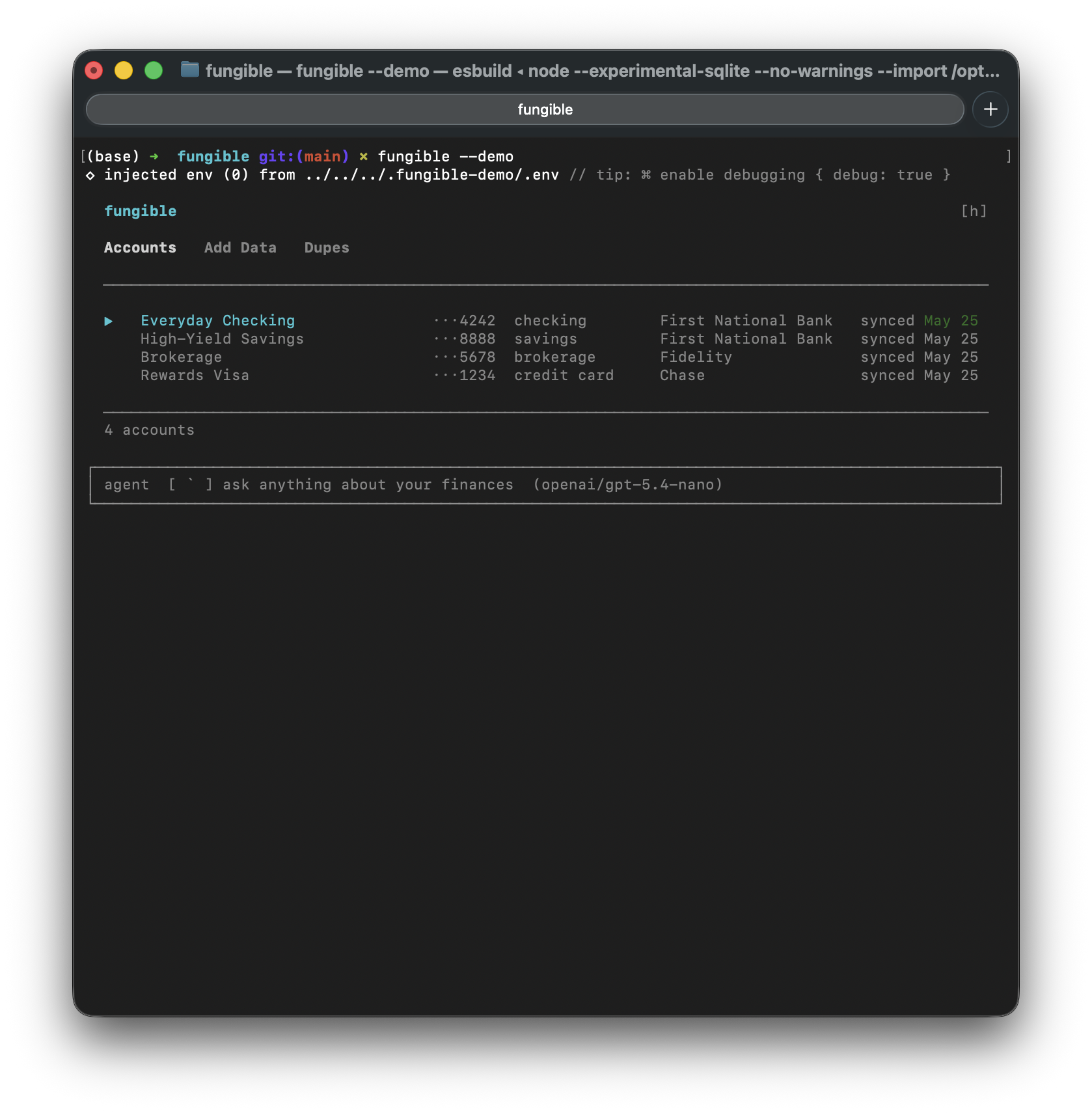 |
接入你的智能体
从发布者处安装。不是 PlugMCP 端点。
远程 URL 还是本机命令? 两种安装方式的区别
来自发布者
Personal finance, keyboard-first. Available as a terminal UI or a desktop app — both running over the same local data: Plaid sync, CSV import, categorize, tag, search, analyze. Plus an MCP server so Claude can read and manage it for you.
Terminal UI and Desktop GUI for personal finance — Plaid sync, CSV import, AI assistant, and MCP server
| |
| |
| |
| |
 |  |
 |  |
 |  |
 |  |
date,account,balance CSV to fill in net worth history~/.fungible/backups/, last 7 by default (configurable via FUNGIBLE_BACKUP_DAYS)fungible --demo
Spins up a fully pre-loaded instance with fake accounts, transactions, tags, and rules — completely isolated from any real data. Good for exploring before connecting a bank.
In the desktop app, pick "Try Demo Mode" from the app menu (macOS) or Help menu (Windows/Linux) — the app relaunches with the same isolated demo dataset.
Homebrew (recommended)
brew tap tomfunk/fungible
brew install fungible
fungible --setup     # first-time setup wizard
fungible --version   # print installed version
fungible
From source (Node.js 22+, also works on Linux/WSL)
git clone https://github.com/tomfunk/fungible
cd fungible
npm install
npm run dev -- --setup   # first-time setup
npm run dev
Download an installer from the latest release (macOS arm64, Windows x64, Linux x64), or run from source:
npm install
npm run gui
The GUI reads/writes the same ~/.fungible/ database as the TUI — switch freely.
For first-launch caveats on the un-notarized installers (Gatekeeper, SmartScreen) and packaging details, see docs/gui.md.
Data and config live at ~/.fungible/ (override with $FUNGIBLE_DATA_DIR). Plaid access tokens are encrypted at rest using a key file at ~/.fungible/key — do not delete this file or you will need to re-link your accounts. A free Plaid developer account (sandbox tier) is enough.
These banks send you to their own site to sign in. In a desktop browser Plaid opens that site in a popup, which needs no setup. If Link fails before you reach the bank, the page shows Plaid's error code and Link session ID. In production, a code like INSTITUTION_REGISTRATION_REQUIRED means your Plaid team is not yet enabled for that bank: check US OAuth institutions in the Plaid Dashboard (Chase also requires the security questionnaire).
If popups are not an option, fungible can take the bank's full-page redirect instead. Plaid accepts http://localhost redirect URIs only in sandbox; in production the redirect must be HTTPS, so the local link server needs a certificate for localhost, for example from mkcert:
mkcert -install   # adds mkcert's local CA to your system trust store (once)
mkcert -cert-file ~/.fungible/localhost.pem -key-file ~/.fungible/localhost-key.pem localhost
Then add to ~/.fungible/.env, using full paths (~ is not expanded there):
PLAID_REDIRECT_URI=https://localhost:4747/oauth-return
FUNGIBLE_LINK_TLS_CERT=/Users/you/.fungible/localhost.pem
FUNGIBLE_LINK_TLS_KEY=/Users/you/.fungible/localhost-key.pem
and register the same URI, exactly as written, under Allowed redirect URIs on the Plaid Dashboard's Developers > API page. The link server then listens on that port, over HTTPS. Leave PLAID_REDIRECT_URI unset to keep the default behaviour.
FUNGIBLE_MCP_PORT and FUNGIBLE_API_PORT (in ~/.fungible/.env) override the defaults.
Full per-screen keybindings: docs/keybindings.md.
docs/keybindings.md — per-screen keyboard referencedocs/integrations.md — HTTP API and MCP server setup, full tool listdocs/gui.md — desktop app install, packaging, release flowdocs/testing.md — how to run tests and what each kind should assertCONTRIBUTING.md — branching policy, tests, PRsTerminal UI and Desktop GUI for personal finance — Plaid sync, CSV import, AI assistant, and MCP server
工具
暂无工具列表。远程服务器在首次健康检查后会获得工具列表。
常见问题
在本页复制适用于 Cursor、Claude Desktop、Claude Code 或 VS Code 的 stdio 配置。它使用发布者的安装方式,而不是 PlugMCP 代理。
此记录未列出必需的环境变量。
Fungible 通过 stdio 在本地运行。
上次检查时间:2026-11-05。 Terminal UI and Desktop GUI for personal finance — Plaid sync, CSV import, AI assistant, and MCP server