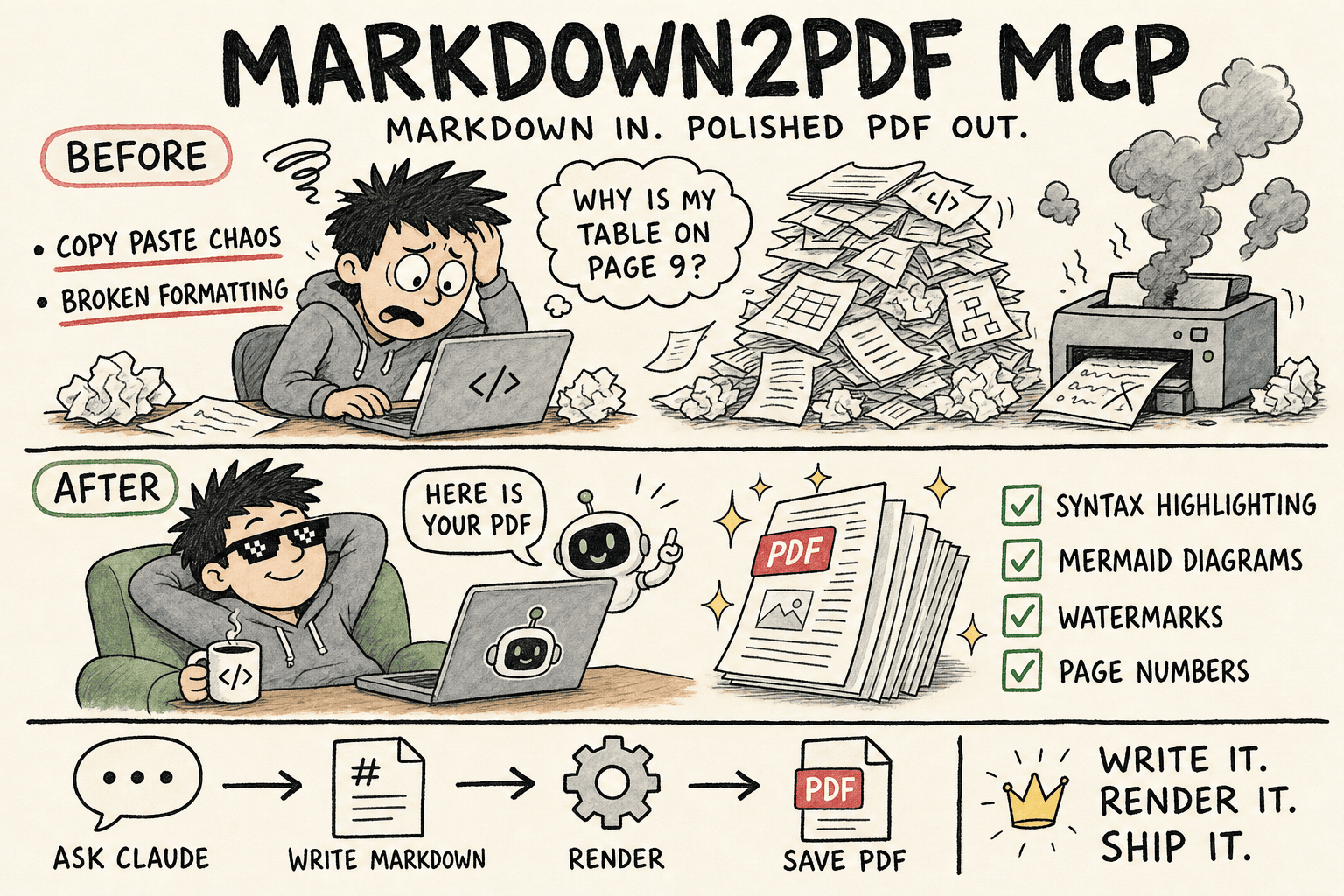
An MCP server for converting Markdown documents to PDF files. This server provides a simple and efficient way to generate PDFs from Markdown content with support for syntax highlighting, custom styling, optional page numbers, and flexible watermark placement (first page only or all pages).
High-performance batch conversions sharing a single browser session (batch_create_pdf)
Pre-flight Markdown validation and linting without launching a browser (validate_markdown)
Built-in visual themes: default, github, academic, report, and minimal
Custom CSS styling and font overrides
Asymmetric margin support (margin: { top, right, bottom, left })
Convert from string or directly from local file path (inputPath)
Syntax highlighting for code blocks
Mermaid diagram rendering with local bundle
Modern PDF generation using Chrome's rendering engine
Optional page numbers and custom header/footer text
Watermarks with configurable scope (first page or all pages)
Limitations
The following markdown elements are not supported:
LaTeX math equations (e.g., $x^2$ or $$\sum_{i=1}^n x_i$$)
Complex mathematical formulas or scientific notation
Stick to these supported markdown elements:
Headers (all levels)
Text formatting (bold, italic, strikethrough)
Lists (ordered and unordered)
Code blocks with syntax highlighting
Tables
Blockquotes
Links
Images (base64 data URIs, or files in M2P_ASSETS_DIR; see Images)
Task lists
Mermaid diagrams
Security note: Rendering is self-contained. Raw HTML in the markdown is not passed through, and the renderer blocks local file reads and outbound requests by default. See the security advisory.
Mermaid Diagrams
To render a Mermaid diagram, use a mermaid code block:
´´´markdown
graph TD;
    A-->B;
    A-->C;
    B-->D;
    C-->D;
´´´
If there is a syntax error in your diagram, the error message will be rendered in the PDF, helping you to debug it. You can also run validate_markdown prior to conversion to check Mermaid diagram syntax.
Installation (from source)
# Clone the repository
git clone https://github.com/2b3pro/markdown2pdf-mcp.git

# Navigate to the project directory
cd markdown2pdf-mcp

# Install dependencies
npm install

# Build the project
npm run build
Installation (via npm)
npm install markdown2pdf-mcp
Usage
MCP Tools Overview
The server provides three focused tools:
create_pdf_from_markdown: Convert a Markdown document to PDF with extensive layout, theme, and margin configuration.
batch_create_pdf: Convert multiple Markdown documents or files in a single call using a shared browser session.
validate_markdown: Fast pre-flight check that validates Markdown syntax, Mermaid blocks, asset paths, and size limits without browser launch overhead.
1. create_pdf_from_markdown
{
  // Content inputs (provide at least one)
  markdown?: string;        // Raw Markdown string content
  inputPath?: string;       // Or path to a local .md file on disk

  // Layout & Formatting
  outputFilename?: string;  // Target PDF path (e.g., "report.pdf", "out/q3.pdf")
  paperFormat?: string;     // 'letter' (default), 'a4', 'a3', 'a5', 'legal', 'tabloid'
  paperOrientation?: string;// 'portrait' (default), 'landscape'
  paperBorder?: string;     // Uniform border margin (e.g., '20mm', '1.5in')
  margin?: {                // Asymmetric margins (overrides paperBorder)
    top?: string;
    right?: string;
    bottom?: string;
    left?: string;
  };

  // Themes & Styling
  theme?: string;           // 'default', 'github', 'academic', 'report', 'minimal'
  customCss?: string;       // Custom CSS injected into the page

  // Header, Footer & Watermark
  watermark?: string;       // Watermark text (max 15 characters, uppercase)
  watermarkScope?: string;  // 'all-pages' (default) or 'first-page'
  showPageNumbers?: boolean;// Show page numbers in footer (default: false)
  headerText?: string;      // Custom running header text
  footerText?: string;      // Custom running footer text
}
Returns document stats, warnings (such as unsupported LaTeX math or stripped HTML tags), and errors (such as broken image references or oversized files).
## Running on Demand with `npx`

You can run the server without a permanent local install by asking `npx` to grab the latest package and execute its entrypoint:

```bash
npx -y markdown2pdf-mcp@latest
This command installs the package into a temporary workspace and then starts the MCP server via its bundled CLI. Point your MCP-aware client (e.g., Cline or Claude Desktop) to this command to spin up the server on demand.
Configuration
Output Directory
You can configure the output directory in your MCP settings file for apps that use MCP such as Cline or Claude. If not configured, it will save files to $HOME:
M2P_OUTPUT_DIR is the default location. A path in outputFilename takes precedence: an absolute path is used as-is, and a relative path (e.g., reports/q3.pdf) is placed under M2P_OUTPUT_DIR (or $HOME if it is not set).
The tool automatically handles file name conflicts by appending incremental numbers (e.g., output.pdf, output-1.pdf, output-2.pdf).
Images
For security, the renderer does not load images from arbitrary local paths or external URLs. You have three options:
Base64 data URIs work everywhere with no configuration: 
An assets directory. Set M2P_ASSETS_DIR and reference images by relative path. Only files that resolve inside that directory load; ../ traversal, symlinks pointing outside it, and absolute paths elsewhere are blocked.
"env": {
  "M2P_ASSETS_DIR": "/path/to/images"
}

Manual override (unsafe). Start the server with --dangerously-allow-images (or set M2P_DANGEROUSLY_ALLOW_ALL_IMAGES=true) to load images from any local path or URL, as in versions before 2.2.0. This reopens the file disclosure and SSRF issues described in the advisory, so only use it when every piece of markdown the server receives is fully trusted. Raw HTML stays disabled either way.
This will log processing steps to stderr without interfering with MCP communication.
Prefer a locally built version? Swap "command" back to node and point "args" to the compiled build/index.js path instead of using npx, for example: "args": ["/path/to/markdown2pdf-mcp/build/index.js"].
This package uses Chrome v131.0.6778.204 for consistent PDF generation across all installations. This version is automatically installed when you run npm install.
# Build the project
npm run build

# Start the server
npm start
Support
Markdown2PDF MCP is free and open source. If it saves you time turning Markdown into polished PDFs, consider buying me a coffee and croissant! It helps keep the updates coming.
Noch keine Tool-Liste. Remote-Server erhalten eine nach dem ersten Health-Check.
FAQ
Fragen
Wie installiere ich Markdown2pdf?
Kopieren Sie auf dieser Seite die stdio-Konfiguration für Cursor, Claude Desktop, Claude Code oder VS Code. Sie nutzt die Installation des Herausgebers, keinen PlugMCP-Proxy.
Benötigt Markdown2pdf einen API-Schlüssel?
In diesem Eintrag ist keine erforderliche Umgebungsvariable aufgeführt.
Welchen Transport verwendet Markdown2pdf?
Markdown2pdf läuft lokal über stdio.
Wann wurde Markdown2pdf zuletzt geprüft?
Zuletzt geprüft: 2026-11-05. MCP Server for converting markdown to PDF