notion-mcp
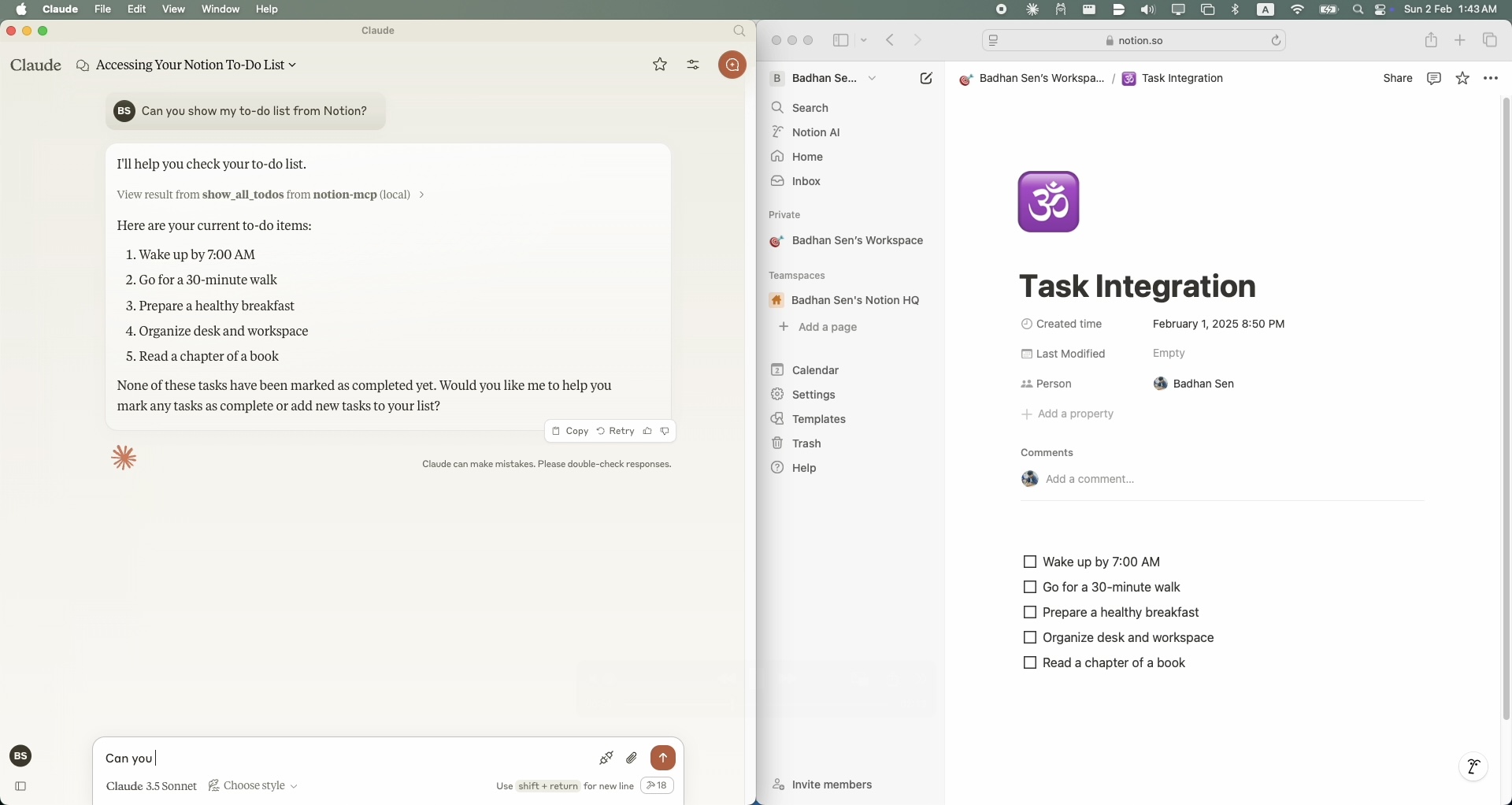
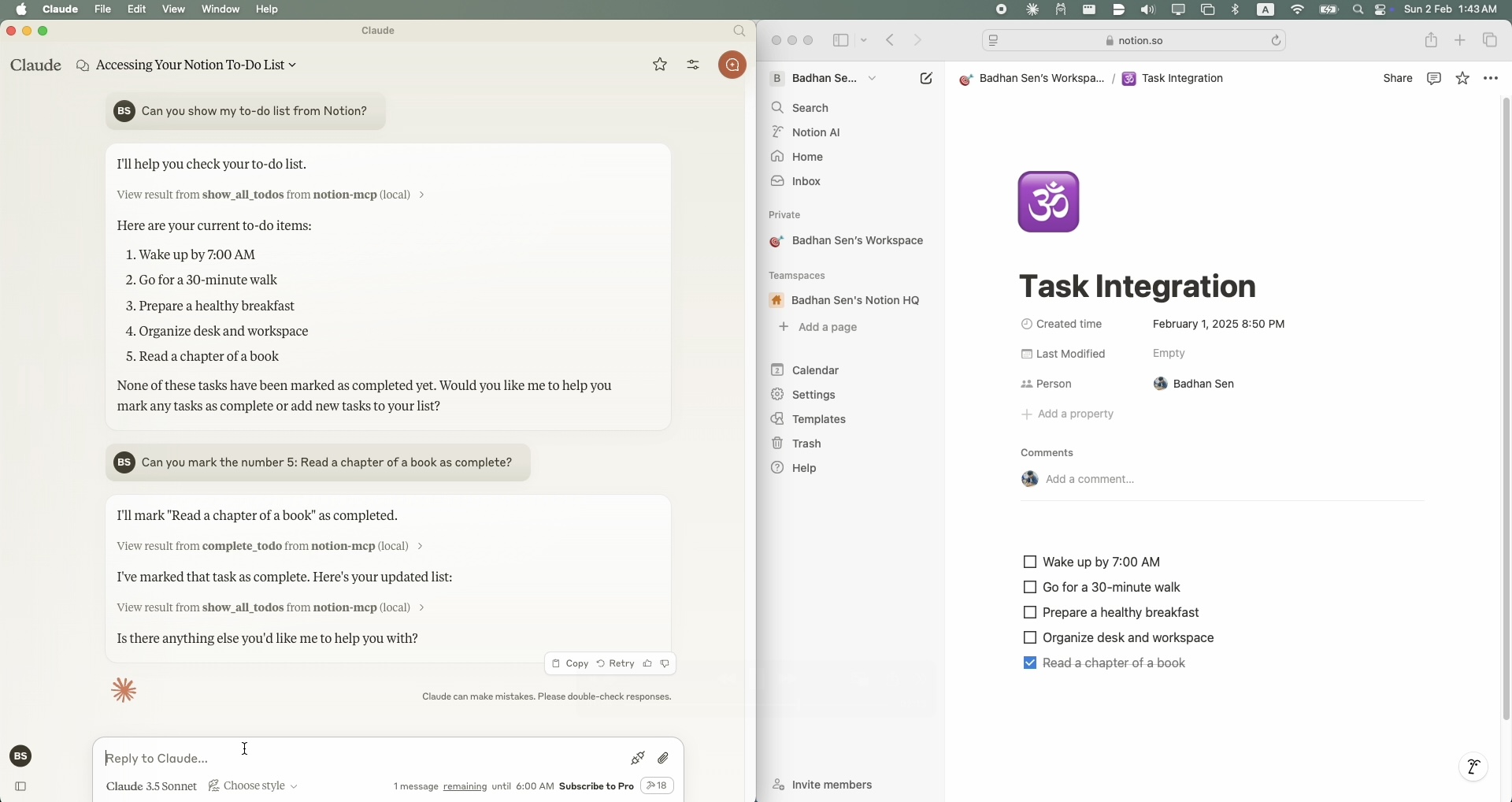
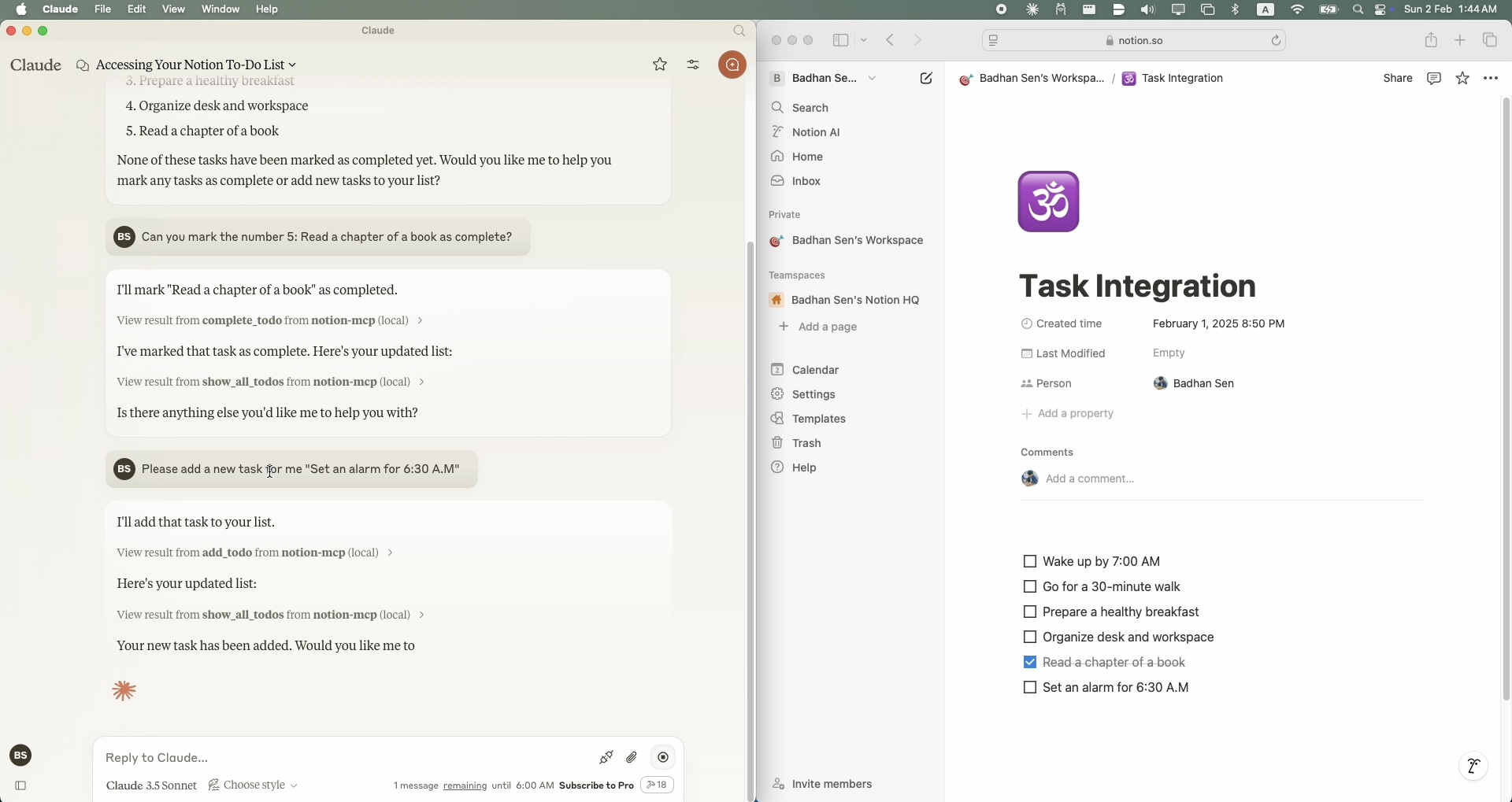
A simple Model Context Protocol (MCP) server that integrates with Notion's API to manage my personal todo list.
Agenten stärken
Installation vom Herausgeber. Kein PlugMCP-Endpunkt.
Host a copy with our keys and logs.
Noch kein paketiertes Release in der Registry. Folgen Sie der README des Repositorys.
Remote-URL oder ein Befehl auf Ihrem Rechner? Worin sich die beiden Installationen unterscheiden
Auf PlugMCP ausführen
A new server you create. It is not this listing's official endpoint. Use the publisher install when you want their URL and their credentials.
Starten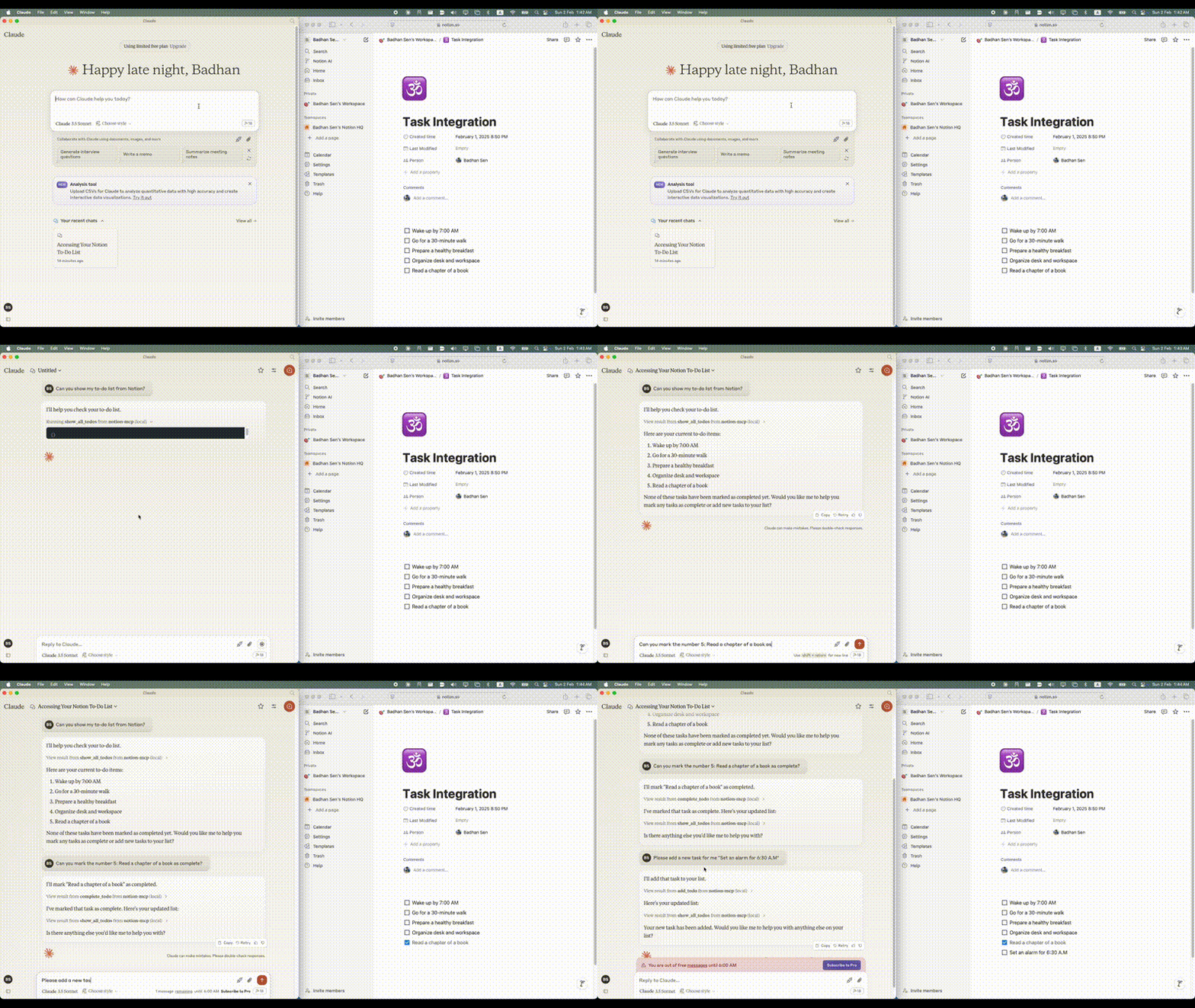
To install Notion MCP for Claude Desktop automatically via Smithery:
npx -y @smithery/cli install @Badhansen/notion-mcp --client claude
git clone https://github.com/Badhansen/notion-mcp.git
cd notion-mcp
uv venv
source .venv/bin/activate
uv pip install -e .
.env file:cp .env.example .env
.env:NOTION_TOKEN=<your-notion-api-token>
PAGE_ID=<your-notion-page-id>
NOTION_VERSION="2022-06-28"
NOTION_BASE_URL="https://api.notion.com/v1"
claude_desktop_config.json file.
Go to Claude Desktop -> Settings -> Developer -> Edit Config. Now add the Notion server configuration.{
"mcpServers": {
"notion-mcp": {
"command": "uv",
"args": [
"--directory",
"/Users/username/Projects/Python/notion-mcp/src" /* Path to your project */,
"run",
"server.py"
]
}
}
}
Project structure:
notion-mcp/
├── docs/
├── src/
│ └── server.py
├── .env
├── .python-version
├── README.md
├── pyproject.toml
└── uv.lock
To show all tasks from your Notion workspace, use the show_all_todos function:
{
    "name": "show_all_todos",
    "arguments": {}
}
To add a new task to your Notion workspace, use the add_todo function:
{
    "name": "add_todo",
    "arguments": {
        "task": "Your task description"
    }
}
To update an existing task in your Notion workspace, use the complete_todo function:
{
    "name": "complete_todo",
    "arguments": {
        "task_id": "your-task-id"
    }
}
MIT License. See LICENSE file for details.
A simple Model Context Protocol (MCP) server that integrates with Notion's API to manage my personal todo list.
Tools
Noch keine Tool-Liste. Remote-Server erhalten eine nach dem ersten Health-Check.
FAQ
Kopieren Sie auf dieser Seite die stdio-Konfiguration für Cursor, Claude Desktop, Claude Code oder VS Code. Sie nutzt die Installation des Herausgebers, keinen PlugMCP-Proxy.
In diesem Eintrag ist keine erforderliche Umgebungsvariable aufgeführt.
Notion läuft lokal über stdio.
Zuletzt geprüft: 2026-10-28. A simple Model Context Protocol (MCP) server that integrates with Notion's API to manage my personal todo list.

