KDAN PDF MCP
Organize, protect, compare & redact PDFs — just by chatting.
Agenten stärken
Die eigene URL des Herausgebers. Kein PlugMCP-Endpunkt.
Host a copy with our keys and logs.
https://mcp.kdandoc.com/mcpDie Claude-Schaltfläche oben öffnet Claude mit ausgefülltem Namen und ausgefüllter URL. Sie bestätigen dort noch.
claude mcp add --transport http com.kdandoc.mcp-kdan-pdf-mcp https://mcp.kdandoc.com/mcpRun in a terminal.
{ "mcpServers": { "com.kdandoc.mcp-kdan-pdf-mcp": { "command": "npx", "args": [ "-y", "mcp-remote", "https://mcp.kdandoc.com/mcp" ] } }}claude_desktop_config.json
Remote-URL oder ein Befehl auf Ihrem Rechner? Worin sich die beiden Installationen unterscheiden
Auf PlugMCP ausführen
A new server you create. It is not this listing's official endpoint. Use the publisher install when you want their URL and their credentials.
Starten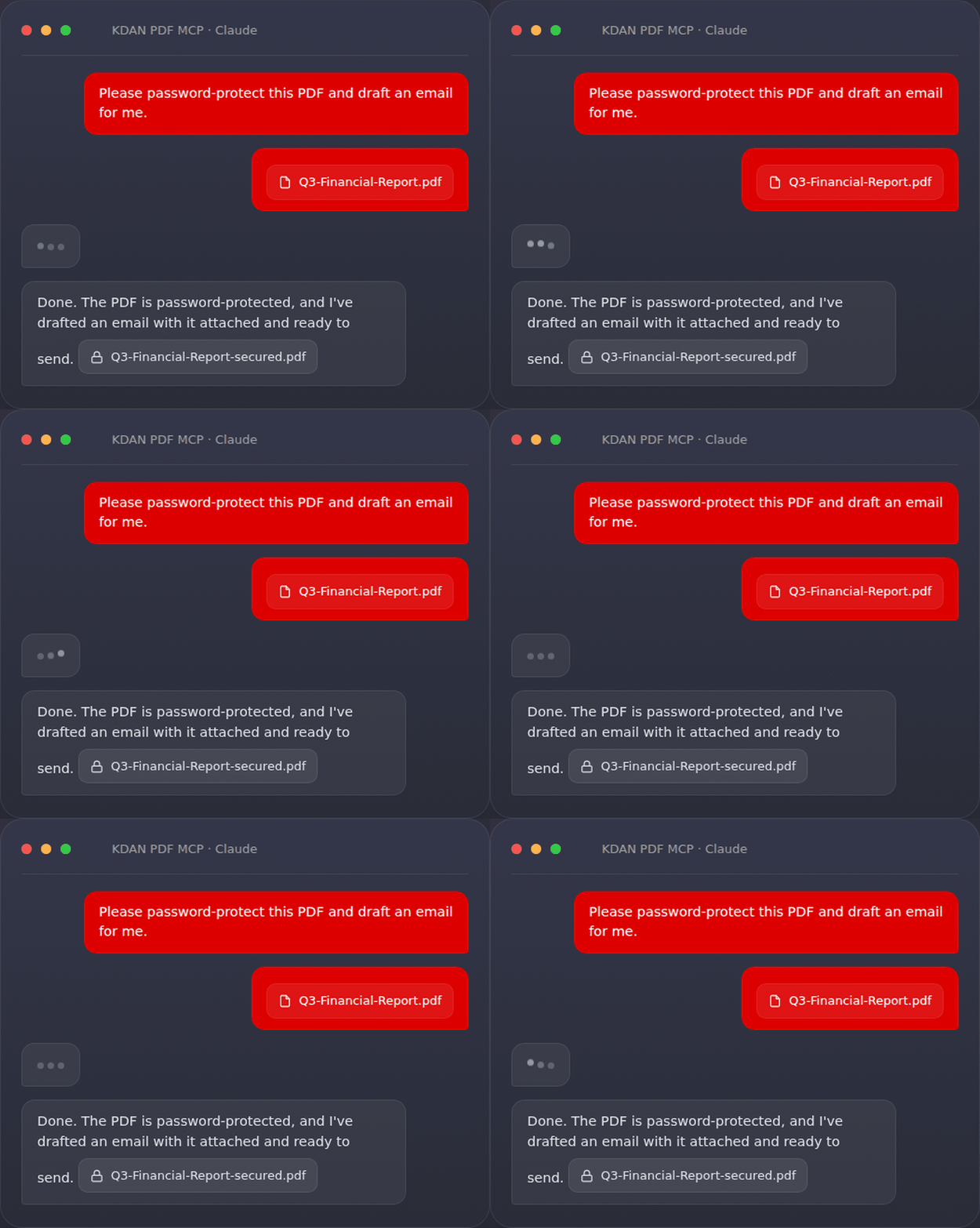
Contents: What is MCP? · Why KDAN PDF MCP · How it works · Setup on Claude · Setup on ChatGPT · What you can do · Tips · Built for every team · Feature spotlights · Prompt Pack & resources · Privacy & security · FAQ · Troubleshooting · Support
KDAN PDF MCP is a remote MCP server that lets users prepare PDFs with natural-language instructions. In supported AI assistants such as Claude or ChatGPT, users can ask KDAN PDF MCP to compress large files, remove selected pages, redact sensitive information, compare document versions, or add or update password protection before documents are shared, submitted, or reviewed.
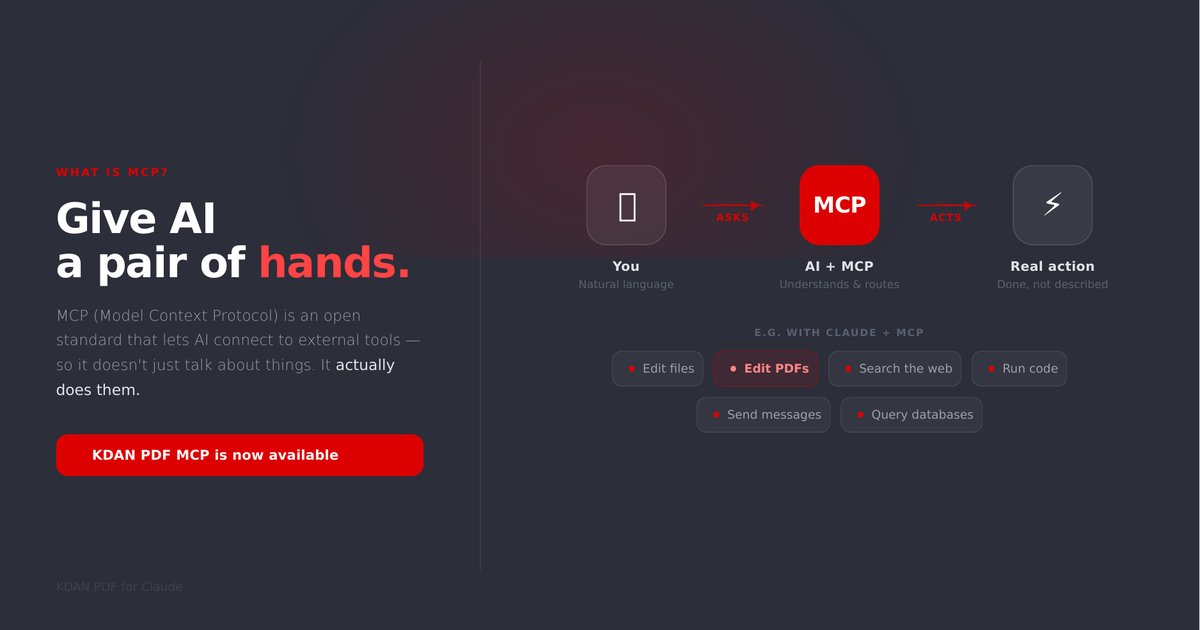
Think of an AI assistant like Claude as very capable, but with no hands — on its own it can only talk about your PDF. MCP (Model Context Protocol) is an open standard that gives the AI a real pair of hands: it can now actually open your file, edit it, and save a new copy for you. KDAN PDF MCP is the connector that plugs KDAN PDF's editing tools into that assistant.
No code, no installation, no account. You paste one link into your AI assistant once, and from then on you just type what you want in plain language.
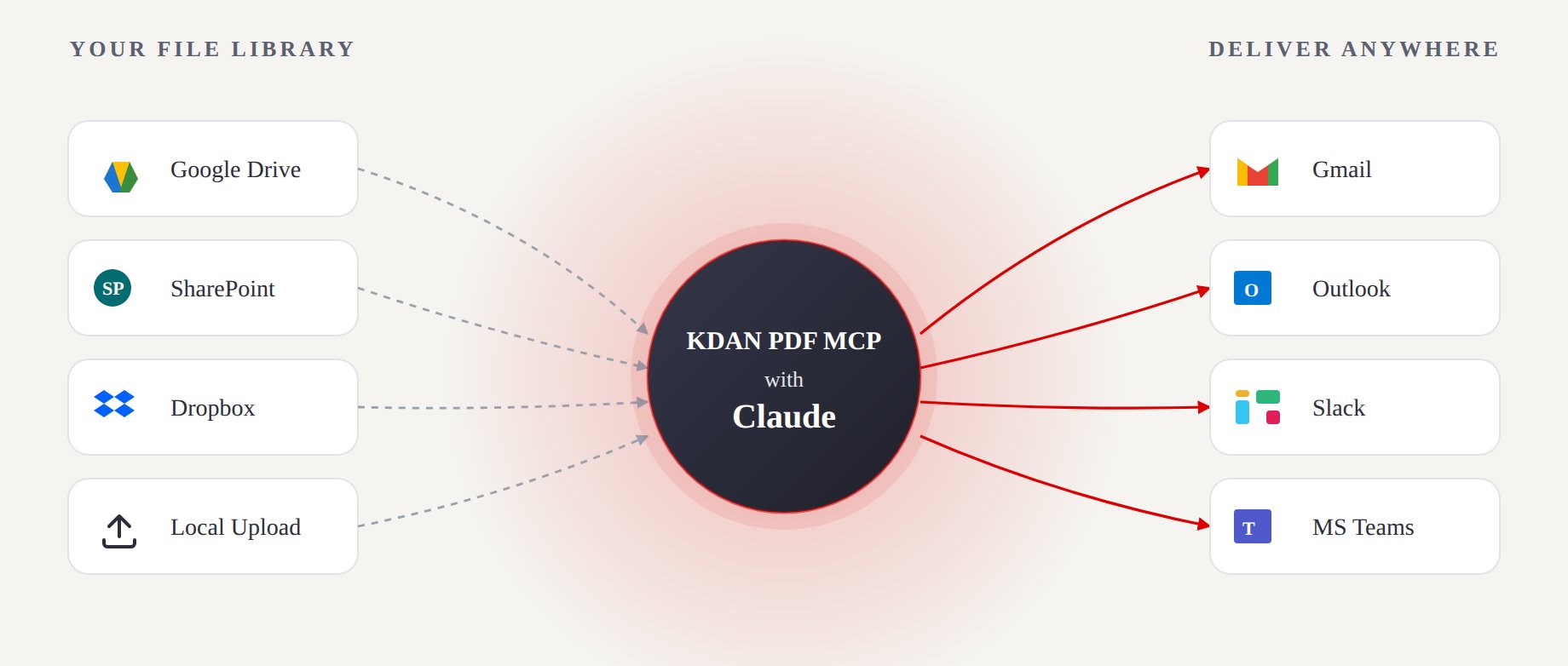
Pull a file from wherever it lives, let KDAN PDF MCP + your AI assistant do the work, and send the result straight to where your team already is.
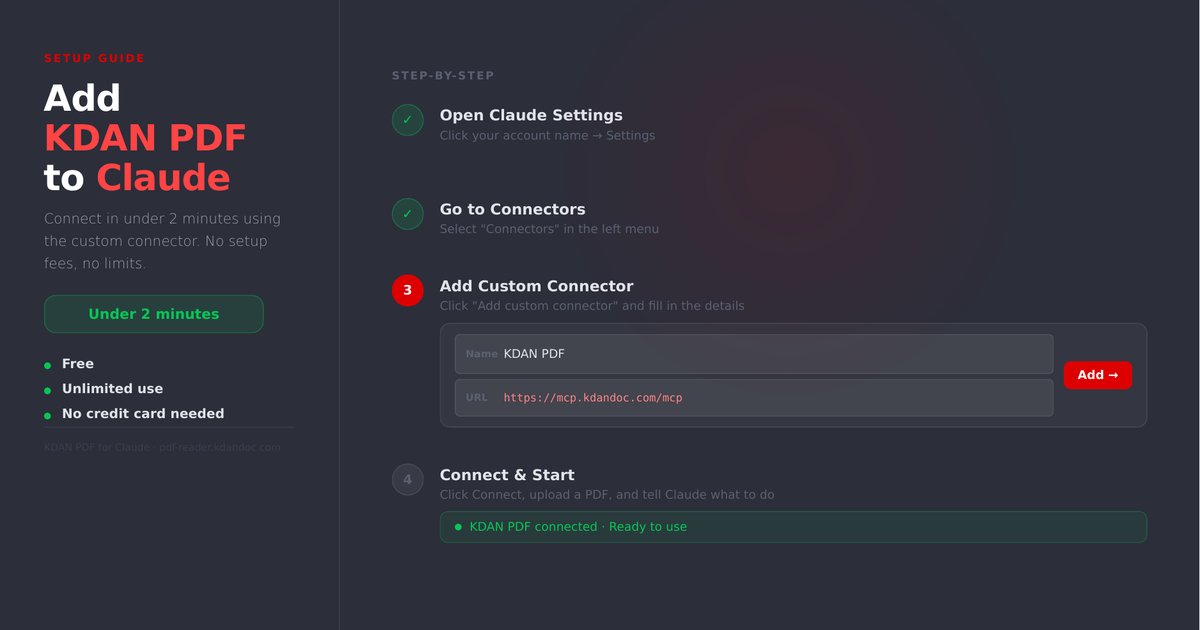
Works on free accounts. Steps are the same for both Claude Desktop and claude.ai.
https://mcp.kdandoc.com/mcp
Once connected, just tell Claude what you want — for example: "Help me compress this PDF and remove page 3."
May require a paid plan.
https://mcp.kdandoc.com/mcp
Once connected, try asking your AI assistant:
The same connector fits seven everyday workflows:
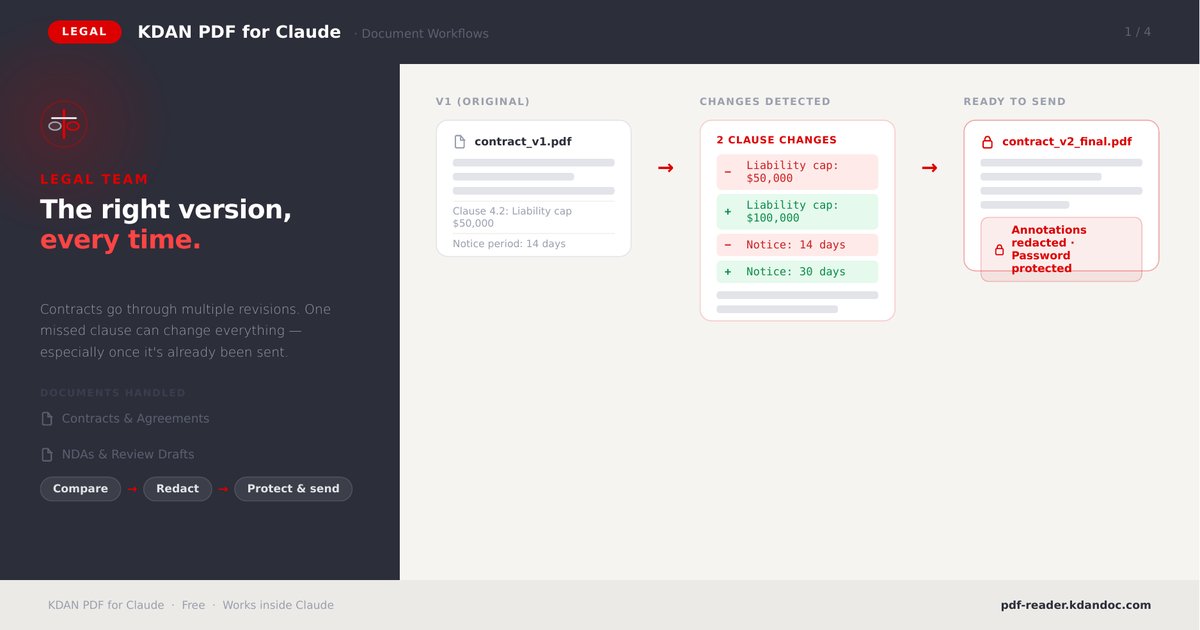
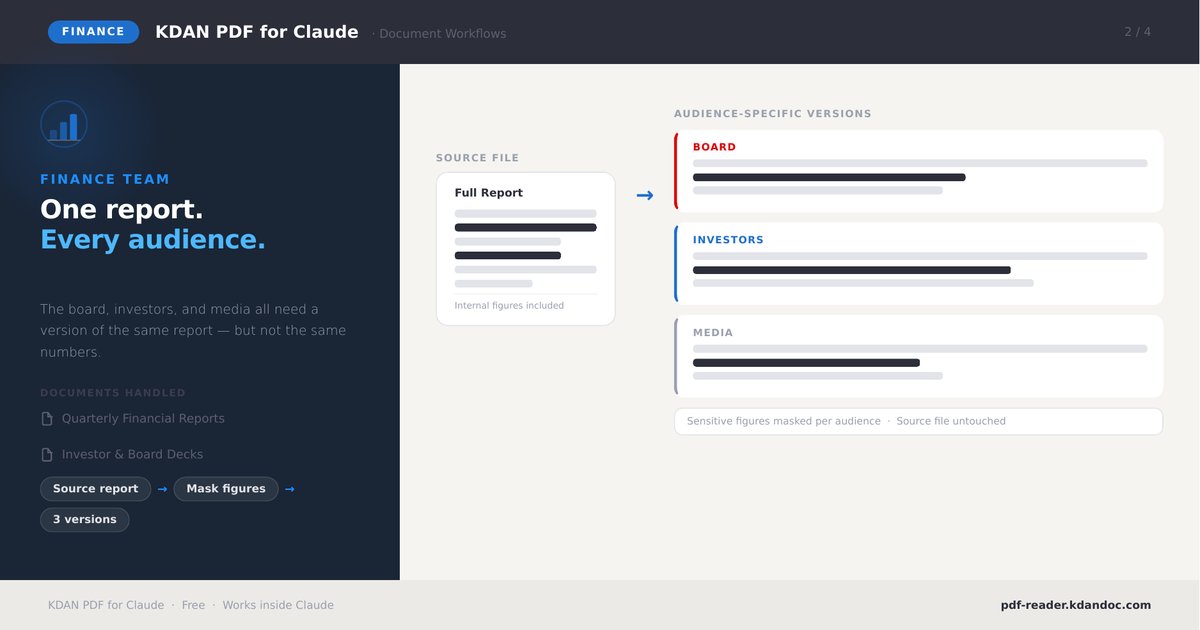
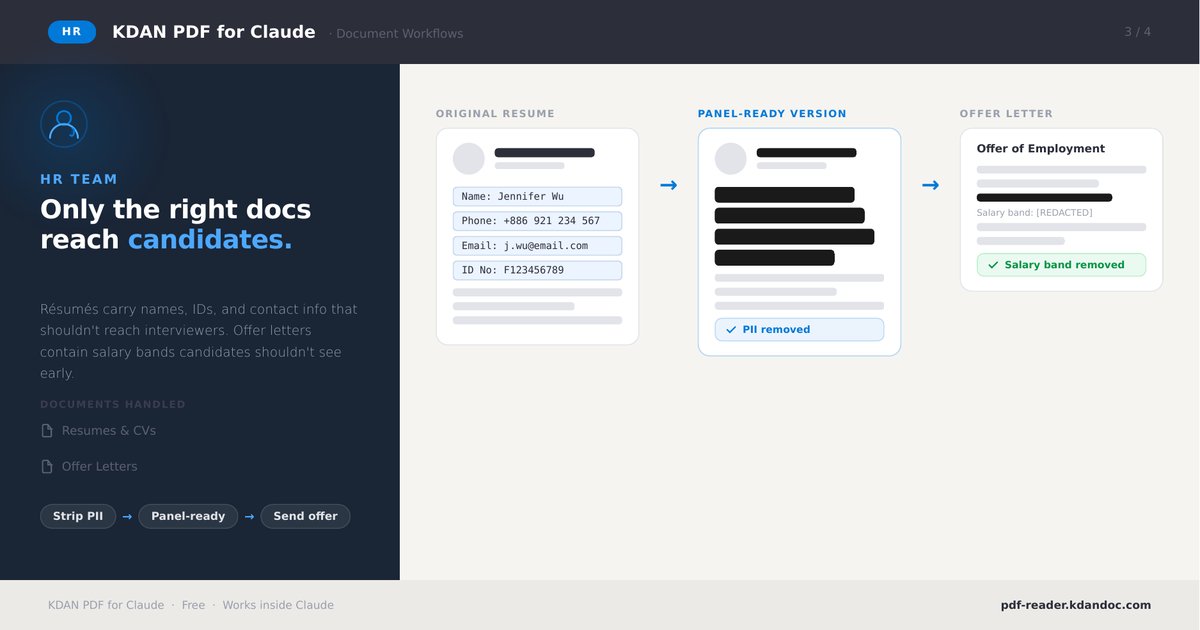
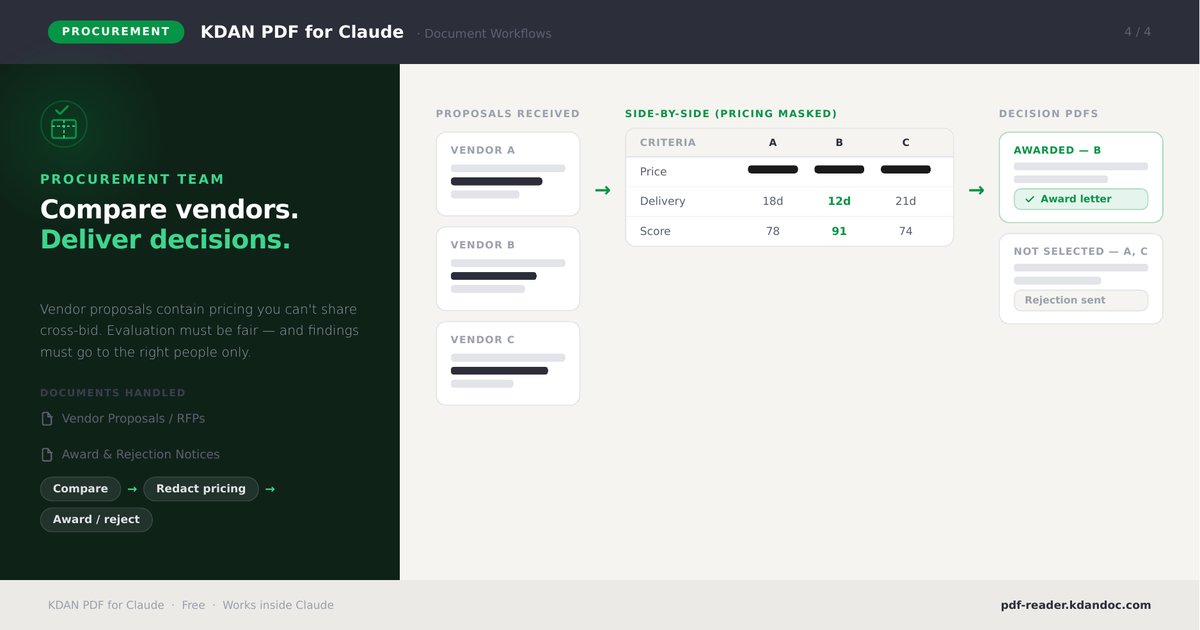
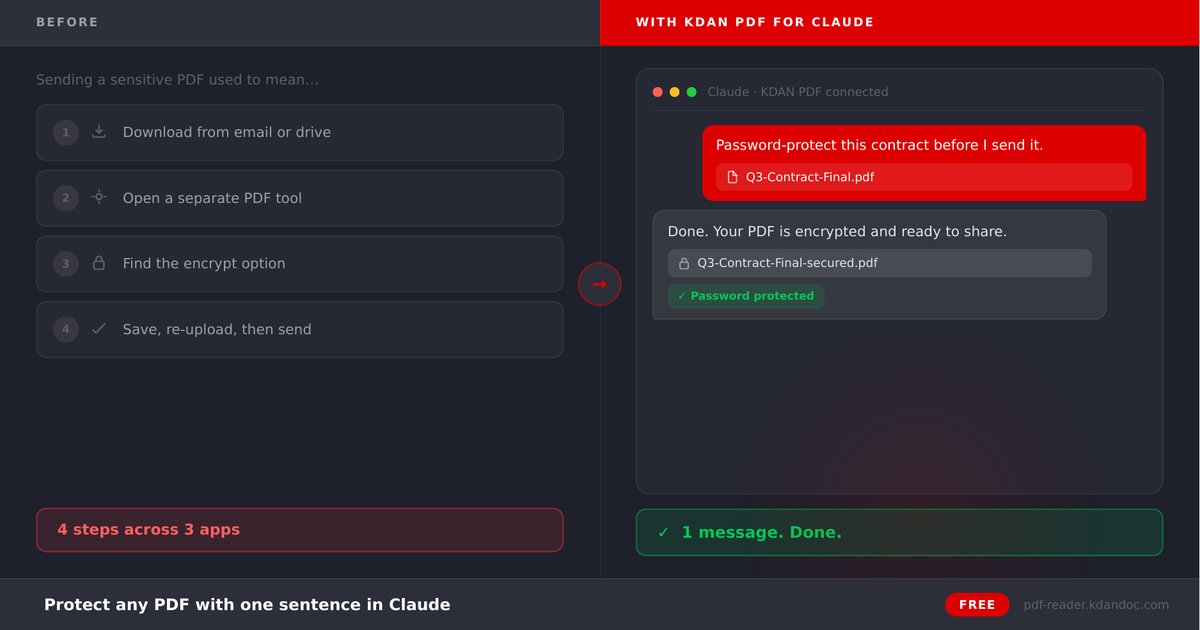
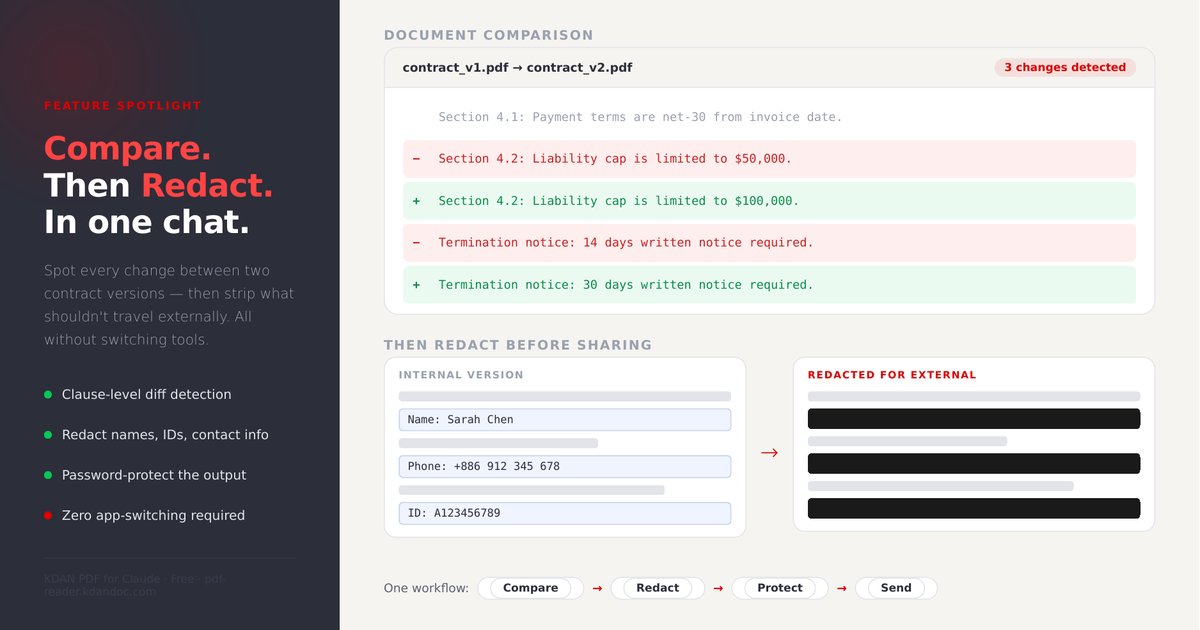
KDAN PDF MCP applies true PDF redaction — targeted content is permanently removed, not masked with an overlay, so it cannot be recovered from the output file. KDAN Mobile operates under GDPR, Taiwan PDPA and CCPA. For full details see KDAN's Security, Privacy Policy and GDPR Compliance pages.
A: Yes — completely free and unlimited, with no upsell and no credit card required.
A: Yes. Once national IDs, credit cards, emails and phone numbers are detected, KDAN PDF MCP applies permanent, compliance-ready redaction.
A: On its own, an AI assistant can only read a PDF. KDAN PDF MCP adds full editing — encrypt, delete pages, redact and save new copies — all through chat.
A: Claude (web and desktop) and ChatGPT. Setup steps for each are above.
A: No. There's no sign-up — paste the connector URL once and start using it.
A: Yes, KDAN PDF MCP works on free Claude accounts. ChatGPT may require a paid plan to add connectors.
A: It removes it. KDAN PDF MCP applies true redaction rather than a visual black box, so the underlying text can't be copied or recovered.
A: Compress, delete pages, password-protect / change password, redact PII, compare two versions, preview, and generate a download link.
A: You can chat in the language your AI assistant supports; instructions work in natural language.
https://mcp.kdandoc.com/mcp.Upload, edit, compress, protect, redact, and compare PDFs with KDAN PDF in Claude and ChatGPT.
{ "mcpServers": { "com.kdandoc.mcp-kdan-pdf-mcp": { "url": "https://mcp.kdandoc.com/mcp", "headers": {} } }}Tools
Noch keine Tool-Liste. Remote-Server erhalten eine nach dem ersten Health-Check.
FAQ
Kopieren Sie auf dieser Seite die http-Konfiguration für Cursor, Claude Desktop, Claude Code oder VS Code. Sie nutzt die Installation des Herausgebers, keinen PlugMCP-Proxy.
In diesem Eintrag ist keine erforderliche Umgebungsvariable aufgeführt.
KDAN PDF wird über HTTP erreicht.
Zuletzt geprüft: 2026-11-08. Upload, edit, compress, protect, redact, and compare PDFs with KDAN PDF in Claude and ChatGPT.
