D-Bus MCP Server
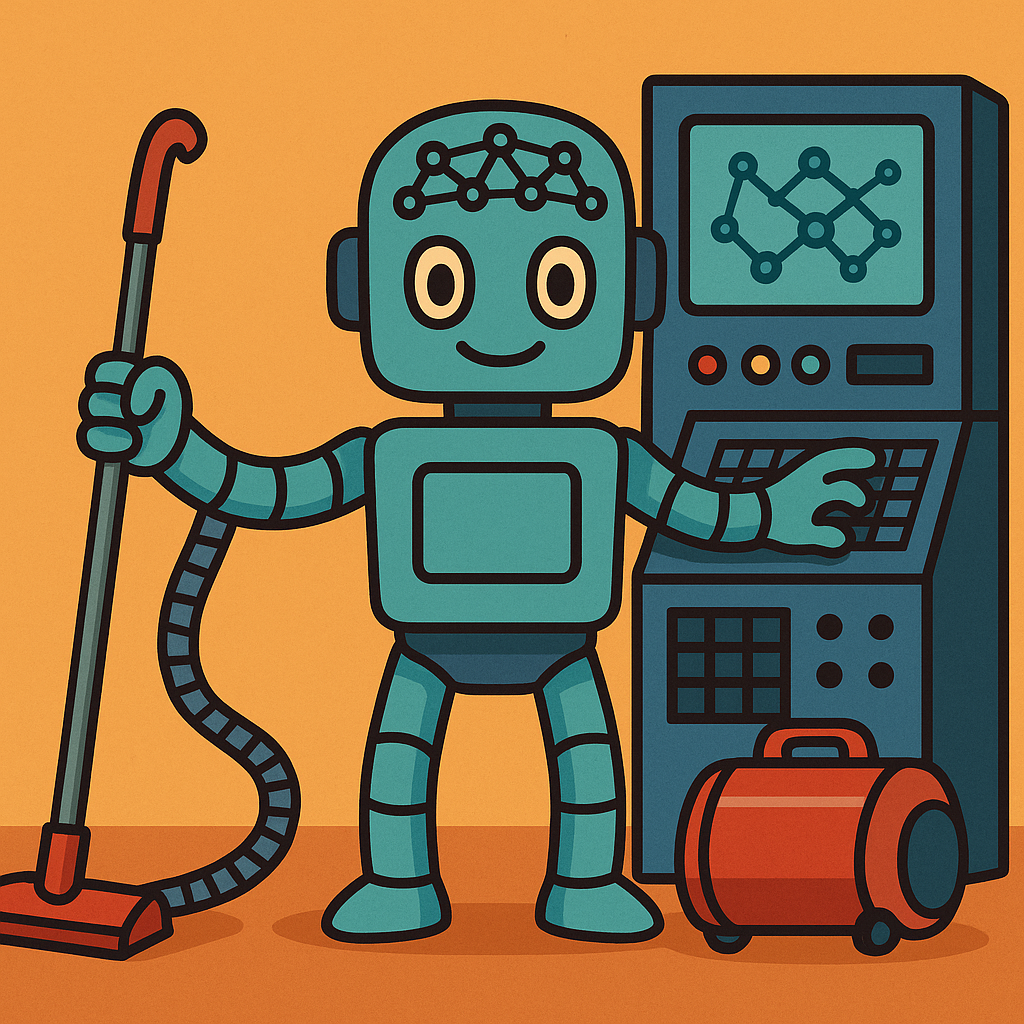
A Model Context Protocol (MCP) server that exposes D-Bus functionality to AI assistants, enabling deep integration with Linux systems - from vacuum cleaners to supercomputers.
Power your agent
Install from the publisher. Not a PlugMCP endpoint.
Host a copy with our keys and logs.
No packaged release in the registry yet. Follow the repository README.
Remote URL or a command on your machine? How the two installs differ
Run on PlugMCP
A new server you create. It is not this listing's official endpoint. Use the publisher install when you want their URL and their credentials.
LaunchFrom the publisher
A Model Context Protocol (MCP) server that exposes D-Bus functionality to AI assistants, enabling deep integration with Linux systems - from vacuum cleaners to supercomputers.
Model Context Protocol server that bridges AI assistants to Linux D-Bus, enabling system control through desktop notifications, clipboard, screenshots, and service introspection with configurable security levels.
This project enables AI assistants to interact with Linux systems through the standardized D-Bus interface. While Linux runs on everything from vacuum cleaners to supercomputers, this MCP server focuses on two major system roles where D-Bus integration provides the most value:
For Linux desktop/laptop users, AI assistants can enhance productivity by:
For systems with specific purposes (web servers, routers, NAS, IoT devices), AI operates as a "maintenance robot" that can:
The MCP server acts as a bridge between AI assistants and the D-Bus system:
graph LR
    subgraph "AI Layer"
        A[fa:fa-robot AI Assistant<br/>Claude, GPT, etc.]
    end

    subgraph "Protocol Layer"
        B[fa:fa-exchange-alt MCP Protocol<br/>JSON-RPC over stdio/SSE]
    end

    subgraph "Bridge Layer"
        C[fa:fa-server D-Bus MCP Server<br/>Security & Translation]
    end

    subgraph "System Layer"
        D1[fa:fa-desktop Session Bus<br/>Desktop Services]
        D2[fa:fa-cog System Bus<br/>System Services]
    end

    A <-->|"Tools & Resources"| B
    B <-->|"Request/Response"| C
    C <-->|"Method Calls"| D1
    C <-->|"Monitoring"| D2

    style A fill:#e1f5fe,stroke:#01579b,stroke-width:2px,color:#000
    style B fill:#f3e5f5,stroke:#4a148c,stroke-width:2px,color:#000
    style C fill:#e8f5e9,stroke:#1b5e20,stroke-width:2px,color:#000
    style D1 fill:#fff3e0,stroke:#e65100,stroke-width:2px,color:#000
    style D2 fill:#ffebee,stroke:#b71c1c,stroke-width:2px,color:#000
The D-Bus MCP server implements configurable safety levels to balance functionality with security:
Essential operations with minimal risk: clipboard, notifications, media control, system monitoring
Adds text editing, file management, and browser operations for AI-assisted workflows
Maximum functionality for expert users who understand the risks
Operations like shutdown, disk formatting, and package management are always blocked
# Choose your safety level
python -m dbus_mcp --safety-level high    # Default - safest
python -m dbus_mcp --safety-level medium  # Productivity features
For production use, we recommend running D-Bus MCP as a systemd service with Unix socket support:
# Clone and install with systemd service
git clone https://github.com/aaronsb/dbus-mcp.git
cd dbus-mcp
./install.sh --prod-only

# Configure safety level
sudo nano /etc/dbus-mcp/config  # Set SAFETY_LEVEL="medium"

# Start the service
systemctl --user start dbus-mcp-standalone.service
systemctl --user enable dbus-mcp-standalone.service

# Configure your MCP client with:
# socat UNIX-CONNECT:$XDG_RUNTIME_DIR/dbus-mcp.sock STDIO

# KDE Users: Enable screenshot permission
sudo cp systemd/dbus-mcp-screenshot.desktop /usr/share/applications/
📖 SystemD Mode Guide - Complete setup and configuration
For development or testing, you can run directly:
# Quick development setup
./quickstart.sh

# Test the installation
python test_installation.py

# Run directly
python -m dbus_mcp --safety-level medium
The Quick Start Guide includes:
The server starts with essential tools for D-Bus interaction:
help - Show available capabilities and toolsnotify - Send desktop notificationsstatus - Get system status (battery, network, etc.)discover - Explore available tool categorieslist_services - List all D-Bus servicesintrospect - Explore service interfaces and methodscall_method - Call D-Bus methods (with security controls)clipboard_read/clipboard_write - Clipboard access (KDE/GNOME)capture_active_window - Screenshot the active window 📸capture_screen - Screenshot entire screen 📸list_screenshot_files - List captured screenshotsThe server can now capture screenshots through D-Bus, storing them as temporary files with reference IDs. This enables AI assistants to:
KDE Users: To enable screenshots, install the desktop entry file:
sudo cp systemd/dbus-mcp-screenshot.desktop /usr/share/applications/
See the Screenshot Authorization Guide for details.
Screenshots are stored in ~/.cache/dbus-mcp/screenshots/ with proper user permissions, ensuring privacy and persistence. See Screenshot Authorization for KDE setup.
🚧 Alpha - Basic functionality implemented, ready for testing
See our comprehensive Development Roadmap for planned features including:
MIT License - see LICENSE for details
We welcome contributions! Areas where help is especially appreciated:
See CLAUDE.md for development guidelines.
Model Context Protocol server that bridges AI assistants to Linux D-Bus, enabling system control through desktop notifications, clipboard, screenshots, and service introspection with configurable secu
Overview
Model Context Protocol server that bridges AI assistants to Linux D-Bus, enabling system control through desktop notifications, clipboard, screenshots, and service introspection with configurable security levels.
Tools
No tool list yet. Remote servers get one after the first health check.
FAQ
Copy the stdio config for Cursor, Claude Desktop, Claude Code, or VS Code on this page. It uses the publisher's install, not a PlugMCP proxy.
No required environment variable is listed on this record.
Dbus runs locally over stdio.
Last checked 2026-10-26. Model Context Protocol server that bridges AI assistants to Linux D-Bus, enabling system control through desktop notifications, clipboard, screenshots, and service introspection with configurable security levels.
