Agent Skills
Production-grade engineering skills for AI coding agents.
Skills encode the workflows, quality gates, and best practices that senior engineers use when building software. These ones are packaged so AI agents follow them consistently across every phase of development.
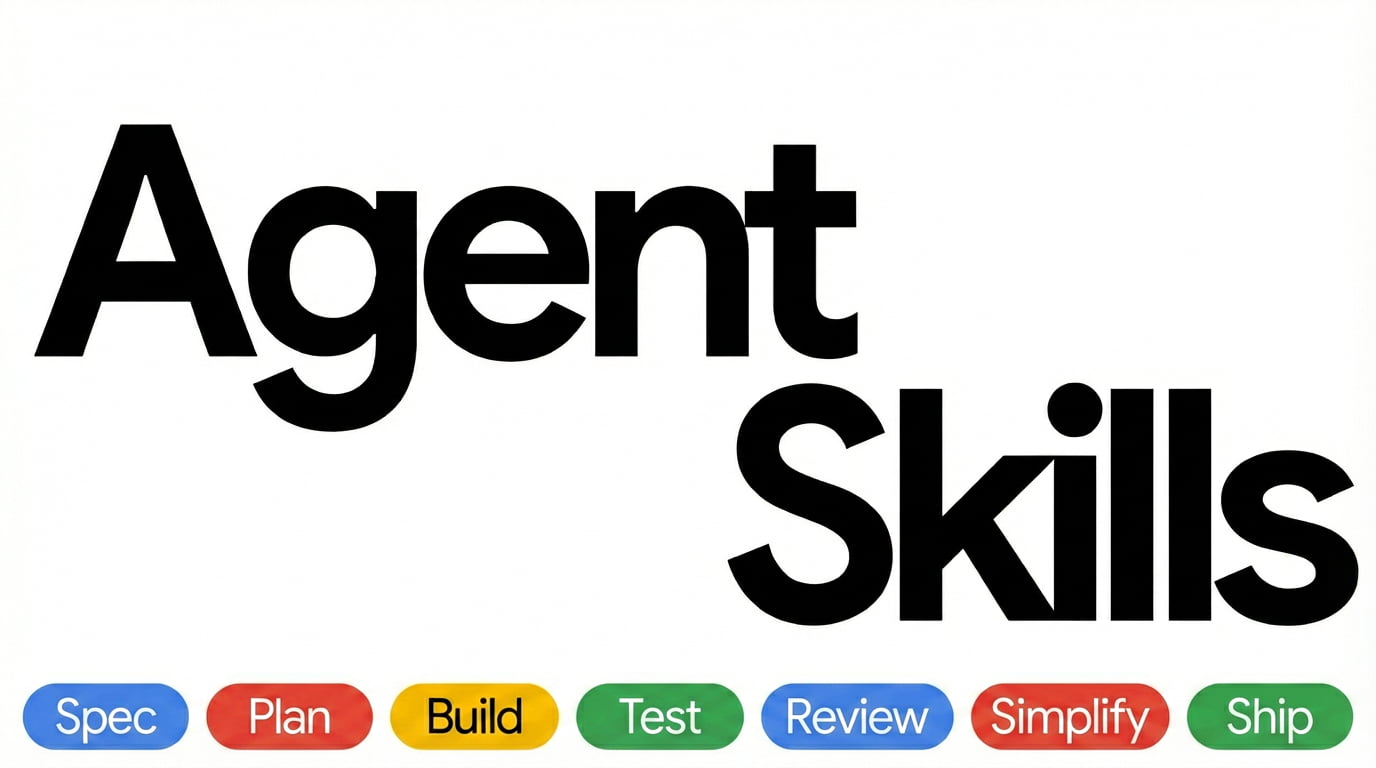
  DEFINE          PLAN           BUILD          VERIFY         REVIEW          SHIP
 ┌──────┐      ┌──────┐      ┌──────┐      ┌──────┐      ┌──────┐      ┌──────┐
 │ Idea │ ───▶ │ Spec │ ───▶ │ Code │ ───▶ │ Test │ ───▶ │  QA  │ ───▶ │  Go  │
 │Refine│      │  PRD │      │ Impl │      │Debug │      │ Gate │      │ Live │
 └──────┘      └──────┘      └──────┘      └──────┘      └──────┘      └──────┘
  /spec          /plan          /build        /test         /review       /ship
Commands
9 slash commands that map to the development lifecycle. Each one activates the right skills automatically.
In Claude Code these install as plugin commands. Where a built-in command has the same name, as /review does, use the namespaced form: /agent-skills:review.
Want fewer manual steps once the spec exists? /build auto generates the plan and implements every task in a single approved pass — you approve the plan once, then it runs autonomously. It removes the human stepping between tasks, not the verification: every task is still test-driven and committed individually, and it pauses on failures or risky steps.
Skills also activate automatically based on what you're doing — designing an API triggers api-and-interface-design, building UI triggers frontend-ui-engineering, and so on.
Quick Start
Fastest path — any agent, one command. The open skills CLI installs into 70+ agents (Claude Code, Cursor, Codex, Copilot, Cline, and more):
npx skills add addyosmani/agent-skills            # install all 25 skills
npx skills add addyosmani/agent-skills --list     # browse before installing
Or grab individual skills:
npx skills add addyosmani/agent-skills --skill code-review-and-quality   # five-axis review before merge
npx skills add addyosmani/agent-skills --skill interview-me              # requirements interrogation, one question at a time
npx skills add addyosmani/agent-skills --skill test-driven-development   # red-green-refactor, enforced
Installing one skill? A per-skill
npxinstall copies onlyskills/<name>/, not the repo-levelreferences/directory. The skill still works, but paths to supplementary shared checklists are unavailable. Use a whole-repo integration, clone the repository, or copy the needed checklist into areferences/directory inside the installed skill. This portability gap is tracked in #361.
Prefer a native integration? Pick your tool below.
Marketplace install:
/plugin marketplace add addyosmani/agent-skills
/plugin install agent-skills@addy-agent-skills
SSH errors? The marketplace clones repos via SSH. If you don't have SSH keys set up on GitHub, either add your SSH key or use the full HTTPS URL to force HTTPS cloning during the marketplace-add step:
/plugin marketplace add https://github.com/addyosmani/agent-skills.git
/plugin install agent-skills@addy-agent-skills
If
/plugin installstill fails with[email protected]: Permission denied (publickey)on Windows or macOS, the recommended workaround is to configure Git once to rewrite GitHub SSH URLs to HTTPS for subprocess clones:git config --global url."https://github.com/".insteadOf [email protected]:
Local / development:
git clone https://github.com/addyosmani/agent-skills.git
claude --plugin-dir /path/to/agent-skills
Put workflow skills under .cursor/skills/ (sync from agent-skills/skills/) and short policies in .cursor/rules/*.mdc — do not paste full skills into rules. Both directories live in your project; this repo does not ship a .cursor/ folder. See docs/cursor-setup.md.
Install as a native plugin for skills and subagents. In affected Antigravity CLI releases, legacy command TOMLs are reported as converted but their wrapper commands are not discoverable; invoke the underlying namespaced skills directly. See docs/antigravity-setup.md.
Install from the repo:
agy plugin install https://github.com/addyosmani/agent-skills.git
Install from a local clone:
git clone https://github.com/addyosmani/agent-skills.git
agy plugin install ./agent-skills
Install as native skills for auto-discovery, or add to GEMINI.md for persistent context. See docs/gemini-cli-setup.md.
Install from the repo:
gemini skills install https://github.com/addyosmani/agent-skills.git --path skills
Install from a local clone:
gemini skills install ./agent-skills/skills/
Add skill contents to your Windsurf rules configuration. See docs/windsurf-setup.md.
Copy skills to .opencode/skills/ (or ~/.config/opencode/skills/), add a project-local AGENTS.md, and use the built-in skill tool for agent-driven execution. Optional slash commands can be added under .opencode/commands/.
Use agent definitions from agents/ as Copilot personas and skill content in .github/copilot-instructions.md. The lifecycle slash commands (/spec, /plan, /build, /test, /review, /ship) are Claude Code commands and do not appear in Copilot; invoke the skills by name (/spec-driven-development, …) instead. See docs/copilot-setup.md.
Using the standalone copilot CLI? Install it as a plugin — see docs/copilot-cli-setup.md.
Install as a native Codex plugin (Codex CLI v0.122+):
codex plugin marketplace add addyosmani/agent-skills
codex plugin add agent-skills@agent-skills
The first command registers the marketplace; the second installs the plugin. Codex reads the root skills/ directory directly through .codex-plugin/plugin.json. Once installed, invoke skills in chat using @ (e.g., @spec-driven-development). See docs/codex-setup.md for local installation and troubleshooting.
Install natively with the built-in cmd skills command. Command Code clones the repo, discovers every SKILL.md, and installs into .commandcode/skills/:
cmd skills add addyosmani/agent-skills            # pick skills to install (project)
cmd skills add addyosmani/agent-skills --global   # install for all projects (~/.commandcode/skills/)
cmd skills add addyosmani/agent-skills -s spec-driven-development  # install a specific skill
Installed skills show up in the TUI slash menu, e.g. /spec-driven-development. See docs/commandcode-setup.md.
Skills are plain Markdown - they work with any agent that accepts system prompts or instruction files. See docs/getting-started.md. Hosts that install the pack but aren't listed above are in docs/other-hosts.md.
Adoption
Already installed? How you roll the pack out depends on your codebase. The Adoption Guide covers two paths: the full lifecycle from day one for a greenfield project, or an incremental, verification-first rollout for an established codebase.
All 25 Skills
The commands above are entry points. The pack includes 25 skills total — 24 lifecycle skills plus the using-agent-skills meta-skill. Each skill is a structured workflow with steps, verification gates, and anti-rationalization tables. You can also reference any skill directly.
Meta - Discover which skill applies
Define - Clarify what to build
Plan - Break it down
Build - Write the code
Verify - Prove it works
Review - Quality gates before merge
Ship - Deploy with confidence
Agent Personas
Pre-configured specialist personas for targeted reviews:
See docs/agents.md for the decision matrix, orchestration rules, and how personas compose with skills and slash commands.
Reference Checklists
Quick-reference material that skills pull in when needed:
How Skills Work
Every skill follows a consistent anatomy:
┌─────────────────────────────────────────────────┐
│  SKILL.md                                       │
│                                                 │
│  ┌─ Frontmatter ─────────────────────────────┐  │
│  │ name: lowercase-hyphen-name               │  │
│  │ description: Guides agents through [task].│  │
│  │              Use when…                    │  │
│  └───────────────────────────────────────────┘  │
│  Overview         → What this skill does        │
│  When to Use      → Triggering conditions       │
│  Process          → Step-by-step workflow       │
│  Rationalizations → Excuses + rebuttals         │
│  Red Flags        → Signs something's wrong     │
│  Verification     → Evidence requirements       │
└─────────────────────────────────────────────────┘
Key design choices:
- Process, not prose. Skills are workflows agents follow, not reference docs they read. Each has steps, checkpoints, and exit criteria.
- Anti-rationalization. Every skill includes a table of common excuses agents use to skip steps (e.g., "I'll add tests later") with documented counter-arguments.
- Verification is non-negotiable. Every skill ends with evidence requirements - tests passing, build output, runtime data. "Seems right" is never sufficient.
- Progressive disclosure. The
SKILL.mdis the entry point. Supporting references load only when needed, keeping token usage minimal.
Project Structure
The portable core stays in shared directories. Host-specific paths are native discovery conventions, not branding aliases; renaming or merging them would break the tools that scan those exact locations.
Tools without a checked-in adapter directory install or copy the shared skills/ core into their own native location. The Quick Start links the setup guide for each supported host.
Why Agent Skills?
AI coding agents default to the shortest path - which often means skipping specs, tests, security reviews, and the practices that make software reliable. Agent Skills gives agents structured workflows that enforce the same discipline senior engineers bring to production code.
Each skill encodes hard-won engineering judgment: when to write a spec, what to test, how to review, and when to ship. These aren't generic prompts - they're the kind of opinionated, process-driven workflows that separate production-quality work from prototype-quality work.
Skills bake in best practices from Google's engineering culture — including concepts from Software Engineering at Google and Google's engineering practices guide. You'll find Hyrum's Law in API design, the Beyonce Rule and test pyramid in testing, change sizing and review speed norms in code review, Chesterton's Fence in simplification, trunk-based development in git workflow, Shift Left and feature flags in CI/CD, and a dedicated deprecation skill treating code as a liability. These aren't abstract principles — they're embedded directly into the step-by-step workflows agents follow.
How it compares
Wondering how this stacks up against Superpowers or Matt Pocock's skills? See docs/comparison.md for an honest, side-by-side look at how the three are shaped differently and when to reach for each — including a link to a controlled head-to-head experiment.
Contributing
Skills should be specific (actionable steps, not vague advice), verifiable (clear exit criteria with evidence requirements), battle-tested (based on real workflows), and minimal (only what's needed to guide the agent).
See docs/skill-anatomy.md for the format specification, CONTRIBUTING.md for guidelines, and docs/advanced-per-agent-configuration.md for applying model routing, tool restrictions, and other per-agent runtime controls without breaking the portable SKILL.md frontmatter.
Team
agent-skills is built and maintained by:
License
MIT - use these skills in your projects, teams, and tools.