Create, inspect, validate, and save editable 3D building scenes with Pascal's MCP server.
# Pascal Editor — open-source 3D architecture software for AECO
Create and edit 3D building models in your browser, run Pascal locally with its CLI, or connect
AI agents through the Model Context Protocol (MCP).
Pascal Editor is a local-first, MIT-licensed building editor for architecture, engineering,
con
Tools
Tools
No tool list yet. Remote servers get one after the first health check.
Copy the http config for Cursor, Claude Desktop, Claude Code, or VS Code on this page. It uses the publisher's install, not a PlugMCP proxy.
Does Pascal 3D Editor need an API key?
No required environment variable is listed on this record.
What transport does Pascal 3D Editor use?
Pascal 3D Editor is reached over HTTP.
When was Pascal 3D Editor last checked?
Last checked 2026-11-09. Create, inspect, validate, and save editable 3D building scenes with Pascal's MCP server.
# Pascal Editor — open-source 3D architecture software for AECO
Create and edit 3D building models in your browser, run Pascal locally with its CLI, or connect
AI agents through the Model Context Protocol (MCP).
Pascal Editor is a local-first, MIT-licensed building editor for architecture, engineering,
con
From the publisher
Documentation
Pascal Editor — open-source 3D architecture software for AECO
Create and edit 3D building models in your browser, run Pascal locally with its CLI, or connect
AI agents through the Model Context Protocol (MCP).
Pascal Editor is a local-first, MIT-licensed building editor for architecture, engineering,
construction, and operations (AECO) work. Model sites, buildings, levels, walls, slabs, roofs,
openings, rooms, and furniture; bring 3D scans in as reference layers for scan-to-BIM workflows
and model editable building elements over them; and let an agent read, edit, validate, and save
the same scenes. Built with React Three Fiber and WebGPU.
MCP is an open protocol that lets AI assistants call tools in other applications; Pascal's MCP
server gives an agent tools to inspect, edit, validate, and save building scenes.
Choose where the projects live:
Local (no account) — the Pascal CLI runs an MCP service on your machine. Agents connect
with pascal mcp connect, projects stay in ~/.pascal/data/pascal.db, and nothing is uploaded.
No Pascal account or API key is needed.
Hosted workspace — https://editor.pascal.app/api/mcp works in your Pascal account or
organization and needs that account's authorization. How a client authenticates depends on the
client: the Cursor plugin uses browser sign-in, while Claude Code, Codex, and other clients send
an API key created in Pascal Settings. Some hosted
operations, such as Architect runs, consume Pascal credits.
The local commands below need the pascal command on your PATH (Node.js 22.23.4+ on 22.x,
24.22.1+ on 24.x, or 26.12.1+):
npm install --global @pascal-app/cli
[!IMPORTANT]
Use one active agent client per local CLI service. The standalone local HTTP runtime shares
active scene state between clients; use separate PASCAL_HOME directories and service
processes when independent concurrent work is required. The hosted endpoint uses a separate
session-isolated bridge.
Claude Code
Register the local server (this runs claude mcp add --scope user pascal -- pascal mcp connect):
pascal mcp setup claude
Or install the plugin, which bundles the skills, the local pascal server, and a hosted
pascal-hosted server that prompts for an optional Pascal API key and stores it in the OS
keychain (leave it empty to stay local-only):
Use one or the other. Claude Code 2.1.258 loads both the user-scoped pascal server created by
pascal mcp setup claude and the plugin-provided server. Remove the manual entry
before reloading or restarting Claude Code so only the plugin owns the connection lifecycle:
claude mcp remove --scope user pascal
Use /mcp to remove or disable any project- or local-scoped Pascal connection too. Leaving both
connections active violates the one-active-agent-client-per-local-service requirement.
Cursor
Install Pascal from the Cursor marketplace. It adds the
skills, a local pascal server launched through npx (no global install needed), and a hosted
pascal-hosted server. For hosted work, open Customize → MCPs and choose Authenticate
beside pascal-hosted; Pascal opens in your browser to sign in and choose a workspace. No API
key is needed. Leave pascal-hosted disconnected for local-only work.
Without the plugin, add the servers you want to .cursor/mcp.json:
The connector discovers the local service's port and private token itself. Check it with
pascal mcp status or pascal doctor. For hosted access, point a Streamable HTTP client at
https://editor.pascal.app/api/mcp with an Authorization: Bearer <api key> header.
Agent skills
The plugins above include Pascal's public agent workflows. To install only the skills with
skills.sh:
pascal-3d covers safe local or hosted MCP setup and verified scene
work. furniture-fit produces a bounded, evidence-based
footprint assessment. OpenClaw installation becomes available after the skills are published
under Pascal's ClawHub publisher.
Create a persistent local Pascal installation without cloning this repository:
npx @pascal-app/cli editor
The CLI starts the editor and an authenticated MCP service in the background, selects
collision-free loopback ports, and keeps projects in ~/.pascal/data/pascal.db. The web editor
runtime is downloaded once per version on the first command that starts the editor and verified
against a digest published inside the package; pascal mcp connect needs no download. See
Run Pascal locally for pnpm/Bun
commands, project management, updates, offline installs, storage paths, and troubleshooting.
Self-host it
The editor ships as one container, ghcr.io/pascalorg/pascal-editor, tagged with the same
version as the npm packages (latest follows stable releases). Projects live in SQLite under
/data; one admin password protects the instance; PASCAL_PUBLIC_URL is read at runtime, so the
same image serves any domain.
Run from the repository root so the package watchers hot-reload changes in packages/*:
bun install
bun dev   # builds the packages, watches them, and serves the editor at http://localhost:3002
Build everything with turbo build, or one package with turbo build --filter=@pascal-app/core.
See SETUP.md for prerequisites and environment variables,
docs/architecture.md for how the packages fit together, and
docs/releasing.md for npm, container, and MCP Registry publishing.
Build a plugin
A plugin ships node kinds (schema, 3D/2D rendering, placement tools, inspector parametrics) and
left-rail panels through the same Plugin manifest the built-ins use. Start with the
plugin guide and the worked example
pascalorg/plugin-trees.
A first look at Pascal Next
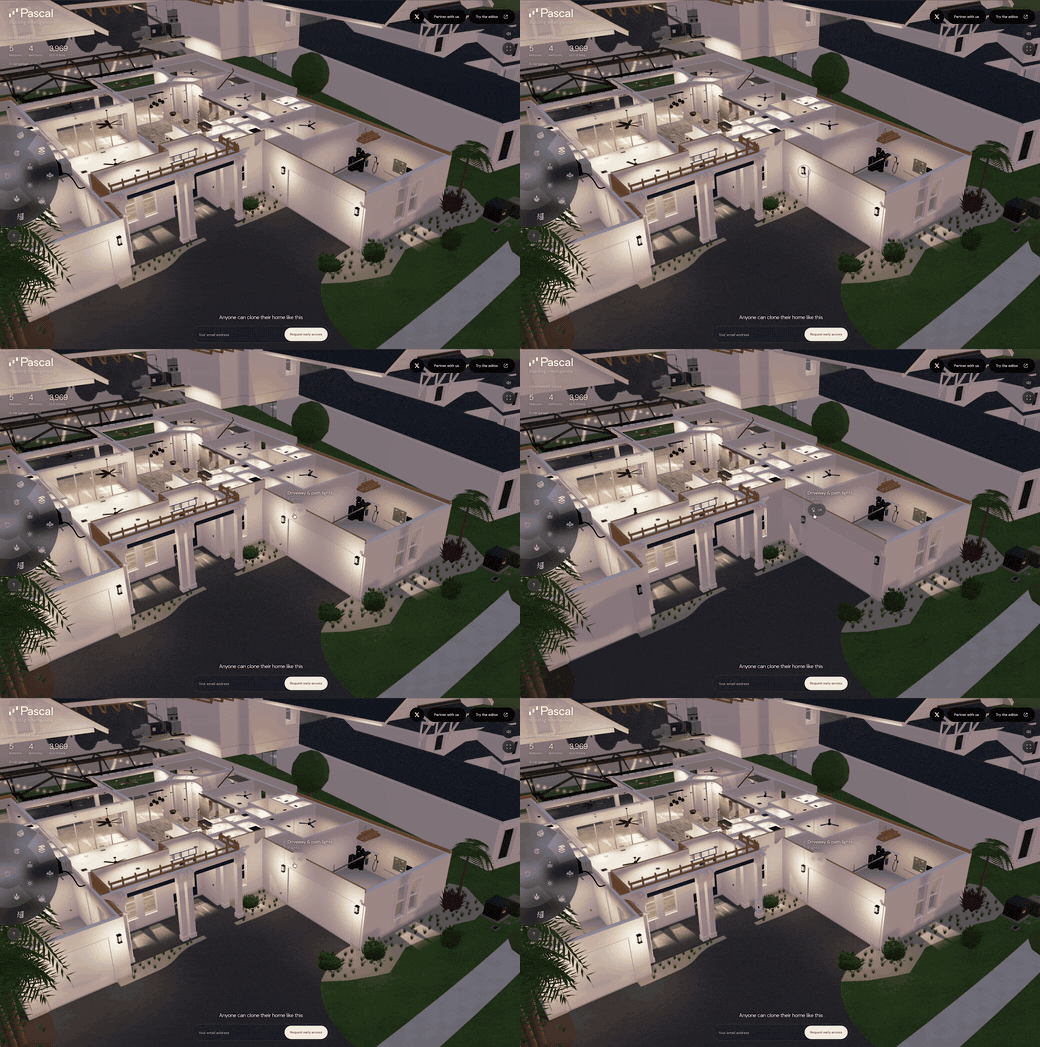
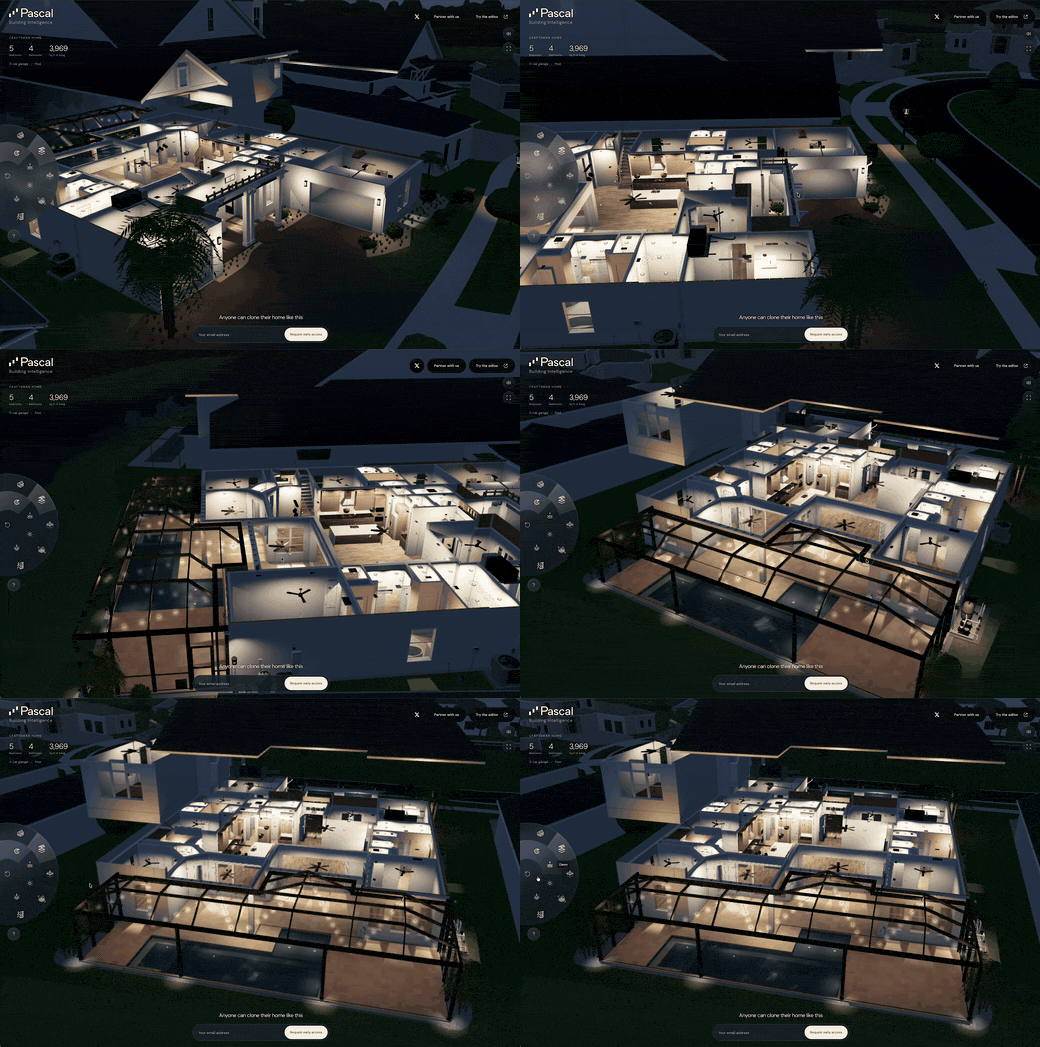
Explore the live demo — a real home reconstructed
in detail, from its rooms and finishes to the structure and systems behind the walls.
This hosted preview explores the direction of the next Pascal editor; the experience
shown here is not yet part of the open-source editor release.
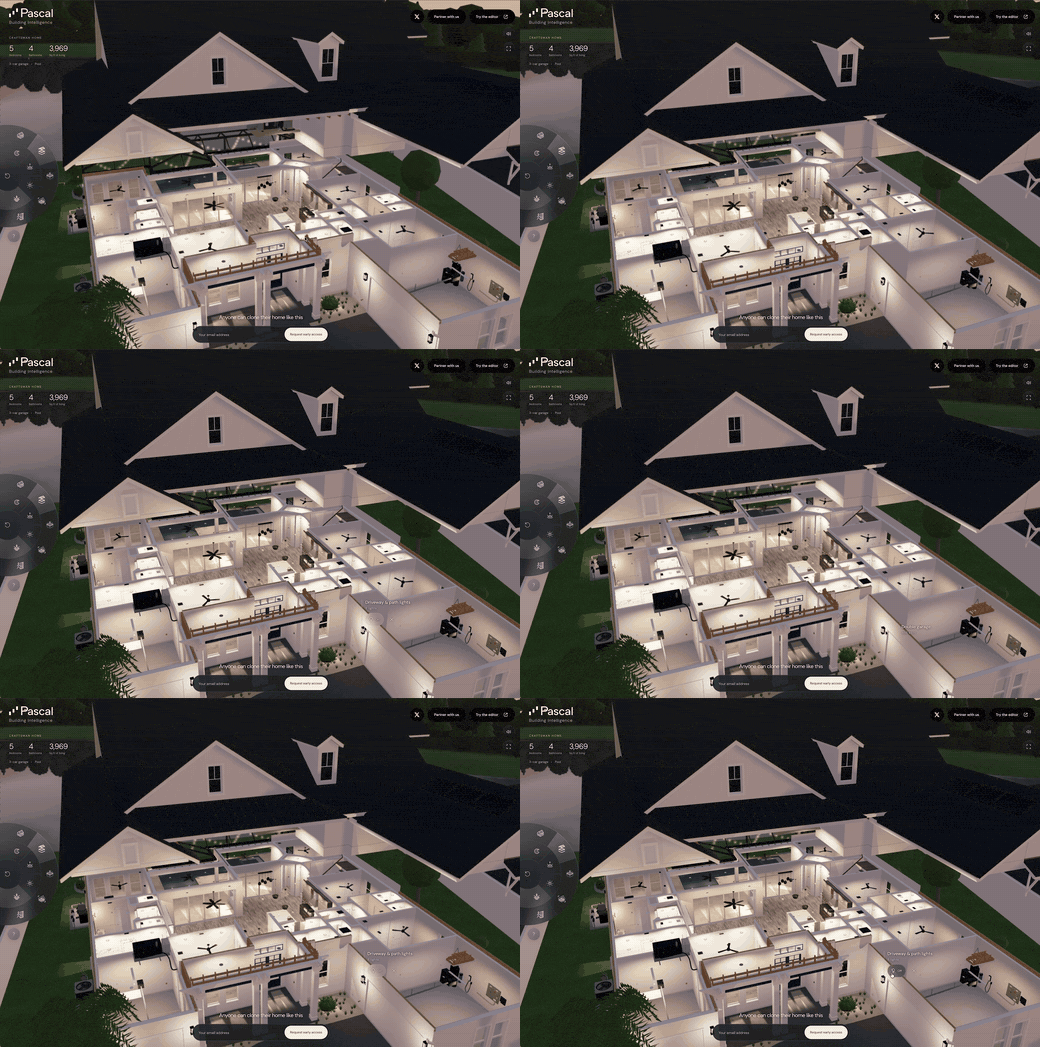
Exploded view — see how the home fits together
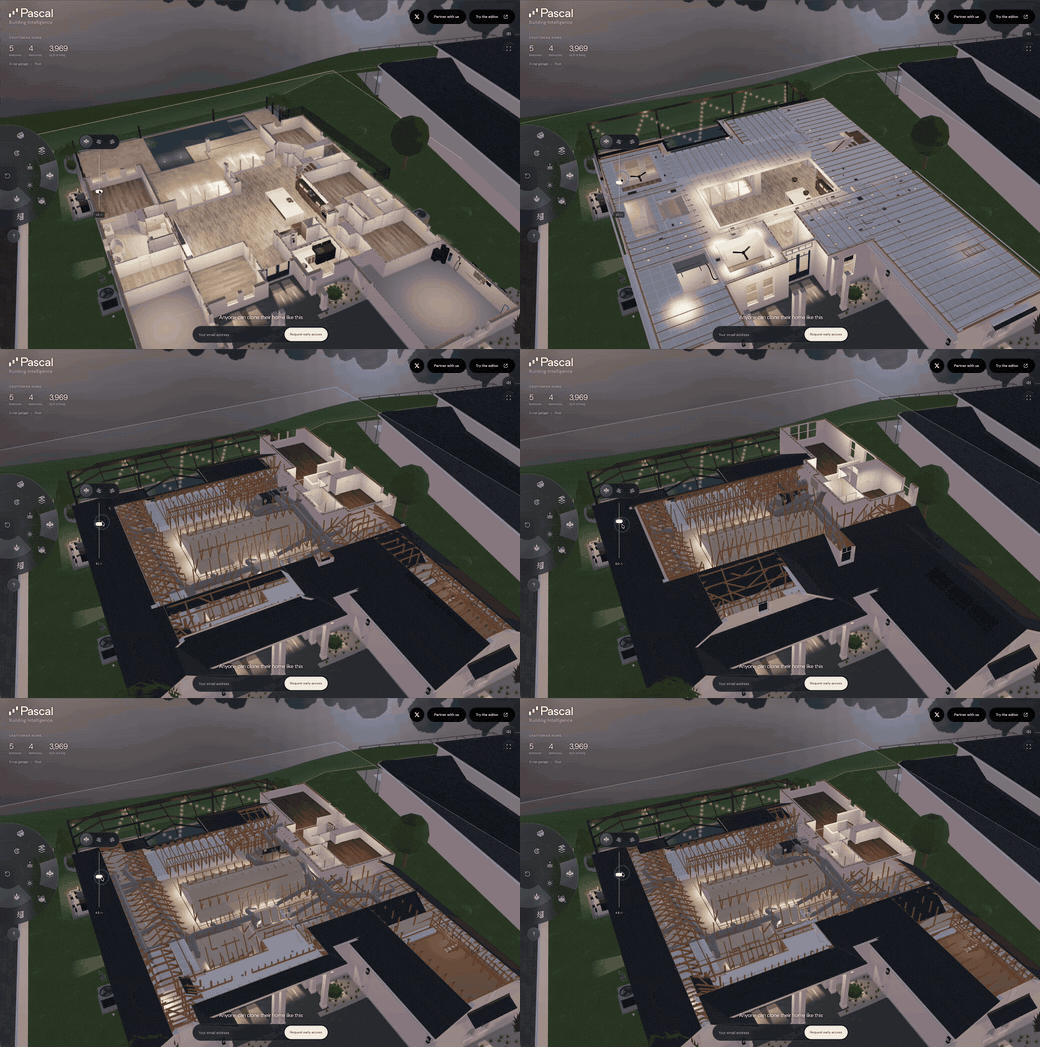
Cut view — slice through the building
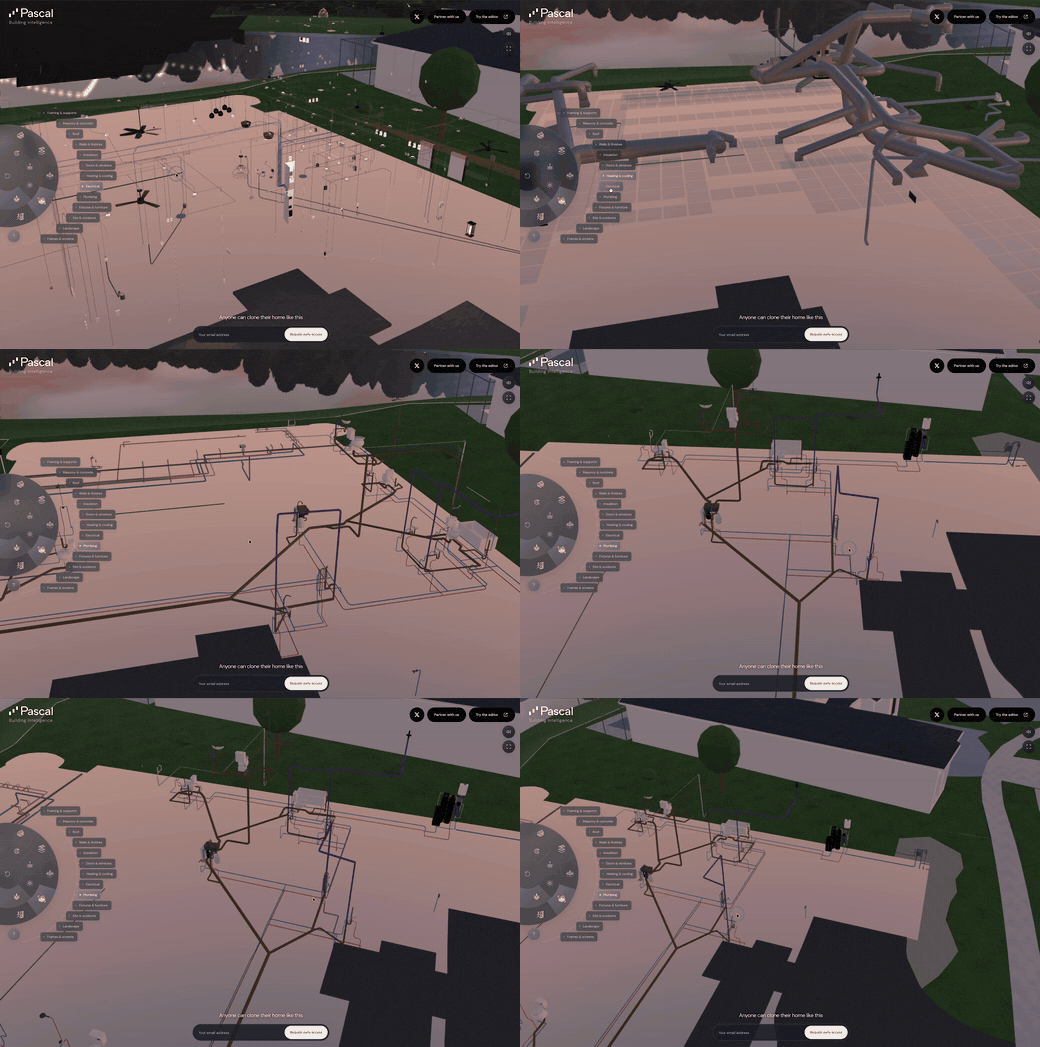
X-ray — reveal the modeled systems
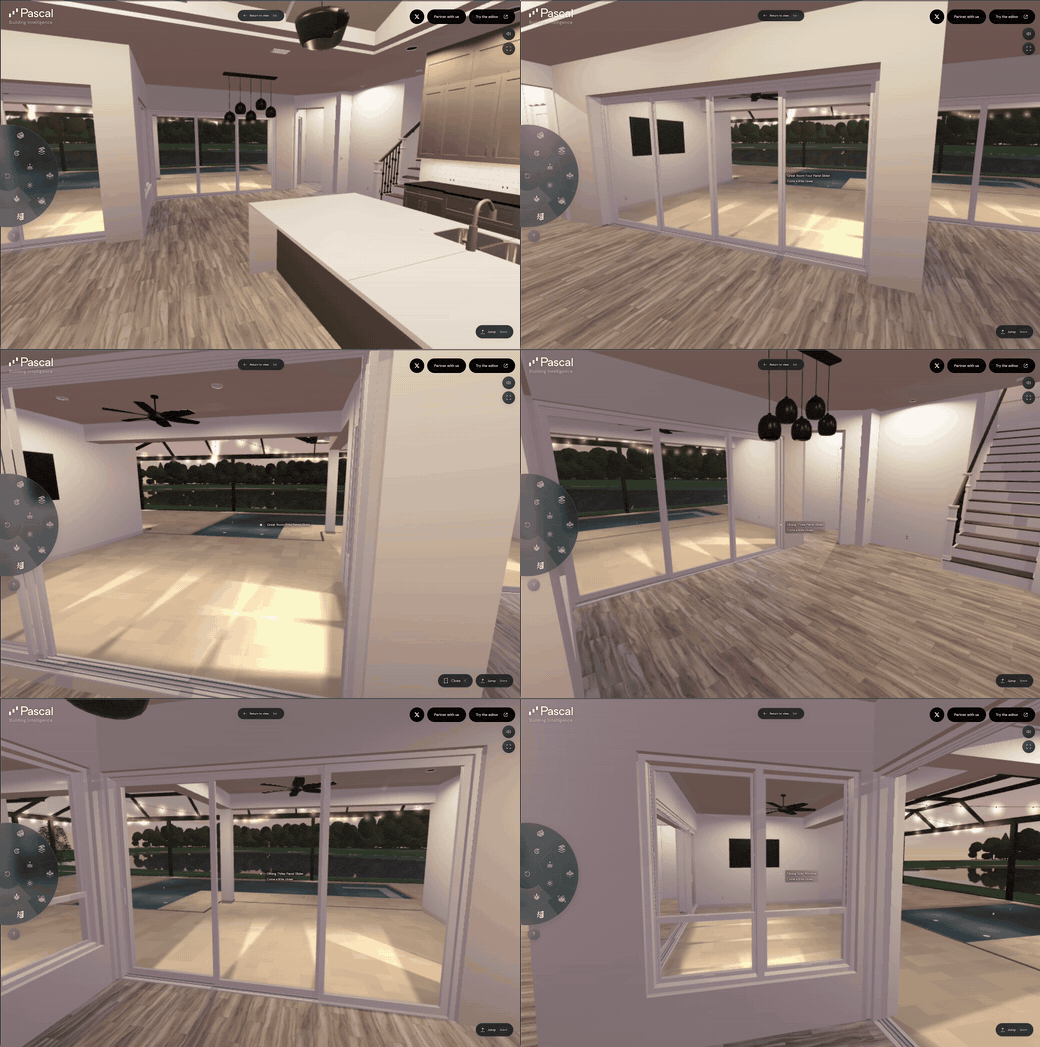
Walkthrough — step inside at eye level
Interactions — open doors and explore
Environment — change the light and atmosphere
We are exploring what this could make possible for facility management, home services,
architecture, home building, and infrastructure.
Join the discussion on X
and tell us where you would use it.
Making a video, tutorial, article, or social post about Pascal? You are welcome to use and edit
this footage, including in monetized content, under CC BY 4.0.
Credit Pascal, link the license, and note your edits; no separate permission is needed.
Download the six original videos and see the creator guide.
FAQ
What is Pascal Editor?
An open-source 3D building editor for architecture, engineering, construction, and operations. It
runs in the browser, locally through its CLI, or self-hosted, and exposes the same scenes to AI
agents over MCP.
Is it free and open source?
Yes. The editor, packages, CLI, and MCP server in this repository are MIT-licensed. Hosted
services at editor.pascal.app are separate from the open-source release and have their own
account terms.
Does it work offline?
The local CLI keeps projects on your machine, and its MCP service needs no network download.
Starting the editor downloads its web runtime once per version; for a host without network
access, pass --runtime <directory-or-archive>. See the
local editor documentation.
How do AI agents connect?
Through MCP. Local agents run pascal mcp connect with no account; hosted workspaces use
https://editor.pascal.app/api/mcp with the client's sign-in or API key. See
Connect an AI agent (MCP).
Does it support IFC?
IFC import is provided by @pascal-app/ifc-converter, which
converts IFC files into Pascal scene graphs. Sites, buildings, levels, walls, doors, windows,
slabs, columns, and spaces become native Pascal nodes when their parameters can be recovered;
other elements are kept as selectable imported meshes.
Contributing
Bug fixes, features, docs and ideas are all welcome. Start with CONTRIBUTING.md
for setup, code style and the PR flow.
New node kinds and sidebar panels ship as plugins rather than edits to the built-ins
Questions and ideas go to Discussions; reproducible bugs go to Issues