imagegen — Claude Code plugin
Power your agent
Install from the publisher. Not a PlugMCP endpoint.
Host a copy with our keys and logs.
No packaged release in the registry yet. Follow the repository README.
Remote URL or a command on your machine? How the two installs differ
Run on PlugMCP
A new server you create. It is not this listing's official endpoint. Use the publisher install when you want their URL and their credentials.
LaunchGenerate real images from inside Claude Code, with zero API costs. The plugin delegates to OpenAI's Codex CLI and its built-in gpt-image tool — billed against your ChatGPT subscription, not the OpenAI API.
🎯 The point: once installed, Claude generates images automatically whenever your task involves one — websites, READMEs, blog posts, slide decks, game assets, app icons, marketing pages. No
/commands needed. No "may I generate this?" prompts. The plugin's broad-trigger SKILL watches every conversation and fires when an actual rendered image (not a placeholder) would land better than a description.
Slash commands (/imagegen "<prompt>", /imagegen:edit) are still there for explicit control — but the typical day-to-day flow is just "build me a roofing company landing page" and the images appear, wired into your HTML.
In any Claude Code workspace:
/plugin marketplace add github.com/colin-automates/Codex-ImageGen--Claude-Code
/plugin install imagegen@imagegen-marketplace
/imagegen:setup
/imagegen:setup auto-installs Codex CLI if it's missing, auto-launches a browser to sign into ChatGPT if you're not logged in, and runs a test image to confirm the pipeline. When it reports green, you're done — Claude will generate images on its own from there.
The headline feature. Once the plugin is installed, you don't think about it. Examples that fire it without any slash command:
Trigger framing: the skill is a pre-flight check across any project type, not a keyword matcher. Before Claude ships any build — websites, apps, games, CLIs, libraries, docs, decks, brand work — it asks "does any surface here need a generated image?" and fires the tool if yes. So build-mode requests trigger it even when you never say "image": "build me a landing page for X", "scaffold a SaaS app", "build a platformer game" (sprites + tiles + character art), "set up a CLI tool" (README hero + OG card), "design a logo for Y", "write a tutorial on Z" (header + section illustrations). Same for explicit verbs ("generate / create / make / build / draw / render / design / edit / redo") applied to images, websites, apps, games, libraries, decks, or any visual surface.
Non-triggers (intentionally narrow): SVG icons that match an existing icon set already wired into the project (lucide, heroicons, etc.), charts/graphs from real data, screenshots of running code, or anything you explicitly told Claude not to generate ("no images", "SVG only").
Multi-image intent auto-detects too: if your prompt has an explicit count ("three icons"), a comma/and list, pipe-separated parts, or set-keywords (set / series / pack / roster), Claude calls generate_image_set once instead of generate_image N times — keeps style consistent and uses fewer ChatGPT plan turns.
/imagegen "a small flat-vector logo for a hiking startup, two-tone palette, mountain silhouette"
/imagegen "headers for four blog posts about hiking, climbing, kayaking, biking"
/imagegen:edit ./public/hero.png "make the sky look stormy"
npm (Claude Code already needs this; nothing extra to install)./imagegen:setup. If you'd rather install it yourself, any of these work:
npm install -g @openai/codex (cross-platform, what setup uses)brew install openai/tap/codex (macOS)You type a prompt
↓
Claude Code (this app)
↓ calls MCP tool
imagegen MCP server (Node bundle in this repo)
↓ spawns `codex exec ...`
Codex CLI (uses your local auth at ~/.codex/auth.json)
↓ calls
OpenAI's gpt-image backend
↓ usage billed against...
Your ChatGPT subscription ← (NOT your OpenAI API account)
The MCP server (TypeScript, in plugins/imagegen/server/, bundled with esbuild to dist/index.cjs) shells out to:
codex exec --skip-git-repo-check --sandbox danger-full-access \
  --cd <workspace> --add-dir <save-dir> --output-last-message <tmp> \
  "@imagegen <your prompt>. Save to <abs save_path>. ..."
Codex generates the image, saves it to the requested path, and prints SAVED <path> in its final message. The MCP server parses that, falls back to scanning the parent dir for newly-created image files if needed, renames if Codex picked a different filename, and returns the path to Claude.
Because everything goes through Codex (not the OpenAI API directly), image generation is billed against your ChatGPT plan limits, not your API key. Confirm $0 after running tests by checking platform.openai.com/usage.
@imagegen skill must be available in your Codex install. /imagegen:setup verifies this with a probe.Unknown command: /imagegenTry the namespaced colon form, which always works:
/imagegen:setup
/imagegen:edit ./path "<edit instructions>"
The bare /imagegen "<prompt>" form should also work in current Claude Code; if your version doesn't recognize it, fall back to /imagegen:img "<prompt>".
The plugin ships a settings.json that pre-approves its three MCP tools. If your Claude Code version doesn't honor plugin-shipped settings, do one of:
/permissions add mcp__plugin_imagegen_imagegen__* once.~/.claude/settings.local.json (or your workspace's .claude/settings.local.json):
{
  "permissions": {
    "allow": [
      "mcp__plugin_imagegen_imagegen__generate_image",
      "mcp__plugin_imagegen_imagegen__edit_image",
      "mcp__plugin_imagegen_imagegen__generate_image_set"
    ]
  }
}
/imagegen:setup reports codex_not_installedSetup tries to install Codex via npm install -g @openai/codex automatically. If that hits EACCES / "permission denied" (common on system-installed Node on macOS/Linux), run it manually:
sudo npm install -g @openai/codex # macOS/Linux
Or open a terminal as Administrator on Windows. Then re-run /imagegen setup.
/imagegen:setup reports codex_not_authedSetup auto-launches a browser sign-in window and waits up to 3 minutes for OAuth to complete. Just complete the ChatGPT login in the browser tab that pops up; setup continues automatically. If the auto-launch doesn't work for any reason, fall back to codex login in any terminal, then re-run /imagegen setup.
If you see Reconnecting... or stream disconnected before completion in the error output, OpenAI's gpt-image backend is having a transient issue (most common during peak hours). Wait 5–15 minutes and retry. Check status.openai.com for ongoing incidents.
save_path_not_found errorsThe most likely cause: the @imagegen / gpt-image built-in tool isn't activated in your Codex install. Try:
codex --version — should be a recent build./imagegen:setup and read the report./plugin marketplace add does nothingIf your repo path contains ;, spaces, or other special characters, the slash-command parser may truncate it. Workaround: cd into the directory in your terminal, open Claude Code there, then run /plugin marketplace add . (just a dot).
For private GitHub repos, make sure your machine has the credentials (HTTPS token or SSH key) cached so git clone <repo> would succeed.
The MCP server requires Node 18+. Check node --version. If too old, upgrade via nvm, fnm, or your OS package manager.
The MCP server source is in plugins/imagegen/server/src/. To rebuild the bundle:
cd plugins/imagegen/server
npm ci
npm test           # 48 tests, ~2s
npm run typecheck
npm run build      # produces dist/index.cjs (committed)
Source files:
index.ts — MCP boot, three tool handlers, validationschemas.ts — zod schemas + JSON Schema for MCP tool definitionscodex.ts — codex exec spawn, output capture, last-message parsingprompts.ts — three prompt templates (generate, edit, set)poller.ts — file-stable detection, mtime-scan fallback, rename-to-targeterrors.ts — error envelope + categorizationTests live in plugins/imagegen/server/test/. CI re-runs typecheck + test + build + git diff dist/ on every PR to catch stale bundle commits.
See CONTRIBUTING.md for the contribution flow.
MIT — see LICENSE.
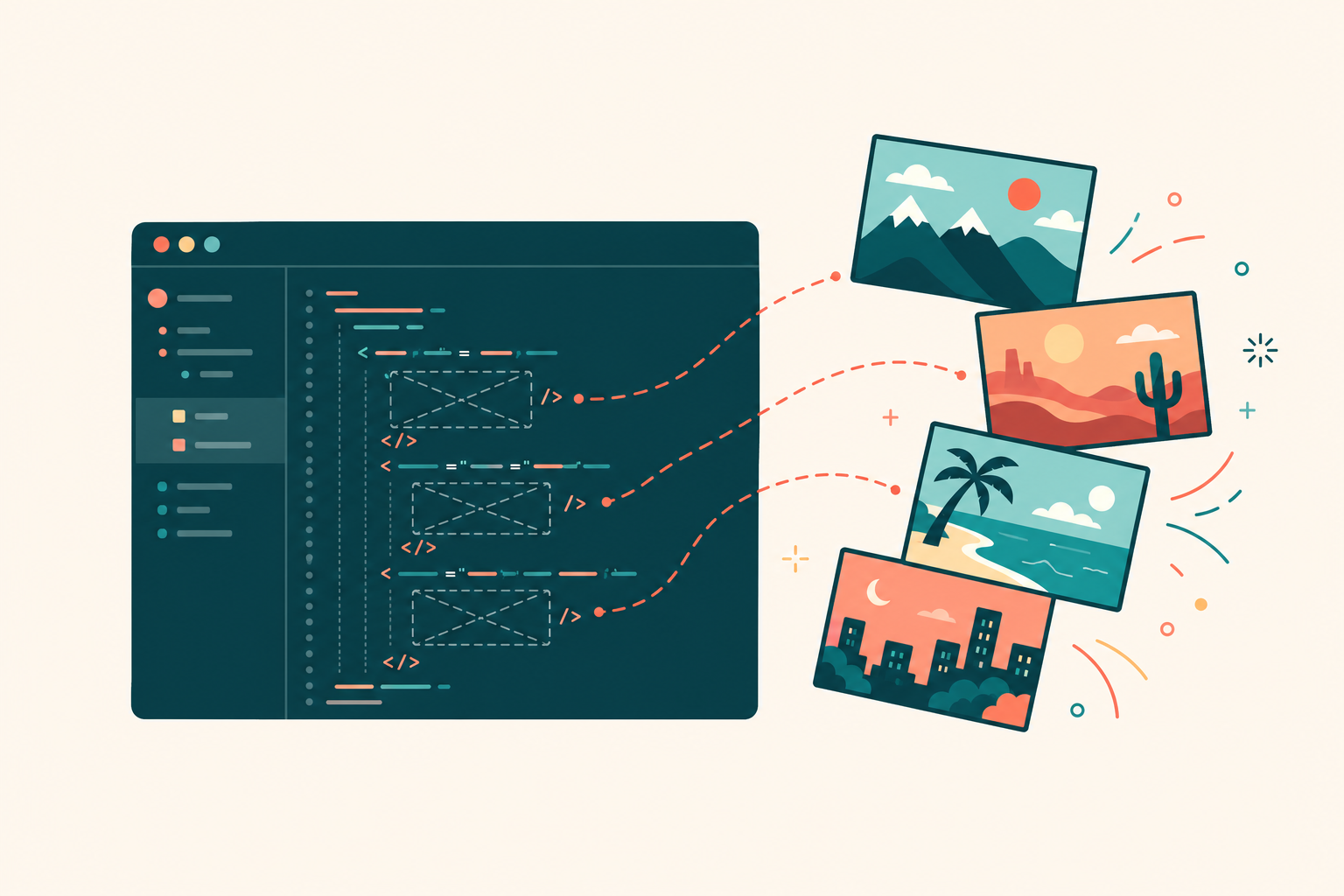
Built on OpenAI Codex CLI and the Model Context Protocol SDK. The hero image at the top of this README was generated by the plugin itself — meta-eating the dogfood.
A Claude Code plugin that generates images via OpenAI Codex CLI's built-in gpt-image — billed against your ChatGPT plan, no API key, no per-image charges. Auto-activates whenever your task involves a
Overview
A Claude Code plugin that generates images via OpenAI Codex CLI's built-in gpt-image — billed against your ChatGPT plan, no API key, no per-image charges. Auto-activates whenever your task involves a missing image
Tools
No tool list yet. Remote servers get one after the first health check.
FAQ
Copy the stdio config for Cursor, Claude Desktop, Claude Code, or VS Code on this page. It uses the publisher's install, not a PlugMCP proxy.
No required environment variable is listed on this record.
Codex ImageGen Claude Code runs locally over stdio.
Last checked 2026-10-28. A Claude Code plugin that generates images via OpenAI Codex CLI's built-in gpt-image — billed against your ChatGPT plan, no API key, no per-image charges. Auto-activates whenever your task involves a missing image
