
Overview
AppKit is a modular Python workspace for building authenticated, AI-enabled Reflex applications. The repository contains both a runnable application and reusable packages for Mantine-based UI, user management, assistants, image generation, shared infrastructure, and Model Context Protocol (MCP) servers.
The current app combines:
- Mantine UI for Reflex with typed components, examples, forms, tables, navigation, overlays, rich text editing, charts, and page templates.
- Enterprise user management with OAuth login, sessions, role-based access control, profile pages, password reset flows, and admin screens.
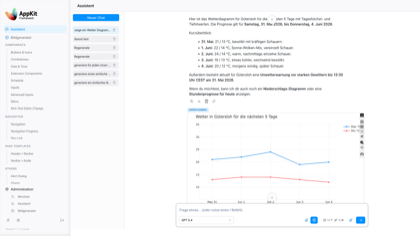
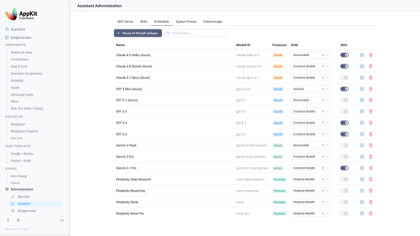
- AI assistant workflows with model management, file upload support, MCP app integration, slash-command style prompts, and configurable providers.
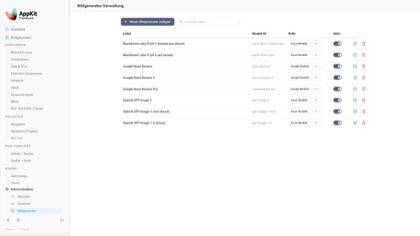
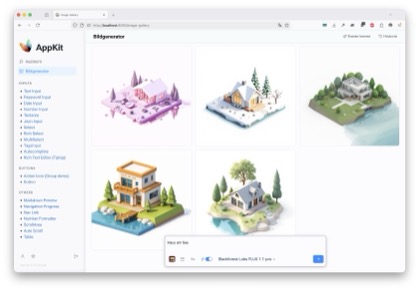
- Image generation with multiple generator backends, galleries, cleanup jobs, and admin-managed generator configuration.
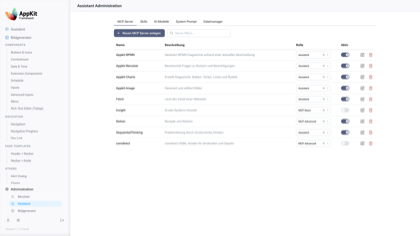
- MCP servers for user analytics, chart generation, BPMN diagrams, and image generation, mounted into the FastAPI backend.
- Production infrastructure with SQLAlchemy 2.0, Alembic migrations, Pydantic settings, encrypted configuration values, PostgreSQL scheduling via PGQueuer, Docker support, and structured logging.
[!NOTE] AppKit is both an application and a set of reusable workspace packages. You can run the full app locally or depend on individual packages such as
appkit-mantinein another Reflex project.
Screenshots
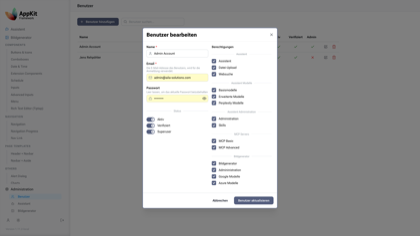
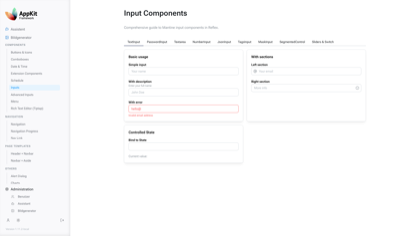
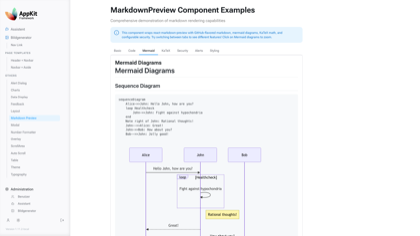
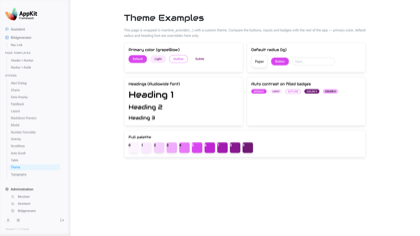
Small previews are shown below. See the full-size screenshot gallery for the complete images.
| Screenshot | Screenshot | Screenshot |
|---|---|---|
| Assistant workspace | LLM model management | MCP server management |
 |  |  |
| Image model management | User management modal | Mantine input examples |
 |  |  |
| Markdown preview example | Theme example | Image creator |
 |  |  |
Packages
Getting Started
Prerequisites
- Python 3.13 or newer
- uv
- Task
- PostgreSQL for the full application
- Docker, optional, for containerized runs
Run Locally
git clone https://github.com/jenreh/appkit.git
cd appkit

task init
task run
The development app starts at http://localhost:8080/ with the backend on http://localhost:3030.
If the database is already configured and dependencies are installed, the shorter loop is:
task sync
task db:upgrade
task run
[!IMPORTANT] The full app expects database and secret-backed configuration values. For local development, review
configuration/config.yamlandconfiguration/config.local.yaml, then provide the required secret values through your configured AppKit secret provider or environment overrides.
Use appkit-mantine Separately
uv add appkit-mantine
import reflex as rx
import appkit_mantine as mn

class DemoState(rx.State):
    value: str = ""

def index() -> rx.Component:
    return mn.container(
        mn.input(
            label="Prompt",
            placeholder="Type something...",
            value=DemoState.value,
            on_change=DemoState.set_value,
        ),
    )

app = rx.App()
app.add_page(index)
Configuration
AppKit uses profile-based YAML configuration with environment-specific overrides:
The application registers the FastAPI backend, image API routes, MCP app routes, HTTPS middleware, AI model registry, image generator registry, and scheduled cleanup services during startup.
Development
Common commands are defined in Taskfile.dist.yml:
[!WARNING] Do not create Alembic migrations with autogeneration for this repository. Write migrations manually and verify the current migration chain before applying them.
Project Layout
appkit/
├── app/                       # Main Reflex application, pages, navbar, and app startup
├── components/                # uv workspace packages
├── configuration/             # YAML profiles and logging config
├── alembic/                   # Database migrations
├── assets/                    # Static assets, icons, CSS, email templates, image styles
├── docs/images/               # README screenshots
├── tests/                     # Root-level test helpers
├── Dockerfile                 # Production image build
├── docker-compose.yml         # Local container runtime
├── pyproject.toml             # Root package and uv workspace config
└── Taskfile.dist.yml          # Development task runner
Runtime Surface
- Reflex frontend:
http://localhost:8080/ - Backend API:
http://localhost:3030 - MCP servers mounted under the backend for
/user,/charts,/bpmn, and/image - Authenticated app routes include
/assistant,/image-gallery,/profile,/admin/users,/admin/assistant, and/admin/image-generators