
Connections, browsing, data grid, SQL editor, design tools, transfer, sync, backup, scheduler, monitor, privileges, reports, ER diagrams and test-data generation: every action is a registered command, shared by all three surfaces.
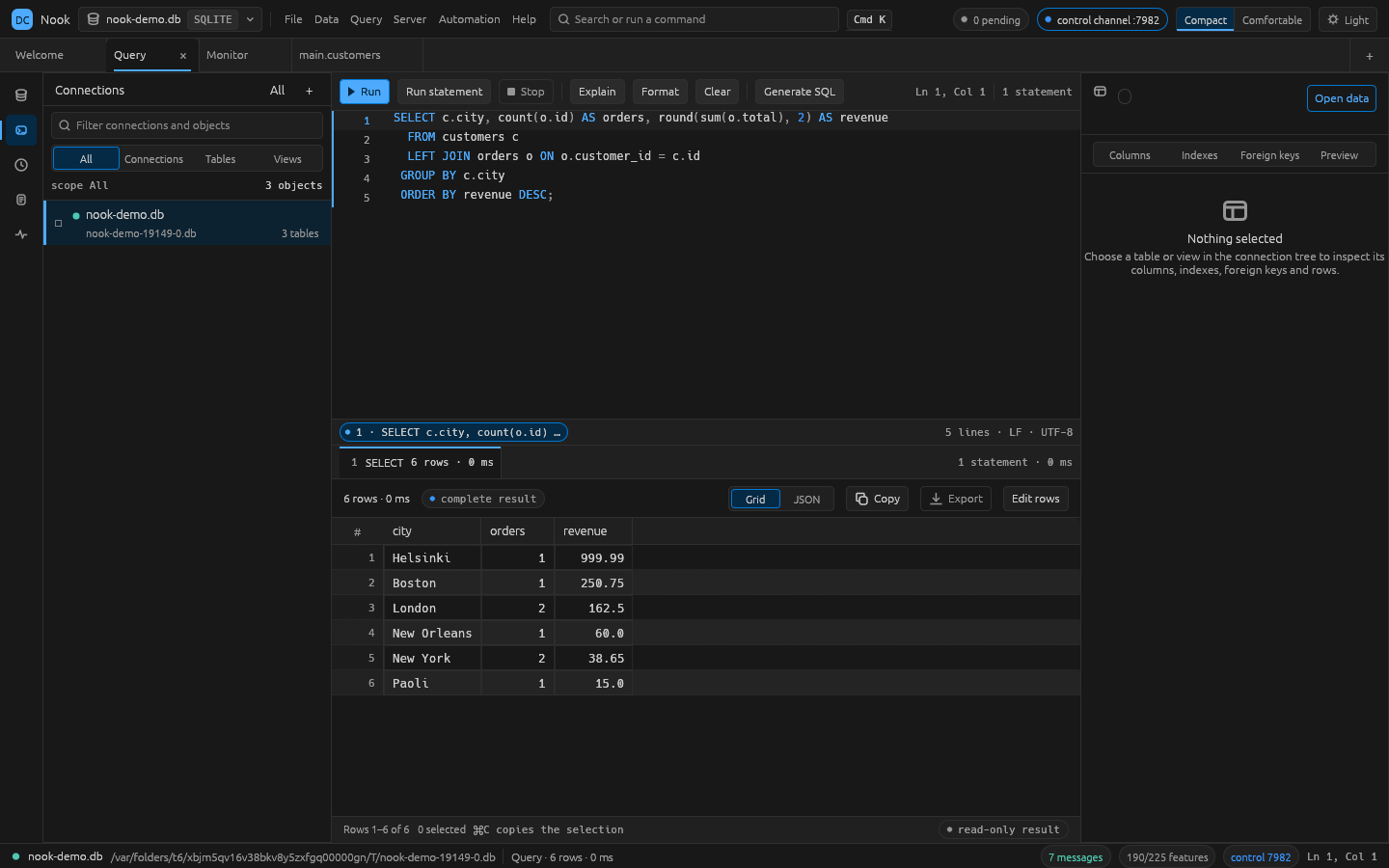
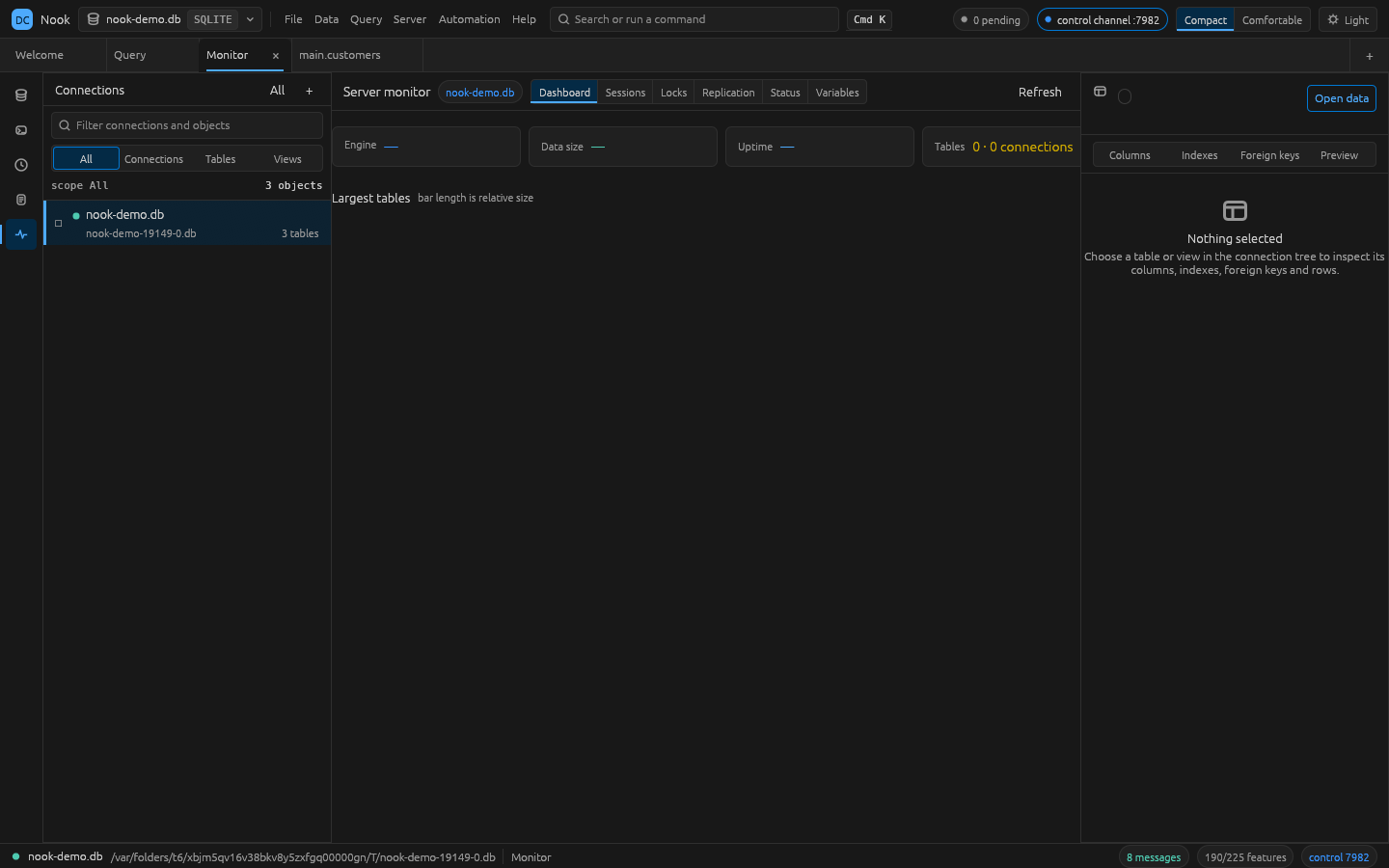
A look inside
| Query editor with live results | Server monitor |
|---|---|
 |  |
Quick start
Requires Rust 1.95 or newer (rustup). macOS is fully supported; Linux and Windows build from the
same source and are covered by the CI matrix. ssh is needed for tunneled connections, and
pg_dump/mysqldump only for those backup types.
git clone https://github.com/kasfulk/nook.git
cd nook
./install.sh          # builds the release binaries into ~/.local/bin

nook --demo           # the desktop app, on a sample SQLite database
nook-cli help         # the same surface from a shell
PREFIX=/usr/local ./install.sh installs elsewhere. To build without installing:
cargo build --release -p nook -p nook-cli   # binaries land in target/release/
cargo run -p nook -- --demo
What you get
Drive it from a shell or an agent
The desktop app is not the only door. The CLI and the MCP server resolve the same command ids:
nook-cli tables postgres://localhost/shop
nook-cli sql postgres://localhost/shop "select status, count(*) from orders group by status"
nook-cli dump postgres://localhost/shop --out backup.sql
nook-cli transfer --from sqlite:./shop.db --to postgres://localhost/stage --tables '*'
nook-cli datagen sqlite:./shop.db customers --rows 500 --seed 7
nook-cli ai sqlite:./shop.db "revenue per month for @orders"     # prompt to SQL
nook-cli ai providers                                            # endpoints and whether a key is set
printf '%s' "$OPENAI_API_KEY" | nook-cli ai key openai           # the key comes from stdin, not argv
A connection is a saved profile name or a URI: sqlite:./app.db,
postgres://user:[email protected]:5432/shop, mysql://[email protected]/shop.
Run nook-cli help (or cargo run -p nook-cli -- help) for the full command list.
nook-cli mcp # MCP server on stdio; every command id is a tool
The running app can also be driven over a JSON control channel. It listens on 127.0.0.1 and
requires the key written to <config dir>/control-key.<port>:
{"id":1,"key":"…","method":"engine.run","params":{"command":"sql.run","params":{"conn":"local","sql":"select 1"}}}
See docs/control-protocol.md for every method.
Development
cargo test          # whole test suite
cargo xtask ci      # fmt, clippy (warnings denied), tests, layering check, parity freshness
cargo xtask parity  # regenerate docs/parity-checklist.md
crates/engine/src/catalog.rs lists the features a Navicat-class tool is expected to have, each with
the command id that implements it. docs/parity-checklist.md is the
generated coverage report, and a test keeps it above a floor that only rises. cargo xtask parity
(or nook-cli parity from an install) prints the same numbers, area by area, with the gaps named.
The rules the codebase is written to — no panics in non-test code, every behaviour a command,
layering enforced by cargo xtask layers, no invented colours — live in
docs/conventions.md. See CONTRIBUTING.md for setup and
how to send a change.
Architecture
Every user-visible behaviour is a CommandSpec in crates/engine/src/cmd/*.rs; the ribbon, menus,
command palette, CLI, control channel and MCP tools all resolve the same ids. cargo xtask layers
enforces the layer ordering.
See ROADMAP.md for status and docs/gaps.md for the ranked work list.
License
Dual-licensed under LICENSE-MIT and LICENSE-APACHE. Nook is an independent, clean-room project: no Navicat code, resources, icons, or
wording were copied. Navicat is a trademark of PremiumSoft Cybertech Ltd; PostgreSQL, MySQL, and SQLite
belong to their respective owners. Architecture conventions follow the
WordCraft project as a model.
See ATTRIBUTION.md for third-party notices.